


Ask about hours, clients and projects. Get the answer with the chart behind it.
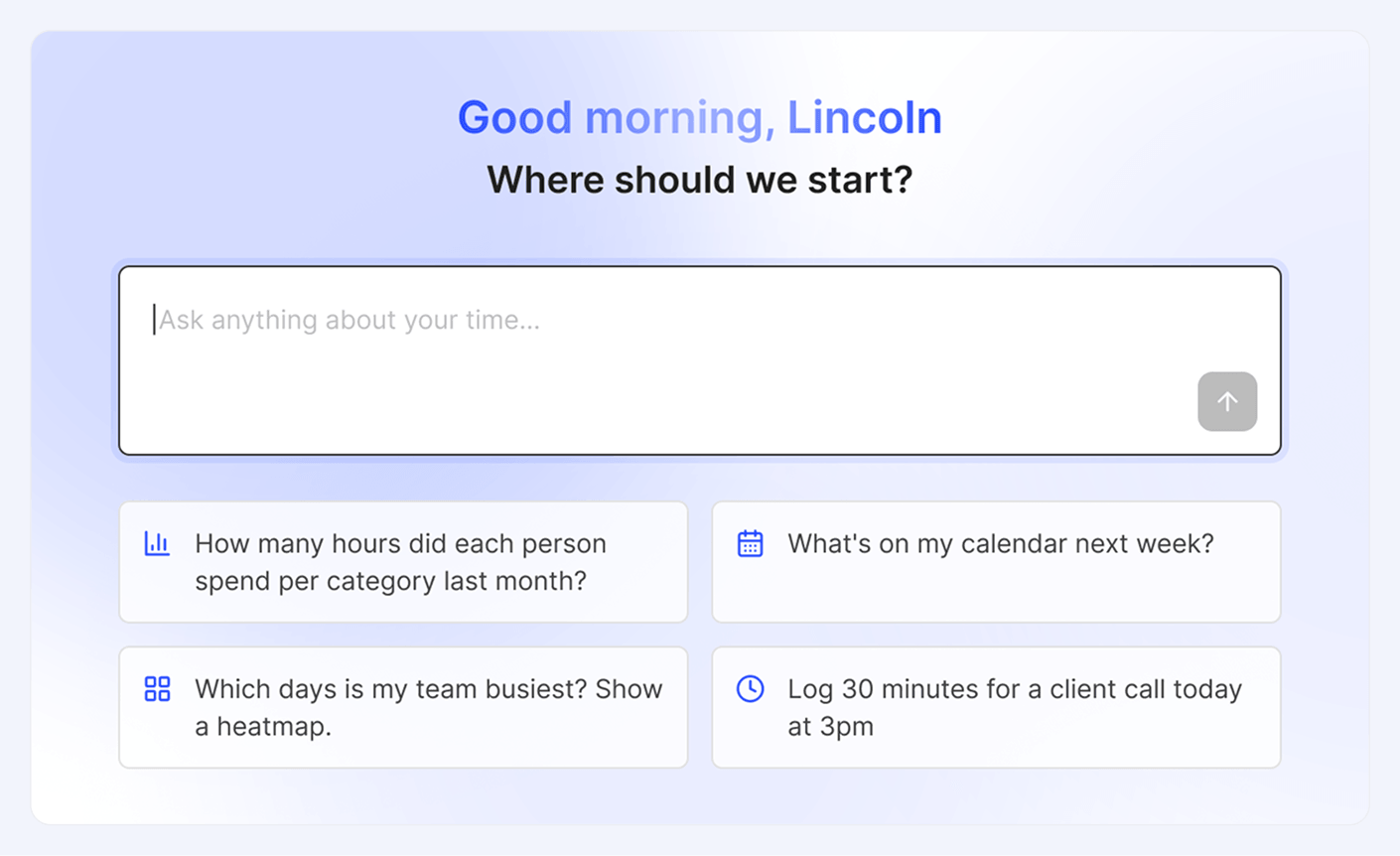
No filters, no exports. Ask a question and get the numbers, already charted.
“Which client took most of our time last month?” Tackle AI answers from your workspace’s time data, with no guesswork.
Break time down by person, team, project, client or tag, then flip any chart to a table for the exact hours.

Ask which days your team is busiest and get a heatmap back, with a one-line read of what it means.
Spot overloaded days early and protect open time for deep work.
Ask “What’s on my calendar next week?” and see every event with its category, project, client and billable status.
Missing time? Say “Log 30 minutes for a client call today at 3pm” and Tackle AI adds the entry.

Connect your calendar and ask your first question in minutes.
Built on the calendar data Tackle already captures, so every answer starts from real hours.
Summaries by person, team, project, client or tag for any date range you name.
Bar charts, donuts, heatmaps and timelines, each with a one-click table view.
Find peak days, open windows and where meetings crowd out focused work.
Ask about upcoming or past events and see them with their Tackle tags attached.
Create, update or delete manual time entries on your calendar by just saying so.
Answers come from your workspace’s data and nothing changes unless you ask. Tackle is SOC 2 Type II certified.











Tackle AI is a chat assistant built into the Tackle web app. It answers questions about your workspace’s time and calendar data, shows the chart or table behind each answer, and can create, update or delete manual time entries for you.
From the time data in your Tackle workspace: the calendar events and manual entries Tackle has captured and tagged with your categories, projects, clients and properties. You can cross-check any answer in Reports.
Bar charts, donut charts, heatmaps, tables and timelines. Every chart has a table toggle so you can see the exact values.
Yes. Ask something like “Log 30 minutes for a client call today at 3pm” and it creates a manual time entry on your calendar. It only changes entries when you ask.
Tackle AI answers from your own Tackle workspace’s data and changes nothing unless you ask. Tackle is SOC 2 Type II certified and GDPR compliant, and your data is protected with enterprise-level encryption.
Sign up, connect your calendar and ask your first question.