
You schedule your work in your calendar. Tackle turns those events into timesheets, billable hours, and project reports - automatically. No timers. No extra apps. No behavior change required.
The average knowledge worker already spends 60% of their day in scheduled events - meetings, focus blocks, client calls, standups. That data is sitting in their calendar, untouched. Meanwhile, most companies ask those same people to re-enter their time into a separate app. The result is predictable: low adoption, incomplete data, and weekly timesheet nagging.
How does calendar-based time tracking stack up against tools that require manual timers or form entry?
Data entry method
Start/stop timers or manual entry
Automatic from calendar events
Team adoption rate
Low – requires behavior change
High – no new habits needed
Data completeness
60-85% (forgotten entries)
100% of scheduled time
Time to first report
1-2 weeks (needs data buildup)
Minutes (syncs historical data)
Unscheduled work
Handled via timers
Manual entries + AI gap detection
Manager overhead
Weekly timesheet reminders
Automated – nothing to chase
Best for
Task-level granularity, dev teams with ticket systems
Teams who live in their calendar – consultants, agencies, sales, coaching
Tackle works with both major calendar platforms. Choose your setup guide below, or connect both if your team uses a mix.
Chrome Extension that embeds directly into Google Calendar. Timer buttons on every event. Auto-tagging. Works with personal Gmail and Google Workspace.
Key: Chrome Extension · In-calendar tracking · Workspace & personal accounts · Google Sheets export
Connects via Microsoft OAuth. Full support for M365 Business & Enterprise, Exchange Online, Outlook.com, and shared calendars. Enterprise-grade security.
Key: M365 & Exchange support · Viva Insights alternative · Enterprise compliance · Excel export
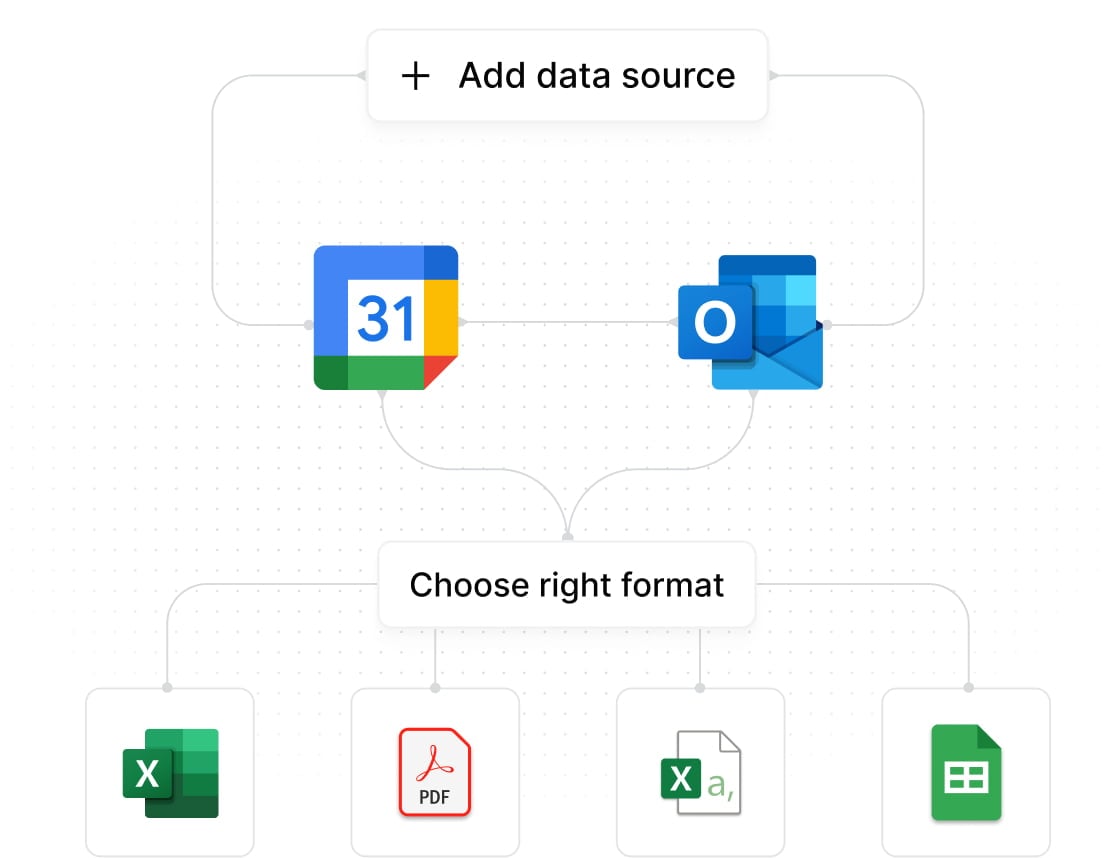
Authorize your Google Calendar or Outlook account. Tackle syncs events - past, present, and future - in under 2 minutes.
Use custom tags, AI suggestions, or automated rules to sort events by project, client, and billable status. Configure once, runs forever.
Generate timesheets, view dashboards, export to Excel/Sheets/CSV. Set up automated weekly reports to your inbox.

Track billable hours across multiple clients without asking consultants to run timers. Generate billing-ready timesheets from the meetings they already schedule. Catch under-billed time from client calls that were never logged.
Auto-track time spent per deal by syncing CRM data with calendar events. Know exactly how many hours go into each opportunity so you can calculate true cost-of-sale and optimize rep allocation.
Measure meeting load vs. deep work time across your team. Identify scheduling patterns that hurt productivity. Protect focus blocks and quantify the real cost of meeting culture.
Track session time per client automatically. Simple reporting for retainer-based billing. Know exactly how prep time and admin compares to actual billable session time.
Visibility into how distributed teams allocate time - without invasive monitoring software. Calendar data gives managers context without surveillance, and employees retain autonomy over their schedule.
Stop undercharging because you forgot to log a call. Every client meeting, every prep block, every review session - tracked automatically from the calendar you already use.
Instead of asking people to start and stop timers, calendar-based time tracking uses your existing calendar events as the source of your time data. A tool like Tackle reads your Google Calendar or Outlook Calendar and converts events into timesheets, reports, and billable hour records — automatically, without changing how your team works.
For people who schedule their work, it’s typically more accurate than manual entry. Manual timesheets lose 15-40% of actual time because people forget to log entries or round aggressively. Calendar-based tracking captures 100% of scheduled time. For unscheduled work, Tackle offers quick manual entries and AI-powered gap detection to fill in the blanks.
Those are excellent timer-based tools — they work well when people remember to start and stop timers. Calendar-based tracking takes a different approach: your team doesn’t do anything new. They schedule work in their calendar (which they already do), and the time data is captured automatically. It’s a better fit for meeting-heavy teams and calendar-driven workflows. If your team does deep heads-down coding with no calendar structure, a timer-based tool may be better.
This is the main limitation of any calendar-based approach. Tackle handles it three ways: (1) Quick manual time entries for ad-hoc tasks. (2) AI gap detection that identifies unaccounted blocks in your day and prompts you to categorize them. (3) Retroactive event creation — add events to your calendar after the fact and they sync to Tackle automatically.
Yes. Tackle supports both platforms simultaneously. If your team is split across Google Calendar and Outlook, everyone’s time data appears in a single unified dashboard. This is common in organizations with mixed IT environments or external contractors.
Your calendar already has the data. Tackle turns it into the reports, timesheets, and billing you need. Connect in 2 minutes.


