
Connect Salesforce to Tackle. Your accounts and opportunities flow in as tags. Your meetings flow back out as logged Salesforce Events - on the right account or opportunity, with the right contacts. No manual activity logging.
 Calendar
  Salesforce · Acme
 One OAuth sign-in – no admin package, no field setup. Tackle pulls in your Salesforce accounts, opportunities, stages, and owners as properties you can apply to any meeting.
Tag a meeting and Tackle writes it back to Salesforce as a logged Event, matches attendees to contacts, and relates it to the account or opportunity. Move the meeting and the Event follows, remove the tag and the activity comes off.
Two-way with Salesforce. Read-only on your calendars – Tackle never edits or deletes your events.
Getting credit in Salesforce for every client meeting without stopping to log it.
Making Salesforce activity data match what the calendar says actually happened.
Seeing real hours spent per account, on the Salesforce account record itself.
Mapping billable client time to Salesforce accounts for reporting and invoicing.
Tackle sits between the calendars your team lives in and the Salesforce org your business runs on – and traffic moves in both directions.
 Your calendars
 Google Calendar or Outlook
Read-only · never edited
Sync
 Tackle
 Every account becomes a property. Every meeting becomes taggable.
Pull
Push
 Salesforce
 Accounts, Opportunities, Contacts, Events
Pull · comes in
Push · goes back
Tagged meetings only
Tagged
Meeting tagged Event createdMoved
Meeting rescheduled Event updatedUnchanged
Nothing changed No write, no duplicatesRemoved
Tag removed or cancelled Event removedTwo-way sync with Salesforce. Read-only on your calendars – Tackle never edits or deletes events.
Title & description
Subject, Description
Start / end time
Start & End (UTC)
Attendees
Contacts (Name)
Tagged account
Related To → Account
Tagged opportunity
Related To → Opportunity
Organizer
Assigned To
Your Tackle properties
Any mapped field — picklists & checkboxes
Attendees not in Salesforce are created as contacts, not skipped. Your own colleagues are linked as internal users.
When a meeting carries both, the Event is related to the opportunity - so it counts against the deal.
Tackle updates the Event it already wrote, and skips the write entirely when nothing changed.
From calendar invite to a logged Event on the Salesforce account – and back again when the meeting moves.
Tackle logs meetings from the calendar, so every Salesforce account's activity history is complete whether or not anyone remembered.
Total real hours per account, opportunity, stage, or rep - and spot the accounts nobody has met in ninety days.
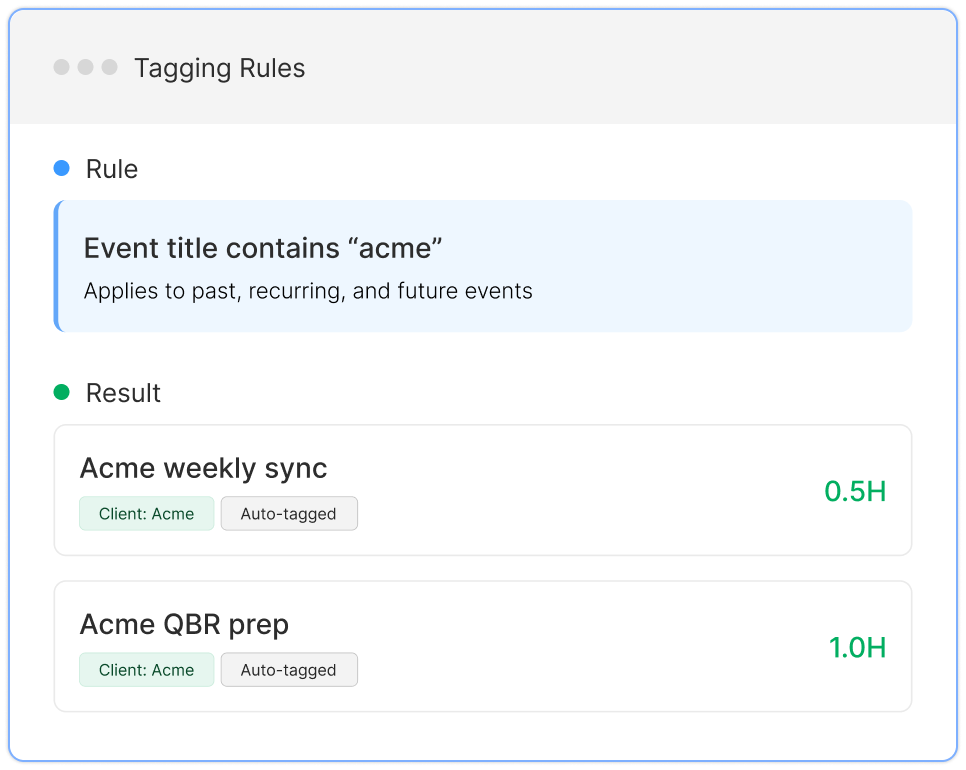
Tag from the dashboard, the Chrome extension, or automatically by attendee domain. Set a rule and future meetings tag themselves.

Step 2

Step 3

Step 4
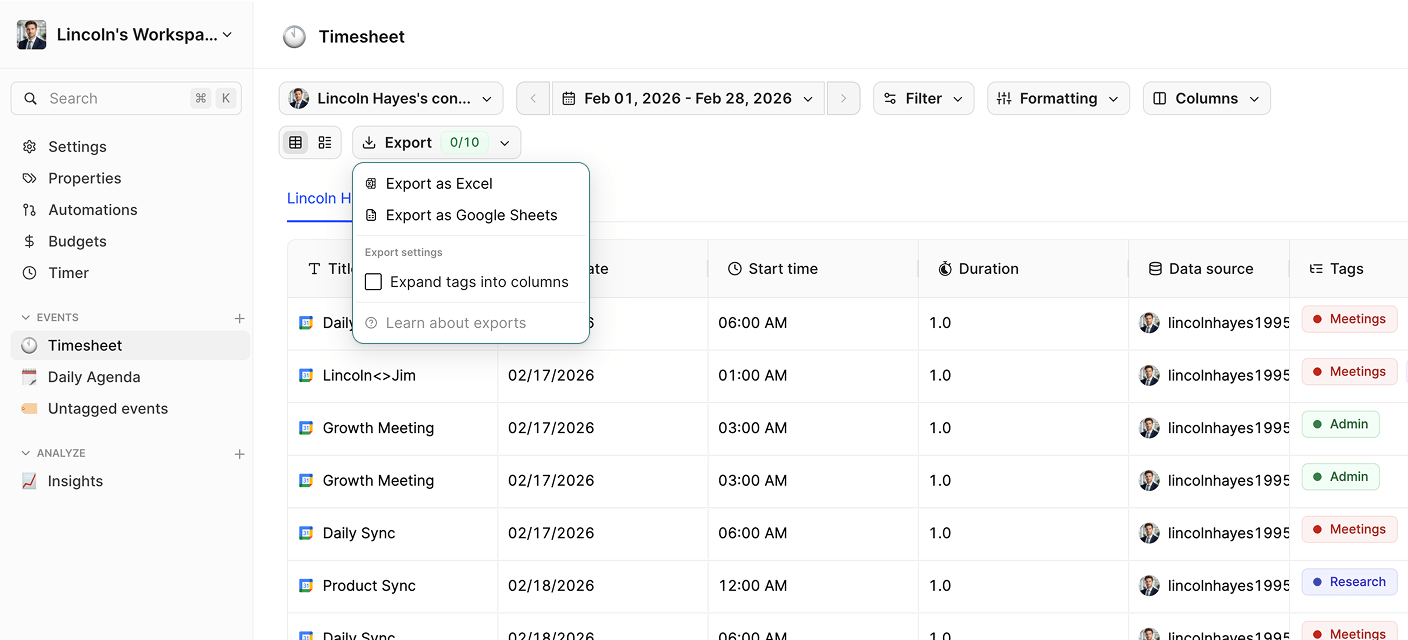
Tackle reads your team’s calendar and lets you tag each meeting with a Salesforce account or opportunity – manually or automatically by attendee domain. Tagged meetings are written back as Salesforce Events, and Tackle reports total hours per account, opportunity, stage, and rep.
Only when you turn it on, and only for meetings carrying a Salesforce tag. Untagged meetings stay in Tackle. Write-back is off by default and enabled per workspace.
The Salesforce record follows it. Move a meeting and Tackle updates the logged Event; cancel it, or remove the tag, and Tackle removes the Event from the record.
No. Tackle keeps a record of every Event it has written and updates that one. It also skips the write entirely when nothing about the meeting has changed.
Tackle searches Salesforce by email and creates a contact for anyone missing, then links them to the Event. Colleagues from your own domain are linked as internal users, not created as contacts.
Yes. Any Tackle property – meeting type, billable, project – can be mapped to a Salesforce field, including pick-lists and checkboxes, with your own value translations.
No. Tackle is read-only on your calendars – it never edits or deletes your events. The two-way sync is between Tackle and Salesforce only.
Yes. Tackle connects over OAuth and never stores your Salesforce password. Data is encrypted in transit and at rest, and disconnecting the app revokes access immediately. See our privacy policy.
Connect Salesforce in under two minutes. Free forever, no credit card.


