When you spot 1400 on a military-style clock, you’re simply looking at 2:00 PM on a regular 12-hour dial. Keep this mini guide handy for an instant conversion.
Quick 1400 Military Time Conversion
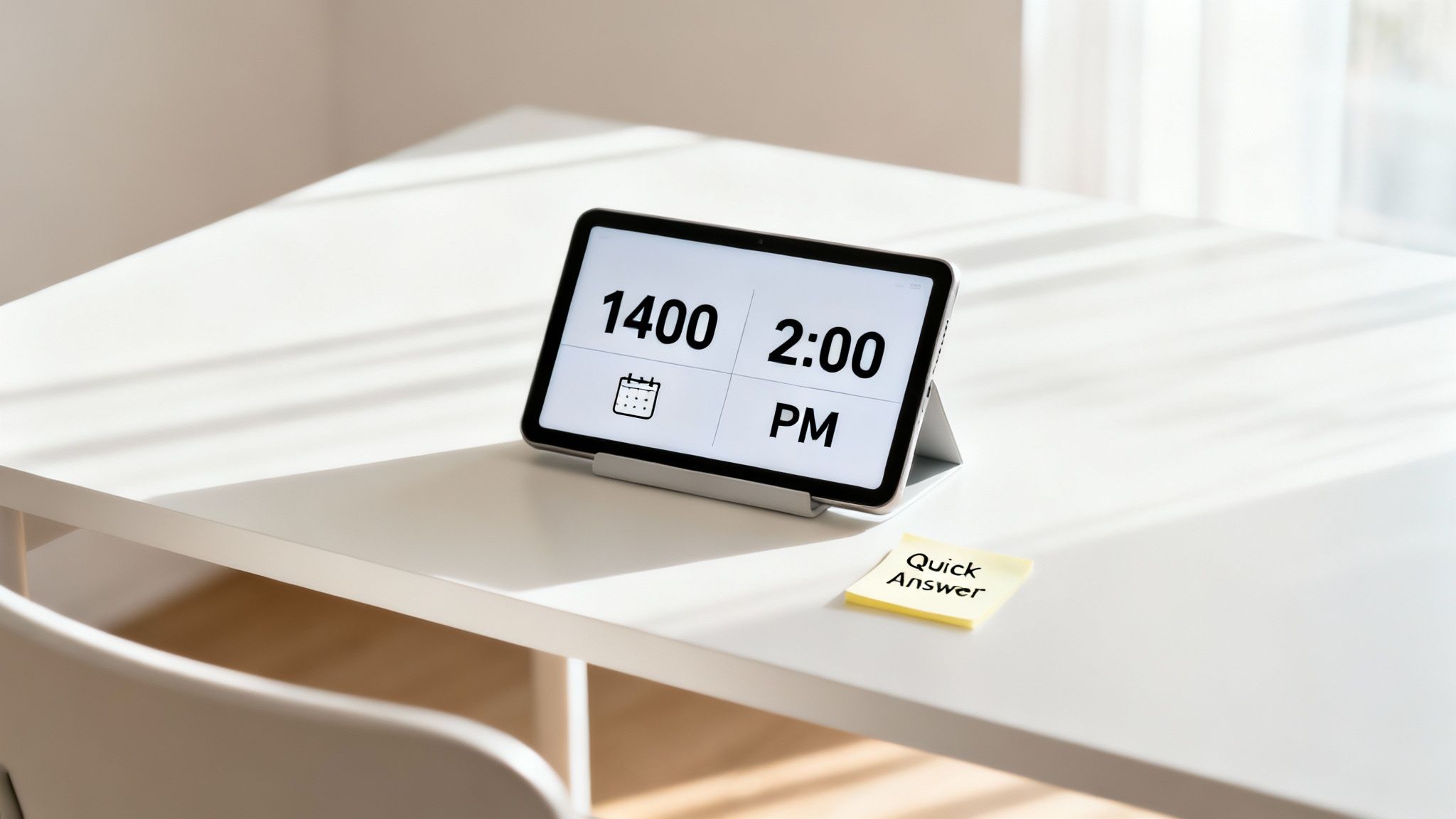
Conversion Rule: Subtract 12 from any hour above 12, then tag it with PM.
Here’s a concise overview before we dive into real-world uses:
| Format | 12-hour Equivalent | Contexts |
|---|---|---|
| 1400 | 2:00 PM | Flight plans, meeting invites, reminders |
This table gives you the essentials at a glance. Refer back to it whenever you need to decode 1400 in a snap.
Common Scenarios
- Flight itineraries list 1400 as departure time to avoid AM/PM mix-ups.
- Your Google or Outlook calendar will auto-translate 1400 to 2:00 PM when you enter it.
- Meeting invites often use military time like 1400 to keep global teams on the same page.
TimeTackle also accepts 24-hour inputs—so whether you’re logging hours or syncing schedules, you’ll see 1400 and know it’s 2:00 PM.
Understanding 1400 Military Time
Think of military time as a universal language for hours. By using a 24-hour, four-digit format, it cuts out the guesswork of AM and PM. So when you see 1400, you instantly know it’s 2:00 PM—no decoding necessary.
This convention first appeared in 1920 with the U.S. Navy. The Army joined in 1942, ensuring different branches could coordinate flawlessly. Today, aviation crews, emergency teams, and global operations all mark 1400 as a key checkpoint.
Why Choose 1400?
- Absolute Clarity: Eliminates any chance of AM/PM mix-ups.
- Smooth Coordination: Bridges time zones without extra calculations.
- Effortless Scheduling: Aligns everyone with a single, consistent timestamp.
Curious for more on military time? Head over to Military.com to see how the 24-hour clock keeps operations running smoothly.
Below is a Military.com screenshot illustrating these time notations.
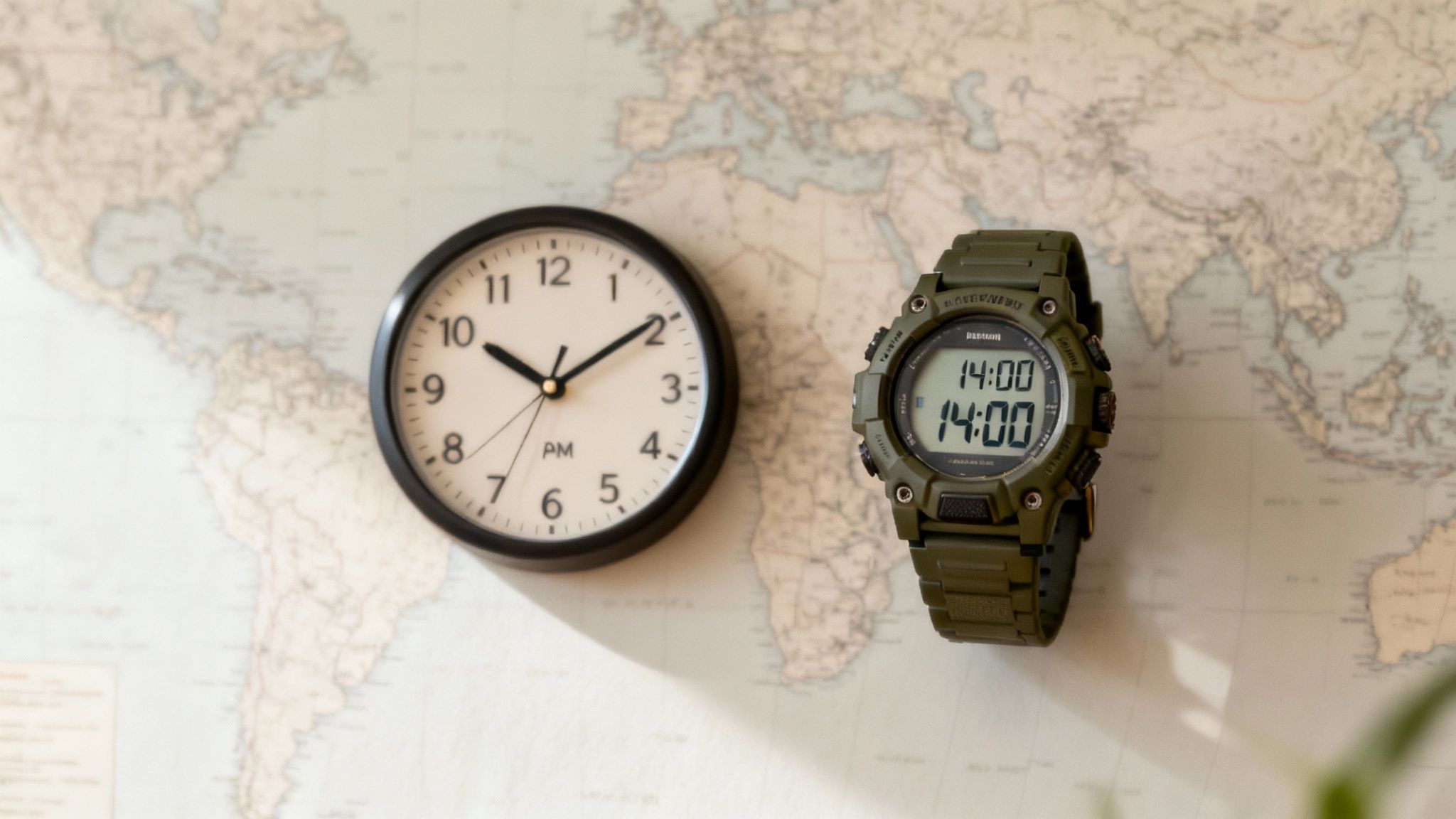
It highlights how numeric four-digit times remove ambiguity in planning.
Clarity ensures safety.
Convert 24 Hour Time To 12 Hour Format
Ever glance at 1400 on your schedule and pause? Converting military time into our familiar AM/PM system is easier than you think.
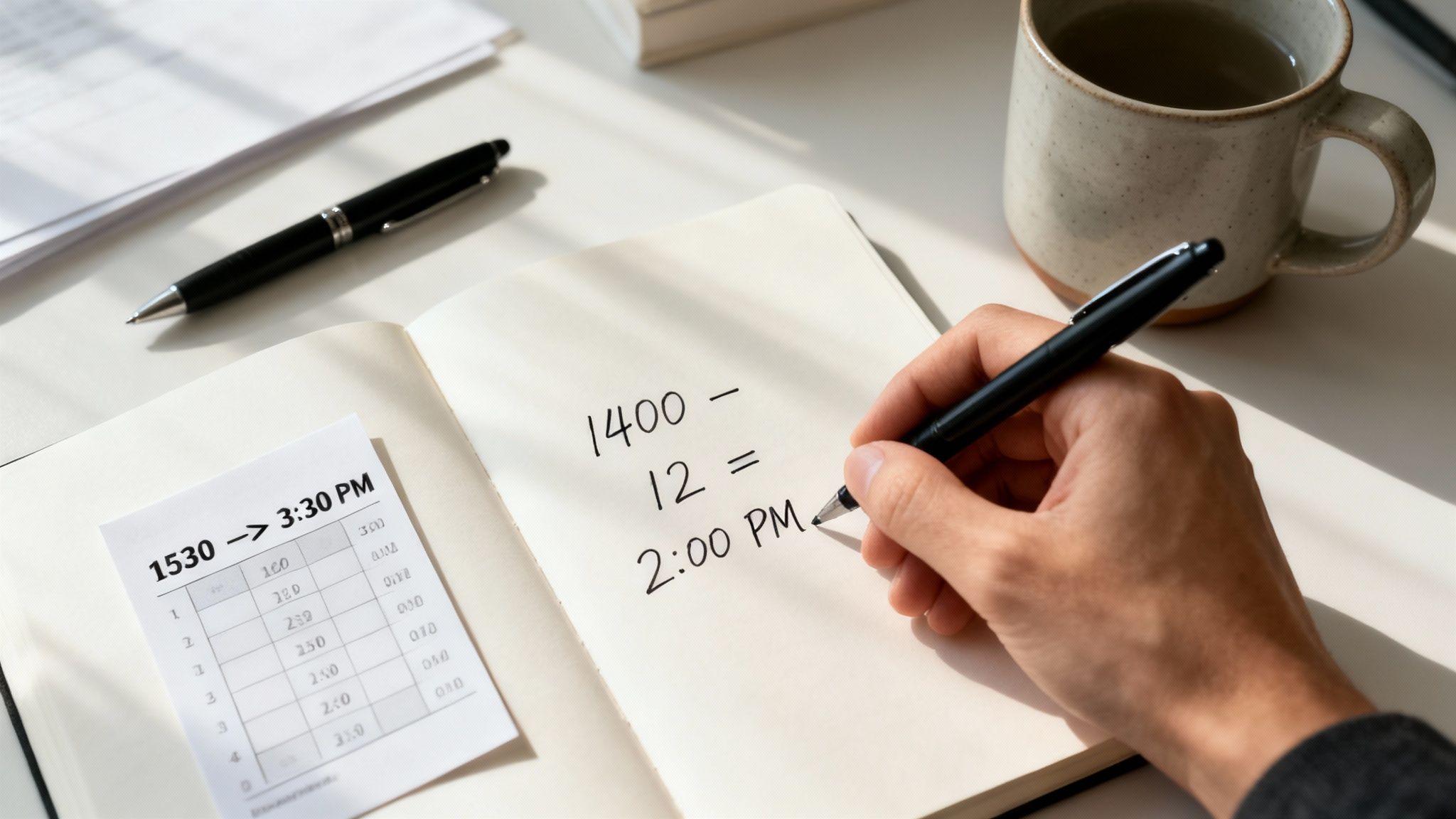
Think of it like this: after 1200, the clock keeps running but needs a simple adjustment to fit a 12-hour face.
Simple Subtraction Method
When you see any time above 1200, just subtract 12 from the hour and add PM. It works like peeling off an extra layer that kicks in after noon.
• Start with the 24-hour value (for example, 1400).
• Subtract 12 from the hour portion (14 − 12 = 2).
• Attach PM to the result, giving you 2:00 PM.
Quick Rule: Subtract 12 and append PM for hours between 1300 and 2359.
24 Hour To 12 Hour Conversion Chart
Below is a snapshot of how common afternoon times translate:
24 Hour To 12 Hour Conversion Chart
| 24 Hour Time | 12 Hour Time |
|---|---|
| 1400 | 2:00 PM |
| 1530 | 3:30 PM |
| 1600 | 4:00 PM |
This chart highlights the straightforward pattern: minus 12, then you’re set.
Remember two special cases:
- 1200 always reads as 12:00 PM
- 0000 flips to 12:00 AM
For a deeper dive into other examples—like 2100—check out our guide on converting 2100 military time.
Make these conversions second nature by running through them mentally or plugging them into your calendar tool every day.
Practical Conversion Examples For 1400 Military Time
Setting up a team video call for 1400 automatically shows 2:00 PM in Google Calendar and Outlook.
This simple step wipes out any AM/PM mix-ups and keeps everyone aligned, no matter their time zone.
Common Use Cases
- Video Call: Enter 14:00, and your calendar app displays 2:00 PM.
- Phone Reminder: Typing 14:00 triggers an alert at 2:00 PM.
- Train Schedule: Departure times listed as 14:00 translate directly to 2:00 PM.
Daily Chart Around 1400
Here’s a compact snapshot of work and leisure around 1400:
It highlights 1400 as a key post-lunch shift-change point.
Read our guide on 1600 military time for similar examples.
Studies find that 1400 often marks a post-lunch transition Learn more about time use patterns on Our World In Data.
Real World Use Cases For 1400 Military Time
When you glance at a train timetable in Berlin or check a flight manifest in São Paulo, you’re looking at 14:00—military time’s way of saying 2:00 PM. It’s a simple four-digit stamp that keeps rail networks, airline logs, and even API entries running without a hitch.
In many parts of Europe, Latin America, and Asia, 14:00 isn’t an option—it’s the default marker for afternoon plans. You’ll spot it on everything from bus departures to lunch delivery slots.
Synchronizing Across Time Zones
Airlines often record crew schedules in UTC, tagging key events at 1400 UTC to dodge any time-zone mix-ups. That single timestamp ensures teams from Tokyo to Toronto are literally on the same page.
Transport And Broadcast Schedules
This screenshot from an international timetable shows how a 24-hour clock makes schedules crystal clear.
- Rail systems publish 90–100% of official timetables in 24-hour form.
- Broadcast guides list afternoon shows at 14:00 so viewers never wonder if it’s AM or PM.
This civilian embrace of 1400 highlights how public schedules default to military time once clarity becomes the priority.
Curious about global 24-hour usage? Dive deeper in this study.
Check out 1700 military time examples on TimeTackle 1700 military time examples guide.
Precision timing boosts global coordination.
Tips For Calendar And Time Tracking Tools
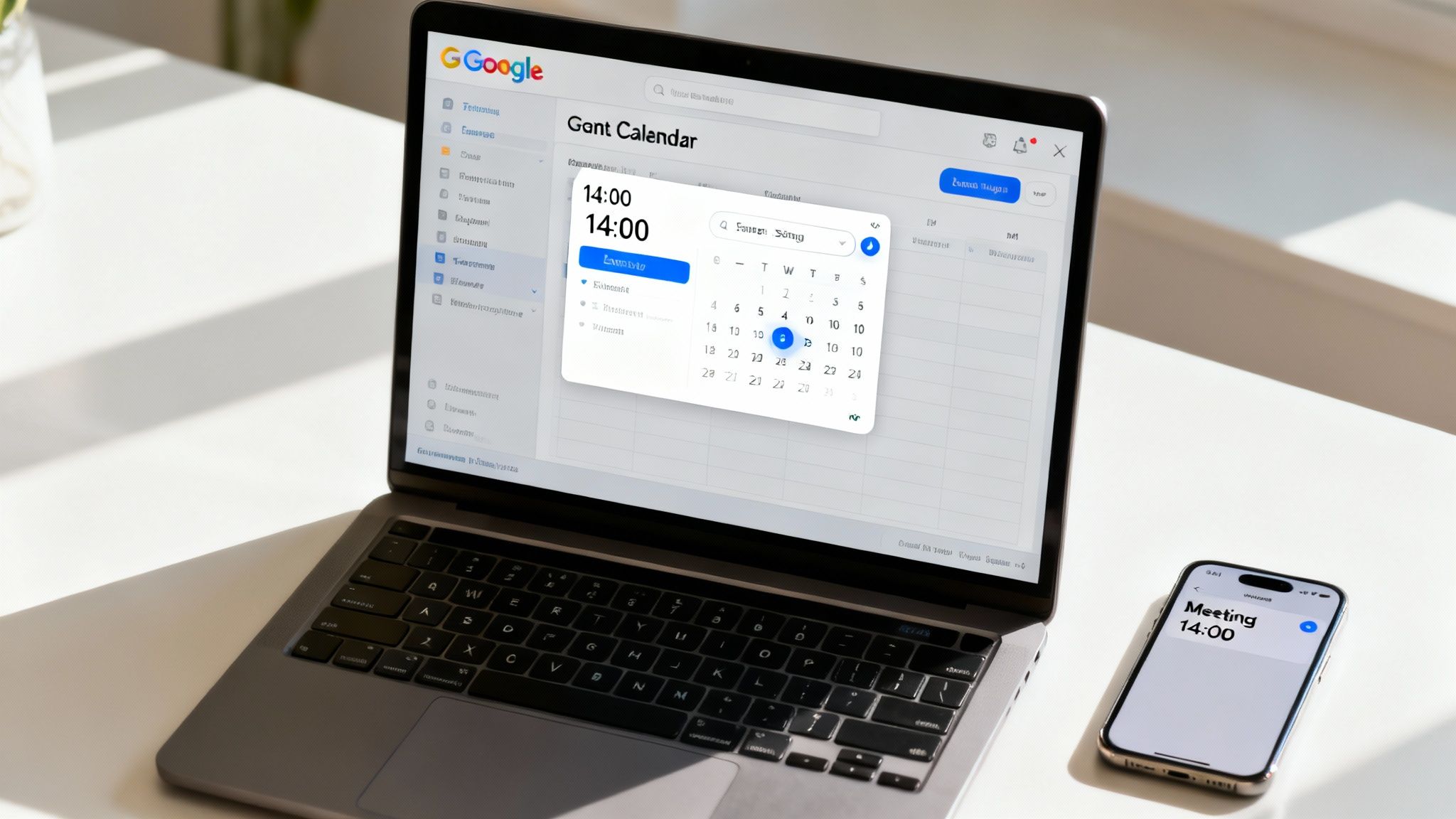
Getting into the habit of typing 1400 military time directly into your schedule can be a real game-changer. It sidesteps the usual AM/PM slip-ups and keeps everyone on the same page.
Google Calendar
In Google Calendar’s event form, you can simply enter 14:00. Once you’ve flipped on the 24-hour display in Settings, it stays that way—clear and straightforward.
Outlook
In Outlook, head to Settings > General > Time format and choose the 24-hour option. From then on, all your events appear as 14:00, no extra thinking required.
Other Tools And Automation
- TimeTackle picks up 1400 entries automatically, tagging them correctly for reports.
- Toggl has a 24-hour mode so you can plug in 14:00 without second-guessing.
- Zapier or Calendly can push 14:00 into every synced calendar, cutting out manual fixes.
- Double-check your mobile app’s time zone settings so 1400 shows up right, wherever you are.
Viewing 1400 natively saves seconds and reduces errors.
FAQ
This FAQ tackles the most common questions around reading 1400 in both everyday and professional contexts.
Quick Answers for 1400 Conversions
Tip: Practice converting 1400 a few times to build confidence.
-
What Does 1400 Military Time Mean?
It corresponds to 2:00 PM. Just subtract 12 from any hour above 12, then tag it “PM.” -
How Do I Convert 1400 to 12-Hour Format?
Take the hour value (14), subtract 12 to get 2, keep the minutes (00) as is, and add “PM.” -
How Can I Enter 1400 in Google Calendar?
In Google Calendar, type 14:00 into the time field. The interface will automatically display it in your preferred format. -
Why Do Some Industries Use 24-Hour Time?
Fields like aviation and healthcare favor precise four-digit stamps—such as 1400—to eliminate any AM/PM mix-ups.
Ready to simplify your time conversions? Give TimeTackle a try today!