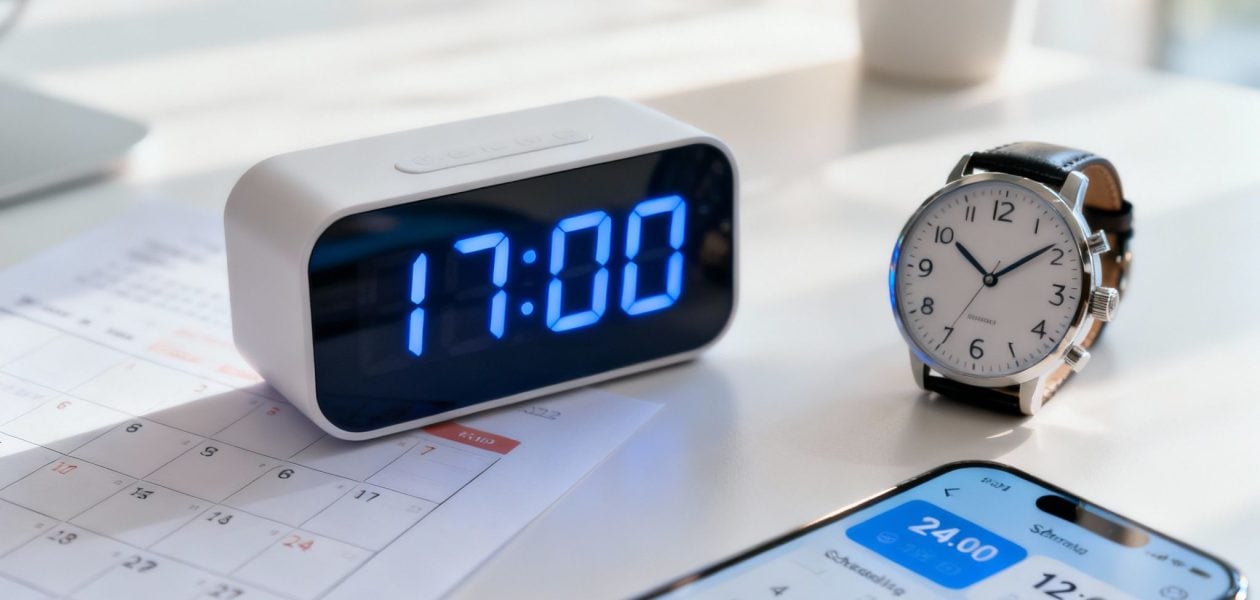
Put simply, 1700 military time is 5:00 PM on a regular 12-hour clock. It's part of a straightforward system designed to eliminate the need for "AM" or "PM," which is a huge deal in fields like aviation, emergency services, and healthcare where precision is non-negotiable.
What Is 1700 Military Time
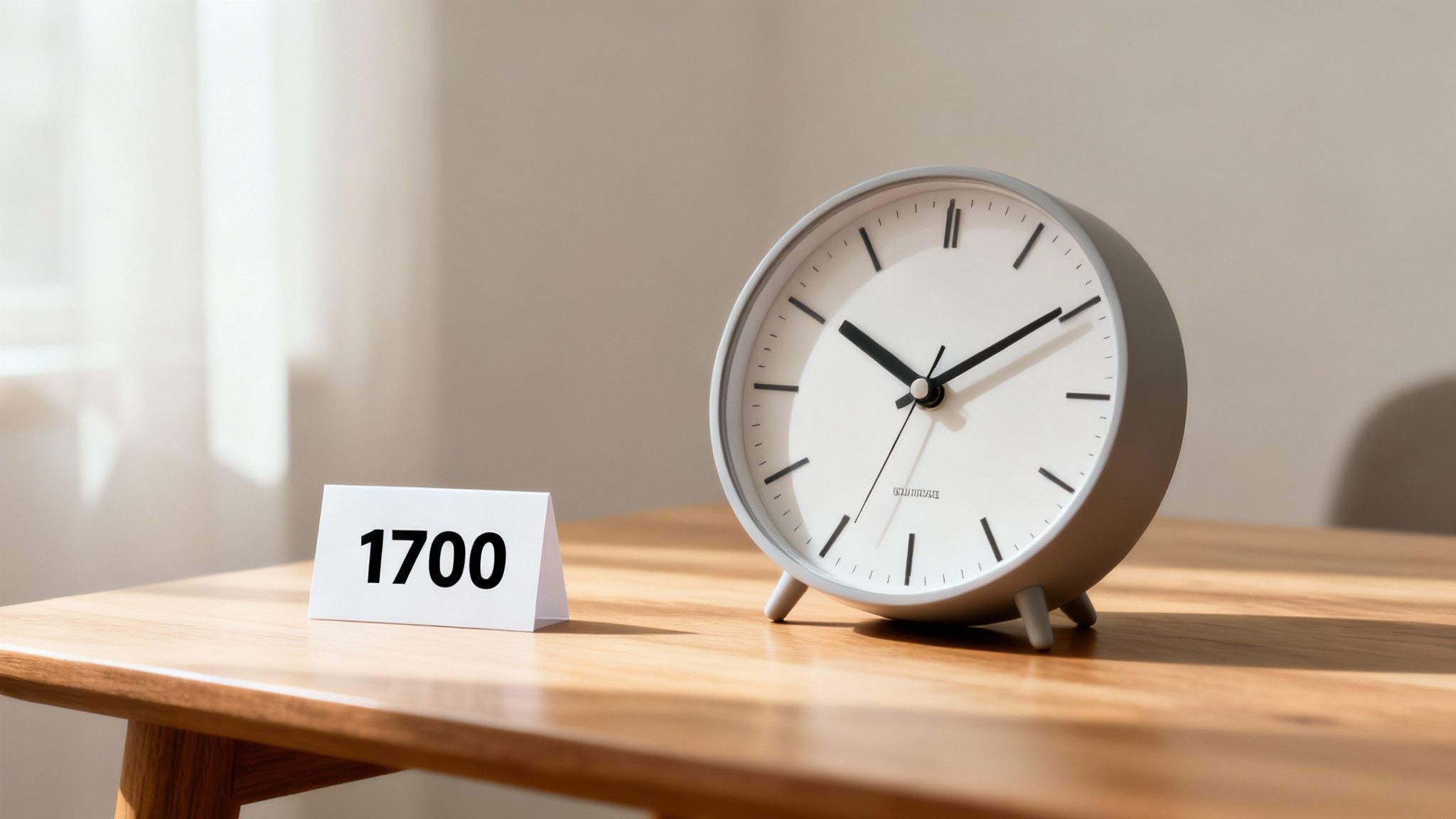
The 24-hour clock just runs continuously from midnight (0000) all the way to 2359 (11:59 PM). Think of the day as one single loop that doesn't reset at noon. This clarity is exactly why it's a global standard in any industry where mixing up morning and evening could cause serious problems.
Breaking down 1700 is actually pretty intuitive:
- The first two digits, 17, tell you the hour.
- The last two digits, 00, tell you the minutes.
Since 17 is five hours past 12 (noon), the time is simply 5:00 PM. The logic is consistent across the board. For example, as we cover in our guide to 1600 military time, that just means one hour earlier, or 4:00 PM.
The real beauty of the 24-hour system is that it's completely unambiguous. If someone says "meet at 8 o'clock," do they mean morning or night? With military time, "0800" and "2000" are totally distinct, leaving zero room for confusion in scheduling or communication.
To help you get the hang of it, here’s a quick table comparing military time to the standard 12-hour format for a few key moments in the day.
Military Time vs Standard Time Quick Reference
| Military Time | Standard Time (AM/PM) |
|---|---|
| 0000 | 12:00 AM (Midnight) |
| 0600 | 6:00 AM |
| 1200 | 12:00 PM (Noon) |
| 1700 | 5:00 PM |
| 2100 | 9:00 PM |
| 2359 | 11:59 PM |
As you can see, once you pass noon (1200), you just keep counting up. It quickly becomes second nature.
The Simple Rules for Converting Military Time
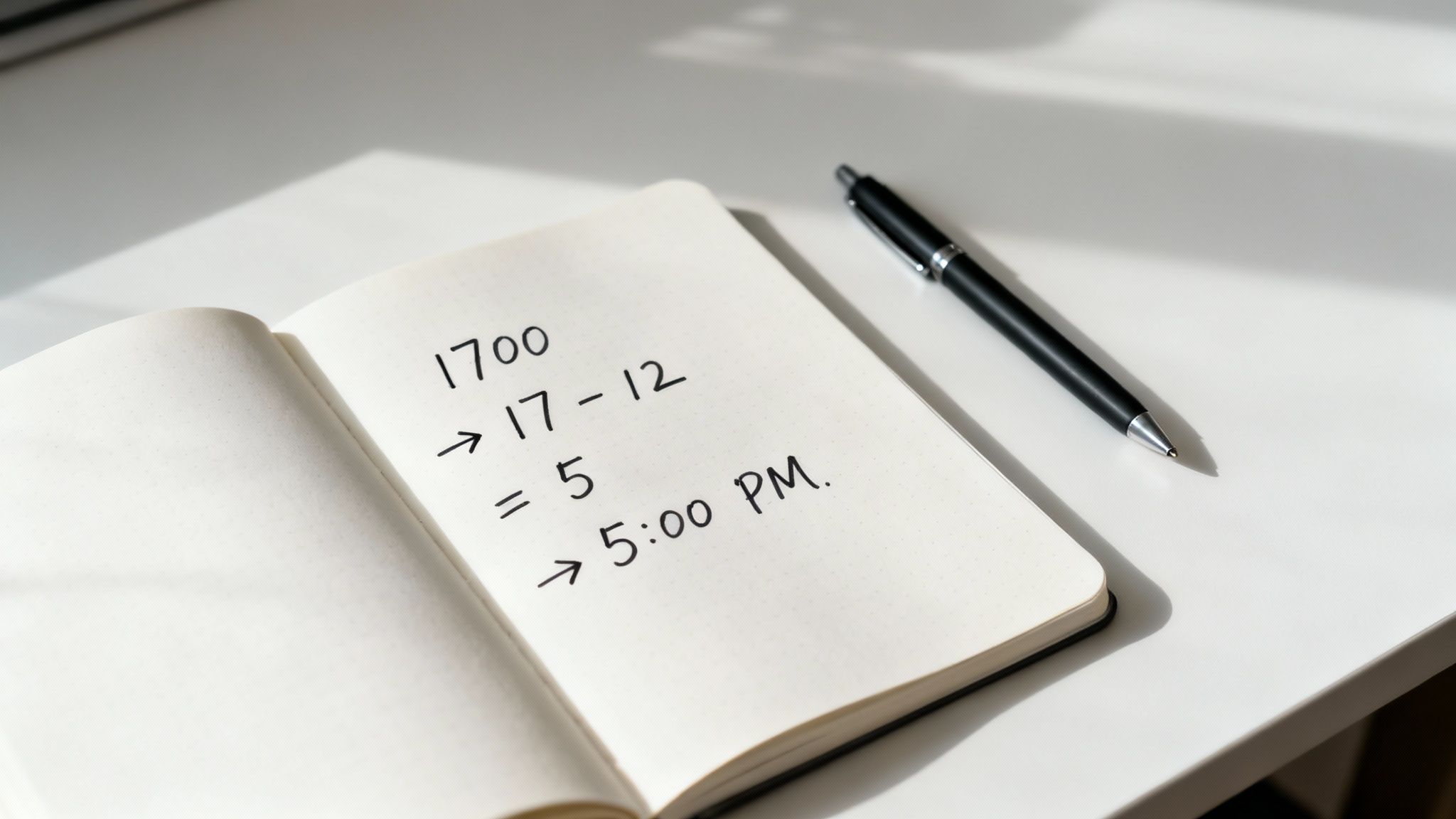
Alright, now that you know what 1700 military time means, let's get into the good stuff: how to actually convert it. You’ll be happy to hear it’s surprisingly simple. The whole system hinges on a couple of basic rules that separate morning hours from the afternoon and evening.
This foolproof clarity is exactly why military and aviation circles adopted the 24-hour clock. When scheduling is critical, there's just no room for AM/PM mix-ups. A time like 1700 is an unambiguous signal for things like end-of-day shifts in joint operations where everyone needs to be on the same page.
From Morning to Afternoon
The conversion trick is all about knowing which half of the day you're in. From there, it's a piece of cake.
-
For Morning Hours (0000 to 1159): This is the easy part. The hours are exactly what you'd expect. Just pop a colon in and add "AM" at the end. For instance, 0830 is simply 8:30 AM.
-
For Afternoon/Evening Hours (1300 to 2359): Anytime you see an hour greater than 12, just subtract 12. That's how we get from 1700 to 5:00 PM (because 17 – 12 = 5). No more guessing.
The real beauty of the 24-hour clock is that it eliminates ambiguity. By ditching AM and PM, it creates a universal standard where a time means only one thing. In high-stakes environments, that kind of clarity isn't just helpful—it's essential.
Let's try another one to make it stick. A time like 2100 might look a bit strange at first glance. But just apply the rule: 21 minus 12 is 9. So, 2100 is 9:00 PM. See? Once you get the hang of it, it's fast.
Quick Conversion Examples
To really lock it in, here are a few more conversions in action:
- 1415: The hour is 14. Subtract 12 (14 – 12 = 2). The time is 2:15 PM.
- 2200: The hour is 22. Subtract 12 (22 – 12 = 10). The time is 10:00 PM.
- 1945: The hour is 19. Subtract 12 (19 – 12 = 7). The time is 7:45 PM.
This simple subtraction is the only secret you need to know. After you've done it a few times, converting times like 1700 will feel completely natural.
Navigating Special Cases Like Midnight and Noon
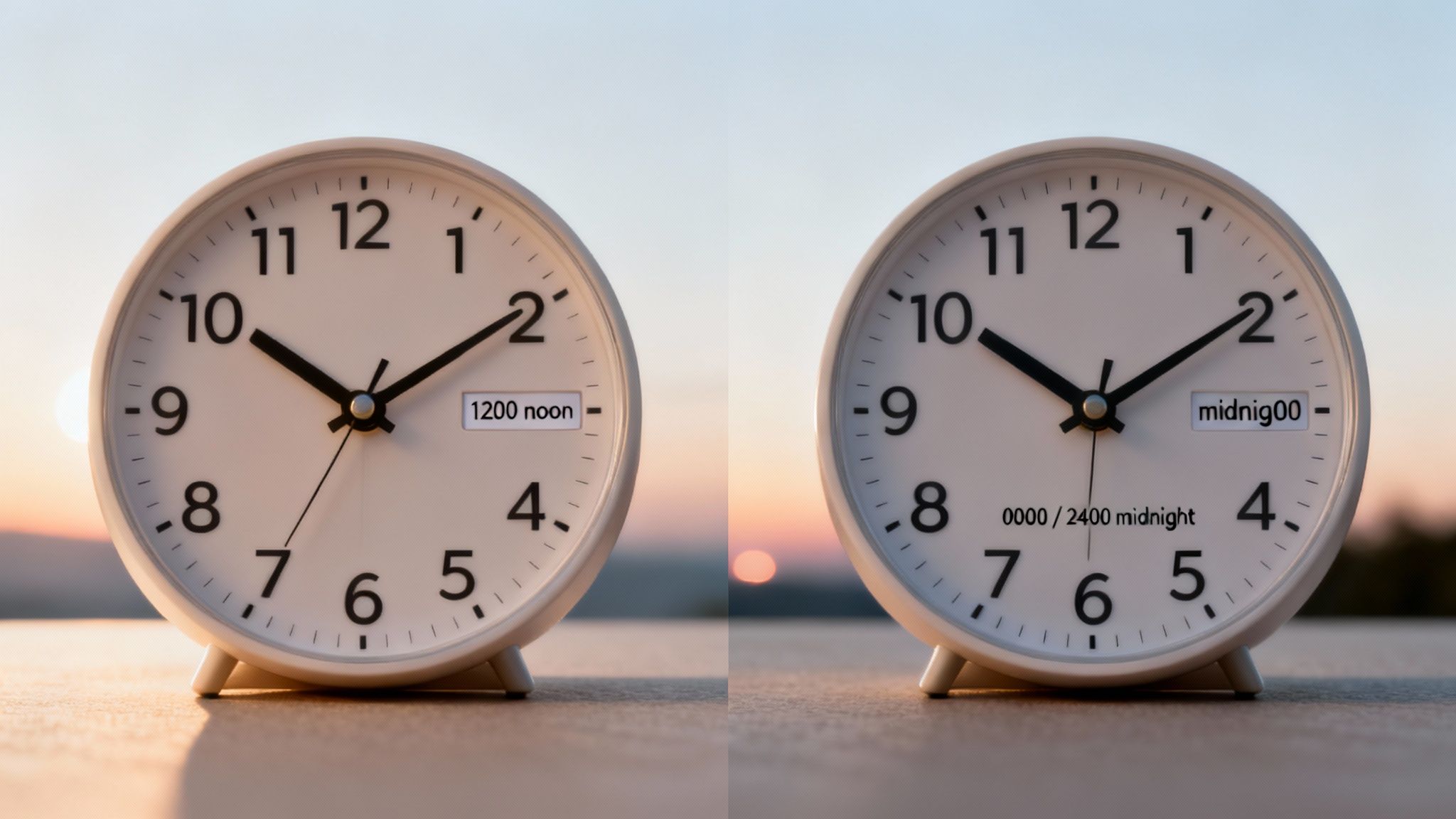
While converting times like 1700 military time is pretty simple, two specific moments of the day can trip people up: noon and midnight. Getting these right is the final piece of the puzzle for mastering the 24-hour clock, so let's clear up any confusion.
Noon is actually the easiest one of all. It’s simply 1200. You can think of 1200 as the pivot point for the whole system—it's the exact moment the day flips from the morning hours to the afternoon ones.
Midnight, on the other hand, is where things get interesting. It actually has a dual identity and can be written in two different ways, depending on whether you're talking about the start or end of a day.
The Two Faces of Midnight
To get midnight right, you just have to think about beginnings and endings. The exact same instant marks the absolute end of one day and the fresh start of the next.
-
0000 (Zero Hundred Hours): This represents the very start of a brand new day. If a flight is scheduled for 0000 on a Tuesday, it leaves the moment Monday is over.
-
2400 (Twenty-Four Hundred Hours): This marks the precise end of a day. A report due by 2400 on Monday means you have until the very last second of that day to submit it.
Think of it like a race: the finish line of one lap (2400) is the exact same line that starts the next lap (0000).
This distinction isn't just semantics; it's critical in fields like logistics, aviation, and healthcare. For a nurse, a shift ending at 2400 means they're done for the day, while the next shift starting at 0000 is the very first of the new day. Getting this right prevents major scheduling mix-ups.
Why Military Time Is Used Beyond the Barracks
You might think military time is just for the armed forces, but the 24-hour clock is a crucial tool in any profession where a simple mix-up between AM and PM could spell disaster. It creates a universal language for time that leaves no room for doubt, ensuring everyone is on the exact same page.
This kind of clarity is non-negotiable when the stakes are high. From hospitals to transportation hubs, professionals depend on this system to sidestep errors that could compromise safety and torpedo operations.
Precision in Critical Professions
In aviation, there's a world of difference between scheduling a flight for 0800 and 2000. On the runway, there's no room for guessing games. This level of precision is just as vital in healthcare.
A nurse giving medication has to be certain it’s at 2100 (9:00 PM), not 0900 (9:00 AM). In medicine, a twelve-hour mistake is simply not an option, making the 24-hour format an essential safety measure.
Emergency services also lean heavily on this system for tight coordination. When paramedics, firefighters, and police are responding to a scene, every second is critical. Using military time ensures a dispatch call for 1700 is understood by everyone as exactly 5:00 PM, synchronizing their efforts without a hint of confusion.
- Logistics and Transportation: Global shipping lines and railway networks use the 24-hour clock to manage incredibly complex timetables that span multiple time zones.
- Scientific Research: Labs running time-sensitive experiments rely on it to log data with absolute precision, which is critical for the integrity of their results.
- International Business: Teams working together across continents use it to schedule meetings and deadlines, cutting through the confusion of different work hours and time zones.
Ultimately, the widespread use of the 24-hour clock points to a universal need for clear, error-proof scheduling. For anyone looking to master their own schedule with that same level of precision, our guide on effective calendar management and scheduling tips offers some great strategies. The system's value goes far beyond the barracks and into any field where time is a critical asset.
Putting 1700 to Work in Your Daily Life
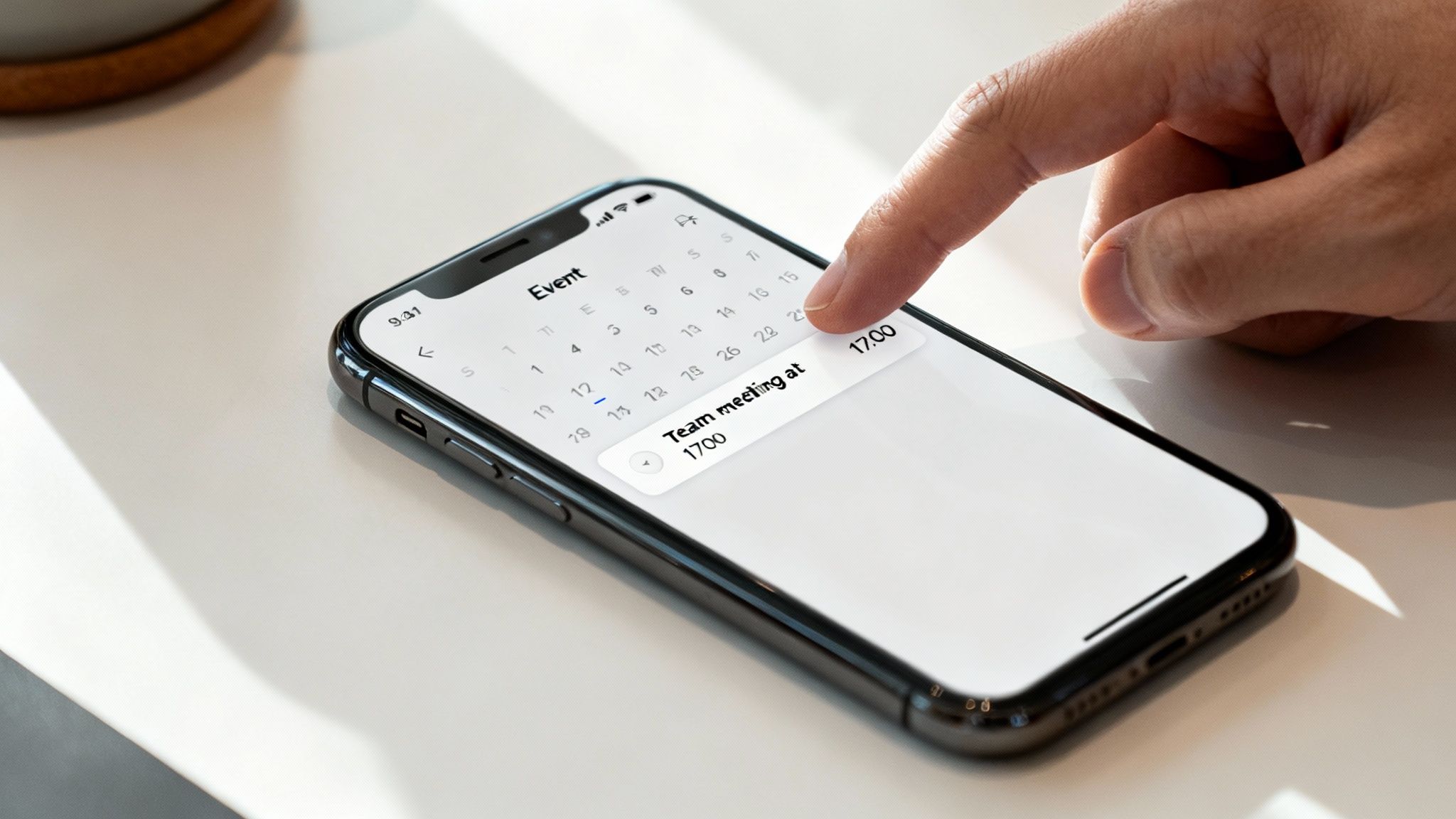
Knowing that 1700 is 5:00 PM is a great start, but the real trick is making it a natural part of your workflow. The best way to get comfortable with the 24-hour format is to actually use it, and your digital tools are the perfect training ground.
Think about it: most modern calendars like Google Calendar or Outlook already speak military time fluently. If you create an event like "Team sync at 1700," the app almost always knows exactly what you mean and schedules it for 5:00 PM. No dropdowns, no fuss.
This tiny habit instantly makes scheduling faster and cuts out any chance of that classic AM/PM mix-up.
Switching Your Devices to 24-Hour Time
Want the fastest way to make the 24-hour clock feel like second nature? Change your device settings. When you see times like 1700 on your phone or computer screen all day, your brain just adapts. The mental math disappears.
Here’s a quick guide to making the switch:
- iOS (iPhone/iPad): Head to Settings > General > Date & Time, and just flip on the "24-Hour Time" toggle.
- Android: Go into Settings > System > Date & time, then find and activate the "Use 24-hour format" option.
- Windows: Right-click the clock on your taskbar, choose Adjust date and time, find Date, time, & regional formatting, and update the time formats there.
- macOS: Pop open System Settings > General > Date & Time and simply check the box for "24-hour time."
This isn't just about changing a setting. It's about retraining your brain to think in a clearer, more logical time format. It forces you to internalize what 1700 feels like without constantly translating it back to 5:00 PM.
If you’re serious about optimizing your schedule, the precision of military time pairs perfectly with proven calendar blocking strategies. This method helps you take full control of your day, and the clarity of the 24-hour clock makes it that much more effective. You'll move from just knowing the time to strategically owning it.
Common Mistakes to Avoid With Military Time
When you're first getting the hang of the 24-hour clock, a few small slip-ups are pretty common. The biggest one? Adding an "AM" or "PM" at the end of a time.
A time like 1700 is designed to stand on its own. Writing "1700 PM" is redundant because the format already tells you it's in the afternoon. Think of it as a complete system that doesn't need any extra help.
Another classic rookie move is how you say it. The correct pronunciation for 1700 is simply "seventeen hundred." Saying "one thousand seven hundred" is a mouthful and a dead giveaway that you're new to the system. Stick to the simpler phrasing to sound like a pro.
Getting the details right is what builds confidence. The whole point of the 24-hour clock is to be crystal clear, and avoiding these little errors makes sure your communication is always sharp and accurate.
Here are a few other common pitfalls to keep an eye on:
- Confusing Noon and Midnight: This is a big one. Noon is always 1200. Midnight has two designations: 0000 for the start of a new day and 2400 for the end of the previous one. Don't get them mixed up.
- Forgetting to Subtract 12: It happens to the best of us. For any time after noon, you have to subtract 12 to translate it back to the standard PM hour. Writing 2:00 PM as 0200 instead of the correct 1400 is a mistake you only make a few times before it sticks.
Have More Questions? We've Got Answers
To wrap things up, let's go over a few common questions that pop up when you're getting the hang of the 24-hour clock. Think of this as a quick reference to lock in what you've learned.
Why Do People Even Use Military Time?
Clarity. That's the short answer. The 24-hour format completely gets rid of any mix-ups between AM and PM.
In fields like aviation, emergency services, or medicine, that kind of precision isn't just a "nice-to-have"—it's absolutely critical for coordinating and keeping people safe.
Is 1700 Always 5 PM?
Yep, always. 1700 military time is locked in as 5:00 PM. Unlike the 12-hour clock, where "5 o'clock" could be your morning alarm or the end of your workday, 1700 is crystal clear. It always means the afternoon.
What's the Quickest Way to Convert PM Hours?
For any hour between 1:00 PM and 11:59 PM, the rule is dead simple: just add 12. So, if it's 3:00 PM, you add 12 and get 1500. That's it. This one little trick is the key to handling all afternoon and evening times like a pro.
The whole point of the 24-hour clock is to have a universal, mistake-proof way to tell time. Once you start thinking that way, the entire system clicks and feels completely natural.
Once you nail these concepts, you'll be able to use the 24-hour clock with confidence, no matter the situation.
Stop guessing and start knowing. TimeTackle provides automated time tracking and powerful calendar analytics to give your team the clear, accurate insights needed to improve performance. Ditch the manual timesheets and see how your team truly spends its time. Learn more about TimeTackle.