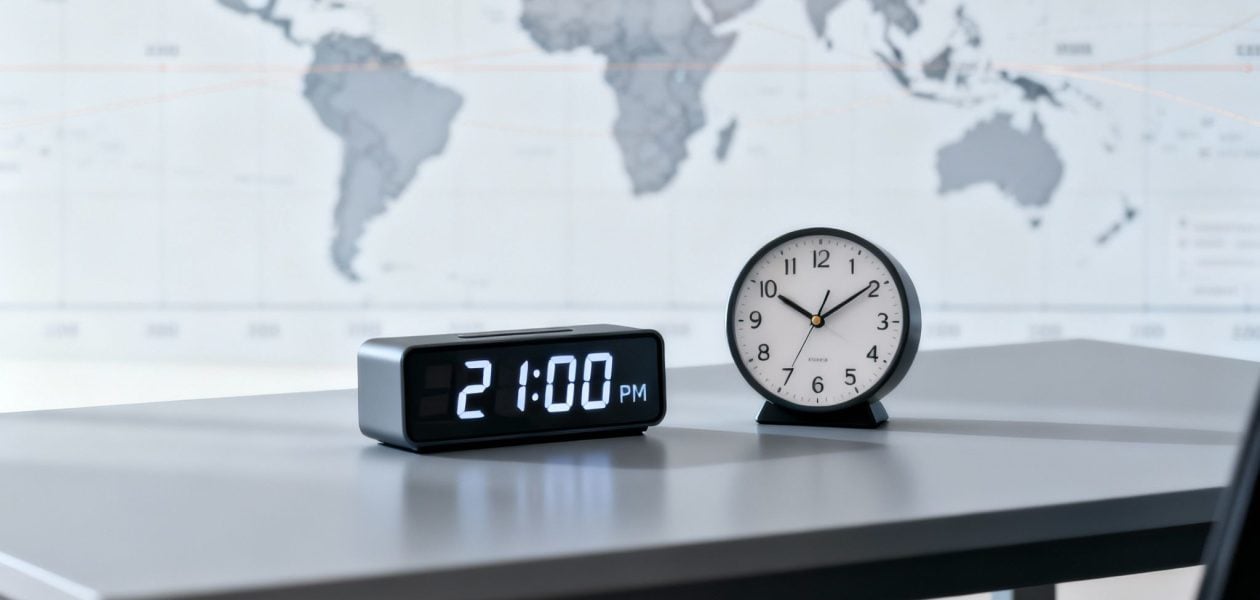
Right off the bat, let's clear this up: 2100 military time is 9:00 PM.
Think of the 24-hour clock as a single, uninterrupted journey through the day. Unlike the standard 12-hour clock that resets after noon, this system gives every hour its own unique number. This simple change completely eliminates the AM/PM confusion that so often leads to missed appointments and scheduling headaches.
Unpacking the 24-Hour Clock
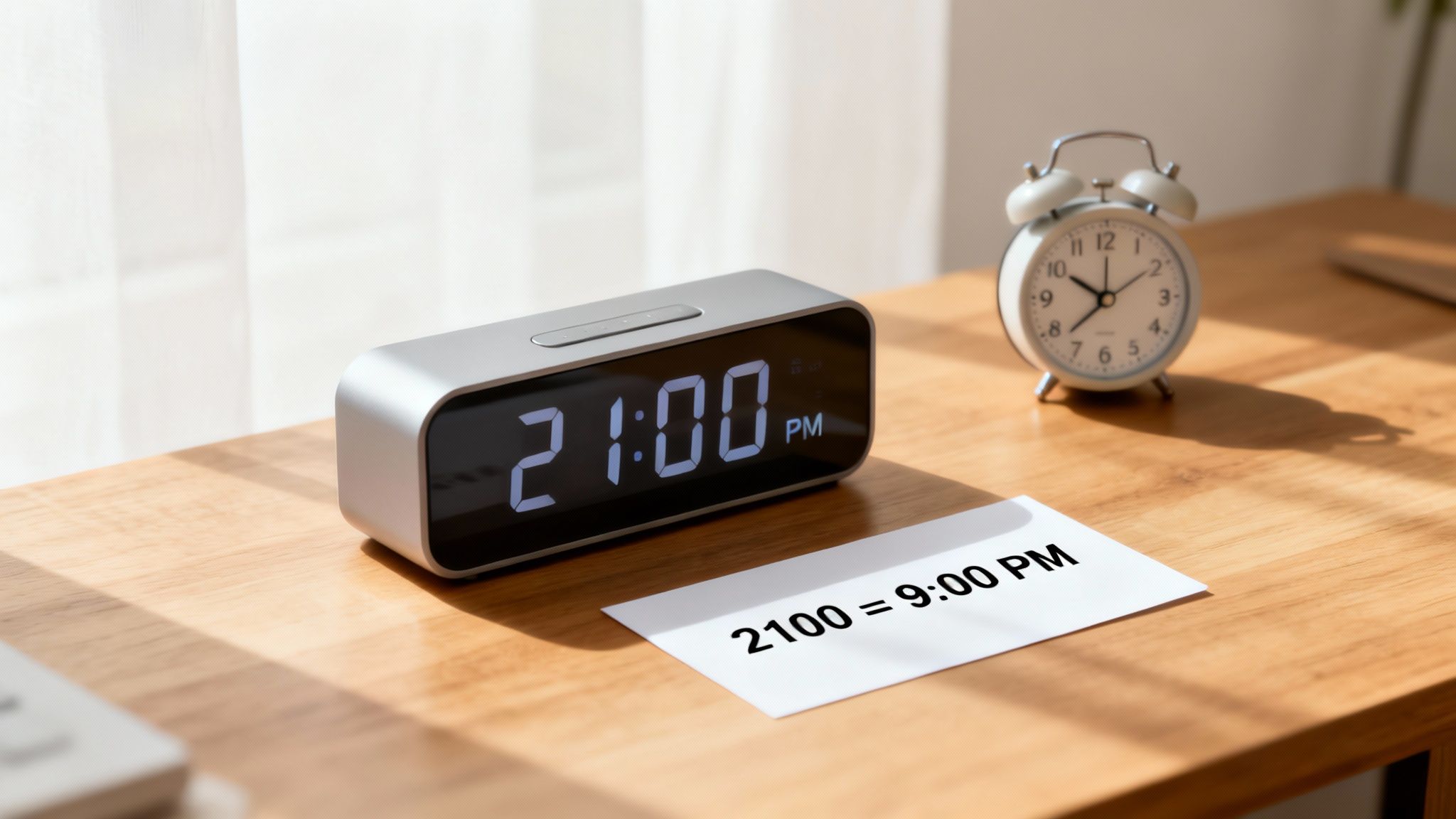
The 24-hour clock is really a universal language for time, essential in fields where getting it right is non-negotiable. When you say “twenty-one hundred hours,” there's zero room for misinterpretation—everyone knows you mean 9:00 PM. The hours just keep counting up from morning until midnight (2359), providing a clean, linear progression that makes it so effective.
This system was born out of a need for absolute clarity. The U.S. Navy, for instance, adopted it way back in 1920, with the Army following suit in 1942. The goal was simple: prevent catastrophic timing errors during complex operations.
From 2100 to 9:00 PM
The logic for converting afternoon and evening hours is surprisingly simple. For any time from 1300 onward, you just subtract 1200.
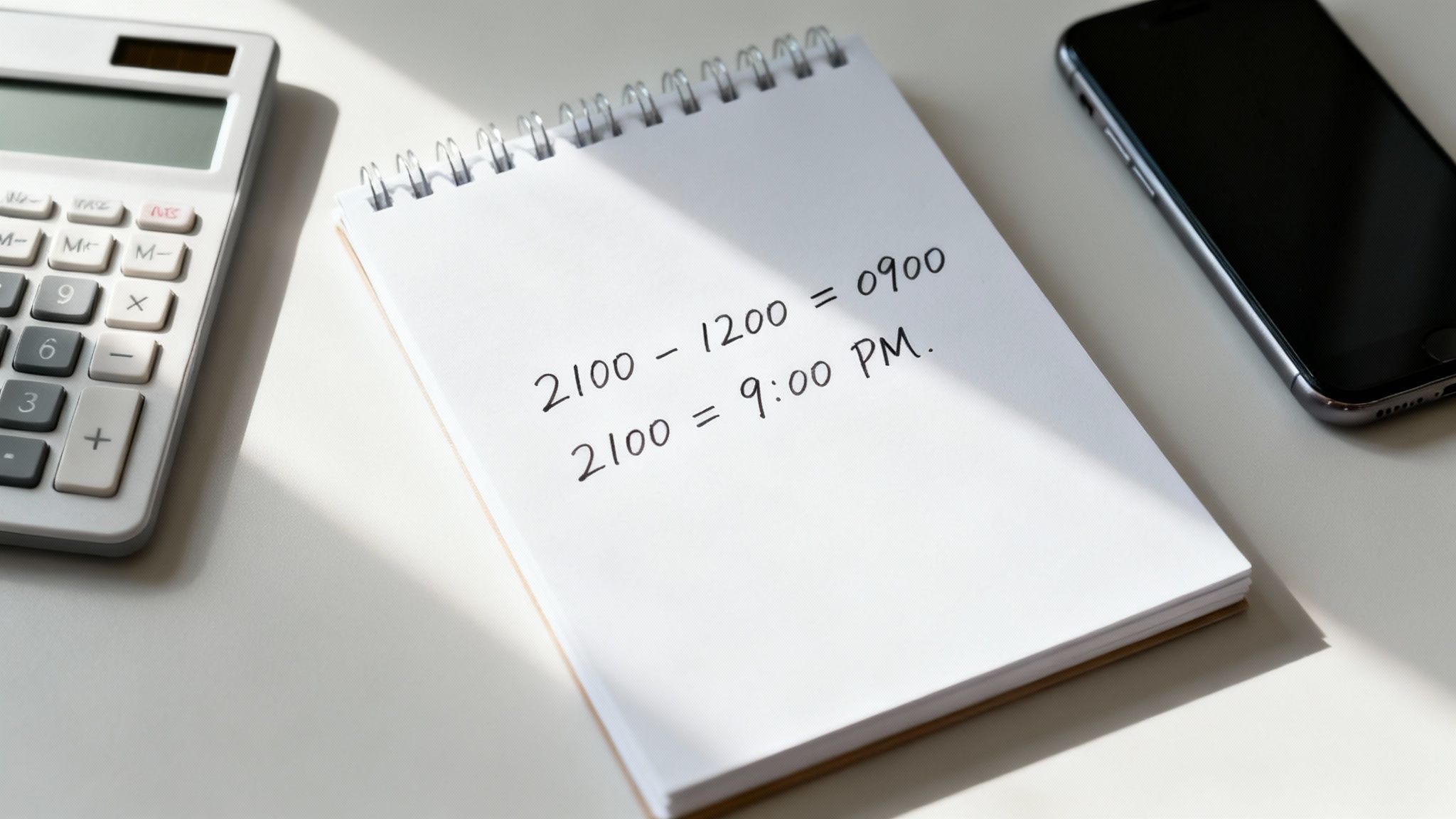
So for 2100 military time, the math looks like this:
2100 – 1200 = 900
That 900 translates directly to 9:00 PM. This consistency is the system's greatest strength. It works every time, whether you're converting 2100 or another time like 1600 military time (which is just 1600 – 1200 = 400, or 4:00 PM).
For a quick reference, here’s a simple table to break it down.
Quick Conversion of 2100 Military Time
| Military Time | 12-Hour Clock Time | Common Spoken Term |
|---|---|---|
| 2100 | 9:00 PM | "Twenty-one hundred hours" |
This straightforward system removes all the guesswork, which is why it’s trusted by professionals in aviation, healthcare, and global logistics. Once you get the hang of it, you can communicate time with total accuracy.
How to Convert Any Military Time With Simple Math
You don't need to memorize a conversion chart to master military time. It's really just about understanding a couple of basic rules. Once the logic clicks, you'll be able to translate any 24-hour time in your head instantly.
The trick is to think of the day in two parts: the hours before noon and the hours after. Each part has its own super-simple conversion shortcut.
Converting Afternoon and Evening Hours (1300 to 2359)
For any time from 1:00 PM on, all you have to do is subtract 1200. That single step is the key. It strips away the extra "military" hours and leaves you with the standard 12-hour format you’re used to.
Let's use 2100 military time as our example:
- Step 1: Start with 2100.
- Step 2: Just subtract 1200 from it: 2100 – 1200 = 900.
- Step 3: Now, add a colon and the "PM" tag, and you're done: 9:00 PM.
This little trick works every single time. Take 1800, for example. Subtract 1200, and you get 600, or 6:00 PM. Or 2330? That becomes 11:30 PM (2330 – 1200 = 1130). Easy.
The real power of the 24-hour clock is how clear and logical it is. There’s no ambiguity, which is exactly why it’s trusted in aviation, healthcare, and global logistics—fields where getting the time right is absolutely critical.
Converting Morning Hours (0000 to 1159)
The morning hours are even easier to handle. From 0100 (1:00 AM) to 1159 (11:59 AM), the numbers are practically the same as they are on a 12-hour clock. All you need to do is pop in a colon and add "AM" at the end. For instance, 0830 is just 8:30 AM.
The only two times you really have to remember are midnight (0000) and noon (1200). These two points act as the bookends for the entire 24-hour day. Once you get that, the whole system feels much more natural.
For those of you who manage complex projects and need to track time for billing, knowing how to calculate hours to decimal can also be a massive help for reporting.
How to Communicate Military Time Clearly
Knowing the numbers is one thing, but using military time effectively is all about clear communication. The whole point of the 24-hour clock is to kill ambiguity, so a few simple rules for writing and speaking make sure that happens every time.
One of the most common habits to adopt is dropping the colon. While your phone might show 9:00 PM as 21:00, in formal military, aviation, or logistics circles, you'll almost always see it written as 2100. This clean, four-digit format is all about consistency and making the time easy to read in a split second.
Speaking the Time
When you're saying the time out loud, precision is everything. The time 2100 is pronounced "twenty-one hundred hours." Phrasing it this way leaves no room for someone to mishear it as "nine" or something else entirely. Tacking on "hours" at the end is standard practice that confirms you're talking about a specific time.
This structure works for any time of day:
- 0800 is spoken as "zero eight hundred hours."
- 1530 is spoken as "fifteen thirty hours."
Another small but critical detail is the leading zero for morning hours. For instance, 7:00 AM is always written as 0700, not 700. This keeps the four-digit structure consistent, making every time uniform and easy to scan, whether it's on a flight plan or in a project logbook.
A classic mistake is adding "AM" or "PM" to military time. Saying "2100 PM" is just redundant—the number 21 already tells you it's in the evening. The system was designed specifically to make those labels obsolete.
By sticking to these simple conventions—no colon, a specific way of speaking, and always using a leading zero—you ensure your communication is as precise as the timekeeping system itself.
Navigating Time Zones with 2100 Military Time
So, 2100 means 9:00 PM. Simple enough, right? But that answer is only half the story. The immediate follow-up question should always be: 9:00 PM where? Without a time zone, the number is practically meaningless for anyone working across different locations.
This is where the 24-hour clock truly proves its worth, especially for international teams.
When you attach a time zone, like Coordinated Universal Time (UTC), military time transforms into a universal language for scheduling. UTC—often called "Zulu time" in aviation and military circles—acts as the world's timekeeper. It’s a single point of reference that doesn't shift for daylight saving, providing a stable anchor to keep global operations in sync.
A Global Team Scheduling Example
Imagine a remote team needs to schedule a critical project update. The meeting is set for 2100 UTC. Using this single, clear time prevents all sorts of costly mix-ups.
Let's see how that one time translates for different team members:
- London (GMT/UTC): This team member is already on UTC, so their meeting is at 2100 local time, or 9:00 PM. Simple.
- New York (EST, UTC-5): Being five hours behind UTC, their meeting is at 1600 local time, or a much more reasonable 4:00 PM.
- Tokyo (JST, UTC+9): This colleague is nine hours ahead, meaning they'll be joining the call at 0600 the next day—a bright and early 6:00 AM.
This example really drives home why precision is non-negotiable. One time, 2100 UTC, results in three vastly different local start times across three continents.
For global teams, like the VC firms managing deals across borders that we work with, this level of clarity is absolutely essential to keeping things running smoothly.
The diagram below breaks down the best practices for communicating time clearly, whether you're writing it down or saying it out loud.
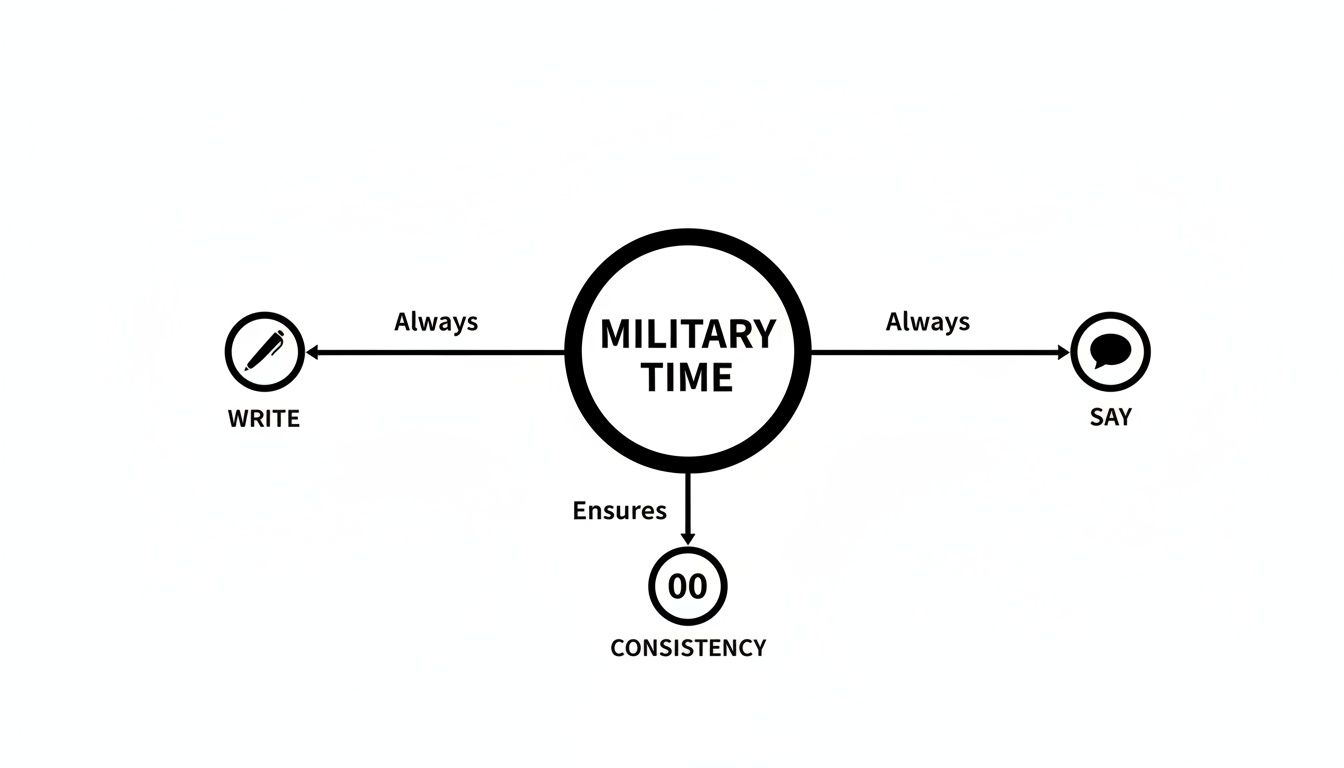
As you can see, consistency is everything. Using a standard format, both written and spoken, wipes out any chance of confusion.
2100 UTC in Local Times Around the World
To put this into a broader perspective, here’s a look at how 2100 UTC appears on the clock in major cities worldwide. Notice how dramatically the local time and even the date can change depending on the location.
| City | Time Zone | Local Time (24-Hour) | Local Time (12-Hour) |
|---|---|---|---|
| New York, USA | EST (UTC-5) | 16:00 | 4:00 PM |
| London, UK | GMT (UTC+0) | 21:00 | 9:00 PM |
| Berlin, Germany | CET (UTC+1) | 22:00 | 10:00 PM |
| Dubai, UAE | GST (UTC+4) | 01:00 (Next Day) | 1:00 AM (Next Day) |
| Tokyo, Japan | JST (UTC+9) | 06:00 (Next Day) | 6:00 AM (Next Day) |
| Sydney, Australia | AEDT (UTC+11) | 08:00 (Next Day) | 8:00 AM (Next Day) |
This table makes it crystal clear why just saying "2100" isn't enough. Without the UTC anchor, a team member in Dubai might show up four hours late and on the wrong day.
Why Precise Scheduling Depends on the 24-Hour Clock
The 24-hour clock wasn't created just for convenience; it was engineered to stop costly mistakes cold. In any high-stakes environment, a simple mix-up between 7:00 AM and 7:00 PM can derail an entire operation, trigger a logistical nightmare, or even compromise safety.
Think about an international product launch. The marketing team in New York gets a message to push the campaign live at "8:00." Is that 0800 or 2000? That single point of confusion is exactly what the 24-hour system is designed to eliminate, ensuring teams spread across multiple time zones are all working from the same script.
Removing Ambiguity in Critical Operations
In professions where every second counts, there's simply no room for error. This is why industries like aviation, healthcare, and emergency services have long relied on the 24-hour format to maintain perfect clarity and synchronization.
- Aviation: Pilots and air traffic controllers use military time (often alongside UTC) to log flight plans, departures, and arrivals with absolute precision. It's a non-negotiable part of preventing near-misses and keeping the skies safe.
- Healthcare: A medication scheduled for "9 o'clock" could mean the difference between life and death. Is that 0900 or 2100 military time? The 24-hour clock removes this dangerous guesswork.
- Emergency Response: When coordinating a multi-agency response, dispatchers and first responders depend on this format to keep every unit on the exact same timeline.
Relying on a universal time format brings undeniable clarity to high-stakes work. It creates a standardized system that ensures everyone is on the same page, no matter their role or location.
Standardizing Time in Your Digital Tools
This level of precision is no longer just for specialized fields. Modern digital tools, from calendar apps to project management platforms, can easily be set up to use the 24-hour format. For teams wrestling with scheduling errors or confusing timesheets, this simple switch can make a world of difference.
Tools like TimeTackle take this a step further by normalizing time data pulled from calendars, making sure all activities are logged and analyzed consistently. By setting your digital workspace to a 24-hour clock, you create a shared language for time that cuts down on confusion and makes your whole operation run smoother.
Military Time Questions We Hear All the Time
As you get the hang of the 24-hour clock, a few questions always seem to pop up. Let's tackle them head-on so you can start using military time like a pro.
What Time Is 2100 in Regular Time?
Simple: 2100 military time is 9:00 PM in the standard 12-hour format.
It’s a quick mental calculation. For any time from 1300 to 2359, just subtract 1200. So, 2100 – 1200 = 900, which gives you 9 o’clock. Because the number is higher than 1200, you know it’s a PM time. That’s all there is to it.
Is There a 2100 AM in Military Time?
Nope, "2100 AM" is a contradiction. The whole point of the 24-hour system is to get rid of AM and PM altogether.
The clock runs on a continuous loop from 0000 (midnight) all the way through to 2359 (11:59 PM). Every single minute of the day has its own unique four-digit code. The time for 9:00 AM is written as 0900, leaving no doubt about whether you mean morning or night.
Why Do Industries Outside the Military Use This Format?
It all comes down to clarity and precision. Plenty of fields beyond the armed forces—think aviation, healthcare, emergency services, and global logistics—rely on the 24-hour clock to stamp out critical errors.
In a high-stakes environment, mixing up AM and PM can be a disaster. A single point of confusion could lead to a delayed flight, the wrong medication schedule, or a bungled emergency response. The 24-hour clock eliminates that risk entirely.
How Do You Set Calendars to Display Military Time?
Good news: nearly every modern digital calendar makes this change a breeze. Whether you’re on Google Calendar, Outlook, or Apple Calendar, you can flip to a 24-hour display right in the settings.
Look for an option under "General Settings" or "Date & Time." Switching your whole team’s calendars to this format is a smart move, especially for groups working across different time zones. It just makes sure everyone is looking at the same clock.
Stop letting timesheet chaos and manual reporting slow you down. TimeTackle automates time tracking directly from your calendar, giving you clear insights into team productivity and project profitability. See how much time you can save at https://www.timetackle.com.