
In a modern agency, productivity isn't just about working harder; it's about working smarter. Your browser is the central hub for nearly every task, from client communication and project management to research and creative execution. While Google Chrome is powerful on its own, its true potential is unlocked through a carefully curated set of extensions. These small but mighty tools can automate tedious tasks, eliminate distractions, streamline workflows, and provide critical insights, saving your team hours of manual effort.
However, with hundreds of thousands of options on the Chrome Web Store, finding the right ones can feel overwhelming. Many 'best of' lists offer surface-level recommendations without considering the unique challenges of an agency environment: balancing multiple clients, tracking billable hours, and ensuring team-wide adoption. For agencies looking to enhance their productivity through AI-driven solutions, exploring tools like supportgpt can unlock significant efficiencies alongside browser-based enhancements.
This guide cuts through the noise. We've compiled the definitive list of the best chrome extensions for productivity, focusing on tools that offer tangible value for agency teams. We'll go beyond generic feature lists to provide real-world use cases, honest limitations, and practical tips for seamless integration and adoption. Each recommendation includes direct links and screenshots to help you evaluate the tools quickly. Our goal is to help you build a browser-based tech stack that drives real results, reduces manual reporting overhead, and tackles timesheet fatigue head-on.
1. TimeTackle
TimeTackle stands out as a premier productivity solution by transforming your calendar into an intelligent, automated time-tracking system. It’s designed for teams who live in their calendars and need to eliminate the friction of manual timesheets. Instead of relying on stopwatches or retroactive data entry, its AI-powered engine automatically converts Google or Outlook calendar events into accurate, categorized time entries, making it one of the best chrome extensions for productivity.
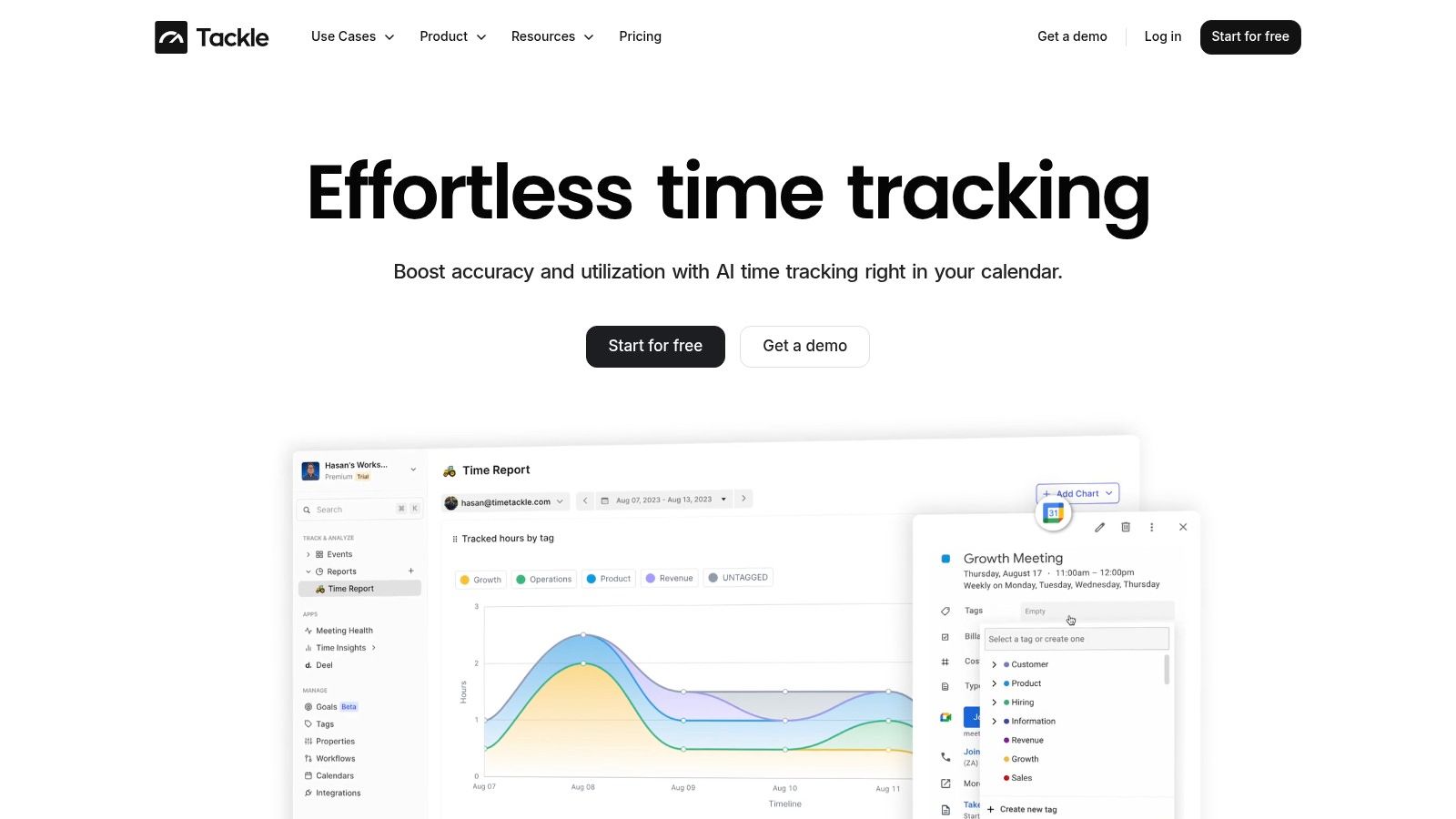
The platform’s real power lies in its deep customization and automation. Teams can create custom tags and properties (like Client, Project, or Billable Status) and use a visual workflow builder to automatically categorize activities. This automation ensures consistency and dramatically reduces administrative overhead, allowing teams to focus on client delivery and strategic work. The Chrome extension complements this by enabling rapid time capture and categorization directly within the browser, seamlessly integrating with daily workflows.
Key Strengths & Use Cases
- Calendar-Native Automation: TimeTackle's core strength is its direct integration with your existing calendar, which serves as the single source of truth for time data. This is ideal for agencies, consultancies, and customer-facing teams whose work is primarily scheduled.
- Robust Reporting & Data Portability: It offers dynamic dashboards for real-time visibility into utilization and project ROI. For deeper analysis or integration with billing systems, data can be exported to CSV/Excel, synced with Google Sheets, or accessed via an API. To get a better sense of how it compares to other options, explore this ultimate guide to time tracking with Google Calendar.
- Enterprise-Grade Security: With SOC 2 Type II certification and enterprise-grade encryption, TimeTackle provides the security and compliance that mid-market and larger organizations require.
Considerations
The primary limitation is its reliance on calendar data. Teams that do not consistently log their work in Google or Outlook calendars may need to adjust their processes to achieve full visibility. Additionally, detailed pricing is not public; access requires starting a free trial or booking a demo to receive a quote tailored to your team's needs.
Website: https://www.timetackle.com
2. Chrome Web Store – Productivity Collection
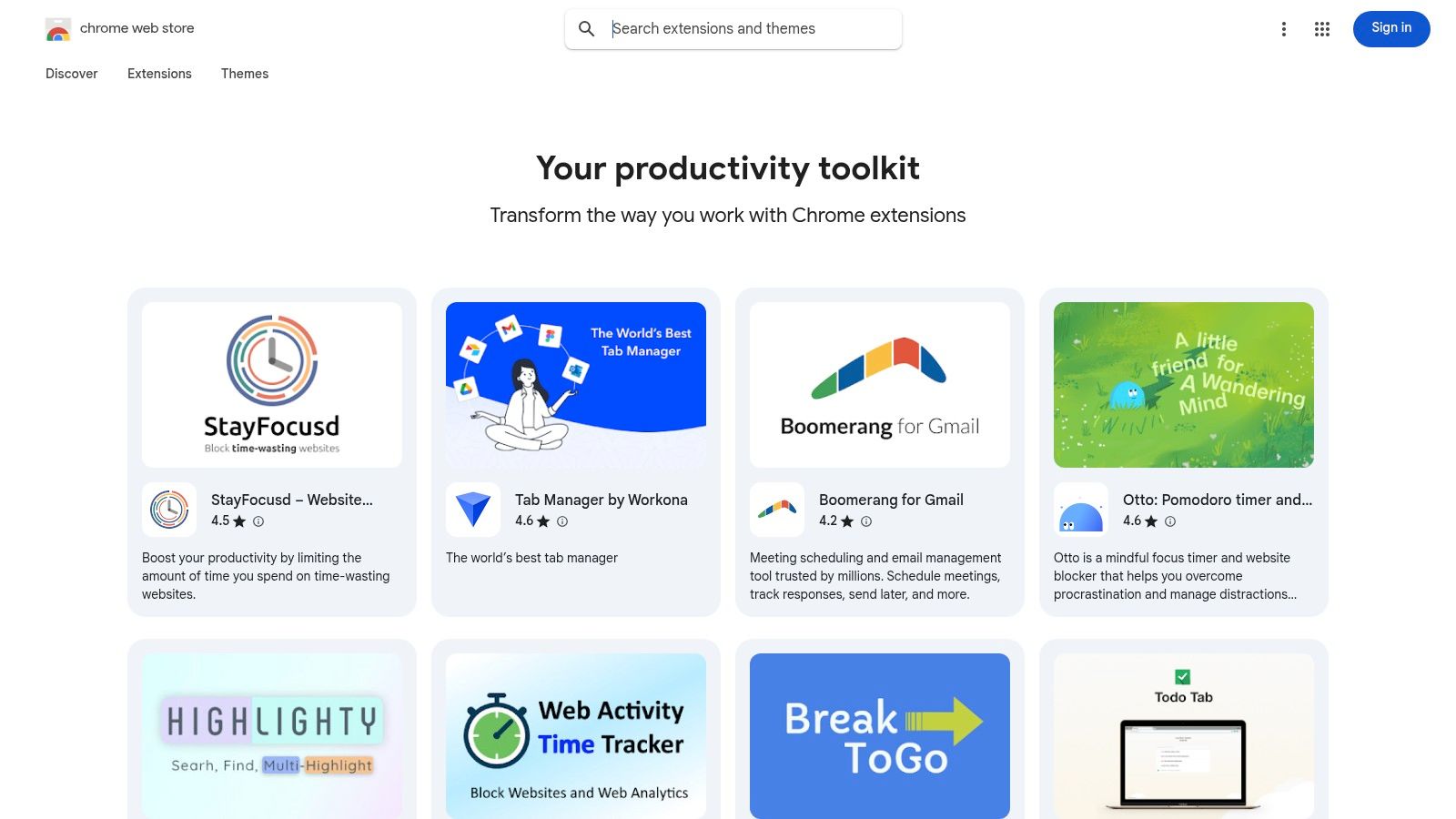
While not a single extension, the Chrome Web Store itself is the essential starting point and foundational platform for any agency looking to enhance its workflow. It's the official, secure marketplace from Google, providing the widest selection of tools. Think of it as the central hub where your search for the best Chrome extensions for productivity begins.
The store's dedicated "Your productivity toolkit" collection is a curated launchpad, featuring well-regarded extensions for task management, tab organization, and automation. This curation saves significant time by highlighting popular, vetted options, which is crucial for busy operations leaders who can't afford to test dozens of unproven tools.
Key Features & Use Cases
- One-Click Installation: Streamlines the process of adding new tools to your browser with a single click.
- Permission Transparency: Before installing, you can review exactly what data an extension can access, a critical security feature for agencies handling client information.
- User Reviews and Ratings: Provides social proof and real-world feedback, helping project managers gauge an extension's reliability and effectiveness before company-wide deployment.
- Automatic Updates: Ensures all extensions remain current with the latest features and security patches, reducing manual IT overhead.
Implementation and Adoption
For agency-wide adoption, it's best to create a pre-approved list of extensions from the store. Encourage teams to start with the Productivity Collection but mandate that any new tool be vetted for its requested permissions and privacy policy. This balances employee autonomy with necessary security oversight. The vast majority of extensions are free, though some operate on a freemium model with paid upgrades.
| Pros | Cons |
|---|---|
| Safest, official source for extensions. | Curation quality can be inconsistent. |
| Widest selection available. | Star ratings can sometimes be misleading. |
| Automatic updates and security checks. | Occasional removal of useful but non-compliant tools. |
| Transparent permission requests. |
Website: Chrome Web Store – Productivity Collection
3. Product Hunt – Chrome Extensions Topic
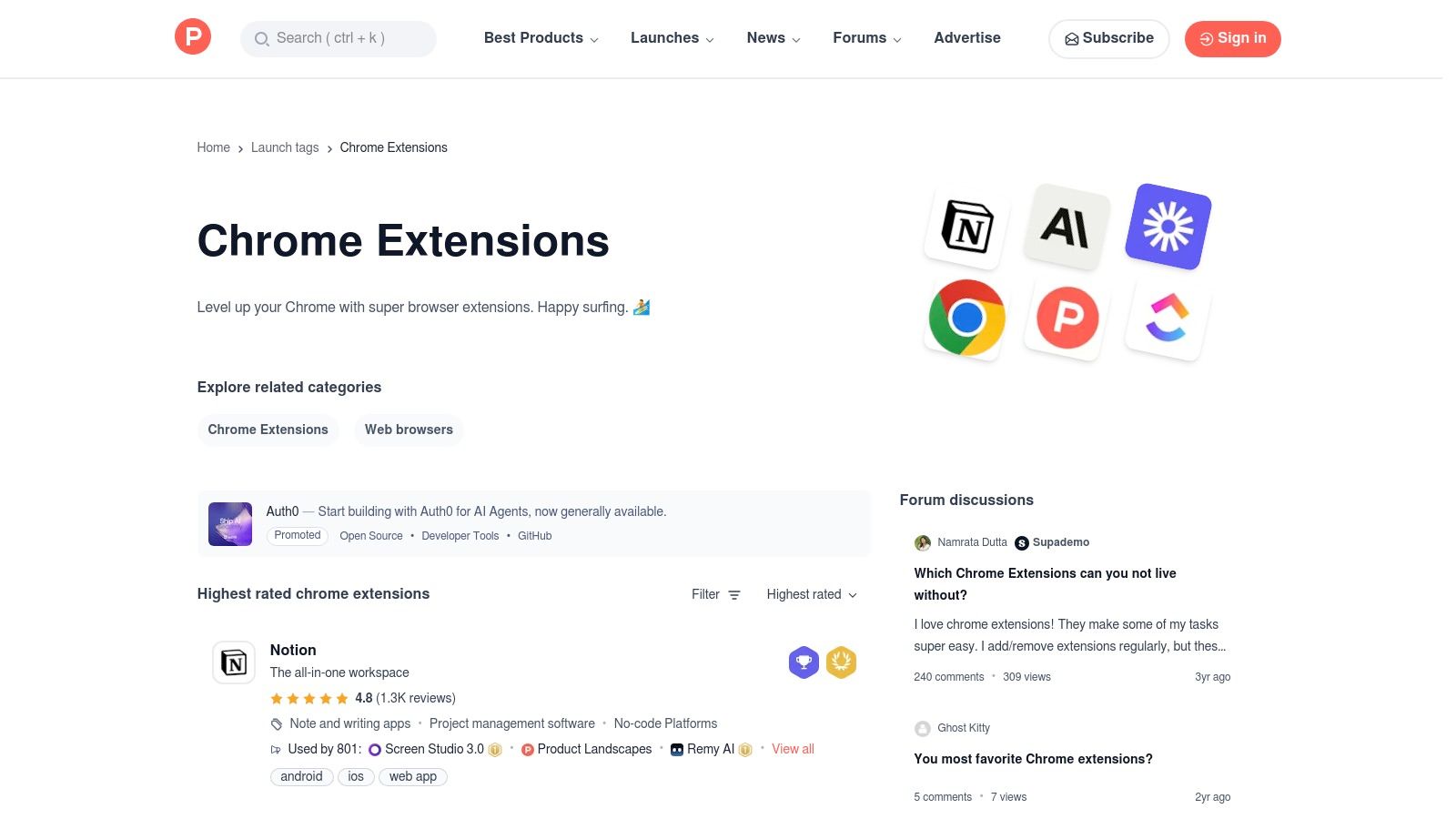
For agencies aiming to stay ahead of the curve, Product Hunt's Chrome Extensions topic serves as a vital discovery engine. Unlike a static store, it’s a dynamic community where new and innovative extensions are launched daily. This makes it the perfect platform for operations leaders looking to find cutting-edge tools before they become mainstream, offering a potential competitive advantage in workflow efficiency.
The platform excels at showcasing emerging solutions, complete with founder notes, user discussions, and upvote-driven rankings. This social context is invaluable, providing insight into an extension's purpose and initial reception. It’s the best place to unearth novel solutions that might not yet have the visibility to rank highly in the official Chrome Web Store, making it a key resource for finding unique productivity enhancers.
Key Features & Use Cases
- Daily Launches: Discover brand-new extensions every day, keeping your agency's toolkit modern and effective.
- Community Upvotes & Comments: Gauge an extension's initial traction and user sentiment through real-time feedback and discussions directly on the launch page.
- Direct Maker Engagement: Project managers can ask founders questions directly in the comments, clarifying use cases or security practices before wider adoption.
- Filtered Discovery: Use dedicated topic pages and filters to narrow down searches for specific types of browser or Chrome extensions for productivity.
Implementation and Adoption
Encourage a "scout" on your team, perhaps a tech-savvy project manager, to monitor the Chrome Extensions topic weekly. When a promising tool is found, they can share the Product Hunt page internally. The discussions and maker comments can serve as the first step in the vetting process before formal testing, saving time and focusing efforts on tools with genuine potential. Most tools are free or have freemium access.
| Pros | Cons |
|---|---|
| Excellent for discovering new, innovative tools. | Popularity can be driven by initial hype, not long-term value. |
| Direct engagement with creators is possible. | Lacks the rigorous, long-term reviews of an official store. |
| Daily refreshed content highlights new launches. | Not all listed extensions are stable or fully developed. |
| Community feedback provides early insights. |
Website: Product Hunt – Chrome Extensions Topic
4. Zapier – The 17 Best Productivity Extensions for Chrome (2025)
Beyond being an automation powerhouse, Zapier provides an excellent editorial roundup of the best Chrome extensions for productivity. Their curated list is updated regularly and focuses on practical application, framing each recommendation with a clear "best for" label. This approach helps agency leaders quickly shortlist tools based on specific jobs-to-be-done, such as time tracking, focus, or communication.
The article stands out by providing concise overviews, pricing notes, and real-world workflow context. This makes it a valuable secondary resource for validating choices found on the Chrome Web Store, ensuring a tool not only sounds good but fits a tangible operational need. It's an efficient way to discover vetted tools without extensive independent research.
Key Features & Use Cases
- Structured Recommendations: Each extension is presented with a “best for” label (e.g., “Best for blocking distracting sites”), simplifying the selection process for specific agency needs.
- Practical Workflow Context: The descriptions go beyond features to explain how an extension fits into a daily workflow, offering immediate, actionable insights.
- Pricing and Freemium Breakdowns: Clear notes on costs help teams evaluate budget impact without having to visit each extension's page individually.
- Time Management Focus: Many recommendations align with core productivity challenges like focus and efficiency, making it easy to find tools that boost team performance. For teams exploring this area further, discovering alternatives for high-productivity tools can offer even more tailored solutions.
Implementation and Adoption
Use this list as a strategic starting point for your research phase. Operations leaders can cross-reference Zapier's recommendations with user reviews on the Chrome Web Store to build a well-rounded, pre-approved toolkit. The practical use cases provided are perfect for internal training, helping teams understand exactly how and when to use a new extension to maximize its benefits. Access to the article is completely free.
| Pros | Cons |
|---|---|
| Recent, structured, and task-oriented recommendations. | Not an exhaustive list of all available extensions. |
| Neutral coverage with useful context for workflows. | Some tools may be adjacent to Zapier’s ecosystem. |
| Clear pricing information saves research time. | Lacks the user review volume of the official store. |
| Excellent for shortlisting tools by specific use case. |
Website: Zapier – The 17 Best Productivity Extensions for Chrome (2025)
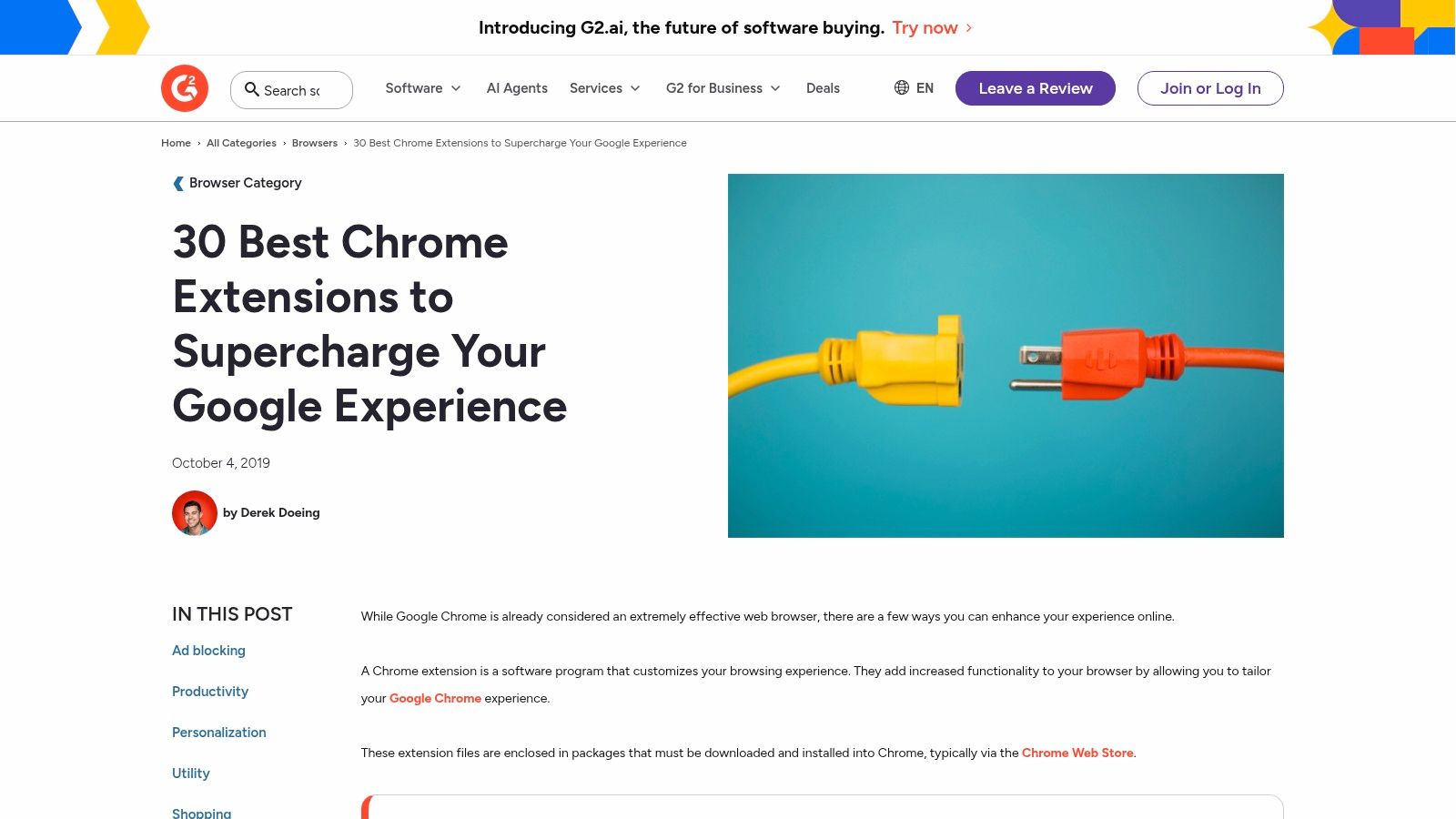
5. G2 – 30 Best Chrome Extensions (buyer-style overview)
G2 offers a business-centric perspective on Chrome extensions, shifting the focus from individual user discovery to informed buyer research. Their listicle is not just a compilation but a market overview, grouping 30 popular extensions by category, including a dedicated section for productivity. This makes it an invaluable resource for agency leaders looking to understand which tools are gaining traction in the business world and why.
The true value of this resource lies in its integration with G2's core platform. Each extension mentioned links directly to its G2 product profile, which is filled with verified user reviews, ratings, and market presence data. This approach helps project managers vet the best Chrome extensions for productivity by assessing real-world feedback and social proof before considering a team-wide rollout.
Key Features & Use Cases
- Category Sections: Organizes extensions into logical groups like Productivity, Ad Blocking, and Personalization, allowing leaders to quickly find solutions for specific needs.
- G2 Profile Integration: Provides direct links to detailed G2 profiles where you can access user reviews, pricing information, and competitor comparisons.
- Installation Guides: Includes simple, step-by-step instructions on how to add an extension to Chrome, useful for creating internal training documents.
- Business-Oriented Selections: The curated list often features tools well-suited for professional environments, focusing on collaboration, security, and efficiency.
Implementation and Adoption
Use G2’s list as a starting point for market research rather than a definitive "best-of" guide. When an extension from their list looks promising, dive into its G2 profile to analyze user reviews from companies of a similar size and industry. This process helps vet tools for reliability and fit before initiating a pilot program with a small team. Access to the article and G2 profiles is free, making it a cost-effective research tool.
| Pros | Cons |
|---|---|
| Business-focused with helpful reputation cues. | Not exclusively focused on productivity extensions. |
| Deeply integrated with verified user reviews. | Depth of coverage for each extension can vary. |
| Excellent for buyer research and market trends. | The list itself is not updated as frequently as others. |
| Clear, category-based organization. |
Website: G2 – 30 Best Chrome Extensions
6. TechRadar – Coverage and Safety Context
Instead of being a direct source of extensions, TechRadar serves as a crucial journalistic resource for vetting and discovery. For agencies prioritizing security, its ongoing reporting provides essential context on extension safety, including security alerts on malicious tools and data privacy concerns. This editorial oversight helps operations leaders stay informed about potential risks before deploying a new tool company-wide.
Their regular "best of" guides and coverage of new launches are valuable for discovering the best Chrome extensions for productivity that have been professionally reviewed. This saves time and adds a layer of confidence that an extension is not only functional but also reputable.
Key Features & Use Cases
- Security Alerts: Provides timely news on malicious or spoofed extensions, a critical feature for any agency handling sensitive client data.
- "Best Of" Buyer Guides: Offers curated, category-specific lists (e.g., best VPN or ad-blocker extensions) that help teams find well-regarded tools for specific needs.
- News on New Launches: Keeps project managers updated on innovative new extensions that could enhance productivity or streamline workflows.
- Editorial Oversight: Delivers professional reviews and security-conscious analysis, offering a more in-depth perspective than user ratings alone.
Implementation and Adoption
Before approving any new extension for agency-wide use, operations leaders should make it a standard practice to search for it on TechRadar. This quick security check can reveal known vulnerabilities or privacy issues. Encourage team leads to consult its buyer guides when researching tools for specific tasks, using it as a primary source for vetting potential solutions. The content is free to access.
| Pros | Cons |
|---|---|
| Editorial oversight with security awareness. | Not a single master list dedicated to productivity. |
| Timely reporting on new tools and threats. | Category-specific coverage means you may need multiple searches. |
| US-relevant guidance and reviews. | Content can be mixed with general tech news, requiring focus. |
| In-depth analysis beyond user reviews. |
Website: TechRadar
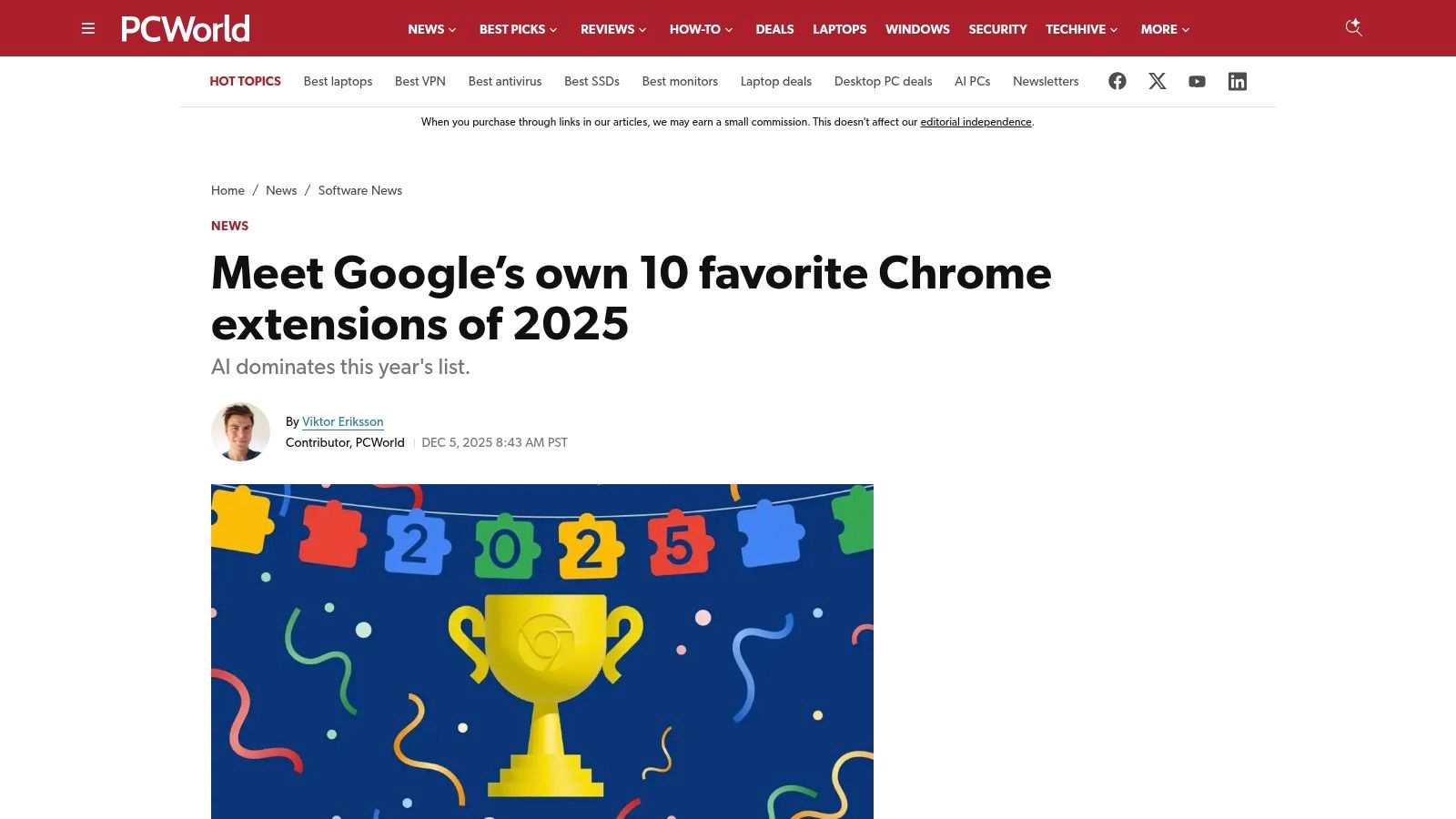
7. PCWorld – Google’s Favorite Extensions & Productivity Roundups
Instead of being a direct source, PCWorld acts as an expert curator and guide in the crowded extension marketplace. Their periodic roundups, including summaries of Google's own favorite extensions, provide a vetted, mainstream perspective on what tools are truly effective. This editorial oversight helps agency leaders cut through the noise and identify reliable, well-regarded options without extensive personal testing.
For busy project managers, PCWorld’s articles offer valuable context, explaining who each extension is best for and its practical application. This curated approach is a key resource for finding the best Chrome extensions for productivity that have already been proven in real-world use cases.
Key Features & Use Cases
- Annual "Google's Favorites" Coverage: Summarizes the extensions officially highlighted by Google, giving you a list of high-quality, trusted tools.
- Practical Productivity Roundups: Offers themed lists like "top 10 productivity add-ons" that categorize tools by function for easy discovery.
- Contextual User Notes: Each recommendation includes brief notes on the ideal user, helping determine if a tool fits your team's specific workflow.
- Balanced Journalism: As a reputable tech publication, the analysis includes both the strengths and potential drawbacks of featured extensions.
Implementation and Adoption
PCWorld is best used as a research and discovery tool before implementation. Operations leaders can reference their annual lists to create a shortlist of potential extensions to test. When a promising tool is identified, the next step is to visit the Chrome Web Store to review its permissions and recent user feedback. The content is free to access, making it a zero-cost resource for strategic planning.
| Pros | Cons |
|---|---|
| Reputable, balanced consumer-tech journalism. | Not a marketplace; it is purely editorial content. |
| Mainstream-friendly, easy-to-understand picks. | Publication frequency depends on news cycles. |
| Saves time by highlighting vetted options. | Recommendations may not cover niche agency needs. |
| Provides context on ideal user profiles. |
Website: PCWorld – Google’s Favorite Extensions & Productivity Roundups
8. MakeUseOf (MUO) – Productivity Extension Guides
Beyond single-tool recommendations, resourceful platforms like MakeUseOf (MUO) serve as excellent discovery engines for finding the best Chrome extensions for productivity. Instead of just listing tools, MUO provides practical, how-to guides and curated lists that contextualize how extensions solve specific problems, from managing tabs to integrating AI helpers into your daily routine.
Their articles often break down setup processes with screenshots and step-by-step instructions, making it easy for non-technical team members to get started. For operations leaders, this content is a valuable resource for identifying niche tools or finding free alternatives to paid software, helping to build a cost-effective and powerful productivity stack.

Key Features & Use Cases
- How-To Guidance: Provides detailed walkthroughs with screenshots and shortcuts, simplifying the setup for complex extensions.
- Niche-Focused Articles: Offers curated lists for specific needs like writing, studying, or meeting management, helping teams find tailored solutions.
- Mix of Classic and AI Tools: Covers both long-standing, reliable utilities and emerging AI-powered extensions to keep your workflow modern.
- Practical Tips: Focuses on real-world application, explaining not just what an extension does but how it fits into a productive workflow.
Implementation and Adoption
MUO is best used as a research and training resource. Project managers can share specific guides with their teams to ensure everyone correctly configures a new extension. The platform helps build a foundational understanding of different tool categories, empowering employees to make informed suggestions. This approach supports a continuous improvement culture where teams are always looking for ways to enhance their operational flow at work. The content is freely accessible online.
| Pros | Cons |
|---|---|
| Practical, step-by-step tone is great for non-experts. | Article recency and update frequency can vary. |
| Covers a wide array of free tools and setup tips. | The depth on any single app can be light in listicles. |
| Excellent for discovering new or niche productivity tools. | Content is ad-supported, which can be distracting. |
| Niche lists help find tools for specific job functions. |
Website: MakeUseOf – Productivity Extension Guides
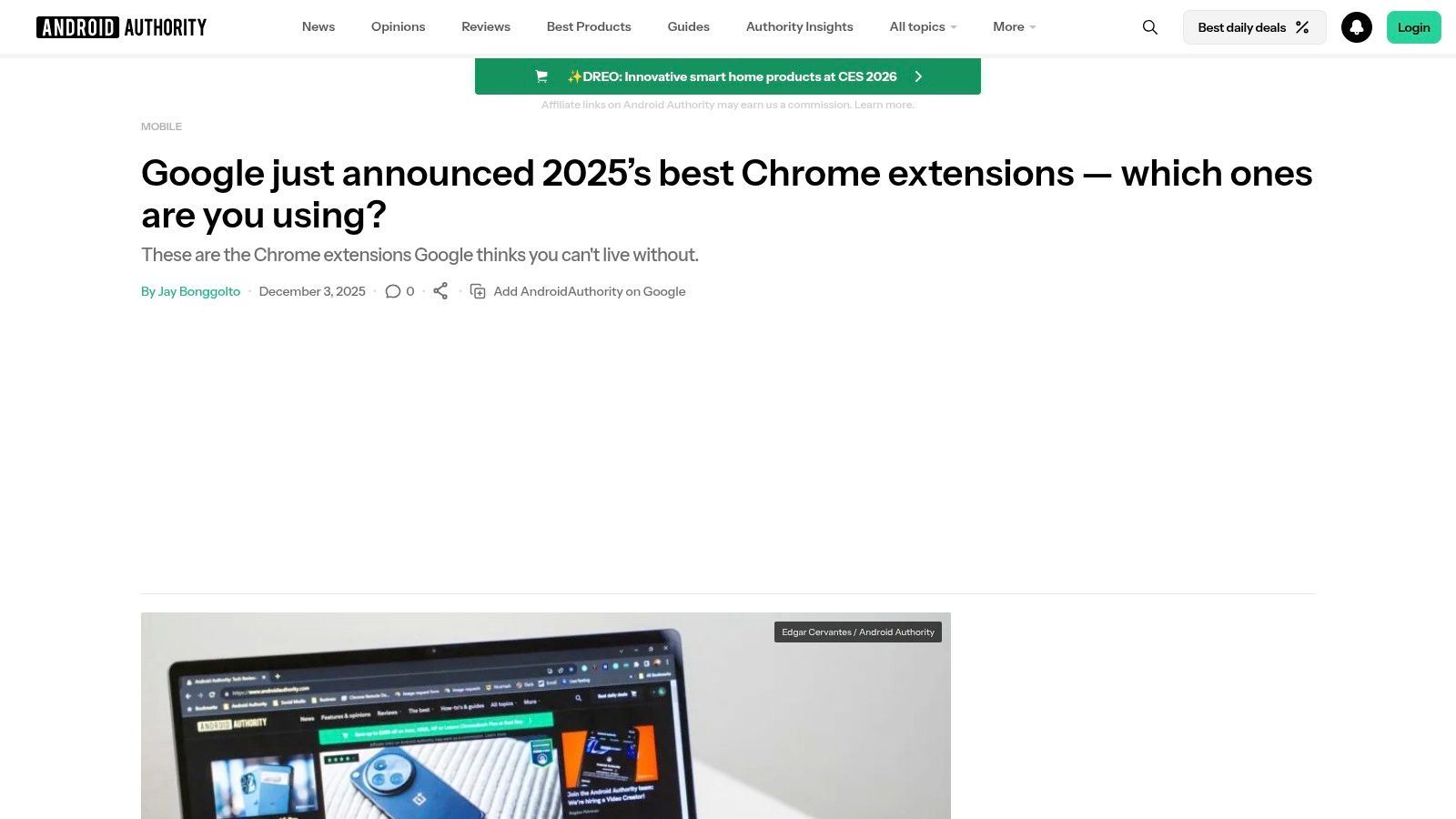
9. Android Authority – Google’s Top Chrome Extensions (2025)
Instead of digging through the store, sometimes the most efficient approach is to start with a trusted, curated roundup. Android Authority’s annual list of Google’s top Chrome extensions serves this exact purpose. It aggregates Google's official favorites for the year and provides quick, insightful blurbs on why each tool stands out, making it an excellent resource for trend-spotting and discovering vetted, high-quality extensions.
For operations leaders, this type of summary is invaluable. It cuts through the noise of thousands of available tools, presenting a manageable list of extensions that are already recognized for their quality and innovation. This makes it one of the best ways to find top-tier chrome extensions for productivity without extensive individual research.
Key Features & Use Cases
- Annual "Best Of" Curation: Provides a fresh, relevant list of top-performing extensions based on Google's official selections each year.
- Quick Summaries: Offers concise explanations of each extension's primary benefit and use case, allowing for rapid evaluation.
- Direct Installation Links: Points readers directly to the Chrome Web Store, streamlining the process from discovery to installation.
- Trend Spotting: Helps agencies stay current with the latest tools, particularly those leveraging new technologies like AI to boost efficiency.
Implementation and Adoption
This resource is best used as an annual or quarterly review tool for agency leadership. Project managers can reference the list to identify potential new tools that could solve existing workflow bottlenecks. Since the article links directly to the Chrome Web Store, the standard vetting process for permissions and privacy still applies. The platform itself is a free-to-access news site.
| Pros | Cons |
|---|---|
| Current and expertly curated coverage. | Coverage often skews toward new, AI-forward tools. |
| Saves time on initial discovery and research. | Not a deep comparative review platform. |
| Helpful for jumping straight to installation. | Analysis is brief and lacks in-depth testing. |
| Highlights officially recognized extensions. |
Website: Android Authority – Google’s Top Chrome Extensions (2025)
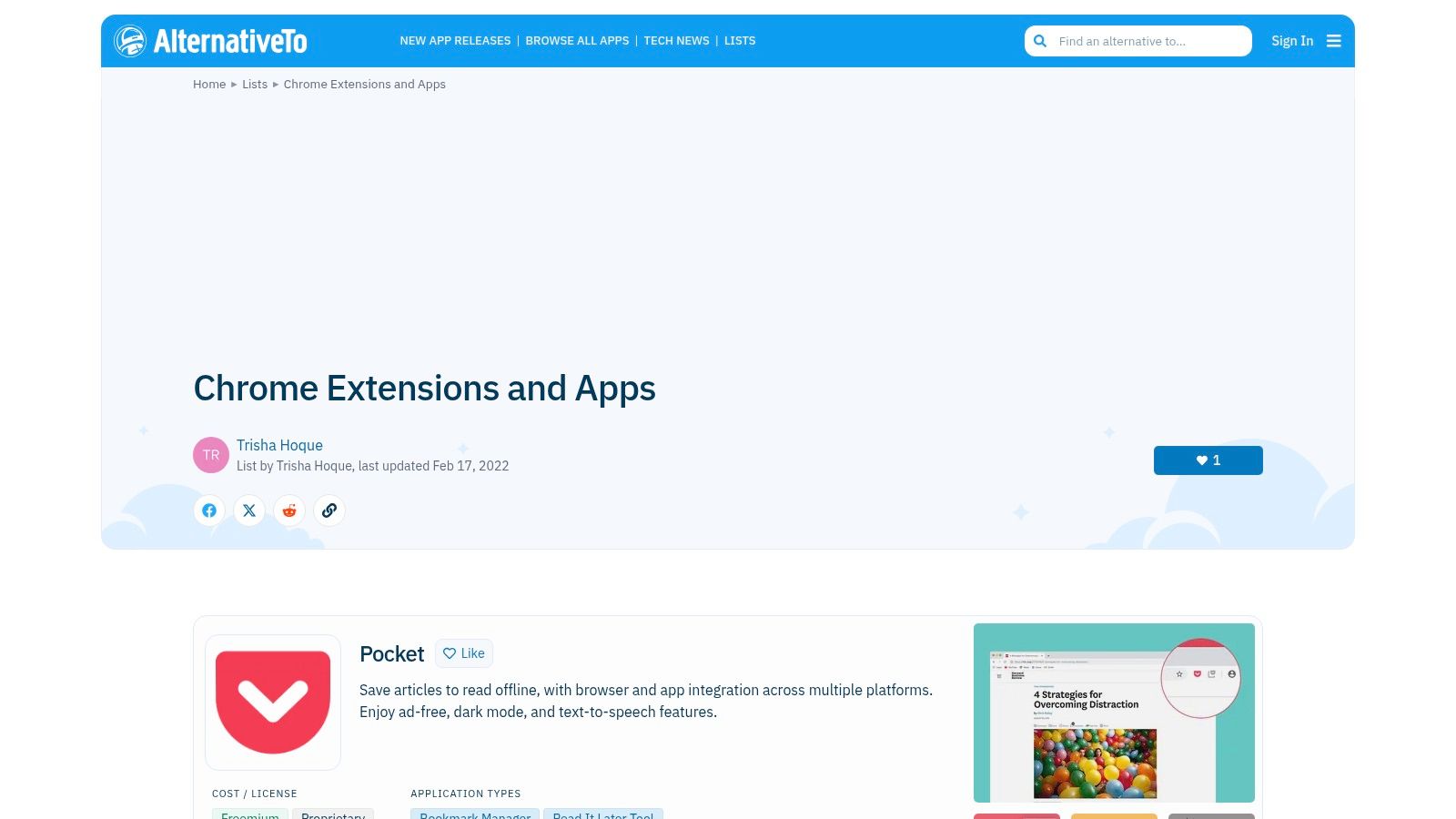
10. AlternativeTo – Chrome Extensions and Apps Lists
When a go-to extension is discontinued, becomes too expensive, or simply no longer meets your team's needs, finding a suitable replacement can be a time-consuming challenge. AlternativeTo solves this problem by serving as a crowd-sourced discovery engine, making it an invaluable resource for finding the best chrome extensions for productivity by comparing similar tools side-by-side. It excels at helping agencies pivot quickly when a key part of their workflow breaks.
Instead of generic search results, the platform provides user-curated lists and direct comparisons (like OneTab vs. Workona) enriched with community feedback and tags. This allows operations leaders to identify vetted substitutes without starting their research from scratch, ensuring workflow continuity and minimizing disruption.
Key Features & Use Cases
- Side-by-Side Alternatives: Compare features, community sentiment, and licenses for multiple extensions that solve the same problem.
- Community Likes and Summaries: Quickly gauge an extension's popularity and core function from brief, user-submitted descriptions.
- Platform and License Filters: Easily narrow your search to find free, open-source, or commercial tools that are specifically compatible with Chrome.
- User-Curated Lists: Discover collections of tools tailored for specific needs, such as "tab management" or "note-taking," to find complementary extensions.
Implementation and Adoption
AlternativeTo is a research tool, not an installable platform. Operations leaders can use it to create a shortlist of potential tools when evaluating new software or replacing an existing one. A best practice is to cross-reference top suggestions with reviews on the official Chrome Web Store before deployment. The platform is entirely free to use, supported by community contributions.
| Pros | Cons |
|---|---|
| Excellent for discovering comparable tools and substitutes. | Some lists are user-made and can be dated. |
| Platform and license filters help narrow choices quickly. | Depth and recency of entries vary across lists. |
| Crowd-sourced opinions offer authentic insights. | Recommendations are community-driven, not officially vetted. |
| Completely free to use. |
Website: AlternativeTo – Chrome Extensions and Apps Lists
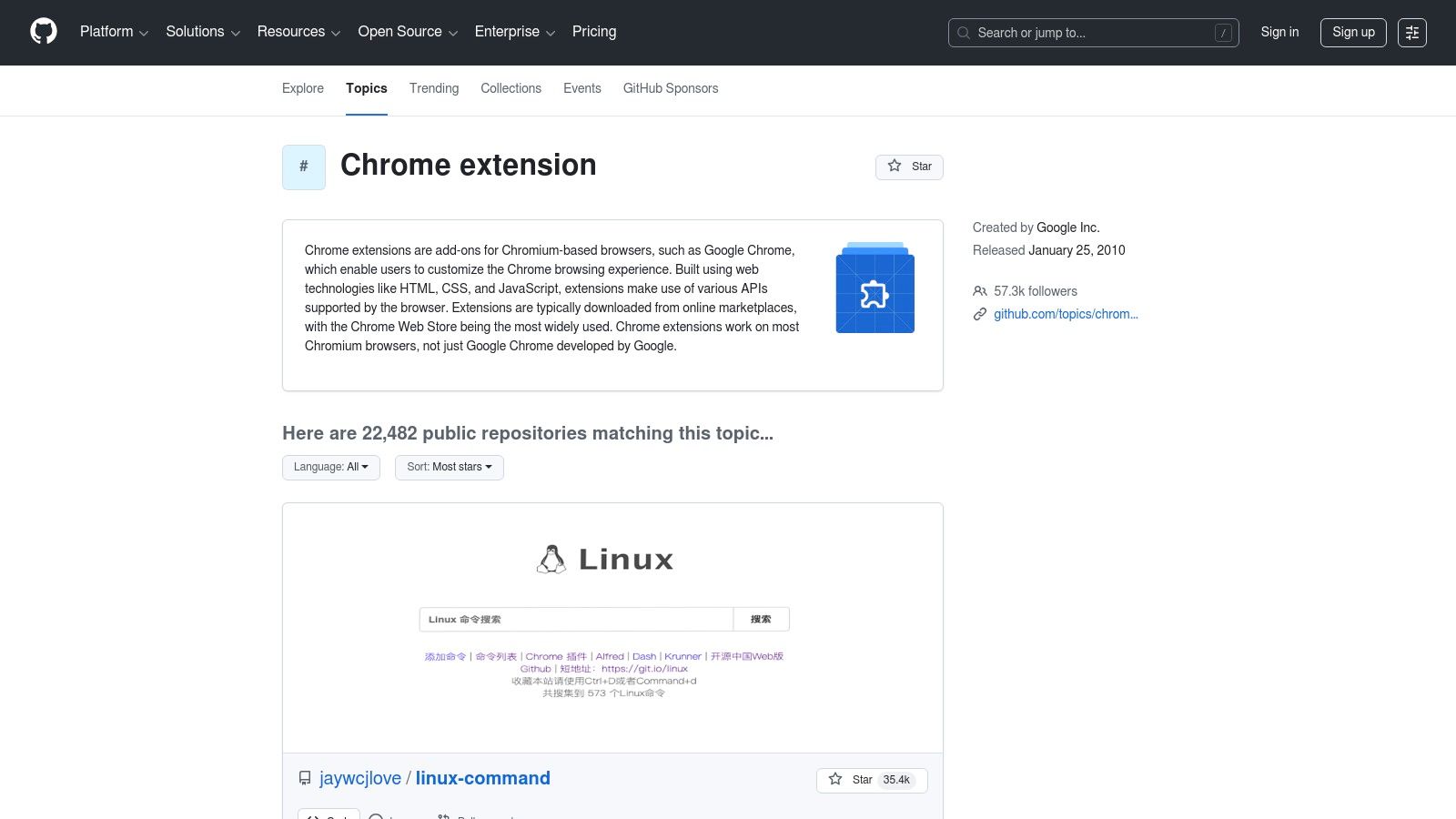
11. GitHub Topics – Chrome Extension Repositories
For agencies with development resources or stringent security requirements, GitHub Topics offers a more transparent alternative to the official store. It's an open-source hub where you can find the actual code behind many of the best Chrome extensions for productivity. This allows your team to audit the source code for security vulnerabilities or even fork a project to create a custom-tailored solution for your specific workflow.
This approach is ideal for operations leaders who prioritize privacy and control over their digital toolset. By exploring repositories tagged with "chrome-extension," you can discover innovative, often ad-free tools that may not be on the mainstream Chrome Web Store. It provides a behind-the-scenes look at an extension's development, activity, and community support.
Key Features & Use Cases
- Source Code Auditing: Allows security-conscious teams to inspect an extension’s code directly, ensuring it handles data safely and contains no hidden trackers.
- Project Forking and Customization: Your development team can copy an existing extension's repository to modify it, adding or removing features to perfectly match agency needs.
- Activity and Maturity Metrics: Using stars, forks, and open issues, project managers can gauge a tool’s stability and the responsiveness of its developers before considering it for team use.
- Direct Developer Interaction: Provides a direct line to the creators through the "Issues" tab for bug reporting or feature requests, bypassing traditional support channels.
Implementation and Adoption
Adopting extensions from GitHub is a developer-centric process. A technical lead should be responsible for vetting, building, and deploying any extension sourced from the platform. While this offers unparalleled control, it requires a higher level of technical expertise and internal maintenance. It’s best used for finding highly specific, privacy-focused tools that can then be deployed internally as an unlisted extension. All projects are free to use and modify, typically under open-source licenses.
| Pros | Cons |
|---|---|
| Full code transparency for security audits. | DIY nature means varying support and stability. |
| Ability to fork and customize tools. | Some projects are experimental or not production-ready. |
| Often more privacy-friendly than store apps. | Requires technical expertise to install and maintain. |
| Direct access to developer community. |
Website: GitHub Topics – Chrome Extension Repositories
12. Superhuman Blog – 28 Best Productivity Extensions for Google Chrome (2026)
Instead of a single tool, this entry is a highly curated listicle from Superhuman, a company known for its focus on speed and efficiency. This resource acts as a strategic guide, providing an up-to-date roundup of the best Chrome extensions for productivity, specifically tailored to professional workflows. For operations leaders, it serves as an excellent research starting point to discover vetted tools without sifting through the entire Chrome Web Store.
The blog post categorizes extensions by function, such as email, writing, and automation, making it easy to find solutions for specific agency pain points. Each recommendation includes clear "best for" use cases, feature breakdowns, and current pricing, which helps in quickly evaluating tools for potential team-wide adoption.

Key Features & Use Cases
- Curated Recommendations: The list is hand-picked, featuring a mix of classic utilities and modern AI-powered extensions relevant to today’s work environment.
- Specific Use Cases: Each entry details who the extension is best for, allowing project managers to quickly match tools to team needs (e.g., "best for salespeople").
- Pricing Transparency: Clearly lists the cost of each extension, including free and freemium models, which is essential for budget planning.
- Categorized Selections: Tools are grouped by function, streamlining the search for extensions related to tab management, writing aids, or automation.
Implementation and Adoption
This blog is best used as a primary research tool for department heads or IT managers tasked with finding and vetting new productivity software. The clear use cases and feature lists make it simple to create a shortlist of extensions to test. Before deploying any tool suggested here, agencies should still follow their internal security protocols by reviewing permissions and privacy policies directly on the Chrome Web Store. The resource is freely accessible.
| Pros | Cons |
|---|---|
| Fresh, up-to-date curation for professional workflows. | Vendor-authored content may reflect the author’s perspective. |
| Detailed notes on who benefits most from each extension. | Not an objective, lab-tested review or marketplace. |
| Includes a healthy mix of AI-forward and traditional tools. | Recommendations are limited to the 28 extensions chosen. |
| Clear pricing information is provided for each tool. |
Website: Superhuman Blog – 28 Best Productivity Extensions for Google Chrome (2026)
12-Source Comparison: Best Chrome Productivity Extensions
| Product | Core features ✨ | UX / Quality ★ | Value & Pricing 💰 | Target audience 👥 | Notes / USP 🏆 |
|---|---|---|---|---|---|
| TimeTackle 🏆 | ✨ Calendar-native AI capture, rule-based automations, tags, dashboards, exports, API & data-warehouse sync | ★★★★☆ — accurate capture, low admin, SOC 2 Type II | 💰 Free trial/demo; enterprise pricing (no public plans) | 👥 Agencies, consultancies, customer-facing teams, product/engineering, property managers | 🏆 Calendar-first time tracking that reduces timesheet friction and prevents revenue leakage |
| Chrome Web Store – Productivity Collection | ✨ Curated marketplace, verified listings, one-click install, auto-updates | ★★★★ — reliable install flow, broad vetting varies by publisher | 💰 Extensions range free→paid; store is free | 👥 All Chrome users, general consumers, IT admins | Official source for safe installs and permissions visibility |
| Product Hunt – Chrome Extensions Topic | ✨ Launch pages, demos, comments, upvotes | ★★★ — community-driven signal; high discovery value | 💰 Free discovery; pricing shown per product | 👥 Early adopters, makers, product scouts | Great for spotting new launches and engaging creators |
| Zapier – 17 Best Productivity Extensions (2025) | ✨ “Best for” labels, workflow context, pricing notes | ★★★★ — structured editorial recommendations | 💰 Free article; includes pricing/freemium notes | 👥 Workflow-focused professionals, shortlisters | Practical, task-oriented shortlist for jobs-to-be-done |
| G2 – 30 Best Chrome Extensions (buyer overview) | ✨ Category grouping, install how‑tos, review cross-links | ★★★★ — buyer-oriented signals via reviews | 💰 Free research; links to vendor pricing & reviews | 👥 Buyers, procurement, business teams | Useful for seeing popularity and real-user feedback |
| TechRadar – Coverage & Safety Context | ✨ Buyer guides, security alerts, news on notable launches | ★★★★ — editorial oversight with security focus | 💰 Free guides; security advisories highlighted | 👥 Security-conscious buyers, mainstream readers | Strong for vetting safety and timely reporting |
| PCWorld – Google’s Favorite Extensions & Roundups | ✨ Annual favorites, practical rundowns, target notes | ★★★★ — mainstream tech journalism | 💰 Free editorial content; links to installs | 👥 General consumers, mainstream IT users | Balanced pros/cons and audience guidance |
| MakeUseOf (MUO) – Productivity Extension Guides | ✨ How-to guides, screenshots, setup tips | ★★★ — hands-on, practical tone for non-experts | 💰 Free articles; highlights many free tools | 👥 Students, writers, non-experts | Step-by-step help and niche-focused recommendations |
| Android Authority – Google’s Top Chrome Extensions (2025) | ✨ Quick summaries, pointers to Chrome Web Store | ★★★ — fast discovery, trend-focused | 💰 Free roundup; points to install pages | 👥 Trend followers, quick installers | Good for quick trend-spotting; AI-forward picks |
| AlternativeTo – Chrome Extensions & Apps Lists | ✨ Side-by-side alternatives, filters by platform/license | ★★★ — community lists vary in depth | 💰 Free to browse; helps find free/open-source substitutes | 👥 Users switching tools, comparison shoppers | Excellent for finding comparable alternatives and license filters |
| GitHub Topics – Chrome Extension Repositories | ✨ Open-source repos, stars/forks, readmes/releases | ★★★ — transparent code; DIY readiness varies | 💰 Free code; self-hosting/customization costs apply | 👥 Developers, privacy-focused teams, auditors | Best for auditing, forking, or building custom privacy-friendly extensions |
| Superhuman Blog – 28 Best Productivity Extensions (2026) | ✨ “Best for” recommendations, current price points, use cases | ★★★★ — up-to-date vendor curation for pros | 💰 Free editorial; includes pricing per tool | 👥 Professionals seeking curated, workflow-ready tools | Fresh, professional-focused curation with practical notes |
From Extensions to Efficiency: Building Your Agency’s Ultimate Productivity Stack
Navigating the vast ecosystem of Chrome extensions can feel like an overwhelming task. However, as we've explored through curated lists from sources like Product Hunt, G2, and even Google's own recommendations, the right set of tools can fundamentally reshape your agency's operational efficiency. The goal is not to simply install more browser add-ons; it's to strategically assemble a cohesive productivity stack that addresses specific pain points, from time tracking and communication to project management and focus.
This guide has moved beyond a simple feature list, offering a framework for evaluating which of the best chrome extensions for productivity will genuinely serve your team. We’ve highlighted the importance of privacy considerations, as noted by security-conscious sources like TechRadar, and the value of community-driven platforms like AlternativeTo and GitHub for discovering innovative solutions. The key takeaway is that true productivity isn't found in a single magic-bullet extension, but in the intelligent integration of several specialized tools.
Turning Insights into Action: Your Implementation Roadmap
Adopting new tools requires a thoughtful approach, especially in a busy agency environment. The most effective implementation is not about a company-wide mandate but a phased, feedback-driven rollout. This strategic adoption ensures that new extensions become embedded in daily workflows rather than being ignored or abandoned.
Here are the critical next steps to consider:
- Identify Your Core Bottleneck: Before anything else, pinpoint the single biggest source of friction for your team. Is it manual timesheet entry? Inefficient communication? Constant context switching between tabs? Your answer will guide your initial selection.
- Start with a Pilot Program: Select a small, representative group of users, perhaps a single project team, to test a curated set of extensions. This allows you to gather real-world feedback and identify potential issues before a wider rollout.
- Focus on Integration, Not Just Installation: The most powerful productivity gains come from tools that work together. A central challenge for many agencies is connecting the dots between browser activity, project tasks, and financial reporting. This is precisely where a platform like TimeTackle becomes the central nervous system of your stack. Its extension acts as a seamless bridge, translating browser-based work captured in your calendar into actionable data for utilization, project costing, and client billing.
- Create Clear Documentation and 'Why' Statements: For each recommended extension, provide a simple one-page guide on its core function, best practices, and most importantly, the why behind its use. Explain how it eliminates a specific manual task or solves a common frustration.
Building a Sustainable and Scalable Stack
As you build out your collection of extensions, remember that this is an evolving process. The digital landscape changes, and new, more effective tools emerge. Encourage your team to share discoveries and regularly revisit your approved stack to ensure it still meets your agency's needs.
Ultimately, the power of these tools lies in their ability to automate the mundane, providing your team with more time and cognitive energy to focus on strategic, creative, and client-facing work. By combining specialized Chrome extensions with a central automation and analytics hub, you can transform your agency's workflow from reactive and fragmented to proactive and data-driven. To truly build an ultimate productivity stack, it's worth exploring a wider array of best productivity tools for remote workers that complement your chosen Chrome extensions. This broader view ensures you're leveraging the best technology available across all platforms, not just within your browser.
Ready to bridge the gap between your team's browser activity and actionable business intelligence? TimeTackle transforms your team's Google Calendar data into a powerful engine for automated timesheets, project costing, and utilization reporting. Stop chasing timesheets and start making data-driven decisions by trying TimeTackle today.