
Turn your calendar into a powerful reporting tool. Export to Excel and build timesheets, dashboards, and analysis in minutes.
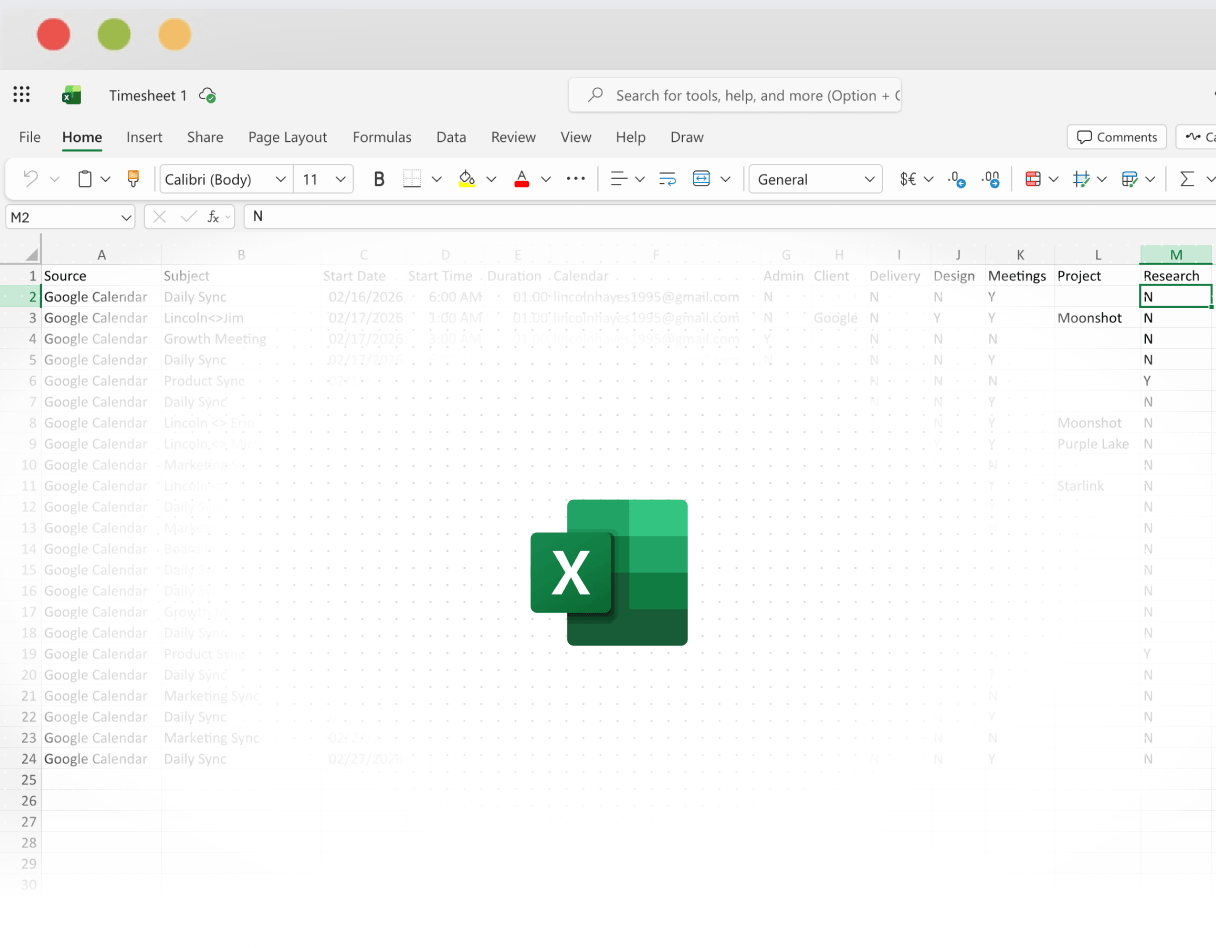
Excel is where calendar data becomes usable. Whether you’re building timesheets, billing reports, or weekly summaries, exporting calendars to Excel makes analysis simple.
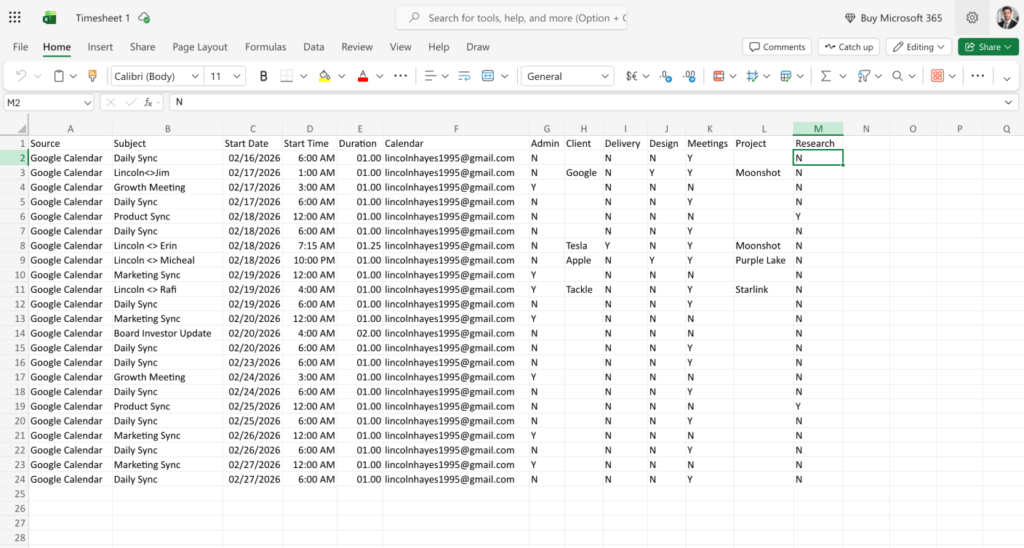
Tackle exports calendar events into Excel-ready files with clean, consistent columns—ready for formulas and analysis.

Data format
Messy, requires cleanup
Clean columns, ready to analyze
Formulas & calculations
Manual setup required
Pre-formatted for Excel functions
Multiple calendar merge
Copy-paste, error-prone
Automatic consolidation
Recurring exports
Manual repetition
Scheduled automation
Yes! One of the key advantages of using Tackle is the ability to merge multiple calendars automatically. Instead of manually copying and pasting data from different calendars (which is error-prone), Tackle consolidates all your calendar events into one clean, organized spreadsheet. This is particularly useful if you manage both personal and work calendars, or if you need to track time across multiple team members’ calendars.
Absolutely! Tackle offers scheduled automation for recurring exports. Unlike manual methods where you have to repeat the export process each time you need updated data, Tackle can automatically generate and deliver your Excel exports on a regular schedule. This saves you time and ensures your reports are always up-to-date without any manual effort.
Yes! Tackle exports calendar data into Excel-ready files with clean, consistent columns that are pre-formatted for Excel functions. This means you can immediately start building formulas, creating pivot tables, and generating charts without spending time cleaning up messy data. You can calculate billable hours, build weekly or monthly reports, and create dashboards right away.
Stop wasting time on manual exports and start gaining valuable insights from your calendar.


