
Transform your calendar events into powerful Excel spreadsheets for analysis and reporting.
Excel is the universal tool for data analysis and reporting. When you export your Google Calendar to Excel, you unlock the ability to create timesheets, billing reports, project summaries, and productivity dashboards. Instead of manually copying calendar events one by one, get a clean, structured spreadsheet in seconds.
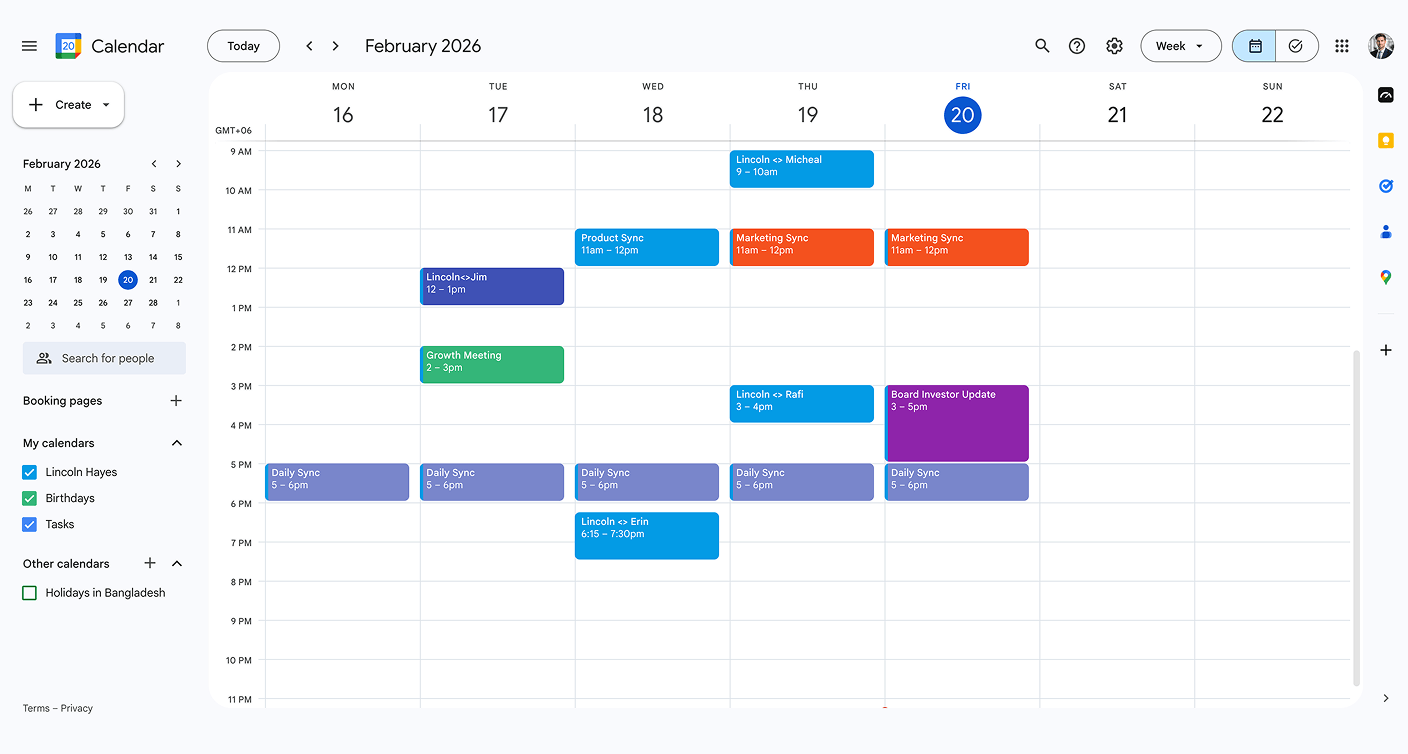
Step 1
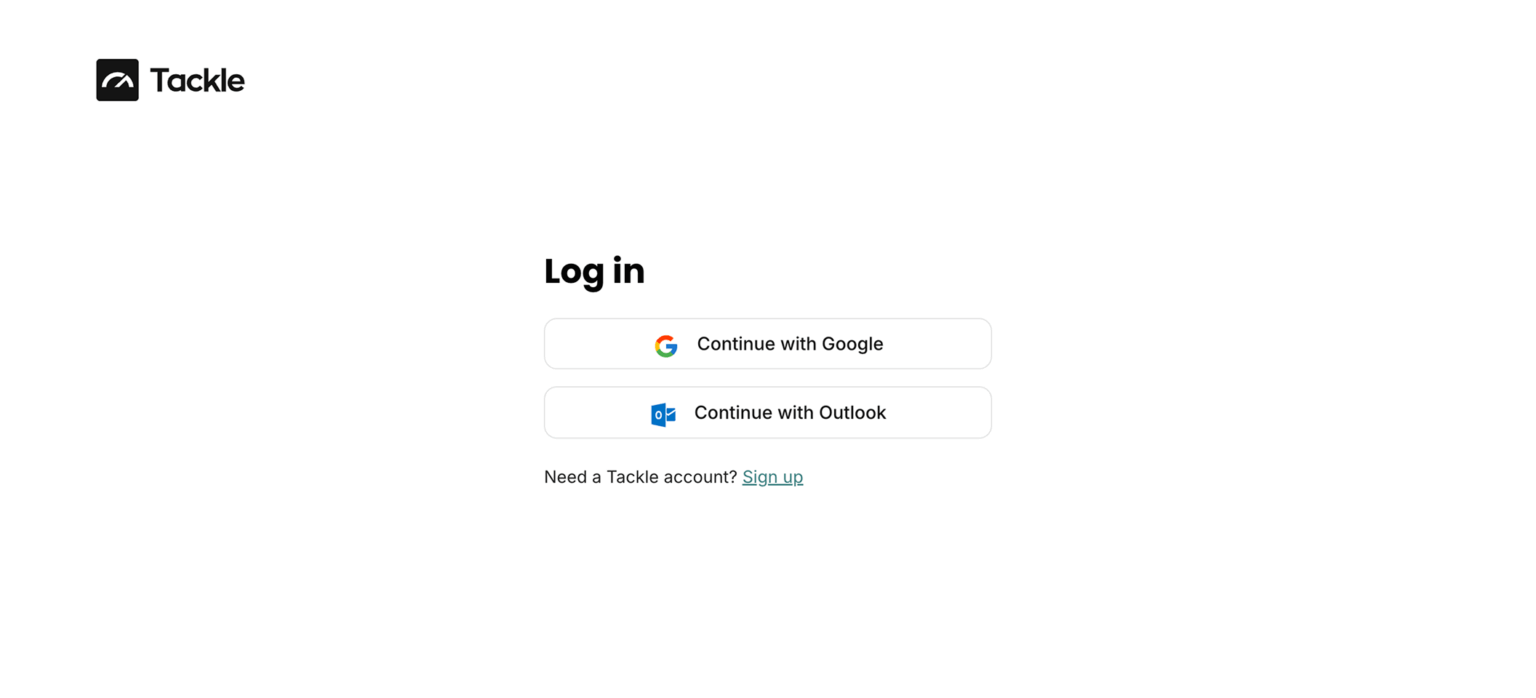
Step 2

Step 3

Step 4
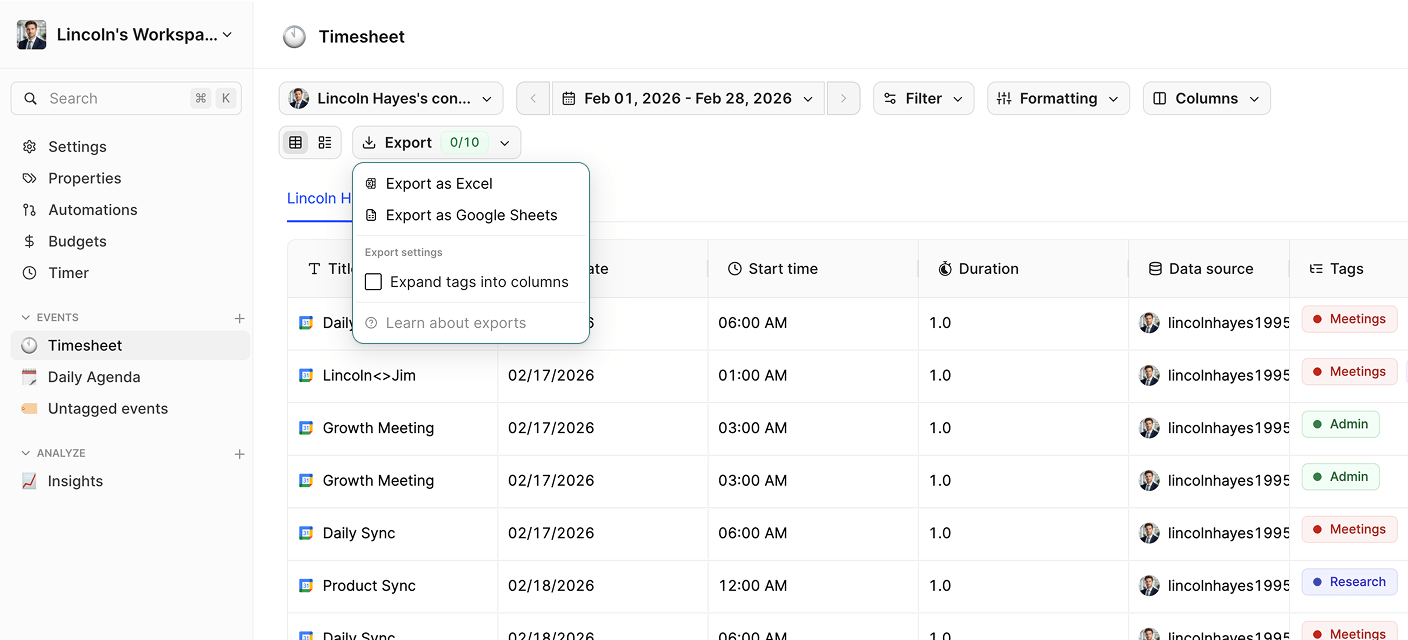
Step 5

Yes! Tackle lets you select and merge events from all your Google Calendars into a single, unified Excel spreadsheet. This is perfect for consolidating personal, work, and shared calendars.
You can set up recurring exports with Tackle to receive updated Excel files on your schedule—daily, weekly, or monthly. Your reports stay current without manual work.
Absolutely! Tackle exports data in a clean, structured format that’s ready for Excel formulas, pivot tables, charts, and analysis. Start building reports immediately.
Stop wasting time on manual exports and start gaining valuable insights from your calendar.


