
Bring your calendar into Google Sheets for real-time team collaboration and automation.
Google Sheets is where teams collaborate. By exporting your calendar data into Sheets, you enable real-time sharing, collaborative editing, and integration with other business tools. Create dashboards, build automated workflows, and give your team instant visibility into schedules—all in one familiar spreadsheet.
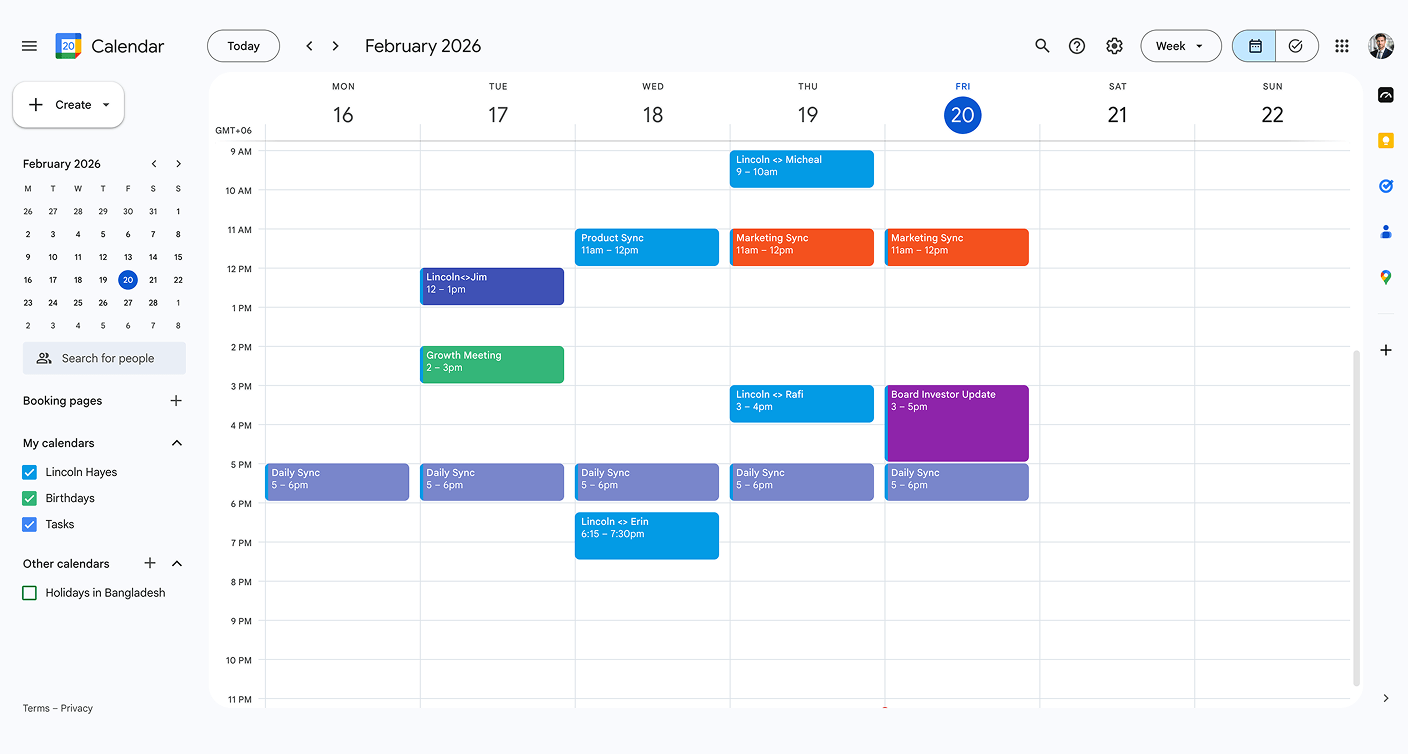
Step 1
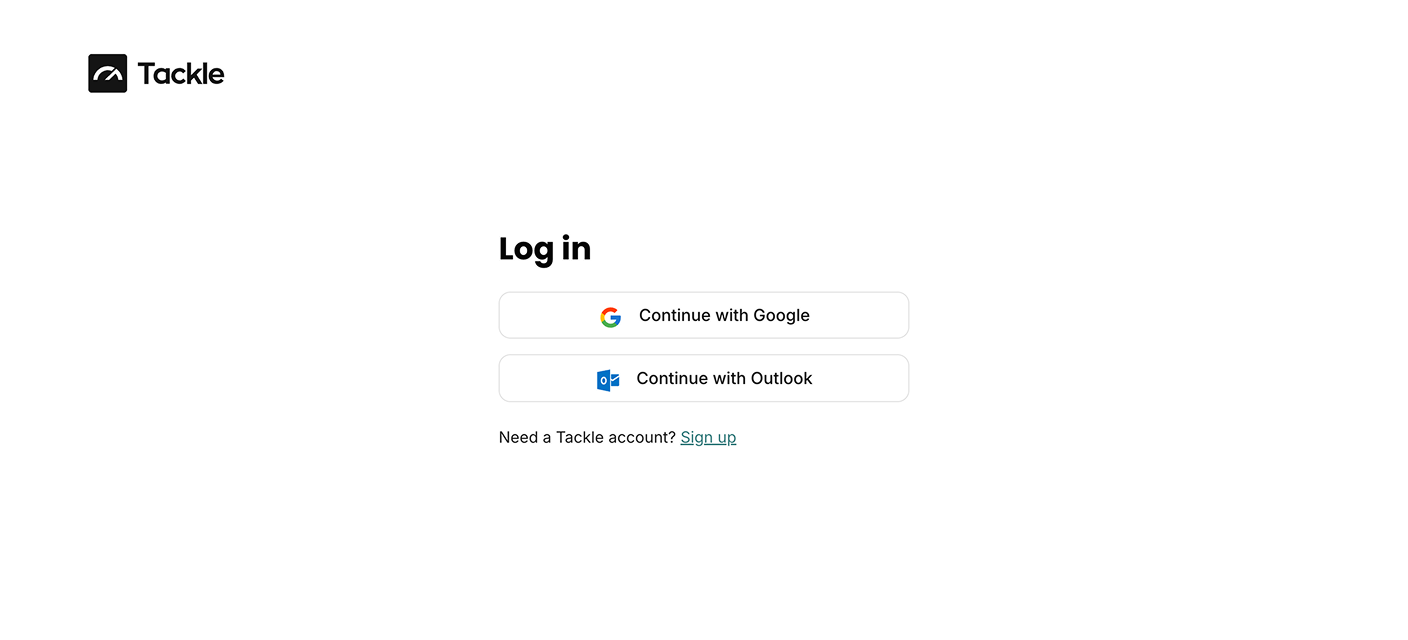
Step 2
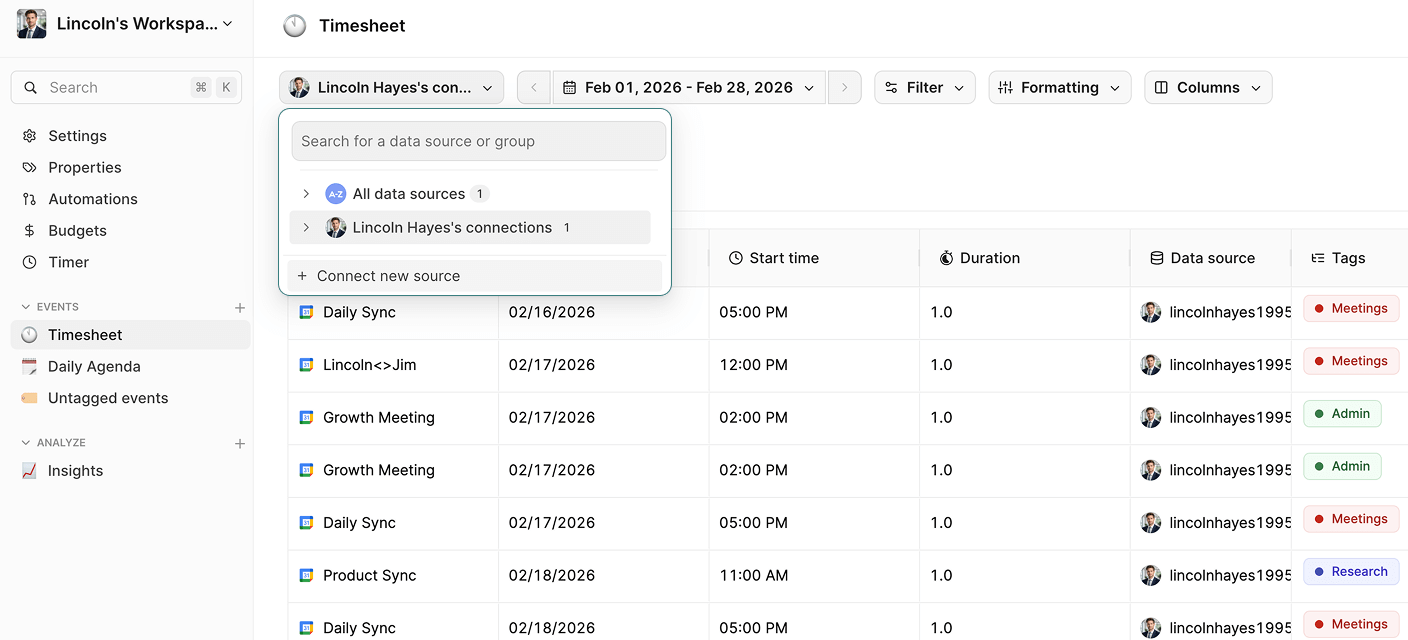
Step 3

Step 4

Step 5

Step 6

Step 1

Step 2

Step 3

Step 4

Step 5


Yes! With Tackle, you set your export schedule and the data updates automatically. Your team always sees the latest calendar information without manual refreshes.
Absolutely! Once your calendar data is in Google Sheets, all of Google’s native collaboration features work perfectly. Multiple team members can view, edit, and comment in real-time.
Yes! The exported data is in standard spreadsheet format, so you can use all Google Sheets features—formulas, pivot tables, charts, and dashboards. Create automated workflows and analytics on top of your calendar data.
Stop wasting time on manual exports and start gaining valuable insights from your calendar.
Connect your calendar now and export your calendar to Google sheets in 5 minutes.


