
Create professional calendar documents for sharing, printing, and archiving.

PDF is the standard for professional documentation. Export your calendar to PDF when you need to share schedules with clients, create meeting agendas, print calendars for your desk, or maintain permanent records of your schedule. PDFs are secure, universally readable, and maintain their formatting on any device.
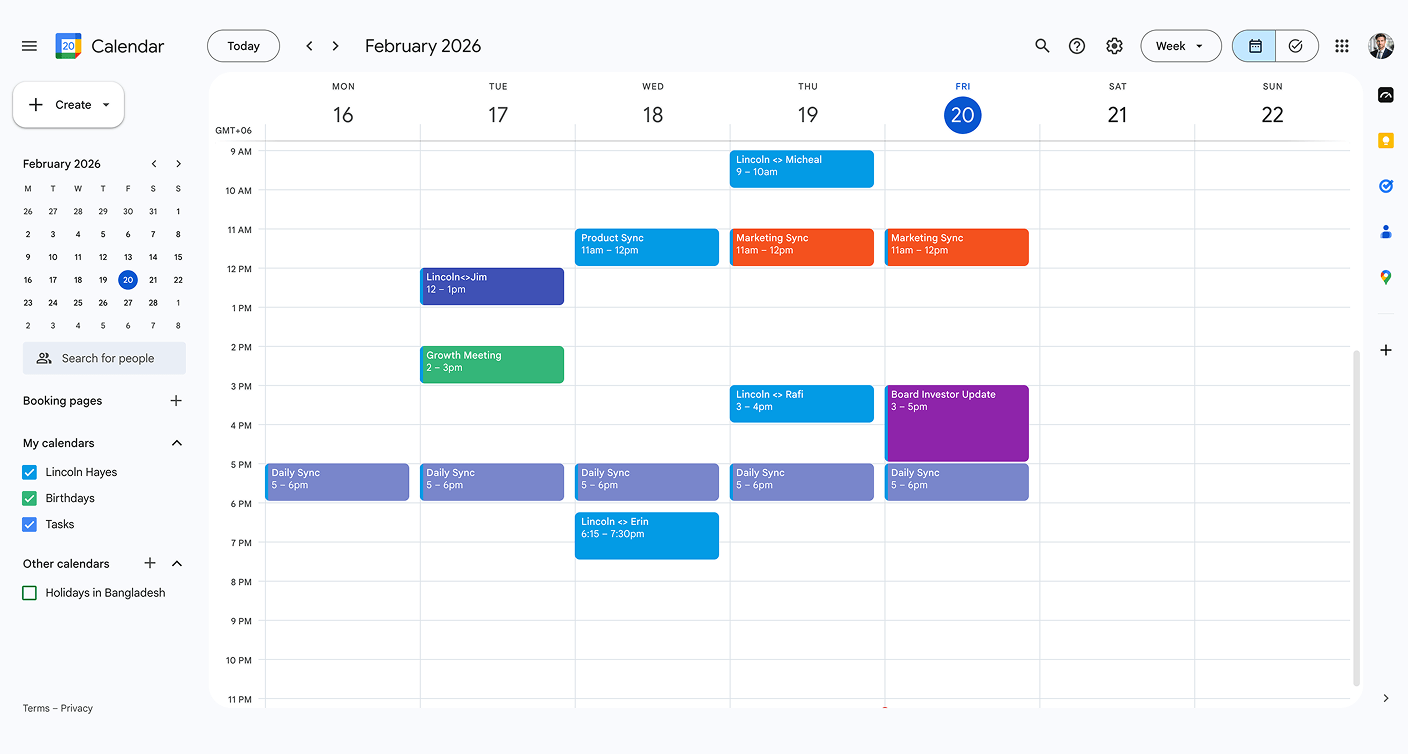
Step 1
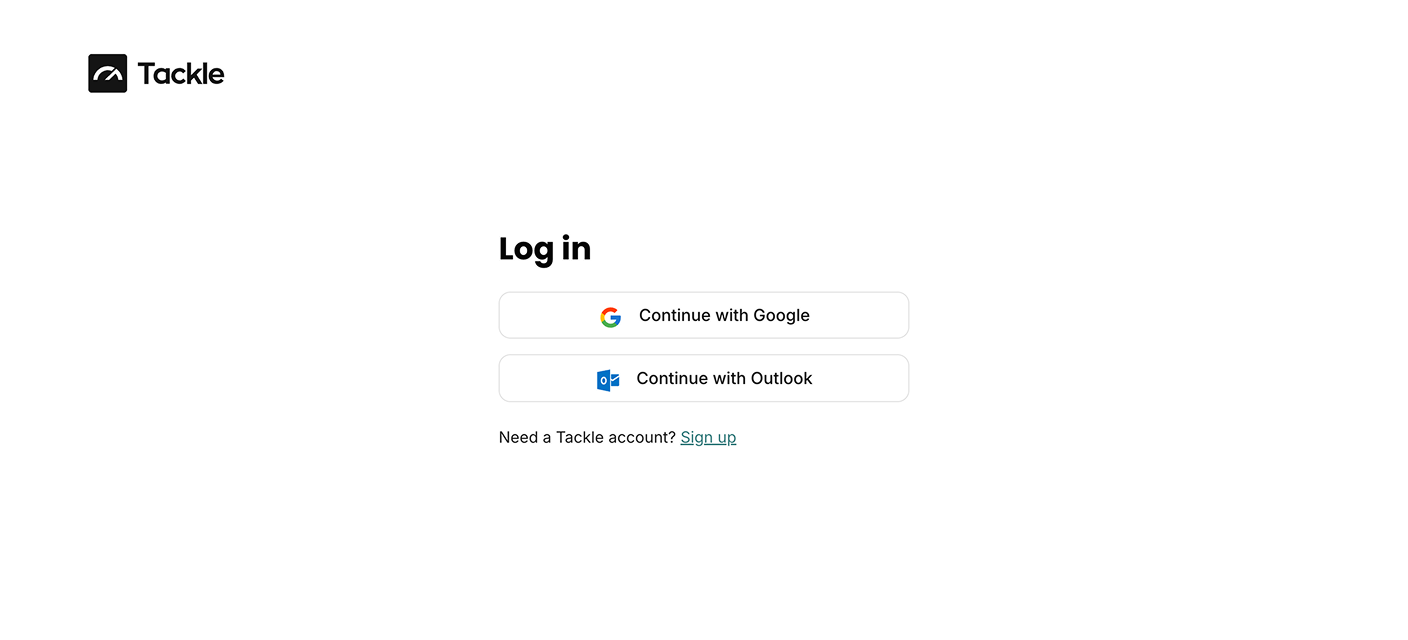
Step 2
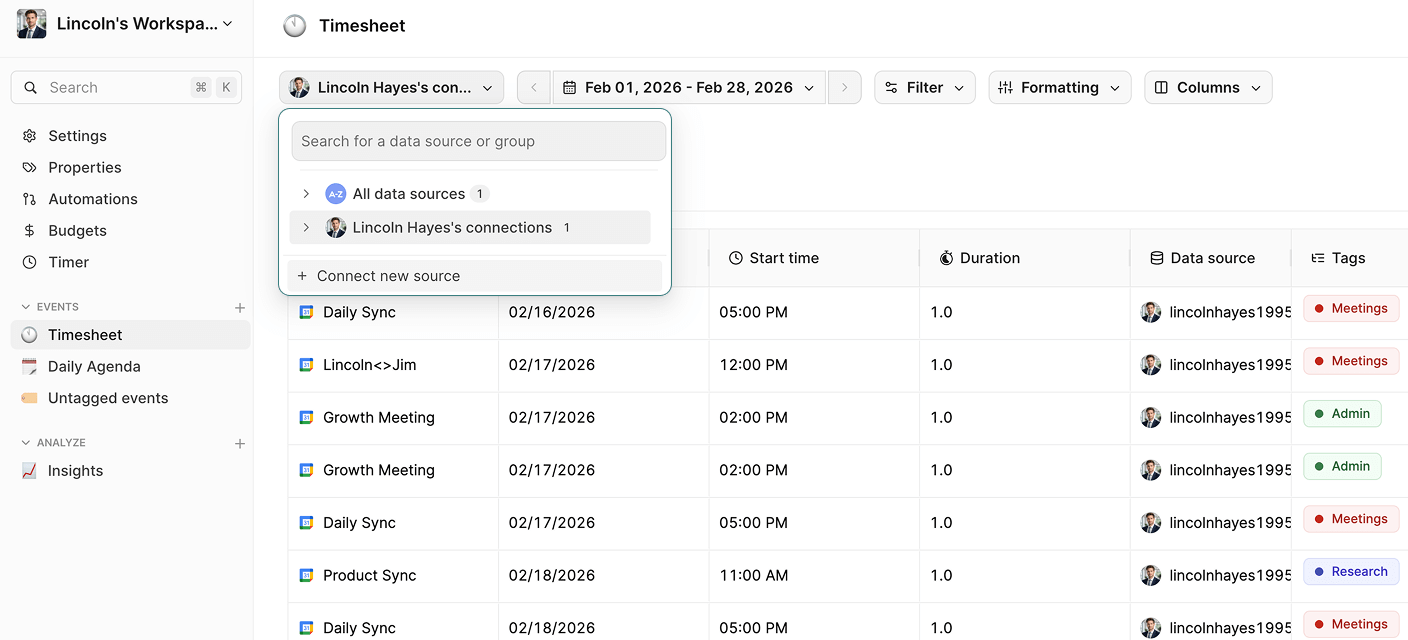
Step 3

Step 4

Step 5
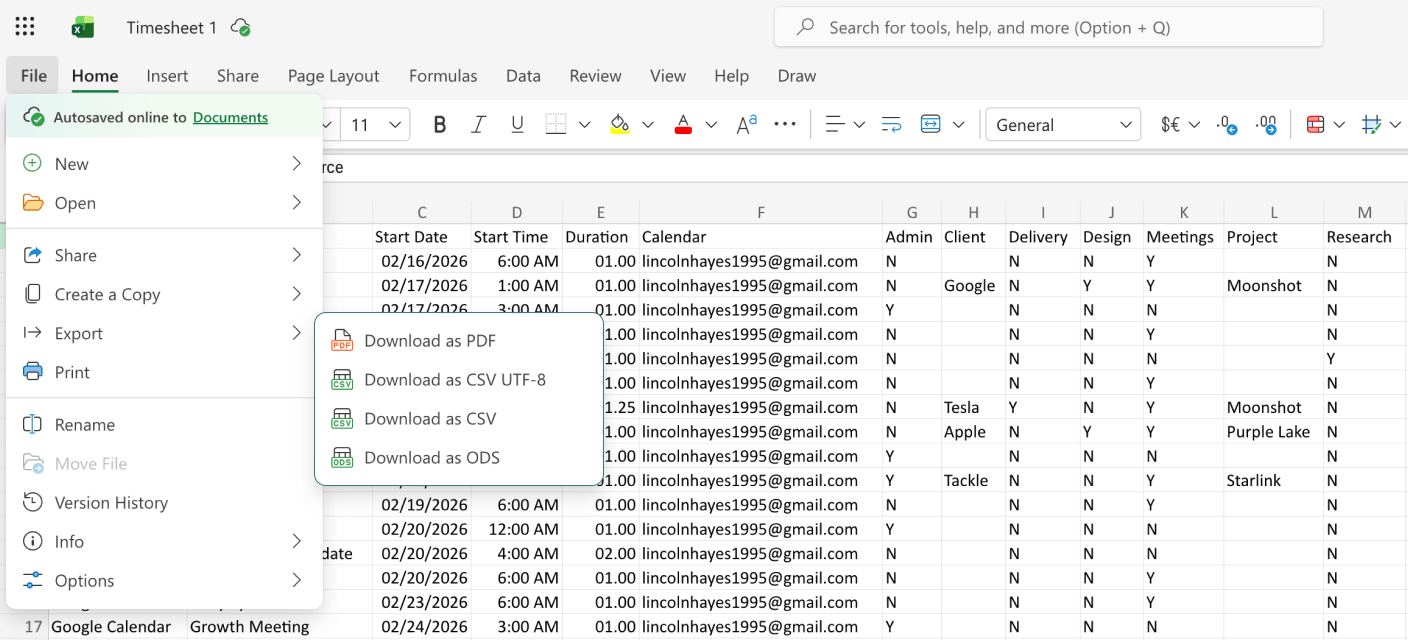
Step 1

Step 2

Step 3

Step 4

Step 5


Yes! Tackle lets you customize colors, fonts, layouts, and which information to include. You can create branded PDFs that match your company’s style for client presentations.
Absolutely. PDFs are read-only by default and can be password-protected. Tackle ensures your exported data is secure and suitable for sharing with clients or external stakeholders.
Yes! The exported PDF is print-ready. You can print it directly from your browser or save it for later printing. Perfect for creating physical calendar copies for your desk or team.
Stop wasting time on manual exports and start gaining valuable insights from your calendar.
Connect your calendar now and export your calendar to PDF in 5 minutes.


