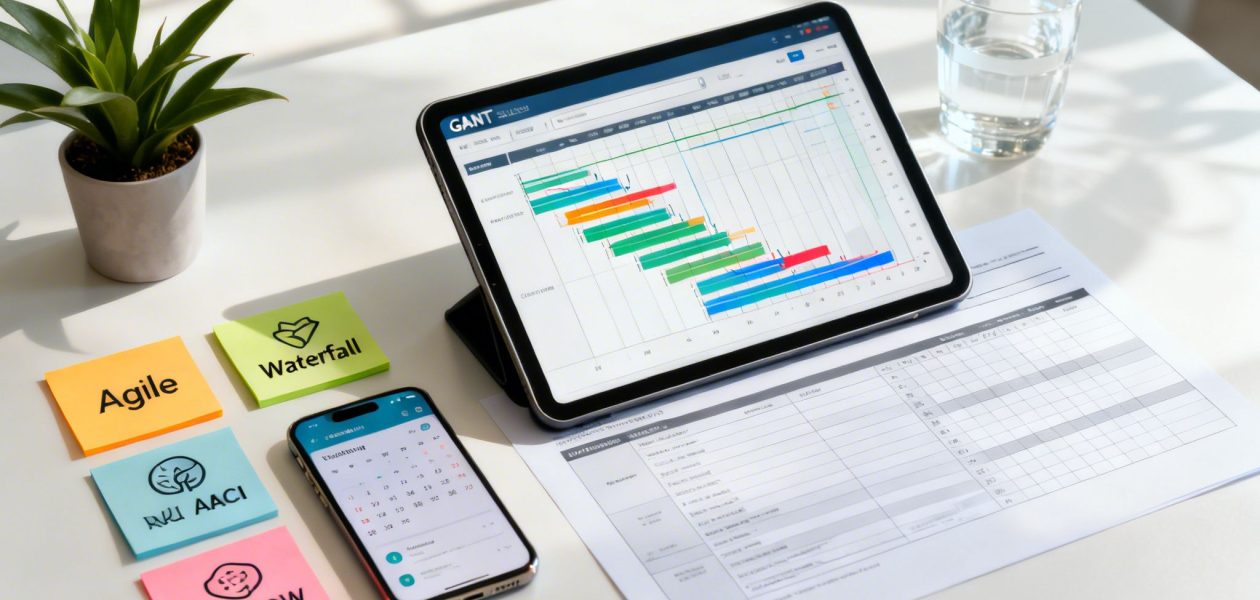
Successful projects don't happen by accident; they are the result of meticulous planning, clear communication, and the right set of tools. Yet, many teams are still stuck with outdated spreadsheets and disjointed apps that create more administrative drag than strategic clarity. This guide cuts through the noise, offering a curated list of the 12 most effective planning resources for projects available today. From agile frameworks that boost adaptability to automated tools that provide crystal-clear visibility into resource allocation, you'll find everything needed to build a robust, scalable, and efficient planning process.
We go beyond simple feature lists to provide a comprehensive toolkit. This article delivers actionable insights on essential resources, including project management platforms like Asana and ClickUp, flexible databases like Airtable, and specialized tools like TimeTackle for calendar-driven time capture and utilization reporting. You will discover practical templates, powerful frameworks like RACI and MOSCOW, and proven workflows designed to eliminate manual overhead and prevent burnout.
Each resource listed includes a detailed analysis, practical use cases, implementation guidance, and an honest look at potential limitations. We've included direct links and screenshots to help you quickly assess which solutions best fit your team's specific challenges. Whether you're a COO seeking better utilization visibility or a project manager tired of chasing timesheets, this roundup provides the strategic planning resources for projects you need to stop managing tasks and start delivering value.
1. TimeTackle
TimeTackle is an AI-powered time intelligence platform that stands out by transforming your team's existing calendar data into a dynamic resource for project planning and operational insight. Instead of relying on manual timesheets, it automatically captures activities from Google or Outlook calendars, as well as connected CRMs, providing an accurate, real-time view of where time is actually spent. This calendar-first approach makes it one of the most effective planning resources for projects, as it builds resource allocation models from actual work patterns, not just estimates.
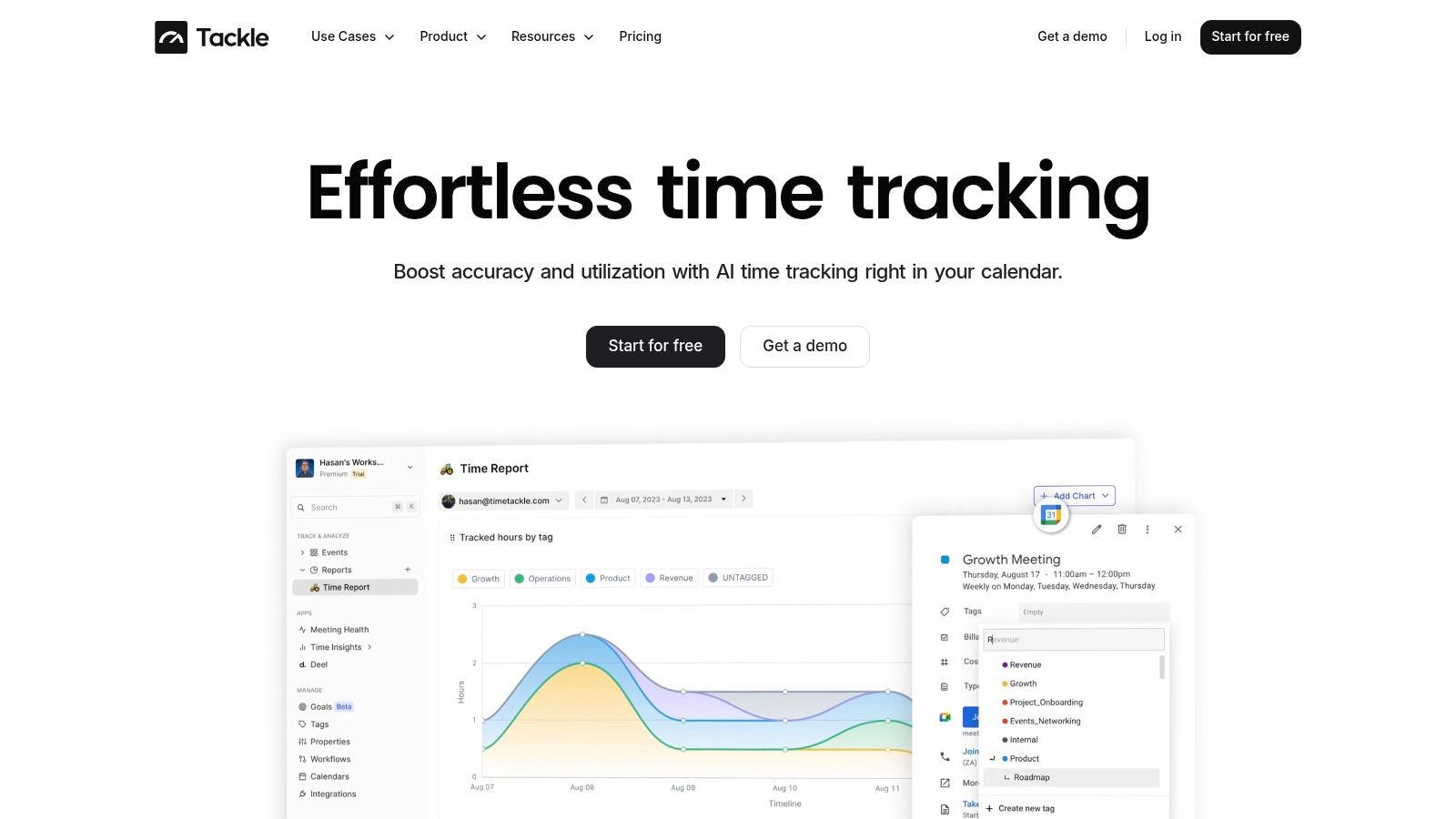
This platform excels at bridging the gap between planned work and actual execution. For agencies, consultancies, and customer-facing teams, its ability to automatically tag events based on custom rules (client, project, billable status) eliminates administrative overhead and dramatically improves billing accuracy.
Key Strengths and Use Cases
TimeTackle’s value extends far beyond simple time tracking, offering robust features that directly support strategic project planning and resource management.
- Automated Utilization Reporting: By syncing with calendars, the platform provides immediate visibility into team utilization rates. Managers can see who is over-capacity or under-utilized without chasing down timesheets, enabling smarter resource allocation for upcoming projects.
- Data-Driven Project Scoping: Analyze historical data to understand the true cost and time commitment of similar past projects. This insight allows for more accurate proposals, realistic timelines, and better profitability forecasts.
- Workflow Automation: The visual workflow builder allows you to automate repetitive reporting tasks. For example, you can create a rule to automatically generate and send a weekly report detailing billable hours by client to your finance department, saving significant administrative time.
- Flexible Data Analysis: With dynamic dashboards, custom charts, and deep filtering capabilities, you can slice data by project, team member, client, or sales opportunity. This flexibility is crucial for identifying bottlenecks and understanding the ROI of specific activities.
Practical Considerations
While TimeTackle’s calendar-centric model is a major strength, it’s most effective when a team’s primary work activities are scheduled in their calendar. Ad-hoc or unscheduled tasks may require manual entry to be captured fully. The platform’s pricing is not publicly listed, requiring teams to engage with a demo or free trial to determine costs, a common practice for enterprise-focused SaaS tools. However, its SOC 2 Type II certification and enterprise-grade security make it a trusted choice for organizations managing sensitive client data.
Website: https://www.timetackle.com
2. Asana
Asana stands out as a highly intuitive and visually driven project management platform, making it one of the most accessible planning resources for projects available. It excels at providing cross-functional visibility, allowing teams from marketing to operations to collaborate within a shared space without requiring extensive training. Its strength lies in its multiple project views: Timeline (for Gantt-style planning), Boards (for Kanban workflows), and List (for simple task tracking).
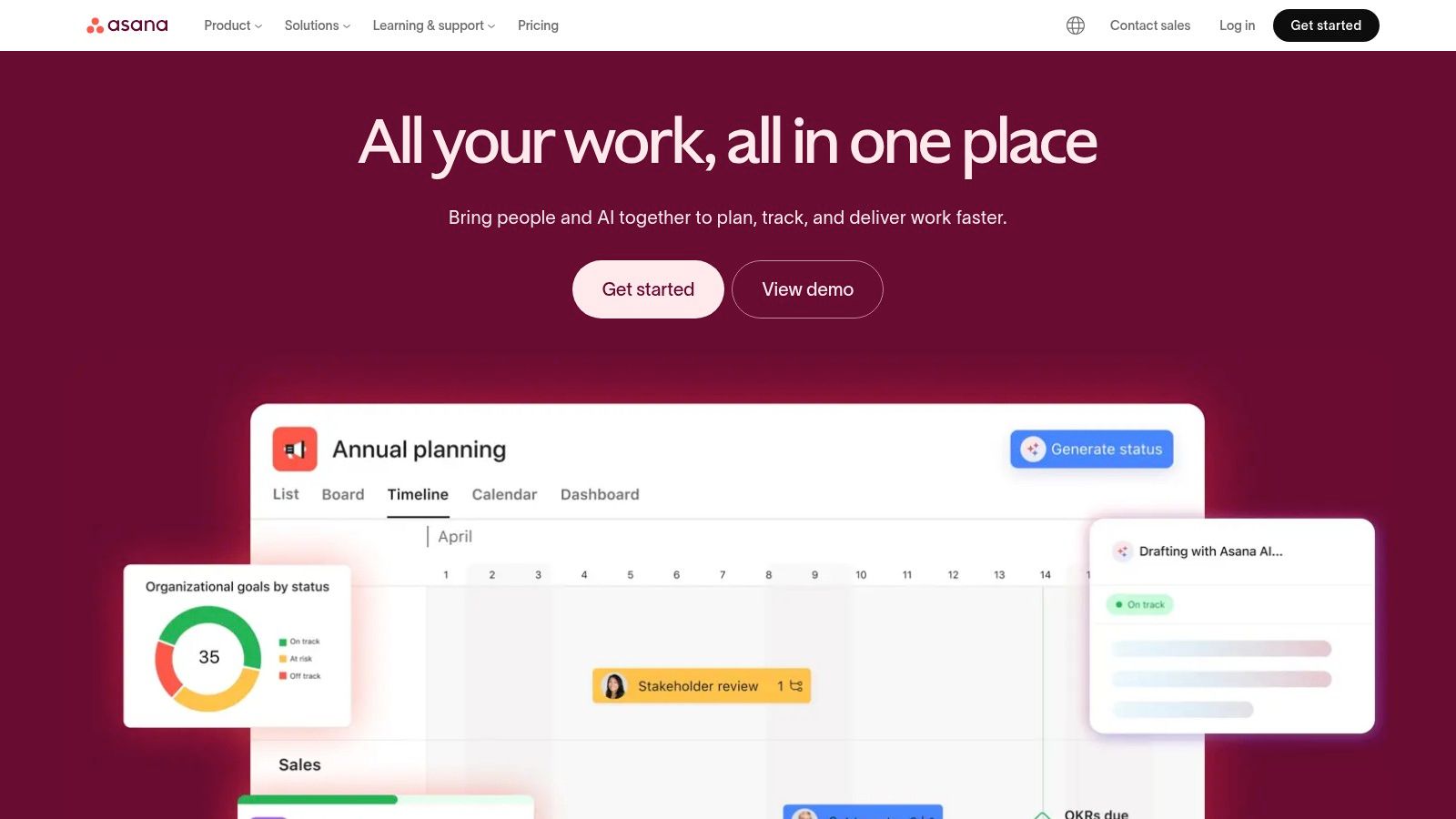
For agencies and mid-sized businesses, the Portfolio and Workload features are critical. Portfolios roll up project statuses into a single dashboard, giving leadership a real-time overview of project health, while Workload helps managers visualize team capacity to prevent burnout and reallocate tasks effectively. The extensive template gallery for project kickoffs, content calendars, and product launches provides an immediate starting point, significantly cutting down setup time.
Key Features & Considerations
- Best For: Teams needing strong cross-departmental visibility and a user-friendly interface that encourages adoption beyond dedicated project managers.
- Pricing: Offers a robust free tier for small teams. Paid plans start at $10.99 per user/month (billed annually), with higher tiers unlocking advanced reporting, portfolios, and workload management. The per-seat pricing can become costly for teams with numerous external collaborators.
- Unique Offering: The ability to link individual tasks and project milestones directly to high-level company goals provides a clear line of sight from daily work to strategic objectives, a feature often found in more complex tools.
Pro Tip: Use Asana's native integrations with tools like Salesforce and Adobe Creative Cloud to automate workflows. For resource planning, integrate Asana with a time-tracking tool like TimeTackle to pull calendar data and automatically log time against specific Asana tasks, providing accurate utilization metrics without manual entry.
Website: https://asana.com
3. monday.com
monday.com has evolved from a simple project tracker into a comprehensive "Work OS" that offers some of the most flexible planning resources for projects. Its core strength is extreme customizability; teams can build workflows from scratch using colorful, intuitive boards or leverage a vast marketplace of templates for everything from CRM and sales pipelines to product roadmaps and development sprints. This adaptability makes it suitable for diverse teams that require a single platform to manage cross-functional work.
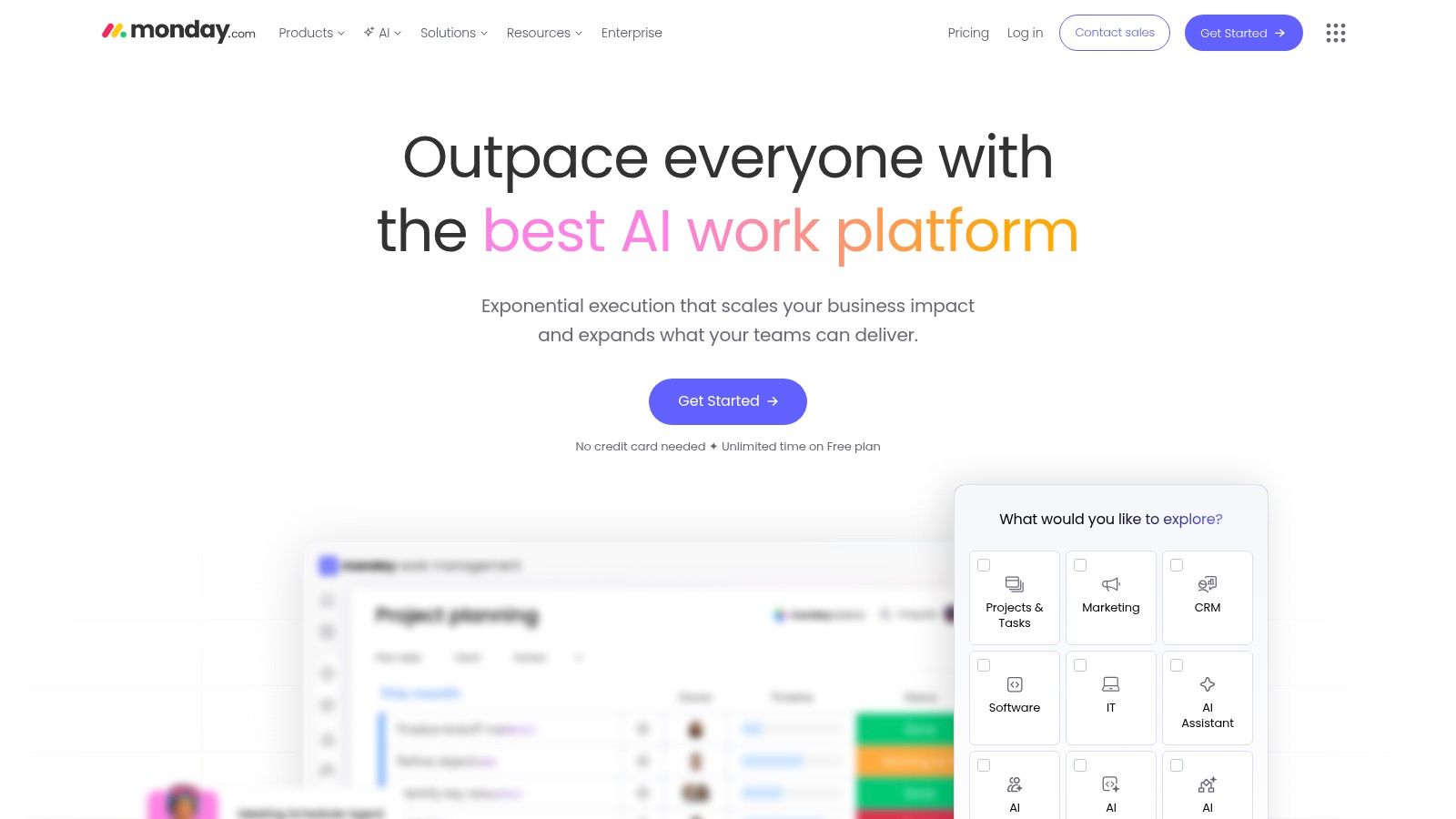
Unlike more rigid project management tools, monday.com allows users to add dozens of column types (status, people, timeline, numbers) to their boards, creating a bespoke view for any process. Its automation and integration recipes are powerful yet accessible, enabling teams to connect with third-party apps and eliminate manual tasks without needing a developer. Centralized dashboards that pull data from multiple boards provide high-level reporting, giving stakeholders a real-time, consolidated view of project progress and resource allocation across the organization.
Key Features & Considerations
- Best For: Organizations that need a highly customizable platform to manage diverse, cross-functional workflows beyond traditional project management, such as CRM or service operations.
- Pricing: Offers a free tier for individuals. Paid plans start at $9 per seat/month (billed annually) with a 3-seat minimum. The total cost can increase as pricing varies by specific product (Work Management, CRM, Dev) and advanced features are gated to higher tiers.
- Unique Offering: The "Work OS" concept, allowing teams to build custom applications and workflows on top of the platform. This makes it more than just a project planner; it's a centralized hub for an entire department's operational processes.
Pro Tip: Use monday.com’s automations to trigger notifications in Slack when a task status changes or a deadline is approaching. For enhanced resource management, integrate with TimeTackle to automatically sync calendar events to specific monday.com items, capturing billable and non-billable hours accurately without requiring manual timesheets.
Website: https://monday.com
4. Smartsheet
Smartsheet merges the familiarity of a spreadsheet with the robust functionality of a project management tool, making it a powerful choice among planning resources for projects, especially for teams comfortable with grid-based data. It excels in environments where structured data, governance, and complex automations are paramount. The platform offers multiple views including Grid, Gantt, and Board, but its core strength lies in its spreadsheet-like interface, which allows for complex formulas, conditional formatting, and roll-up reporting that many operations teams require.
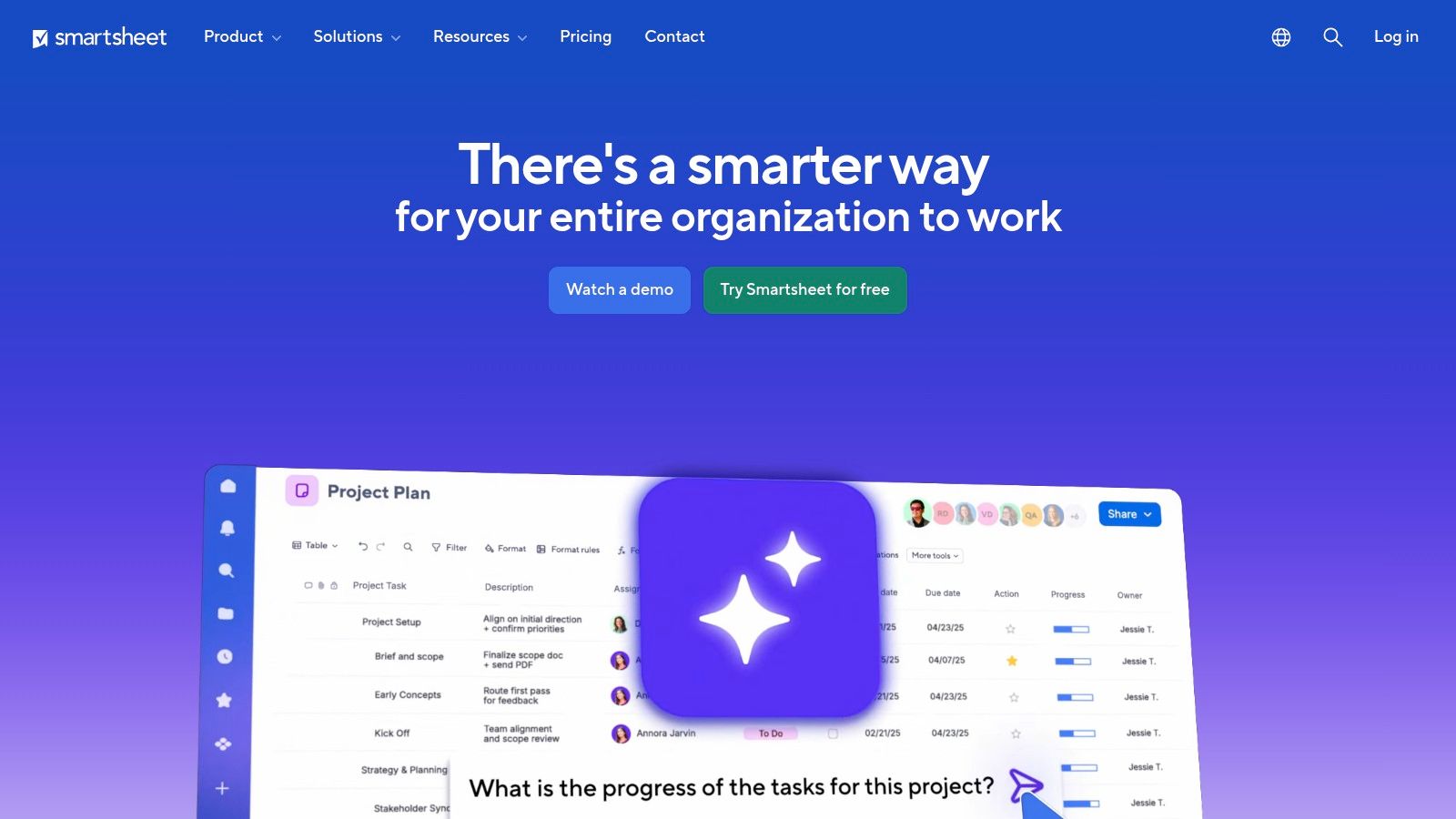
For Project Management Offices (PMOs) and enterprise operations, Smartsheet provides a level of control and scalability that is hard to match. Its extensive template gallery includes pre-built solutions for Work Breakdown Structures (WBS), PMO dashboards, and project baselines, accelerating setup for standardized processes. Advanced add-ons like Data Shuttle and Dynamic View enable sophisticated data integrations and permission controls, ensuring the right information reaches the right stakeholders without compromising data integrity.
Key Features & Considerations
- Best For: PMOs, operations, and finance teams that rely on spreadsheet-based workflows but need enhanced collaboration, automation, and project management capabilities.
- Pricing: Offers a free plan for single users. Paid plans start at $7 per user/month (billed annually), but advanced features like resource management and comprehensive controls are reserved for Business and Enterprise tiers.
- Unique Offering: The platform’s ability to act as a database with project management front-end features allows it to manage large-scale portfolios and complex, data-heavy initiatives with a high degree of administrative control.
Pro Tip: Leverage Smartsheet's reporting and dashboard widgets to create real-time PMO-level views that pull data from multiple project sheets. For a complete picture of team capacity, integrate Smartsheet with TimeTackle to automatically sync calendar data as time entries against tasks, providing a more accurate project management resource plan without manual timesheets.
Website: https://www.smartsheet.com
5. Microsoft Project (Planner / Project Plans)
For organizations deeply embedded in the Microsoft ecosystem, the combination of Planner and Project offers a powerful, natively integrated solution. Planner serves as a user-friendly, Kanban-style task management tool included with most Microsoft 365 business subscriptions, making it one of the most accessible planning resources for projects. It excels at organizing simple workflows and daily tasks, with deep integration into Microsoft Teams for seamless collaboration.
When projects demand more robust capabilities like resource management, budget tracking, and detailed scheduling, users can step up to Microsoft Project. This progression from a simple task board to a full-fledged portfolio management tool is a key advantage. The different Project Plans (1, 3, and 5) provide a clear upgrade path, allowing companies to adopt more advanced features as their project management maturity grows, without leaving the familiar Microsoft environment. The integration with Excel and SharePoint further enhances its reporting and document management capabilities.
Key Features & Considerations
- Best For: Organizations already invested in Microsoft 365 that need a scalable solution, from simple task boards in Teams to enterprise-grade portfolio and resource management.
- Pricing: Planner is included with Microsoft 365 business plans. Microsoft Project has tiered pricing, starting at $10 per user/month for Project Plan 1, with more advanced plans offering desktop clients, resource management, and portfolio optimization.
- Unique Offering: The seamless, secure integration within the Microsoft 365 environment is its core strength. Single sign-on, enterprise security controls, and data residency options are built-in, which is a major benefit for IT and compliance-focused teams.
Pro Tip: Use Planner for day-to-day team tasks within a specific Microsoft Teams channel. For more complex initiatives requiring detailed timelines and resource allocation, learning how to make a comprehensive project plan and applying those principles in Microsoft Project can bridge the gap. For enhanced resource visibility, export Project data to Excel and sync it with time-tracking data from tools like TimeTackle to get a complete picture of planned vs. actual effort.
Website: https://www.microsoft.com/microsoft-365/project/microsoft-project-licensing
6. Jira Software (Atlassian)
Jira Software is the industry standard for agile software development teams, but its powerful workflow engine makes it one of the most robust planning resources for projects across various business functions. It is meticulously designed for methodologies like Scrum and Kanban, offering specialized tools such as backlogs for story grooming, sprint boards for iterative work management, and advanced roadmaps for long-term strategic planning. Its core strength lies in its unparalleled customizability, allowing teams to build and automate complex workflows that mirror their exact operational processes.
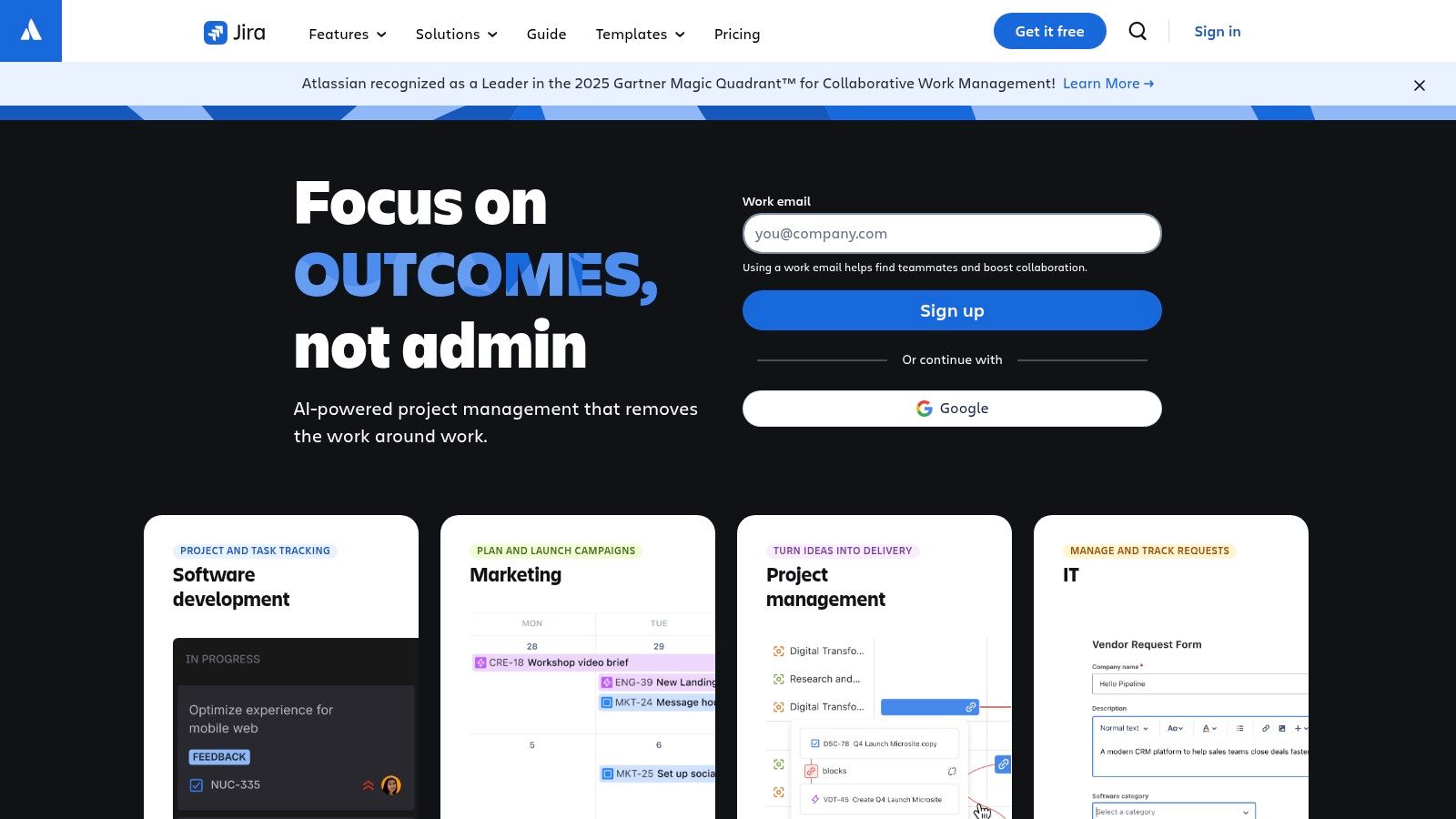
For organizations scaling their operations, Jira’s advanced reporting capabilities and powerful automation engine are indispensable. It can enforce specific issue transition rules, automate status updates, and generate detailed reports on sprint velocity, cycle times, and bug resolution rates. This level of governance and process control is critical for large teams and enterprises that need to maintain consistency and quality across multiple complex projects. The seamless integration with other Atlassian products like Confluence for documentation and Bitbucket for code repositories creates a deeply connected ecosystem for technical teams.
Key Features & Considerations
- Best For: Software development, IT, and technical operations teams, as well as business teams in large organizations that require highly structured, customizable, and auditable project workflows.
- Pricing: Offers a free plan for up to 10 users. Standard plans start at $8.15 per user/month, with Premium and Enterprise tiers adding advanced roadmaps, guaranteed uptime SLAs, and unlimited storage. The learning curve and configuration complexity can be a barrier for non-technical teams without a dedicated administrator.
- Unique Offering: Its JQL (Jira Query Language) allows for creating highly specific filters and dashboard widgets, giving project managers granular, real-time insights into project data that are difficult to replicate in more generalized tools.
Pro Tip: Connect Jira with a calendar-based time tracking tool. Since developers and project managers live in their calendars for meetings and focused work blocks, an integration with a tool like TimeTackle can automatically capture this activity and sync it to the relevant Jira issues, eliminating the need for manual time logging while providing precise data for sprint capacity planning and project costing.
Website: https://www.atlassian.com/software/jira
7. ClickUp
ClickUp positions itself as the "one app to replace them all," and for many teams, it lives up to that promise. It is an exceptionally flexible work management platform that consolidates project planning, documents, whiteboards, and dashboards into a single ecosystem. This makes it one of the most comprehensive planning resources for projects, especially for agencies and teams aiming to reduce their tool stack and centralize information. Its powerful customization and hierarchical structure allow for granular control over client workspaces, internal projects, and team access.
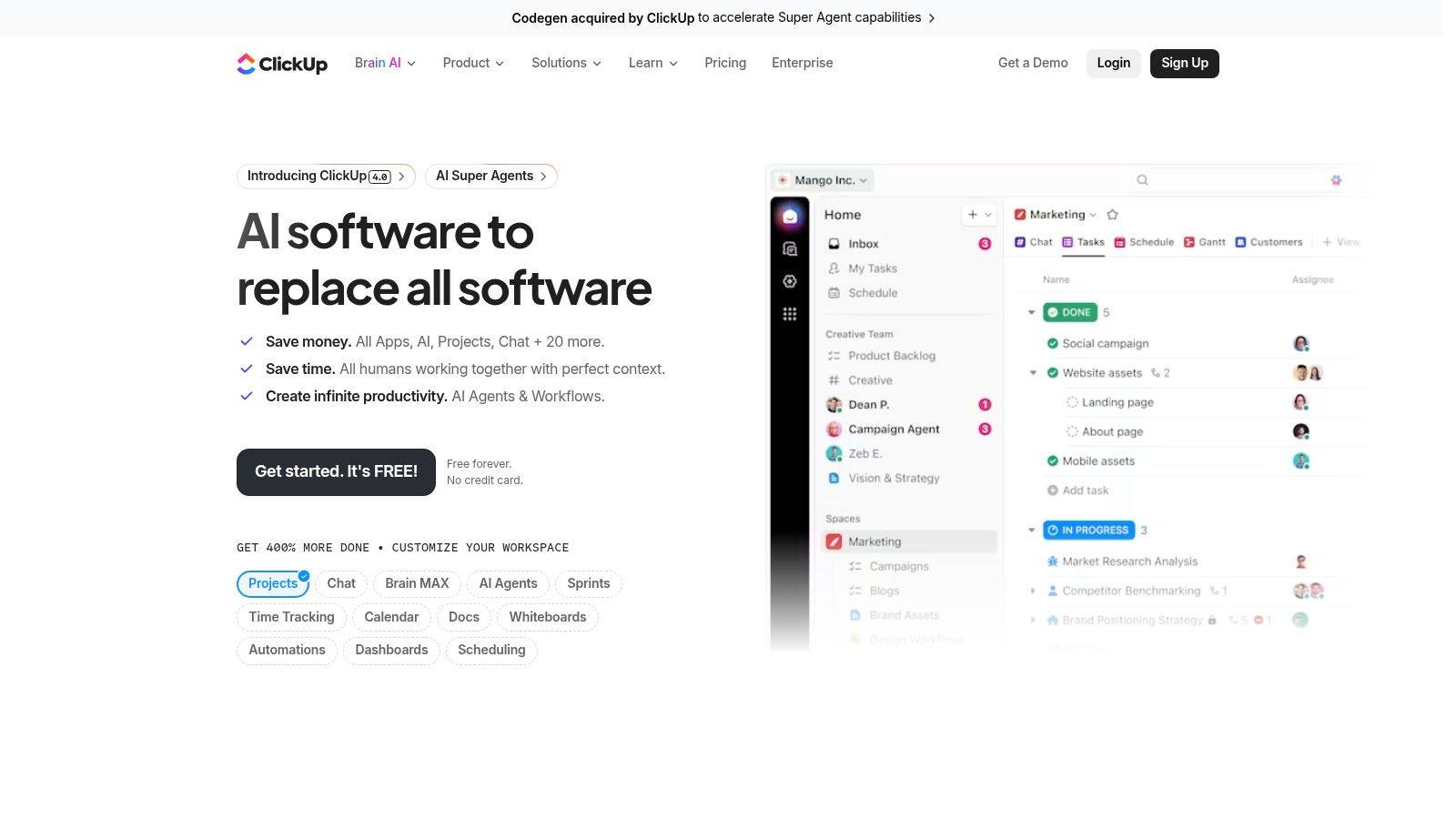
The platform's strength lies in its "everything" approach. You can build a project timeline with dependencies, switch to a Kanban board, draft project requirements in a native doc, and then create a dashboard to report on progress without ever leaving the app. This all-in-one capability is a significant draw for teams frustrated with data silos. Features like native time tracking, mind maps for brainstorming, and goal tracking provide a complete toolkit for the entire project lifecycle, from ideation to completion and reporting.
Key Features & Considerations
- Best For: Agencies and tech-savvy teams that want to consolidate multiple tools into one highly customizable platform and are willing to invest time in setup.
- Pricing: A feature-rich free plan is available. Paid plans start at $7 per user/month (billed annually), unlocking unlimited storage, advanced views, and integrations. The breadth of features offers significant value at its price point, but AI add-ons are an extra cost.
- Unique Offering: The deep, customizable hierarchy (Spaces > Folders > Lists > Tasks) allows organizations to structure their work in a way that mirrors their actual company or client structure, offering a level of organizational clarity that many competitors lack.
Pro Tip: The sheer number of features can be overwhelming. Establish clear team conventions and use templates to standardize project setup. To get precise resource utilization data, connect ClickUp to TimeTackle to automatically sync calendar events with ClickUp tasks, eliminating the need for manual time entries and providing accurate, effortless reporting on team capacity.
Website: https://clickup.com
8. Notion
Notion is a uniquely flexible workspace that combines project management, documentation, and knowledge bases into a single, interconnected hub. It operates like a set of digital building blocks, allowing teams to create highly customized planning resources for projects from scratch or by using its extensive template library. This adaptability makes it ideal for lightweight PMOs and agencies that need to build client-facing portals or tailored internal workflows without being locked into a rigid structure.
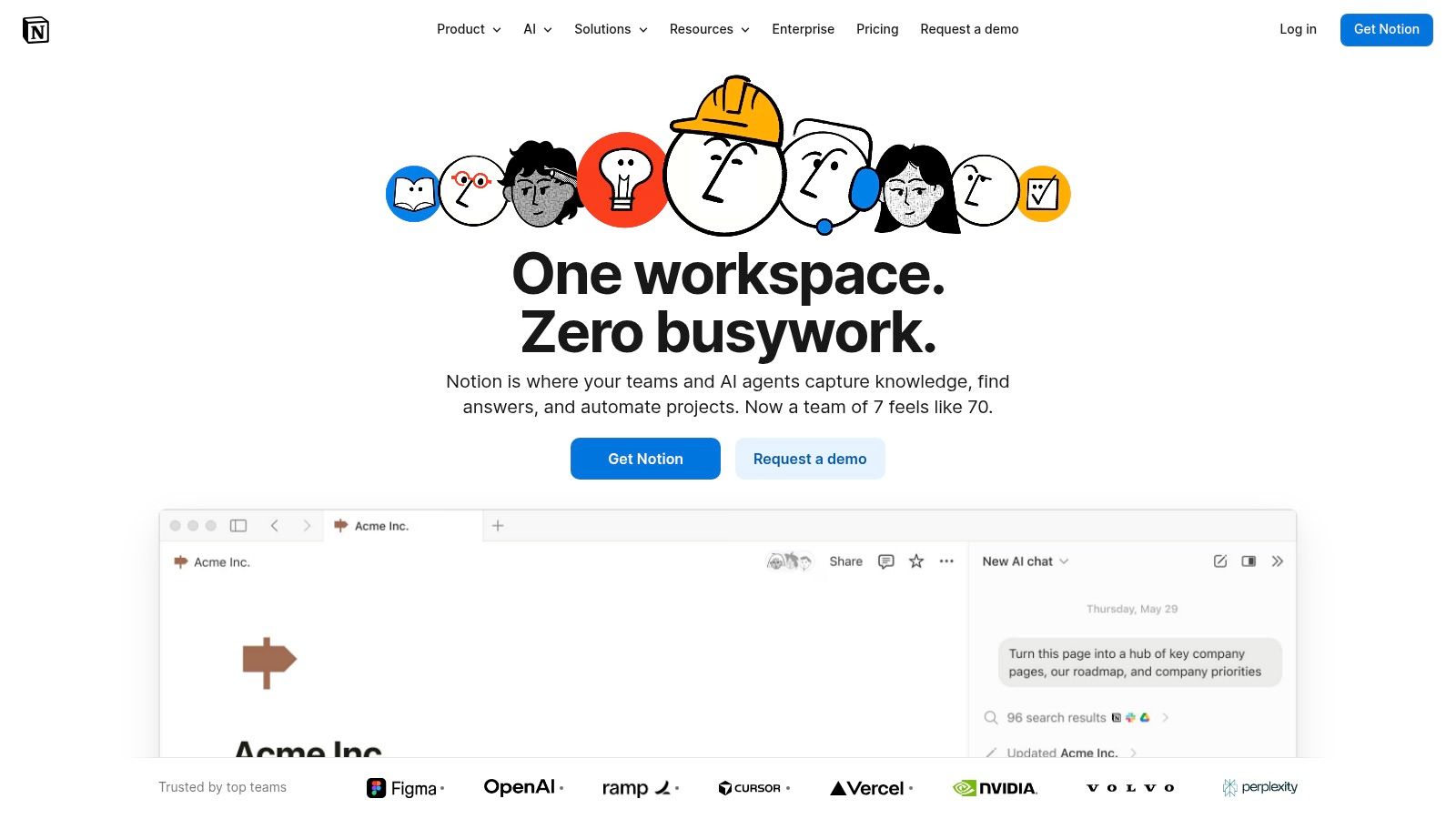
The platform’s core strength is its powerful database functionality, which can be configured with custom properties, sub-tasks, dependencies, and multiple views like timelines and boards. For teams managing complex information streams, Notion’s ability to link project tasks directly to meeting notes, design briefs, and technical specs is invaluable. Features like Teamspaces and granular permissions (on higher-tier plans) help organize information and control access, preventing workspaces from becoming disorganized as they scale.
Key Features & Considerations
- Best For: Teams that require a highly customizable all-in-one solution for project planning, documentation, and knowledge management, especially those with client-facing deliverables.
- Pricing: A free plan is available for personal use. Paid plans start at $8 per user/month (billed annually), with Business and Enterprise tiers offering advanced security, permissions, and AI features.
- Unique Offering: Notion's ability to serve as both a project planner and a public-facing wiki or website is unmatched. Agencies can build a project plan and then publish a client-friendly version from the same source of truth, streamlining communication.
Pro Tip: Use Notion's database templates to standardize your project kickoff and RACI processes. For teams focused on output, pairing Notion with different productivity methods can significantly enhance its effectiveness; you can explore a variety of productivity planners to find a framework that fits your custom Notion setup.
Website: https://www.notion.com
9. Airtable
Airtable functions as a powerful relational database disguised as a spreadsheet, positioning it as one of the most flexible planning resources for projects. It thrives where standard project tools fail, allowing teams to build custom solutions for complex needs like RAID logs, resource matrices, and program-level tracking. Its true power lies in linking data across different tables, enabling sophisticated cross-project reporting that connects tasks to resources, budgets, and strategic goals in a single, unified view.
For agencies and consultancies managing multifaceted portfolios, Airtable’s Interface Designer is a game-changer. It allows project managers to create polished, interactive dashboards for stakeholders without giving them access to the messy backend data. This separation of presentation from data is crucial for delivering clear, executive-level summaries. The platform's extensive automations and marketplace of extensions further enhance its utility, allowing teams to build bespoke workflows that perfectly match their operational processes.
Key Features & Considerations
- Best For: Teams that need to build custom planning models and reports that go beyond simple task lists, especially for program management and resource allocation.
- Pricing: A free plan is available with generous limits. Paid plans start at $20 per seat/month (billed annually), unlocking more records, automation runs, and advanced features like Interface Designer. Business and Enterprise tiers are priced for departmental or larger organizational use.
- Unique Offering: Its database-first approach allows for the creation of a "single source of truth" for all project-related data, from client information to individual task assignments, offering unparalleled reporting flexibility compared to traditional PM tools.
Pro Tip: Use Airtable's API and automation capabilities to create a central resource database. For granular utilization tracking, use a tool like TimeTackle to pull calendar data and automatically log hours against specific projects or clients in your Airtable base, providing real-time visibility into resource capacity and project profitability.
Website: https://airtable.com
10. Miro
Miro is an infinite digital whiteboard designed for real-time and asynchronous visual collaboration, making it one of the most dynamic planning resources for projects. It excels during the formative stages of a project, such as brainstorming sessions, user story mapping, and creating visual roadmaps. Its strength is transforming abstract ideas into structured plans through a shared, interactive canvas, which is invaluable for distributed teams conducting kickoff meetings or PI planning workshops.
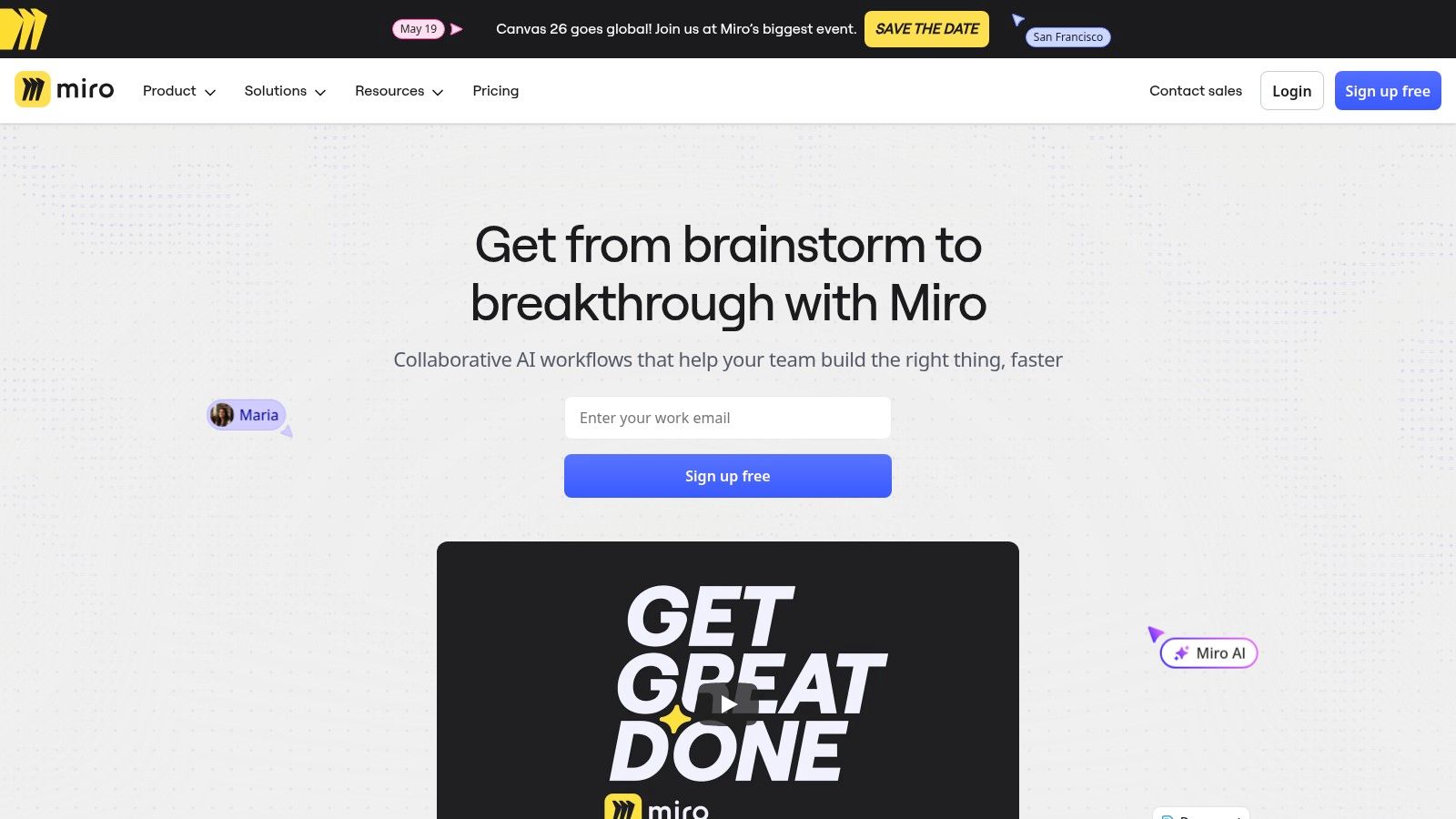
For agencies and product teams, Miro's vast template library (over 5,000) for retrospectives, customer journey maps, and dependency mapping significantly accelerates workshop preparation. The platform allows for the seamless creation of diagrams, docs, and even presentations within a single board, maintaining context throughout the project lifecycle. Its ability to host external collaborators as guests makes it ideal for client-facing discovery sessions and stakeholder alignment meetings without requiring full licenses for every participant.
Key Features & Considerations
- Best For: Agile teams and creative agencies that need a powerful visual tool for collaborative brainstorming, workshop facilitation, and strategic planning sessions.
- Pricing: A capable free plan is available for individuals or small teams. Paid plans start at $8 per member/month (billed annually), with higher tiers unlocking advanced features like two-way Jira sync, private boards, and enhanced security options.
- Unique Offering: The Talktracks feature allows users to record audio or video walkthroughs of a board, enabling team members to catch up asynchronously. This is a powerful tool for explaining complex diagrams or strategic plans to stakeholders across different time zones.
Pro Tip: While Miro is exceptional for planning, it isn't a substitute for a dedicated project management tool. Use its two-way integrations with platforms like Jira or Asana to convert sticky notes and shapes on your Miro board directly into actionable tasks or user stories in your PM system, ensuring a smooth transition from ideation to execution.
Website: https://miro.com
11. Project Management Institute (PMI)
The Project Management Institute (PMI) is less of a daily tool and more of a foundational framework, serving as the authoritative source for project management standards and methodologies. For PMOs and organizations aiming to standardize their approach, PMI provides the essential planning resources for projects through its globally recognized publications, most notably the PMBOK® Guide. It shifts the focus from task execution to the principles, processes, and performance domains that underpin successful project delivery.
Unlike software platforms, PMI provides the "why" behind the "what" of project planning, offering structured learning paths, certifications like the PMP®, and access to a global community. For mid-sized agencies struggling with inconsistent project outcomes, adopting PMI's standardized terminology and frameworks can dramatically improve stakeholder communication and create predictable, repeatable processes. Membership unlocks these standards, professional development units (PDUs), and networking opportunities through local chapters.
Key Features & Considerations
- Best For: PMOs, professional project managers, and agencies seeking to establish formal, standardized project management practices based on industry-recognized principles.
- Pricing: Access to standards like the PMBOK® Guide is included with PMI membership, which costs $129 per year plus a one-time $10 application fee. Certifications, courses, and events have separate fees, often discounted for members.
- Unique Offering: PMI provides the official body of knowledge and professional certification that validates project management expertise. It’s a resource for professional development and organizational maturity, rather than a tool for managing day-to-day project tasks.
Pro Tip: Use PMI's frameworks to design your agency's standard operating procedures for project intake, planning, and execution. Then, implement these standardized workflows within a tool like Asana or Jira. This combination ensures your team not only uses a powerful tool but also follows a consistent, professionally vetted methodology for every project.
Website: https://www.pmi.org
12. Amazon
While digital tools dominate the landscape, physical materials remain indispensable planning resources for projects, and Amazon serves as the definitive one-stop marketplace for them. It excels at providing rapid, centralized procurement for everything from foundational project management textbooks like the PMBOK Guide to practical supplies such as whiteboards, sticky notes, and specialized project planner notebooks. The platform’s strength is its unparalleled selection and the ability to compare products and sellers through extensive customer reviews and ratings.

For agencies equipping a new office or project war room, Amazon simplifies the logistics of sourcing physical collaboration tools. Instead of managing multiple vendors for books, whiteboards, and stationery, a project manager can place a single order and leverage Prime shipping for fast delivery. This is particularly useful for quickly getting tangible resources into the hands of a team for brainstorming sessions, sprint planning meetings, or creating physical Kanban boards that complement their digital workflows.
Key Features & Considerations
- Best For: Teams and managers needing to quickly procure physical project management books, study materials, and office supplies like whiteboards and planners from a single, reliable source.
- Pricing: Varies widely by product and seller. Prime membership ($139/year) offers free, fast shipping on eligible items, which is a major cost-saver for frequent purchases. The platform's competitive nature often ensures fair market prices.
- Unique Offering: The sheer breadth of its inventory, from obscure methodology guides to the latest project management bestsellers, is unmatched. Customer reviews provide invaluable, real-world feedback on product quality, which is crucial when purchasing from third-party sellers.
Pro Tip: Create an Amazon Business account for your agency to access business-only pricing, tax-exempt purchasing options, and streamlined approval workflows. Use the "Subscribe & Save" feature for recurring office supplies like markers and sticky notes to automate replenishment and save on costs.
Website: https://www.amazon.com
Comparison of 12 Project Planning Resources
| Product | Core features | UX / Quality (★) | Price / Value (💰) | Target audience (👥) | Unique selling points (✨) |
|---|---|---|---|---|---|
| 🏆 TimeTackle | Calendar‑first AI capture, CRM sync, dashboards, exports, automations | ★★★★☆ | 💰 Free trial / demo → custom enterprise | 👥 Agencies, consults, customer‑facing, product/eng | ✨ Auto calendar tagging, goal alignment, Chrome extension, SOC2 |
| Asana | Timelines, portfolios, workload, templates | ★★★★☆ | 💰 Free tier; per‑seat paid plans | 👥 Cross‑team PMs, agencies | ✨ Rich templates & portfolio rollups |
| monday.com | Custom boards, automations, multiple product modules | ★★★★☆ | 💰 Seat‑based; product tiers | 👥 Ops, product, CRM teams | ✨ Highly customizable boards & templates |
| Smartsheet | Grid/Gantt, formulas, templates, resource views | ★★★★☆ | 💰 Business/Enterprise focus | 👥 PMOs, operations, governance teams | ✨ Excel‑style governance + PMO packs |
| Microsoft Project (Planner/Project) | Planner boards → Project Plans, Teams/Office integration | ★★★★☆ | 💰 M365 included vs paid SKUs | 👥 Enterprises invested in Microsoft 365 | ✨ Deep Office/Teams/SSO integration |
| Jira Software (Atlassian) | Backlogs, sprints, roadmaps, automation engines | ★★★★☆ | 💰 Free tier; per‑user tiers for scale | 👥 Software teams, large orgs | ✨ Powerful workflows & Atlassian ecosystem |
| ClickUp | Tasks, docs, whiteboards, native time tracking, dashboards | ★★★★☆ | 💰 Competitive per‑seat; add‑ons for AI | 👥 Agencies, teams consolidating tools | ✨ All‑in‑one feature set at value price |
| Notion | Databases, docs, timelines, templates, teamspaces | ★★★★☆ | 💰 Free/paid; Business+ for governance | 👥 Lightweight PMOs, client‑facing teams | ✨ Flexible workspace + strong template ecosystem |
| Airtable | Relational bases, interfaces, automations, API | ★★★★☆ | 💰 Free → paid; enterprise priced | 👥 PMs needing bespoke models & reporting | ✨ Database flexibility + Interface Designer |
| Miro | Visual whiteboards, 5k+ templates, async collaboration | ★★★★☆ | 💰 Free tier; paid for advanced features | 👥 Distributed teams, workshops & kickoffs | ✨ Massive template library for workshops |
| PMI (Project Management Institute) | PMBOK, standards, certifications, training, PDUs | ★★★★☆ | 💰 Membership + course/event fees | 👥 Professional PMs, PMOs, leaders | ✨ Gold‑standard standards & professional development |
| Amazon | Marketplace for PM books, planners, whiteboards, supplies | ★★★★☆ | 💰 Variable pricing; Prime shipping | 👥 Teams procuring physical PM resources | ✨ One‑stop procurement for physical materials |
From Planning to Performance: Building Your Integrated Project Ecosystem
The journey from a promising project brief to a successful, profitable outcome is paved with effective planning. As we've explored, the modern project manager's toolkit is vast and varied, moving far beyond a simple to-do list. The key takeaway is not to find a single, mythical "best" tool, but to strategically assemble an integrated ecosystem of planning resources for projects that mirrors how your team actually works.
A powerful project management platform like Asana, monday.com, or Jira provides the central nervous system for your operations. It’s where tasks live, deadlines are set, and progress is tracked. However, true project mastery emerges when you augment this core system with specialized resources that solve specific, critical challenges.
Synthesizing Your Project Planning Stack
The most effective project ecosystems are built with intention, not by accident. Think of it as assembling a championship team; you need players with different, complementary skills. For a creative agency, combining the structured task management of ClickUp with the infinite visual canvas of Miro allows for seamless transitions from brainstorming to execution. For a consulting firm, pairing the robust data management of Smartsheet with an automated time capture tool creates an unbreakable link between planned work and actual billable hours.
This highlights a critical truth: planning without accurate data is just guessing. Frameworks like RACI and MOSCOW provide essential clarity on roles and priorities, but they are only as effective as the real-world data that validates them. If your Gantt chart in Microsoft Project shows an engineer allocated for 40 hours, but their calendar reveals 55 hours of meetings and support tasks, your plan is already failing. This is the gap that modern, automated tools are designed to close.
Actionable Steps to Enhance Your Planning Process
Overhauling your entire workflow at once is a recipe for disruption. Instead, focus on incremental, high-impact improvements.
- Identify Your Biggest Bottleneck: Is it inaccurate time tracking? Inefficient resource allocation? Ambiguous project scope? Pinpoint the single greatest source of friction in your current planning and execution cycle.
- Select a Targeted Solution: Choose one or two resources from this guide that directly address that bottleneck. If timesheet fatigue and manual reporting are draining your team, implementing a calendar-based solution to automate time capture is a logical first step. If your kickoff meetings lack structure, start by standardizing a template.
- Integrate and Automate: Focus on how your new resource connects with your existing core PM tool. The goal is to create a seamless flow of information, reducing manual data entry and ensuring everyone is working from a single source of truth. Look for native integrations or use automation platforms to build simple workflows.
- Measure and Refine: Implement the new resource on a pilot project. Gather feedback from the team and measure the impact. Did it save time? Did it improve utilization visibility? Use these insights to refine the process before rolling it out company-wide.
Ultimately, the best collection of planning resources for projects is one that empowers your team, not encumbers it. It provides structure without stifling creativity and delivers data-driven insights without demanding hours of manual administration. By thoughtfully selecting and integrating the right templates, frameworks, and tools, you can move beyond simply managing projects and begin mastering them, transforming well-laid plans into predictable, profitable performance.
Ready to eliminate timesheet fatigue and gain real-time visibility into your team's utilization? TimeTackle connects directly to your team's calendars to automatically capture and report on how time is actually spent, providing the missing data layer for your project planning. Start your free trial at TimeTackle and see how effortless, accurate resource tracking can be.