Workforce analytics software is the tool that finally connects the dots between your people data and your business results. It digs deeper than basic headcount reports to show you why things are happening, letting you make smarter, data-driven decisions about your most important asset: your people.
What Is Workforce Analytics Software Really For?
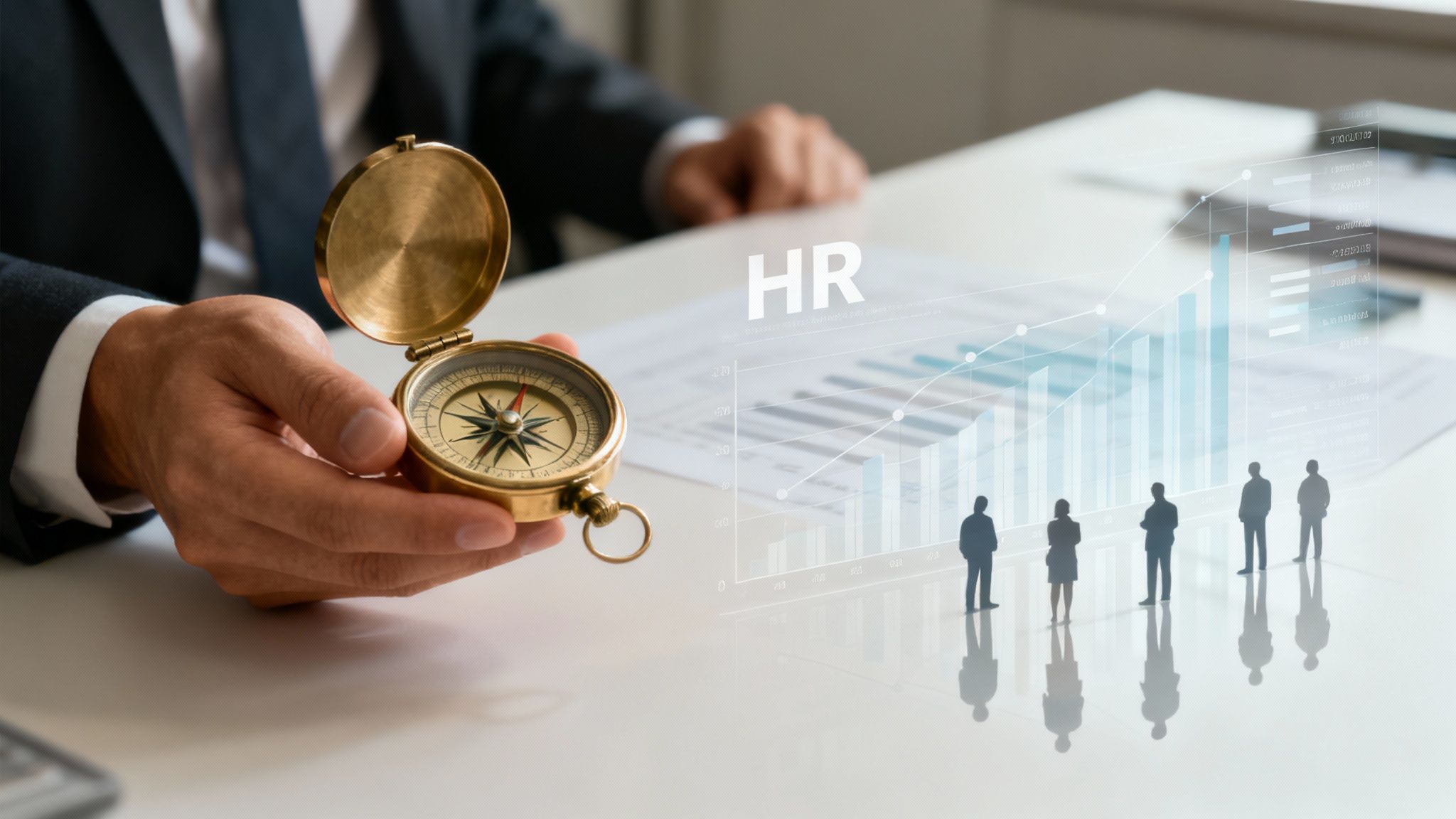
Picture trying to steer a ship in the dark without a compass. That's a bit like running a business without workforce analytics. You might know your current position (how many employees you have), but you’re essentially blind to where you’re headed, what icebergs are in your path, or the most efficient way to get to your destination.
Workforce analytics software is your company's talent navigation system.
It takes you past simple HR metrics to uncover the real stories hidden in your data. Instead of just knowing your employee turnover rate, it helps you figure out why your top performers are leaving, which teams are most at risk, and what you can actually do to keep it from happening again. This is about being proactive, not just reactive.
From Reactive HR To Strategic Partner
For a long time, HR was seen as a reactive department, putting out fires as they popped up. Workforce analytics completely flips that script. It transforms HR into a strategic partner that can actually anticipate challenges and help steer the business toward growth.
This shift is a big deal, and the market reflects it. In 2023, the global workforce analytics software market was valued at USD 2.14 billion. It's projected to hit USD 5.53 billion by 2030, growing at a compound annual rate of 15.3%. That's a clear signal that businesses are waking up to the power of their people data.
At its core, this software provides the "why" behind the "what." It connects people data—like engagement scores, performance metrics, and skill levels—directly to business outcomes, such as revenue, customer satisfaction, and operational efficiency.
The table below breaks down just how different this approach is from the old way of doing things.
From Traditional HR Metrics to Strategic Workforce Insights
This table contrasts traditional, reactive HR reporting with the strategic, predictive insights provided by modern workforce analytics software, illustrating the evolution of HR data analysis.
| Traditional HR Reporting (The 'What') | Workforce Analytics Insights (The 'Why' and 'What If') |
|---|---|
| Turnover Rate: "Our turnover rate was 15% last year." | Attrition Drivers: "Engineers in their first two years are leaving due to a perceived lack of growth opportunities. This is costing us $1.2M annually." |
| Headcount: "We have 500 employees." | Workforce Forecast: "Based on our growth trajectory, we'll face a critical shortage of data scientists in the next 18 months if we don't start a reskilling program now." |
| Diversity Metrics: "35% of our workforce are women." | Inclusion & Equity Analysis: "Women are promoted at a 10% lower rate than men in the sales division, despite having higher performance scores." |
| Time-to-Hire: "It takes us 45 days to fill a role." | Hiring Quality Prediction: "Candidates sourced from employee referrals who are interviewed by this specific hiring manager have a 75% higher chance of becoming top performers." |
As you can see, the focus shifts from just reporting numbers to telling a story that leaders can act on.
Uncovering Actionable Insights
And this isn't just for HR folks. Good workforce analytics software gives managers and leaders across the company the power to make better choices. A sales manager, for example, could identify the common skills and behaviors of their top-performing reps and use that information to fine-tune their hiring and coaching for the whole team.
These platforms make this happen by:
- Pulling Together Disparate Data: They grab information from all over the place—your HRIS, payroll system, CRM—and put it in one spot for a complete picture.
- Spotting Trends and Patterns: They use smart algorithms to find connections that a person staring at a spreadsheet would never see.
- Predicting Future Outcomes: They can forecast potential problems, like which employees are a flight risk or what skills you'll need in the future, before they become a crisis.
To get a feel for the wider ecosystem of tools that often include these capabilities, it's worth checking out guides on remote workforce management software. By finally understanding the stories your data has been trying to tell you, you can build a stronger, more engaged, and higher-performing organization.
Core Features That Power Smart Decisions
A solid workforce analytics platform is so much more than a collection of pretty charts. It’s a powerful engine, built from a set of interconnected features that turn raw people data into a real strategic advantage. So, let's pop the hood and see what makes these tools tick—the core components that help leaders solve actual business problems.
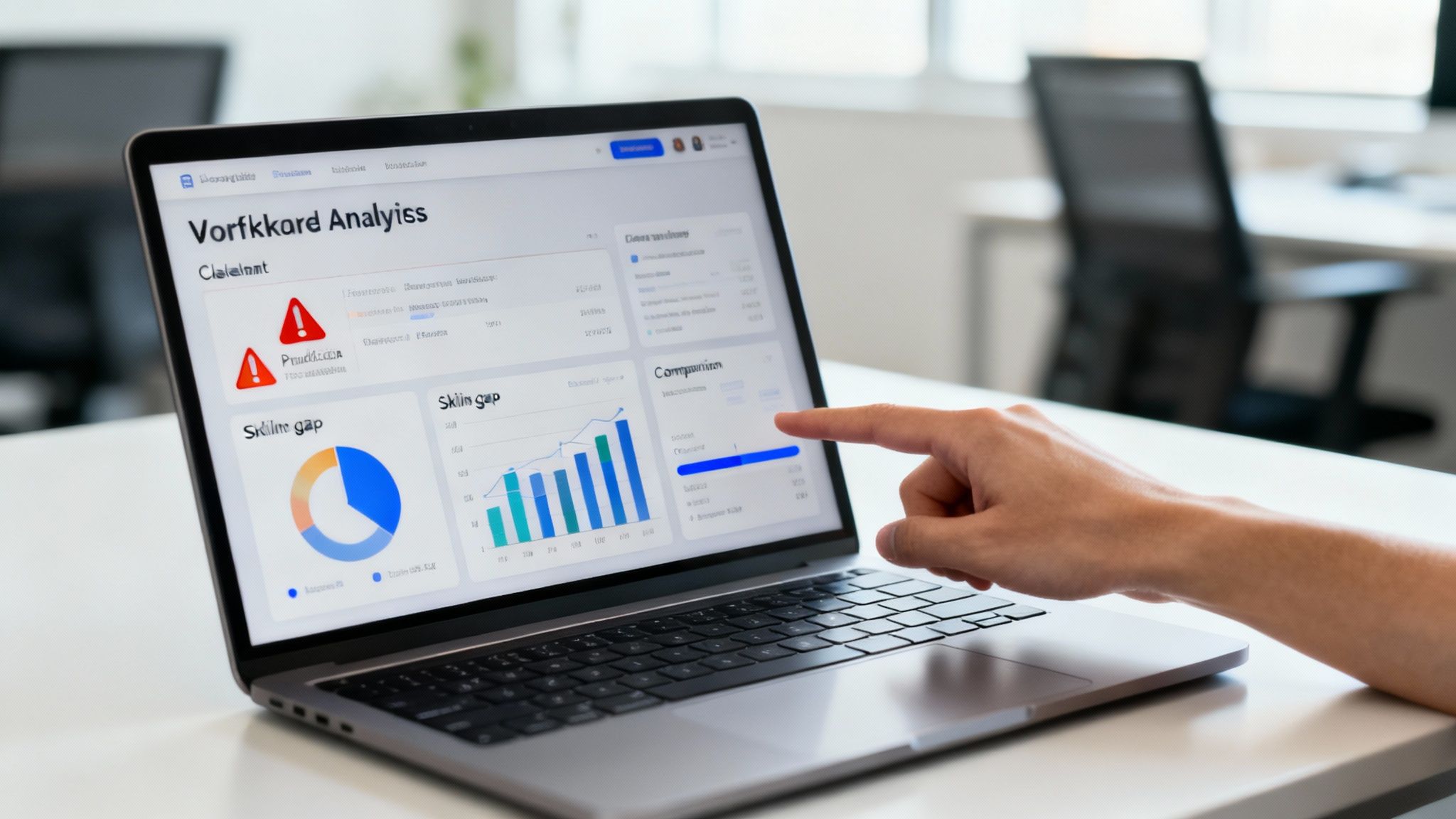
It’s best to think of these features as different lenses. Each one offers a unique view of your organization, revealing patterns and opportunities that were completely invisible before.
Predictive Analytics And Attrition Modeling
One of the most valuable features you'll find is predictive analytics. This is the software’s ability to function as an early warning system for employee turnover. It crunches historical data—things like employee behavior, performance reviews, and engagement levels—to spot the subtle patterns that often show up right before someone resigns.
For instance, the system might flag a top performer whose engagement scores have recently dipped, who has stopped signing up for optional training, and whose collaboration activity has dropped off. This isn't just a hunch; it's a data-backed probability that they are a flight risk. That heads-up gives a manager the chance to step in with a supportive conversation long before that employee even thinks about updating their resume.
This proactive approach completely changes the game. Instead of just conducting exit interviews to find out what went wrong after the fact, you get a chance to fix things before you lose great people.
Interactive Dashboards And Data Visualization
Let’s be honest: raw data in a spreadsheet is a surefire way to induce a headache. That’s why interactive dashboards are the heart and soul of any good workforce analytics platform. They take all that complex data and translate it into clear, intuitive visuals—think heat maps, trend lines, and digestible charts.
A well-designed dashboard doesn’t just present information; it tells a story. It guides your focus to the most critical metrics, making it easy for non-analysts to spot trends and make informed decisions quickly.
These dashboards aren’t just static images. They're built to be explored. A director can start with a high-level view of departmental performance, then click to drill down into a specific team, and finally zoom in on individual contributions to get the full story. To make the most of this, it helps to understand what makes a visual story compelling, which you can learn more about by reviewing data visualization best practices.
Talent And Skills Gap Analysis
You can't build a winning team for tomorrow if you don't have a clear picture of the skills you have today. Workforce analytics software takes the guesswork out of this critical process.
By pulling data from performance reviews, project histories, and employee profiles, the software builds out a comprehensive skills inventory. This shines a light on both your team's strengths and, just as importantly, its biggest gaps.
Imagine your company is gearing up to launch a new product that needs expertise in a specific programming language. The platform can instantly tell you:
- How many of your current employees have this skill.
- What their proficiency level is.
- Which departments have a surplus or a shortage of this talent.
This information is pure strategic fuel. It lets you decide whether to upskill your current team, hire externally, or bring in contractors—all based on hard data, not a gut feeling.
Compensation And Pay Equity Analysis
Paying people fairly and competitively is non-negotiable for attracting and keeping the best talent. Workforce analytics software gives you the tools to nail this by slicing and dicing salary data against a whole range of variables.
Sure, these tools can benchmark your pay scales against what the rest of the industry is doing. But their real magic is in spotting inequities inside your own company. The software can run an analysis of compensation based on:
- Role and Seniority: Are people in similar jobs paid fairly compared to their peers?
- Performance: Are your top performers being rewarded accordingly?
- Demographics: Are there any unintentional pay gaps linked to gender, ethnicity, or other factors?
By flagging these discrepancies, the platform empowers HR and leadership to tackle potential biases head-on and make sure pay is both equitable and strategic. This isn't just about mitigating legal risks; it's about building a culture of trust and fairness, which is a massive driver of employee loyalty. When all these features work in concert, they paint a complete, actionable picture of your organization's health.
How Analytics Can Actually Unlock Business Growth
It's easy to hear about "people data" and wonder how it translates into real business growth. The connection isn't just a theory; it's direct and powerful. Workforce analytics software acts like a translator, turning the complex language of employee data into a clear, actionable strategy that boosts profits and builds a more resilient company.
Think about it this way: every major business decision—from launching a new product to expanding into a new market—hinges on having the right people with the right skills in the right seats at the right time. Analytics gives you the roadmap to make sure that happens by design, not by chance.
Slashing Costs by Solving Attrition
One of the first places analytics makes a dent in the bottom line is by tackling employee turnover. Attrition is way more than just a headcount problem. It's a massive financial drain, with the cost to replace a single employee often hitting 50-200% of their annual salary.
Workforce analytics goes far beyond just telling you your turnover rate. It digs into the why. For instance, a company might notice its highest attrition is among junior sales staff between their 6th and 12th months. Digging deeper, the data could reveal a strong link between this turnover and managers who consistently skip one-on-one check-ins.
Armed with that specific insight, the company can stop guessing and start acting:
- Roll out mandatory manager training focused on coaching and genuine engagement.
- Launch a mentorship program that pairs new sales hires with seasoned pros.
- Tweak the onboarding process to set clearer expectations from day one.
This isn't a shot in the dark. It’s a data-driven intervention that directly plugs the leak, slashing turnover costs and keeping valuable talent that is just hitting its stride.
Optimizing Team Structure for Higher Revenue
Analytics also has a massive role to play in fine-tuning your revenue-generating teams. Imagine a consulting firm that’s struggling with project profitability. By analyzing data on team composition against project outcomes, they might uncover a surprising pattern: teams with a specific mix of senior and junior consultants, led by a dedicated project manager, deliver projects 15% under budget and nail the highest client satisfaction scores.
That’s gold. This insight gives the firm a proven blueprint for building its most successful teams, allowing them to replicate that winning formula across the entire organization. It's about moving from guesswork to a data-backed strategy that directly boosts revenue and keeps clients happy. Of course, a big piece of this is understanding employee output, which is why knowing how to calculate utilization rate is so crucial for getting a clear picture of productivity.
The true value of workforce analytics isn't just in finding problems—it's in discovering and scaling your hidden strengths. It shows you what's working so you can do more of it.
Building a More Strategic and Resilient Workforce
Looking past the immediate wins in cost and revenue, workforce analytics gives you a profound strategic advantage. It helps you align your talent strategy with where the market is headed, not just where it is today. This builds a more engaged, diverse, and resilient team that can handle whatever comes next.
The market for these tools is buzzing and crowded, with major players like Accenture PLC, Automatic Data Processing Inc., and Oracle Corp. constantly innovating. These companies are forging strategic partnerships across different industries to meet the soaring demand for data-driven workforce management. As you can discover more insights about this evolving market on PR Newswire, it’s obvious that using people data effectively is no longer a "nice-to-have." It’s becoming a core business differentiator. When you invest in a data-driven talent strategy, you're not just optimizing for today; you're building an undeniable case for future success.
The Role of AI in Modern Workforce Strategy
Let's clear something up: when we talk about artificial intelligence (AI) in HR, we're not talking about sci-fi robots taking over. It's about making people management smarter, more insightful, and ultimately, more human. AI and machine learning are the secret ingredients upgrading today's workforce analytics software, acting as a powerful assistant that spots crucial patterns a human might easily miss.
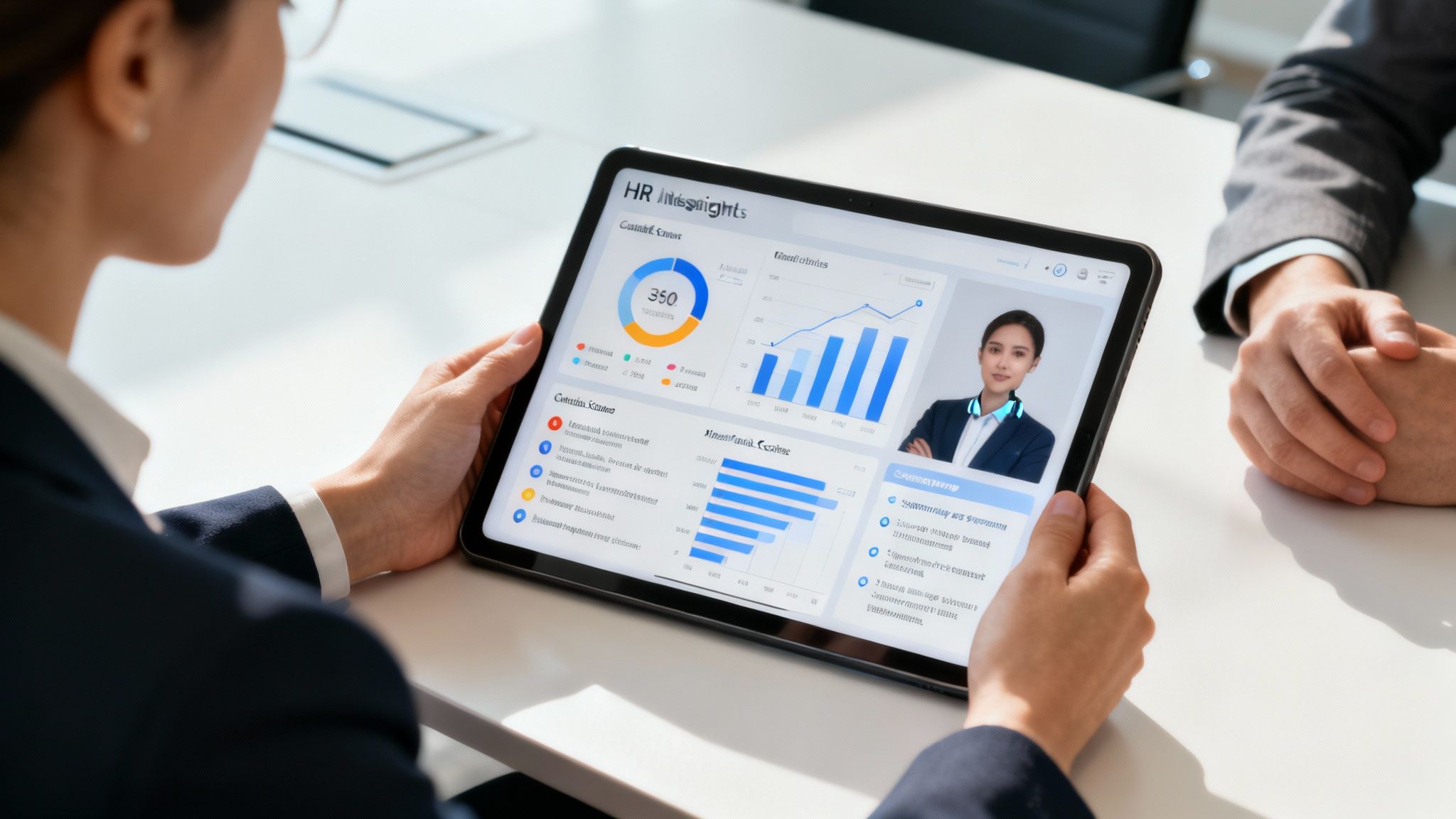
Think of AI as an incredibly sharp analyst who never gets tired. It can sift through mountains of data—everything from performance reviews to communication logs—and pull out insights that lead to better, fairer, and more effective strategies for your team.
From Prediction to Personalization
One of the most immediate ways AI shows up is in predictive modeling. This isn't a crystal ball; it's about using historical data to make highly educated guesses about what’s next. For example, AI algorithms can analyze the profiles of your top performers to pinpoint the common traits, skills, and experiences that help them succeed.
When it comes to hiring, these models can then predict which new candidates are most likely to thrive in your specific company culture, seriously cutting down on costly hiring mistakes. It’s a shift from relying on gut feelings to making objective, data-backed decisions.
But AI's reach goes far beyond hiring. It can also personalize the employee experience by recommending specific training to fill a skill gap or suggesting an internal move that aligns with someone's career goals. This kind of targeted support is huge for boosting retention and engagement.
Uncovering Deeper Insights from Employee Feedback
Employee surveys are a goldmine, but who has time to manually read and categorize thousands of open-ended comments? Almost no one. This is where AI-powered natural language processing (NLP) is a game-changer.
AI can analyze thousands of written comments from employee surveys in minutes, identifying recurring themes, sentiment, and the underlying drivers of engagement or dissatisfaction.
Instead of just seeing a low score on "communication," you might learn that the real issue is a lack of clarity on project goals from leadership. This specificity allows you to tackle the root cause of a problem, not just the symptom.
Identifying and Correcting Hidden Bias
Even with the best intentions, unconscious bias can sneak into decisions around promotions, pay, and who gets the best projects. AI offers an objective lens to spot and correct these patterns, helping you build a more equitable workplace for everyone.
An intelligent algorithm can analyze promotion data and flag discrepancies that would otherwise fly under the radar. It might reveal, for instance, that employees from one demographic group are promoted at a slower rate despite having equal or better performance scores.
Here’s how AI helps create a fairer system:
- Analyzes Promotion Rates: It compares how quickly different groups move up the ladder to spot statistical imbalances.
- Reviews Pay Equity: AI can scan compensation data to ensure people in similar roles with similar performance are paid fairly.
- Audits Performance Language: Some advanced systems can even analyze the language in performance reviews to detect subtle, often unintentional, biases.
The growing adoption of AI-powered analytics is helping businesses identify talent gaps, sharpen their competitive edge, and improve employee satisfaction. Sure, challenges like data integration and privacy concerns are real, but the potential for positive change is undeniable. You can read the full analysis on workforce analytics market trends at Fortune Business Insights for a deeper dive. By embracing AI, companies can turn their workforce analytics software into a proactive tool for building a stronger, more inclusive, and higher-performing team.
Choosing the Right Analytics Software for Your Team
Picking the right workforce analytics software can feel like you're searching for a needle in a haystack. You're swimming in a sea of features, demos, and sales pitches. But here's the secret: the best way to make a confident choice is to start not with what the software can do, but with what your business needs to solve. A shiny new tool is totally useless if it doesn't address your unique challenges.
Think of this process less like buying a product and more like choosing a strategic partner. You're looking for a platform that will grow with you, actually empower your managers, and deliver clear, actionable insights that push your business forward. A rushed decision often leads to low adoption and a wasted budget, so a structured approach is your best bet.
Start with Your Business Problems, Not Features
Before you even glance at a single vendor's website, get your leaders in a room and ask some tough questions. It's tempting to jump straight to creating a long checklist of features, but resist that urge. Instead, zero in on the pain points you need to fix.
- What are our top three talent-related headaches right now? (Think high turnover in a key department, uncertainty about team productivity, or an inability to forecast hiring needs).
- What critical business questions are we completely blind to right now?
- Who is actually going to use this software—HR specialists, department heads, or the C-suite? What does each of them need from it to make their jobs easier?
Answering these questions first gives you a personalized scorecard. It grounds your evaluation in solving real-world problems and keeps you from getting distracted by flashy features that sound cool but offer little practical value to your team.
Key Evaluation Criteria for Your Shortlist
Once you have a crystal-clear picture of your needs, you can start looking at potential solutions. A solid evaluation goes way beyond the slick demo and gets into the nitty-gritty of implementation, usability, and long-term partnership. The best workforce analytics software should feel like a natural extension of how you already operate.
Choosing software is a lot like hiring a key employee. You're not just looking for a specific skill set (features); you're looking for a good fit with your company culture (usability), the ability to work well with your existing team (integrations), and the potential to grow with the business (scalability).
Here are the non-negotiable areas you need to dig into:
1. Integration Capabilities: How well will this platform play with your current HRIS, payroll, and other core systems? A tool that creates more data silos is just creating more problems. Seamless integration is absolutely essential for building a single source of truth.
2. User Experience (UX): Is the interface intuitive enough for non-technical users, like line managers, to pick up and use? If the software is clunky or a pain to navigate, it will sit on a virtual shelf collecting dust. Widespread adoption is the name of the game.
3. Scalability and Future-Proofing: Will this software grow with you? Ask vendors about their product roadmap and how they plan to incorporate new tech like AI and predictive modeling. This is especially vital for complex tasks like strategic capacity planning, a topic you can dive into in our guide to workforce planning software.
4. Data Security and Privacy: How does the vendor protect your sensitive employee data? You're looking for concrete proof, like SOC 2 Type II certifications, and clear policies on data encryption and access controls. This is one area where you simply can't afford to compromise.
To help structure your comparison, you can use a checklist. It forces you to compare apples to apples and make a decision based on data, not just a gut feeling from a great sales demo.
Workforce Analytics Software Evaluation Checklist
| Evaluation Criteria | Key Questions to Ask | Vendor A Score (1-5) | Vendor B Score (1-5) |
|---|---|---|---|
| Integration | Does it connect to our HRIS, payroll, and ATS? Is the integration native or custom? | ||
| Usability (UX) | Can our managers easily build reports? Is the dashboard intuitive? | ||
| Reporting & Analytics | Does it answer our key business questions? Are the visualizations clear and actionable? | ||
| Scalability | Can it handle our projected employee growth? What's on their product roadmap for the next 18 months? | ||
| Security | Is it SOC 2 certified? How is our data encrypted? What are the access control options? | ||
| Support & Training | What does the onboarding process look like? What kind of ongoing support is included? | ||
| Pricing | Is the pricing model transparent? What are the total costs, including implementation and support? |
By focusing your evaluation on these core pillars—and using a consistent scoring method—you can confidently compare vendors. This methodical approach ensures the workforce analytics software you choose becomes an indispensable tool for turning your people data into a powerful strategic asset.
Putting Your New Software Into Action
Snagging a new workforce analytics platform is a huge win, but let's be honest—it’s the starting line, not the finish. The real value comes from a smart, deliberate implementation that gets everyone on board. You need a solid game plan to turn this investment into a core part of how your company actually makes decisions.
The journey doesn't start with the software; it begins with your data. Think of it like cooking a gourmet meal—you wouldn't start with questionable ingredients. Before you move anything over, a thorough data audit is non-negotiable. You have to hunt down and fix inaccuracies, inconsistencies, and gaps. This step is foundational. It ensures the insights you get are reliable from day one.
Building a Foundation for Success
A smooth rollout depends on a clear, phased approach. It's almost always a bad idea to just flip a switch and push the new system out to the entire company at once. That's a recipe for chaos. The smarter move is to start small, build momentum, and prove the software's worth.
This is where a pilot program becomes your best friend. Pick one department or a single, nagging business challenge to tackle first. For instance, you could focus on figuring out what’s really driving turnover on your sales team. A successful pilot creates a powerful internal case study, giving you tangible results that can turn even the biggest skeptics into champions for a company-wide rollout.
The goal of implementation isn't just to install software. It’s to embed a new data-driven capability into your organization's DNA. This means shifting mindsets and turning managers into confident analysts who use data to guide their decisions.
This visual breaks down the key stages, from defining your needs and evaluating options to finally picking the right partner for the job.
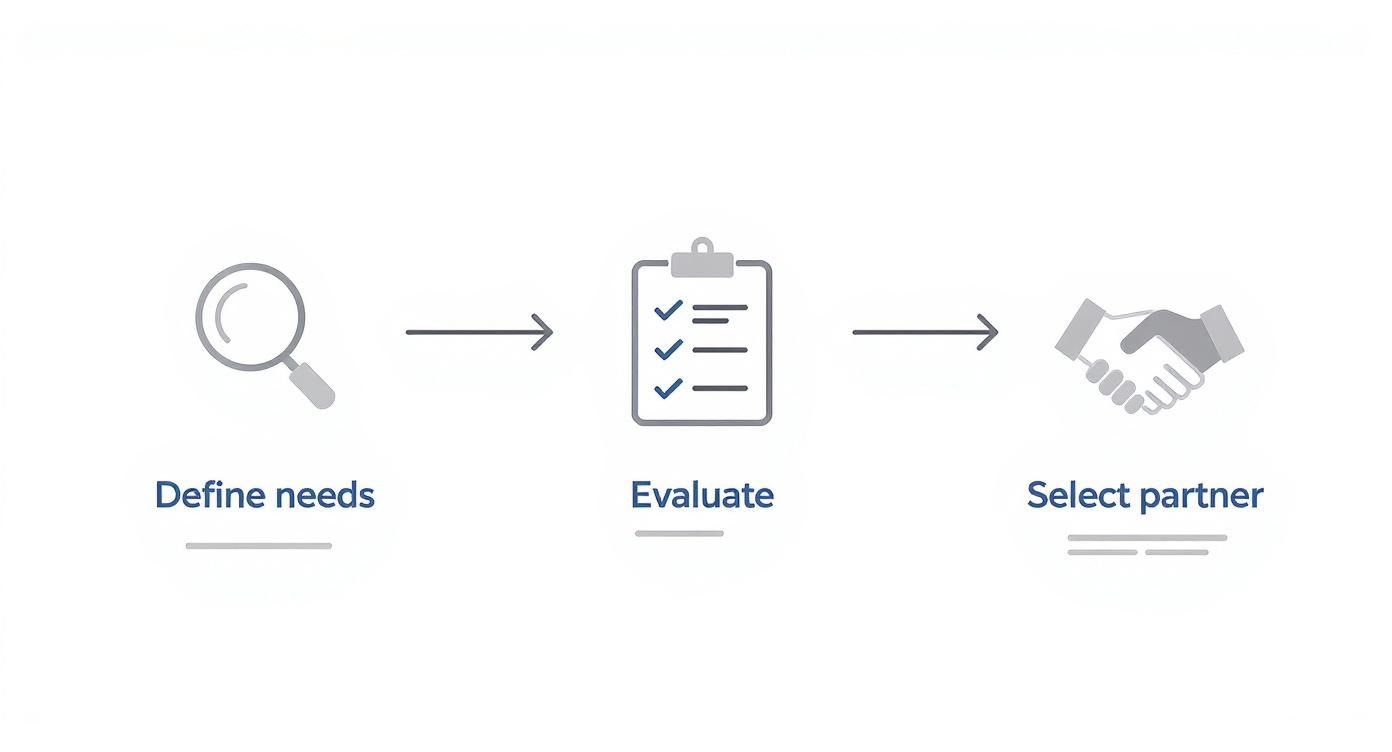
As you can see, success starts long before you ever hit "install." It begins with a deep, honest look at the specific business challenges you're trying to solve.
Driving Adoption Through Change Management
Even the most incredible tool is just expensive shelfware if nobody uses it. Getting buy-in is everything, and it has to start at the top. Leadership can't just sign the check; they need to actively champion this new, data-first approach. When executives start asking for reports from the new platform in their meetings, it sends a clear signal to everyone else: this is the new standard.
From there, your focus should shift to empowering the people who will use it every day. Your training needs to be practical and tailored to different roles.
- For Managers: Show them exactly how to use the dashboard to prep for one-on-ones or spot skill gaps on their team. Make it about solving their immediate problems.
- For HR Business Partners: Train them to be strategic advisors. They need to know how to interpret complex data and help leaders turn those insights into concrete action plans.
- For Executives: Give them the 10,000-foot view. Training should focus on high-level dashboards that connect workforce trends directly to bottom-line business outcomes like revenue and profit.
Ultimately, a strong change management strategy, paired with a technically sound rollout, is what makes your new software stick. It stops being "that new HR tool" and becomes the way your company makes smart, informed decisions about its most valuable asset—its people.
Frequently Asked Questions
Jumping into the world of workforce analytics can feel a bit overwhelming, and it's natural to have questions. Let's clear up a few of the most common ones so you can move forward with confidence.
What Is the Difference Between Workforce Analytics and HR Reporting?
It’s easy to get these two mixed up, but they play very different roles. Think of it like driving a car.
- HR Reporting is your dashboard—the speedometer and the fuel gauge. It gives you a real-time snapshot of what's happening: your current headcount, last quarter's turnover rate, or your average time-to-hire. It's descriptive, telling you the "what" for day-to-day operations.
- Workforce Analytics is your GPS. It takes all that data from your dashboard and tells you why things are happening and where you're headed. It connects the dots to reveal that high turnover is actually driven by a lack of growth opportunities, and it can even predict which teams are most likely to see people leave next quarter.
In short, reporting gives you the facts. Analytics tells you the story behind the facts and gives you a map for the road ahead.
Is This Software Only for Large Corporations?
That’s a common myth, but it's definitely not the case anymore. While big companies were the first to jump on board, workforce analytics software is now incredibly accessible and just as valuable for small and mid-sized businesses (SMBs).
The core challenges are the same no matter your size: you need to keep your best people, boost productivity, and make smarter hiring decisions. Many of today's platforms are built with SMBs in mind, offering flexible pricing and simple interfaces that don't require a dedicated data scientist. For a smaller company, finding just one or two powerful insights—like where your best hires really come from—can be a huge competitive advantage.
What Are the Biggest Implementation Hurdles to Overcome?
Getting workforce analytics up and running is about more than just flipping a switch on new software. The toughest challenges are usually about people and processes.
Here are the top three hurdles we see and how to get over them:
- Poor Data Quality: The old saying "garbage in, garbage out" has never been more true. If your HR data is a mess of inconsistencies and gaps, your insights won't be worth much. The Fix: Start with a data audit. Before you do anything else, set aside time to clean up and standardize your core HR information.
- Low User Adoption: A powerful tool is useless if no one uses it. This usually happens when the software feels too complicated or when managers just don't see the point. The Fix: Make change management a priority. Get your leadership team excited early on, and then provide practical, role-based training that shows managers exactly how the tool makes their jobs easier.
- Lack of a Clear Strategy: Just installing software with no real goal in mind is a surefire way to fail. The Fix: Start with the business questions that are keeping you up at night. Focusing on a specific problem, like reducing turnover on your sales team, gives you direction and helps you score some early wins.
Ready to turn your team's time and activity data into a strategic advantage? TimeTackle provides an AI-powered platform that automatically captures work from your calendar and surfaces the productivity insights you need to grow your business. See how it works at https://www.timetackle.com.