
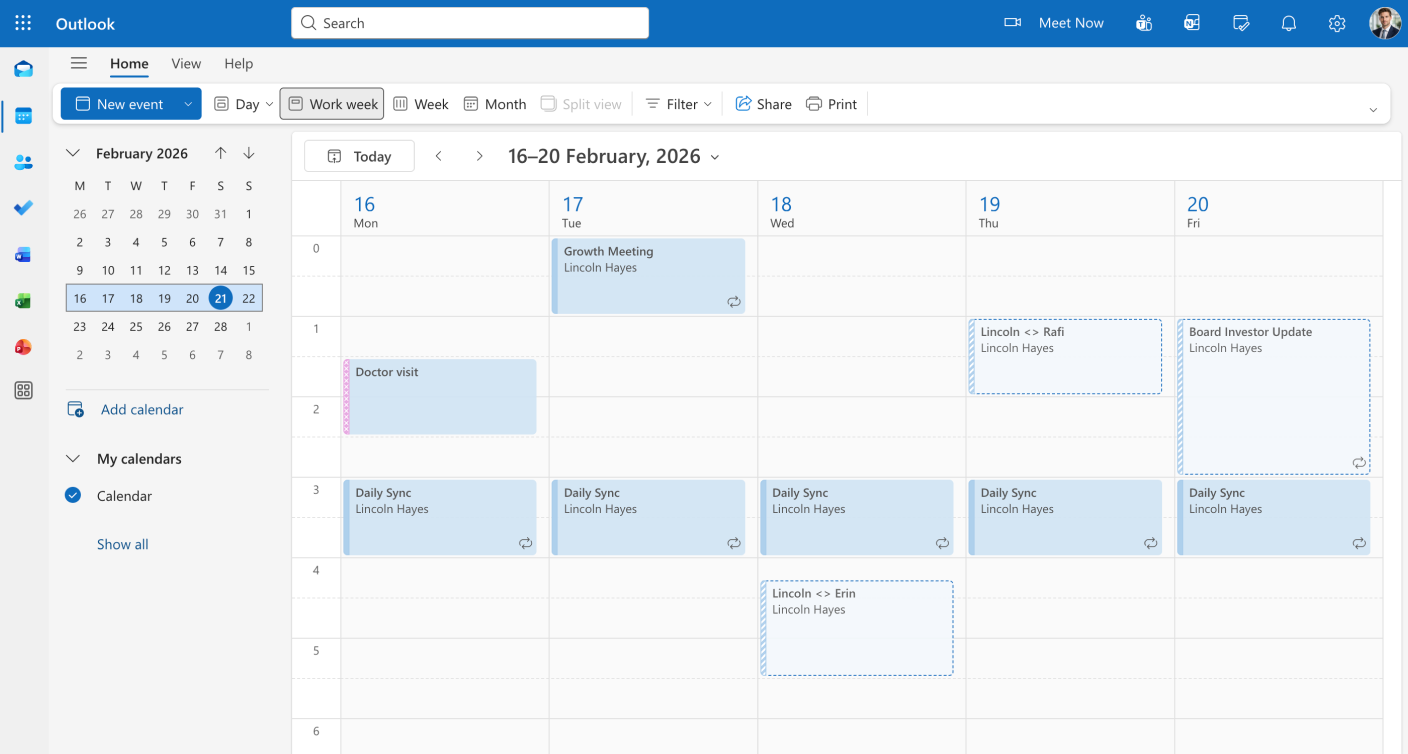
Convert your Outlook calendar into Excel spreadsheets for business reporting and analysis.

Outlook is built for email and scheduling, not reporting. Excel is where you build the reports that matter—timesheets for payroll, billing summaries for clients, project timelines for management. Export your Outlook calendar to Excel to unlock advanced analysis and professional reporting capabilities.
Step 1

Step 2

Step 3

Step 4

Step 5

Step 1

Step 2

Step 3

Step 4

Step 5


Yes! Tackle can export any Outlook calendar you have access to, including delegated calendars from your manager or shared team calendars. Perfect for executive assistants and team managers.
Absolutely! Tackle automatically expands all recurring meetings into individual rows, so you see every occurrence in your Excel spreadsheet. Great for accurate timesheet and billing calculations.
Outlook’s export produces messy .ics files that require significant cleanup in Excel. Tackle delivers clean, structured data ready for immediate analysis—saving hours of manual formatting.
Stop wasting time on manual exports and start gaining valuable insights from your calendar.
Connect your calendar now and export your calendar to Excel in 5 minutes.


