
Export Outlook Calendar to PDF

Create professional PDF documents from your Outlook calendar for sharing and archiving.
Export Outlook Calendar to PDF format using Tackle

Why Export Outlook Calendar to PDF?

In business, documentation matters. Export your Outlook calendar to PDF for client meetings, compliance records, audit trails, and professional archiving. PDFs are secure, universally readable, and maintain their formatting perfectly—ideal for formal business communications.
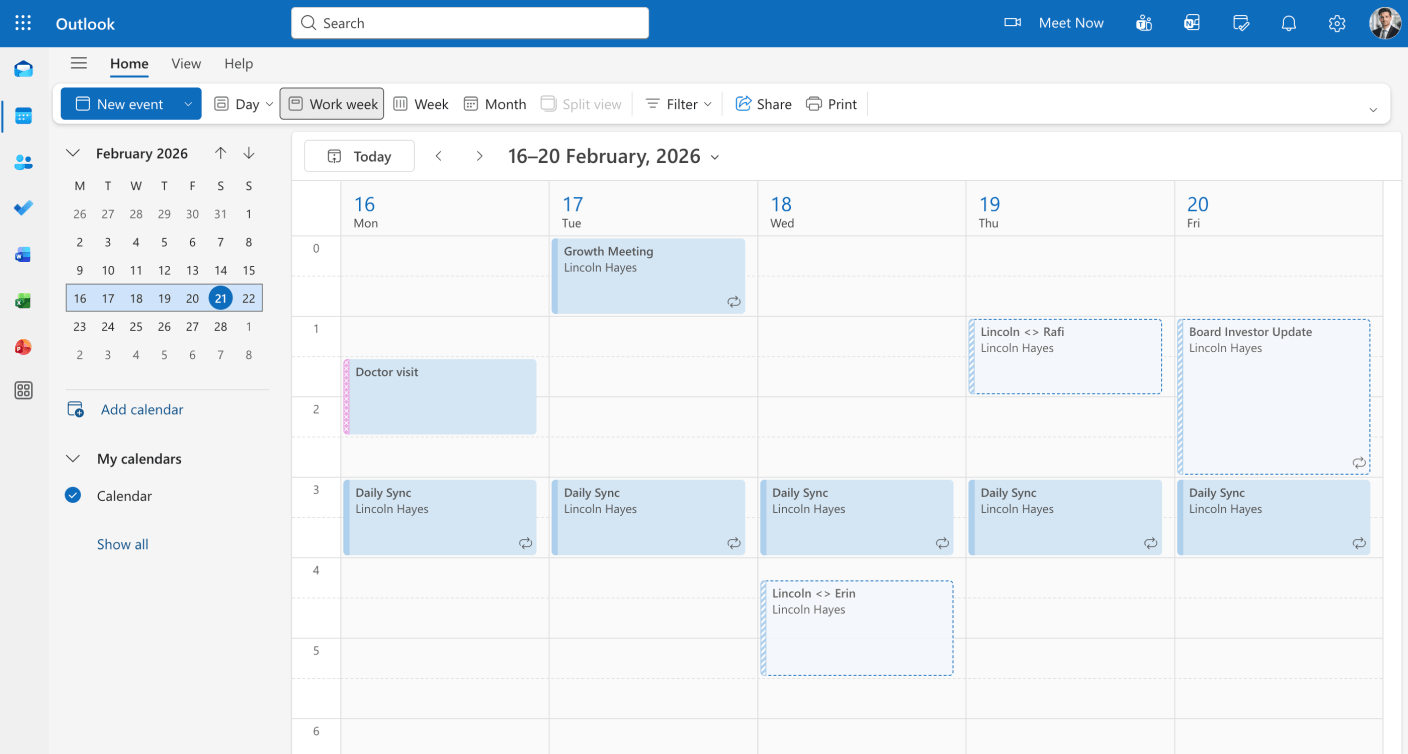
Why Export Outlook Calendar to PDF

How to Export Outlook Calendar to PDF with Tackle

Step 1

  • Sign in to Tackle with your Outlook account.
Sign up for Tackle to export Outlook Calendar to PDF

Step 2

  • Select the Outlook Calendars you want to include.
Select the Outlook Calendars you want to include.

Step 3

  • Customize your PDF (date range, layout, branding, colors).
Select date range for PDF export

Step 4

  • Choose Excel as your export format.
Choose Excel as your export format.

Step 5

  • Download the Excel file and open it with Microsoft  Excel
Download the Excel file and open it with Microsoft  Excel

Step 6

  • Go to save as option from the menu and select PDF format and save it.
Go to save as option from the menu and select PDF format and save it.

Step 7

  • Your professional PDF document ready to share.
Your professional PDF document ready to share.

How to Export Outlook Calendar to PDF Manually

Step 1

  • Open Outlook and go to your Calendar view.
Open Outlook and go to your Calendar view.

Step 2

  • Select the calendar you want to export.
Select the calendar you want to export.

Step 3

  • Use your browser’s Print function (Ctrl+P or Cmd+P).
Use your browser's Print function (Ctrl+P or Cmd+P).

Step 4

  • Select “Save as PDF” in the print dialog.
Select "Save as PDF" in the print dialog.

Step 5

  • Adjust settings and save your PDF file.
Adjust settings and save your PDF file.

Frequently asked questions

Yes! Tackle allows you to add password protection to your PDF exports, ensuring sensitive calendar information stays secure when shared with external parties.

Absolutely! Customize your PDF with your company logo, colors, and branding. Create professional documents that represent your organization perfectly.

Yes! PDF exports create permanent, tamper-proof records of your calendar. Perfect for compliance documentation, audit trails, and regulatory requirements in regulated industries.

Ready to take control of your calendar data?

Stop wasting time on manual exports and start gaining valuable insights from your calendar.