If you've ever tried to fill out a timesheet on a Friday afternoon, you know the drill. You stare at a blank grid, trying to piece together your week from memory. Where did all those hours go? This frantic guesswork isn't just frustrating; it leads to bad data, missed billable hours, and a foggy understanding of where your team's most valuable asset—time—is actually spent.
Let's be honest: manual time tracking is broken. It’s like trying to balance your budget by remembering every single coffee you bought last month instead of just looking at your bank statement. You're bound to miss things, get the numbers wrong, and ultimately make poor decisions. The same goes for managing your time.
The whole approach is flawed from the start.

This old-school method traps you in a cycle of tedious data collection that only gives you an incomplete, inaccurate picture of what’s really happening.
The Shift to Automated Clarity
This is where the Tackle time tracker changes the game. Instead of relying on memory, it treats your calendar as the single source of truth. It works quietly in the background, automatically capturing time from the events you already have scheduled in your Google or Outlook calendar. No start-stop timers, no end-of-week panic.
This move toward automation isn't just a trend; it's a fundamental shift in how businesses operate. The global time tracking software market is expected to hit anywhere from USD 3.8 to USD 6.1 billion by 2025. This explosive growth is driven by the need for better systems to handle payroll, project costing, and performance in a remote-first world. You can read more about this expanding market and its key drivers.
Let's break down the difference between the old way and the new way.
Manual Guesswork vs Automated Clarity with Tackle
| Aspect | Traditional Manual Tracking | Tackle Time Tracker |
|---|---|---|
| Data Source | Human memory, frantic guesswork | Your existing calendar events |
| Accuracy | Prone to errors, omissions, and rounding | Precise, objective, and consistent |
| Effort | Tedious, time-consuming, and manual | Fully automated, runs in the background |
| Insight Level | Surface-level, often incomplete | Deep insights into projects, clients, and tasks |
| Result | A vague, unreliable picture of your week | A complete, accurate record of all work |
This table highlights the leap from reactive, unreliable data to proactive, crystal-clear insights.
By connecting directly to your calendar, Tackle provides a complete, effortless, and accurate record of your work. It's not just about logging hours; it's about gaining true clarity and building a foundation for powerful productivity insights.
This automation moves you from reactive guesswork to proactive analysis. Instead of wasting hours trying to remember what you did, you can finally focus on understanding where your time creates the most value. It’s the difference between navigating with a hand-drawn map and using a real-time GPS.
Turn Your Calendar Data into Business Intelligence
Pulling raw data from your calendar is one thing. The real magic of the Tackle time tracker happens when it turns that information into a strategic asset, transforming a chaotic schedule into clear, actionable business intelligence.
Think of it like this: your calendar data is a pile of receipts. Tackle organizes them into a detailed financial report that shows you exactly where your time—your most valuable currency—is going and why.
This all starts with Automatic Time Capture. Since Tackle hooks directly into your calendar, manual timers and last-minute guesswork become a thing of the past. Every meeting, every focused work block, and every client call gets logged accurately without you lifting a finger. This creates a rock-solid foundation of data you can actually trust.
From there, the real fun begins.
Add Context with Smart Tagging and Integrations
Hours logged without context are just numbers on a screen. You need to know the story behind those hours. That's where Smart Tagging comes in, letting you categorize every single calendar event with custom labels that mean something to your business.
You can tag time by project, client, task type—you name it.
For instance, a busy marketing agency could use tags like:
- #Client-A-Campaign to see every minute spent on a specific client's big push.
- #Billable to instantly separate revenue-generating work from internal admin.
- #Content-Creation to understand the balance between writing, design, and strategy sessions.
Suddenly, you have a highly detailed map of your operations. But it gets better. Tackle also connects with the project management tools you're already using, like Jira and Asana. This links your calendar events directly to specific tasks in your workflow, giving you one unified view of your team's effort.
Tackle doesn't just count hours; it connects them to your core business activities. This crucial link is what turns a simple schedule into a dynamic record of project costs, client profitability, and team productivity.
Save Hours with the Automation Builder
Manually tagging every event sounds like a drag, right? That’s why the Automation Builder is such a game-changer. You can set up simple, rules-based automations that tag events for you, saving your team from hours of tedious admin work every single week.
It’s like creating smart filters for your time. You can build rules that automatically slap a tag on an event based on keywords in the title, who was invited, or even the event's color on your calendar. If you're curious about how data-driven rules can shape a wider company strategy, it's worth exploring different Business Intelligence Strategies.
An agency could easily set up rules such as:
- If the event title has "Project Phoenix," then add the tag #Project-Phoenix.
- If "client-x@email.com" is an attendee, then add the tag #Client-X.
- If the calendar event color is green, then add the tag #Internal-Review.
These simple automations run quietly in the background, ensuring all your data is consistent and accurate without anyone having to think about it. It’s this blend of automatic capture, smart tagging, and rule-based automation that elevates the Tackle time tracker from a simple logging tool to a genuine business intelligence platform.
Visualize Your Team's Time and Find Hidden Insights
Collecting time data is one thing. Actually understanding the story it tells is something else entirely. The real magic happens when you can easily see where all those hours are going, and that's where the Tackle time tracker shines. It’s designed to turn all that raw, automatically captured data into dashboards and reports that are actually useful.
Think of it like swapping a massive, headache-inducing spreadsheet for a simple, interactive chart. Suddenly, patterns that were totally invisible before just jump off the page. This kind of visualization isn't just nice to have—it's essential for making smarter decisions.
Build Dashboards That Answer Key Questions
With Tackle, you're not stuck with cookie-cutter views. You can build out custom dashboards that show you exactly how time is being spent across your entire organization. This isn't about making pretty graphs; it's about getting straight answers to the questions that keep you up at night.
For instance, you can see at a glance:
- Project Profitability: Is that fixed-fee project secretly eating up way more hours than you budgeted for?
- Client Over-servicing: Which clients are consistently getting more time than their retainer actually covers?
- Team Workload Balance: Is one person on the team constantly pulling 60-hour weeks while someone else has room on their plate?
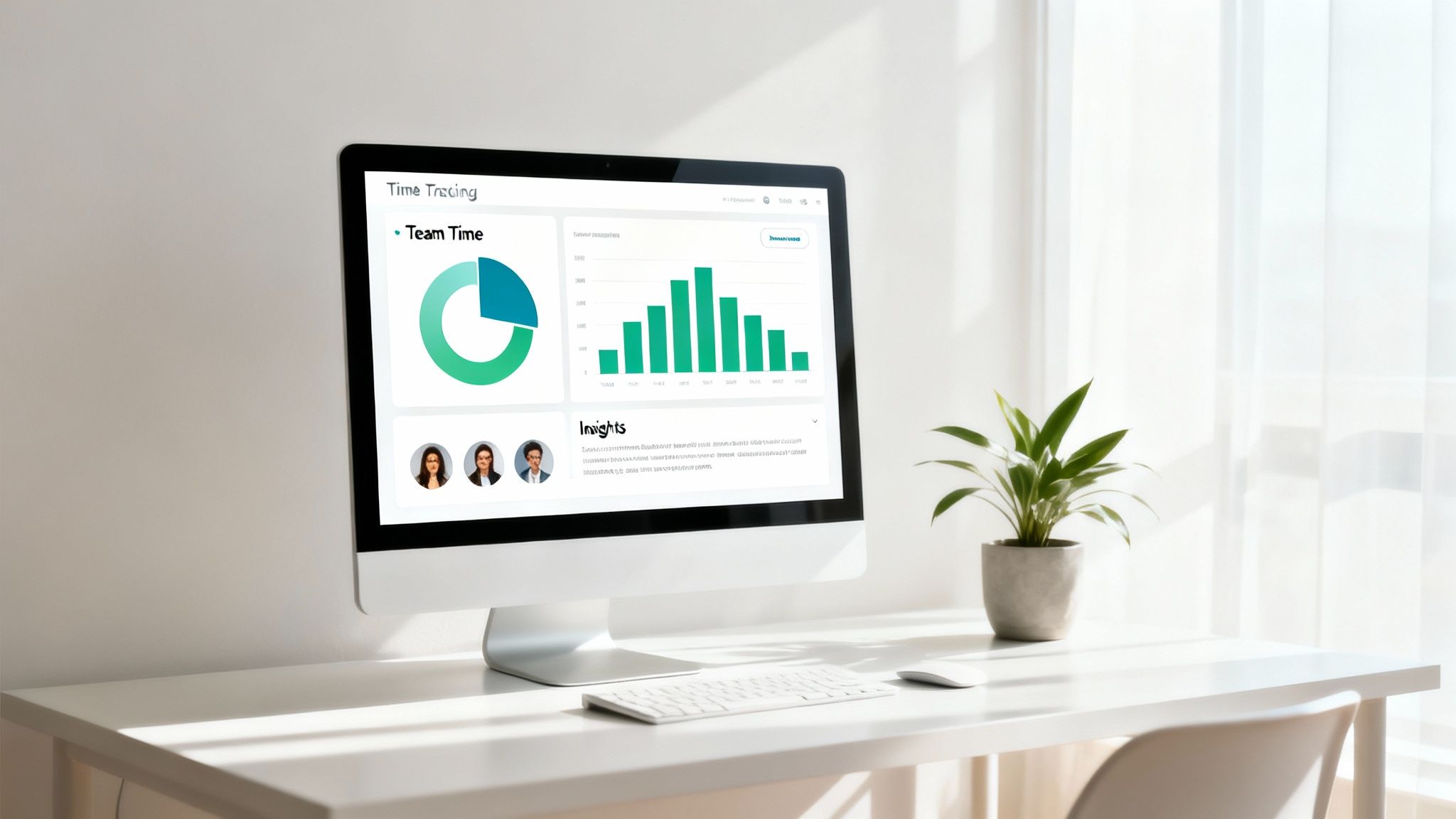
These dashboards are your early warning system. They help you spot potential burnout risks and resource bottlenecks long before they turn into full-blown crises.
Generate Reports for Every Business Need
Live dashboards are great for a quick pulse-check, but sometimes you need to package up that data and share it. Tackle’s exporting tools let you generate detailed reports for just about any situation, creating a single source of truth for everyone involved.
This kind of reporting muscle is why cloud-based tools are now the standard. Their flexibility and powerful analytics are critical for digging into things like project profitability.
With just a few clicks, you can create polished, professional reports that are perfect for client invoicing, internal performance reviews, or high-level strategic planning sessions. It means finance, project managers, and leadership are all looking at the exact same numbers.
The platform offers multiple export formats—Excel, CSV, and PDF—so you have the freedom to slice and dice the information in whatever tools you're already comfortable with. If you want to go deeper on this, check out our guide on calendar analytics and insights.
By actually visualizing where the time goes, you shift from just logging hours to strategically managing your most valuable resource. That clarity is what helps you fine-tune workflows, nail project outcomes, and make sure your team’s hard work is always pushing your biggest goals forward.
Calculate the Real ROI of Automated Time Tracking
Beyond the slick features and dashboards, what’s the actual business impact of using the Tackle time tracker? The real value isn’t just about logging hours—it’s the clear, measurable return on investment (ROI) you’ll see across your entire organization.
For leaders, the ROI comes from finally being able to make smarter, data-driven decisions. Guesswork gets thrown out the window. Accurate time data helps you bid on projects with confidence, ensuring your quotes are both profitable and realistic. It shines a light on resource allocation, showing you exactly where your team’s efforts are creating the most value.
For managers, the return is measured in better team performance and morale. When you have a transparent view of workloads, you can balance tasks to prevent burnout and keep projects moving forward. This clarity builds a culture of accountability and lets you guide your team with objective insights, not just gut feelings.
Unlocking High-Value Work
For individual contributors, the benefit is immediate and personal: freedom from soul-crushing admin work. By getting rid of manual timesheets, your team members get back precious time to focus on strategic, creative, high-impact tasks—the work they were actually hired to do.
When your team is no longer bogged down by manual tracking, their focus shifts from just ticking boxes to actually creating value. That change has a direct impact on project quality, client satisfaction, and overall business growth.
This isn't a small tweak. It's a fundamental change in how your team operates, moving from simply accounting for time to making that time truly count.
A Practical ROI Calculation
Let's make this real with a quick calculation. Imagine you have a 20-person team, and each person spends just 15 minutes a day wrestling with manual timesheets.
- Daily Time Lost: 20 people x 15 minutes = 300 minutes (5 hours) per day.
- Weekly Time Lost: 5 hours/day x 5 days/week = 25 hours per week.
- Annual Time Lost: 25 hours/week x 50 work weeks = 1,250 hours per year.
That's over 1,200 hours of productive time completely vanishing into thin air. If you assume an average blended rate of $50/hour for your team, that translates to $62,500 in lost productivity every single year.
For agencies and consultancies, this math gets even more serious when you learn how to master billable hours tracking and make sure every minute is captured accurately.
By automating the process, the Tackle time tracker doesn't just add another tool to your stack. It gives your team back thousands of hours and tens of thousands of dollars to invest in what really matters: growing the business.
Set Up Your Automated Time Tracking System in Minutes
Worried about a complex, time-consuming software rollout? Don't be. Getting started with the Tackle time tracker is designed for speed—think minutes, not a massive IT project.
The whole thing kicks off with a simple sign-up. From there, you just connect your Google or Outlook calendar with a few clicks. This isn't some clunky import/export job; it's a direct, secure integration that puts your privacy first right out of the gate.
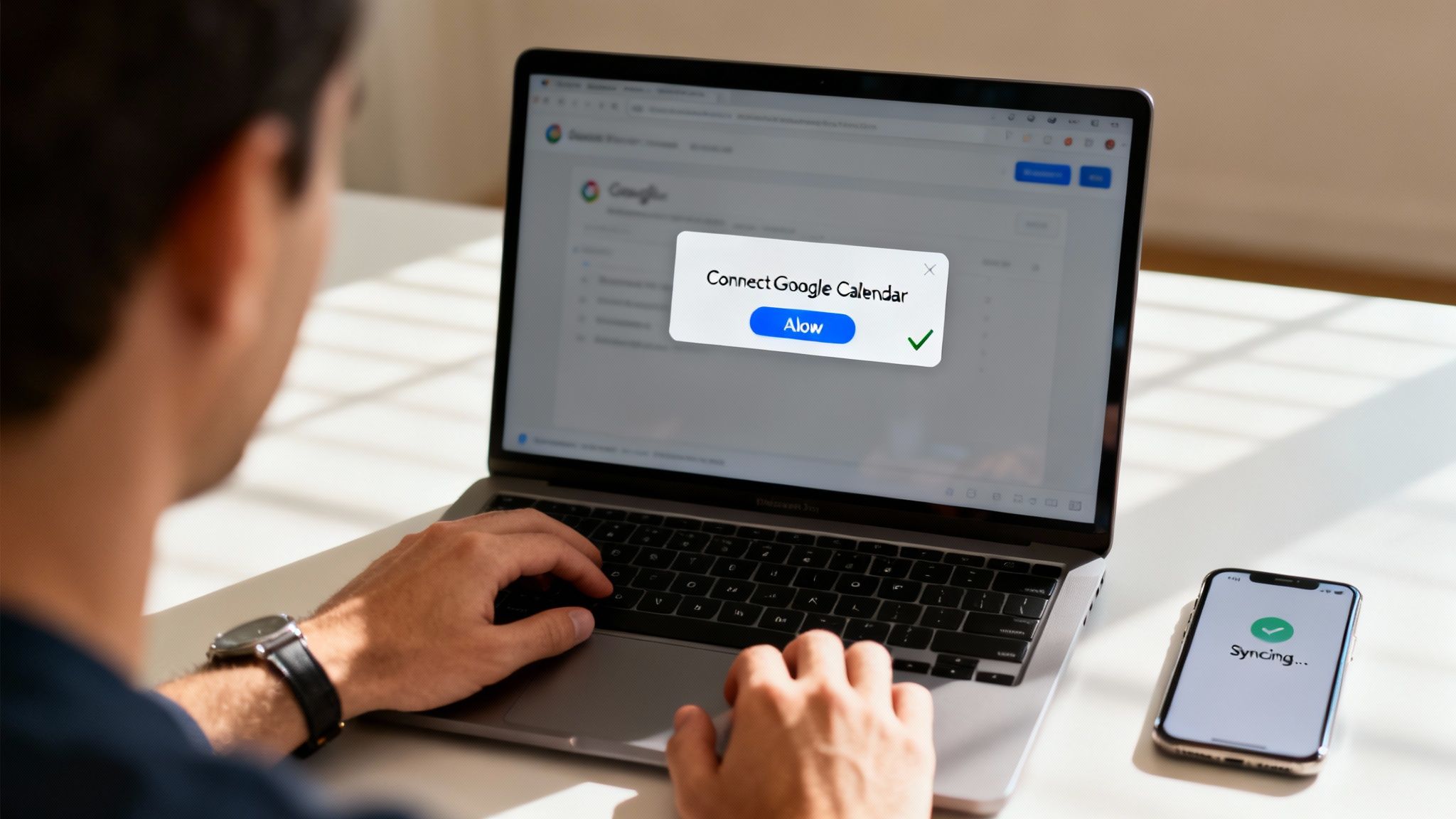
As soon as you make that connection, your Tackle dashboard instantly starts pulling in your calendar events, turning your schedule into a living history of how you spend your time. For a closer look at the process, our guide on the time tracker for Gmail and Google Calendar breaks it all down.
Your Quick-Start Guide to Immediate Value
Getting your calendar connected is just the first step. The real magic begins when you set up your first tags and automation rules. This is where you teach Tackle how to categorize your time for you, saving you countless hours down the line.
Getting set up and seeing that first bit of value is incredibly fast. Just follow these simple steps to get your account up and running.
Your Tackle Quick-Start Checklist
Follow these simple steps to get your Tackle account set up and start tracking time automatically today.
| Step | Action | Estimated Time |
|---|---|---|
| 1. Connect Calendar | Sign up and securely link your Google or Outlook calendar. | 2 minutes |
| 2. Create Tags | Define a few high-level tags for your main activities (e.g., #Client-Work, #Internal-Meetings). |
2 minutes |
| 3. Build an Automation | Create a simple rule, like "if event title contains 'Project X', apply tag #Project-X." |
1 minute |
| 4. Explore Dashboard | Check your dashboard to see your time automatically categorized. | Instant |
Just like that, you've kickstarted the process. This isn't about a steep learning curve; it's about getting immediate insights into your time.
Tackle is built on an enterprise-grade, SOC 2 compliant security foundation. This ensures that from the moment you connect your calendar, your data is handled with the highest standards of privacy and security, giving you peace of mind from day one.
By following these initial steps, you turn Tackle from just another tool into a powerful, automated system that works silently in the background. The setup is fast, secure, and built to show you its worth from the very first minute you log in.
Align Your Team's Time with Strategic Business Goals
Let's be honest: true time tracking isn't just about filling out a timesheet. It's a strategic weapon. Once you have clean, accurate data, Tackle helps you draw a straight line from your team’s daily efforts to your biggest business goals. It's how you ensure everyone is pulling in the same direction.
This is where time data stops being a rearview mirror and becomes a GPS for your business. The question shifts from, "What did we do last week?" to "Are we doing the right things right now to win?" That alignment is everything when it comes to growth and efficiency.
For example, a sales team might analyze how their time is split across the sales funnel. They could find that top performers are spending 30% more time on initial discovery calls. That single insight could reshape the entire team's process and training overnight.
Connecting Effort to Outcomes
The real magic happens when you move beyond just tracking hours to actively aligning that time with your goals. Tackle lets you set clear, measurable objectives and see your progress in real-time on its dashboards. This creates an undeniable link between the hours your team puts in and the company's strategic priorities.
Imagine you set a huge company goal for the quarter: "Dedicate 40% of all engineering hours to Project Apollo."
With Tackle, this isn't some hopeful phrase on a whiteboard. You can create a specific tag—#Project-Apollo—and watch its progress live on a dashboard. This gives managers immediate visibility, allowing them to shift resources and priorities on the fly if the team starts to drift off course.
By making strategic goals visible right inside your time tracking system, you give every team member a clear view of how their individual work directly moves the needle on the company's biggest priorities. That fosters a powerful sense of ownership and purpose.
How Different Departments Align Their Goals
Different teams can use this same capability to fine-tune their own workflows and crush their departmental goals.
- Engineering Teams: By connecting with Jira, engineering leads can track time spent against specific sprints, epics, and user stories. This ensures development effort is perfectly aligned with the product roadmap and helps them spot potential delays before they can derail a release.
- Marketing Teams: A marketing department can track hours spent on different campaigns—like
#Q3-Lead-Genor#Brand-Awareness—to calculate the true cost of acquisition and ROI for every single initiative.
This level of detail means every hour logged isn't just another entry on a timesheet. It’s a data point that's actively driving your business forward. Tackle provides the mechanism to make sure your most valuable resource—your team’s time—is always invested in what truly matters.
Got Questions About the Tackle Time Tracker?
We get it. You want to know how this all works in the real world. Here are some of the most common questions we hear, with clear, straightforward answers.
How Does Tackle Protect My Privacy?
Your privacy is paramount, and you're always in the driver's seat. Tackle is built on an enterprise-grade, SOC 2 compliant security foundation, which is just the starting point.
You have total control over what gets logged. You can manually flag any calendar event as 'private' with a single click. Even better, you can set up simple automation rules with keywords like 'personal' or 'doctor' to automatically prevent those meetings from ever being tracked. It’s a set-it-and-forget-it way to ensure your confidential information always stays that way.
Can It Track Work That Isn't in My Calendar?
Absolutely. We know that not all work happens in scheduled meetings. While Tackle is a powerhouse at automating your calendar-based time, you can easily add manual time entries for any unscheduled tasks that pop up.
But here’s where it gets really smart: Tackle integrates with project management tools you already use, like Jira or Asana. This means you can connect your automatically logged calendar time directly to specific off-calendar tasks, giving you a complete, unified picture of your entire workday.
Tackle is designed to scale right alongside you. It's just as valuable for a freelancer meticulously logging billable hours as it is for a large company that needs powerful analytics for resource planning and operational strategy.
This flexibility makes the Tackle time tracker a comprehensive solution for capturing all your work, not just the bits that are neatly scheduled.
Ready to stop guessing where your time goes and start knowing for sure? Sign up for TimeTackle today and turn your calendar into your most powerful productivity tool.