Finding the right time tracking app free for your professional services team can be a game-changer, transforming the tedious task of timesheet entry into a streamlined process that boosts productivity and profitability. For mid-sized agencies, the challenge is finding a solution that balances robust features with zero cost, eliminating manual reporting overhead without adding to the software budget. This comprehensive guide is designed to cut through the noise, providing a detailed analysis of the best free time tracking tools available today.
We'll move beyond generic feature lists to offer an in-depth look at what each platform truly offers in its free tier. You will find a practical breakdown of core functionalities, critical limitations, and ideal use cases for each application. This will help you determine which tool aligns with your team's specific needs, whether you're a creative agency struggling with project profitability or a consulting firm aiming for better utilization visibility.
Each entry includes screenshots and direct links, so you can evaluate the options efficiently. We will explore everything from simple timer-based apps like Clockify and Toggl Track to more integrated solutions. As more agencies embrace remote-first work environments, the need for effective time tracking becomes even more pronounced. This guide also provides clear next steps for teams that eventually need to scale up to paid plans with advanced features like automatic time capture, AI-driven tagging, or SOC 2 compliance. Let's find the free time tracking app that will best support your team's workflow and reporting needs.
1. Clockify
Clockify has earned its top spot by offering what is arguably the most generous free-forever plan on the market. It allows unlimited users, projects, and clients without any cost, making it an exceptional starting point for agencies of any size looking to implement a robust time tracking system without an initial investment. This time tracking app free plan isn't just a stripped-down trial; it provides core functionality that supports detailed time logging, basic reporting, and project organization across a wide array of platforms.
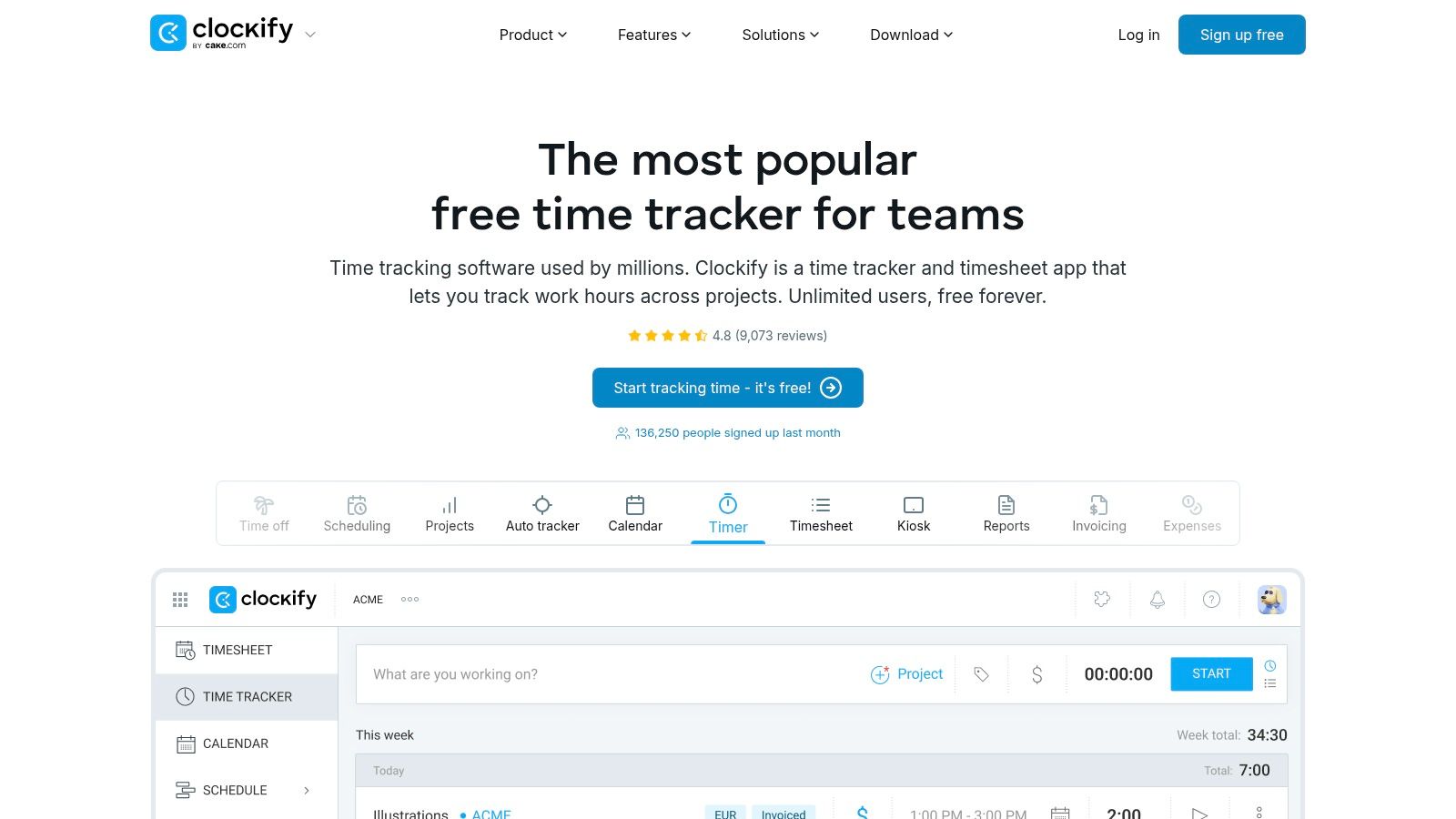
The platform's accessibility is a key differentiator. With dedicated apps for Windows, macOS, Linux, iOS, and Android, plus browser extensions, teams can track time seamlessly wherever they work. The user interface is clean and straightforward, minimizing the learning curve and encouraging quick adoption. For agencies struggling with timesheet fatigue, Clockify's simplicity is a major advantage.
Key Features & Limitations
| Feature | Availability on Free Plan |
|---|---|
| Unlimited Users | Yes |
| Unlimited Projects | Yes |
| Basic Reporting | Yes |
| Billable Rates | Yes |
| Timesheet Approvals | No (Paid Feature) |
| Advanced Integrations | No (Paid Feature) |
Ideal Use Case
Clockify is perfect for mid-sized agencies needing a comprehensive, no-cost solution to get started with accurate time tracking. It’s particularly effective for teams that require broad device support and want a tool that can scale. While the free tier lacks advanced features like invoicing or detailed user permission controls, it provides a solid foundation for improving project profitability and understanding resource allocation. Teams can get a detailed breakdown of how time is spent before deciding if they need the paid upgrades. You can explore more about Clockify's free time tracking capabilities here.
Website: https://clockify.me
2. Toggl Track
Toggl Track is renowned for its user-centric design and simplicity, making it one of the easiest time tracking tools to adopt. Its free plan is designed for small teams or freelancers, supporting up to five users. This time tracking app free tier offers a clean, intuitive interface and core features like one-click timers, detailed reporting, and project tracking, which are perfect for teams prioritizing ease of use over an extensive user count.
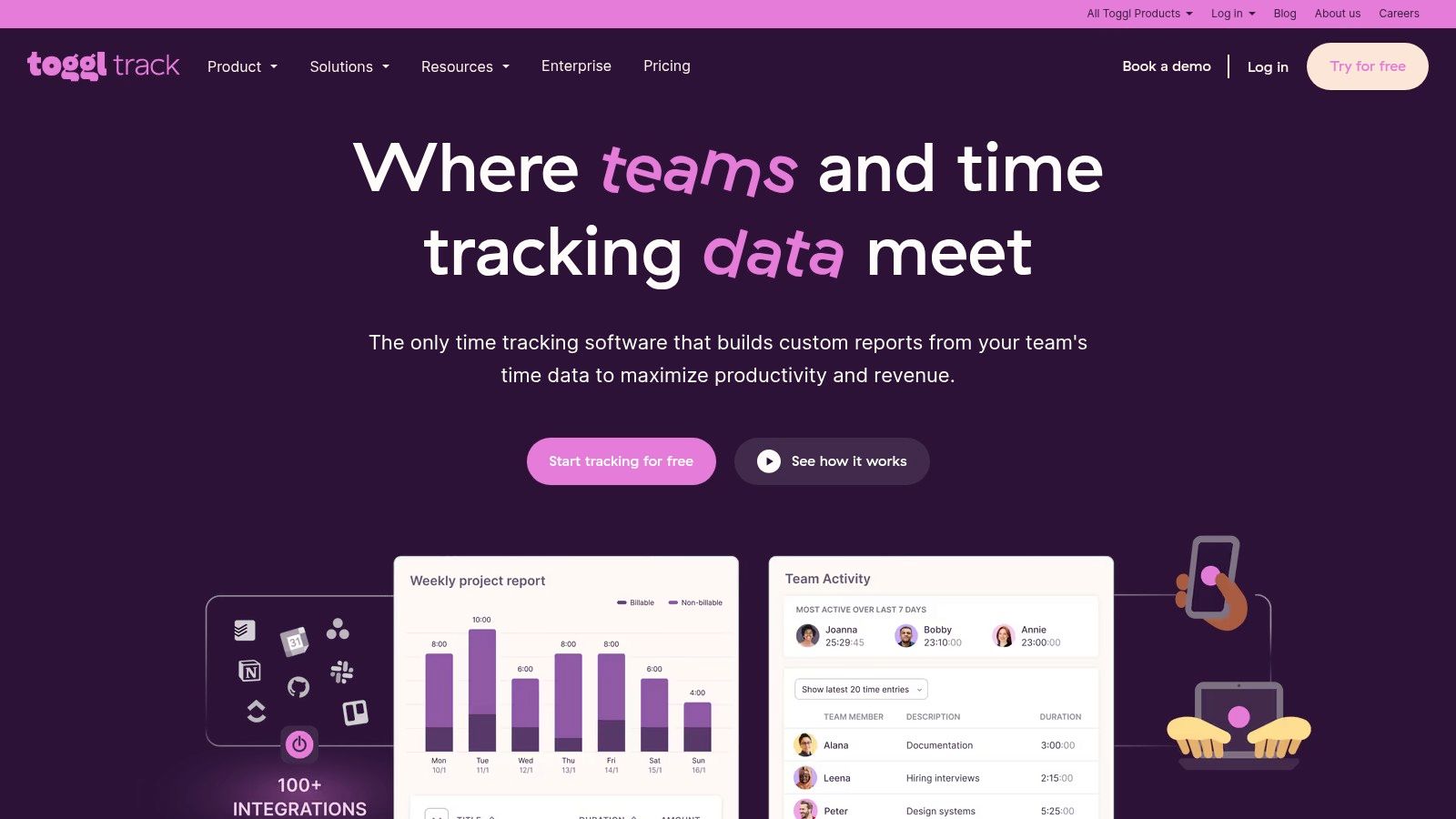
The platform excels in creating a frictionless user experience with its powerful browser extensions and robust desktop and mobile apps. These tools integrate seamlessly into existing workflows, allowing users to start and stop timers from within over 100 popular web apps. The Pomodoro timer and idle detection features also help users manage focus and ensure accuracy, making it a strong contender for agencies looking to reduce timesheet friction and improve productivity.
Key Features & Limitations
| Feature | Availability on Free Plan |
|---|---|
| Up to 5 Users | Yes |
| Unlimited Projects | Yes |
| Detailed Reporting | Yes |
| 100+ Integrations | Yes |
| Billable Rates | No (Paid Feature) |
| Team Management Features | No (Paid Feature) |
Ideal Use Case
Toggl Track is ideal for small agencies, startups, or individual departments within larger organizations that need a powerful, yet simple, time tracking solution for up to five people. Its strength lies in quick adoption and extensive integrations, making it a great fit for teams that use a diverse set of SaaS tools. While the free plan limits user count and lacks advanced business features like billable rates, it provides exceptional reporting and core tracking functionality. For a deeper analysis of how it stacks up against other tools, you can explore this detailed comparison of Toggl and Clockify.
Website: https://toggl.com/track
3. Harvest
Harvest has long been a favorite among agencies and consultancies for its seamless integration of time tracking with invoicing and expense management. While its free plan is more limited than others, it offers a highly polished experience for solo freelancers or small teams testing the waters. The free tier includes one user and two active projects, providing a focused environment to track time, create professional invoices, and even accept online payments through Stripe and PayPal integrations. This makes it an excellent time tracking app free option for those whose primary goal is to connect billable hours directly to revenue.
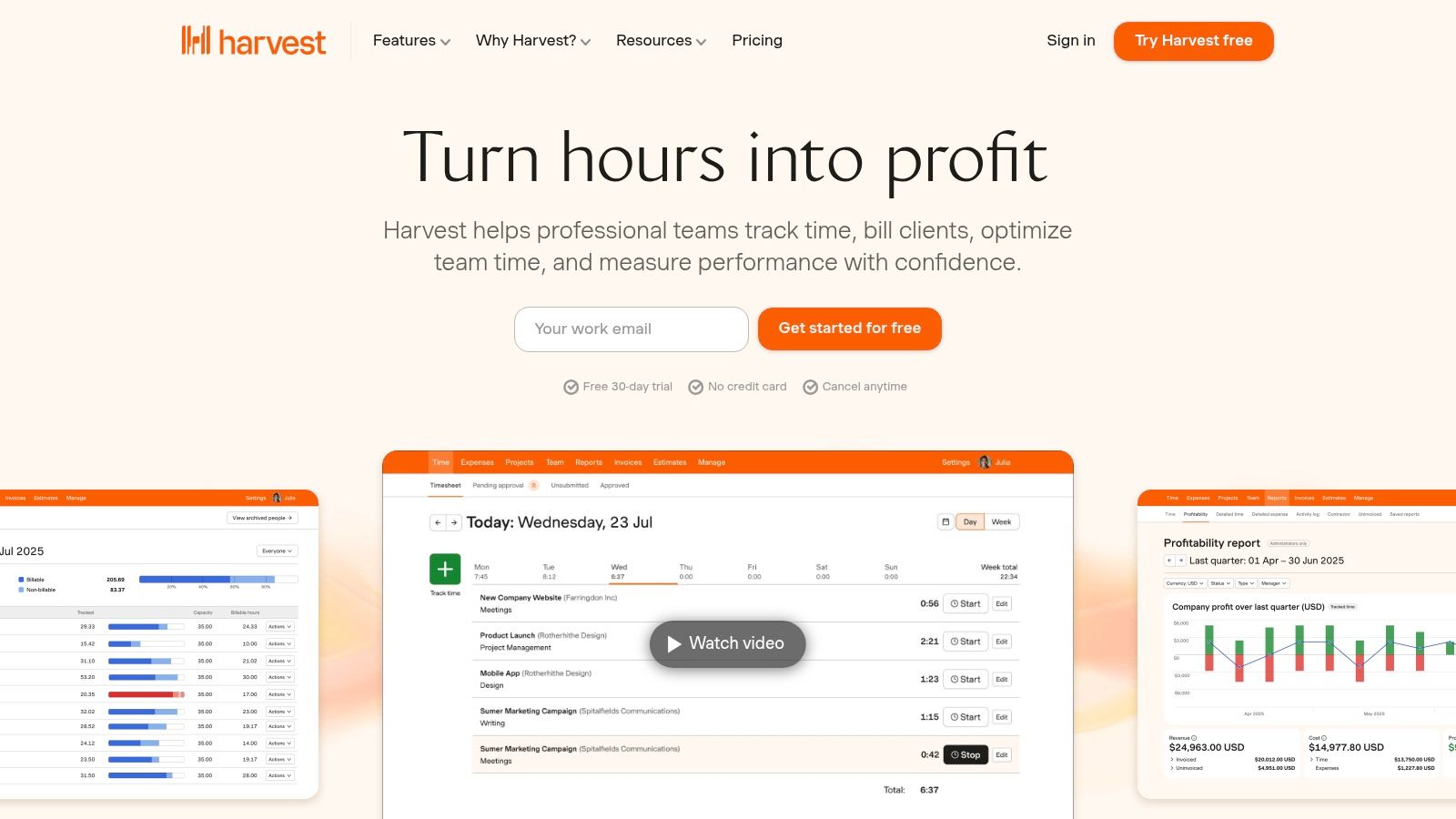
The platform’s user experience is one of its greatest strengths. With well-designed desktop and mobile apps, tracking time is intuitive and unobtrusive. Features like idle time detection and project budget tracking are available even on the free plan, offering a glimpse into the powerful reporting and profitability insights available in the paid tiers. Its straightforward workflow from time entry to invoice creation sets it apart from more complex systems.
Key Features & Limitations
| Feature | Availability on Free Plan |
|---|---|
| Users | 1 User |
| Projects | 2 Projects |
| Invoicing & Payments | Yes |
| Expense Tracking | Yes |
| Team Management | No (Paid Feature) |
| Advanced Reporting | No (Paid Feature) |
Ideal Use Case
Harvest is ideal for individual consultants or small, project-focused teams who need a direct line from tracked hours to getting paid. The free plan serves as a perfect, fully-functional trial for its core workflow. Agencies will quickly outgrow the two-project limit, but the experience provides a clear understanding of Harvest’s value proposition. It’s particularly useful for those who want to evaluate a tool that expertly combines time tracking with financial management before committing to a paid plan for their entire team.
Website: https://www.getharvest.com
4. TimeCamp
TimeCamp offers a solid free-forever plan that is particularly well-suited for freelancers and small teams focused on core time tracking. It provides unlimited projects and tasks for a single user, along with essential desktop and mobile apps that include idle time detection to ensure accuracy. This makes it a great entry-level time tracking app free from the complexities of more advanced, team-oriented platforms, allowing individuals to get a firm grasp on their productivity from day one.
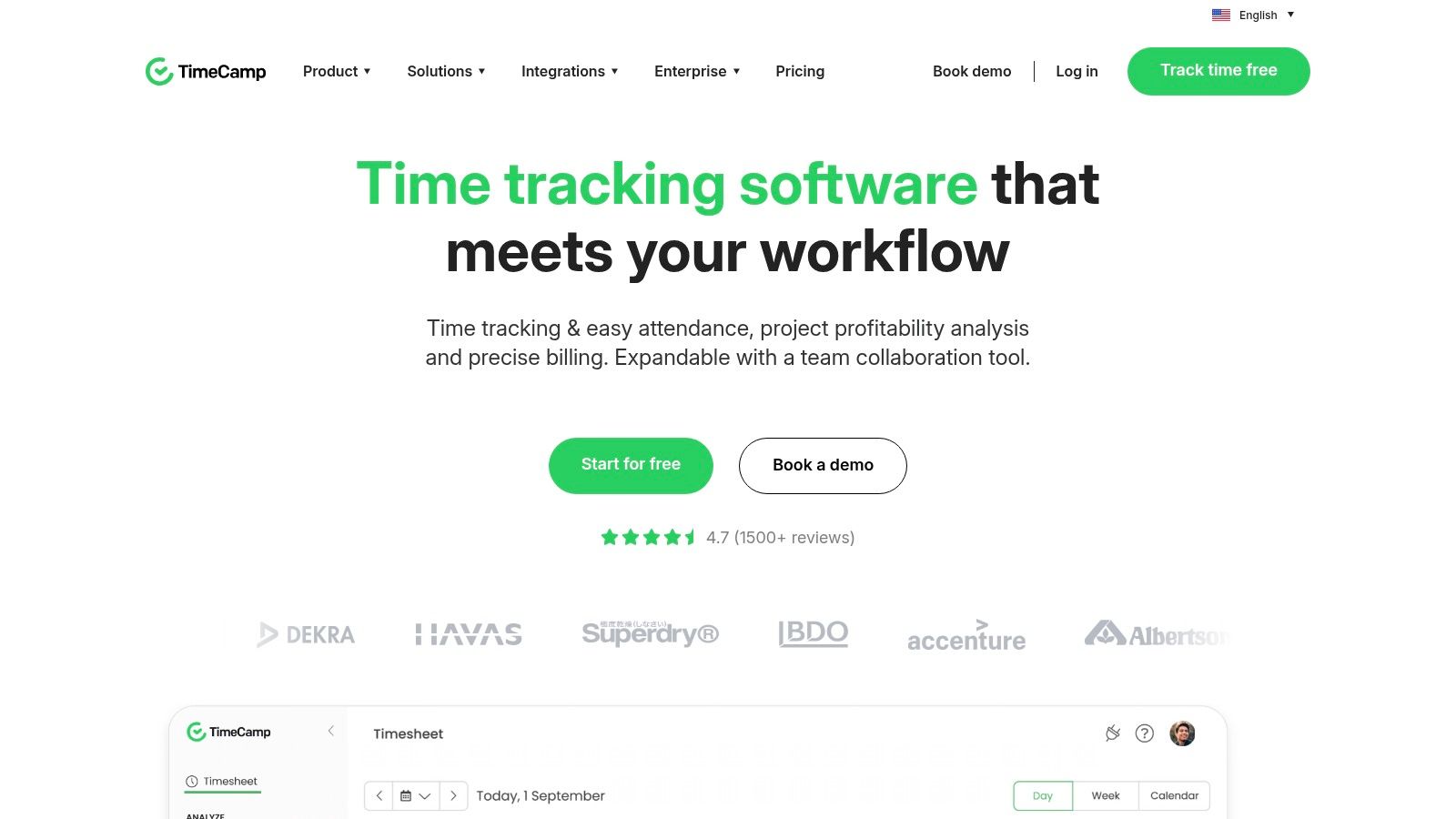
The platform is designed with simplicity in mind, presenting a clean interface that allows users to start tracking time with a single click. While the free version is limited to one user, it still packs a punch with unlimited projects, providing a comprehensive overview of how time is distributed across different workstreams. The competitive pricing of its paid tiers makes it an attractive option for teams that anticipate needing more robust features like invoicing, budgeting, and detailed website tracking as they grow.
Key Features & Limitations
| Feature | Availability on Free Plan |
|---|---|
| Unlimited Projects & Tasks | Yes (for 1 user) |
| Desktop & Mobile Apps | Yes |
| Idle Time Detection | Yes |
| Attendance & Invoicing | No (Paid Feature) |
| Budgeting & Reporting | No (Paid Feature) |
| Team Management | No (Paid Feature) |
Ideal Use Case
TimeCamp's free plan is ideal for individual professionals, freelancers, or solopreneurs who need a straightforward and reliable tool to track their work hours across various projects without cost. It's a great choice for users who want to establish good time-logging habits with a simple, effective system. While agencies will quickly need to upgrade to a paid plan for team collaboration, the free version serves as an excellent, no-risk trial of TimeCamp's core functionality and user experience before committing to a subscription.
Website: https://www.timecamp.com
5. My Hours
My Hours carves out a niche by offering a highly functional and project-centric free plan tailored for smaller teams. Its free-forever tier supports unlimited projects and clients for up to five users, making it a powerful choice for small agencies or specialized teams within larger organizations that need detailed reporting without any financial commitment. This time tracking app free solution focuses on clarity, allowing teams to track time against specific tasks and generate professional, shareable reports to improve project oversight.
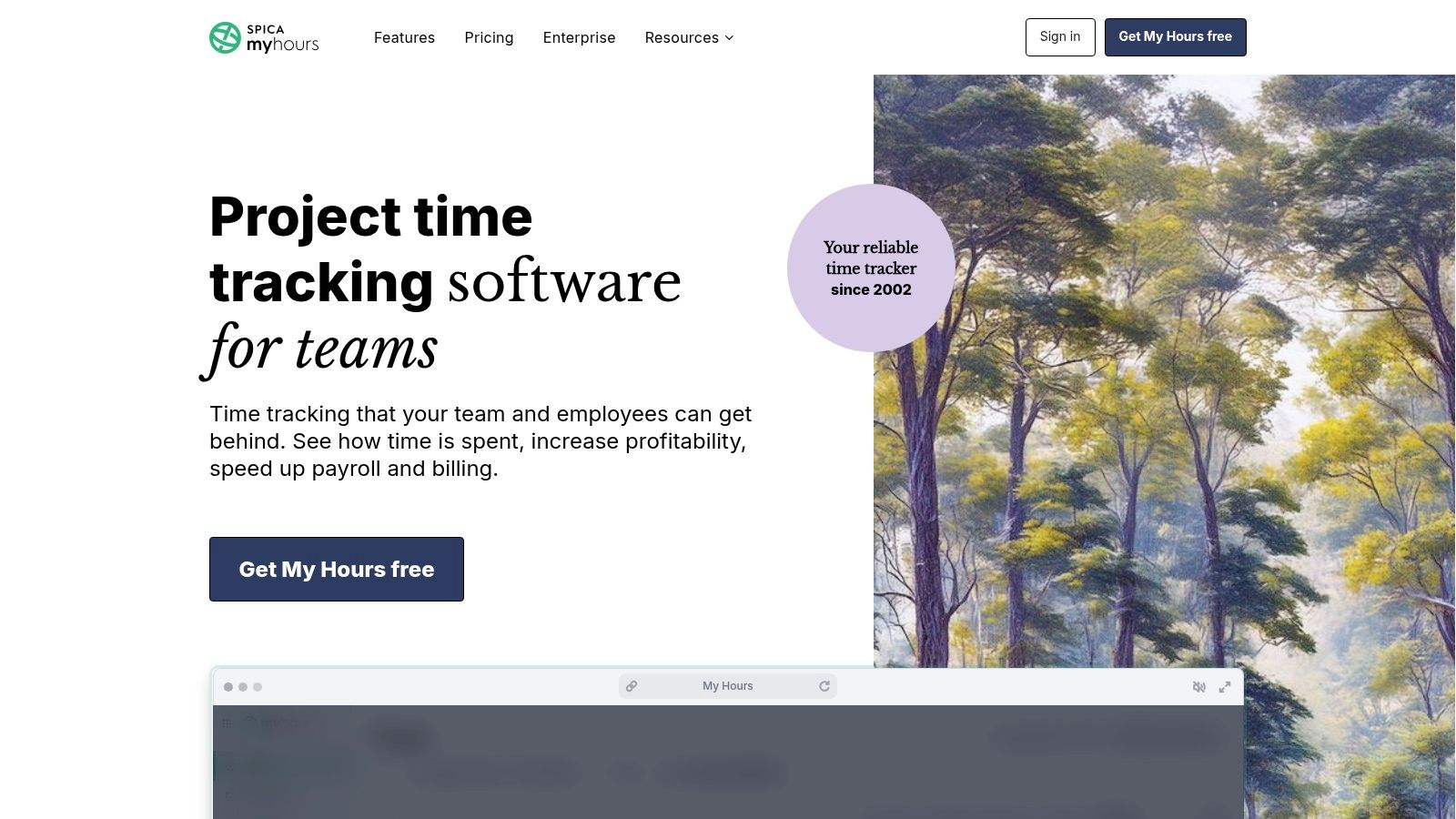
The user experience is clean and intuitive, reducing friction for teams new to time tracking. With dedicated web and mobile apps, plus a helpful Microsoft Teams integration, My Hours ensures that tracking can happen fluidly within existing workflows. Its reporting capabilities are a key differentiator in the free market, providing clear insights that help agencies justify budgets and monitor team productivity effectively.
Key Features & Limitations
| Feature | Availability on Free Plan |
|---|---|
| Up to 5 Users | Yes |
| Unlimited Projects & Clients | Yes |
| Detailed Reporting | Yes |
| Billable Rates | Yes |
| Timesheet Approvals | No (Paid Feature) |
| Invoicing & Budgeting | No (Paid Feature) |
Ideal Use Case
My Hours is ideal for small agencies or specific departments of up to five people who need a straightforward tool with robust reporting and project management capabilities. It’s particularly effective for teams that need to produce clean, client-ready reports to showcase their work and manage billable hours. While the free plan lacks advanced administrative controls like approvals or user-specific permissions, it provides a solid, scalable foundation for improving project profitability and resource management for smaller, collaborative groups.
Website: https://myhours.com
6. Everhour
Everhour is a well-regarded time tracker known for its powerful project budgeting and client invoicing capabilities, but it also offers a solid free plan for small teams. The free tier supports up to five users and includes core time tracking, project organization, and detailed reporting. This makes it a great entry point for small agencies or teams just starting to formalize their time management processes without needing a complex time tracking app free of charge. The platform focuses on providing a clean, intuitive user experience to make time logging as frictionless as possible.
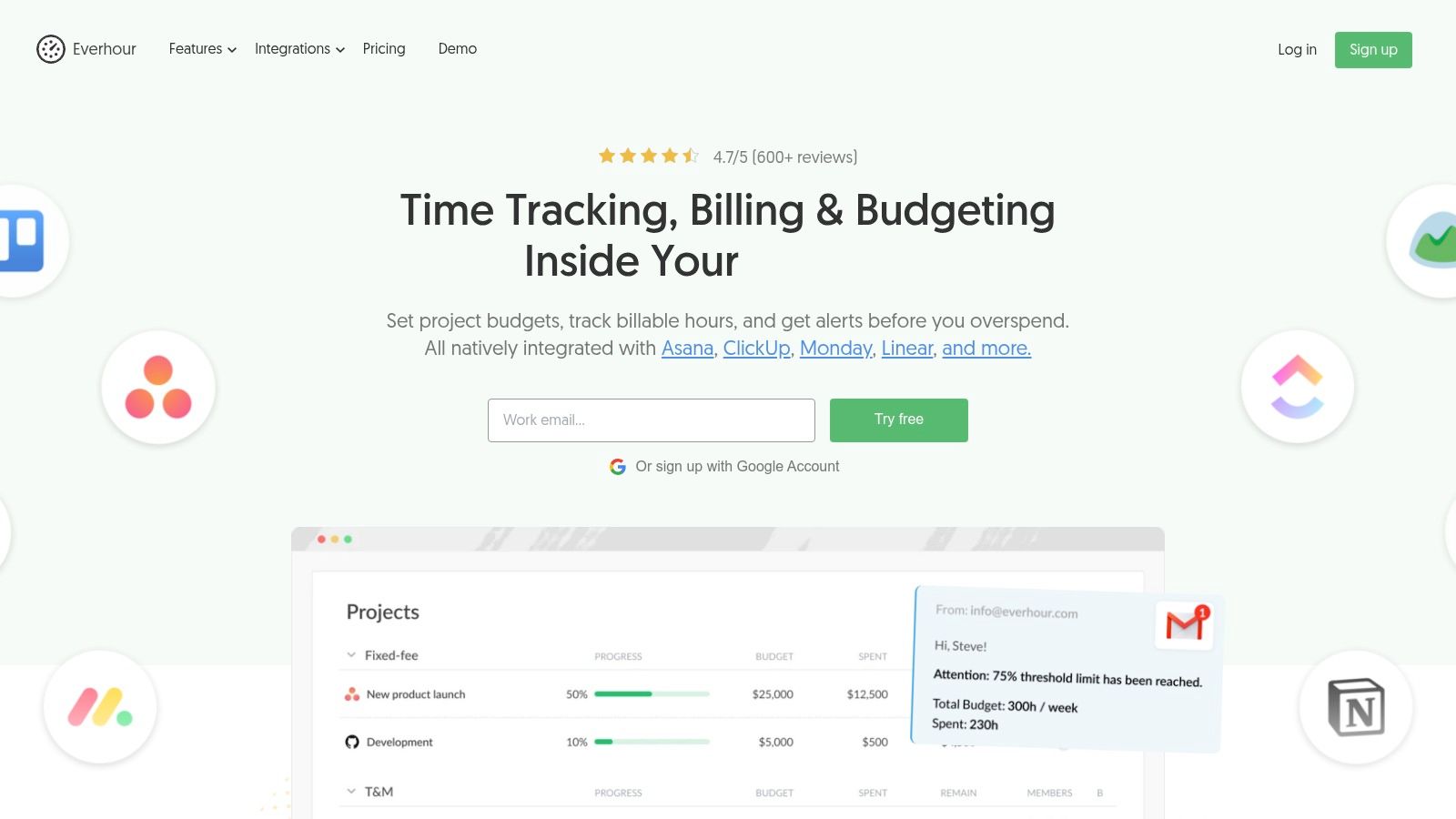
While the free plan is generous for a small group, its primary limitation is the lack of native integrations. Access to powerful connections with tools like Asana, Trello, and Jira is reserved for paid users. This positions the free version as a standalone solution rather than an integrated part of a broader project management ecosystem. However, for teams that don't rely heavily on these platforms, Everhour's free offering provides a strong foundation for tracking work and understanding project profitability.
Key Features & Limitations
| Feature | Availability on Free Plan |
|---|---|
| Up to 5 Users | Yes |
| Unlimited Projects | Yes |
| Detailed Reporting | Yes |
| Native Integrations | No (Paid Feature) |
| Budgeting & Invoicing | No (Paid Feature) |
| Time Off & Approvals | No (Paid Feature) |
Ideal Use Case
Everhour's free plan is best suited for small teams or freelance groups of up to five people who need a straightforward, powerful time tracker without the immediate need for third-party integrations. It's an excellent choice for agencies that want to establish solid time tracking habits and utilize robust reporting before committing to a paid plan. The clean interface and focus on core functionality make it easy to adopt, ensuring teams can start tracking time accurately from day one.
Website: https://everhour.com
7. Hubstaff
Hubstaff offers a unique proposition in the free time tracking space, focusing heavily on productivity monitoring and proof-of-work features. While its free plan is limited to a single user, it provides a powerful suite of tools for solo freelancers or agency owners who need to demonstrate activity levels to clients. This time tracking app free plan includes timers, timesheets, and limited access to its signature features like optional screenshots and activity monitoring, which tracks keyboard and mouse usage.
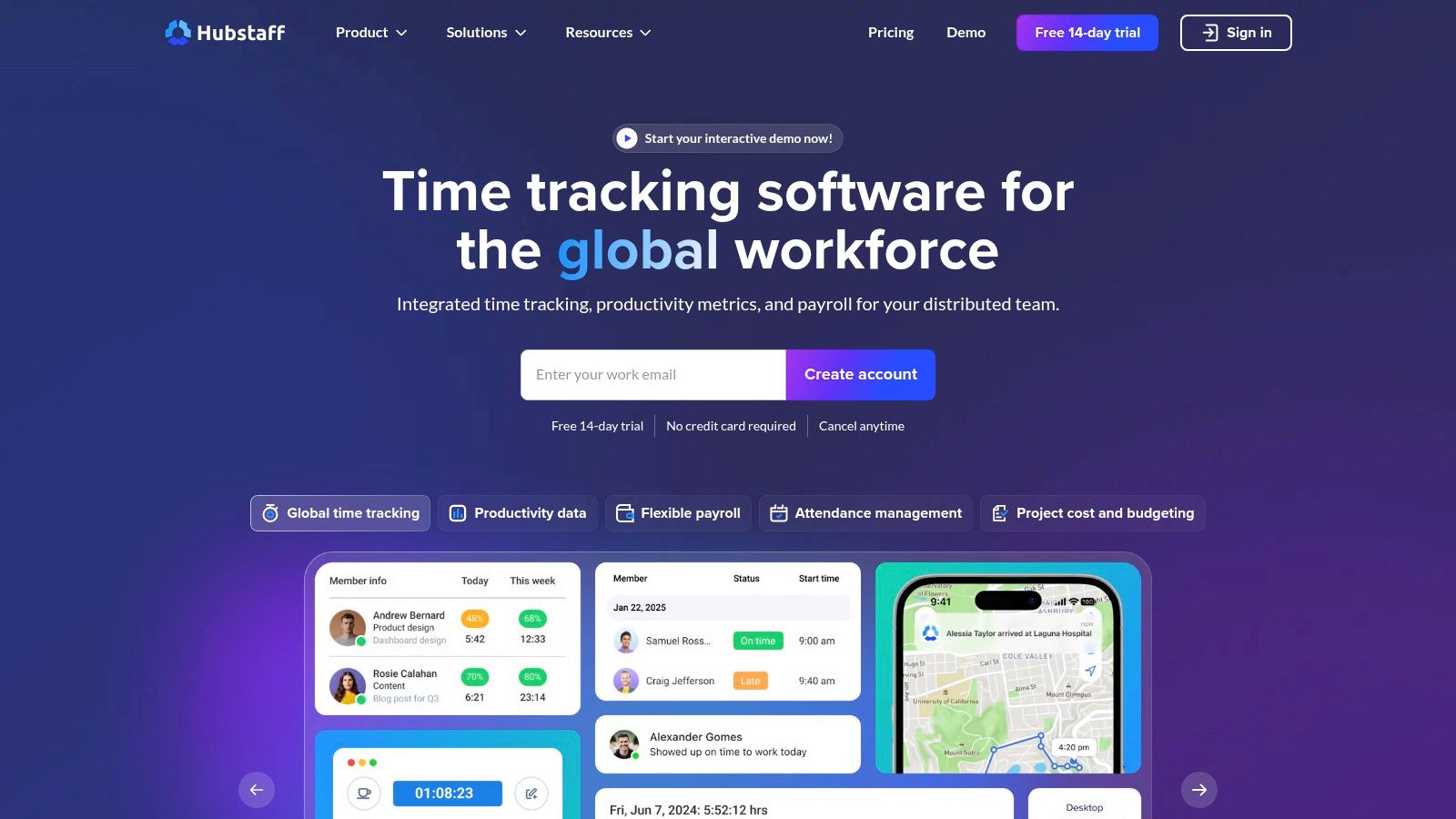
This focus on activity metrics makes Hubstaff stand out for roles where billable hours must be meticulously justified. The platform is designed for transparency, providing tangible data points beyond a simple time entry. For distributed or field teams, its GPS and location-based features (available on paid tiers) offer further layers of accountability, making it a comprehensive workforce management tool as an agency scales.
Key Features & Limitations
| Feature | Availability on Free Plan |
|---|---|
| Single User Only | Yes |
| Time Tracking & Timesheets | Yes |
| Activity Level Monitoring | Yes |
| Limited Screenshots | Yes (capped) |
| GPS/Geofencing | No (Paid Feature) |
| Payroll & Invoicing | No (Paid Feature) |
Ideal Use Case
Hubstaff's free tier is best suited for individual freelancers or consultants who require robust proof-of-work capabilities to build client trust. It is an excellent choice for those who need to provide detailed activity reports alongside their invoices. While the single-user limit prevents its free use for teams, it serves as a powerful entry point to Hubstaff's ecosystem. Agencies managing remote or field-based contractors may find the upgrade to paid plans a logical step for its advanced monitoring, scheduling, and payroll features.
Website: https://hubstaff.com
8. RescueTime
RescueTime shifts the focus from manual project tracking to automatic personal productivity analysis. It operates quietly in the background, categorizing the applications and websites you use to provide a clear picture of where your digital time goes. The time tracking app free plan, RescueTime Lite, offers a fantastic entry point for individuals or teams looking to understand and improve focus habits without the hassle of starting and stopping timers. It’s an ideal tool for identifying digital distractions and building more productive work patterns.
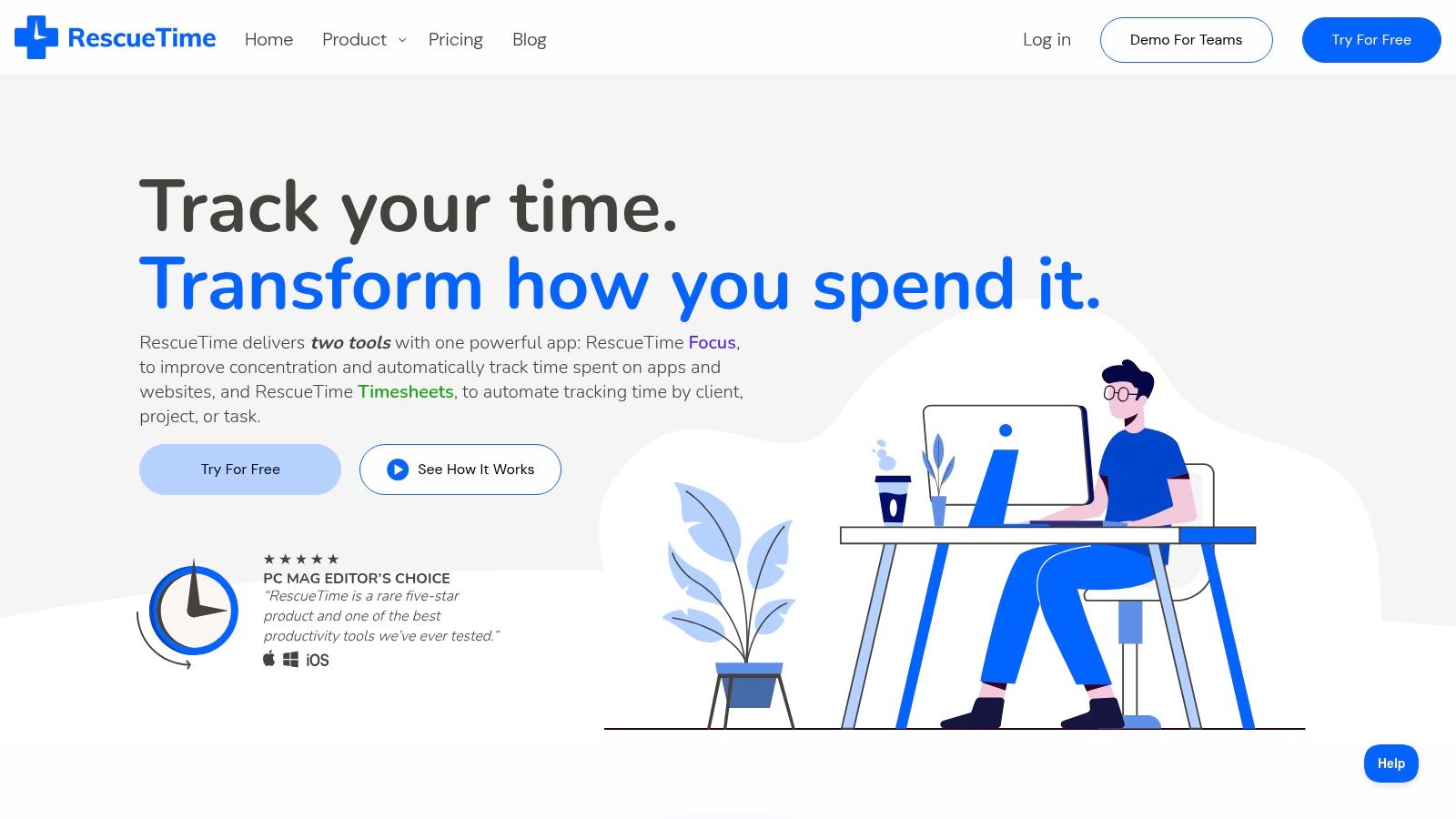
This hands-off approach makes it a standout choice for agencies aiming to reduce timesheet fatigue at the individual level. Instead of asking "What project did you work on?", it answers "How focused was your time?". This data can be invaluable for operations leaders looking to support team well-being and identify systemic workflow interruptions. While it doesn't track specific projects on its free plan, it provides the foundational data needed to have meaningful conversations about productivity.
Key Features & Limitations
| Feature | Availability on Free Plan |
|---|---|
| Automatic App & Website Tracking | Yes |
| Focus Sessions | Yes |
| Productivity Goals | Yes |
| Alerts & Distraction Blocking | No (Paid Feature) |
| Detailed Reporting & History | No (Paid Feature) |
| Team Dashboards & Timesheets | No (Paid Feature) |
Ideal Use Case
RescueTime is best suited for agencies and individuals focused on improving personal productivity and focus rather than detailed project billing. It’s an excellent tool for team leads who want to help their members identify and minimize distractions without invasive micromanagement. The free version provides a solid overview of digital habits, making it perfect for an initial "awareness" phase. Teams needing to connect this data back to specific projects or clients will need to upgrade to a paid plan for the full suite of reporting and integration features.
Website: https://www.rescuetime.com
9. ClickUp
ClickUp positions itself as an all-in-one work platform rather than just a dedicated time tracker, but its native time tracking capabilities make it a strong contender. Its Free Forever plan is exceptionally generous for overall project management, including tasks, docs, and calendars. This makes it an ideal choice for agencies looking to consolidate their tool stack and manage projects and time within a single ecosystem, reducing the need to switch between different applications.
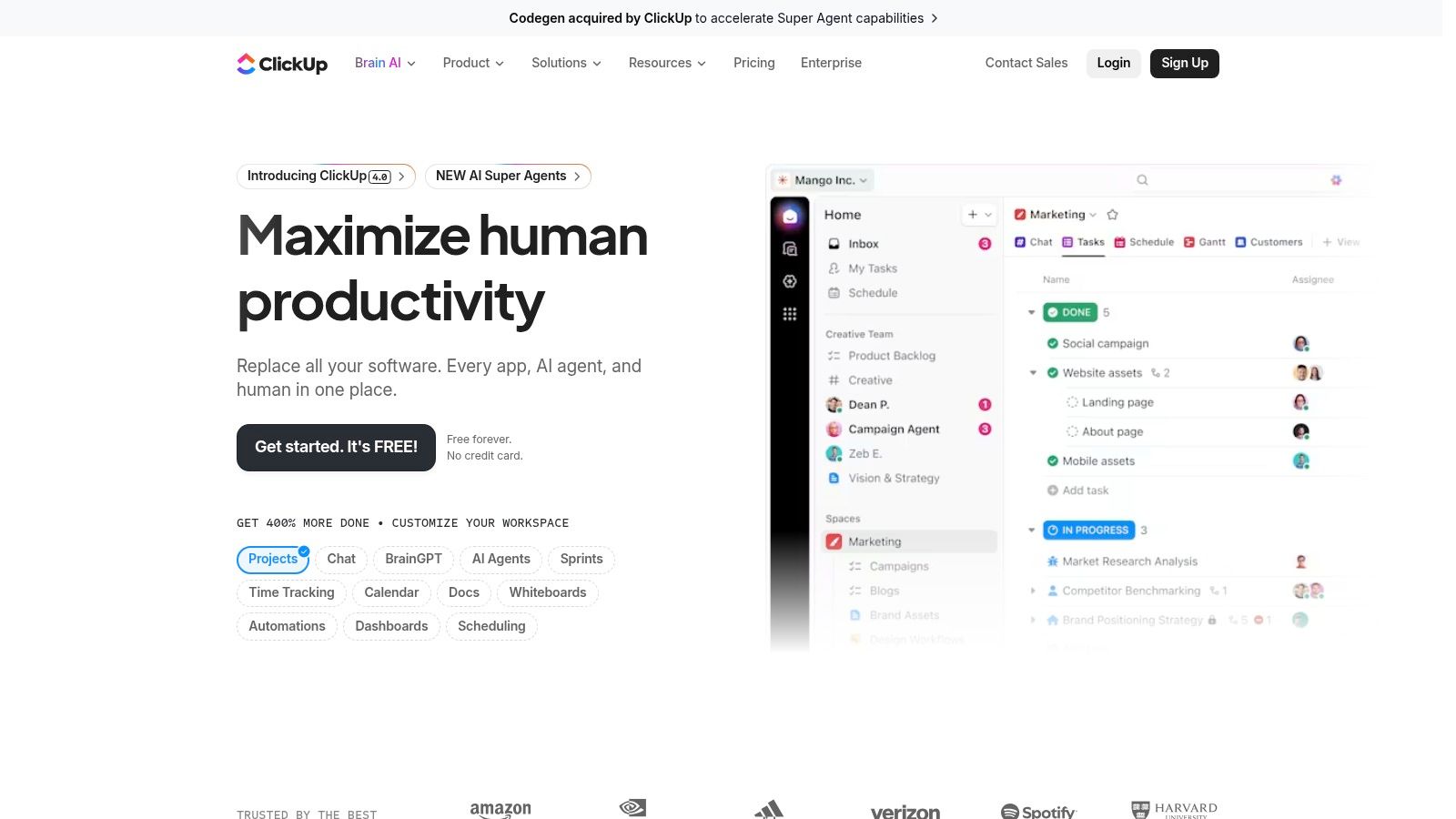
While the time tracking feature is seamlessly integrated into tasks, the free plan does come with usage limitations that agencies should be aware of. The platform's strength lies in its holistic approach; you can start a timer directly from a task, ensuring every minute is accounted for and linked to specific deliverables. This integration provides valuable context that standalone timers often lack. However, teams that only need a simple timer might find the comprehensive feature set overwhelming.
Key Features & Limitations
| Feature | Availability on Free Plan |
|---|---|
| Native Time Tracking | Yes (100 uses) |
| Unlimited Tasks | Yes |
| Collaborative Docs | Yes |
| Integrations | Yes (Native & Third-Party) |
| Time Estimates | No (Paid Feature) |
| Reporting & Dashboards | No (Paid Feature) |
Ideal Use Case
ClickUp is best suited for agencies that want to combine their project management and time tracking into a single, powerful platform. If your team is already looking for a robust task and workflow management tool, using ClickUp's built-in time tracking app free feature is a natural fit. It’s perfect for organizations that prioritize context, as time logs are directly tied to project tasks. Teams needing advanced time reporting or unlimited tracking will need to upgrade, but the free plan provides an excellent foundation for unified work management.
Website: https://clickup.com
10. Kimai (open source)
Kimai offers a unique proposition in the time tracking space as a free, open-source platform. This is the ideal choice for agencies that prioritize data ownership, security, and ultimate customizability. Because you can host it on your own servers, Kimai provides complete control over your data, eliminating vendor lock-in and monthly subscription fees, making it a truly powerful time tracking app free of ongoing costs beyond your own hosting and maintenance.
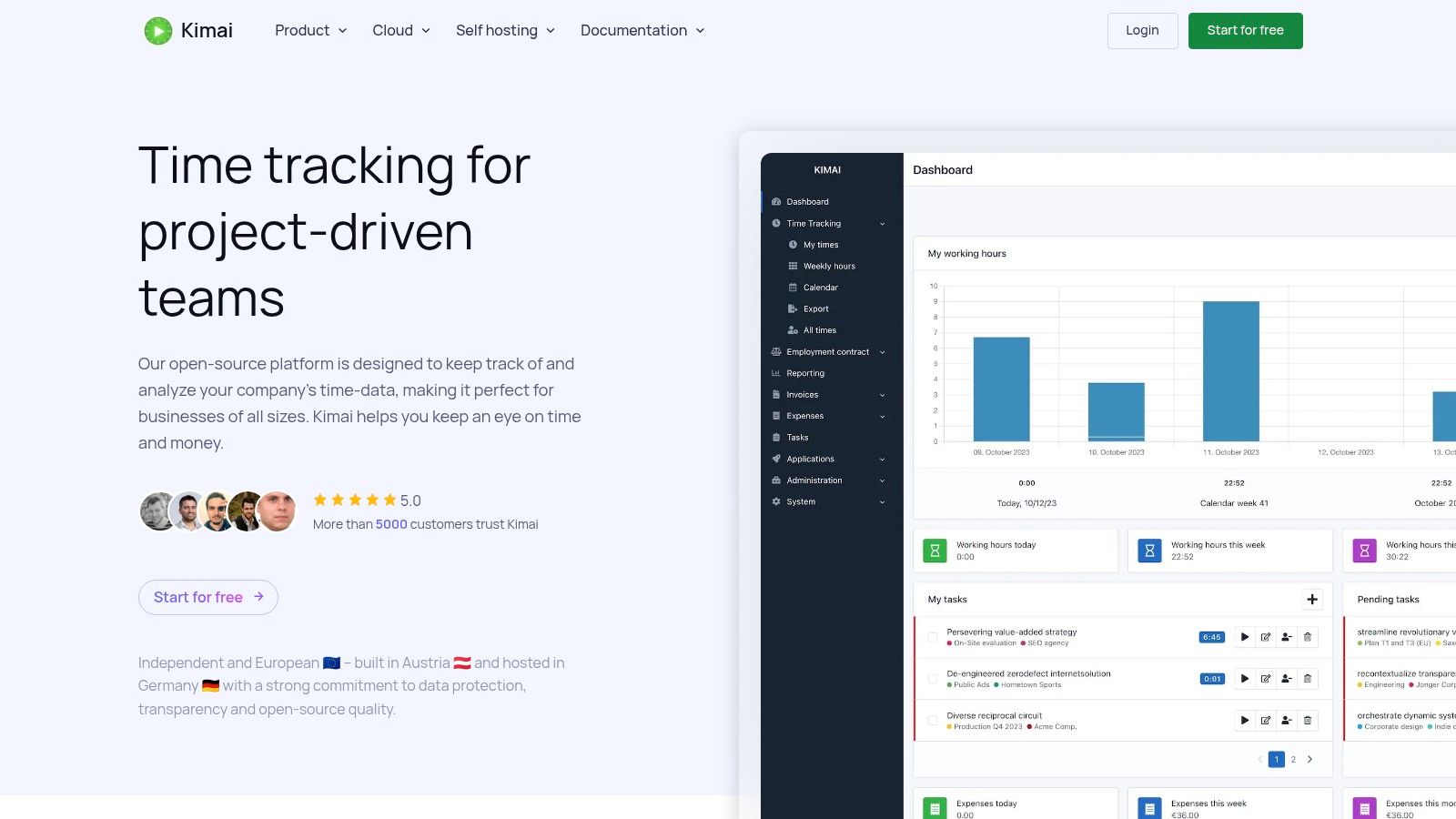
The platform's strength lies in its extensibility. With a robust API and a system of plugins, technically proficient teams can tailor Kimai to fit their exact workflows. While this requires a higher technical barrier to entry for setup and maintenance compared to SaaS solutions, the payoff is a system that is perfectly aligned with your agency's operational needs. For those who prefer a managed solution, the project also offers a cloud-hosted SaaS version.
Key Features & Limitations
| Feature | Availability on Free Plan |
|---|---|
| Self-Hosting (Free) | Yes |
| Unlimited Users/Projects | Yes |
| Extensive API & Plugins | Yes |
| Data Export/Migration | Yes |
| Official Support | No (Community Support Only) |
| Out-of-the-Box Integrations | Limited |
Ideal Use Case
Kimai is perfect for technically-savvy agencies or those with an in-house IT department that require full control over their time tracking data and system architecture. It's an excellent fit for organizations with strict data privacy requirements or those needing to build custom integrations with proprietary internal tools. While it lacks the polished, out-of-the-box experience of many commercial apps, its flexibility and cost-free model make it an unbeatable option for teams that can manage the technical overhead.
Website: https://www.kimai.org
11. Capterra – Time Tracking Software Directory
While not a time tracking app itself, Capterra is an essential resource for discovering the right tool. It's a comprehensive software directory that allows agencies to compare hundreds of options side-by-side. For teams looking for a time tracking app free of charge, Capterra's powerful filtering system is its greatest asset. You can easily narrow down the extensive list to only show applications that offer a free version, saving countless hours of manual research.
Capterra provides more than just a list; it aggregates a massive volume of moderated user reviews, buyers' guides, and detailed vendor pages. This allows decision-makers to get a well-rounded view of a platform's real-world performance, user interface, and customer support quality before committing. It helps agencies move beyond marketing copy to understand how a tool truly functions for teams like theirs.
Key Features & Limitations
| Feature | Availability on Free Plan |
|---|---|
| Filter by 'Free Version' | Yes |
| Moderated User Reviews | Yes |
| Side-by-Side Comparison | Yes |
| Buyers' Guides | Yes |
| Direct App Download | No (Links out to vendors) |
| Guaranteed Feature Accuracy | No (Confirm on vendor site) |
Ideal Use Case
Capterra is the ideal starting point for agencies in the discovery phase. It's perfect for operations leaders and project managers who need to build a shortlist of potential tools based on specific criteria like features, deployment type, and user ratings. A practical tip is to watch for "Sponsored" labels, as these placements appear first. Always click through to the vendor’s website to confirm the most current details of their free plans. To explore another specialized category, you can find a guide to open-source time tracking solutions here.
Website: https://www.capterra.com/time-tracking-software/
12. G2 – Time Tracking Software Category
While not a direct time tracker, G2's Time Tracking Software category is an indispensable research hub for any agency vetting a time tracking app free solution. It aggregates hundreds of tools, providing user-generated reviews, detailed feature comparisons, and robust filtering options. This allows teams to validate marketing claims against real-world user experiences, making it a critical step before committing to a platform. G2's grid rankings and reports help identify market leaders and high performers specifically within the free-tier space.
The platform's true value lies in its ability to surface candid feedback on usability, customer support, and hidden limitations of free plans. Instead of relying solely on a vendor's website, agencies can read dozens of recent reviews from similar-sized companies. This provides a clear signal on a tool's reputation and how well it actually performs in a professional services environment, helping to avoid platforms with poor interfaces or unreliable support.
Key Features & Limitations
| Feature | Availability on Free Plan |
|---|---|
| User-Reviewed Product Pages | Yes |
| Comparison Grids & Tools | Yes |
| Filter for Free Plans | Yes |
| Trend Reports & Awards | Yes |
| Sponsored Placements | Yes (Requires careful review) |
| Generic User Reviews | Yes (Requires reading multiple reviews) |
Ideal Use Case
G2 is the perfect resource for operations leaders and project managers in the final stages of selecting a time tracking tool. It’s ideal for cross-referencing a shortlist of apps to uncover potential deal-breakers that aren't advertised. By using the filters to isolate tools with free plans and high satisfaction scores among SMBs, teams can significantly de-risk their decision. Always verify features directly on the vendor's site, as G2's data can sometimes lag behind product updates.
Website: https://www.g2.com/categories/time-tracking-software
Top 12 Free Time-Tracking Apps Comparison
| Product | Core features | UX / Quality ★ | Price / Value 💰 | Best for / Target 👥 | Standout ✨ / 🏆 |
|---|---|---|---|---|---|
| Clockify | Unlimited tracking, web/desktop/mobile, reports, browser ext. | ★★★★ | Free‑forever (unlimited users) 💰 | Freelancers & growing teams 👥 | Best-in-class free plan 🏆; broad platform support ✨ |
| Toggl Track | One-click timers, calendar sync, offline, 100+ integrations | ★★★★★ | Free up to 5 users; paid tiers for business 💰 | Small teams & quick adopters 👥 | Extremely user-friendly ✨; rich integrations 🏆 |
| Harvest | Timers + invoicing, payments, project budgets, accounting syncs | ★★★★ | Free for 1 user; paid for teams 💰 | Agencies & consultancies 👥 | Built-in invoicing/payments ✨ |
| TimeCamp | Tracking, attendance, timesheets, billing & budgeting modules | ★★★★ | Free plan available; competitive paid tiers 💰 | SMBs & billing-focused teams 👥 | Attendance & budget features ✨ |
| My Hours | Project/task timers, unlimited projects/clients, shareable reports | ★★★★ | Free up to 5 users 💰 | Small US teams & client billing 👥 | Clear UI and straightforward reporting ✨ |
| Everhour | Time + reporting, budgeting & invoicing (paid), PM integrations | ★★★★ | Free up to 5 (limited); paid for integrations 💰 | Small teams using Asana/Trello/Jira 👥 | Strong budgeting/reporting for teams ✨ |
| Hubstaff | Timers, screenshots, activity metrics, GPS & payroll add-ons | ★★★ | Free for 1 seat (owner); paid for teams 💰 | Field, distributed teams & payroll 👥 | Screenshots & GPS monitoring 🏆 |
| RescueTime | Automatic app/site tracking, focus sessions, goals/alerts | ★★★★ | Lite free; premium for full analytics 💰 | Individual productivity & knowledge workers 👥 | Passive tracking + distraction blocking ✨ |
| ClickUp | Tasks/docs/calendars + native time tracking, integrations | ★★★★ | Generous Free Forever; paid tiers 💰 | Teams wanting PM + time tracking in one 👥 | All-in-one work platform 🏆 |
| Kimai (open source) | Self-host or SaaS, API & plugins, data export/migration | ★★★★ | Open-source free (hosting costs apply) 💰 | Privacy-focused orgs & dev teams 👥 | No vendor lock-in; highly extensible ✨ |
| Capterra – Directory | Filtered listings, buyers' guides, moderated user reviews | ★★★★ | Free to browse; vendor listings vary 💰 | Buyers researching time tracking 👥 | Large moderated review volume ✨ |
| G2 – Category | User reviews, comparison grids, leader badges & filters | ★★★★★ | Free browsing; vendor pages & badges 💰 | Buyers validating vendor reputation 👥 | Recent reviews + rankings / awards 🏆 |
Final Thoughts
Navigating the landscape of free time tracking apps can feel overwhelming, but as we've explored, the right solution is often a matter of aligning specific team needs with the generous, albeit limited, offerings of today's leading platforms. The core takeaway is that a "one-size-fits-all" approach simply doesn't exist. Each tool, from the robust project management capabilities of ClickUp's free tier to the straightforward, no-frills timer in Toggl Track, carves out a niche for a particular type of team.
The journey to find the perfect time tracking app free of charge begins with a deep, honest assessment of your agency's true requirements. Are you a small, agile team focused purely on capturing billable hours? A tool like Clockify or My Hours might be your ideal starting point, offering core functionality without unnecessary complexity. Conversely, if your needs lean towards understanding productivity patterns and minimizing digital distractions, RescueTime provides a unique, automated approach that shifts the focus from manual entry to behavioral insight.
From Free Tier to Strategic Investment
A critical realization for any growing mid-sized agency is that a free plan is often a starting line, not a finish line. These tools are brilliantly designed to solve immediate problems like basic time logging and simple reporting. However, as your team scales from 50 to 200 employees, the limitations of these free tiers will inevitably surface.
Consider these key transition points that signal it's time to upgrade or seek a more advanced solution:
- Reporting Inefficiency: When your operations leaders or project managers spend hours manually exporting data from a free tool and wrangling it in spreadsheets to get client-ready reports or utilization metrics, the "free" tool is costing you significant soft dollars.
- Security and Compliance: As you onboard larger clients, requirements like SOC 2 compliance become non-negotiable. Free plans rarely, if ever, offer the security assurances and audit trails necessary for enterprise-level engagements.
- Lack of Automation: The biggest hidden cost of manual time tracking is the time spent tracking time. If your team is still manually starting and stopping timers for every meeting and task, you're losing valuable focus and accumulating inaccurate data. Solutions that offer calendar integration and automatic time capture become essential for efficiency and accuracy.
- Integration Gaps: A free tool might not integrate seamlessly with your core project management, invoicing, or ERP systems. This creates data silos and administrative headaches, undermining the very efficiency you seek.
Your Actionable Next Steps
Before you commit to a platform, even a free one, follow this implementation checklist to ensure a smooth transition and widespread adoption:
- Define Your "Why": Clearly articulate the primary problem you are solving. Is it for accurate client billing, improving project profitability, understanding team utilization, or streamlining payroll? Your core objective will dictate your choice.
- Pilot with a Small Group: Select a single project team or department to test your top two choices. Gather real-world feedback on usability, accuracy, and how well it integrates with their existing workflow. This avoids a disruptive, company-wide rollout of the wrong tool.
- Establish Clear Guidelines: Create a simple, one-page document outlining how and when to track time. Define your project codes, task categories, and what constitutes billable vs. non-billable work. Consistency is key to generating useful data.
- Review and Iterate: After a month, review the data and the team's feedback. Is the tool providing the insights you need? Is timesheet compliance an issue? Don't be afraid to switch if the initial choice isn't working. The best time tracking app free for your agency is the one your team will actually use consistently.
Ultimately, adopting a time tracking tool is about more than just logging hours. It's about gaining visibility into your most valuable asset: your team's time. By starting with a capable free solution, you can build a culture of accountability and data-driven decision-making, setting the stage for future investments in more powerful, automated platforms that will fuel your agency's growth.
If your team's primary challenge is the manual drudgery of logging time from countless calendar events, you need a solution that automates the capture process. TimeTackle integrates directly with your Google and Microsoft calendars to automatically convert events into accurate timesheet entries, eliminating manual data entry and timesheet fatigue. See how our automation can reclaim hours of administrative overhead by visiting TimeTackle today.