
For consultants, time isn't just a resource; it's the product. Inaccurate or inefficient time tracking leads directly to lost revenue, scope creep, and poor project profitability. The old model of manual spreadsheets and guesstimates is no longer viable for managing billable hours with the precision required to stay competitive. These manual processes create significant administrative overhead, a problem that extends beyond project work to general timekeeping; many firms also benefit from automating general attendance with Top Employee Attendance Tracking Software to reduce manual entry across the board.
This guide moves beyond generic feature lists to provide a practical, in-depth analysis of the best time tracking apps for consultants. We'll explore how each tool addresses specific consulting challenges, from automated capture and AI-driven categorization to seamless invoicing and detailed profitability reporting. Our goal is to help you find the platform that transforms your time tracking from a tedious chore into a strategic advantage.
We’ve done the heavy lifting, analyzing each platform's features, pricing, and ideal use cases. You'll find detailed breakdowns, screenshots, and direct links to each tool, allowing you to quickly compare options and identify the right fit for your consultancy’s unique workflow, client base, and growth objectives.
1. TimeTackle
TimeTackle distinguishes itself by moving beyond traditional timers and manual entry, positioning itself as a premier AI-powered, calendar-centric time intelligence platform. For consultants juggling multiple clients and projects, its core strength lies in automatically capturing billable and non-billable activities directly from Google and Outlook calendars. This eliminates timesheet fatigue and ensures no billable hour is missed. The platform’s seamless integration with CRMs further enriches the data, providing a holistic view of client engagement without added administrative work.
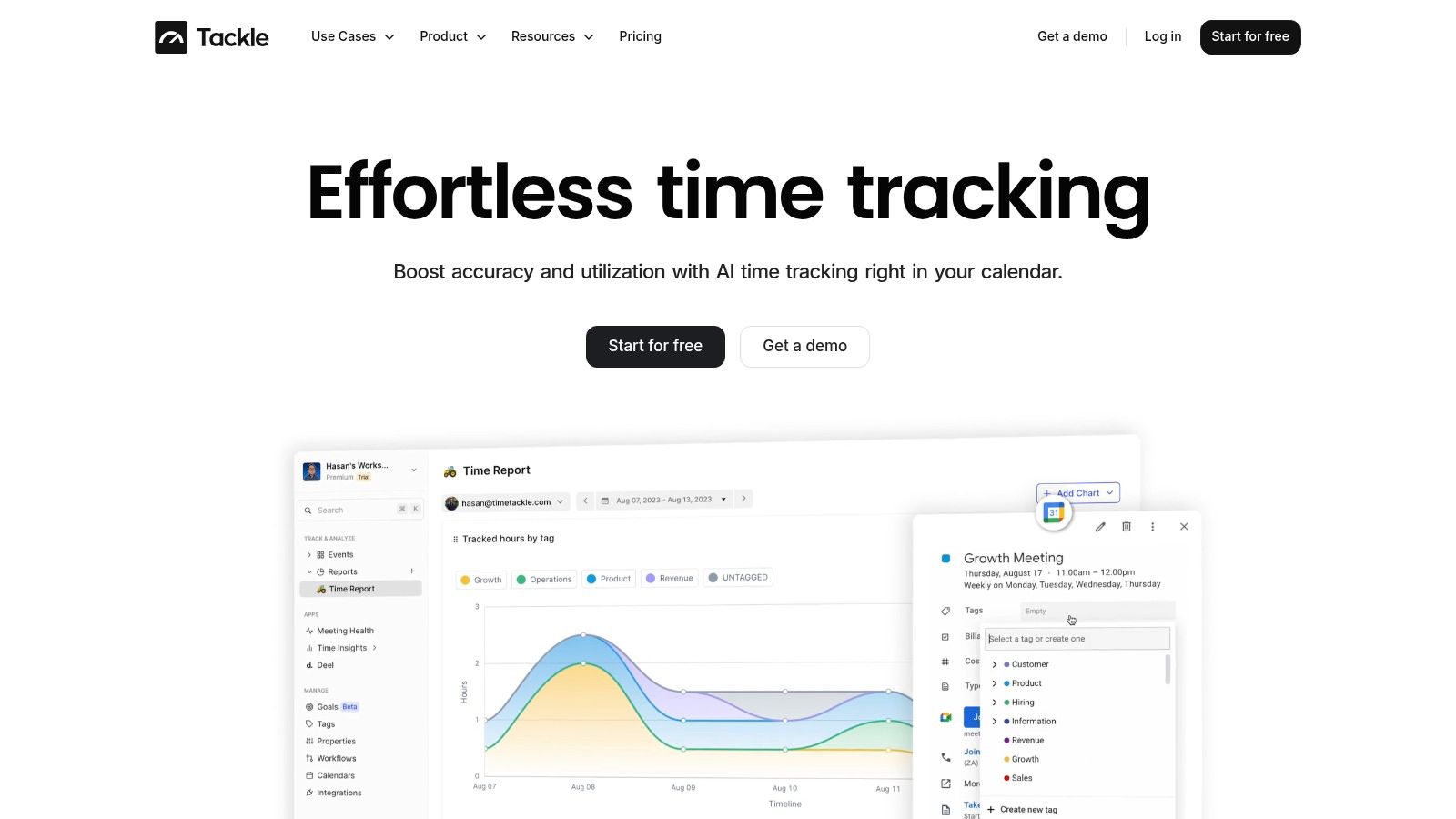
This automated capture is just the beginning. TimeTackle uses AI to suggest tags and allows for rule-based automations, categorizing time spent by project, client, or task with remarkable accuracy. This level of automation is a significant advantage for consulting firms aiming to standardize reporting and improve operational efficiency across their teams. By transforming calendar data into actionable insights, TimeTackle provides one of the most effective solutions among time tracking apps for consultants.
Key Features & Benefits for Consultants
- Calendar-Centric Automation: Automatically syncs with team calendars to capture every meeting and scheduled task, dramatically reducing manual data entry and ensuring comprehensive tracking.
- AI-Powered Tagging & Rules: Employs smart recommendations and customizable rules to consistently categorize activities, which is invaluable for accurate client billing and project costing.
- Dynamic Dashboards: Offers real-time visibility into key metrics like team utilization, project ROI, and resource allocation, enabling data-driven strategic decisions.
- Enterprise-Grade Security: With SOC 2 Type II certification, it guarantees that sensitive client and project data is protected, a crucial consideration for consulting firms.
- Robust Integrations & Exports: Features versatile export options and an API to connect with billing software, BI tools, or data warehouses, streamlining workflows from tracking to invoicing.
Best for: Mid-sized consulting firms and agencies seeking to automate time tracking, eliminate timesheet inaccuracies, and gain deep, real-time insights into resource utilization and project profitability.
| Pros | Cons |
|---|---|
| Seamless, automatic time capture from calendars and CRMs. | Pricing is not publicly listed and requires a demo or sales contact. |
| Powerful AI and rule-based automation significantly reduce admin work. | The extensive customization options may present a learning curve for less tech-savvy users. |
| Provides real-time, actionable insights into utilization and ROI. | |
| Strong security and compliance with SOC 2 Type II certification. | |
| Flexible data export and API for deeper integration with other business systems. |
You can find out more about how TimeTackle serves as a consultant time tracking app.
Website: https://www.timetackle.com
2. Toggl Track
Toggl Track is renowned for its simplicity and user-friendly interface, making it one of the best time tracking apps for consultants who value ease of use over complex project management features. Its core strength lies in its one-click timer, available across web, desktop, and mobile apps, which removes friction and encourages consistent time entry. This is ideal for solo consultants and small agencies where timesheet adherence can be a challenge.
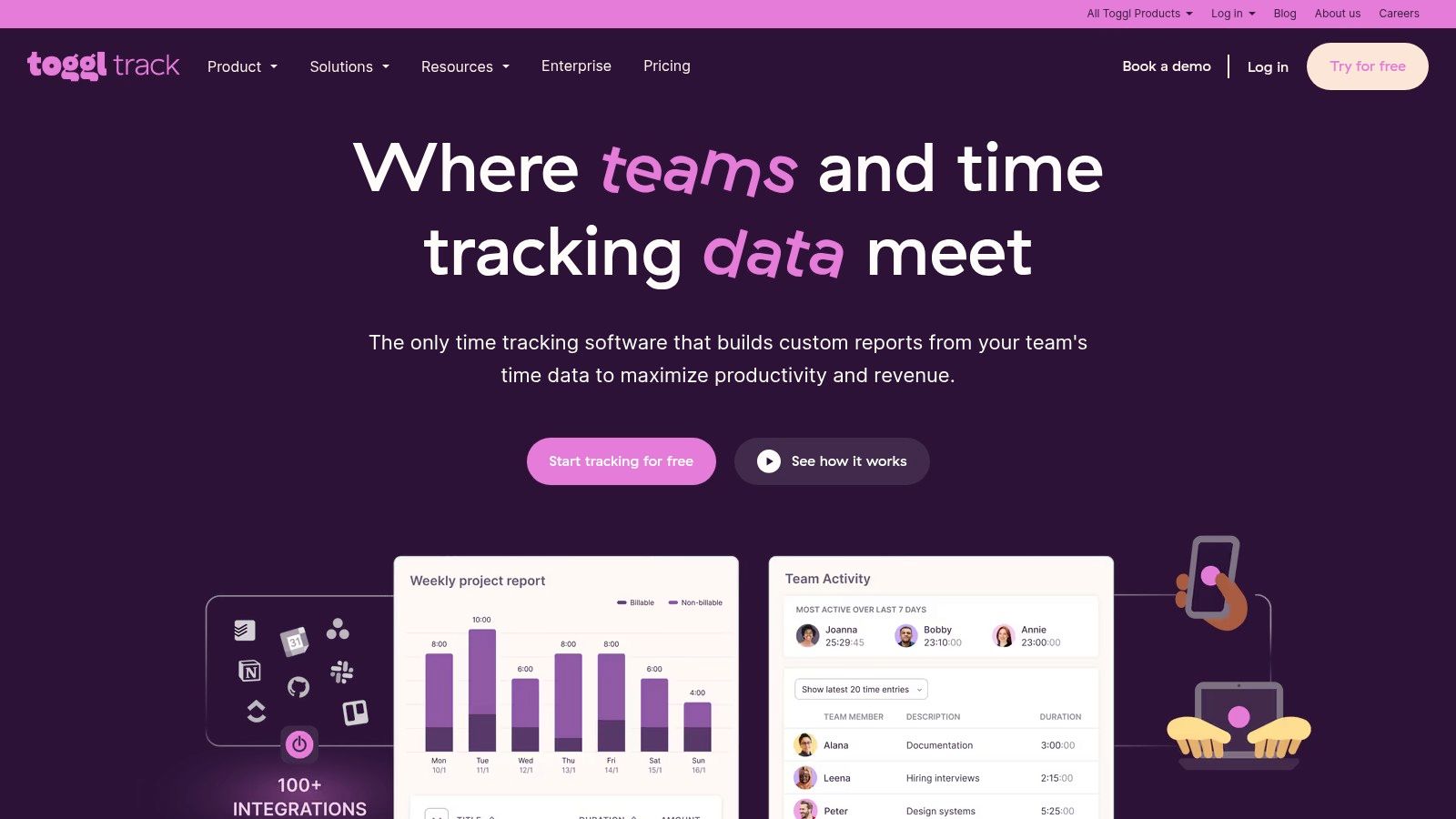
The platform seamlessly integrates with over 100 tools like Asana, Jira, and Trello through browser extensions, allowing consultants to track time directly within their existing workflows. For operations leaders, the reporting suite provides clear visibility into project profitability, billable hours, and team utilization without overwhelming users with unnecessary complexity.
Key Details & Pricing
- Best For: Solo consultants, small to mid-sized agencies, and teams prioritizing ease of adoption and straightforward reporting.
- Pricing: A robust Free plan for up to 5 users. Paid plans start at $9/user/month (Starter) and $18/user/month (Premium) for features like billable rates and project profitability tracking.
- Pros: Extremely low friction to start tracking, strong reporting on billable vs. non-billable hours, and a generous free tier.
- Cons: Advanced features like time approvals and enterprise-level controls are locked behind the most expensive plans.
3. Harvest
Harvest excels at connecting time tracking directly to invoicing and payments, making it one of the most efficient time tracking apps for consultants who manage their own billing. It streamlines the entire ‘track-to-cash’ cycle, allowing users to turn logged hours into professional invoices with just a few clicks. This integrated workflow is perfect for solo practitioners and small firms looking to reduce administrative overhead and get paid faster.
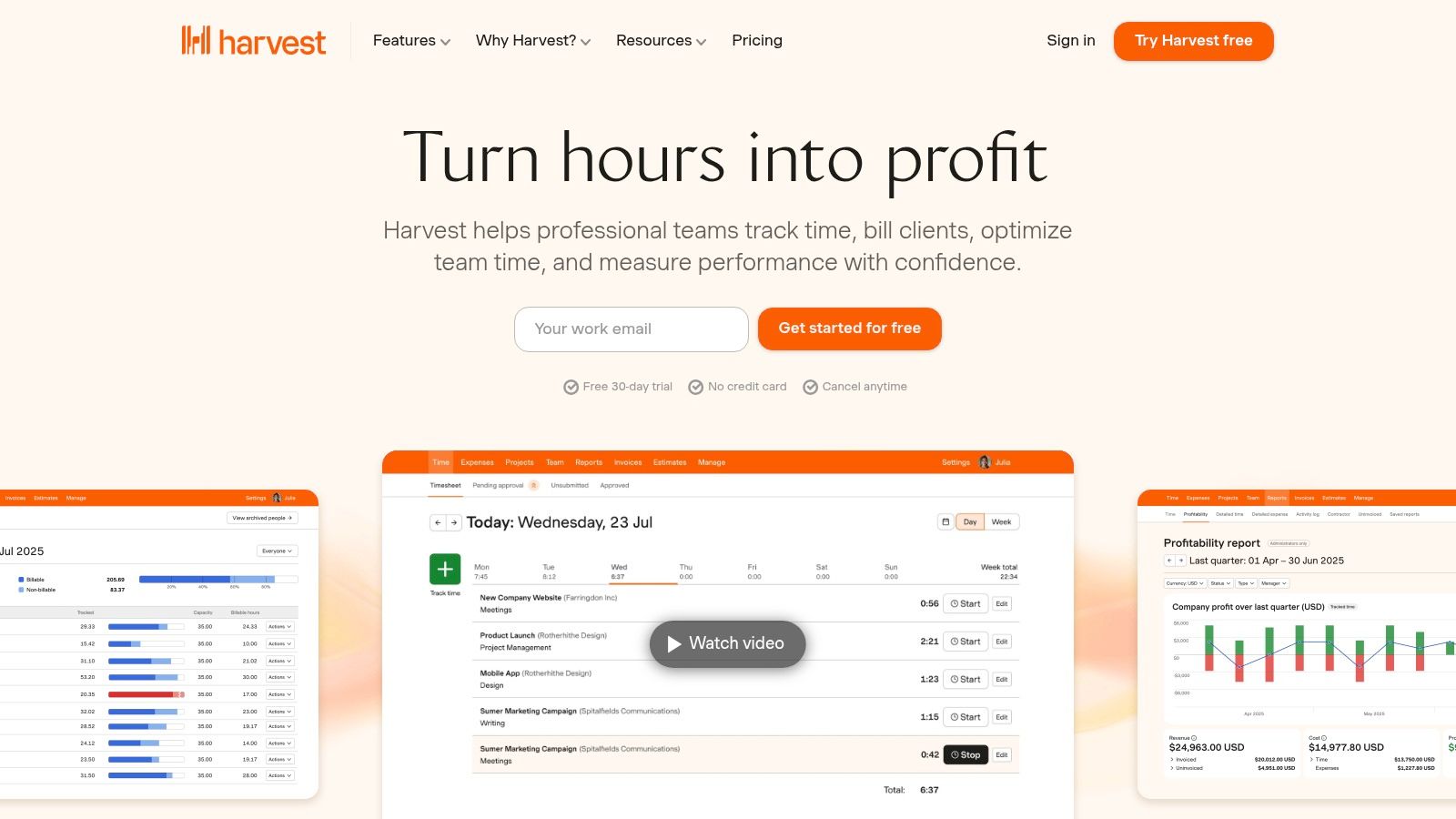
The platform offers intuitive time tracking via desktop, mobile, and browser extensions, along with robust project budgeting and team capacity reporting. Its standout feature is the native integration with payment gateways like Stripe and PayPal, allowing clients to pay invoices online directly. By combining time data with financial outcomes, Harvest gives consultants a clear, real-time view of project profitability and operational health. While it's a powerful all-in-one tool, those needing a different feature set can explore various Harvest alternatives.
Key Details & Pricing
- Best For: Solo consultants and small agencies who need an integrated solution for time tracking, invoicing, and expense management.
- Pricing: A Free plan is available for 1 user and up to 2 projects. The paid Pro plan is $12/seat/month and includes unlimited projects and clients.
- Pros: Seamless workflow from time tracking to invoicing and online payments, strong integrations with accounting software, and clear project budget tracking.
- Cons: The free plan is quite limited, and advanced reporting features are only available on the single paid tier.
4. Clockify
Clockify has established itself as a major player by offering a completely free time tracker with unlimited users and projects, an unmatched value proposition in the market. This makes it an incredibly attractive option for consulting startups and teams needing robust tracking without an initial investment. Its core functionality is straightforward, allowing users to track time using a timer or log hours manually in a timesheet, then categorize that time by project and task.
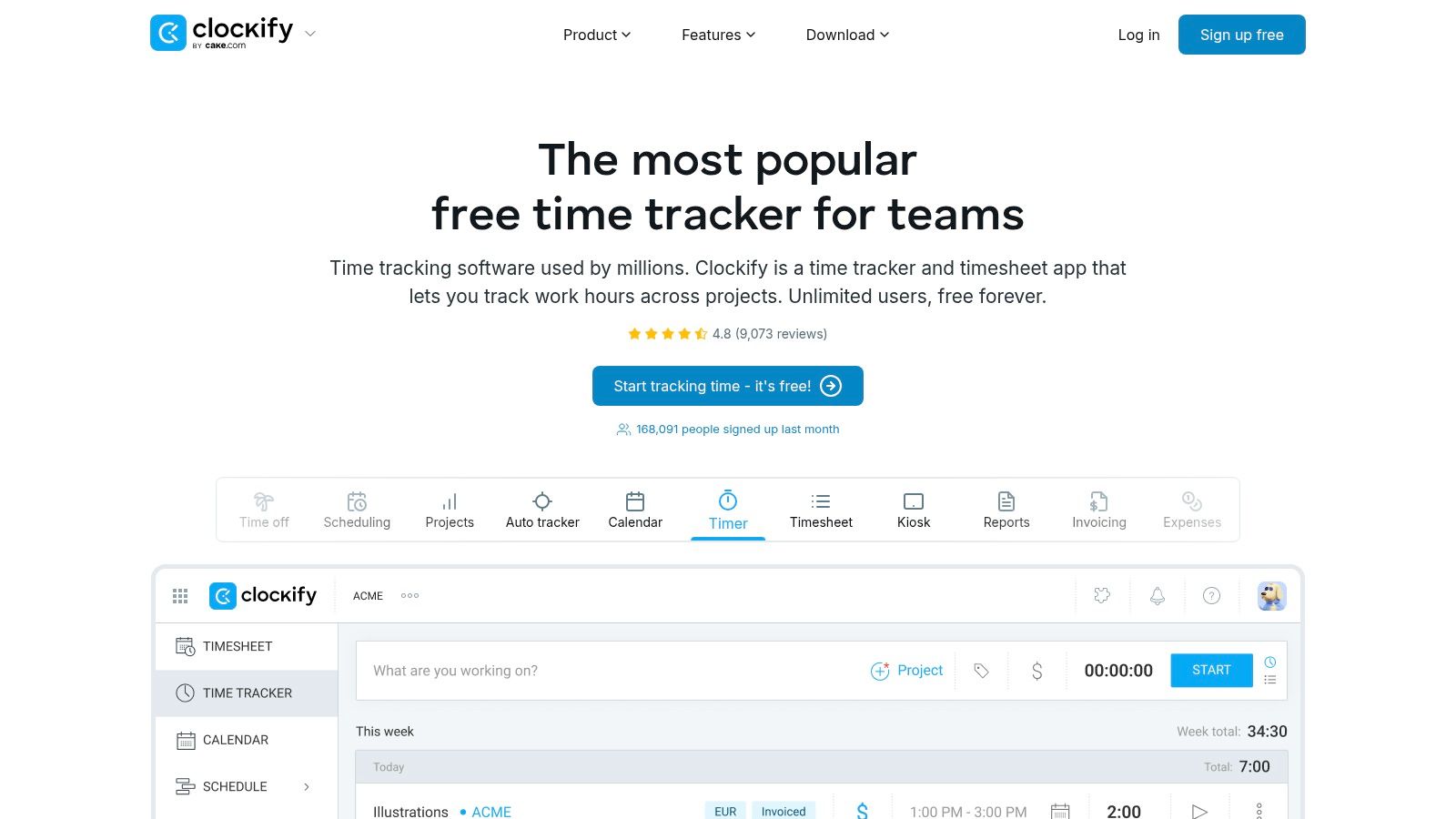
Where Clockify truly expands is within its paid tiers, which transform it from a simple tracker into a comprehensive workforce management tool. These plans introduce features crucial for growing consultancies, such as time approvals, invoicing, and integrations with accounting software like QuickBooks. For consultants who need to monitor field activity or remote work compliance, advanced features like GPS tracking and optional screenshots provide an additional layer of oversight, making it one of the most versatile time tracking apps for consultants scaling their operations.
Key Details & Pricing
- Best For: Consultancies of all sizes, especially those starting out who need a powerful free solution, and larger teams needing advanced administrative controls.
- Pricing: A powerful Free plan with unlimited users and tracking. Paid plans add more features starting from $3.99/user/month (Basic) up to $11.99/user/month (Enterprise) for SSO and audit logs.
- Pros: The best-in-class free plan is a significant advantage, with transparently priced tiers that add powerful administrative controls and productivity features.
- Cons: The user interface can feel complex when all modules are enabled, and some advanced productivity features are only available in higher-tier plans.
5. QuickBooks Time (formerly TSheets)
For consultants and agencies already embedded in the Intuit ecosystem, QuickBooks Time offers the most seamless time tracking and payroll integration available. Its primary advantage is its native synchronization with QuickBooks, which automates the flow of billable hours directly into invoices and payroll runs, significantly reducing administrative overhead. This makes it one of the best time tracking apps for consultants who prioritize accounting efficiency.
Beyond its core accounting link, the platform provides robust features for managing teams, including a "Who's Working" GPS map for field consultants and job scheduling capabilities. For those using QuickBooks Time, leveraging a dedicated QuickBooks Sync Tool can further streamline your accounting processes. While powerful, its full value is realized when paired with a QuickBooks Online account.
Key Details & Pricing
- Best For: Consultants, firms, and field service teams who use QuickBooks for invoicing and payroll.
- Pricing: Plans start with a $20/month base fee + $8/user/month (Premium) or a $40/month base fee + $10/user/month (Elite). A 30-day free trial is available.
- Pros: Unmatched, native integration with QuickBooks payroll and invoicing, and strong features for mobile or on-site teams like GPS tracking and a time kiosk.
- Cons: Less cost-effective for teams not using QuickBooks, as the base fee and per-user cost can be high.
6. Hubstaff
Hubstaff is a powerful time tracking solution designed for consultants and agencies managing distributed or remote teams. Its standout feature is the optional activity monitoring, which includes screenshots, app usage, and URL tracking. This provides an unparalleled level of transparency for managers overseeing remote contractors, ensuring that billable hours directly correspond to productive work on client projects.
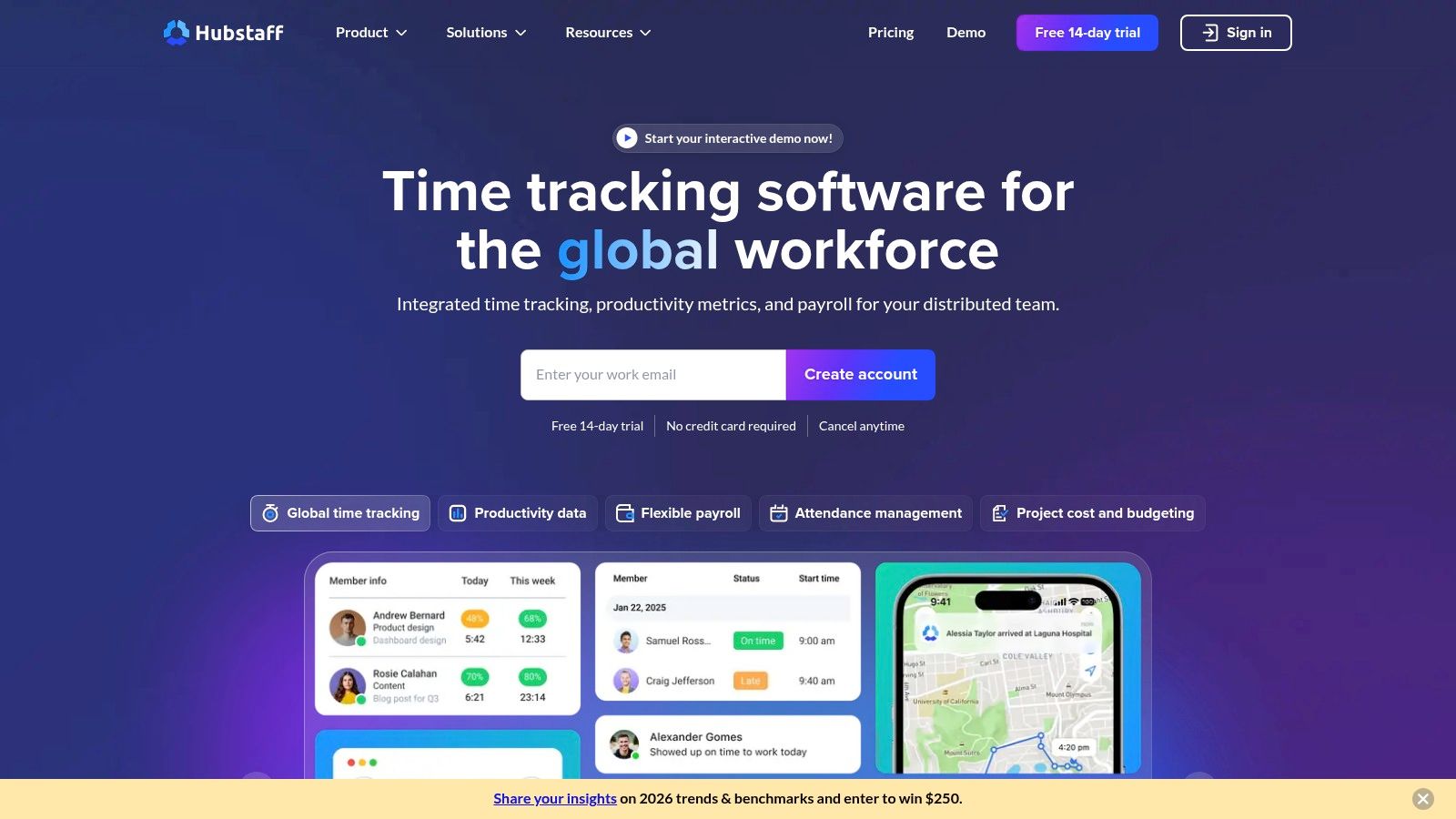
Beyond simple time tracking, Hubstaff offers robust features like GPS tracking with geofencing for field consultants, project budgeting to prevent overages, and team scheduling. This makes it one of the more comprehensive time tracking apps for consultants who need workforce management capabilities alongside accurate time logs. While the monitoring features are extensive, it's a tool best suited for teams where this level of oversight is expected and agreed upon. For those who find this approach too intensive, exploring Hubstaff alternatives might be a better option.
Key Details & Pricing
- Best For: Consulting firms with remote or field-based teams, agencies requiring detailed proof of work, and managers needing deep visibility into team activity.
- Pricing: A limited Free plan is available for one user. Paid plans include Desk Starter ($7/user/month) and Desk Pro ($10/user/month) for core features, with add-ons available.
- Pros: Rich visibility features for managing remote teams, GPS and geofencing are great for field work, and add-ons allow for customized capabilities.
- Cons: Monitoring features can feel intrusive for some client relationships or team cultures, and key features are limited on lower-tier plans.
7. Timely by Memory
Timely by Memory tackles the biggest challenge for consultants: forgetting to log hours. Instead of manual timers, it runs a private desktop app that automatically records all computer activity, from emails and documents to meetings and web browsing. This data remains private to the user until they use it to create AI-assisted timesheets, making it one of the most accurate time tracking apps for consultants who struggle with manual entry.
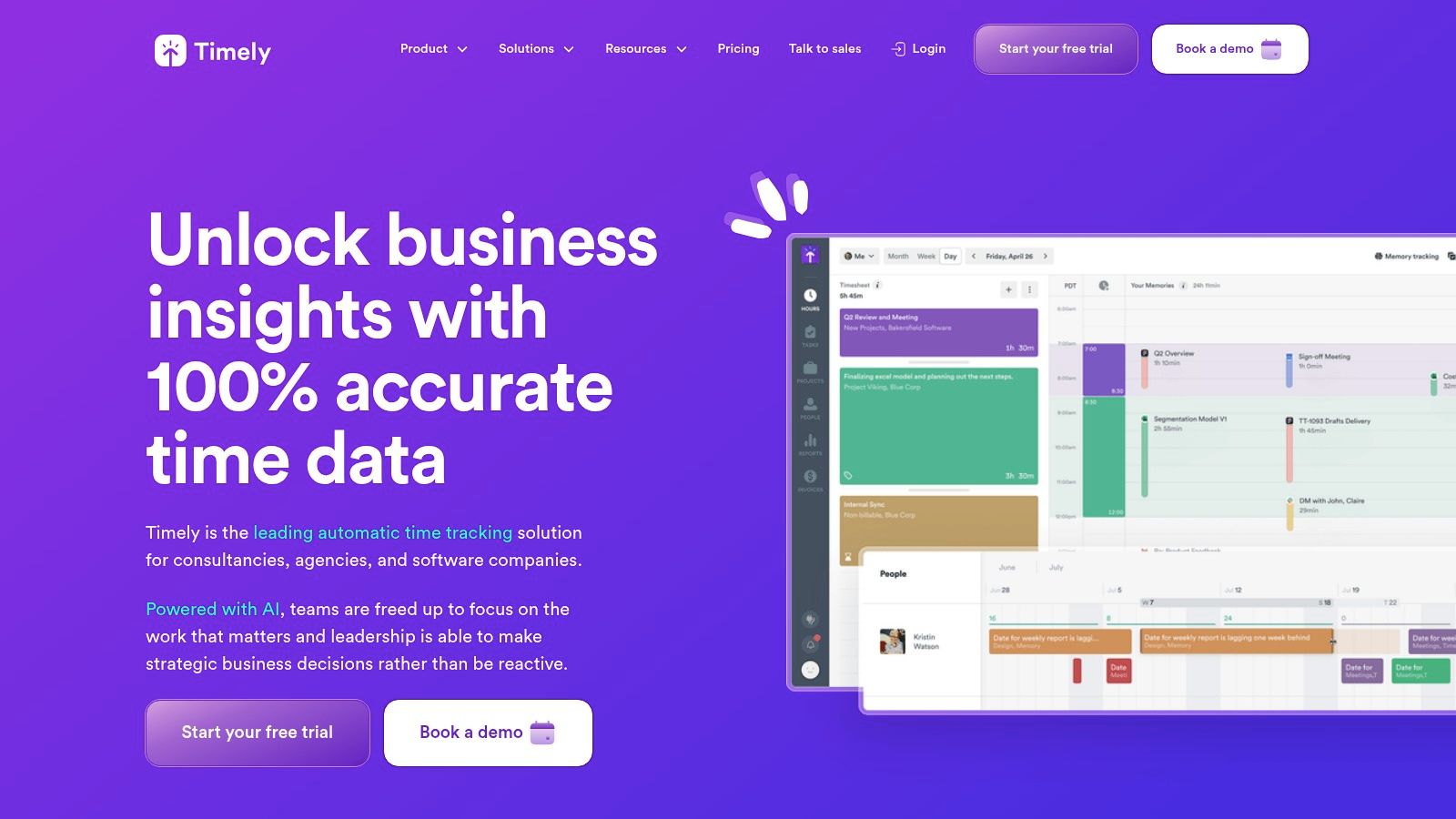
This automated approach is a game-changer for billing accuracy and scope management, as it captures all billable moments that are often missed. For operations leaders, Timely provides powerful tools for project budgeting, capacity planning, and team scheduling. Its AI helps confirm that every billable minute is accounted for, reducing revenue leakage and providing data-backed insights for client audits or discussions about scope creep.
Key Details & Pricing
- Best For: Consultants and agencies who need to eliminate timesheet fatigue, improve billing accuracy, and gain a true picture of where time is spent without manual timers.
- Pricing: Plans start at $9/user/month (Starter), $16/user/month (Premium), and $22/user/month (Unlimited), with higher tiers offering advanced features like capacity planning and individual user budgets.
- Pros: Radically reduces manual effort to produce highly accurate timesheets, excellent for justifying billables and managing project scope.
- Cons: The automatic tracking model requires significant user trust and proper onboarding; per-user pricing can become expensive for larger teams.
8. Everhour
Everhour is designed for consultants and teams whose work lives inside project management tools like Asana, Trello, ClickUp, or Jira. Its unique strength is its native integration, which embeds time tracking controls, estimates, and budgets directly into the interface of these platforms. This eliminates the need to switch between applications, making it one of the most seamless time tracking apps for consultants who rely heavily on a specific project management ecosystem.
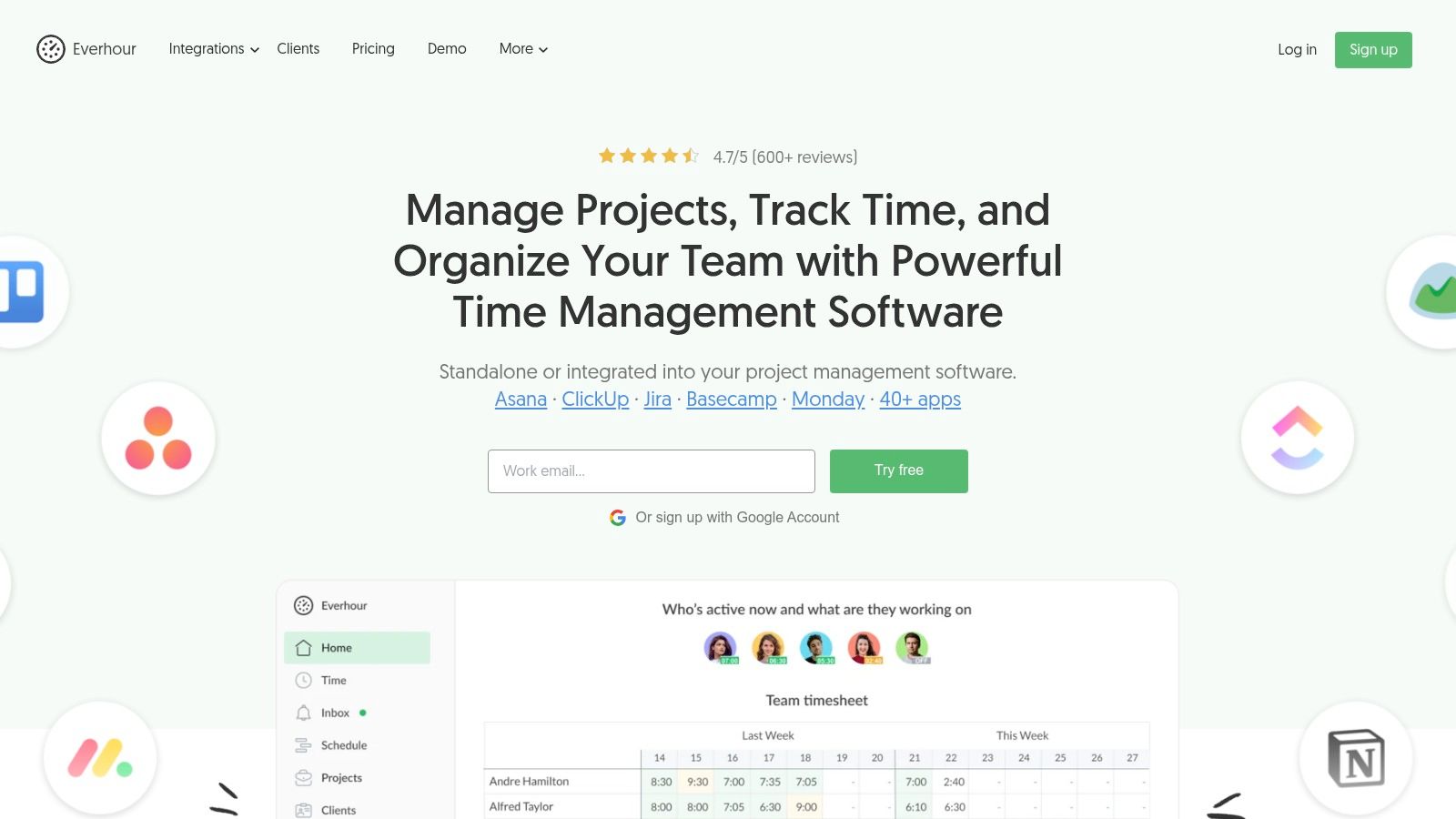
This deep integration allows consultants to track time against specific tasks without ever leaving their primary workspace, which significantly boosts adoption and accuracy. Beyond just tracking, Everhour adds powerful layers of functionality, including project budgeting, client invoicing, and detailed reporting on team availability and utilization. It’s an ideal solution for agencies and consulting firms looking to add robust financial tracking and resource management directly into their existing workflow.
Key Details & Pricing
- Best For: Consulting teams and agencies deeply embedded in project management tools like Asana, ClickUp, or Trello.
- Pricing: A limited Free plan is available for up to 5 users. The paid Team plan, which includes all integrations, starts at $8.50/user/month (billed annually) with a mandatory minimum of 5 users.
- Pros: Unmatched native integration experience within popular PM tools, strong budgeting and invoicing features, and a simple, all-inclusive paid plan.
- Cons: Core integration features are exclusive to the paid plan, and the 5-user minimum on that plan can be a barrier for solo consultants or very small teams.
9. FreshBooks
FreshBooks is an all-in-one accounting suite with powerful, built-in time tracking, making it an excellent choice for consultants who want to streamline their entire workflow from tracking hours to getting paid. Its primary advantage is eliminating the need for separate tools, as time entries are directly linked to projects and clients within your financial ecosystem. This integrated approach ensures that every billable minute is captured and ready for invoicing with just a few clicks.
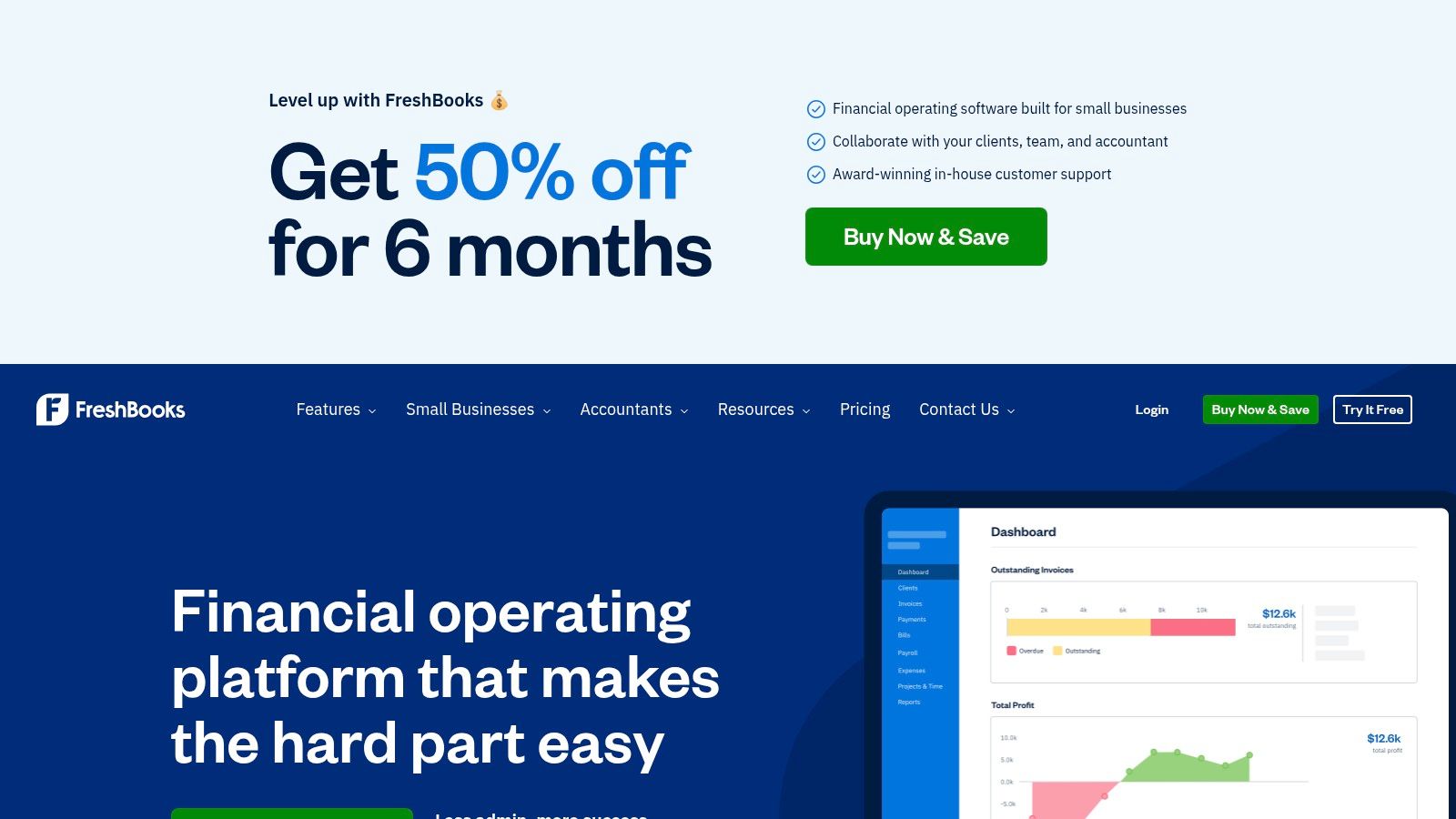
The platform allows for detailed time entries with notes, assigning them to specific projects and services for precise tracking. When it's time to bill, you can instantly convert logged hours into a professional invoice and accept online payments directly. For consultants on the go, FreshBooks offers robust mobile apps and a convenient Chrome extension, ensuring time is logged accurately no matter where work happens. This makes it one of the most efficient time tracking apps for consultants who manage their own books.
Key Details & Pricing
- Best For: Freelance consultants and small business owners who need a single platform for time tracking, invoicing, and accounting.
- Pricing: Plans are based on the accounting suite. Lite starts at $19/month, Plus at $33/month, and Premium at $60/month. All plans include time tracking.
- Pros: Seamless workflow from time tracking directly to invoicing and payment, excellent customer support, and a user-friendly interface designed for non-accountants.
- Cons: May be overly complex and costly if you only need a standalone time tracking tool; the value is in its integrated accounting features.
10. Bonsai
Bonsai is more than just a time tracking app; it's an all-in-one business management platform designed specifically for freelancers and consultants. Its strength lies in consolidating disparate functions like proposals, contracts, invoicing, and client relationship management into a single, cohesive system. This integrated approach allows consultants to track time against a project and seamlessly convert those hours into an invoice without switching tools, streamlining the entire client lifecycle from initial contact to final payment.
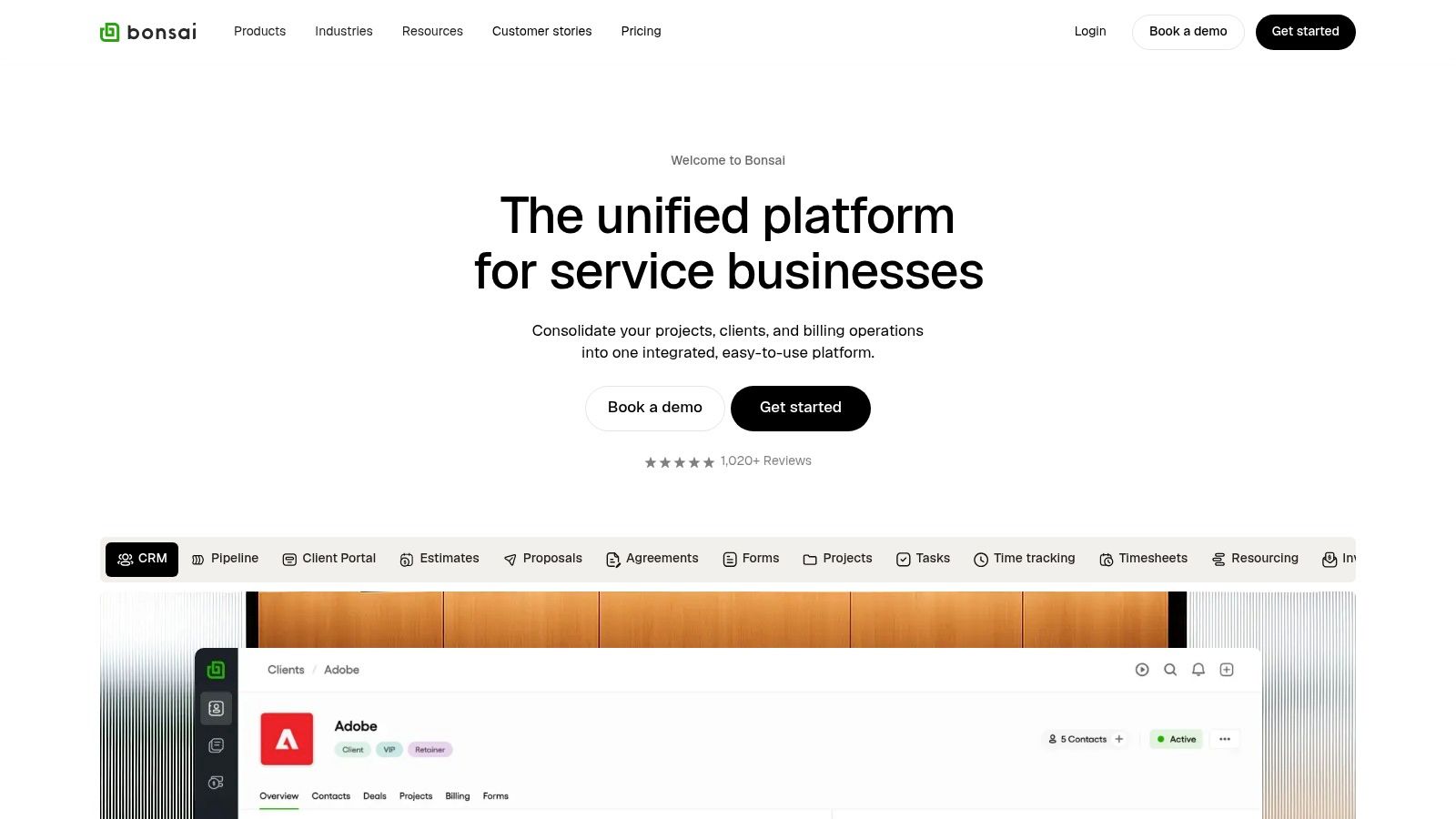
This makes Bonsai one of the best time tracking apps for consultants who operate independently or in small teams and want to minimize their administrative overhead. Instead of juggling multiple subscriptions for different business needs, users can manage projects, track billable time, send legally-vetted contracts, and manage their finances within one interface. The platform's focus is less on granular team reporting and more on efficient solo operator business management.
Key Details & Pricing
- Best For: Independent consultants and small freelance businesses looking for a unified platform to manage clients, projects, and finances.
- Pricing: Plans start at $21/month (Starter) for core features. The $32/month (Professional) plan adds more automation and client portal features.
- Pros: Reduces tool sprawl by combining time tracking, CRM, invoicing, and contracts. Designed specifically for the workflow of a modern consultant.
- Cons: Time tracking and reporting are less specialized than dedicated tools; advanced features require upgrading to higher-priced tiers.
11. Apple App Store
While not a time tracking app itself, the Apple App Store is an essential starting point for consultants embedded in the Apple ecosystem. It serves as a secure, curated marketplace for discovering, purchasing, and managing the best time tracking apps for consultants using iPhones, iPads, and Macs. The platform simplifies the selection process with user ratings, detailed reviews, and editor-curated lists, helping you vet potential tools before committing.
Its primary advantage for operations leaders is the streamlined management of app subscriptions and in-app purchases through a single Apple ID. This centralization simplifies billing and makes it easy to handle trials and updates across team devices. For consultants on the go, the App Store ensures that any downloaded app is optimized for their specific device, offering a native and often more reliable user experience compared to web-only solutions.
Key Details & Pricing
- Best For: Consultants and agencies deeply integrated with Apple hardware (Mac, iPhone, iPad) who prioritize security and simplified subscription management.
- Pricing: The App Store is Free to use. App pricing varies, with many offering free trials or freemium models managed directly through your Apple account.
- Pros: Trusted and secure marketplace with vetted apps, convenient one-stop subscription and payment management, and a seamless user experience across Apple devices.
- Cons: App Store fees can sometimes lead to slightly higher app prices, and some enterprise features may require a direct subscription outside the App Store ecosystem.
Visit Apple App Store
12. Google Play Store
While not a single app, the Google Play Store is an essential resource for consultants who rely on Android devices for on-the-go productivity. It serves as the primary marketplace for discovering and installing a vast array of time tracking apps for consultants, each offering unique features tailored to different work styles. Users can leverage ratings and reviews to vet potential solutions, making it easier to find an app that syncs seamlessly with their primary desktop or web-based platform.
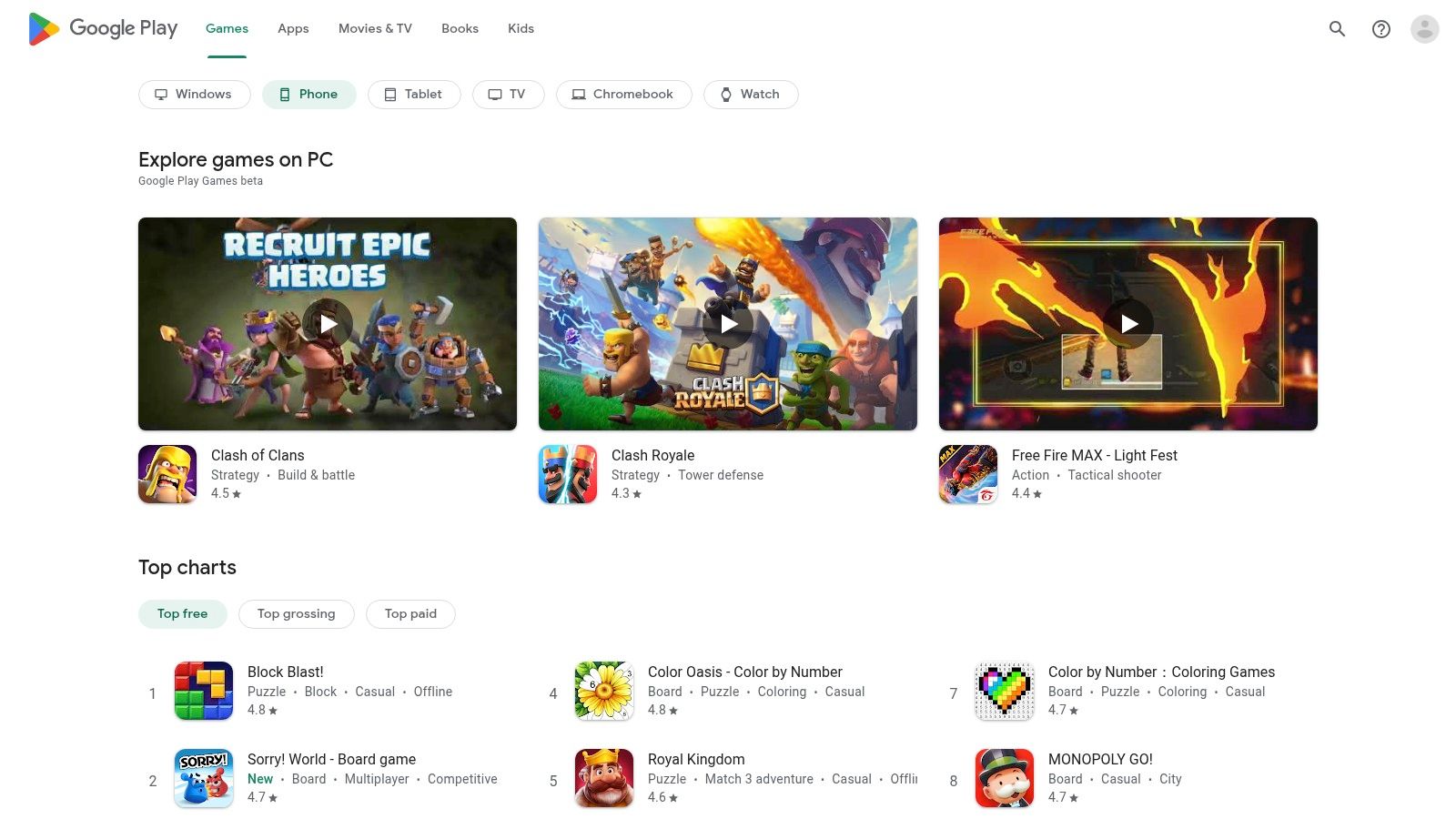
The platform streamlines the user experience by managing installations, automatic updates, and subscriptions directly through a single Google account. This centralized management simplifies trying different apps and ensures consultants can quickly start tracking time from their mobile devices, whether they are on-site with a client or in transit. This accessibility is crucial for capturing every billable minute without being tied to a desk, directly addressing the dynamic nature of consulting work.
Key Details & Pricing
- Best For: Consultants using Android devices who need to find, test, and manage mobile companion apps for their primary time tracking service.
- Pricing: Varies by app. The store facilitates Free app downloads, one-time purchases, and recurring in-app subscriptions managed via your Google account.
- Pros: Enormous selection of apps catering to every budget and need, user reviews provide valuable social proof, and centralized subscription management is highly convenient.
- Cons: Mobile app functionality can sometimes be a stripped-down version of the full web/desktop application, and quality can vary significantly between apps.
Time Tracking Apps for Consultants: Feature & Pricing Comparison
| Product | Core Features/Capabilities | User Experience & Quality ★ | Value & Pricing 💰 | Target Audience 👥 | Unique Selling Points ✨ |
|---|---|---|---|---|---|
| TimeTackle 🏆 | AI-powered calendar & CRM integration; automation; dynamic dashboards | ★★★★☆ Intuitive, customizable, secure | Contact sales; enterprise-grade security 💰 | Agencies, execs, consultants, property managers | AI tags, intelligent recommendations, SOC 2 certified |
| Toggl Track | Cross-platform apps; 100+ integrations; billable rates | ★★★★☆ Easy, low friction | Free up to 5 users; scalable plans 💰 | Solo consultants, small teams | Strong free tier, simple & scalable |
| Harvest | Time tracking + invoicing & payment processing | ★★★★☆ Clear, integrated | Per-seat pricing; 30-day trial 💰 | Solo consultants, small agencies | End-to-end track-to-invoice workflow |
| Clockify | Unlimited free users/projects; GPS, invoicing on paid tiers | ★★★★☆ Feature-rich but complex UI | Free-forever plan; tiered pricing 💰 | Small teams, growing businesses | Best free plan with enterprise options |
| QuickBooks Time | QuickBooks payroll & invoicing sync; mobile GPS | ★★★★☆ Robust field/mobile UX | Per-seat + base fees 💰 | Consultants using QuickBooks | Tight QuickBooks integration, job tracking |
| Hubstaff | Time, activity monitoring, GPS, geofencing | ★★★☆☆ Advanced features but can feel intrusive | Tiered pricing with add-ons 💰 | Remote/distributed teams | Rich monitoring; GPS/geofencing |
| Timely by Memory | Automatic time capture; AI-assisted timesheets | ★★★★☆ Minimal manual input | Per-user pricing can be high 💰 | Consultants disliking timers | Private, automatic tracking |
| Everhour | Embedded in PM tools; budgeting & approvals | ★★★★☆ Seamless PM tool integration | Free plan limited; 5+ seats on Team plan 💰 | Consultants in Asana, Trello, ClickUp | Native PM tool time tracking |
| FreshBooks | Accounting + time tracking + invoicing | ★★★★☆ Simple for freelancers | Pricing tied to accounting plans 💰 | Freelancers, solo consultants | All-in-one accounting with tracking |
| Bonsai | Time + contracts, invoicing, CRM, scheduling | ★★★★☆ All-in-one freelancer OS | Tiered plans; some advanced features 💰 | Freelancers, consultants | Unified client lifecycle management |
| Apple App Store | Curated app marketplace for Apple devices | ★★★★☆ Trusted vetting & updates | App fees affect pricing 💰 | Apple device users | Trusted marketplace, app subscriptions |
| Google Play Store | Large app selection for Android | ★★★☆☆ Broad but uneven feature parity | Free to paid apps; varied pricing 💰 | Android device users | Wide selection, easy install & updates |
From Tracking Time to Optimizing Your Business
We've explored a comprehensive landscape of the best time tracking apps for consultants, from the automated, calendar-based simplicity of TimeTackle to the robust, all-in-one invoicing power of Harvest and FreshBooks. Each tool offers a unique approach to a universal challenge: transforming billable hours from an administrative burden into a strategic asset. The journey through these options reveals a clear truth: the right software does far more than just log minutes and seconds.
The ultimate goal isn't just tracking; it's understanding. Tools like Toggl Track and Clockify offer incredible flexibility for freelancers and growing teams, while platforms like Hubstaff and QuickBooks Time provide the deep control and accountability required by larger, more distributed organizations. The key takeaway is that your choice should align directly with your operational realities and strategic goals. Simply picking the most feature-rich option is a recipe for poor adoption and frustration.
How to Choose the Right Tool for Your Consultancy
Making the final decision can feel overwhelming, but it becomes manageable when you focus on your specific needs. Instead of getting lost in feature comparisons, ask yourself a few critical questions to guide your selection process:
- What is my biggest pain point? Is it the tedious, manual effort of filling out timesheets? Look towards automated solutions like TimeTackle or Timely. Is it disconnected billing and invoicing? An integrated platform like Harvest or Bonsai is likely your best fit.
- How does my team work? Are you a solo consultant, a small, agile team, or a large agency with complex project structures? Your team's size and workflow will dictate whether a simple timer (Clockify) or a comprehensive project management integration (Everhour) is more appropriate.
- What is my technology ecosystem? The best tool is one that seamlessly integrates with the software you already use daily, whether it's Google Calendar, Asana, Jira, or QuickBooks. Prioritize apps that reduce friction, not create it.
Beyond Implementation: Building a Culture of Accurate Tracking
Adopting a new tool is only the first step. The real value is unlocked when consistent, accurate time tracking becomes a core habit within your consultancy. This requires clear communication about why it's important, emphasizing that the data is used for strategic planning, fair billing, and resource allocation, not for micromanagement.
Start small, ensure everyone receives proper training, and regularly review the data to demonstrate its value. By showing your team how accurate time logs lead to better project estimates, healthier work-life balance, and more profitable client engagements, you foster buy-in. This transforms time tracking from a dreaded chore into a shared tool for business intelligence and growth.
Ultimately, the best time tracking apps for consultants empower you to take control of your most finite resource. By moving beyond simple time logging and embracing data-driven insights, you can optimize project profitability, enhance client transparency, and build a more resilient, efficient, and successful consulting business.
Ready to eliminate manual timesheets and unlock the strategic insights hidden in your calendar? TimeTackle automates your time tracking by connecting directly to your Google or Outlook Calendar, providing effortless, accurate data for billing, reporting, and productivity analysis. See how much time you can save by visiting TimeTackle and starting your free trial today.