
A timesheet template is a pre-designed document used to record the hours an employee works during a specific pay period. Think of it as a structured diary for your team's work hours. It provides a standardized format for everyone to log their start times, end times, and breaks, ensuring consistency and accuracy for payroll.
What Is a Timesheet Template, Really?
Imagine trying to build a house without a blueprint. You might get the job done, but you'll probably end up with crooked walls and a roof that doesn't quite fit. A timesheet template is that essential blueprint for tracking time.
Instead of relying on scattered sticky notes, messy emails, or just plain memory, it provides a clear, organized structure for everyone to follow. This simple tool is often the very first step in moving from chaotic time tracking to a system you can actually rely on. It brings immediate order to the process, making sure all the necessary info is captured the same way, every single time.
The Foundation of Accurate Payroll and Billing
At its core, a timesheet template is a document of record. It’s the source of truth for two of the most critical functions in any business: paying your team and billing your clients. When every employee uses the same format, the risk of misinterpretation or missing data drops dramatically.
This structured approach helps ensure:
- Payroll Accuracy: Calculating wages, overtime, and deductions becomes much simpler when your input data is clean and consistent. No more guesswork.
- Billing Integrity: For agencies and professional services, a detailed timesheet is non-negotiable. It’s how you justify invoices and show clients exactly where their money is going.
- Operational Clarity: It gives you a clear log of who worked on what, and for how long. This is gold for project management and resource planning down the line.
A well-designed timesheet doesn't just track hours; it translates work into tangible data. This data is the bedrock of your financial reporting, project profitability analysis, and compliance with labor laws.
Ultimately, adopting a standardized timesheet template is about creating a predictable, error-resistant workflow. It eliminates the headaches that come with manual time tracking and paves the way for smarter business decisions. By capturing every billable minute and ensuring every paycheck is spot on, this foundational tool supports both your company's financial health and your team's morale.
Choosing the Right Timesheet for Your Team
Let's be honest, not all timesheets are created equal. A construction crew and a software agency use wildly different tools to get their jobs done, so why would they track time the same way? The right timesheet template isn't a one-size-fits-all solution; it has to fit the unique rhythm and workflow of your business.
Picking the right format is your first real step toward accurate, painless time tracking. A daily template might be perfect for a bustling restaurant with hourly staff, while a project-based version is absolutely essential for a creative agency juggling multiple client deadlines. The goal is to find a structure that feels natural for your team to use—not another hurdle they have to jump over every Friday afternoon.
This little decision tree shows the path from chaotic, messy time tracking to a clean, organized system.
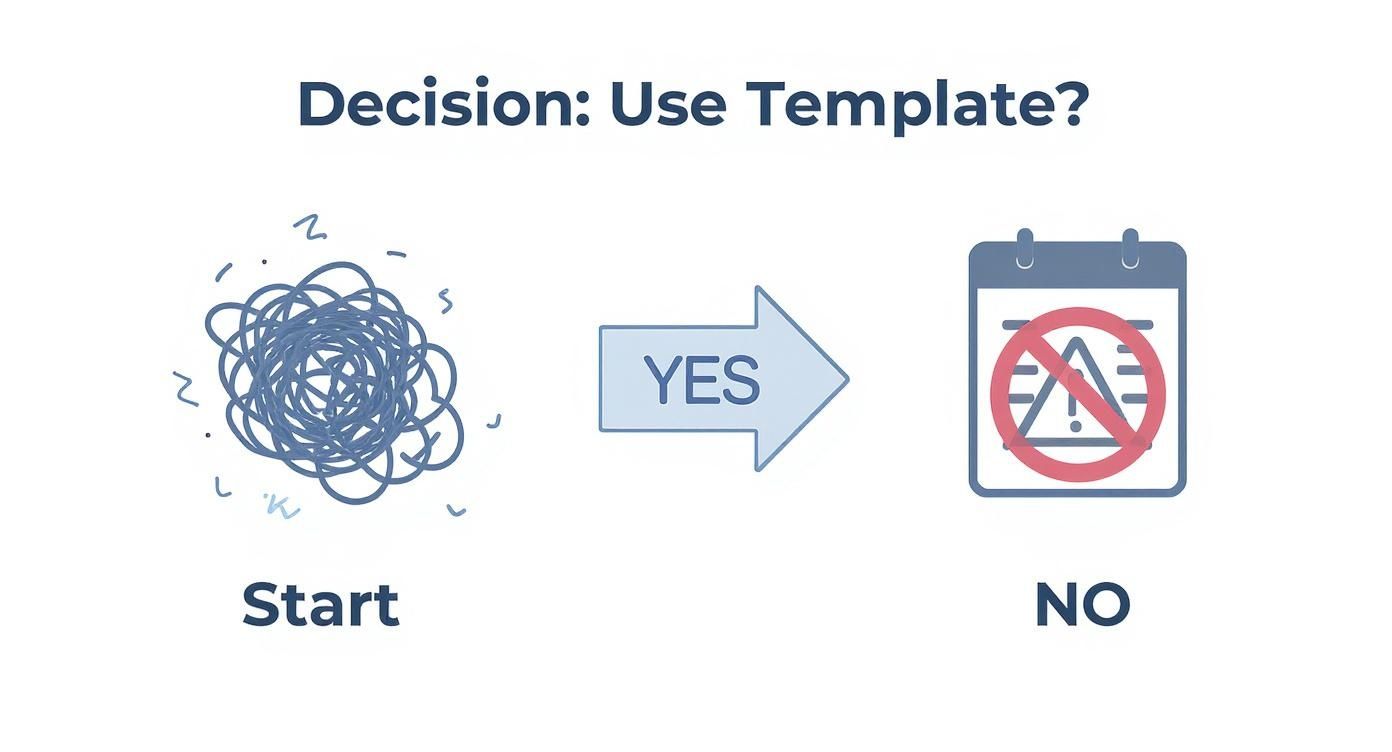
The takeaway here is simple. Adopting a template immediately starts building organized, useful data. Ignoring it? That's a recipe for payroll errors and administrative headaches.
Common Timesheet Template Formats
To find that perfect fit, let's break down the most common types of timesheets and where they really shine. Each one is built for a specific kind of operation, from tracking daily shifts to keeping a close eye on long-term project profitability.
Which Timesheet Template Format Is Right for You
Choosing the right timesheet format is crucial for seamless time tracking. This table breaks down the common types to help you decide which one aligns best with your team's workflow and business model.
| Template Type | Best For | Key Benefit | Common Industries |
|---|---|---|---|
| Daily | Businesses with shift-based or hourly workers. | Granular, day-by-day detail for precise payroll. | Retail, Hospitality, Healthcare, Construction |
| Weekly | Standard Monday-to-Friday schedules with weekly pay cycles. | A simple, consolidated view of a standard workweek. | Office Admin, Salaried Teams, Small Businesses |
| Bi-Weekly | Teams on a 14-day pay cycle. | Reduces payroll processing frequency and admin work. | Corporate, Government, Education |
| Project-Based | Agencies, consultants, and professional services. | Tracks time against specific projects for accurate billing and profitability analysis. | Marketing, IT Services, Legal, Architecture |
By matching the template to your operational needs, you make time tracking an intuitive part of the job rather than a chore.
A Closer Look at Each Format
Daily Timesheet Template
This is the bread and butter for any industry running on precise, shift-based work. It captures the essentials: start times, end times, and breaks for a single day. Think of it as the most granular view you can get. It's no surprise that around 65% of shift-based workers in sectors like retail, healthcare, and hospitality rely on daily timesheets to lock in accurate payroll and stay compliant.
Weekly and Bi-Weekly Templates
These are the go-to choices for businesses operating on a standard Monday-to-Friday schedule. They are straightforward and get the job done with minimal fuss.
- Weekly templates give you a clean seven-day overview. Perfect for teams paid weekly.
- Bi-weekly templates cover a 14-day period, which aligns perfectly with the most common pay cycle in the U.S. and cuts down on how often you have to run payroll.
Both formats give you a consolidated view of hours worked, making life easier for processing payroll for both salaried and hourly employees. For an even slicker setup, check out our complete guide on https://www.timetackle.com/everything-to-know-about-google-sheets-time-tracking-2024/ for tips on automating these formats.
The most effective timesheet template is one that seamlessly integrates into your team’s existing workflow, making time entry a quick, reflexive habit rather than a dreaded administrative chore.
Project-Based Timesheet Template
For agencies, consultants, and freelancers, this format is non-negotiable. It’s about more than just logging hours worked; it’s about assigning that time to specific projects, clients, or even individual tasks. This is what separates guessing from knowing when it comes to client billing, budget tracking, and true project profitability. When you're considering a project-based approach, think about how it fits into the bigger picture of mastering project financial management to ensure you're tracking every critical cost.
The Anatomy of a Perfect Timesheet
A good timesheet is more than just a grid for punching in and out; it’s a tool that captures mission-critical business data. Think of it like the dashboard in your car. A basic one tells you your speed, but a great one gives you the full picture—fuel level, engine temp, and trip distance. A perfect timesheet does the same, going way beyond simple start and end times to deliver real operational insights.

But before we get fancy, every timesheet needs to nail the basics. These are the non-negotiable fields that keep payroll accurate and records clean. Without them, a timesheet fails its one primary job.
Foundational Components
Every functional timesheet has to include these core elements:
- Employee Information: Full name and employee ID to avoid any mix-ups.
- Pay Period: The specific date range the timesheet covers (e.g., "Week of Sept 9-15").
- Date Column: A dedicated spot for each workday.
- Start and End Times: The exact clock-in and clock-out times.
- Total Hours Worked: A calculated field that sums up the daily hours.
These bits and pieces form the backbone of any reliable time tracking system. If you want that "Total Hours Worked" field to update on its own, you can learn the ropes in our guide to creating an automated timesheet with Excel formulas.
Fields for Deeper Business Insights
Now, to turn that simple log into a serious business asset, you need to add layers that capture project-specific data. This is where you start uncovering game-changing information on profitability, resource allocation, and team productivity.
A great timesheet doesn't just answer "how long did you work?" It answers "what value was created during that time?"
To get more out of your data, think about adding these fields:
- Project or Client Code: A unique identifier that links hours directly to specific projects or clients.
- Task Description: A short note explaining what the employee was doing, which adds crucial context to the hours logged.
- Billable vs. Non-Billable Hours: A simple checkbox or column to separate client-facing work from internal tasks. This is absolutely critical for agencies trying to measure profitability.
- Manager Approval: A signature or initial line for a supervisor to verify the hours, adding a much-needed layer of accountability.
By building in these extra fields, your timesheet template evolves into a rich source of data. It helps you make smarter calls on project budgets, team workload, and the overall health of your operations.
Download Your Free Timesheet Templates
Alright, enough theory. Let's get practical. To help you hit the ground running, we’ve put together a few free, completely customizable timesheet templates for both Microsoft Excel and Google Sheets.
These aren't just empty spreadsheets—they’re real tools ready to solve your time tracking headaches today. No sign-ups, no hoops to jump through. Just simple, effective templates to bring some clarity to your workflow.
Your Ready-To-Use Template Toolkit
We’ve pulled together a collection that covers the most common needs we see, from standard payroll cycles to the messy reality of client billing. Each one is built to be dead simple to use right from the moment you open it.
Here’s a quick look at our weekly timesheet template, which lays out all the essential fields in a clean, no-fuss format.
This design strikes a nice balance between simplicity and function, making it easy for your team to log their hours and even easier for you to review them.
Below are the direct download links. Just grab the format that works for your team.
- Weekly Timesheet Template (Excel | Google Sheets): Perfect for small businesses running a standard Monday-to-Friday workweek. It’s a clean way to track hours for weekly payroll.
- Bi-Weekly Timesheet Template (Excel | Google Sheets): Built for the most common payroll schedule out there, this template covers a 14-day period and helps cut down on your admin work.
- Project-Based Timesheet Template (Excel | Google Sheets): This is a must-have for agencies, consultants, and freelancers. This timesheet template lets you tie hours directly to specific clients or projects, which is absolutely critical for accurate billing and figuring out if you're actually making money.
And that project-based template? It's a game-changer. Research shows that around 55% of project-based workers use them to keep track of their work, and companies that get it right can see a 30% bump in project profitability. It all comes down to better accuracy in billing and resource planning. If you want to dive deeper, check out these insights on how project timesheets boost efficiency at Leapsome.com.
Go ahead, pick the template that fits your needs and start tracking time a little more effectively today.
How to Sidestep Common Timesheet Headaches
Using a manual timesheet template can feel like walking a tightrope. On one side, you have a simple, low-cost way to track hours. On the other, you're constantly fighting off inaccurate data, late submissions, and an administrative burden that quietly eats away at your resources and profit margins.
These headaches aren't just minor annoyances; they're real business problems. A wrong entry can lead to payroll mistakes that crush team morale. Forgotten hours mean lost billable revenue. And chasing down late timesheets burns valuable admin time that should be spent on higher-value work.
The good news? You don't have to be a victim of the process. With a few smart strategies, you can make your manual system much more reliable.
The Pitfall of Inaccurate Data Entry
Human error is the number one enemy of a manual timesheet. It’s not about a lack of trust—it’s about the natural limits of human memory. A simple typo, a forgotten break, or trying to log hours days after the work was done can quickly turn your data into a mess.
Think about it: can you remember exactly what you ate for lunch last Tuesday? It’s tough. Now apply that same memory challenge to every single task an employee worked on for a whole week. The longer someone waits to record their time, the less accurate it becomes.
This leads to two major issues:
- Forgotten Hours: Small tasks, quick client calls, and short bursts of work often get forgotten, leading directly to under-billing.
- Time Padding: To make up for forgotten time, people might round up their hours. It’s a common habit, but it inflates project costs and completely skews your profitability data.
The core principle for accurate manual time tracking is simple: shrink the gap between doing the work and recording it. The closer the entry is to the event, the more reliable your data will be.
Proactive Strategies for Better Accuracy
You can fight back against these issues by putting clear policies in place that make timely, accurate entries the easiest path for everyone. The goal here is to build good habits and create a system that catches mistakes before they snowball.
Implement a Daily Entry Policy
The single most effective change you can make is to require everyone to fill out their timesheet template at the end of each day. It's a simple rule, but it drastically reduces the reliance on memory and minimizes the chances of both forgotten hours and accidental padding.
Frame it as a quick, five-minute task at the end of the day—a simple habit that ensures they get paid correctly for all their hard work.
Use Automated Reminders
Don't leave it to managers to chase people down. Set up simple, automated reminders through email or calendar invites that go out daily or on the day timesheets are due.
This consistent nudge keeps time tracking on everyone's radar. It cuts down the administrative burden of follow-ups and creates a smoother, more predictable workflow for the whole team.
When to Move Beyond a Basic Template
A basic spreadsheet timesheet is a fantastic starting point. It brings some much-needed order to chaotic time tracking and helps you build a consistent process.
But as your team grows and projects get more complex, that simple spreadsheet can start to feel less like a tool and more like a bottleneck.
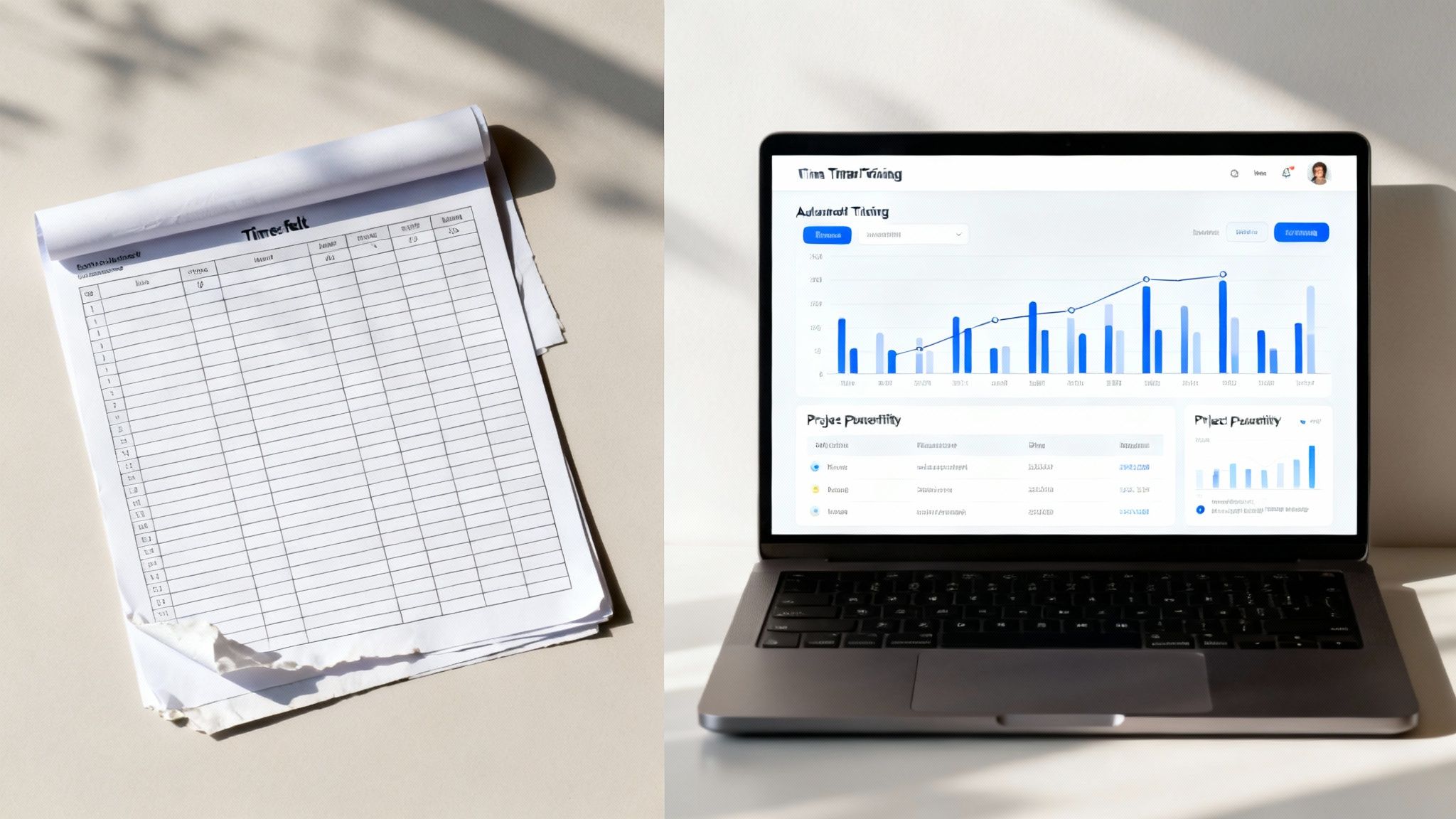
The very thing that makes templates so accessible—their manual nature—eventually becomes their biggest weakness. Chasing down late submissions, manually fixing errors, and trying to pull meaningful reports from a sea of disconnected files eats up valuable admin hours.
It's at this point you hit a growth ceiling. It’s time to look for a smarter way forward.
Signs You Have Outgrown Your Template
Recognizing the growing pains is the first step. If your team is running into any of these common issues, it’s a clear signal that your current system is holding you back.
- Administrative Overload: Are your managers or admin staff spending hours each pay period just collecting, reviewing, and correcting timesheets? That’s a major red flag.
- Lack of Real-Time Insight: You can’t see project progress, team capacity, or budget burn rates until after the fact. You’re always looking in the rearview mirror.
- Inaccurate Data: Despite everyone’s best efforts, errors from manual entry, forgotten hours, and inconsistent formatting keep causing payroll and billing headaches.
- Disconnected Workflows: Your timesheet data lives on an island, totally separate from your project management tools, calendar events, and client communications.
These challenges aren't just minor annoyances. They represent hidden costs that hit your bottom line through wasted time and flawed strategic decisions.
The Leap to Automated Time Tracking
The natural evolution from a manual timesheet template is an automated system. This move is less about just replacing a spreadsheet and more about fundamentally changing how your team captures and uses time data.
It's a widespread trend for a reason: over 70% of businesses now use some form of automated timesheet system to improve accuracy and efficiency. Organizations making the switch often see a 40% reduction in payroll errors and a 30% drop in administrative time spent on time tracking.
Automation transforms time tracking from a passive, administrative chore into an active, strategic asset. It captures a complete and honest picture of your team's effort with minimal manual input.
Modern tools don't just sit and wait for employees to enter their hours. They can automatically capture time from calendar events, meetings, and other digital activities. For a deeper look, check out our guide on how automated timesheets change the way you manage time.
For businesses ready to automate, investing in robust time and attendance software can streamline payroll and reporting, moving you far beyond the limits of a simple template.
Frequently Asked Questions
Getting a handle on timesheets always brings up a few questions, especially when you're just getting a new process off the ground. Here are some of the most common ones we hear, answered to give you a bit more clarity.
How Often Should My Team Submit a Timesheet Template?
This really comes down to your payroll cycle and the kind of work you do. But if you want the honest truth, daily entries are the gold standard for accuracy. People just forget what they did yesterday, let alone last week.
When it comes to actually submitting the timesheet, it makes the most sense to line it up with your pay schedule:
- Weekly: This is a great rhythm for businesses with weekly pay cycles or for project-based work that needs constant check-ins.
- Bi-Weekly: Probably the most common approach out there. It syncs up perfectly with the standard two-week pay period most companies use.
- Monthly: This works for salaried employees or on long-term projects where you don't need a super granular, day-by-day breakdown.
What Is the Difference Between Billable and Non-Billable Hours?
Getting this right is absolutely critical for any agency or service business—it’s the core of your profitability. Think of it as the difference between time that makes you money and time that costs you money.
- Billable Hours: This is all the time spent on tasks you can directly invoice a client for. We're talking about client meetings, design work, writing code, or anything else that moves their project forward.
- Non-Billable Hours: This is everything else you do to run the business. It includes internal meetings, administrative tasks, training, proposals, and business development. It’s work, but you can’t attach it to a specific client invoice.
Tracking both is the only way to get a true picture of your team's capacity and how much it really costs to keep the lights on.
A classic mistake is ignoring non-billable time. When you don't track it, that data vanishes, hiding the true cost of doing business. It's how agencies end up underpricing their projects and wondering why they aren't profitable. You have to capture everything.
Can a Timesheet Be a Legal Document?
Absolutely. In fact, a timesheet is considered a legal document. In many places, including the United States under the Fair Labor Standards Act (FLSA), employers are legally required to keep accurate records of the hours worked by non-exempt employees.
These records aren't just for show; they're crucial for making sure everyone gets paid correctly for both regular and overtime hours. An accurate timesheet serves as the official proof of work and can be used as evidence in wage disputes, audits, or other legal proceedings. This is why getting manager approval and ensuring accuracy is so important.
Still chasing down manual timesheets and fixing someone else’s typos? TimeTackle automates this whole headache. It captures time right from your team’s calendar events, giving you a perfectly accurate record of work with zero manual entry. See how it works at TimeTackle.