For mid-sized agencies and professional services teams, accurate time tracking is the backbone of profitability, project management, and resource planning. Manual logs are inefficient and prone to errors, while many dedicated software solutions come with a prohibitive price tag. A powerful free time tracking app can provide the necessary clarity without impacting your budget, but choosing the right one from a crowded market is a significant challenge. Many free plans have hidden limitations that only become apparent after you've invested time in setup and onboarding.
This guide cuts through the noise to provide a detailed, practical analysis of the 12 best free options available today. We move beyond generic feature lists to focus on what truly matters for professional teams:
- Honest assessment of limitations: We highlight user caps, project limits, and feature restrictions in each free tier.
- Practical use case scenarios: Discover which app is best for client billing, internal productivity, or managing complex projects.
- Integration and automation potential: Learn how each tool connects with your existing project management and billing software.
- Scalability and upgrade paths: We examine the costs and benefits of transitioning to a paid plan as your team grows.
Our goal is to help you find a free time tracking app that solves immediate problems like timesheet fatigue and reporting overhead while supporting your long-term operational goals. Each review includes screenshots, direct links, and a clear breakdown of pros and cons, empowering operations leaders, project managers, and finance teams to make a confident, informed decision. We will also identify where a solution like TimeTackle can augment these tools by automating reporting and providing deeper insights from your calendar data.
1. Clockify
Best For: Teams and freelancers needing a robust, truly free time tracking app with no user limits.
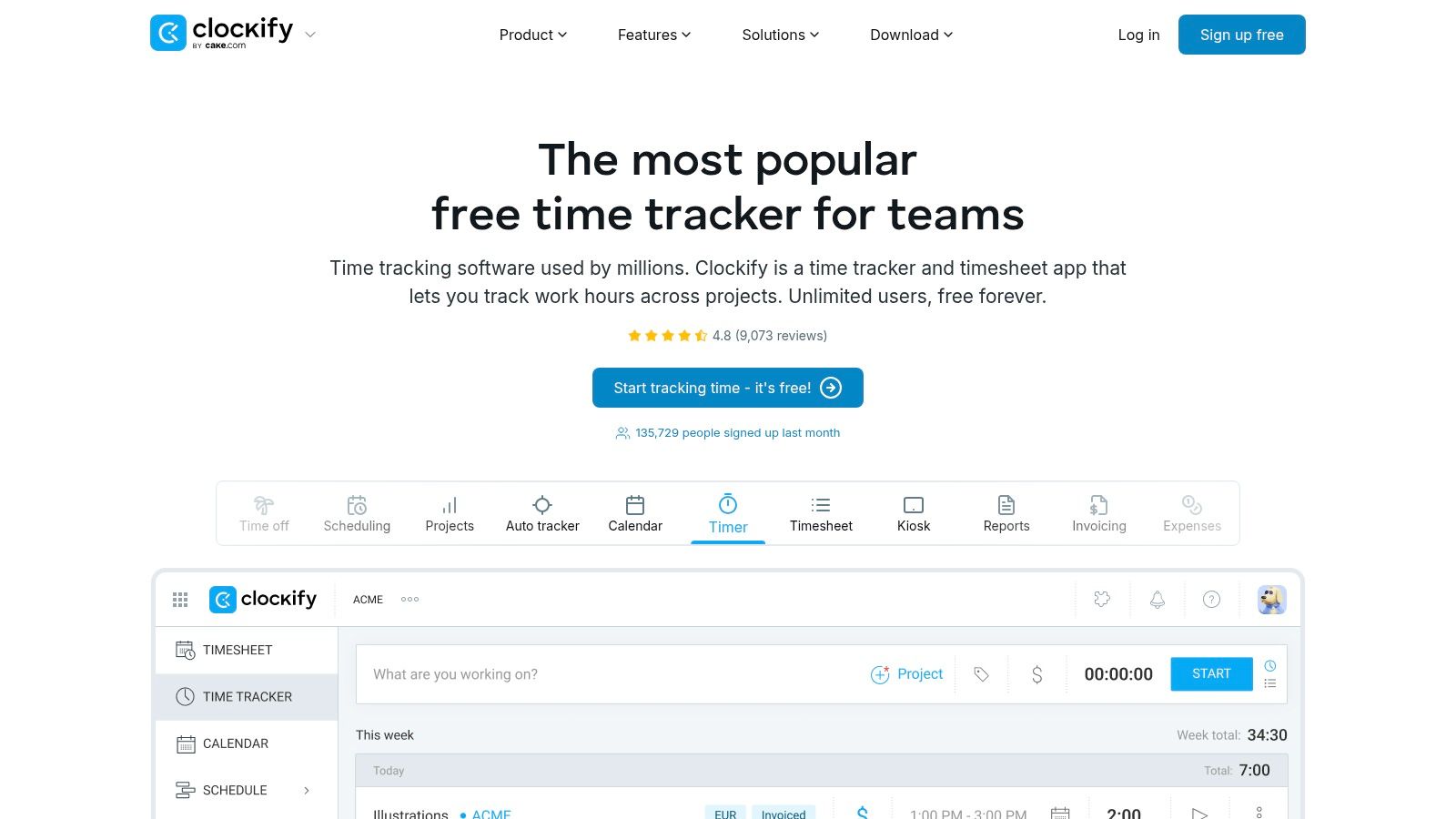
Clockify has established itself as a dominant player in the time tracking space, largely due to its powerful and permanently free plan. It allows an unlimited number of users to track an unlimited amount of time across unlimited projects, a rare and significant benefit that makes it a go-to choice for startups, small agencies, and large teams alike. Users can track time via a web app, desktop app, mobile app, or a convenient browser extension, offering flexibility for any workflow.
Key Features and User Experience
The user interface is clean and intuitive, ensuring a quick onboarding process. You can start a timer with a single click or manually enter time into a timesheet. The ability to tag entries, assign them to specific projects, and link them to clients provides a solid foundation for basic project management and reporting. Understanding the fundamentals of tracking time is crucial for team success, and Clockify makes this initial step incredibly straightforward. For a deeper look, you can explore the importance of time tracking for teams on TimeTackle.com.
- Reporting: The free plan includes a dashboard for at-a-glance analytics and the ability to export reports in CSV and PDF formats.
- Accessibility: With a full suite of apps for desktop (Windows/macOS/Linux) and mobile (iOS/Android), your team can track time from anywhere.
- Integrations: A vast library of integrations connects Clockify to popular project management tools like Asana, Trello, and Jira.
Limitations: While excellent for core time tracking, the free plan lacks advanced features like time-off requests, invoicing, and detailed user permissions. These are reserved for paid tiers, which start at a competitive price point.
Website: https://clockify.me
2. Toggl Track
Best For: Individuals and small teams who value a polished, user-friendly interface and strong reporting features.
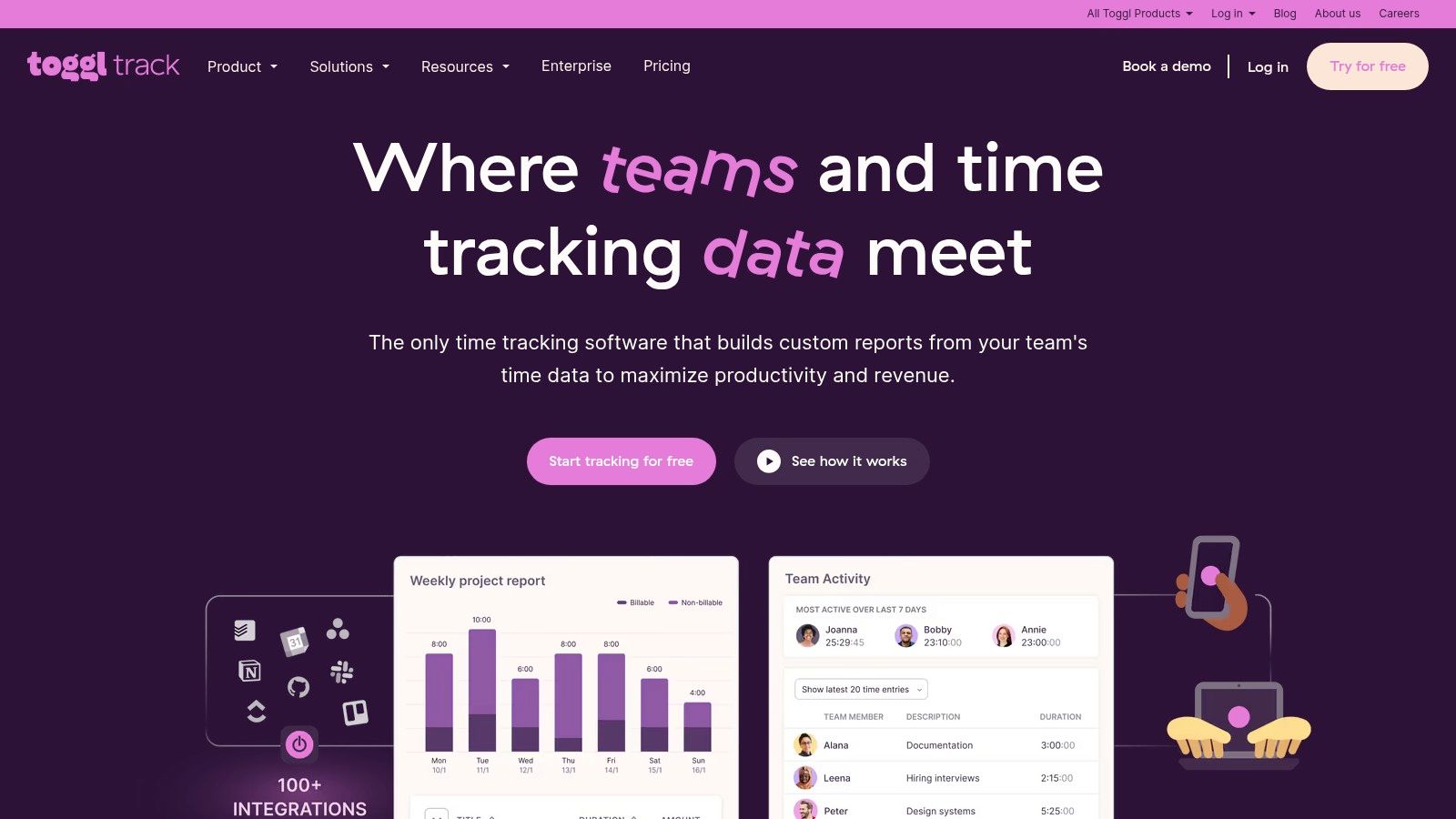
Toggl Track is renowned for its simplicity and elegant design, making it an excellent free time tracking app for those who want to get started with minimal friction. Its focus on a clean user experience ensures that tracking time feels intuitive rather than cumbersome. The free plan is ideal for freelancers or small teams of up to five people, offering core tracking functionalities across a web app, desktop clients, and highly-rated mobile applications.
Key Features and User Experience
Getting started with Toggl Track is effortless; you can begin tracking time with a single click, add project details later, and use its powerful browser extension to integrate tracking into your existing workflow. The Pomodoro timer and idle detection are standout features in the free version that help users stay focused and maintain accurate timesheets. For teams weighing their options, understanding the subtle differences between leading tools is key. A detailed Toggl vs. Clockify comparison on TimeTackle.com can provide deeper insights into which platform best fits your needs.
- Reporting: The free plan provides detailed weekly reports and the ability to export data to CSV and PDF, giving you clear visibility into where your time is going.
- Accessibility: Full support for Windows, macOS, Linux, iOS, and Android means your team can track time seamlessly from any device.
- Integrations: A browser extension connects Toggl Track to over 100 popular tools, including Asana, Trello, and Google Calendar.
Limitations: The free plan is capped at five users, making it unsuitable for growing teams. Key features for agencies, such as setting billable rates, creating invoices, and detailed project dashboards, are locked behind paid subscriptions.
Website: https://toggl.com/track
3. Harvest
Best For: Freelancers and solopreneurs who need to track time and bill clients from a single platform.
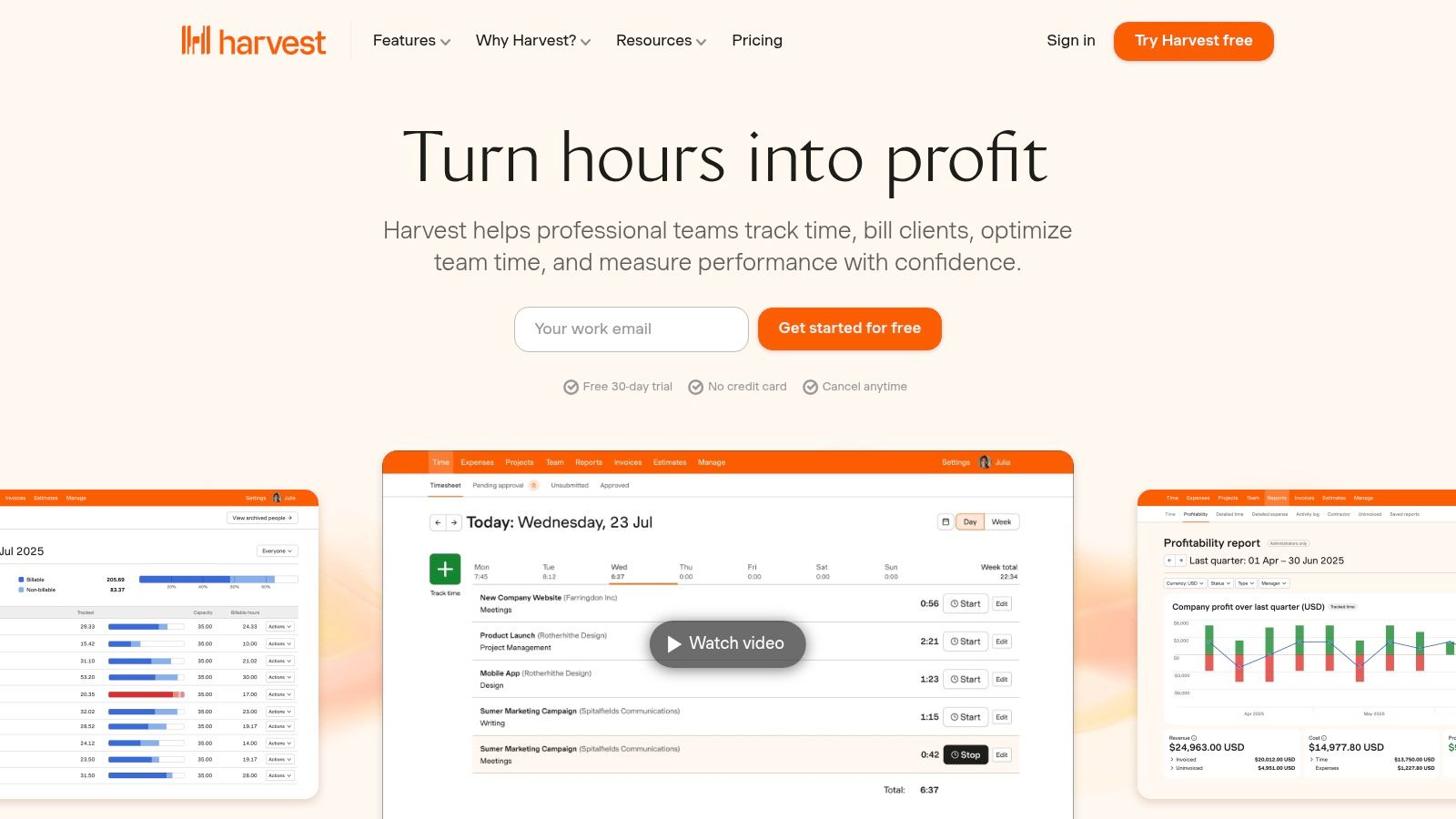
Harvest is a long-standing and respected name in the time tracking industry, excelling at the intersection of time tracking and invoicing. Its free plan is designed specifically for individual users, offering a seamless workflow from tracking billable hours to generating professional invoices and collecting payments. While limited, the free tier provides a powerful introduction to how a well-integrated time tracking and billing system can streamline a freelancer’s administrative tasks.
Key Features and User Experience
The platform is known for its exceptionally clean and user-friendly interface. You can start timers on your desktop, mobile, or directly from other tools like Asana and Trello. The core strength of this free time tracking app lies in its ability to convert tracked time directly into invoices, which can then be sent to clients and paid through integrations like Stripe and PayPal. This creates an efficient and professional billing cycle for solo business owners.
- Invoicing and Payments: The free plan includes the ability to create and send unlimited invoices and estimates.
- Expense Tracking: Easily log expenses, attach receipts, and add them to invoices for client reimbursement.
- Integrations: Connects with dozens of popular apps, including project management tools and accounting software like QuickBooks and Xero.
Limitations: The free plan's primary restriction is its limit of one user and only two active projects. This makes it unsuitable for teams or freelancers juggling more than a couple of clients at once. Advanced features like team capacity planning and budget analysis are reserved for the paid Pro plan.
Website: https://www.getharvest.com
4. TimeCamp
Best For: Individuals and teams who want built-in productivity analysis alongside their time tracking.
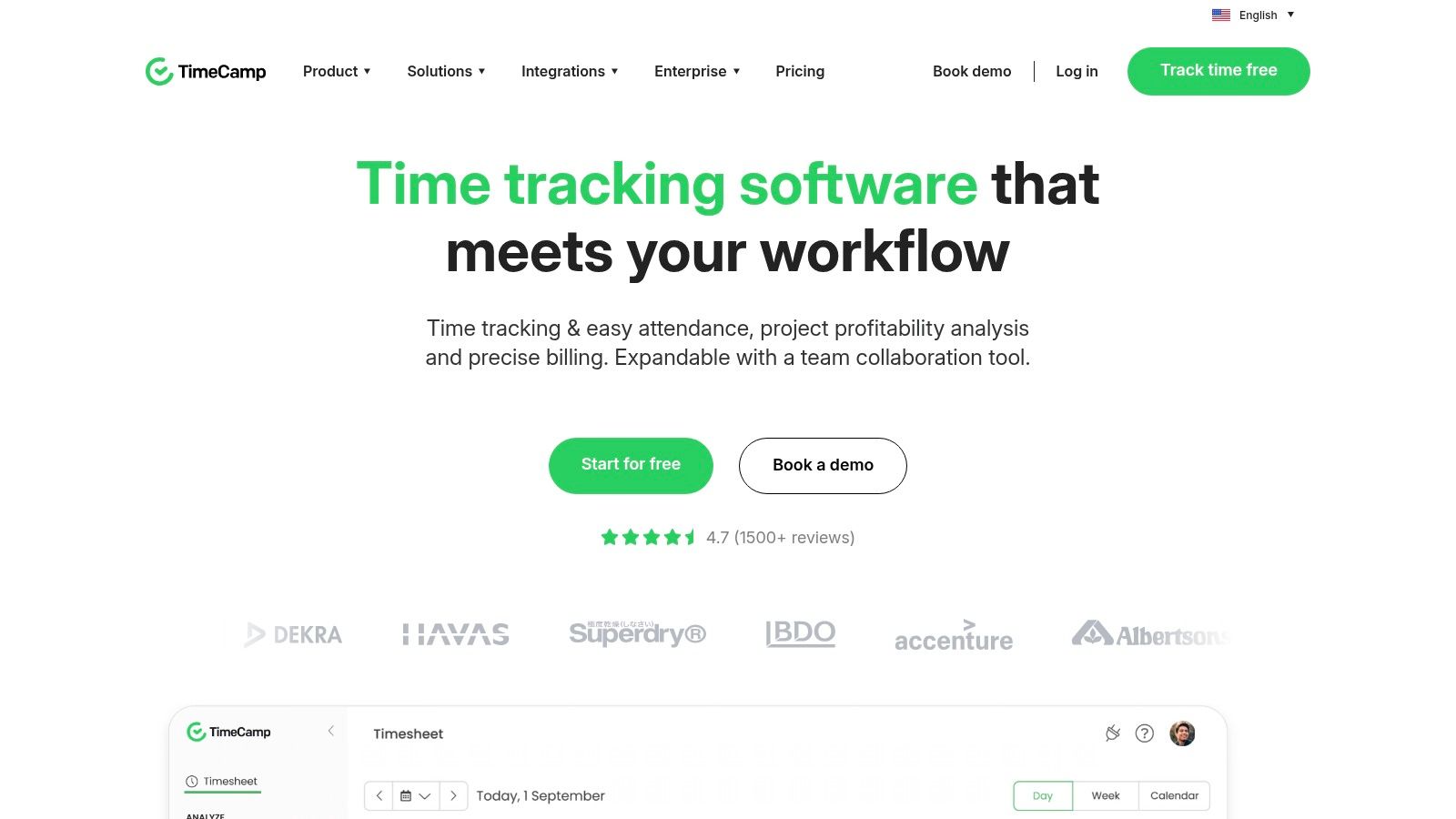
TimeCamp stands out by integrating productivity monitoring directly into its core time tracking functions. The free forever plan provides a solid foundation for individuals and small teams, offering unlimited users, projects, and tasks. This makes it a great entry-level, free time tracking app for those who want to understand not just where time is spent, but how productively it's being used, by categorizing app and website usage.
Key Features and User Experience
TimeCamp offers flexibility with both an automatic timer and manual timesheet entries. Users can quickly start tracking against specific projects and tasks, and the desktop app works quietly in the background to log computer activity, which can then be assigned to projects. This automation is a key benefit for reducing the manual effort of remembering to start and stop timers throughout a busy day. While the user interface is feature-rich, some new users may find its density requires a short adjustment period.
- Productivity Focus: The free plan includes basic reports on app and website usage, helping users identify time sinks and improve focus.
- Flexible Tracking: Offers a one-click start/stop timer, a graphical timesheet view for drag-and-drop entries, and keyword-based automatic tracking.
- Broad Accessibility: Full functionality is available through web, desktop (Windows/macOS/Linux), and mobile (iOS/Android) applications.
Limitations: The most valuable features, such as advanced productivity analytics, invoicing, approvals, and timesheet locking, are reserved for paid plans. The free version focuses primarily on time tracking and basic productivity insights.
Website: https://www.timecamp.com
5. My Hours
Best For: Freelancers and small teams seeking a simple, project-focused free time tracking app with billing capabilities.
My Hours delivers a clean and straightforward time tracking experience, prioritizing ease of use for individuals and small teams. Its free plan is notably generous, allowing unlimited projects and clients, which is a significant advantage for freelancers or small agencies managing a diverse portfolio. The focus is on core functionality: tracking time against specific tasks, assigning billable rates, and generating clear reports to understand where effort is being spent. This makes it an excellent entry-point tool without overwhelming users with complex features.
Key Features and User Experience
The platform is designed for rapid adoption, with a minimal learning curve. You can quickly add projects, define tasks, and start tracking time with just a few clicks via the web or mobile app. The ability to set basic billable rates directly within the free plan is a standout feature, allowing users to immediately see the monetary value of their tracked time. This direct link between time and revenue is crucial for service-based professionals aiming to improve their profitability and client invoicing accuracy.
- Reporting: The free tier provides detailed reports that can be exported, offering clear insights into time allocation per project, task, and client.
- Billing Focus: Easily assign hourly rates to projects and tasks, making it simple to calculate billable hours without needing a paid subscription.
- Team Collaboration: The free plan supports up to five team members, providing a solid foundation for small collaborative projects.
Limitations: More advanced project management features like budget tracking, client approvals, and sophisticated user controls are reserved for the paid Pro plan. The free version also has limited native integrations compared to some larger competitors in the market.
Website: https://myhours.com
6. TrackingTime
Best For: Teams looking for a free time tracking app with a strong emphasis on task and project management integration.
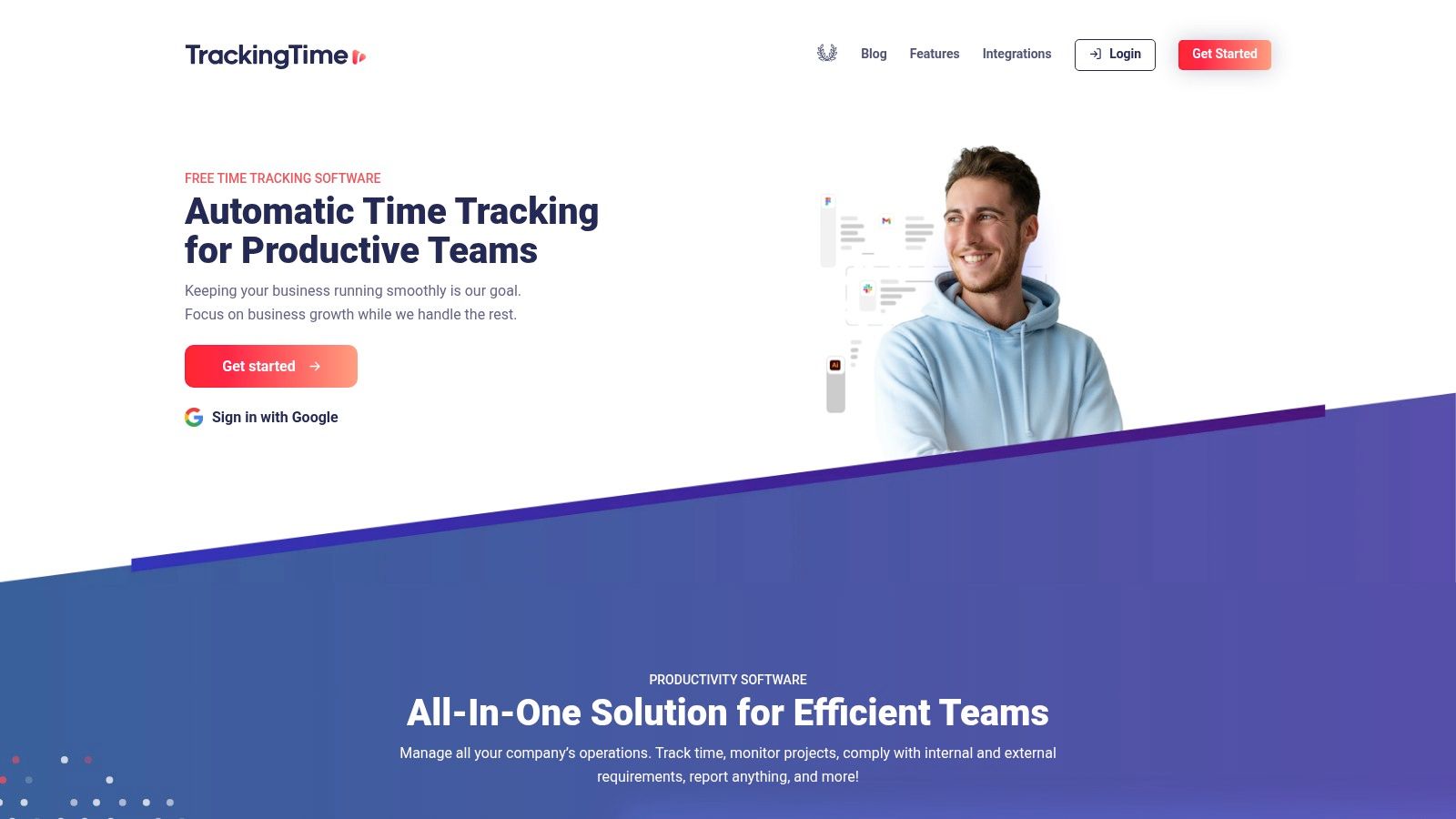
TrackingTime positions itself as more than just a timer; it's a collaborative platform designed to bring time tracking directly into your project workflow. Its free plan is notably generous, offering support for unlimited users, tasks, and projects. This makes it an excellent entry point for growing teams who need to track work without an immediate budget for software. The platform provides a suite of apps, including desktop clients for Windows and macOS, mobile apps, and browser extensions, ensuring time can be tracked wherever work happens.
Key Features and User Experience
The user experience in TrackingTime is visually driven, with a focus on project cards and timelines that resemble a Kanban board. This makes it intuitive for teams already familiar with project management tools. A key strength is its deep integration with over 50 popular applications, allowing users to track time directly from within tools like Asana, Smartsheet, or Zendesk. This in-context tracking reduces friction and encourages consistent timesheet habits across the team.
- Project Management: The free plan includes basic task and project management features, allowing teams to organize work, set deadlines, and track progress alongside time entries.
- Integrations: The ability to start and stop timers inside other apps is a standout feature, making it one of the most connected free time tracking app options available.
- Reporting: The free tier provides basic reports, giving managers an overview of time spent on various tasks and projects.
Limitations: The interface can feel busier than more minimalist trackers, which might be a drawback for users seeking pure simplicity. Advanced reporting, detailed timesheets, and in-depth analytics are reserved for the paid Pro plan, which unlocks the platform's full potential for client billing and performance analysis.
Website: https://trackingtime.co
7. Jibble
Best For: Field, construction, or retail teams needing a robust time and attendance tracker with advanced mobile features.
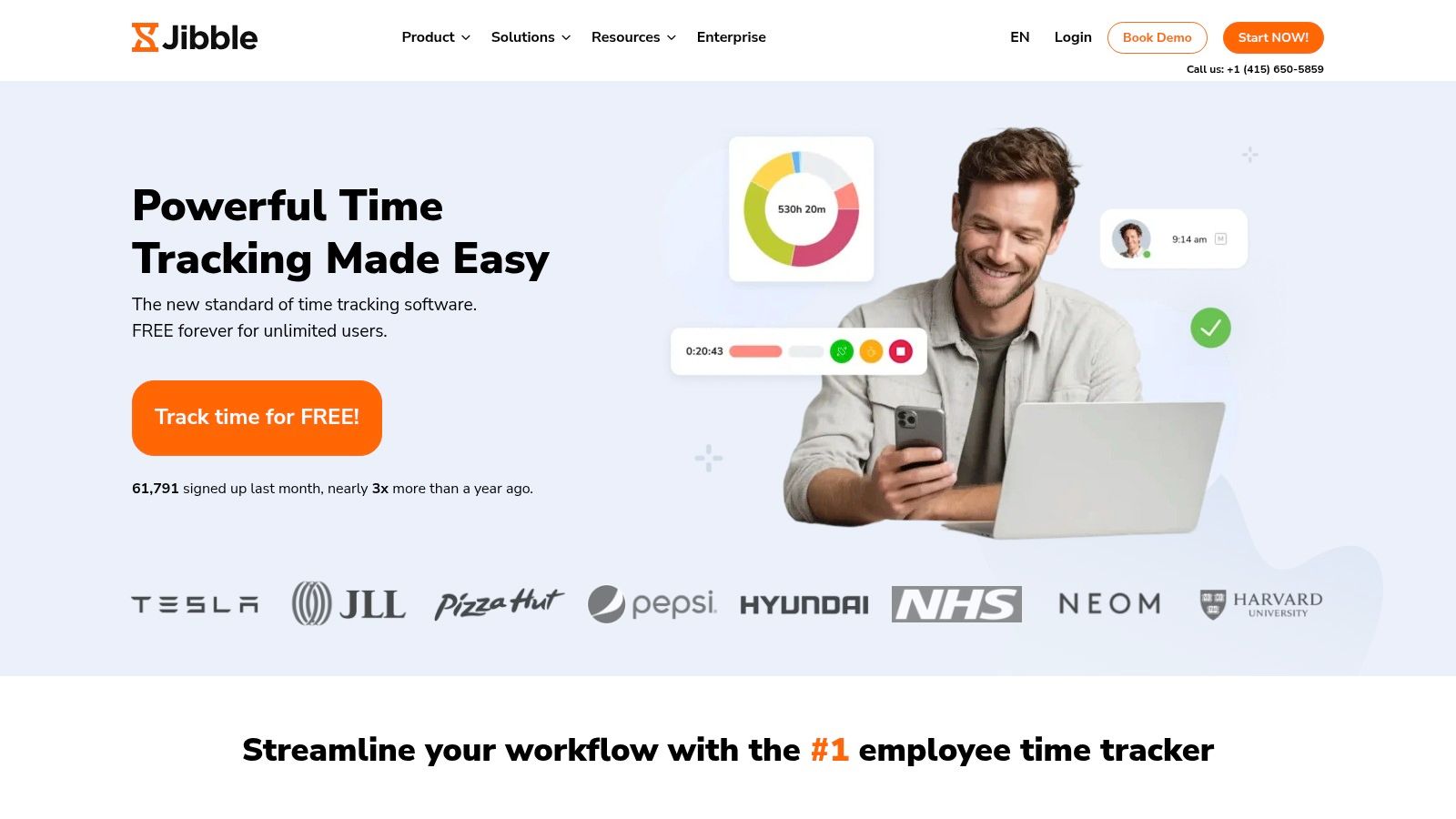
Jibble stands out as a powerful free time tracking app designed specifically for teams that don't work from a traditional office. Its free plan is remarkably generous, supporting unlimited users and offering advanced features like GPS tracking, geofencing, and facial recognition clock-ins. This focus on attendance and location verification makes it an ideal solution for managing on-site employees, mobile workforces, and ensuring accurate timekeeping for payroll across various job sites.
Key Features and User Experience
The platform is built around a mobile-first philosophy, allowing employees to easily "jibble in" and "jibble out" from their phones or a shared kiosk. The user experience is straightforward for clocking in, but the feature-rich interface can require some initial setup time for administrators to configure policies like geofenced work sites or activity tracking. Automated timesheets and detailed reports streamline the payroll process significantly.
- Advanced Clock-in: The free plan includes GPS, biometric (facial recognition), and geofencing capabilities to prevent buddy punching and verify attendance.
- Team Management: Managers can monitor who is working, where they are, and on what activities in real-time directly from the dashboard.
- Reporting & Exports: Generate automated timesheet reports and export data for payroll processing with ease.
Limitations: While the free plan is comprehensive for attendance tracking, more advanced project management, client billing, and leave management features are part of its paid plans. The interface, though powerful, can feel more complex than simpler timer-based apps if your needs are purely for tracking project hours.
Website: https://www.jibble.io
8. Hubstaff
Best For: Solo users and organizations needing a free time tracking app with built-in activity monitoring and productivity metrics.
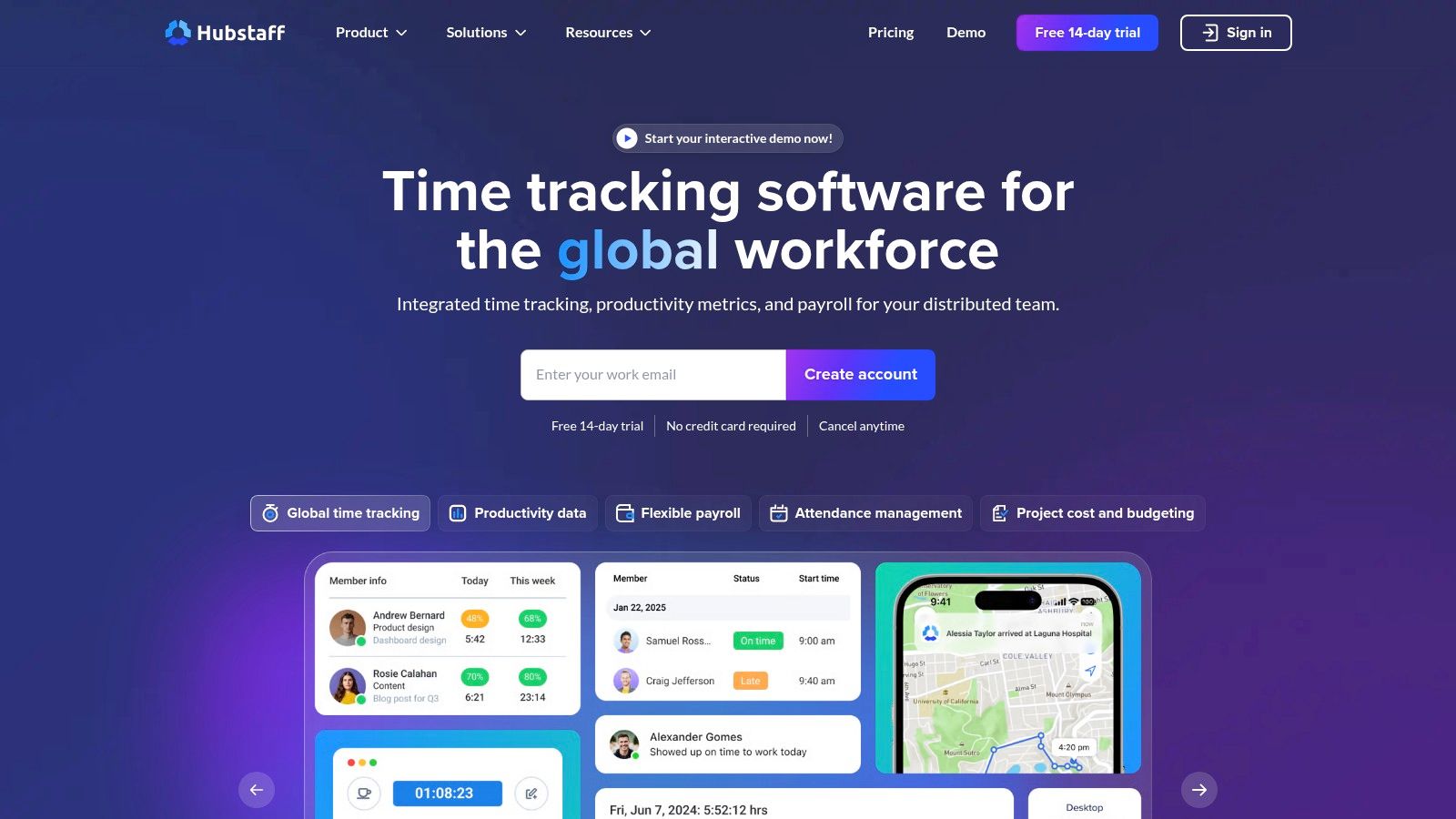
Hubstaff offers a unique proposition in the free time tracking space by including employee monitoring features like activity levels and optional screenshots even in its free tier. While the free plan is limited to a single user, it provides powerful insights for freelancers or managers testing out productivity tools. It's designed for those who want to not only track time but also understand how that time is being spent, making it a strong choice for remote work environments where visibility is key.
Key Features and User Experience
Hubstaff’s desktop and mobile apps are mature and reliable, providing a seamless experience for tracking time and activity. The free plan, Hubstaff Time Free, allows for time tracking, timesheets, and limited activity monitoring based on mouse and keyboard usage. This data is then translated into simple productivity percentages, giving users a clear view of their active versus idle time throughout the day.
- Activity Monitoring: The free plan includes activity levels and limited screenshots, a feature rarely found in other free time tracking app options.
- Platform Support: Robust and well-developed apps are available for Windows, macOS, Linux, iOS, and Android.
- Detailed Timesheets: Users can easily view and edit their time entries, ensuring accurate records for projects.
Limitations: The most significant limitation is that the free plan is restricted to a single user (the organization owner). To add team members or unlock advanced features like payments, detailed reporting, and integrations, you must upgrade to a paid plan. The monitoring features, while useful for some, can also feel intrusive for teams that prefer a trust-based approach.
Website: https://hubstaff.com
9. ClickUp (built-in Time Tracking)
Best For: Teams that want time tracking integrated directly within an all-in-one project management ecosystem.
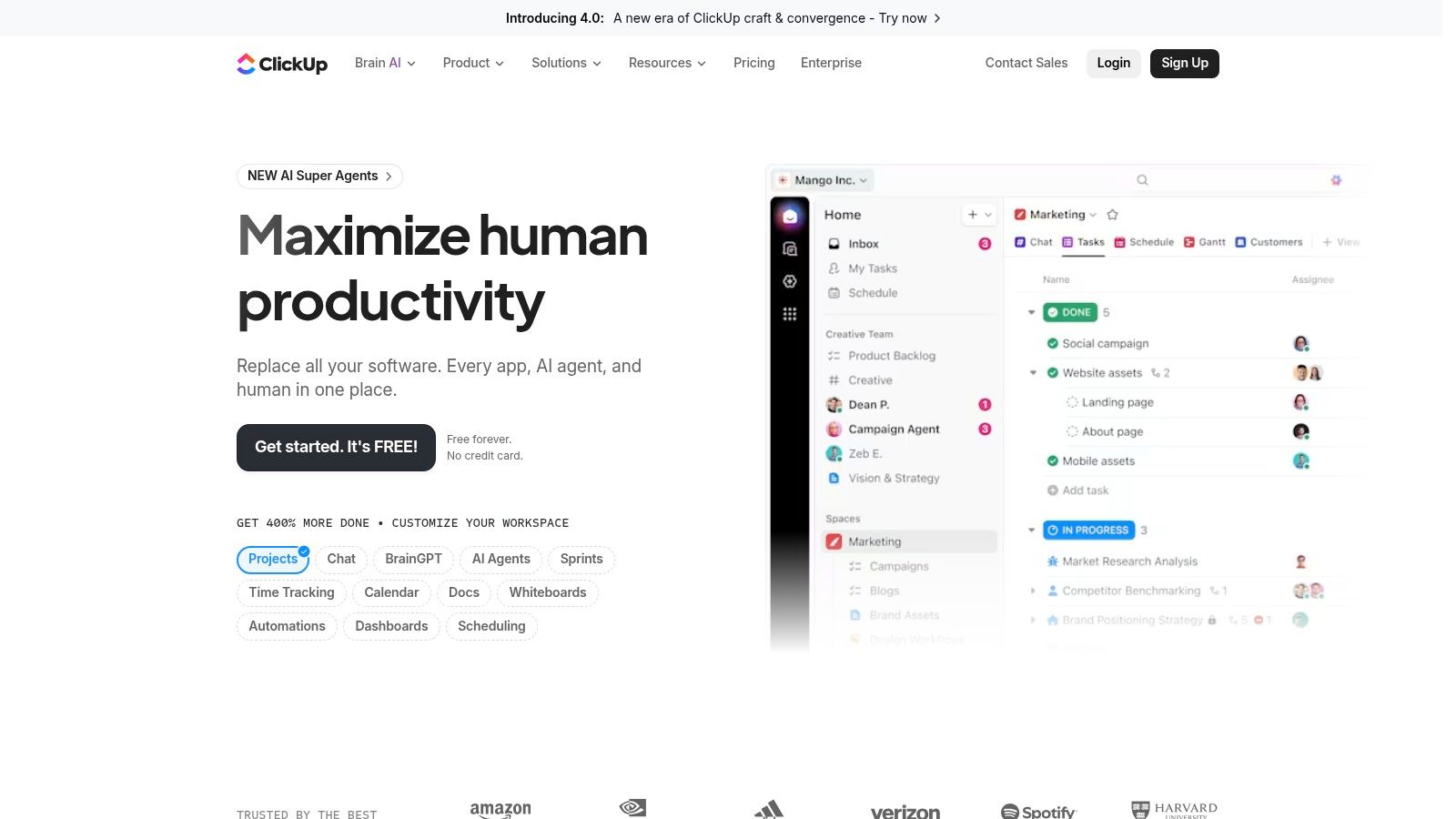
ClickUp isn't just a free time tracking app; it's a comprehensive "everything app" for productivity that includes a native time tracking feature. This makes it an ideal solution for teams looking to consolidate their tools and manage tasks, documents, goals, and time all in one place. Instead of juggling separate applications, you can start a timer directly from a task, ensuring that every minute of work is logged against the correct project item without ever leaving your primary workspace.
Key Features and User Experience
The platform's strength lies in its deep integration between features. You can start a timer, add notes to the time entry, and view cumulative time spent on a task without navigating to a separate module. This seamless workflow is powerful for maintaining context and reducing administrative friction. The Free Forever plan offers this native tracking, along with a vast array of other project management capabilities, providing significant value.
- Integrated Workflow: Track time directly on tasks, subtasks, and even list items, keeping time data perfectly aligned with project progress.
- Reporting: ClickUp's dashboards are highly customizable, allowing you to build time-tracking widgets to visualize hours spent per user, per task, or per project.
- Flexibility: Besides the native tracker, ClickUp also integrates with third-party tools like Harvest and Everhour if your team prefers a different time tracking interface.
Limitations: The primary drawback of the free plan is that the native time tracking feature is considered a "ClickApp" and is limited to 100 uses. Once you've started/stopped timers or made manual edits 100 times, you must upgrade. The platform's immense feature set can also feel overwhelming for users who only need a simple time tracker.
Website: https://clickup.com
10. Everhour
Best For: Small teams and individuals who prioritize a clean interface and straightforward project budgeting.
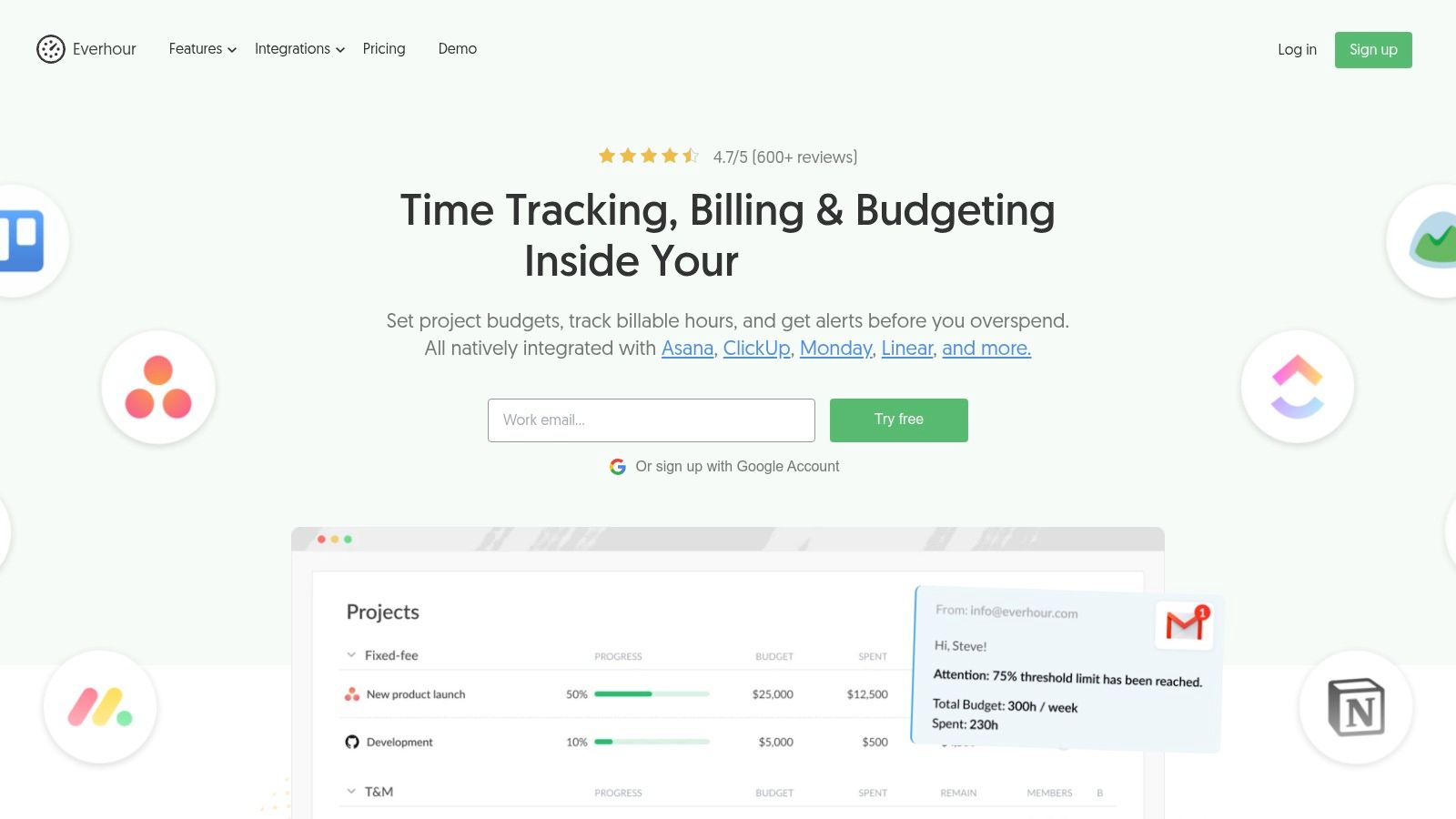
Everhour offers a streamlined and aesthetically pleasing time tracking experience, making it an excellent free time tracking app for those who value simplicity and clarity. Its free plan is designed for small teams of up to five users, providing all the essential tools for tracking time against projects and tasks without overwhelming complexity. Users can track time using a timer or log hours manually, making it flexible for various work styles.
Key Features and User Experience
The user interface is exceptionally clean, which significantly lowers the learning curve for new team members. Setting up projects, defining tasks, and assigning team members is a straightforward process. The free plan provides basic but effective tools for project management, allowing teams to monitor progress and stay aligned on deliverables. This focus on a core, uncluttered feature set makes it easy for teams to adopt and maintain consistent time tracking habits.
- Reporting: The free tier includes access to online reports with the ability to export data to CSV, perfect for basic analysis and client updates.
- Projects and Budgeting: Users can create unlimited projects and set basic budgets to keep track of billable and non-billable hours.
- API Access: The inclusion of API access on the free plan is a significant benefit, allowing for custom integrations and data workflows.
Limitations: The most significant drawback of the free plan is the lack of native integrations with popular tools like Asana, Trello, or Jira; these are reserved for paid plans. Furthermore, paid plans have a five-seat minimum, which can make upgrading costly for solo users or very small teams.
Website: https://everhour.com
11. TMetric
Best For: Small teams of two needing a free time tracking app with powerful integrations and a clear path for future growth.
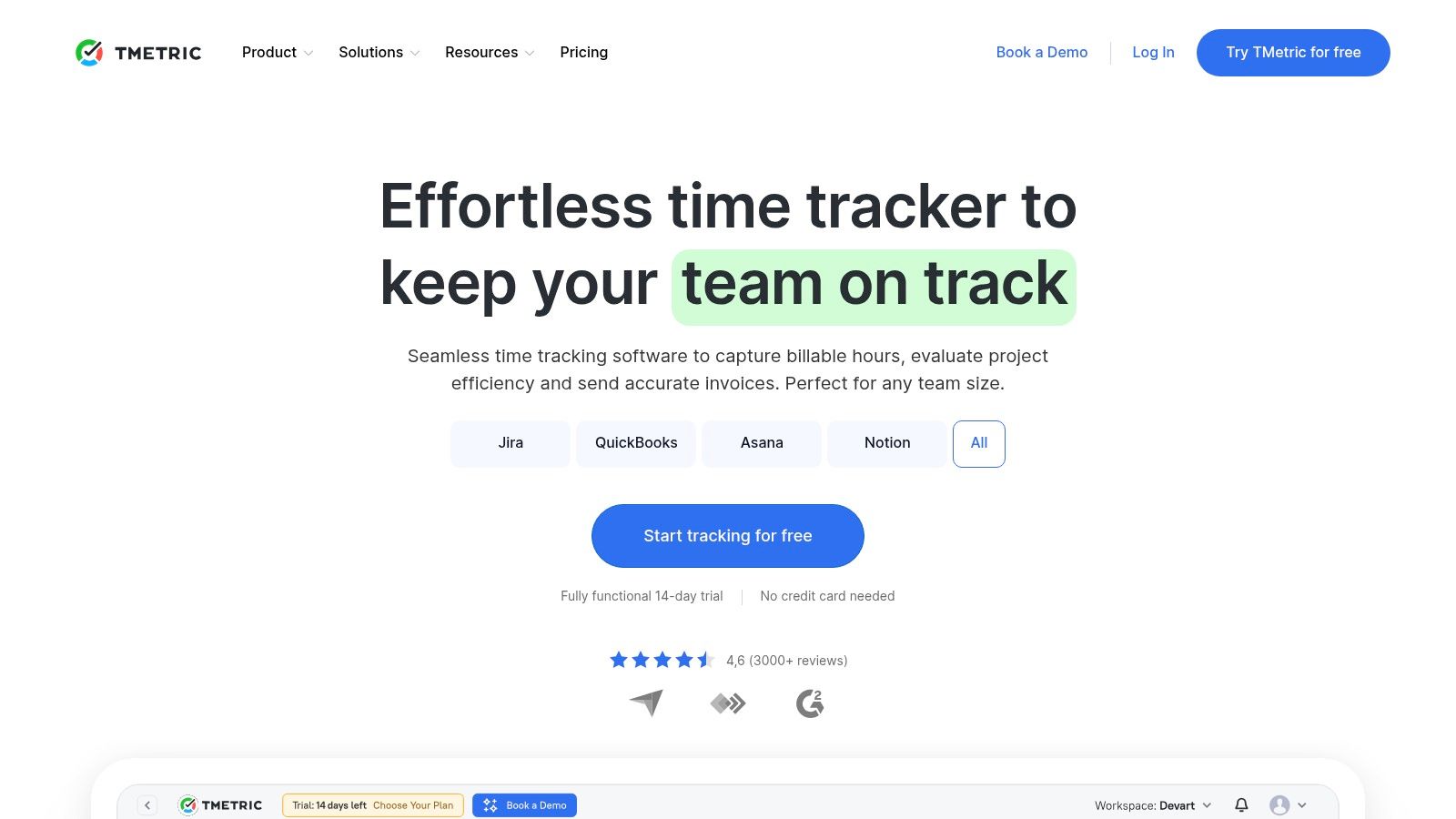
TMetric offers a compelling free plan tailored for individuals or pairs, providing robust time tracking capabilities without an initial investment. It allows up to two users to track time across unlimited projects and clients, making it an excellent starting point for new freelancers or small partnerships. Users can track time through a web app, desktop clients, or a browser extension, ensuring easy access regardless of workflow.
Key Features and User Experience
The platform's user interface is straightforward, allowing users to quickly start timers and log hours against specific tasks. What sets TMetric apart in its free tier is the generous inclusion of integrations and API access, features often locked behind a paywall in other apps. This allows for seamless connection with over 50 popular project management and business tools right out of the box.
- Generous Integrations: The free plan includes browser button integrations with tools like Asana, Jira, Trello, and GitLab.
- Reporting and Exports: Users can generate basic time reports and export their data, providing essential documentation for client work or internal reviews.
- Developer Friendly: API access is available even on the free plan, offering flexibility for custom solutions and advanced workflow automation.
Limitations: The most significant limitation is the two-user cap on the free plan. Advanced features such as invoicing, project budgeting, employee monitoring (screenshots), and time-off tracking are reserved for the paid plans, which provide a logical upgrade path as a team expands.
Website: https://tmetric.com
12. Kimai (Open-Source)
Best For: Technically-savvy teams and companies that require full data ownership and deep customization.
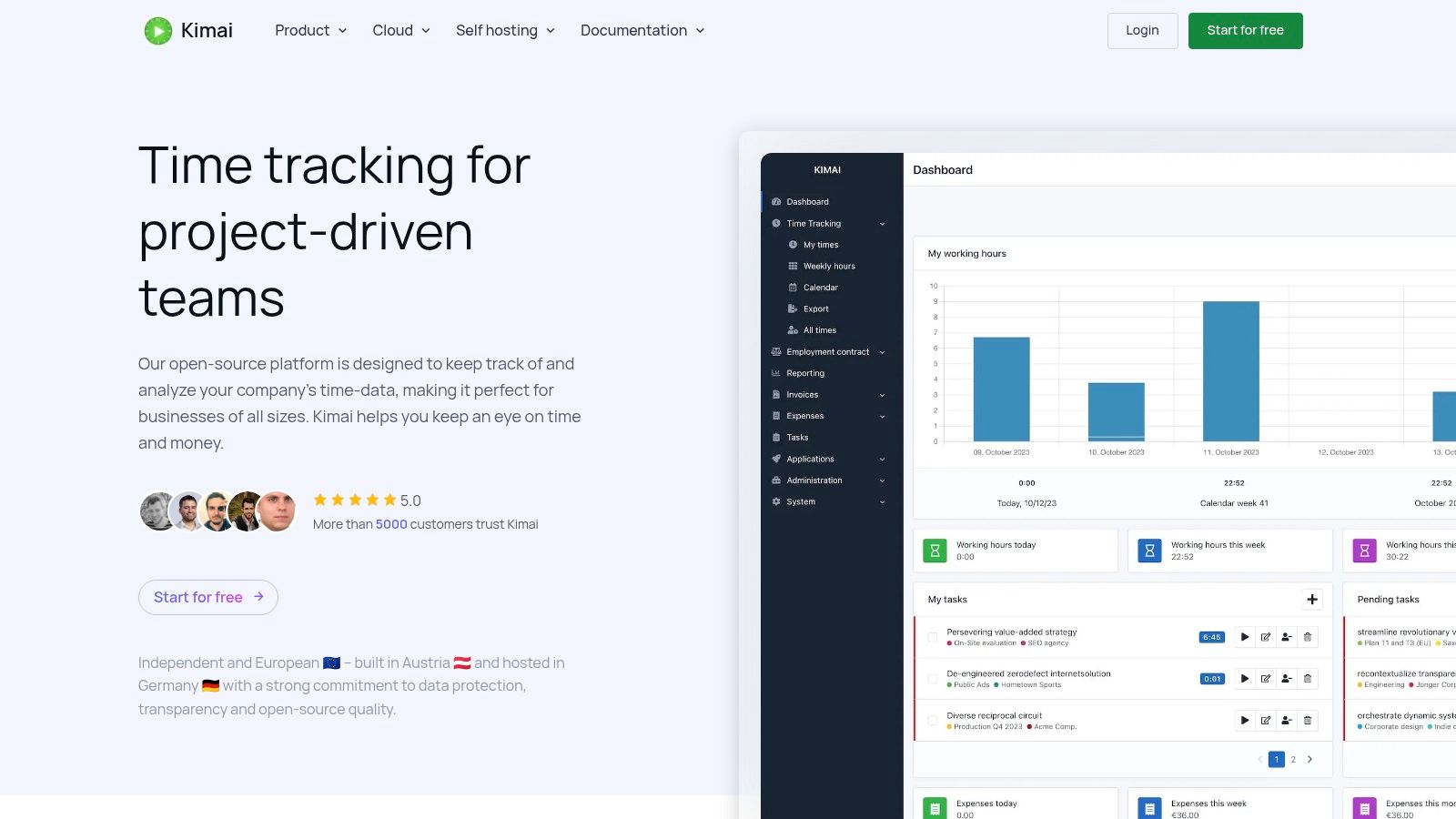
Kimai stands out as a powerful open-source, self-hosted time tracking app, offering a completely free solution for those willing to manage their own server. This approach gives organizations ultimate control over their data, security, and functionality, eliminating vendor lock-in and monthly subscription fees. It's an ideal choice for businesses with strict data privacy policies or those who need a time tracker that can be deeply integrated into their existing infrastructure.
Key Features and User Experience
The web-based interface is functional and provides all the essentials for tracking time against projects and activities. Users can start timers, log expenses, and generate detailed reports. The real power of Kimai lies in its extensibility; a rich ecosystem of plugins allows you to add features like invoicing, Gantt charts, and custom branding. For teams prioritizing control and customization, the benefits of open-source solutions are significant, as you can explore in this guide to open-source time tracking on TimeTackle.com.
- Complete Data Control: Since you host the software, you own and manage all your time tracking data.
- Customization: An extensive plugin library and a powerful API allow for near-limitless customization and integration possibilities.
- Security: Supports modern security standards like SAML, LDAP, and two-factor authentication (2FA).
Limitations: The primary challenge is the technical overhead. Self-hosting requires server setup, ongoing maintenance, and security management. While free to use, there are associated costs for hosting and technical staff time. Paid cloud-hosted versions are available for those who prefer a managed service.
Website: https://www.kimai.org
Top 12 Free Time-Tracking Apps: Comparison
| Product | Core features | UX & Quality | Value / Pricing | Target audience | Unique selling points |
|---|---|---|---|---|---|
| Clockify | Timers, manual entries, projects/clients, reports, apps & extensions | ★★★★ | 💰 Free forever (unlimited users); paid for advanced controls | 👥 Freelancers → large orgs needing free tracking | ✨ Unlimited free users; 🏆 large integration ecosystem |
| Toggl Track | Timers, calendar sync, 100+ integrations, robust reports | ★★★★★ | 💰 Free up to 5 users; paid for billing & advanced features | 👥 Small teams & individuals wanting polished UX | ✨ Polished UI & strong reporting; 🏆 excellent cross-platform support |
| Harvest | Time + invoicing, expense tracking, client reports, integrations | ★★★★ | 💰 Free 1 seat/2 projects; paid for teams & billing workflows | 👥 Freelancers & client-billing teams | ✨ Built-in invoicing; 🏆 clean client-facing reports |
| TimeCamp | Timer/manual, projects/tasks, reports, invoicing (tiers) | ★★★★ | 💰 Free tier; advanced analytics/approvals paid | 👥 Small teams needing flexible reporting | ✨ Flexible reporting exports; 💰 free-forever option |
| My Hours | Unlimited projects/clients (free), basic billable rates, reports | ★★★★ | 💰 Free up to 5 users; Pro for budgets & approvals | 👥 Freelancers & small teams favoring simplicity | ✨ Very easy setup; simple billing/reporting |
| TrackingTime | Unlimited users/tasks/projects (free), apps, basic reports | ★★★ | 💰 Generous free plan; advanced reports on paid tiers | 👥 Teams wanting a simple, free team tracker | ✨ Highly generous free tier; quick workspace setup |
| Jibble | GPS, geofencing, biometric/NFC clock-ins, automated timesheets | ★★★★ | 💰 Free unlimited users; admin/scheduling paid | 👥 Field/on-site & mobile-first teams | ✨ GPS/biometric clock-ins; 🏆 excellent mobile attendance features |
| Hubstaff | Time tracking, activity levels, screenshots, workforce mgmt | ★★★ | 💰 Free limited seat; paid for monitoring & team features | 👥 Distributed teams needing visibility & monitoring | ✨ Activity metrics & screenshots; 🏆 mature desktop/mobile apps |
| ClickUp (Time) | Native timers inside PM: tasks, docs, dashboards, reports | ★★★★ | 💰 Free includes time tracking (usage cap); paid for full PM features | 👥 Teams wanting all-in-one project & time workspace | ✨ All-in-one PM + time tracking; 🏆 broad feature set |
| Everhour | Timer/manual, reporting, budgeting, exports, integrations (paid) | ★★★★ | 💰 Free up to 5 seats; paid plans have min-seat pricing | 👥 Small teams needing clean reporting & budgets | ✨ Strong reporting & clean UI |
| TMetric | Timers, invoicing, budgeting, 50+ web integrations, API | ★★★ | 💰 Free up to 2 seats; paid for screenshots/time-off/advanced | 👥 Teams wanting integrations & clear upgrade path | ✨ API available on free; ✨ many integrations on start tier |
| Kimai (Open‑Source) | Self-hosted web tracker, projects/tags, REST API, SSO/2FA, Docker | ★★★ | 💰 Open-source free self-host; paid hosted options available | 👥 Organizations prioritizing data ownership & customizability | ✨ Open-source & extensible; 🏆 full data control / no vendor lock-in |
Beyond Free Tools: When to Upgrade to an Automated Platform
Navigating the landscape of the modern free time tracking app reveals a powerful truth: there are more high-quality, no-cost options available today than ever before. From Clockify's robust free-forever plan, ideal for teams just starting, to Toggl Track's simplicity and Jibble’s unique attendance features, these tools provide an incredible launching point for establishing baseline productivity metrics. We've explored a dozen powerful contenders, each with a distinct "best-for" category, proving that you don't need a significant budget to start understanding where your team's most valuable asset, their time, is going.
However, for the mid-sized agencies and professional services firms this guide is for, the journey doesn't end with a free tool. The initial phase of manual time tracking, while insightful, often exposes a deeper, more systemic challenge: the administrative burden of tracking itself. The very act of starting and stopping timers, retroactively filling in forgotten timesheets, and manually categorizing entries becomes a significant source of non-billable overhead. This is the critical inflection point where the limitations of even the best free time tracking app become a bottleneck to growth.
Identifying the Ceiling of Free Time Tracking
The transition from a free tool to a paid, automated platform is not just about unlocking more features; it's a strategic shift from data collection to data intelligence. Ask yourself and your team these critical questions:
- How much time is spent on timesheet admin? If your project managers or operations leads are spending hours each week chasing down timesheets, correcting errors, and manually compiling reports, the cost of that labor likely exceeds the subscription fee for a more advanced system.
- How accurate is our data? Manual tracking is inherently prone to human error. Forgotten timers, guesstimates at the end of the day, and block-logging hours can skew your data, leading to inaccurate project costing, billing disputes, and flawed utilization forecasts.
- Are we tracking the right things? Free tools are excellent at capturing logged time but often miss the "in-between" work: unscheduled calls, ad-hoc client meetings, and internal strategy sessions that live in your calendar but rarely make it to a timesheet. This is often the most valuable, and most overlooked, data.
When the pain of managing your time tracking system outweighs the benefits you receive, it's a clear signal that you've outgrown your current solution. The goal is not just to log hours but to unlock insights that drive profitability, improve resource allocation, and enhance operational efficiency.
The Strategic Leap to Automation
This is where the paradigm shifts from active tracking to passive, automated data capture. The most forward-thinking solutions recognize that for most professional services teams, the calendar is already the single source of truth for how time is allocated. By connecting directly to tools like Google Calendar or Outlook, automated platforms eliminate the friction and inaccuracy of manual entry.
Imagine a system where every scheduled meeting, client call, and focused work block is automatically captured, categorized, and allocated to the correct project based on predefined rules. This isn't just a convenience; it's a transformation. It turns time tracking from a dreaded administrative chore into a background process that generates clean, reliable, and comprehensive data. For operations leaders, COOs, and CFOs, this automated approach provides the high-fidelity utilization and project ROI data needed for strategic decision-making, without the associated administrative drag. The best free time tracking app can get you started, but an automated platform is what will help you scale effectively.
Ready to eliminate timesheet fatigue and transform your team's calendar into a powerful source of business intelligence? TimeTackle automates time tracking by syncing with Google and Outlook calendars, providing SOC 2 Type II certified data for accurate billing, utilization, and project analysis without manual timers. Explore how TimeTackle can automate your agency's time tracking today.