


“Build better habits, one checkbox at a time.” You've decided this is the year. You're going to read more, exercise consistently, or finally master that new skill. Then real life shows up. Meetings run long, energy drops, and the plan you felt sure about turns into a vague intention sitting in the back of your mind.
That's why most habit goals fail. It's rarely a motivation problem. It's a system problem. A solid habit tracker template turns “I should do this more often” into a visible action you can check, review, and repeat.
That matters more than it sounds. In Atomic Habits, James Clear helped push habit tracking into the mainstream, and he cites research showing that people who tracked habits were over twice as likely to maintain them compared with people who didn't track. In a 2014 study he summarizes, participants who monitored exercise improved adherence by about 20 to 30 percent over 12 weeks compared with a non-tracking control group, and visible trackers helped people sustain new behaviors for at least six months (James Clear talk reference).
The good news is that you don't need one perfect app. You need the right format for the way you already work. Some people need a printable sheet taped to a wall. Others need a database inside their workspace. If sleep is the habit you keep missing, this roundup of natural sleep habit solutions is a useful companion.
1. Notion Marketplace – Habit Tracking Templates
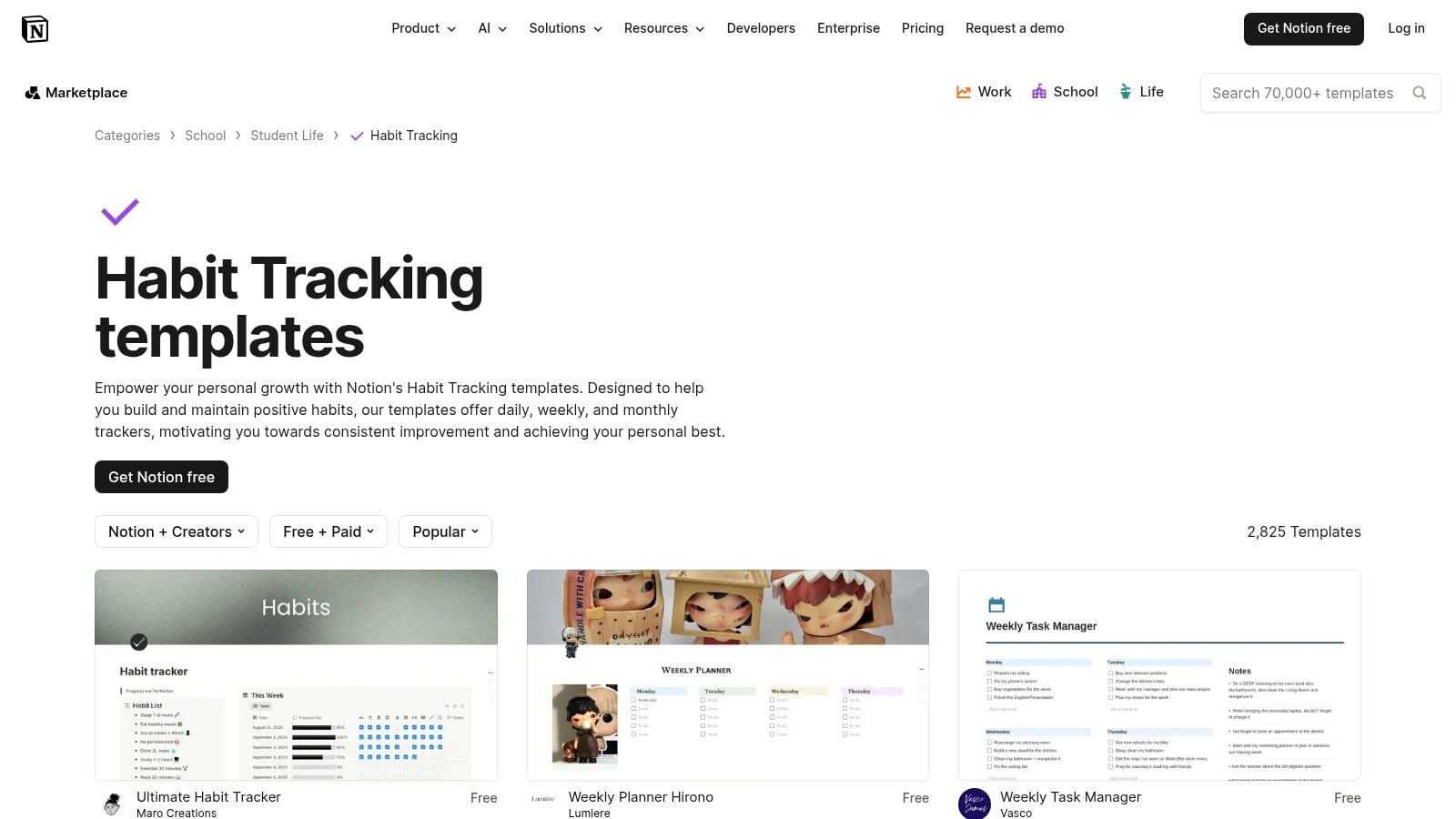
If your work already lives in Notion, this is the cleanest place to start. The Notion habit tracking template gallery gives you everything from dead simple daily checklists to advanced dashboards with formulas, streaks, and monthly views.
Notion became a visible force in this category when habit-tracking templates entered its marketplace in 2020, and by 2022 more than 70% of its productivity-oriented templates involved some form of recurring task or habit tracking. Notion's global user base also exceeded 40 million monthly active users by 2024, which shows how normal this pattern has become in modern knowledge work (Notion market reference).
Where it works best
Notion is strongest when habits connect to other work. You can keep a reading habit next to meeting notes, a writing habit next to your content calendar, or a team routine next to your SOPs. That setup cuts friction because you're not opening a separate tool just to log one checkbox.
For agency teams, this gets more useful when habit tracking overlaps with work visibility. If you already track projects in Notion, pairing your routine tracker with Notion time tracking workflows makes the habit system less abstract and more tied to actual hours.
- Best use case: People and teams already committed to Notion.
- What I like: Duplication is easy, so you can clone a working setup by role, client pod, or month.
- Main drawback: The best-looking templates often hide formula complexity underneath, so edits can get annoying fast.
- Good fit for: Daily planning, personal routines, team rituals, weekly reviews.
Practical rule: If you need to teach the tracker to five other people, pick the plainest Notion template you can tolerate. Fancy formulas break trust when no one knows how the score got calculated.
2. ClickUp – Personal Habit Tracker Template
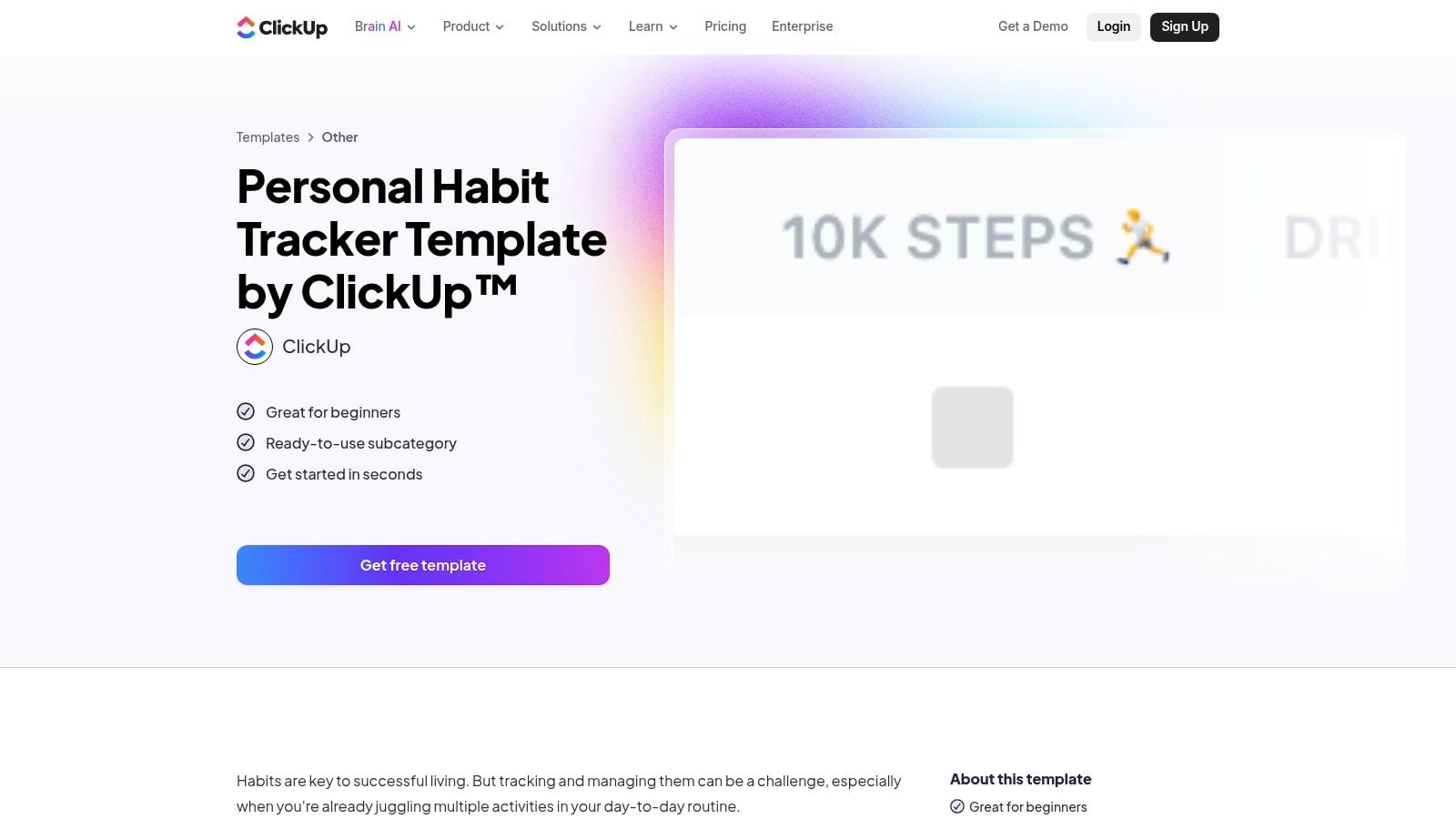
ClickUp's Personal Habit Tracker template makes sense for one kind of user. The person who already lives in ClickUp every day. If that's you, using recurring tasks, reminders, statuses, and dashboards for habits feels natural instead of forced.
This template is more operational than reflective. You're not building a pretty personal journal. You're setting recurring actions and making sure they keep showing up until they become routine.
Why teams often like it
ClickUp scales better than most habit trackers when accountability matters. You can assign habits, set reminders, and roll progress into dashboards without rebuilding your whole system. That's useful for managers trying to track routines like end-of-day admin, CRM updates, or weekly pipeline cleanup.
There's also a practical gap in most habit content. Many templates track checkmarks but don't connect habits to time-based work data or calendar signals. That gap matters because 61% of employees said work continues outside regular hours in Asana's 2022 Anatomy of Work index, which makes calendar-aware routines more realistic than vague “do this sometime today” planning (calendar-work gap reference).
- Strong point: Automations reduce manual nudging.
- Weak point: It's too much tool for someone who just wants a paper sheet on the fridge.
- Best for: Operators, project managers, and task-driven teams.
- Skip it if: You avoid ClickUp outside core project work.
3. Asana – Habit Tracker Template
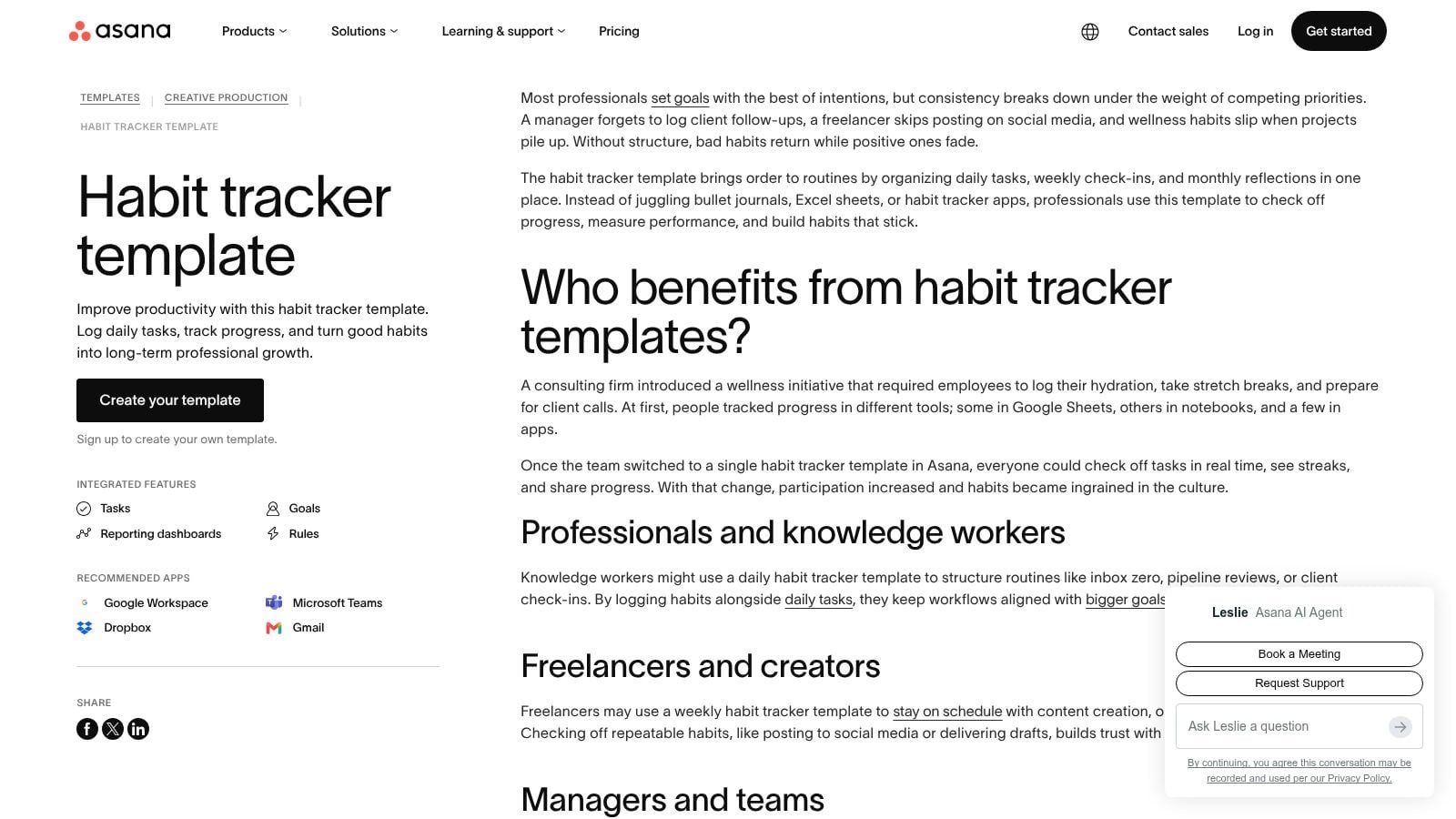
Asana's habit tracker template is the lightest digital option in this list if your team already uses Asana. It turns habits into familiar objects. Tasks, custom fields, reminders, and dashboards. That lowers the learning curve because no one has to learn a new way to work.
I like Asana for shared accountability. A solo habit tracker is easy to ignore. A shared project with assigned routines is harder to forget, especially for work habits like “send client updates before noon Friday” or “prep tomorrow's top three priorities before logging off.”
The trade-off
Asana works best when the habit is close to work execution. It's less satisfying for personal habit nerds who want heatmaps, visual streak boards, and heavily customized scoring. It's more about consistency than aesthetics.
That said, team habit design is still underexplored. Gallup data from 2023 found that 66% of employees who feel supported by managers are engaged at work, which is one reason team-visible routines can matter if you use them well and don't turn them into surveillance (manager support reference).
Shared habit trackers work when they track agreed routines, not personal virtue. “Update project notes by 5 PM” is fair. “Meditate daily” in a team board usually isn't.
- Good choice for: Teams already planning work in Asana.
- Less ideal for: Printable workflows or deep personalization.
- What stands out: Buddy systems and recurring reminders are simple to set up.
- Watch for: Some useful automation and reporting features sit behind paid tiers.
4. Coda Gallery – Daily Habit Tracker by OfficeNinjas
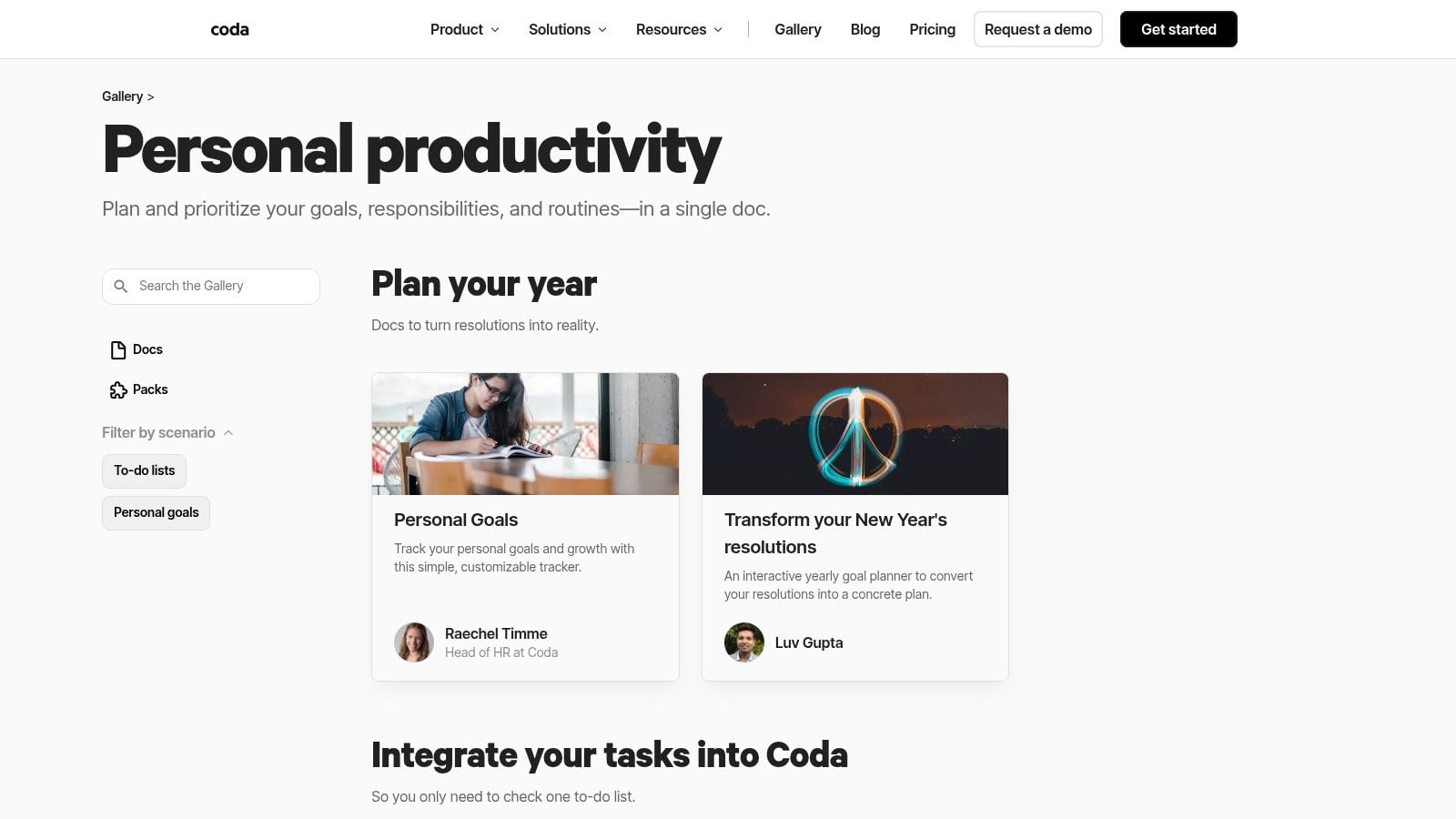
Coda sits in a sweet spot between document, app, and spreadsheet. That's why the Coda gallery's personal productivity templates are worth a look if Notion feels too wiki-like and spreadsheets feel too rigid.
A good Coda habit tracker can include buttons, formulas, tables, charts, and automations in one place. That makes it feel less like a static template and more like a small app you can shape around your routine.
Why Coda clicks for process people
Coda is strong when a habit has a trigger and a follow-up. You can build a button that resets a daily log, connect a form for quick check-ins, or add simple charts that show whether a routine drops during heavy meeting weeks. It's good for people who want more than a checkbox but don't want to build software.
The downside is obvious once you start customizing. If you're new to Coda formulas, a simple tracker can become a tinkering project.
- Best use case: Users who like systems and don't mind setup.
- What works well: Buttons and automations make repetitive logging less annoying.
- What doesn't: Some gallery docs need cleanup before they feel polished.
- Nice middle ground: More flexible than a printable sheet, less heavy than a custom app.
5. Microsoft Create – Health and workout tracker templates
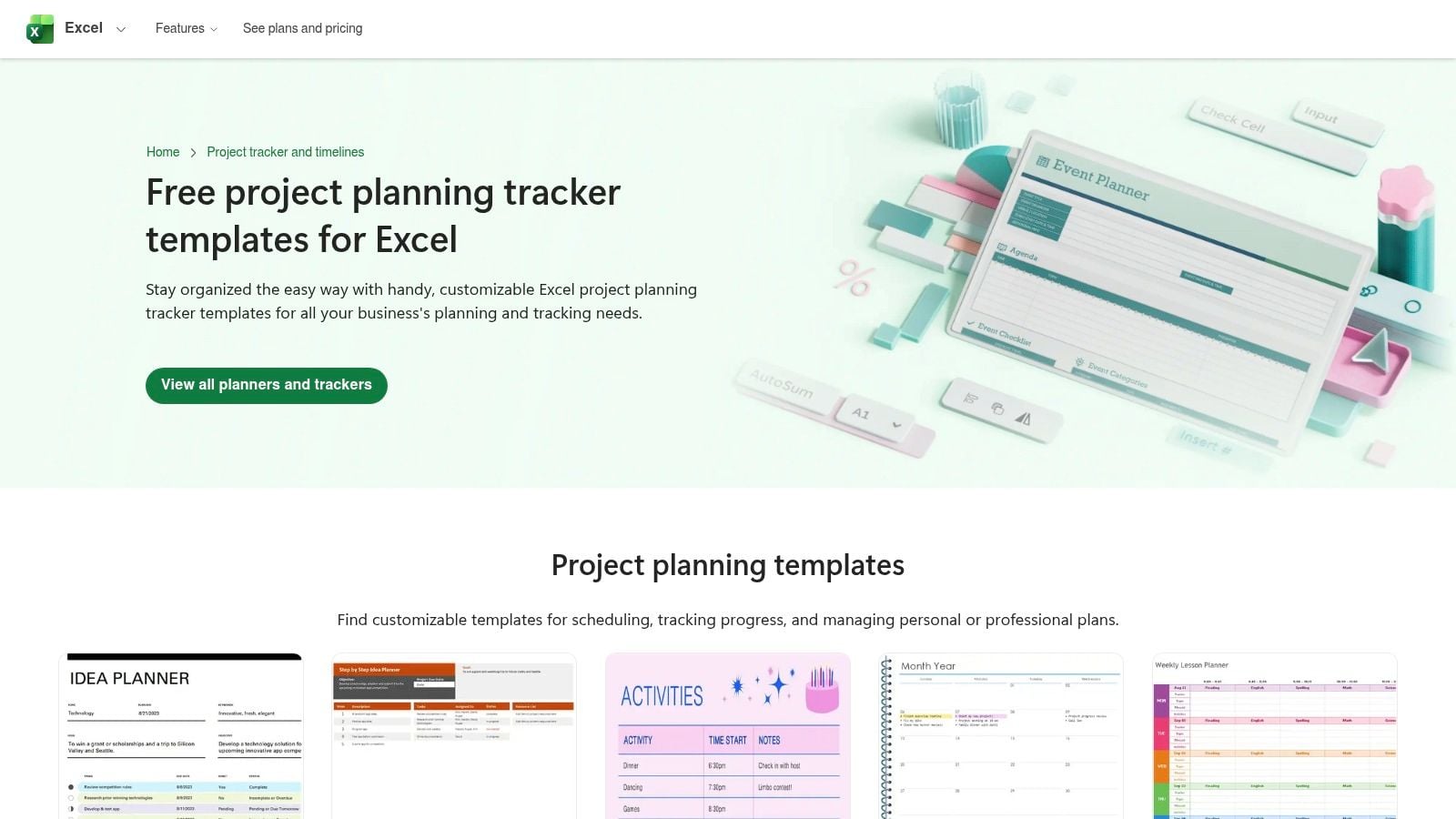
A lot of people overcomplicate habit tracking. If your company already runs on Microsoft 365, Microsoft Create's health and workout tracker templates are often enough. You get familiar Excel and Word files, easy printing, and no setup drama.
This option is less polished than dedicated habit apps, but it has one big advantage. Nobody needs training. Open the file, rename a few fields, and start tracking.
When plain files beat smart apps
For HR, wellness, or coaching programs, simple files often get better follow-through than more advanced tools. People know how to open Excel. They know how to print a Word document. They don't need to learn formulas unless you want them to.
This category also works well for health-focused routines, and if you want a more exercise-heavy sheet, Strive Workout Log's template gives another practical reference point.
- Works best for: Microsoft-heavy teams and offline use.
- Main benefit: Familiar file formats reduce resistance.
- Main limitation: You'll need to add your own streak logic if you want automatic scoring.
- Good practical move: Keep the first version simple. Rows for habits, columns for days, and one summary line at the end of the week.
6. Google Sheets – Build your own plus community templates
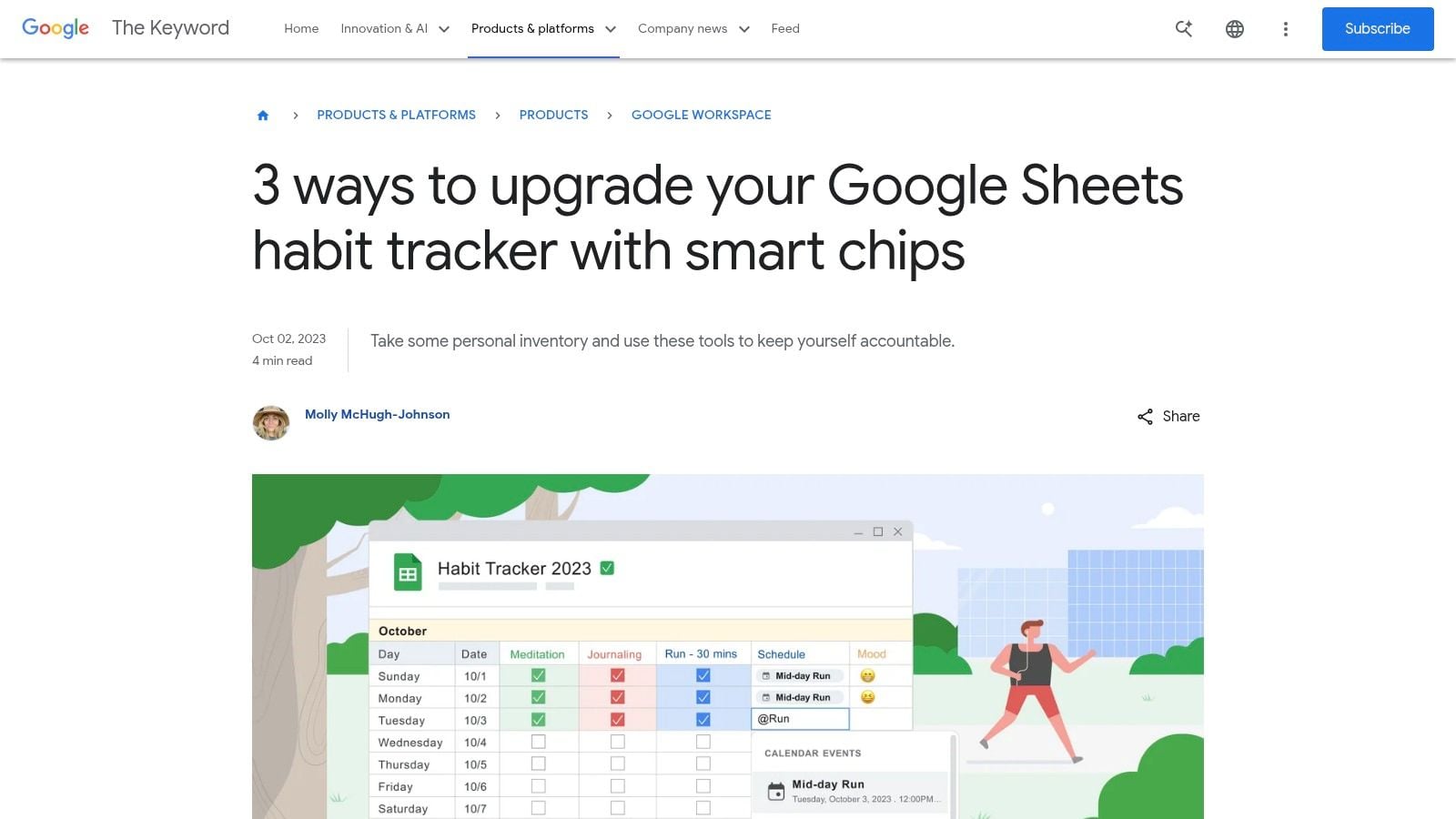
If you want control without paying for a dedicated app, Google's guide to building a Sheets habit tracker is one of the best starting points. Sheets gives you checkboxes, conditional formatting, formulas, and cloud access in a format almost everyone can use.
I still recommend Sheets more often than many newer tools, especially for teams. It's easy to copy, easy to share, and easy to rebuild when the first version gets messy.
The best template for calendar-driven work
A habit tracker template gets particularly useful for professionals. You can mirror your actual work rhythm inside the sheet. Add columns for planned time block, actual completion, meeting-heavy day, or energy window. That makes the tracker more honest, because habits don't fail in a vacuum. They fail on days packed with calls, reviews, and admin spillover.
Daily tracker layouts often work best when they stay limited. Some habit tracker examples group up to five habits by time segment such as morning, afternoon, and evening, which helps people track multiple behaviors without cluttering the page (Clockify template examples).
- Best for: People who want flexibility and don't mind light setup.
- What works: You can adapt it for solo use, manager visibility, or shared team routines.
- What gets old: Fancy streak formulas can become brittle.
- My advice: Build one clean monthly tab first. Don't start with annual dashboards.
The best Sheets tracker usually looks boring. That's a compliment. Boring trackers get updated.
7. Miroverse – Personal planner boards with habit tracker sections
The Miroverse planner boards are for visual thinkers, not data purists. If you think in canvases, sticky notes, and workshop boards, Miro can make habit tracking feel more natural than rows in a spreadsheet.
This style works well in hybrid teams that already use Miro for planning sessions, retros, or brainstorming. You can drop a habit area into the same board as weekly goals, project notes, and meeting outputs.
Where Miro helps and where it doesn't
Miro is good for seeing the whole week at once. It's also good for collaborative review. A team can check progress in the same place where it plans the next sprint or client cycle.
What it doesn't do well out of the box is analytics. You won't get clean streak logic or formula-based scoring without extra effort, so use it when visibility matters more than measurement.
- Strong fit: Visual planners and collaborative workshop teams.
- Less strong fit: Anyone who wants automatic metrics.
- Useful pattern: Put habit sections next to calendar frames so people log routines in context.
- Nice bonus: It can bridge digital planning and printable worksheets.
8. Canva – Habit tracker templates
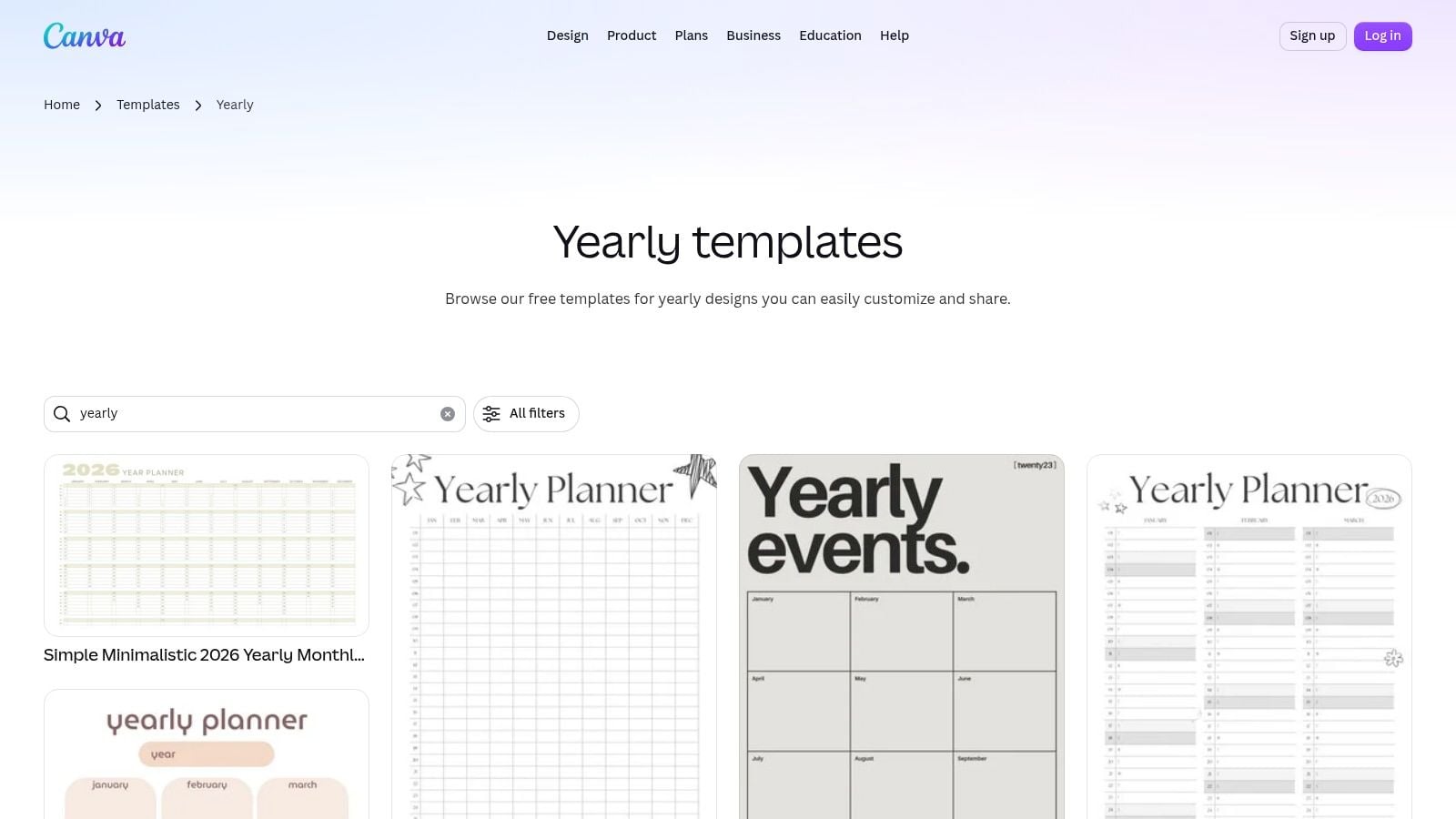
Canva is the fastest way to make a habit tracker template look polished. If you need a branded sheet for clients, onboarding packs, workshops, or wellness programs, Canva's tracker templates are hard to beat.
That speed matters more than people admit. A decent-looking tracker gets used more often than a sloppy one, especially when you're handing it to clients or a team.
Best use for Canva
Use Canva when design and distribution matter more than automation. You can create a monthly or yearly tracker, keep it in your brand colors, export it to PDF, and hand it off fast. That's great for coaches, people teams, and agencies creating repeatable client materials.
The trade-off is simple. Canva is a design tool. It won't calculate streaks or completion rates for you.
- Best for: Printable packs, branded handouts, client onboarding.
- What works: Fast edits, easy collaboration, strong visual polish.
- What doesn't: No built-in logic for trend analysis.
- Smart move: Pair a Canva printable with a separate review rhythm in your calendar so the sheet doesn't become decorative paperwork.
9. CalendarLabs – Free printable habit tracker templates
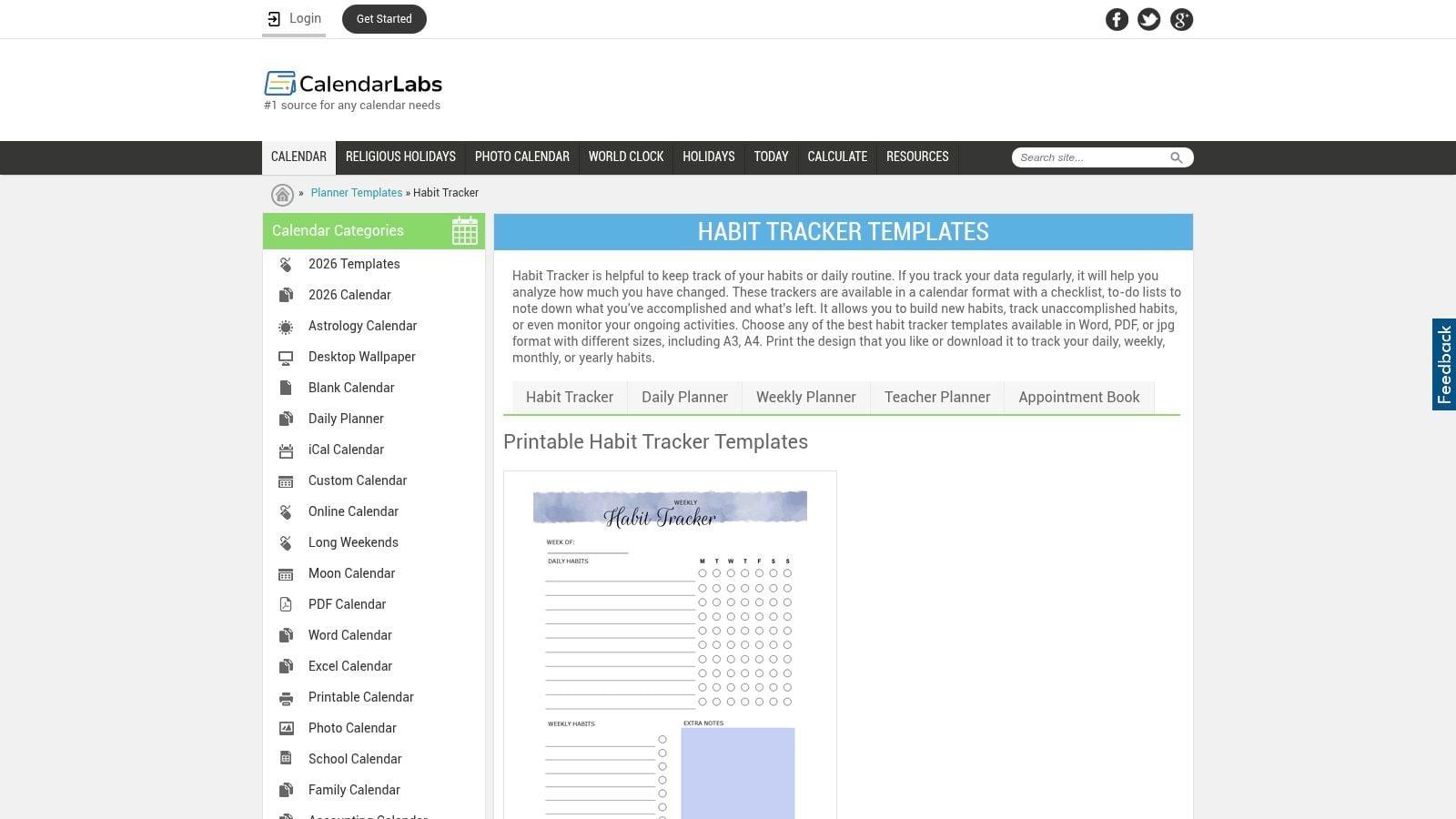
Sometimes the best habit tracker template is the one you can print in under a minute. That's the appeal of CalendarLabs habit tracker templates. They're quick, free, and available in formats people can use without friction.
For coaching packets, office walls, or fridge-door routines, this kind of template still works very well. A visible tracker can be more persuasive than a hidden app tab.
Why printable still matters
Printable layouts still follow the core, widely recognized design. A row for each habit, a column for each day, and a simple mark like an X or color fill. That calendar-style layout appears in wellness and counseling handouts too, because it makes consistency visible without teaching a system first (BSU Counseling Center habit tracker layout).
If you prefer digital apps but want to compare them against printable sheets, this roundup of the best free habit tracker app options is worth keeping nearby.
- Big advantage: Fast start, almost no learning curve.
- Big drawback: No automatic reporting.
- Best use: Coaching, personal routines, desk-side prompts, low-tech teams.
- What I'd avoid: Printing giant yearly trackers if the person hasn't even kept a weekly one alive.
10. American Heart Association – Healthy Habits Tracker
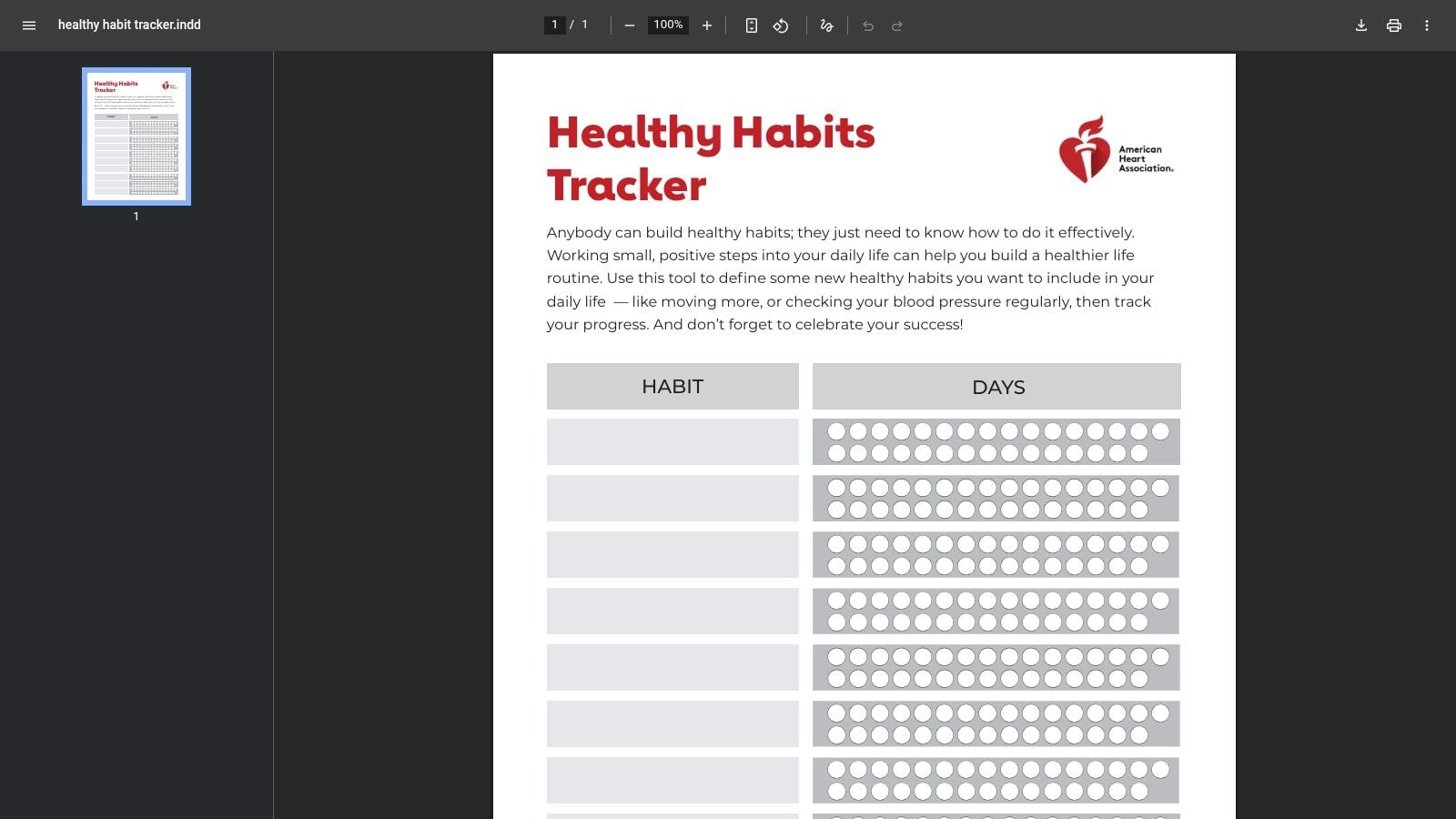
The American Heart Association Healthy Habits Tracker is simple, credible, and easy to distribute. For workplace wellness programs, that's often enough. You don't always need customization. You need trust and zero setup.
This is a single-page printable, so expectations should stay realistic. It won't become your all-in-one productivity hub. It will give people a sheet they can understand in seconds.
Best for wellness campaigns
If HR or operations wants a habit tracker for hydration, walking, sleep, or other health routines, this kind of branded printable lowers resistance. People know the source. That matters in health-related settings more than design flair.
If you want to pair a simple health tracker with stronger follow-through, this guide on productive habits you don't ditch after a week offers a useful next step.
A trusted printable beats a clever system people won't open.
- Best fit: Health-focused habit campaigns and low-friction rollouts.
- Main strength: Credibility and ease of use.
- Main limit: Minimal customization and no analytics.
- Use it well: Keep the campaign short, visible, and tied to regular check-ins.
Top 10 Habit Tracker Templates Comparison
| Template | Core features | Integrations & automation | Ideal audience 👥 | Standout ✨ / 🏆 | Price & access 💰 / ★ |
|---|---|---|---|---|---|
| Notion Marketplace – Habit Tracking Templates | DB-driven trackers, streaks, heatmaps, formulas | Embeds in Notion workflows; formula-based automation | 👥 Notion users & teams | ✨Highly customizable databases; 🏆seamless workspace embedding | 💰Many free + paid creators; ★★★★ |
| ClickUp – Personal Habit Tracker Template | Recurring tasks, reminders, dashboards, automations | Native automations & reminders; task-linked tracking | 👥 ClickUp power users & teams | ✨Task→habit automation; 🏆strong team accountability | 💰Free template; best with paid ClickUp tiers; ★★★★ |
| Asana – Habit Tracker Template | Tasks, custom fields, rules, dashboards | Rules & integrations (G Suite, Teams); some features paid | 👥 Teams already in Asana | ✨Easy assignment + visual dashboards; 🏆low learning curve for Asana users | 💰Template free; advanced features need paid plan; ★★★ |
| Coda Gallery – Daily Habit Tracker | Tables, buttons, charts, app-like behaviors | Packs integrations, buttons & automations | 👥 Users wanting extendable, app-like trackers | ✨Interactive buttons & Packs; 🏆highly extensible | 💰Many free docs; advanced use may require paid; ★★★★ |
| Microsoft Create – Health/Workout & Tracker Templates | Excel/Word editable trackers, printable layouts | OneDrive sharing & offline use; manual logic unless you add formulas | 👥 Microsoft 365 orgs & offline-first teams | ✨Familiar Office formats; 🏆enterprise-friendly prints | 💰Free templates (M365 users); ★★★ |
| Google Sheets – Build-Your-Own + Community Templates | Checkbox logs, conditional formatting, charts | Cloud sharing & collaboration; formulas for streaks | 👥 DIY users & anyone with Google account | ✨Fully customizable + free; 🏆widely accessible | 💰Free; ★★★★ |
| Miroverse – Personal Planner Boards | Visual boards, calendar frames, habit grids | Integrates into whiteboard workflows; printable frames | 👥 Visual planners & hybrid teams | ✨Highly visual, workshop-friendly | 💰Free community templates; some Miro features paid; ★★★ |
| Canva – Habit Tracker Templates | Drag-and-drop designs, exportable PDFs, print-ready | Web/mobile editing & team collaboration | 👥 Designers, HR/marketing teams needing branded printables | ✨Fast branding & high-quality print assets; 🏆huge template library | 💰Many free; Pro assets require subscription; ★★★★ |
| CalendarLabs – Free Printable Habit Tracker Templates | Multiple printable layouts (weekly/monthly/yearly) | Downloads as PDF/Word/JPG; no analytics | 👥 Coaches, offline users, quick print needs | ✨Truly fast & free printables; 🏆no-login downloads | 💰Free; ★★★ |
| American Heart Association – Healthy Habits Tracker (Printable) | Simple single-page checklist, medically trusted design | Ready-to-distribute PDF; no automation | 👥 HR/wellness programs & health campaigns | ✨Credible health branding; 🏆trusted for wellness initiatives | 💰Free; ★★★ |
From tracking to transformation: Make it part of your workflow
Picking the right template matters, but it's only the first move. Habit systems fail when they live in a separate corner of your life, far away from the work and routines that shape your day. A template helps you log behavior. It doesn't make space for it. You still have to do that part.
Start smaller than you think you need to. One or two habits is enough at first. Building a perfect-looking tracker with too many rows often leads to broken consistency, resulting in avoidance the first week a few boxes are missed. A short list survives real life better.
For professionals, the biggest upgrade is tying habits to the calendar you already obey. Don't just track “write daily” or “review pipeline weekly.” Put those actions on the calendar at a specific time. A habit that lives as an appointment has a much better chance than one sitting in a dashboard waiting for spare energy.
That matters even more in agency work, where the week already runs on client calls, internal reviews, and delivery deadlines. If your tracker ignores that reality, it becomes fake pretty fast. A better setup connects each habit to a trigger you can see. Morning planning before your first call. Proposal review after the Tuesday pipeline meeting. End-of-day admin before you shut the laptop.
There's also a larger shift behind all this. The habit tracking apps market is projected to grow from $2.22 billion in 2026 to $6.41 billion by 2034, with a 14.2% CAGR, according to Straits Research. That projection points to continued demand for structured habit systems, especially ones built around templates, streaks, and progress analytics rather than vague journaling (Straits Research market projection).
The same pattern shows up in professional tools. Notion's marketplace reports that popular habit-tracking templates can reach tens of thousands of uses per month and rank in the top 1 to 5% of productivity templates globally. Those systems often surface completion rates, weekly or monthly averages, and streak tracking, which is one reason template-based habit systems keep moving from personal self-help into team workflows and operational routines (Notion analytics template page).
What works in practice is simple. Use a visible template. Review it on a fixed cadence. Attach habits to existing calendar anchors. Then look at the time you spent, not the routine you meant to keep. That last step is where one finally gets honest. They stop asking, “Did I intend to build this habit?” and start asking, “Did I give it time on the calendar often enough to have a chance?”
If you want habits to stick at work, connect them to the schedule that already runs your day. TimeTackle helps teams turn calendar activity into usable time data, so you can see whether planning routines, review blocks, client follow-ups, and focus habits are happening. That makes your habit tracker more than a checklist. It becomes part of a system you can review, improve, and trust.


