



Month-end billing is where this question stops being academic.
You pull calendar data, timesheets, and project records into one view, and suddenly nothing lines up. A client workshop shows as one block on the calendar, but half the team logged less time because they stepped out for prep, follow-up, or a break. Another event crosses midnight because the client is overseas, and now someone is asking whether that counts as one work session or two. The raw timestamps look clean. The business logic doesn't.
That's why “how is duration calculated” has a much messier answer than most guides admit. The formula starts simple. The hard part is deciding what should count, what shouldn't, and how those rules flow into billing, payroll, utilization, and planning. If you run an agency, that difference matters because small errors repeated across a team become invoice disputes, bad forecasts, and a lot of avoidable admin work.
The simple question with a complicated answer
The fundamental assumption is the same. Duration is the time between a start and an end. If a meeting began at 2:00 and ended at 3:00, that's one hour.
In agency operations, that clean answer falls apart fast.
A project manager trying to close the month usually isn't working from one perfect record. They're reconciling calendar invites, CRM notes, internal meetings, client calls, and manual timesheets entered from memory. One person logs what they attended. Another logs what they prepared. A third rounds everything to the nearest chunk because they're filling out Friday's work on Monday morning.
That's where the pain starts. A one-hour block on the calendar may produce less billable time, more billable time, or no billable time at all depending on the rules. If the event overlapped with another meeting, included a non-billable break, or had the wrong client tag, your simple subtraction gives you a number, but not a trustworthy one.
I've seen teams spend more time arguing about time than using it well. The actual problem usually isn't math. It's inconsistency.
If two people can look at the same event and reach two different billable totals, your process is weak even if your formula is correct.
That's why quick checks still matter. If you need a fast sanity check before you touch reporting logic, basic time calculator tools can help you confirm the raw elapsed time. Just don't confuse raw elapsed time with the number you should send to finance or a client.
What agencies are actually trying to calculate
When operations leads ask about duration, they're usually trying to answer one of these:
- Elapsed time: How long did the event last on the calendar?
- Worked time: How much of that block was actual work?
- Billable time: How much should appear on an invoice?
- Reported time: How should that time appear in utilization or payroll views?
Those are not the same thing, and mixing them is where reporting starts to drift.
The simple math and its hidden flaws
The starting formula is still useful. Duration = end time minus start time. If a task runs from 9:00 AM to 10:30 AM, the raw duration is 90 minutes.
That works for a single event on a single day when everyone agrees on the clock, the time zone, and the reporting rule.

The problem is that business systems don't always calculate duration the same way.
There isn't one accepted method
According to Data Cycle Analytics on duration between two dates, duration calculations between dates commonly use four methods. Two matter a lot in business reporting:
- YEARFRAC: This calculates fractional year differences. In their example, the duration from September 27, 1998 to July 31, 2017 is 18.84 years, not a rounded 19.
- DATEDIF: This calculates completed full units such as years, months, or days.
The same source notes that the method choice can create 2-3% reporting differences for professional services agencies. That's not a rounding footnote. It affects utilization views, tenure reporting, and any billing logic tied to date spans rather than simple meeting blocks.
If you work in spreadsheets a lot, this matters when you convert time into decimal format for reporting. A practical guide to calculate hours to decimal is useful because finance teams often want decimal hours while delivery teams think in hours and minutes.
Where simple subtraction breaks
Here's a common failure case. A strategist in New York schedules a client session for 3:00 PM Eastern. A producer in Los Angeles joins and later exports the event data in Pacific time. If one system stores the start in one zone and another displays the end in another without normalization, you can get nonsense.
You don't need fancy edge cases for this to go wrong. It happens when:
| Situation | What raw subtraction says | What you actually need |
|---|---|---|
| One event, one time zone | Usually correct | Elapsed time |
| Event viewed in different local zones | Can be misleading | Normalized UTC or a single reporting zone |
| Daylight saving change | Can shift apparent length | A timezone-aware timestamp |
| Date-only records | Looks clean but lacks hours | A business rule, not a formula |
Practical rule: Convert timestamps into one standard before you calculate anything. If you don't, every later fix is guesswork.
Math answers the small question, not the business one
The formula tells you how long something lasted. It doesn't tell you whether the time should count, whether parts of it overlap with other work, or how to round it for an invoice.
That's where most “how is duration calculated” advice stops too early. The subtraction is easy. The rules around the subtraction are where agencies either keep control or lose it.
Untangling overlaps and multi-day events
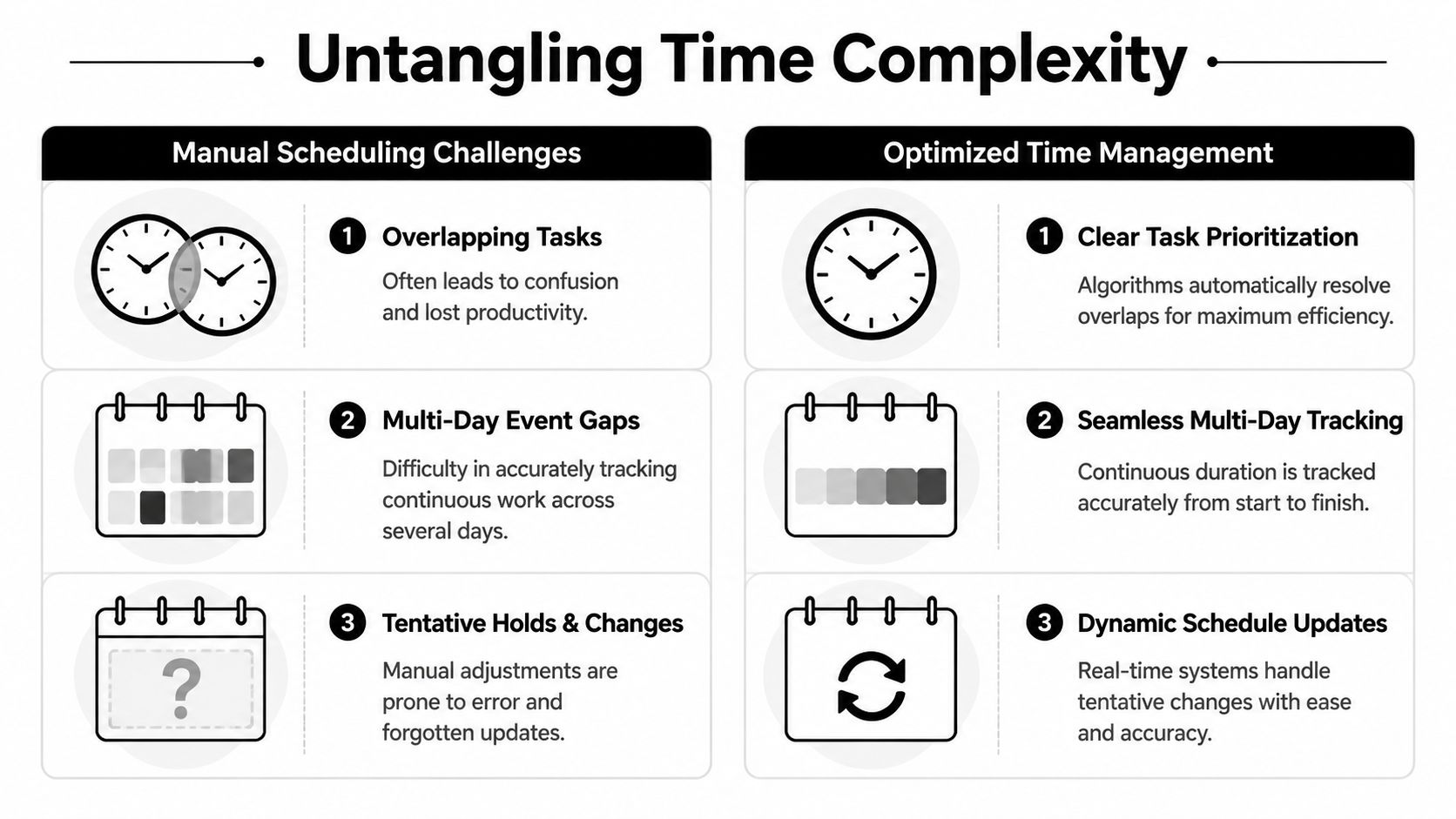
A calendar isn't a timeline of neat, separate blocks. It's a pile of reality. Internal standups sit inside longer work blocks. Tentative holds never get removed. Client calls overlap with travel, prep, or follow-up. If you add every event duration together, you inflate the day.
That inflation gets baked into reports, which is why so many utilization numbers feel wrong before anyone can prove why.
Overlaps create double counting
Say someone has a 60-minute client call from 2:00 to 3:00 and a 30-minute internal sync from 2:15 to 2:45. If you total event durations, you get 90 minutes. But no one worked 90 minutes in a 60-minute window.
The right approach is to flatten the schedule. That means merging overlapping time ranges so each minute counts once unless you have a reason to allocate it differently.
A simple view helps:
| Event | Time | Raw duration |
|---|---|---|
| Client call | 2:00 to 3:00 | 60 minutes |
| Internal sync | 2:15 to 2:45 | 30 minutes |
| Naive total | 90 minutes | |
| Flattened worked window | 2:00 to 3:00 | 60 minutes |
That's the difference between activity duration and actual occupied time.
Not every overlap should be treated the same
Agency policy matters more than math in these situations. Some teams want one primary event to “win” and absorb the overlap. Others want shared allocation rules, especially when internal support time needs to be tracked but not billed.
Four common rules work better than improvising:
- Primary-event rule: Count the client-facing event as the main block, suppress the overlapping internal one for billing.
- Category split rule: Keep both records, but count one as billable and the other as non-billable support.
- Owner override: Let the meeting owner determine which event should count when overlaps happen.
- Tag-based priority: If an event has a client, project, or revenue tag, it overrides generic internal placeholders.
None of these rules is universally right. What matters is that your team uses one of them consistently.
Manual review works for a few people. It breaks when multiple teams share clients, calendars, and billing codes.
Multi-day events are their own mess
Then you hit all-day events, conferences, travel blocks, PTO, or multi-day workshops. The calendar says one event. Finance wants a daily number. Delivery wants to know whether it counts toward utilization.
You need a policy before you need a formula.
For multi-day events, agencies usually choose from these approaches:
- Exclude them entirely if they're placeholders with no reliable worked-time value.
- Convert them into standard workdays if they reflect real scheduled work and your policy defines a normal day.
- Split by actual attended sessions if the calendar item is just a wrapper around smaller working blocks.
- Mark them as non-billable but reportable for capacity planning.
If you skip this step, your reports get distorted by big calendar blocks that look productive but don't map cleanly to real work.
Turning tracked time into billable hours
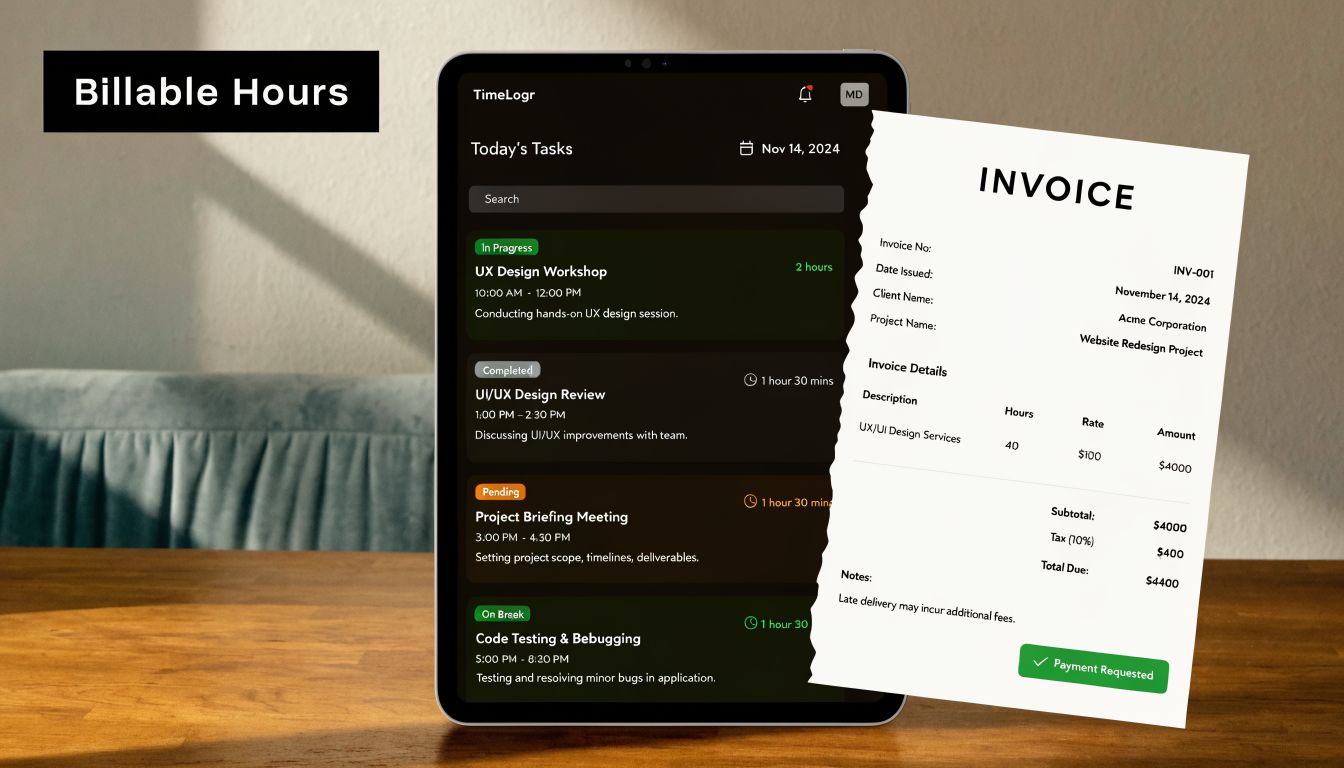
Tracked time is only the first layer. Agencies don't invoice “calendar presence.” They invoice time that matches client agreements, internal policy, and clean audit logic.
That gap between tracked duration and billable hours is where a lot of margin leaks out.
Rounding is a policy choice, not a math fix
A meeting may last 52 minutes. Your invoice might show a rounded value based on the client contract or finance standard. That isn't “more accurate.” It's a business rule.
The mistake teams make is applying rounding inconsistently. One manager rounds up. Another rounds to the nearest interval. Someone else leaves raw minutes in the system and rounds by hand when invoicing. That creates disputes because the same type of work gets treated differently depending on who touches it.
A better setup defines the rule once and applies it automatically at the record level.
Breaks and exclusions matter more than people think
Take a 60-minute workshop block with a scheduled 30-minute lunch in the middle. Raw elapsed time says 60 minutes for that segment. Your billing logic may say only 30 minutes of work should count.
That means duration calculation needs exclusion rules such as:
- Scheduled unpaid breaks
- Internal admin segments inside client-facing blocks
- Travel placeholders that shouldn't bill
- Tentative holds that were never attended
If those exclusions live in people's heads, they won't survive month-end.
“We billed what the calendar said” is not a defensible process if the calendar includes breaks, placeholders, or duplicate blocks.
Historical data can improve future estimates
There's another side to duration that agencies often overlook. Duration calculation isn't only about reporting the past. It also shapes scheduling and planning.
Oracle's field service documentation explains that when statistical duration calculation is enabled, the system analyzes completed activity records to establish baseline estimates and refines them as more data comes in. The same source notes that a new activity type typically needs 20-30 completed instances before reliable statistical estimates emerge.
That matters for agency operations because manual timesheets usually produce weak historical data. People round, forget, or log in batches. Once your activity data is cleaner, estimates for common work types become more useful for staffing, scheduling, and scoping.
Here's the trade-off in plain terms:
| Approach | Good for | Weak spot |
|---|---|---|
| Manual default durations | New services, simple setups | Goes stale fast |
| Raw timesheet averages | Basic reporting | Often distorted by memory and rounding |
| Statistical estimates from completed work | Planning recurring activity types | Needs enough clean history |
If you manage coaching, training, or advisory work, this is also where your service model matters. A structured coaching platform can make sessions, attendance, and follow-up more consistent, which gives operations a cleaner record to reconcile.
For teams trying to connect work logs to invoice logic, this guide on calculating billable hours is useful because it deals with the gap between tracked activity and what finance can use.
Good billing logic does two jobs
It protects revenue, and it protects trust.
Clients don't just want a number. They want a number that can be explained. Your team doesn't just want less admin. They want rules that don't change from one account manager to the next.
Solving the gaps with automated time capture
Manual duration tracking fails for a simple reason. It asks people to remember details after the work is already done.
That's backwards.
What manual entry gets wrong
Even disciplined teams run into the same problems:
- Forgotten work: Short calls, prep time, and follow-up disappear.
- Memory-based estimates: People fill in time later and smooth over the messy parts.
- Inconsistent categorization: One person tags “client strategy,” another tags “meeting.”
- Late corrections: Finance finds mismatches after the month has moved on.
None of that means your team is careless. It means recall is a weak system.
Automation changes the source of truth
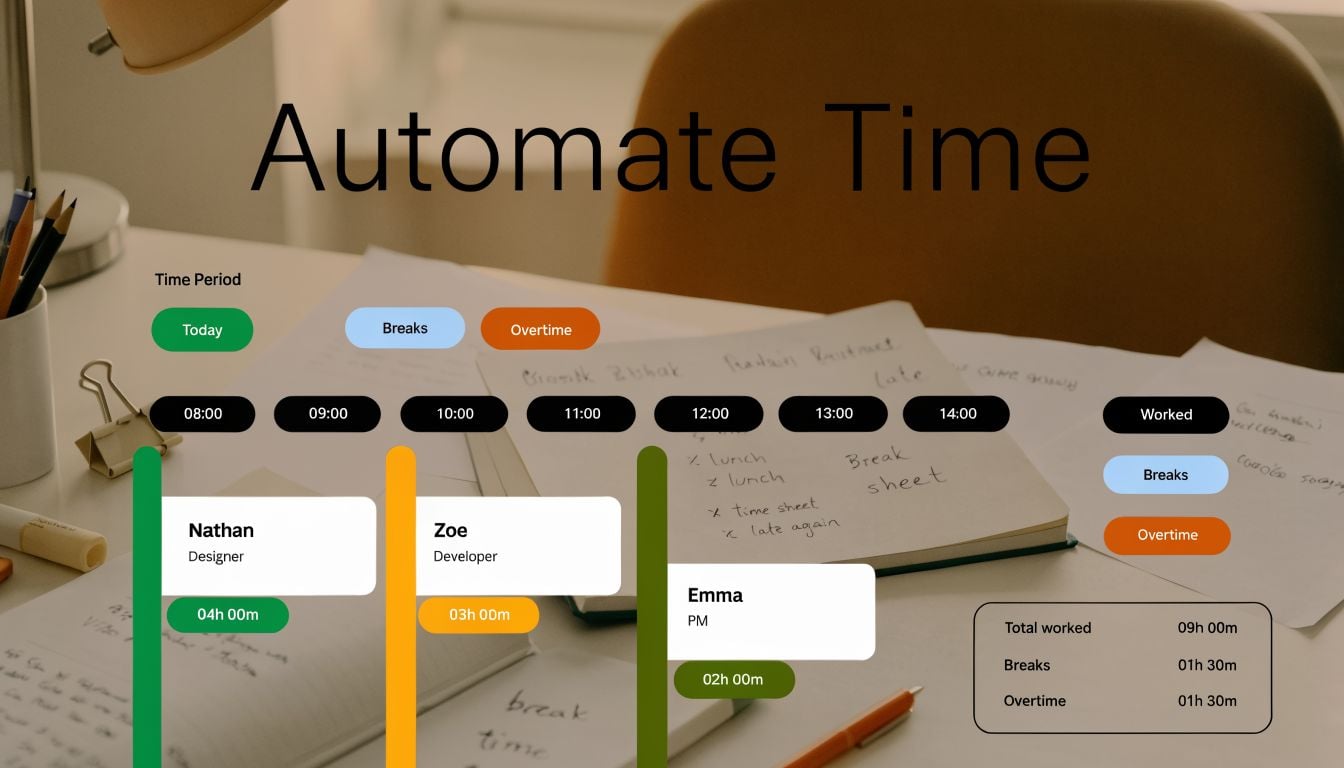
The better model is to capture activity from where it already happens, then apply rules to turn that activity into usable records. For many agencies, the calendar is the cleanest starting point because meetings, blocks, client sessions, and internal work already live there.
From there, automation can do the work people are bad at repeating:
| Problem | Manual approach | Automated approach |
|---|---|---|
| Time zones | Check event by event | Normalize timestamps automatically |
| Overlaps | Review calendars by hand | De-duplicate or prioritize by rule |
| Billing exclusions | Remember breaks later | Subtract based on preset logic |
| Categorization | Ask users to pick codes | Use tags, mappings, and defaults |
That doesn’t remove judgment. It removes routine decisions that shouldn’t need judgment every single time.
What to look for in a system
If you’re replacing manual time entry, don’t just look for a timer. Look for rule handling.
You want a setup that can:
- Pull from calendar data directly so people aren’t recreating their day from memory
- Apply client and project tags automatically based on naming patterns, attendees, or linked records
- Handle overlapping events with clear priority rules
- Separate worked time from billable time through exclusions and rounding logic
- Export clean data to the tools finance and leadership already use
One example is automated timesheet software for agencies, where the point isn’t tracking more data. It’s producing data that can survive billing review.
A calendar-based platform like TimeTackle fits this model because it captures activity from Google or Outlook calendars, applies custom tags and rule-based automations, and turns those records into reporting views that operations teams can use. That matters when your goal is less manual entry and more reliable billing logic.
Clean duration reporting starts upstream. If the captured activity is messy, every dashboard after that is just cleaner-looking confusion.
Why this is really an operations issue
People often frame time capture as a team compliance problem. I think that misses the point.
This is an operations design problem. If your process depends on everyone remembering exact durations, exclusions, categories, and rounding rules at the end of a busy week, the process is the issue. Better systems reduce the number of choices people have to make and increase the number of rules the system can apply consistently.
That’s how duration calculation becomes trustworthy enough for billing, payroll, forecasting, and performance review.
Four best practices for flawless duration reporting
Getting duration right doesn’t require a perfect team. It requires clear rules and fewer manual decisions.
Standardize event naming and tagging
If calendar titles are vague, your reporting will be vague too. Set a naming convention for client meetings, internal reviews, sales calls, workshops, and leave. Add tags or categories that map to billable status, department, and client. That gives your system something reliable to work with.
Write billing rules down
Don’t leave rounding, exclusions, or overlap handling to tribal knowledge. Define what counts, what doesn’t, and how edge cases should be treated. If your team runs support or service environments, good reporting examples from adjacent fields can help. This piece on how dashboards boost contact center performance is useful because it shows how much depends on consistent definitions before a dashboard becomes trustworthy.
Move capture as close to the source as possible
The farther time entry gets from the actual work, the worse the data gets. Calendar-based capture, CRM-linked activities, and automatic tagging all reduce the memory gap that wrecks reporting.
Review anomalies on a schedule
Even good systems need review. Look for odd spikes, suspiciously clean patterns, duplicate blocks, or untagged work. A short review rhythm catches problems before they hit invoices or executive reports.
The goal isn’t perfect time data. It’s dependable time data. There’s a big difference.
If your team is tired of chasing timesheets at the end of every month, TimeTackle is worth a look. It helps teams capture work from the calendar, apply rules for categorization and reporting, and turn messy activity data into records finance and operations can trust.


