


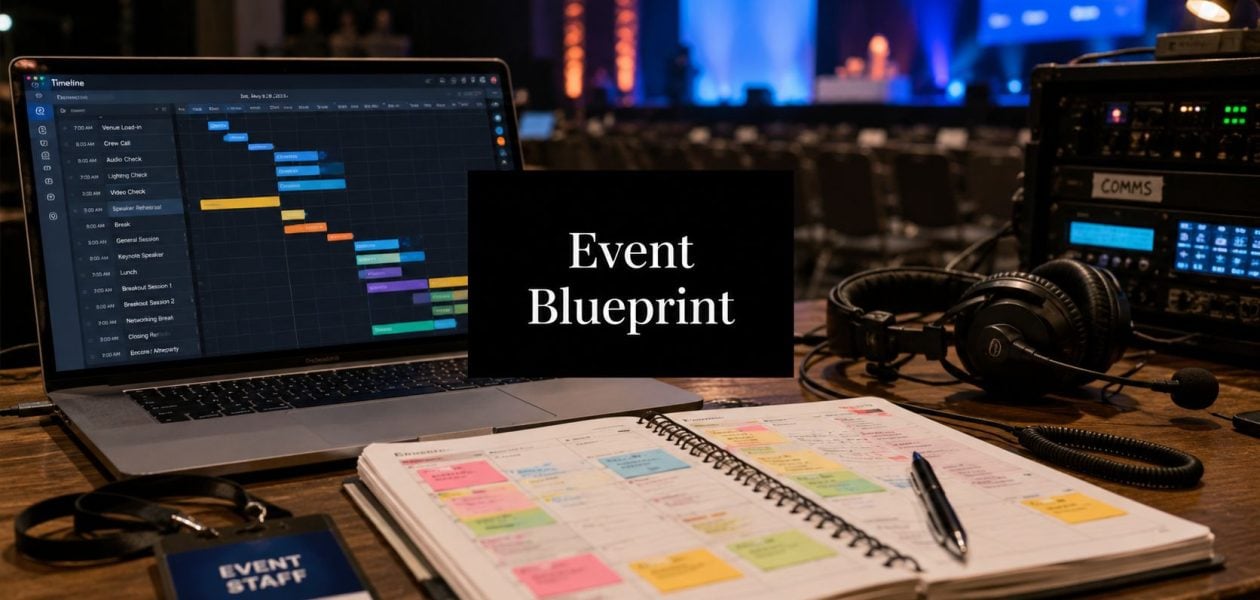
You can feel the bad event weeks before the doors open.
The agenda still changes. The sponsor wants a bigger presence. Someone realizes the venue loading dock closes earlier than the production team expected. Registration looks healthy, but no one can say with confidence whether the audience you wanted is the audience you're getting. The budget file exists, but it lives in three versions, and each one tells a slightly different story.
Then event week arrives and everyone starts calling everything “urgent.”
I've seen this pattern in conferences, customer summits, executive roadshows, and internal kickoffs. The common mistake is simple. Teams treat the event like a big shared to-do list when they should treat it like a project with scope, owners, dates, controls, and reporting. Creativity still matters. Guest experience still matters. But without operating discipline, the event starts running you.
That's why project management for events works so well. It gives you a way to turn loose planning into an actual system. You stop chasing updates. You start running checkpoints. You stop asking whether things are “on track.” You can see what's late, what changed, who owns it, and what the decision cost will be.
The chaos before the calm
The ugly part of event work is that chaos often looks normal until it breaks something.
A team might think they're “moving fast” when what they're really doing is skipping approvals, carrying open questions too long, and leaving cross-team dependencies unstated. Marketing is drafting launch emails. Production is waiting on final stage dimensions. Sales promised extra VIP invites. No one has reconciled those choices against room layout, staffing, transport, or budget.
That's when small misses turn into expensive problems.
What disorder looks like in practice
A messy event process usually has the same tells:
- Scope drifts: Extra sessions, extra guests, upgraded builds, and added sponsor asks slip in without a formal decision.
- Ownership gets blurry: Everyone is “helping,” which means no one is accountable when a deliverable stalls.
- Budget tracking lags: Costs get reviewed after commitments are already made.
- Timelines stay generic: Teams use broad deadlines instead of milestone dates tied to approvals, vendor cutoffs, and rehearsal windows.
If this sounds familiar, a straightforward planning resource like these essential corporate event planning steps can help catch the operational basics before they become late-stage fire drills.
The calm you want on event day doesn't come from working harder that week. It comes from making fewer unresolved decisions in the weeks before.
What control feels like instead
Well-run event teams don't look calmer because less is happening. They look calmer because they've already decided how work moves.
They know which deadlines are fixed and which can move. They know who approves rooming, signage, run-of-show changes, registration comms, and vendor change orders. They have one plan, one budget view, and one owner for each workstream. When something shifts, they don't panic. They route the issue, assess impact, and make a trade-off.
That's the key shift. You stop “planning an event” and start managing a temporary operation with a clear end date.
Why every event is a project in disguise
At 10:40 p.m., the ballroom can look finished while the project is still exposed. A sponsor wants a last-minute activation. The venue needs a revised power plan. Registration numbers are trending above forecast, so catering counts are now wrong. None of that is "event chaos." It is scope, schedule, budget, and risk moving at the same time.
That is why events need project management discipline. An event has a fixed end date, a defined outcome, cross-functional contributors, approvals, dependencies, and a limited budget. The deliverables happen to be guest-facing. The management problem is still a project problem.
I treat every major event like a temporary operating business with one deadline. For a few weeks or months, the team is running finance, operations, marketing, procurement, stakeholder management, and risk control in parallel. If those functions are not set up clearly, the event can still go live, but it usually goes live with avoidable cost, rushed decisions, and weak reporting afterward.
The temporary company model
This model works because it forces clear ownership before pressure builds.
| Function | Event version |
|---|---|
| Leadership | One decision-maker who can break ties and approve changes |
| Finance | A live budget with committed spend, forecasted spend, and change tracking |
| Operations | Venue, staffing, transport, schedules, supplier coordination |
| Marketing | Registration, attendee comms, content promotion, sponsor visibility |
| Risk control | Backup plans for tech, vendors, timing, weather, and guest issues |
The gap between average event planning and disciplined event delivery usually shows up here. Teams often have task lists, vendor contacts, and a run of show. What they do not have is a working control system. They cannot answer simple questions quickly. What changed this week? What is now at risk? Which owner is late? What did that late sponsor request do to labor, floor plan, and margin?
Calendar-driven project management fixes that. Deadlines stop being generic reminders and become operating gates tied to approvals, production cutoffs, registration pushes, and settlement dates. Automated reporting closes the other blind spot. Instead of chasing updates in status meetings, the team sees variance early and can prove what happened after the event, including attendance performance, budget movement, sponsor delivery, and business outcomes tied to the original brief.
Why classic planning advice often fails
Basic advice like "stay organized" and "communicate clearly" is too soft for a live event. It does not tell the team how to approve a change, how to log impact, or how to decide which request gets rejected.
Use a simple rule. If a request changes cost, timing, staffing, guest experience, or production complexity, treat it as a project change.
That is the reason project management for events matters. It gives teams a controlled way to make trade-offs instead of absorbing every request by default. If a sponsor activation gets added, something else moves with it. Budget contingency shrinks. Load-in gets tighter. Staffing hours increase. The process needs to surface that immediately, assign an owner, and record the decision so the event team is not left explaining surprises after the confetti is gone.
The four phases of the event project lifecycle
I run events through four phases. Not because a framework looks neat on paper, but because teams need gates. Without phases, work blurs together, and people start building before the event is defined.
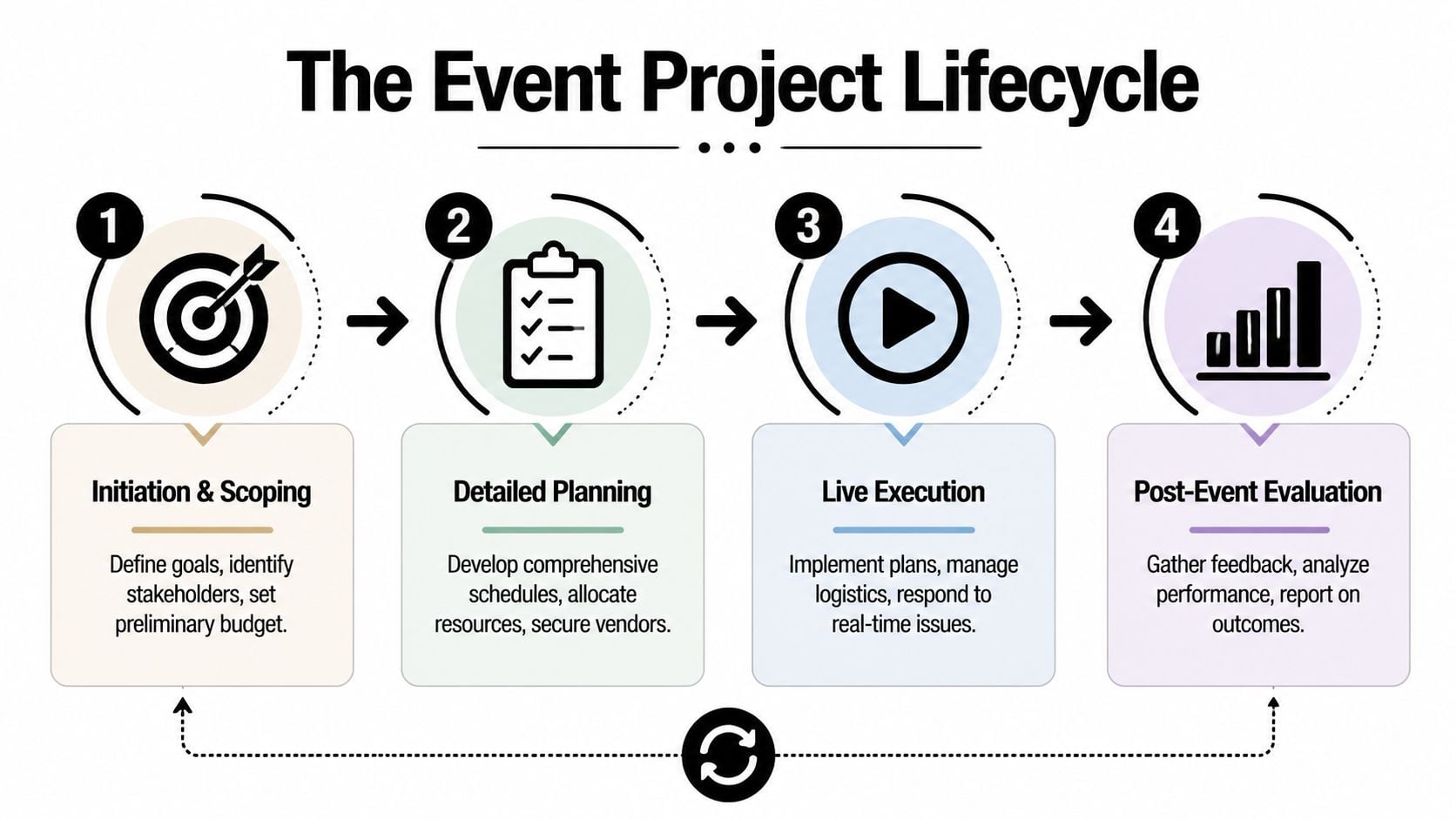
Initiation and scoping
This phase decides whether the event should exist in its current form.
You define the goal, audience, format, constraints, and decision-makers. If this part stays fuzzy, the rest of the project absorbs the confusion. A kickoff deck is not enough. You need a short working brief that answers what the event must achieve, what it will not try to do, and who signs off on changes.
The output I want here is a scoped event charter. It should be plain and specific. Event type, audience, business objective, date window, rough budget range, and hard constraints.
Detailed planning
Planning is where teams often confuse activity with progress.
A proper planning phase turns the event into work packages, deadlines, dependencies, and owner assignments. Venue sourcing, registration build, creative development, speaker management, production, transport, sponsor fulfillment, legal review, and on-site staffing all need their own timelines. You also need approval points, because unresolved approvals are one of the fastest ways to wreck a schedule.
What has to exist by the end of this phase:
- A master schedule: With milestones, not just task lists.
- A budget tracker: One version, with assumptions and open risks.
- A responsibility map: So every task has an owner and every approval has a decider.
- A risk log: Not a fantasy document. A live list of what could go wrong and how you'll respond.
Live execution
Execution is not “show up and manage the day.” It starts before doors open.
The team moves from planning mode to command mode. You confirm load-in, rehearsals, room turns, speaker arrivals, crew comms, signage placement, transportation sequencing, registration staffing, and issue escalation. The best operators don't ask, “Is everything okay?” They ask, “What changed in the last hour, and what does that affect?”
A good run-of-show controls timing. A good command plan controls people.
Post-event closure
Event teams often close too fast. They collect a few comments, pay final invoices, and move on. That wastes the event.
Closure should produce four things:
- Final budget reconciliation
- Performance review against goals
- Lessons learned by workstream
- A reusable package of templates, reports, and vendor notes
That final package is how one event makes the next one easier.
Building your event project plan
An event plan earns its keep when the team can use it under pressure. If it lives in a slide deck no one opens after kickoff, it is not a plan. It is meeting residue.
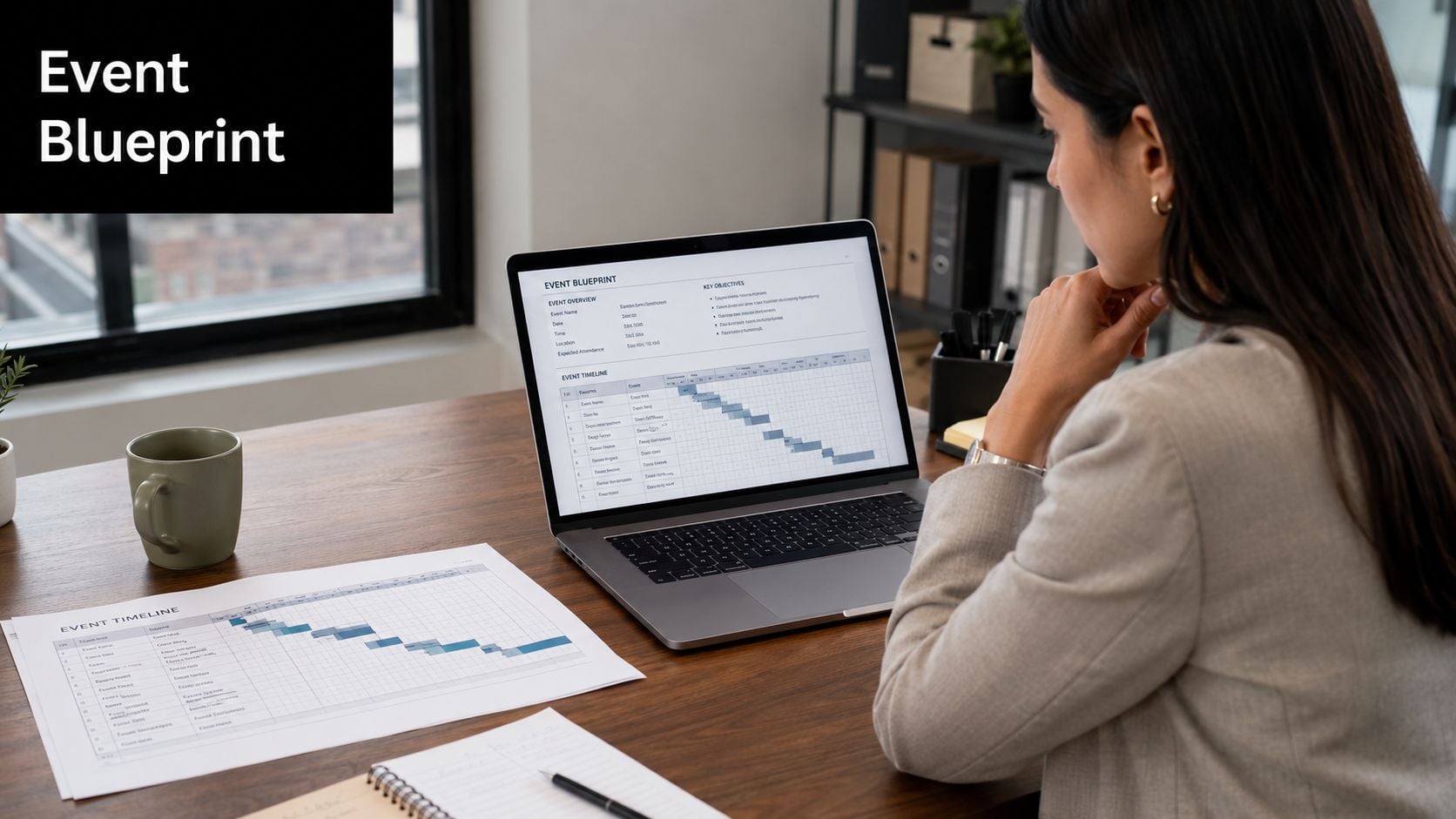
Start with scope before schedule
I build scope first because calendars expose confusion fast. If the team cannot state what the event includes, what it excludes, who it serves, and how success will be judged, the schedule becomes fiction.
That matters even more when leadership wants proof of ROI after the event. A customer summit, an internal kickoff, and a field marketing roadshow can all look similar on a calendar. They do not run on the same approval path, reporting model, or budget logic. Define those differences early, then map the work against actual dates, owners, and reporting deadlines.
For a practical baseline, this seven-step event planning guide works well alongside the project plan.
Build the planning stack your team will actually use
My core stack is usually five working tools, tied to one master calendar and reviewed every week:
- Event brief: Business goal, audience, format, constraints, approval chain, and success measures.
- Work breakdown: Clear workstreams such as venue, content, registration, production, marketing, sponsors, and guest experience.
- Responsibility chart: One owner for delivery, one decider for approvals, and visibility for everyone else.
- Budget tracker: Forecasted spend, committed spend, pending decisions, and risk exposure.
- Milestone map: Contract dates, creative approvals, launch dates, vendor deadlines, shipment windows, rehearsals, and final operational checks.
That stack connects classic event planning to project management discipline. The brief defines intent. The calendar controls timing. The budget tracker and status reporting show whether the event is still on track to produce the outcome the business funded.
If you need to sort room flow and physical spacing early, these useful event design resources can save time before venue plans get locked.
Build the budget for change, not for hope
Budget failure usually starts with optimistic assumptions. A sponsor asset arrives late. A speaker adds AV needs. Freight timing changes. Registration pace shifts staffing and food counts. None of that is unusual. It is event work.
Keep a contingency line in the budget and treat it as protected reserve, as noted earlier. Do not let the team spend it because someone wants a nicer upgrade. Use it when a real risk lands or a change request is approved.
One rule keeps this under control. The first budget helps you make choices. The live budget helps you run the event.
A good plan also makes reporting easier. If costs, deadlines, and owners sit in the same operating system, weekly updates stop being manual archaeology. You can show leadership what changed, what it cost, and whether the event is still positioned to hit pipeline, attendance, sponsor, or engagement targets. That is the difference between getting the event done and proving it worked.
Managing execution with real-time controls
A polished plan can still fail if the operating rhythm is weak.
Execution gets messy because event work is dense with handoffs. Marketing hands off attendee updates to operations. Speakers hand off deck changes to production. The venue hands off revised access rules to logistics. If you manage that with static spreadsheets and occasional check-ins, you'll spend the event chasing status instead of making decisions.
Replace static checklists with operating cadence
High-performing event operations use real-time status control. IBTM World recommends centralized dashboards, weekly updates, and shared calendars to keep vendors and teams aligned, which moves management away from static checklists and toward live control (IBTM World on event project management).
What that looks like in practice:
- A central dashboard: Open items, milestone status, risks, and decision deadlines.
- Shared calendars: Venue milestones, rehearsals, travel, speaker holds, registration deadlines, and staff coverage in one view.
- Weekly control meetings: Not status theater. Short reviews focused on slippage, blockers, and changes.
- Escalation paths: If AV slips, who decides. If guest count rises, who approves added spend. If sponsor assets arrive late, who calls the trade-off.
Use automation where manual reporting wastes time
The worst reporting habit in event work is asking busy people to manually reconstruct what happened.
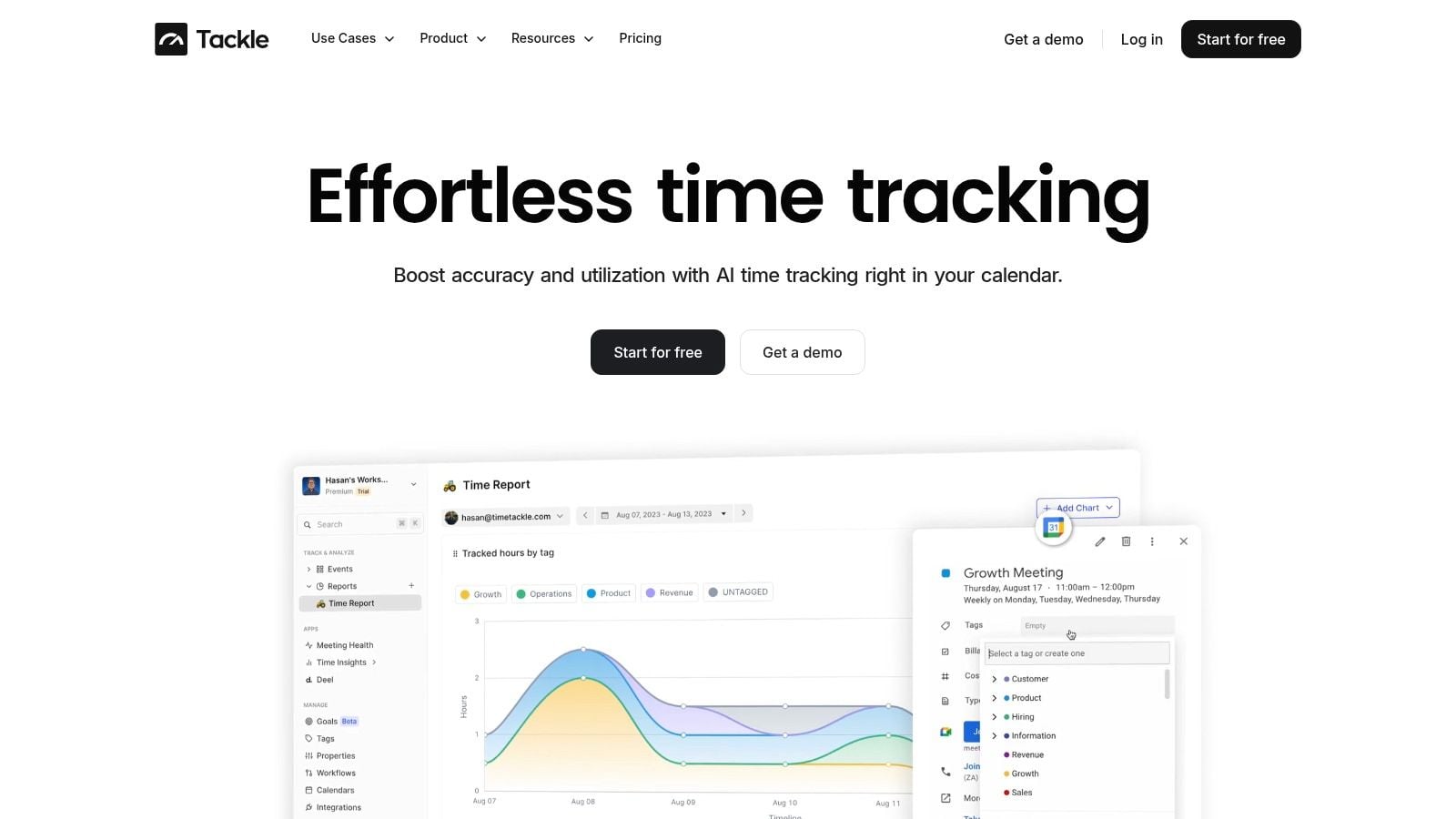
For teams already living in Google Calendar or Outlook, calendar-based tracking can reduce that burden. Tools like Asana and Monday.com can manage tasks and dependencies. Slack can handle fast team communication. TimeTackle fits in a different part of the stack. It connects calendars and can automatically capture and categorize event-related activity, which helps operations teams see where time went without relying on constant timesheet cleanup.
That kind of visibility matters because execution issues usually show up before the event in hidden places. Too many review meetings. Too much back-and-forth with vendors. Too much unplanned time on one workstream while another gets neglected.
What works on event week
On event week, I keep the control model simple:
| Control area | What I watch |
|---|---|
| Schedule | Critical path items only |
| Staffing | Shift coverage, handoffs, breaks, backups |
| Venue ops | Access, loading, room turns, security, catering timing |
| Guest flow | Registration, arrivals, VIP handling, signage clarity |
| Decision log | Open issues, owner, deadline, impact |
If your execution process depends on heroic memory, it’s already weak.
Measuring success after the confetti settles
An event isn’t successful because it happened. It’s successful if it did what the business needed it to do.
That sounds obvious, but post-event reporting often stops at attendance, a photo gallery, and a vague statement that “feedback was positive.” That won’t survive scrutiny from finance, leadership, or any client who wants to know whether the spend was justified.
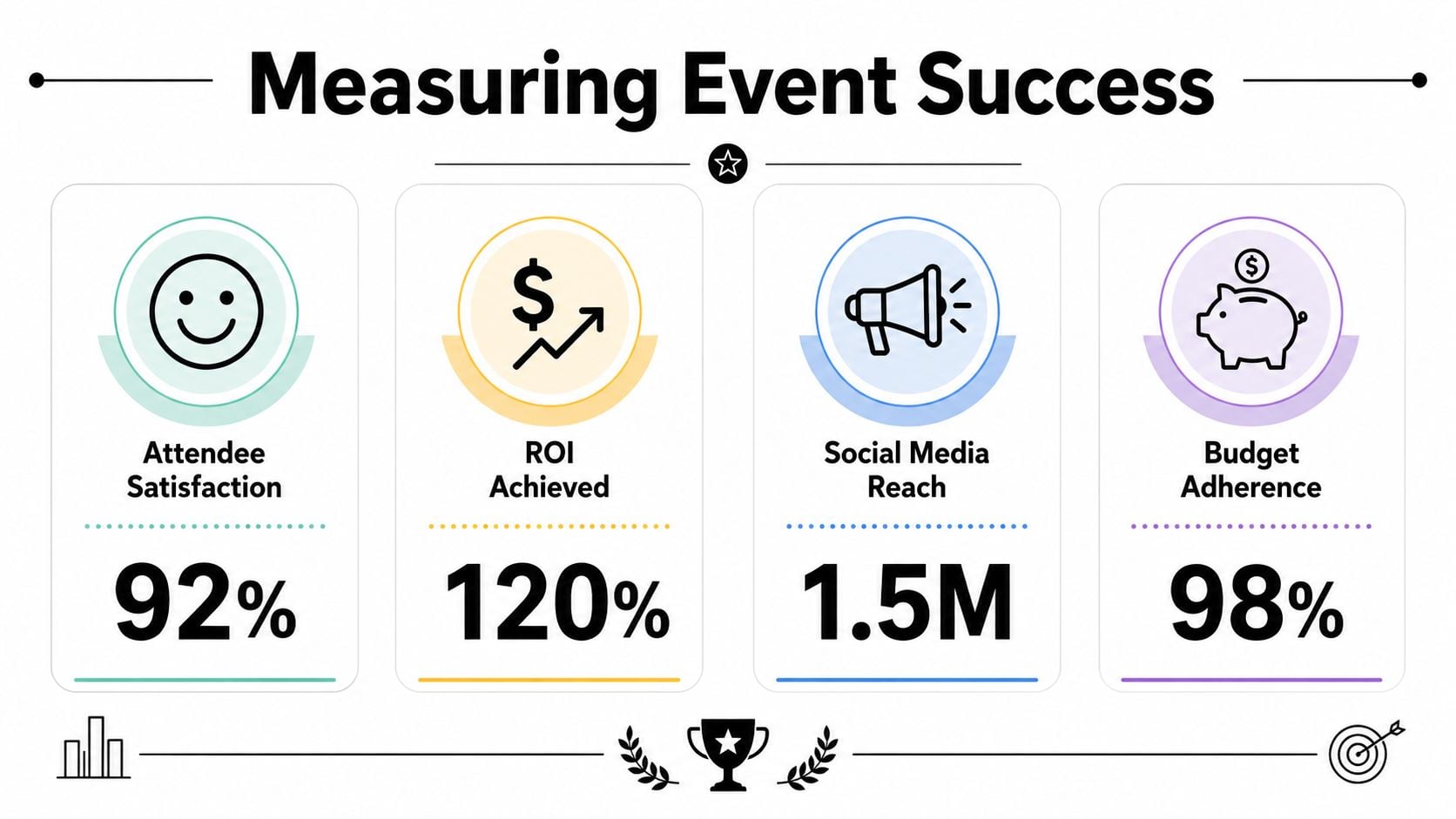
Track outcomes tied to the original objective
Modern event project management is judged by measurable outcomes. Whova’s guidance points teams toward KPIs such as attendance versus target, budget variance, guest satisfaction, social media reach, and ROI so event management becomes a data-driven discipline (Whova’s event project management guide).
The right mix depends on the event type. A user conference and an internal sales kickoff should not carry the same scorecard.
A useful review set often includes:
- Attendance versus target: Did the event attract the audience you planned for.
- Budget variance: Where did actual spend land against the approved budget.
- Guest satisfaction: Survey feedback, comments, and friction points.
- Engagement signals: Session popularity, networking participation, sponsor interest, social response.
- Business value: Pipeline influence, sponsorship return, stakeholder confidence, or another outcome tied to the original goal.
For teams building a stronger reporting habit, this guide to project management metrics is a practical reference.
If you can’t connect the event report to the original business objective, you’ve written a recap, not an evaluation.
Don’t report only what’s flattering
The post-event deck should name what worked and what cost more effort than expected.
Maybe registration was strong, but the audience mix missed the mark. Maybe sponsor traffic looked good, but the team spent too much manual time servicing changes. Maybe guests liked the content, but room turnover created stress and staff overtime. Good operators report that plainly because future planning depends on it.
That honesty is what turns one event into a better operating model.
Creating your event management playbook
At some point, every event team hits the same wall. The event went live, the room looked right, guests were happy, and then the next planning cycle started with scattered notes, old spreadsheets, and tribal knowledge that lived in one producer’s head.
That is where margin gets lost.
A playbook fixes that by turning one well-run event into a repeatable operating system. It gives the team a shared way to plan, approve, schedule, report, and review the work. It also closes a gap that traditional event planning often leaves open. Leadership does not just want proof that the event happened. They want proof of what it cost in time, where execution slowed down, and what business result came back from the spend. As noted by Les Roches on event project management, teams are increasingly expected to use event activity to create operational insight, not just complete logistics.
What belongs in the playbook
The best playbooks come from real operating pressure. They reflect what your team had to fix at 6 a.m., what approvals delayed signage, which vendors needed tighter controls, and which reports took too long to assemble after the event.
A useful playbook usually includes:
- Core templates: Event brief, budget model, run-of-show, vendor tracker, risk log, and debrief form.
- Approval rules: What requires sign-off, who owns the decision, and what circumstances trigger escalation.
- Workstream checklists: Separate versions for conferences, client dinners, roadshows, internal meetings, and sponsor-led events.
- Calendar rules: Milestones, handoff dates, rehearsal timing, payment deadlines, and reporting checkpoints mapped to the event timeline.
- Reporting format: One scorecard structure each time so leadership can compare events without relearning the dashboard.
- Effort tracking: A simple method to see where the team spent time, where manual work piled up, and which tasks should be automated.
For teams building that structure from scratch, this project management work plan guide is a practical reference.
The point is control, not paperwork
A good playbook reduces variance. It does not turn every event into the same event.
The venue, audience, format, and brand standards will still change. The process around them should not. Vendor onboarding should follow the same path. Approval thresholds should be clear before spend starts. Reporting should pull from the same calendar, budget, and delivery records each time so post-event review is faster and less subjective.
Modern event teams separate themselves from teams that are only reacting. They run the event through a calendar-driven plan, track work as it happens, and carry that record straight into the debrief. That makes it easier to explain cost, staffing load, timeline pressure, and return in one view.
A playbook is what lets a team produce strong events without depending on memory, heroics, or last-minute cleanup.
TimeTackle can support that shift if your team is tired of manual timesheets and patchwork reporting. It uses calendar-based time capture and reporting workflows to show how work is distributed across projects, clients, and teams, which makes post-event review and resource planning easier to manage. Learn more at TimeTackle.


