


Tired of resource planning chaos? You’re not alone. Most agencies still run planning in a spreadsheet, then spend the week fixing what the spreadsheet missed. On Monday, the plan looks clean. By Wednesday, a client adds work, two people take unexpected time off, and your lead designer is somehow booked across three priorities at once.
That’s a significant problem with a static resource plan sample. It only shows intent. It doesn’t show what your team did, what changed midweek, or where capacity is slipping away into meetings, admin work, and internal requests. If you manage delivery, operations, or finance in an agency, you’ve seen this happen enough times to know the pattern.
The fix isn’t just a prettier template. It’s a template tied to live activity data, so the plan changes when reality changes. Calendar-based tracking makes that possible because it captures work as people do it, then routes that data into reports by project, client, role, or team. That gives you a planning system people can keep current without turning every Friday into a timesheet chase.
Below are seven practical resource plan sample templates that work well in agencies. Each one solves a different planning problem. More importantly, each one can become a live operating tool when you connect it to actual calendar data instead of asking people to rebuild reality by hand at the end of the week.
1. Project-based resource allocation plan

This is the resource plan sample most agencies need first. It answers a simple question. Who is doing what, for which project, during which period?
I use this format when an agency has many active client jobs moving at once and the risk isn’t lack of work, it’s collision. Design overlaps with strategy. Strategy overlaps with onboarding. A senior person gets dragged into too many accounts because they’re trusted, so the plan looks fine at the team level but breaks at the individual level.
What it should contain
A useful project allocation sheet should include project information, a resource list, task breakdowns, assignments, timelines, capacity planning, and cost tracking, which Creately’s guide to resource planning templates describes as core parts of a complete planning sheet. Their guide also notes seven core elements that good templates need, including time period, task identification, start and end dates, effort hours, status, resource details, and skill documentation.
That structure matters because without those fields, you can’t answer basic delivery questions quickly.
- Project demand: List each active engagement, owner, dates, and expected effort by role.
- Named allocation: Assign actual people, not just departments, for the next planning window.
- Skill match: Note why a person is assigned, especially when the work needs a specialty.
- Buffer room: Leave space for support work, revisions, and internal coordination.
What works in practice
A creative agency might use this model across many active accounts, assigning designers, copywriters, and strategists by week. An implementation team can use the same layout for onboarding work, with solution consultants, project managers, and technical staff mapped to each customer. Consulting firms often add internal training and business development blocks so senior staff don’t appear “available” when they really aren’t.
Plans fail when they treat every hour as assignable. People need room for admin work, meetings, and the small tasks that keep delivery moving.
For a starting point, a project resource plan template from TimeTackle is useful if you want a spreadsheet structure that’s easy to connect to live reporting later.
The upgrade is simple. Pull calendar data into your reporting layer, tag meetings and work sessions by project, and compare scheduled allocation with actual time. If a strategist keeps spending time on two “small” accounts that never made it into the plan, you’ll see the drift before it turns into margin loss.
2. Team capacity and utilization planning template
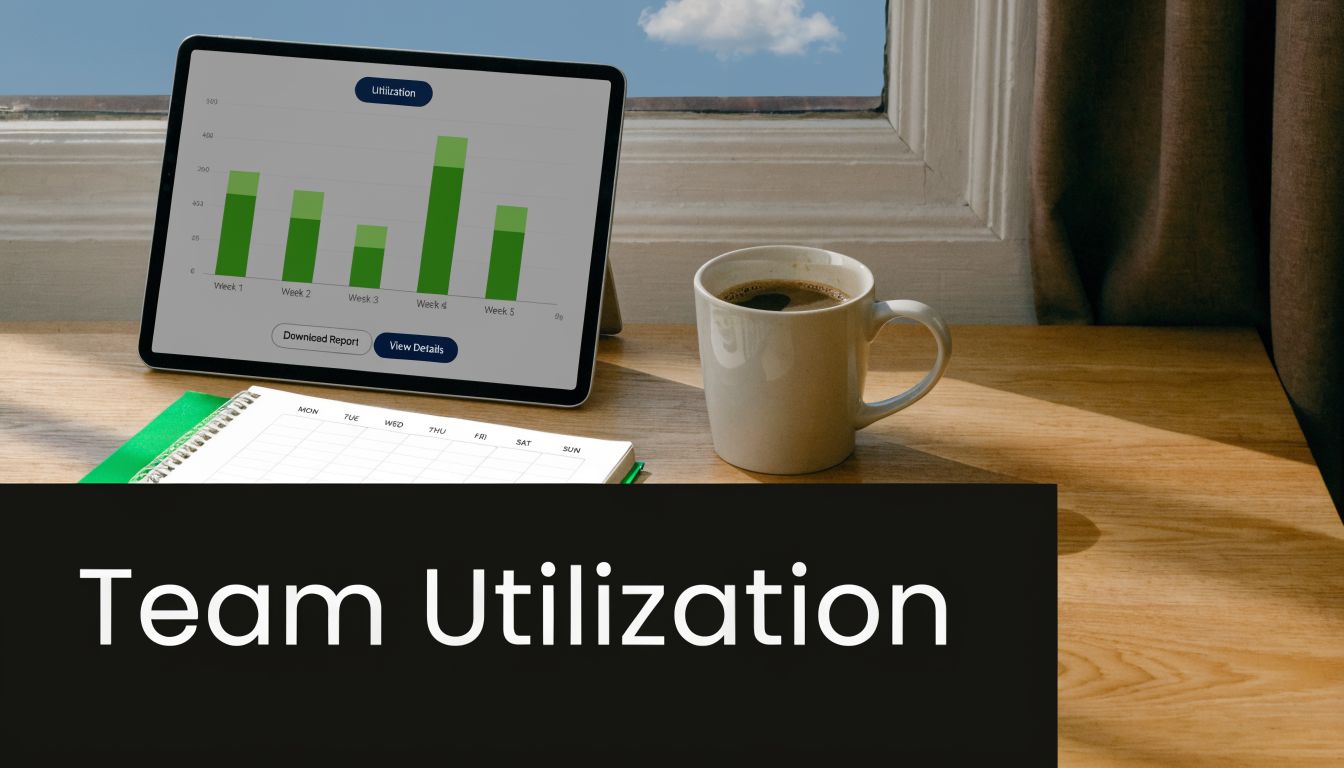
A project plan tells you where people are assigned. A capacity plan tells you whether the team can sustain that load.
This is the template operations leads lean on when the problem shifts from project scheduling to headcount efficiency. The key metric is resource capacity utilization. Ganttic’s resource planning metrics guide says this is the foundational metric for project management efficiency, measured as the percentage of a resource’s work hours occupied by projects or tasks. The same guide says the common target is about 70% utilization for people, while tools and equipment should be planned much closer to full use.
Why this plan matters
That distinction is one of the most missed parts of agency planning. Leaders often push human utilization as if people were machines. That backfires fast because people need time for non-billable work, learning, internal communication, and admin.
Ganttic also distinguishes between scheduled utilization and actual utilization. That’s a useful split because the gap between the two is where most planning errors hide. Scheduled time divided by capacity tells you what you intended. Reported time divided by capacity tells you what happened.
- Scheduled view: Good for staffing decisions and forward planning.
- Actual view: Good for finding hidden admin load and unexpected delivery drag.
- Billable split: Necessary if you want the template to be useful for finance, not just operations.
- Team rollups: Helpful for spotting whether a whole department is underused or just one role group.
What to watch
A marketing agency might discover that too much time is going to recurring internal meetings. A consulting team might find one service line is busy on paper but weak in actual billable work. An operations lead can also use this format to justify hiring, or to make the harder call that a role mix needs to change before adding headcount.
If you want a practical spreadsheet base, this capacity planning template in Excel from TimeTackle is a good starting point.
Practical rule: Review utilization in a fixed cadence. Weekly catches overload early. Monthly is better for trend decisions like hiring, restructuring, or service redesign.
The dynamic version pulls time from calendars and classifies it automatically into billable and non-billable buckets. That removes a lot of manual cleanup and gives you a cleaner read on where your team’s capacity really goes.
3. Skills-based resource pool model
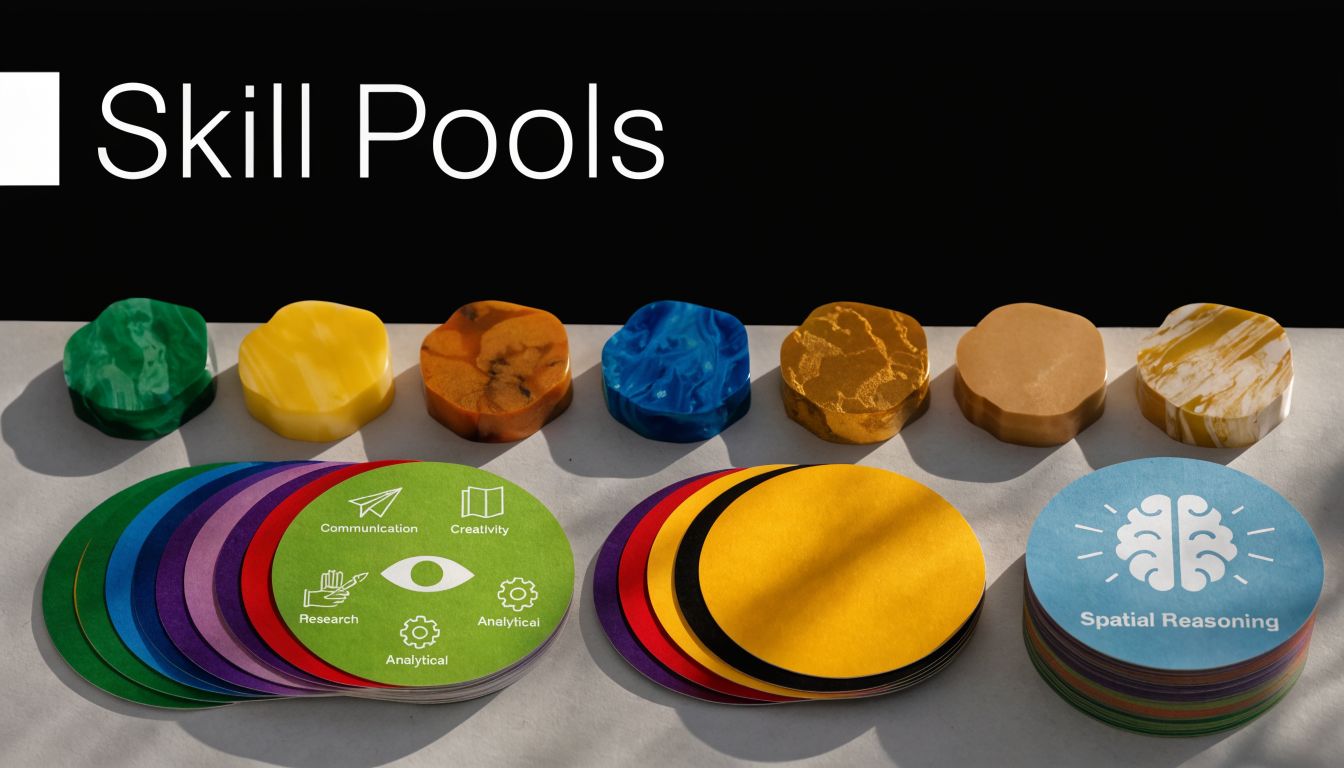
Some agencies outgrow fixed account teams. That usually happens when demand swings by specialty, not by client count. One month you need more motion design. Next month it’s analytics or implementation support. If you lock people into static teams, you get idle capacity in one corner and fire drills in another.
A skills-based pool fixes that. Instead of staffing around account ownership first, you organize around capability. Design, strategy, development, analytics, customer onboarding, account management. Then you assign from those pools based on fit and availability.
Why it works better than rigid team structures
This model handles uneven demand well because it gives you more ways to solve the same resourcing problem. If two launch projects need visual design support at once, you can spread work across a broader pool instead of overloading whoever “belongs” to the account.
Creately’s planning guidance is useful here too because it calls out skill levels, expertise documentation, resource availability, and task mapping as core elements of modern planning templates. Those aren’t admin details. They’re what make flexible staffing possible.
A design agency might keep separate pools for UX, visual, and motion. An implementation firm can pair senior engineers with juniors to keep delivery moving while building bench strength. A marketing agency can shift copywriters, strategists, and analysts based on campaign stage instead of fixed client assignment.
How to keep it from becoming messy
This model breaks when leaders treat skills as labels instead of working data. You need a live skills matrix and a real record of where those people spend time.
- Proficiency level: Basic, working, advanced, or whatever scale your team can maintain.
- Availability status: Planned work, partial availability, internal projects, time off.
- Cross-skill notes: Useful for people who can flex into adjacent roles.
- Assignment history: Worth keeping because it helps future staffing and training choices.
I’ve found calendar-linked tracking especially useful here. If a person is tagged as “strategy” but spends much of the month in delivery support, your pool model needs updating. Without actual time data, most skills matrices drift into fiction.
4. Client-based resource planning and profitability model
A lot of agencies think they understand client profitability because they know revenue by account. That’s not enough. You need to know what each client consumes in team time, leadership attention, support work, and coordination.
This resource plan sample starts with the client as the main planning unit. Every resource line rolls up to an account, not just a project. That matters when one “good” client absorbs senior review cycles, scope clarification calls, and after-hours cleanup that never makes it into a project budget.
What this model reveals
The main benefit is simple. You stop guessing which accounts are worth protecting, fixing, repricing, or even walking away from.
The strongest version ties time data to CRM and finance data so you can compare effort, staffing mix, and account return in one place. That’s where integrated systems make a real difference. In a NetSuite ERP case study, N&N Moving Supplies achieved an 84% reduction in payroll processing time after implementing an integrated ERP system with time tracking. The case is about payroll and labor visibility, but the lesson applies to agencies too. When time data and financial data live together, leaders can see labor trends faster and spend less time reconciling records by hand.
What to include in the template
- Client rollup: Total planned hours and actual hours by account.
- Role mix: Senior and junior staffing split, because client cost changes with team composition.
- Non-project effort: Internal calls, reviews, admin, support, and account management time.
- Margin notes: Not just hard numbers. Add context on churn risk, strategic value, and delivery friction.
- Review cadence: A monthly account review is usually enough unless the work is changing fast.
Some clients are profitable because they’re easy to serve. Others only look profitable because the extra effort lives outside the statement of work.
A creative agency can use this to spot accounts that generate steady revenue with clean delivery. An implementation firm can use it to catch contracts that looked strong at sale but now need repricing or a tighter scope boundary. Once you connect calendars, client tags, and finance records, the conversation with account managers gets much more grounded.
5. Department or functional team resource plan
When an agency gets larger, company-wide planning becomes too blunt. You need a department plan because design, engineering, client success, operations, and sales all work in different rhythms. One shared sheet won’t capture that well enough.
This model gives each function its own planning logic while still feeding a common leadership view. It works best when each department head owns capacity, role coverage, and service levels for their team.
Where this format works well
Engineering teams often plan around sprint capacity, maintenance load, and debt reduction. Customer success may split time across onboarding, support, renewals, and expansion work. Operations teams usually need a mix of recurring work, project support, and finance or admin tasks that don’t map cleanly to client delivery.
The trade-off is obvious. Department plans improve local accuracy, but they can create silos if nobody manages cross-team dependencies. That’s why these templates should include handoffs and shared-resource notes, especially for roles that float between teams.
What good department planning includes
Creately notes that annual staff resource requirements templates can track the number of days each role is needed over a 12-month period, helping teams plan long-range staffing needs. Their guide also mentions resource demand projection reports that compare assigned hours with forecast demand so managers can decide early whether to add people or rebalance work. Those ideas fit department planning well, especially when heads of function need to defend hiring requests with something better than instinct.
- Role-based demand: Capacity by role, not just by headcount.
- Work type split: Delivery, support, internal operations, training, improvement work.
- Shared dependency log: Which other teams this function depends on, and when.
- Forecast gap view: Planned demand versus current assignment load.
A functional plan is especially useful for teams like operations or customer success, where work often falls between project management and general overhead. The dynamic version pulls in actual calendar activity by department so leaders can see whether the team is spending its time where it said it would.
6. Rolling wave resource planning
Static annual plans break fast in agency work. New projects close. Existing clients pause. Scope changes midstream. Rolling wave planning handles that better because it treats planning as a repeated operating cycle, not a one-time exercise.
The idea is straightforward. Keep the near term precise and the later horizon looser. For example, the next couple of weeks may be fully assigned, the following stretch may be directional, and the longer horizon may be a best current view.
Why this model holds up under change
I like this approach for agencies with uneven demand, especially implementation teams and campaign-heavy marketing groups. It stops leaders from wasting time pretending they know the exact staffing picture far into the future while still forcing enough discipline to protect upcoming capacity.
A manufacturing case study summarized by Quickbase is useful here because it focuses on baseline capacity, real-time monitoring, bottleneck analysis, and mid-execution adjustment. The same article says companies using resource allocation software tools and best practices can boost ROI by more than 300% according to Forrester’s Total Economic Impact study. The exact environment is broader than agency delivery, but the operational lesson is solid. Teams make better decisions when they can see constraints early and shift resources while work is still in motion.
How to run it week to week
- Immediate horizon: Assign named people and clear workloads.
- Near-term horizon: Hold role placeholders and likely demand.
- Medium horizon: Track probable needs, sales pipeline effects, and hiring risk.
- Decision log: Note why you made major changes, so planning doesn’t become guesswork later.
For teams running iterative delivery, TimeTackle’s agile project planning guide fits this model well because it supports shorter planning loops and ongoing adjustment.
A rolling plan should get less detailed as it moves outward. If your 10-week view is as precise as next week’s schedule, you’re probably writing fiction.
Calendar-linked tracking makes this model practical. You don’t need managers to rebuild actuals from memory each cycle. The system can pull recent activity, compare it to plan, and show where the next wave already looks unrealistic.
7. Balanced scorecard resource alignment model
Most resource plans answer an operational question. This one answers a strategic one. Are we spending time on work that moves the business where leadership says it wants to go?
That’s a very different issue from simple allocation. Agencies often say they want to move upmarket, build proprietary IP, improve retention, or invest in internal systems, but their time goes almost entirely to urgent delivery. Without a planning model that protects strategic capacity, short-term work always wins.
How this model changes planning conversations
This format groups resource decisions under broad business priorities such as financial performance, client outcomes, internal process improvement, and team development. You can adapt the categories, but the point stays the same. Every meaningful block of time should connect either to delivery or to a defined business priority.
Many standard templates frequently fall short. The brief behind this article points to a gap in typical “resource plan sample” content. Many examples stop at staffing and don’t connect day-to-day activity to strategic return. For agency leaders, that missing link is often the reason planning feels disconnected from business goals.
What to include
- Strategic objective tag: Every non-routine initiative should map to a named objective.
- Protected capacity block: Reserve time for strategic work before delivery fills the calendar.
- Delivery versus strategy split: Keep these separate in reporting or strategic work disappears.
- Quarterly review notes: Check whether actual time matched the intended business direction.
This model works especially well for firms trying to modernize delivery, build repeatable methodology, or shift positioning in the market. It also forces harder decisions. If leadership says innovation matters but never protects capacity for it, the plan will show that contradiction clearly.
For a dynamic version, connect calendar activity to strategic tags, then review actual time against planned strategic allocation each quarter. That turns strategic planning into an operating habit instead of a slide in an offsite deck.
7-Model Resource Plan Comparison
| Approach | Implementation Complexity 🔄 | Resource Requirements ⚡ | Expected Outcomes 📊 | Ideal Use Cases 💡 | Key Advantages ⭐ |
|---|---|---|---|---|---|
| Project-Based Resource Allocation Plan | Medium, requires ongoing updates and cross-project mapping | PM tools, time tracking, dashboards; moderate admin | Clear assignments, better billing accuracy, fewer bottlenecks | Marketing/creative agencies and consultancies with many concurrent projects | ⭐⭐⭐⭐ Accurate project profitability; transparent client billing |
| Team Capacity & Utilization Planning Template | Medium, requires clean data and regular reviews | Time tracking, calendar/CRM integrations, analytics tools | Improved utilization, data-driven hiring, better revenue forecasts | COOs/CFOs and operations leaders optimizing headcount/profitability | ⭐⭐⭐⭐⭐ Optimizes utilization and staffing decisions |
| Skills-Based Resource Pool Model | High, needs detailed skills inventory and maintenance | Skills database, matching algorithms, scheduling tools | Flexible resourcing, improved skill allocation, training insights | Tech/creative agencies needing flexible, cross-project staffing | ⭐⭐⭐⭐ Maximizes utilization by matching right skills to work |
| Client-Based Resource Planning & Profitability Model | Medium, depends on accurate client attribution and revenue data | CRM-time sync, financial reporting, profitability dashboards | True client profitability visibility; informed pricing/retainers | Account-focused agencies prioritizing client ROI and retention | ⭐⭐⭐⭐ Identifies high- and low-margin clients for strategic action |
| Department/Functional Team Resource Plan | Low–Medium, simpler within silos, needs cross-dept coordination | Departmental tools, role-level capacity tracking | Clear departmental accountability; tailored staffing recommendations | Large organizations with distinct functional teams | ⭐⭐⭐ Clear accountability and department-specific optimization |
| Rolling Wave Resource Planning (Adaptive/Agile Model) | High, requires frequent replanning and cultural buy-in | Real-time project data, dynamic dashboards, agile tooling | Greater adaptability, reduced wasted long-term planning | Dynamic agencies, Agile teams, fast-changing markets | ⭐⭐⭐⭐ Enables rapid response to shifting priorities |
| Balanced Scorecard Resource Alignment Model | High, strategic alignment and cross-functional coordination | Strategic planning tools, KPI dashboards, executive input | Resources aligned to strategy; protected strategic capacity | Leadership teams aligning daily work to long-term strategy | ⭐⭐⭐⭐⭐ Drives strategic outcomes and long-term capability building |
Putting your resource plan into action
Choosing a template is the easy part. Keeping it accurate is where most agencies struggle.
A resource plan sample only helps if your team trusts it. The second people believe the sheet is outdated, they stop using it for decisions. Then planning falls back to Slack messages, memory, and whoever speaks first in the Monday meeting. That’s when overbooking, hidden non-billable work, and account-level surprises start stacking up.
The fix is to connect the plan to actual activity. Calendar-based tracking is one of the cleanest ways to do that because it starts with how people already work. Teams live in Google Calendar and Outlook. If you sync that activity into a system that can tag meetings and work blocks by client, project, billability, or strategic objective, your plan stops being a document and starts acting like a control panel.
That also makes your review rhythm much lighter. Instead of asking everyone to reconstruct the week, leaders can compare planned allocation with actual time, spot drift, and make decisions while there’s still time to adjust. Project-based plans become better at preventing overload. Capacity plans become more honest about non-billable work. Client models become more useful for pricing and account reviews. Strategic alignment plans finally show whether the business is spending time where it says it wants to grow.
There’s also a practical systems point here. If your agency already runs finance, payroll, or ERP workflows elsewhere, live time data becomes much more useful when it can move across systems. That’s one reason operations teams often connect planning tools with downstream reporting, finance, or ERP workflows. If that’s part of your world, this guide on ERP solutions for government contractors is outside the agency niche but still useful for thinking through integration, controls, and reporting structure.
If you want to make your planning process more dynamic, TimeTackle is one option that fits this workflow. It connects with Google or Outlook calendars, lets teams tag activities with custom properties, and supports reporting by project, client, team, or goal. That won’t fix a bad planning habit on its own, but it does remove a lot of the manual reporting work that keeps good plans from staying current.
The best template is the one your team can maintain. Start with the planning model that matches your current problem. Then connect it to live data so the plan reflects what’s happening now, not what you hoped would happen two Fridays ago.
If you’re done chasing late timesheets and stale spreadsheets, take a look at TimeTackle. It can help you turn a static planning sheet into a live view of time, capacity, and resource allocation by syncing calendar activity and structuring it for reporting.


