


Your team is probably doing the same ugly loop every week. People finish client work, then they stop to update a spreadsheet, patch a project board, clean up meeting notes, log time from memory, and send follow-ups that should've gone out hours earlier. That admin layer doesn't just waste time. It also muddies billing, hides utilization problems, and makes project profitability harder to read until the month is already gone.
That's why interest in AI workflow automation tools keeps growing. Workflow automation was valued at USD 26.01 billion in 2026 and is projected to reach USD 40.77 billion by 2031, with a 9.41% CAGR. This isn't some side category anymore. Buyers expect these systems to sit inside normal operations, not off to the side as experiments.
For agencies and professional services teams, the core question isn't “which tool has the most features?” It's which one cuts admin work without creating more review work, more data risk, or more billing confusion. If you're also thinking about building autonomous email flows, the same rule applies. Start with the work that repeats, breaks, or gets billed badly.
1. TimeTackle
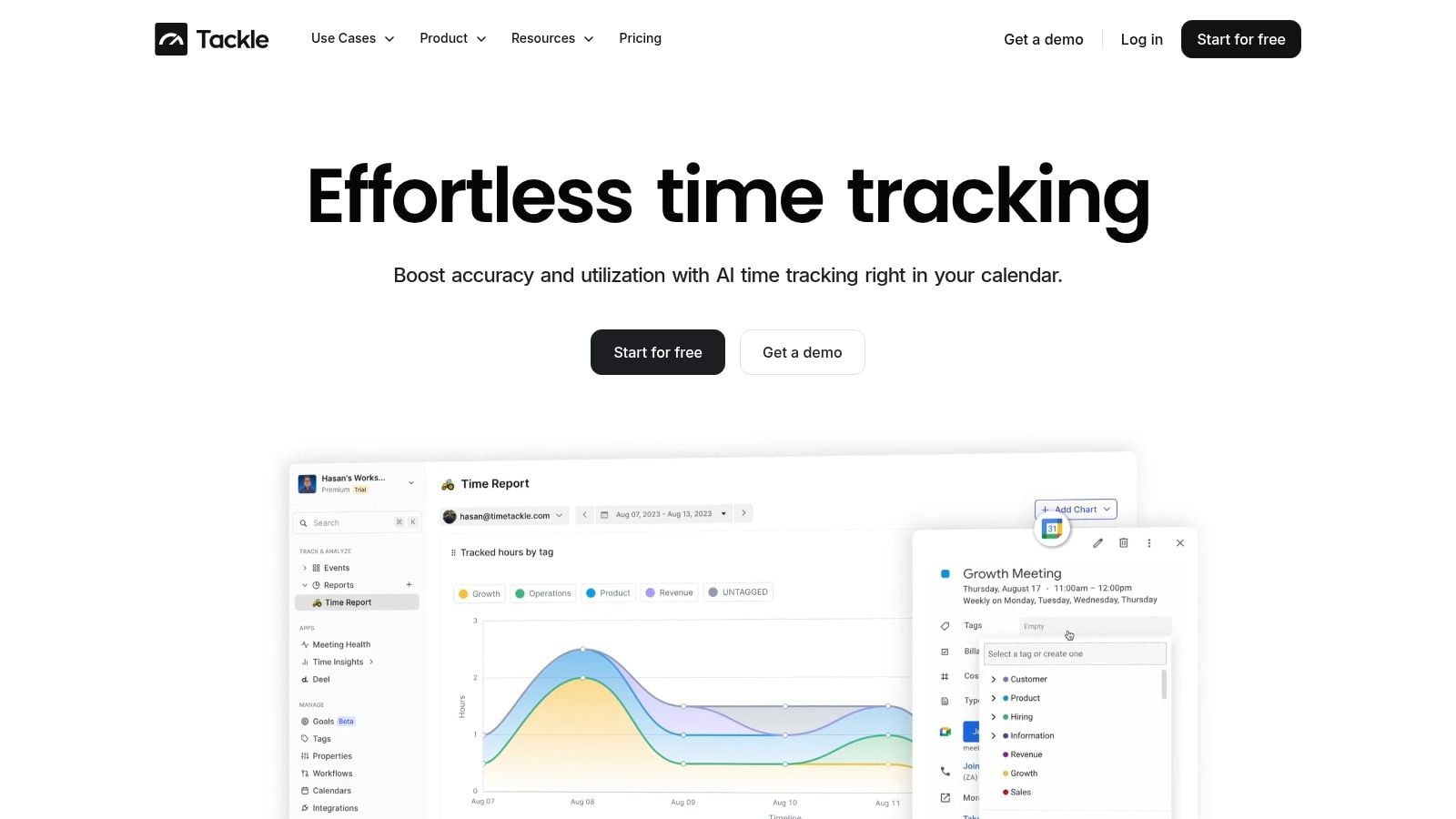
Most automation platforms start with apps. TimeTackle starts with time, which is why it lands differently for agencies.
If your team lives in Google Calendar or Outlook, TimeTackle turns that activity into usable operational data. Meetings, calls, internal work blocks, client sessions, and CRM-linked activity stop being scattered traces. They become categorized records you can report on by client, project, team, or opportunity. That matters when your margin depends on what people did, not what they remember on Friday afternoon.
Why it fits agency operations
The strongest part of TimeTackle is that it attacks timesheet fatigue without asking people to become better clerks. Teams connect calendars and, where needed, CRMs. Then they use tags, custom properties, and rule-based workflows so categorization happens with very little manual cleanup.
That calendar-first design is the piece many “best tools” roundups miss. Agencies don't just need task automation. They need cleaner billing inputs, cleaner utilization reporting, and fewer arguments at month end about where time went.
Practical rule: If your reporting starts with “please fill out your timesheets,” you don't have a reporting process. You have a compliance problem.
TimeTackle also has a visual workflow builder, dynamic dashboards, a Chrome extension for capture, and export options across Excel, CSV, PDF, Google Sheets, API, and data warehouse sync. If finance wants one cut of the data and delivery wants another, you're not trapped in a closed reporting view.
You can also dig deeper into their approach in this guide to AI time tracking.
What works and what to watch
A lot works here for mid-sized teams:
- Best fit: Calendar-heavy teams that bill time, track utilization, or need a clean view of client effort.
- Operational upside: You can tie daily activity to profitability, staffing, and resource planning without waiting on manual timesheet cleanup.
- Security comfort: TimeTackle is SOC 2 Type II certified and uses enterprise-grade encryption, which matters if client work data sits inside the platform.
- Adoption signal: The platform says 300+ teams use it, and customer stories include Neo4j, Peloton, Roche, and Checkr.
The trade-off is simple. Calendar-first systems depend on calendar discipline. If people don't keep their calendars reasonably current, your data quality drops. Not because the tool failed, but because the source data is weak.
Pricing also isn't fully clear on the homepage, so larger teams will likely need a demo before they can model total cost.
For agencies, consultancies, and service teams, though, this is one of the few tools in the category that starts with the data layer that affects billing integrity.
2. Zapier
A common agency pattern looks like this. A lead form comes in, someone copies the details into the CRM, pings the account lead in Slack, creates a project shell, and reminds finance to set up billing. Zapier earns its place by taking that kind of admin work off the team fast.
For non-technical ops leads, it is still one of the quickest ways to connect forms, email, Slack, a CRM, a project tool, and spreadsheets without waiting on engineering. That matters in mid-sized service teams where delays show up as slower response times, missed handoffs, and inconsistent client setup.
Where Zapier is strong
Zapier works well for straightforward processes with clear triggers and predictable outcomes. In agencies, that usually means lead routing, client onboarding alerts, proposal approvals, invoice reminders, and status updates that keep account, delivery, and finance in sync.
Its app catalog is broad, and the builder is easy to understand after a short setup session. If your team already runs on a calendar-based data source, a CRM, and project management software, Zapier can sit in the middle and move data between systems without a full rebuild. Teams that need a baseline definition before mapping automations can start with this guide to workflow automation basics.
I usually recommend Zapier when the process is important but not fragile. If a Slack alert arrives late or a task gets duplicated once, the business can absorb it.
Where it gets expensive or messy
The trade-off shows up as workflows grow. Multi-step automations, filters, paths, AI actions, formatter steps, and retries can push task usage up faster than buyers expect. A workflow that looked cheap in a trial can become costly once it runs across every client request, meeting follow-up, or billing event.
That matters more for service businesses than it does for simple internal admin automation.
If you are using calendar-driven records from TimeTackle to support billing, utilization tracking, or project profitability, the bar is higher. Client-facing operations need cleaner logic, better exception handling, and tighter control over what happens when source data is missing or a downstream app fails. Zapier can do part of that job, but it is usually not the platform I would choose for approval chains, finance controls, or anything that directly affects invoice accuracy.
Use Zapier for speed, broad integrations, and low setup friction. Replace or contain it once your workflows become hard to audit, expensive to run, or too important to fail unnoticed.
3. Make
Make is what I usually suggest when a team outgrows Zapier but still wants a visual builder. It handles branching logic better, gives you more control over data transformations, and makes multi-path scenarios easier to understand once you learn its interface.
That matters because the category is moving toward more flexible, low-code automation systems, and Make is one of the clearest examples of that shift, as noted in this review of low-code AI workflow tools.
Why ops teams like it
If your process includes conditions like “if client tier is X, route to team A, but if the estimate exceeds threshold Y, add approval, then create a finance record,” Make handles that kind of logic cleanly. For rev ops, onboarding, and cross-system project intake, it often feels more natural than simpler trigger-action tools.
Its visual scenario builder also helps during troubleshooting. You can usually see where data changed shape, where a branch fired, or where a field came through empty.
- Best for: Complex visual logic across several apps.
- Good at: Branching, transformations, and workflows with more than one valid path.
- Watch for: A steeper learning curve than beginner tools.
- Cost caution: Operation-based billing can surprise teams that don't optimize runs.
The trade-off
Make rewards people who think in process maps. It punishes teams that just want “if this happens, do that” and don't want to maintain anything. It's powerful, but you pay for that power in setup time and ongoing cleanup.
For agencies, I'd pick Make over Zapier when delivery workflows need real branching and error handling, especially between CRM, project management, client comms, and internal approvals.
4. n8n
A common agency scenario looks like this. Calendar data shows the team spent more hours than planned, the PM tool still says the project is healthy, and finance does not see the margin problem until invoicing week. n8n is a good fit when you want to connect those systems with more control than basic no-code tools usually give you.
It suits teams with a technical ops lead, an internal developer, or an outside consultant who can maintain workflows over time. That matters because n8n is less about quick app connections and more about building automation that reflects how your business runs. For mid-sized agencies and professional services teams, that often means tying together CRM, project delivery, timesheets, calendar-based activity from tools like TimeTackle, billing rules, and internal alerts in one flow.
Why technical teams pick it
n8n gives teams real flexibility on architecture and workflow design. You can self-host if data handling or client requirements call for it. You can stay in the hosted version if speed matters more than infrastructure control. You can also mix visual workflow building with custom code and API logic, which is often the difference between a demo automation and one that survives real client work.
That flexibility shows up in practical use cases. A delivery team can pull meeting activity, map it to client projects, flag unbilled time, send an approval request for over-servicing, and push the final record into finance. Simpler tools can handle pieces of that. n8n is better when the process includes custom logic, data cleanup, retries, and systems that do not play nicely out of the box.
One caution matters here.
Teams often say they want control when what they really want is fewer limitations in the current tool. n8n is the right choice only when someone owns that extra control. Otherwise, you trade licensing limits for maintenance work.
Where teams trip up
The problems are usually operational, not conceptual. Hosting decisions, credentials, version control, failed executions, and workflow debugging all need attention. Technical users can handle that. Client service teams and account managers usually should not be the primary owners of important n8n automations.
It is a strong option for agencies that already have an ops function and care about project profitability, service delivery visibility, or custom client workflows. It is a weak option for teams that want business users building automations on their own with little support. If the goal is to route a few notifications, n8n is probably more tool than you need. If the goal is to connect delivery data to revenue and margin decisions, the extra control can be worth it.
5. Workato
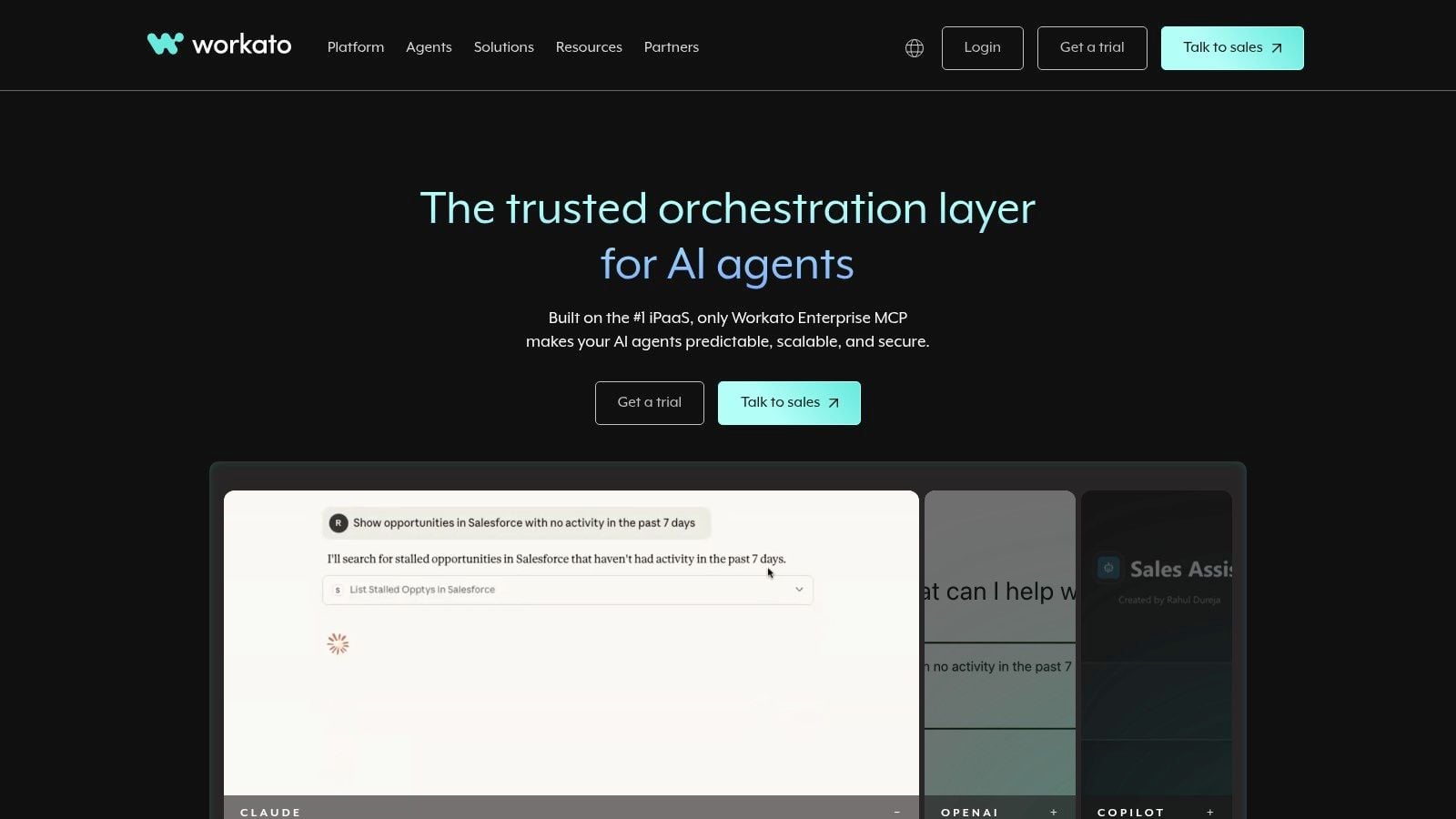
Workato is the tool I think about when governance matters as much as automation itself. This isn't the “just connect apps fast” option. It's the system you buy when approvals, logs, identity, and auditability need to be part of the architecture from day one.
That's a real buying angle now. A lot of product roundups still sort tools by app count or AI flair, but the more useful question for service teams is whether a tool can automate recurring work without creating a data leak or compliance headache, which is a gap called out in Slack's write-up on AI automation tools.
What Workato gets right
Workato has deep orchestration, mature governance, strong enterprise patterns, and newer support for agent-safe execution across systems. If you're in a professional services environment with client data moving through many systems, that matters more than a flashy builder.
It's also a good fit when automation spans departments. Sales hands off to delivery. Delivery triggers finance. Finance triggers renewal prep. Somebody needs logs and access controls across all of it.
The catch
Workato is usually too much for simple automations. It's sales-led, heavier to buy, and harder to justify if your workflows are still modest. Smaller agencies often don't need this much platform unless they serve regulated clients or have strict internal controls.
Use Workato when governance is a buying requirement, not an afterthought. Otherwise, you'll pay for a level of structure your team may never use.
6. Microsoft Power Automate
Power Automate makes the most sense when your company already runs on Microsoft. If Outlook, Teams, SharePoint, Excel, and Dynamics are part of daily work, Microsoft's automation stack has a practical advantage. You're not fighting the environment.
For agencies inside Microsoft-heavy client environments, that alone can be enough reason to start here.
Where it fits best
Power Automate combines cloud workflows, desktop RPA, AI Builder, and Copilot-related tools inside the same ecosystem. That's useful if your team has to automate both modern SaaS steps and old desktop or file-based processes.
It can also be a strong bridge between structured and messy work. An ops lead can automate a review flow in Teams, connect a SharePoint library, extract fields from files, and route outcomes without leaving the Microsoft stack. If you're trying to cut repetitive admin work broadly, this practical guide to automating repetitive tasks gives the right mindset before you build anything.
What to watch
Its strength is also its weakness. Licensing, premium connectors, and AI credits can get confusing fast. If your stack lives mostly outside Microsoft, the product can feel like the wrong center of gravity.
- Great fit: Microsoft-first organizations.
- Useful for: Approvals, document flows, desktop automation, and internal process control.
- Hard part: Billing and licensing logic can be harder than the first workflow you build.
- Less ideal: Teams with highly mixed stacks and little Microsoft dependency.
I'd choose Power Automate when Microsoft already owns the desktop and collaboration layer. I wouldn't choose it just because it exists in the license bundle.
7. UiPath
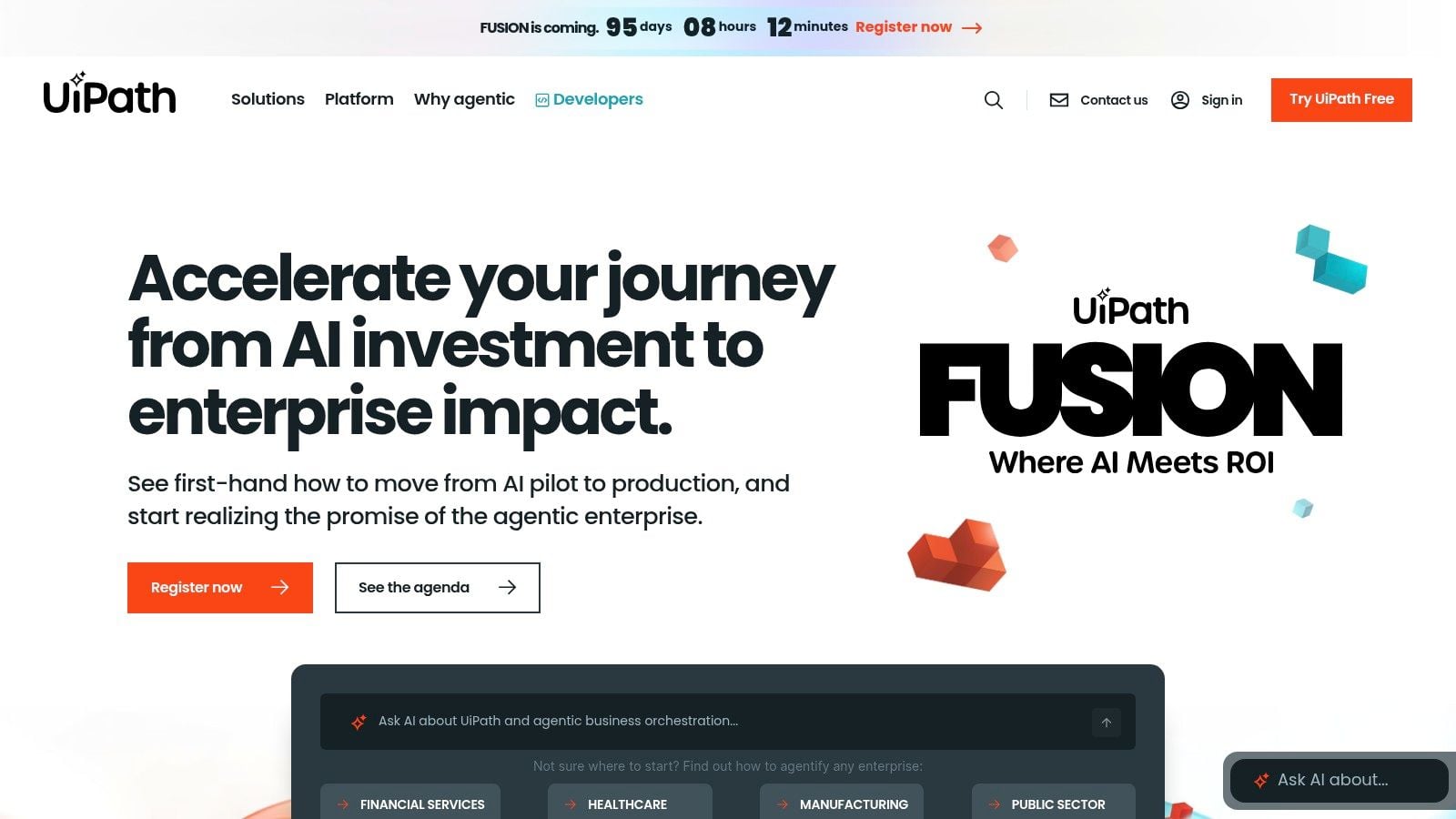
A finance lead inherits a process built from inbox approvals, PDF attachments, an old desktop app, and three people retyping the same client data into different systems. That is the kind of mess UiPath was built for.
UiPath comes from the RPA category, and that shows in a good way. It handles desktop actions, legacy systems, document extraction, and rule-heavy workflows that do not map cleanly to simple API automations. For agencies and professional services firms, that matters when the bottleneck sits in billing ops, compliance checks, vendor onboarding, or document-based client workflows rather than in marketing or CRM updates.
Where UiPath earns the budget
UiPath makes sense when manual work is expensive, repetitive, and tied to systems your team cannot easily replace. Its core value is not just automation volume. It is control over ugly operational processes that still run a meaningful part of revenue operations.
A good example is invoice or purchase-order handling. If your team receives files in different formats, needs to validate fields, enters data into an ERP or accounting tool, and routes exceptions for review, UiPath is often a better fit than lighter connector platforms. The same applies to service firms dealing with contract packets, claims, audit trails, or client documentation that arrives outside clean SaaS forms.
This is also where calendar-driven data can play a role. Tools like TimeTackle can capture meeting activity and time data closer to the source, but UiPath belongs later in the chain, where that data needs to be reconciled against billing systems, supporting documents, or older internal software.
“Automate the painful, not the fashionable.”
The trade-off
UiPath needs a real owner. It takes process discipline, testing, and budget. If a workflow changes every two weeks, or if the team has not agreed on the actual business rule, the platform will expose that confusion instead of fixing it.
That is why many mid-sized agencies should be cautious. If the main goal is syncing apps, moving project status fields, or pushing updates between modern SaaS tools, UiPath is usually too much platform for the job.
I'd reserve it for teams with high-cost back-office work, document-heavy operations, or systems that still depend on desktop interfaces and strict controls. If your main pain is resource allocation, timesheet follow-up, or project profitability reporting, start with a lighter orchestration tool and move up only when the process complexity demands it.
8. Tray.ai
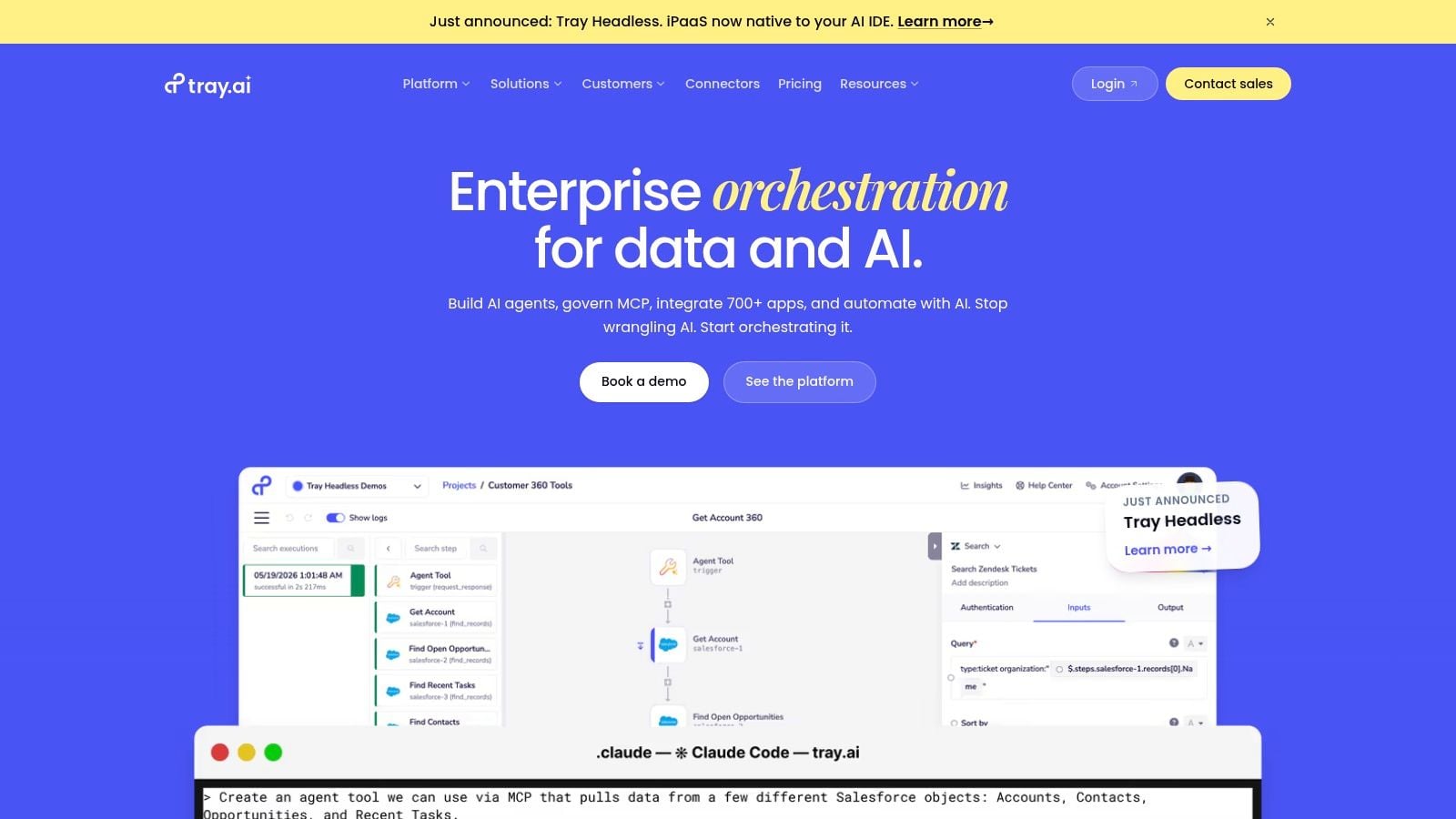
Tray.ai sits in an interesting middle lane. It's not a beginner no-code tool, and it's not purely for developers either. It works best for organizations with serious integration needs that still want a visual platform teams can reason about.
I usually think of Tray when the process has lots of systems, lots of data movement, and enough complexity that plain no-code tools start feeling thin.
Where Tray earns its keep
Tray.ai is strong at API-heavy orchestration, data-rich workflows, and enterprise-grade control. Its AI coverage is broad, and its natural-language workflow support can speed up build time, but the bigger value is reliability across many connected systems.
That matters in professional services businesses where sales, staffing, finance, and delivery all touch the same client record in different tools. If your process breaks at those handoff points, a stronger integration layer can solve more than another project management add-on ever will.
The real trade-off
Tray.ai is not the cheap, easy first buy. It's a platform for teams that already know the process is worth formalizing. If you're still testing whether automation belongs in a workflow at all, Tray is probably too advanced.
For mature ops teams, though, it can be a smart fit when the problem is orchestration, not just task automation.
9. Pipedream
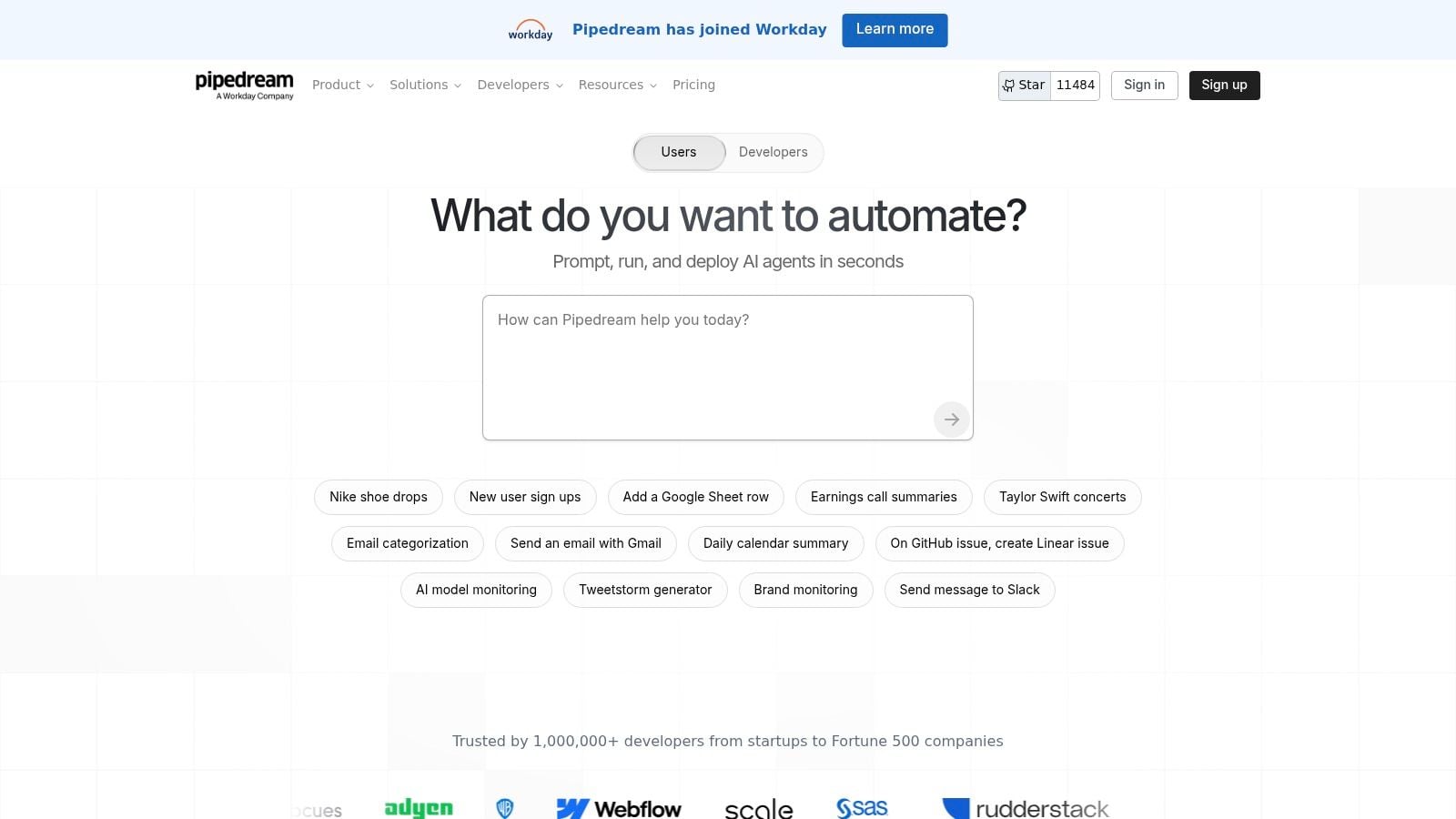
Pipedream is for builders who want code-level control without spending days on plumbing. If your team likes APIs, webhooks, scripts, and serverless logic, this tool feels fast in the right hands.
For engineering-led internal ops, productized services, or custom client workflows, that's a real advantage.
Why developers like it
Pipedream supports several languages, has prebuilt actions, and gives technical teams a good place to prototype AI agents and production integrations. It can move from experiment to useful internal system quickly because it doesn't force you into a purely visual abstraction.
That's valuable when the workflow includes custom logic you can't express cleanly in standard no-code blocks.
- Best fit: Technical teams with API comfort.
- Good at: Rapid prototyping, custom integrations, and AI-agent adjacent workflows.
- Watch for: Cost control on compute-heavy runs.
- Weak fit: Teams that want business users maintaining automations.
Where it fails for non-technical teams
Pipedream asks too much from most agency operators. If your PMO, delivery lead, or finance manager needs to own the workflow, this usually isn't the right choice.
I like Pipedream for teams that already think in functions, endpoints, and payloads. Everyone else should probably choose something more visual and easier to hand over.
10. Relay.app
A delivery lead is prepping client updates, an AI step drafts the summary, and someone still needs to verify the numbers, tone, and next actions before it goes out. Relay.app is built for that kind of workflow.
That matters for agencies and professional services teams because a lot of work cannot be fully automated without adding risk. Client emails, extracted notes, draft reports, and internal handoffs often need a human checkpoint. Relay handles that well with approvals and structured review steps built into the flow instead of treating review as an afterthought.
For mid-sized teams, that design has a practical upside. You can automate the repetitive parts without losing control of billing, delivery quality, or client-facing communication. If your workflow starts with calendar data from TimeTackle, then moves into summaries, follow-ups, or task creation, Relay is one of the easier tools to use when a manager or account lead needs to approve the output before it affects delivery or invoicing.
Human review is part of the operating model in service businesses. The real problem is review that happens too late or outside the workflow.
Relay.app works best for teams that want AI assistance with guardrails. Content ops, meeting recap workflows, intake triage, draft generation, and client comms prep are good fits. It is less compelling if your main priority is a huge integration library or highly customized backend orchestration across dozens of systems.
I'd shortlist Relay for agencies that want predictable AI-assisted processes their operators can manage. I would choose a larger platform if your automation program depends on deep enterprise integrations, advanced developer control, or very broad cross-department coverage.
AI Workflow Automation, Top 10 Comparison
| Product | Core features | UX / Quality (★) | Value & Pricing (💰) | Target (👥) | Unique Selling Points (✨) |
|---|---|---|---|---|---|
| 🏆 TimeTackle | Calendar-first AI capture, auto-tagging, rule automations, dashboards, exports, API, Chrome ext | ★★★★☆ trusted by 300+ teams; SOC 2 Type II | 💰 Free trial/demo; enterprise plans via sales | 👥 Agencies, consultancies, customer-facing & product teams | 🏆 Recommended, calendar-native time capture, visual workflow builder, billing integrity |
| Zapier | No-code Zaps, 9,000+ integrations, AI steps & bots | ★★★★☆ Extremely user-friendly | 💰 Free tier; task-based billing (can scale) | 👥 Non-technical teams (marketing, sales, ops) | ✨ Largest connector catalog; fastest ramp for biz users |
| Make (Integromat) | Visual scenario editor, rich branching, AI Agents & toolkit | ★★★★☆ Powerful visual logic (steeper learning) | 💰 Per-operation pricing, cost-efficient at scale | 👥 Power users and ops teams handling complex flows | ✨ Visual branching + native agent features |
| n8n | Self-host/cloud, execution billing, OpenAI/Anthropic nodes, templates | ★★★☆☆ Developer-friendly; setup/hosting overhead | 💰 Predictable execution-based pricing; self-host option | 👥 Dev teams, infra-savvy orgs wanting control | ✨ Self-hosting, custom nodes, strong developer ecosystem |
| Workato | Enterprise iPaaS, Agentic MCP, governance, audit trails | ★★★★☆ Enterprise-grade reliability & security | 💰 Sales-led, usage-based, higher TCO | 👥 Large enterprises & ops leaders needing compliance | ✨ Identity-aware agent execution, unified governance |
| Microsoft Power Automate | Low-code flows, RPA, Copilot Studio, AI Builder | ★★★★☆ Integrated for Microsoft 365 customers | 💰 Attractive for MS-first orgs; AI credits add complexity | 👥 Microsoft-centric enterprises (365/Dynamics/Azure) | ✨ Tight MS365/RPA integration + Copilot-powered steps |
| UiPath | RPA + orchestration, AI Center, document understanding | ★★★★☆ Deep RPA & model lifecycle management | 💰 Sales-led with higher implementation costs | 👥 Regulated enterprises, back-office automation teams | ✨ Document AI, model deployment & enterprise governance |
| Tray.io (Tray.ai) | Enterprise integrations, Merlin AI, AI/ML connectors | ★★★★☆ Built for high-complexity orchestration | 💰 Premium, sales-led pricing | 👥 Enterprises with multi-system orchestration needs | ✨ Merlin NL→workflow + broad AI connector catalog |
| Pipedream | Serverless workflows (Node/Python/Go), MCP integrations | ★★★☆☆ Developer-centric, fast prototyping | 💰 Credit-based compute; free tier for prototyping | 👥 Engineers and dev teams building code-first integrations | ✨ Code-first serverless + strong agent tooling |
| Relay.app | No-code builder with human-in-loop steps, AI steps, 200+ integrations | ★★★☆☆ Approachable UX with oversight controls | 💰 Predictable building blocks; includes AI credits / BYO keys | 👥 Teams requiring AI oversight, approvals & reviews | ✨ Built-in human review flows and included AI credits |
How to choose the right AI automation tool for your team
A typical agency problem looks like this. Client meetings happen all week, action items live in inboxes and chat, consultants submit time late, and finance spends Friday afternoon correcting invoices that were built on incomplete data. If that is your reality, the right AI automation tool is the one that fixes the bottleneck you already have, not the one with the longest feature list.
Start with a single workflow tied to money, delivery, or client experience. Good candidates include meeting follow-up, client intake, handoff from sales to delivery, approvals, and time capture for billing. Teams get better results when the process has clear inputs, one owner, and a simple success metric such as fewer manual touches, faster turnaround, or more accurate billable hours.
Ownership matters as much as features.
Zapier is usually the fastest fit for teams that need broad app connectivity and want a non-technical operator to build the first version. Make fits better when the workflow has branching logic, data transformation, or multi-step paths that Zapier starts to make awkward. n8n and Pipedream are better choices when your team has technical ownership and wants code-level control, custom logic, or self-hosting. Workato, Tray.ai, and UiPath make sense when procurement, security, auditability, and cross-system orchestration matter more than speed of setup. Power Automate should be on the shortlist for firms already standardized on Microsoft 365, Dynamics, and Azure.
For mid-sized agencies and professional services teams, I would add one filter that buyers often miss. Decide whether you are automating actions, or fixing the operational data underneath those actions. If your reports are wrong, utilization is unclear, and project profitability is based on late or incomplete timesheets, another notification workflow will not solve the underlying problem.
That is where TimeTackle earns a place in the stack. It captures calendar-driven time data that can feed billing, resource planning, utilization reporting, and project reviews. Once that source data is reliable, the rest of the automation stack gets more useful. Status updates become more accurate. Staffing decisions get easier. Revenue reporting stops depending on memory and manual cleanup.
Keep the rollout narrow for the first 30 days. Pick one use case, define the owner, decide what human review is still required, and measure the output before you expand. Teams that skip that discipline usually end up with clever automations that create more exceptions than they remove.
If you also want a broader view of agent-led systems, this guide to AI agents for cold outreach is useful context for where the tooling market is heading.
If your team is tired of chasing timesheets, patching reports by hand, and guessing where billable time went, TimeTackle is a smart place to start. It turns calendar activity into usable time data, gives leaders a cleaner view of utilization and profitability, and cuts a lot of the admin work that usually sits between delivery and reporting.


