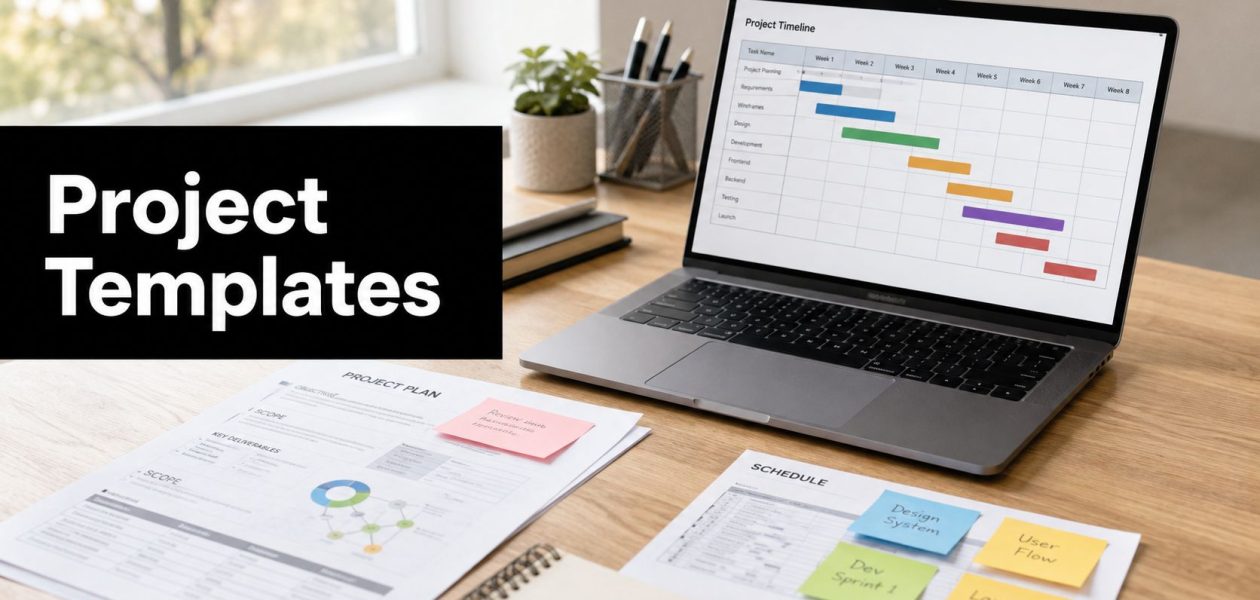
Stop reinventing the project plan for every new client. Your team just landed work, kickoff is next week, and now someone has to build the scope doc, timeline, status format, and handoff notes from scratch. That usually means wasted time, messy reporting, and a lot of documents that almost match each other but never quite do. The better move is to use project management templates that already reflect the way your agency or services team works, then tighten them into a small set that supports intake, delivery, billing, and reporting without extra noise.
For mid-sized agencies and professional services firms, the test isn't whether a template looks clean. It's whether it helps the team start faster, keep ownership clear, and keep reporting consistent enough that leadership can trust it. The right set also helps reduce the gap between planning and the calendar, which matters when work happens across meetings, client calls, reviews, and billable time. If you want a broader agency workflow around prospecting and outreach, agency outreach with Extrovert is a useful adjacent read.
1. Asana
Asana works well when you want a polished starting point without building your own structure from zero. Its template library covers campaign plans, project schedules, sprint planning, client onboarding, PMO work, and status reporting, so it fits teams that move between marketing, creative, and client delivery work. The biggest win is speed. You can duplicate a strong template, keep the same view structure, and get the team moving before kickoff drifts into admin.
Asana's template library also helps when you need a repeatable setup across multiple teams. List, board, timeline, and calendar views carry into new projects, so the team doesn't have to rebuild the same layout every time. That matters for agencies because the same client can touch account, strategy, design, and delivery, and each group needs the same project with a different angle.
Where it fits best
- Standardized client launches: Good when you need a clean client project shell with tasks, dates, and owners.
- Cross-functional delivery: Useful when one project has many contributors and you want the same structure every time.
- Template governance: Works better when one team owns the standards and other teams copy from approved versions.
Asana's downside is also the thing that makes it flexible. If you don't govern the library, template sprawl creeps in fast. That creates a second problem, because teams stop trusting the templates and go back to ad hoc docs. The best practice is to keep a short approved set for common work, then lock down naming, fields, and required sections so everyone starts from the same base.
Practical rule: use Asana when your pain is inconsistent setup, not when you need deep financial or utilization logic inside the template itself.
2. monday.com
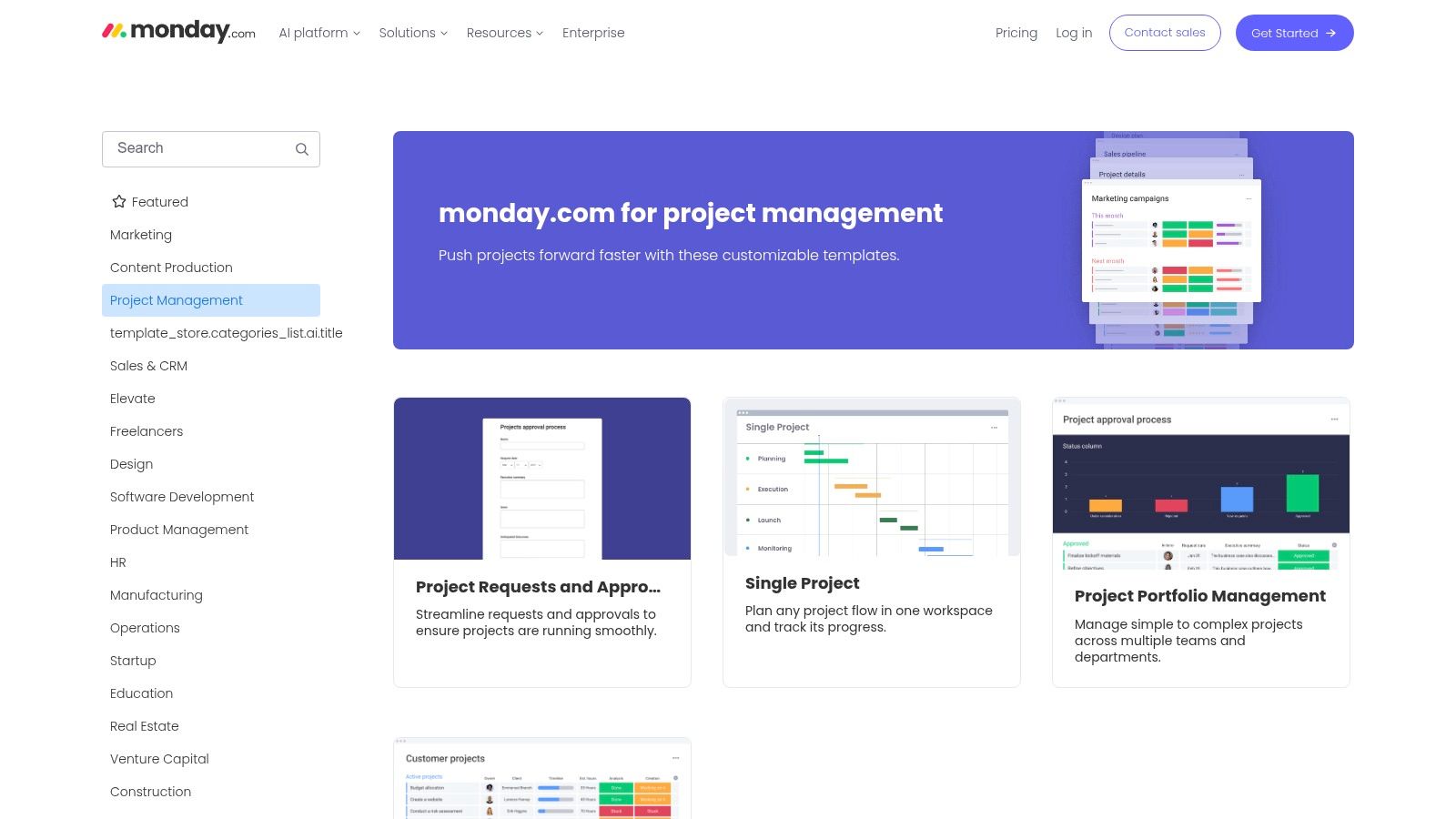
A mid-sized agency brings in a new client, and the first week usually exposes the same problem, intake lives in email, approvals sit in chat, and delivery starts before billing knows how the work is being tracked. monday.com helps clean up that handoff because the template gallery is built around projects, requests, approvals, customer work, timelines, and portfolio views. That makes it easier to standardize intake-to-delivery without forcing account teams or creative leads to work inside a heavy PM system.
The monday.com template category also matters once the work needs to connect to reporting. Boards, calendar views, Gantt-style planning, and dashboards give managers a faster read on status than a stack of spreadsheets, and that matters when different client teams need the same structure but different owners and deadlines. If your team still starts in Excel, then spends time reconciling the live version later, importing that work into template boards can reduce cleanup and keep the source of truth in one place.
What I'd use it for
- Client intake boards: Standardize request capture before work starts, then route the request to the right service team.
- Approval flows: Keep stakeholders out of long email threads and make sign-off visible in the same board.
- Portfolio rollups: Give managers a quick view across active accounts, which helps when billing and status reporting need to stay aligned.
The trade-off is cost and complexity. Some useful views and automations sit behind higher tiers, and seat bundles can feel heavy for smaller teams. That said, if you run several client work streams and want the same visual system across intake, delivery, and reporting, monday.com usually gets adoption faster than tools that ask people to work from a stricter, text-first setup.
3. ClickUp
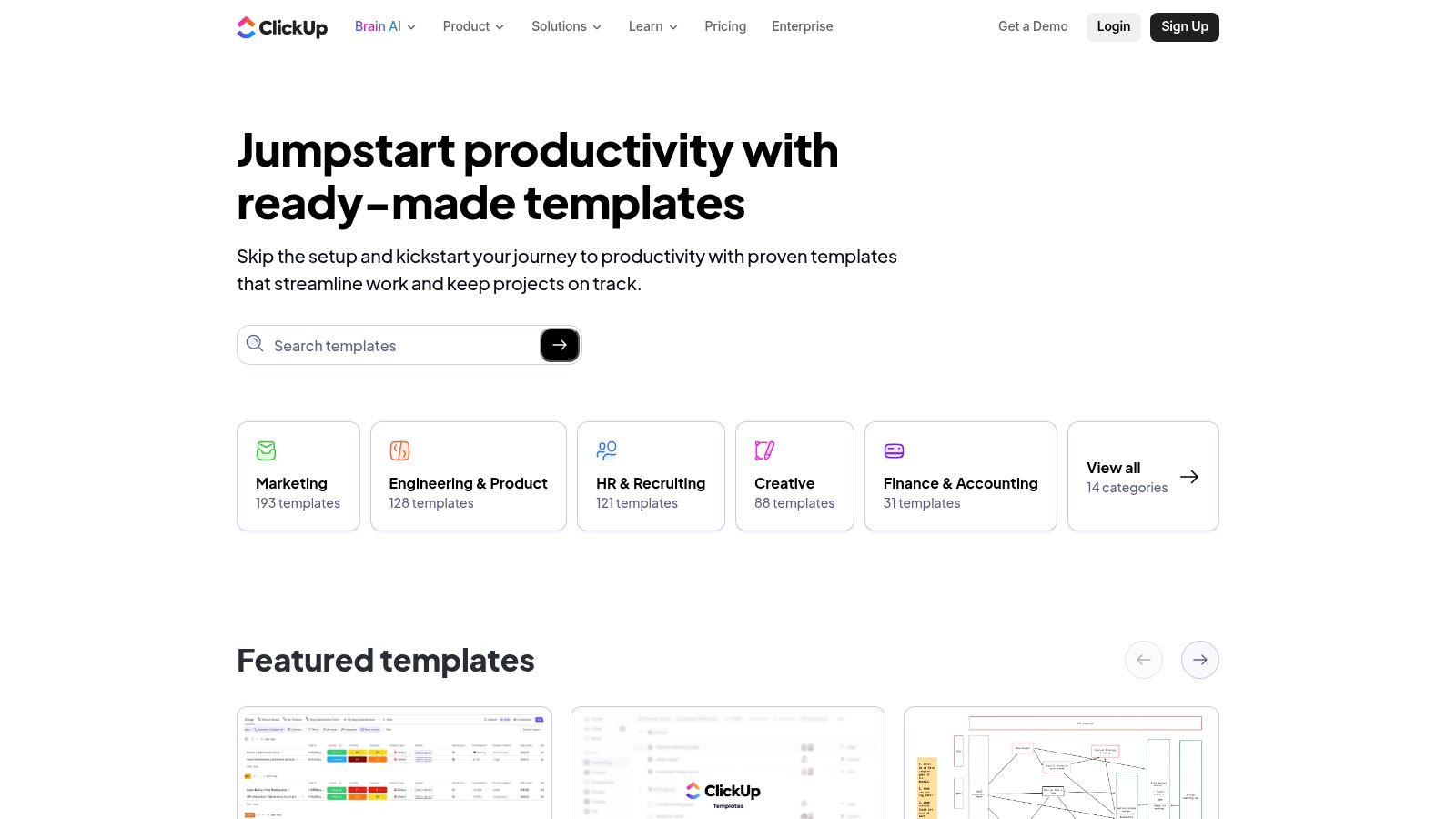
An agency that delivers monthly reporting to five clients needs a template that carries the workflow, not just a task list. ClickUp is built for that kind of setup. It has 1,000+ templates, including agile, Scrum, consulting, compliance, roadmaps, client project plans, and deliverables. For agencies and services firms, that range matters because one team may need a simple launch plan while another needs a full delivery playbook with docs, tasks, dashboards, and automations in one place.
ClickUp works well when the template has to standardize intake, delivery, and reporting together. You can save your own workflows as reusable templates, so a client onboarding setup or repeatable campaign process does not need to be rebuilt every quarter. That matters in agencies where handoffs move between sales, delivery, and reporting, and where billing depends on work being recorded the same way every time. Teams that want one operating model across recurring client work can use it to keep service lines aligned without forcing every project manager to invent their own structure.
For mid-sized agencies, the practical value is consistency. If you standardize a small set of templates by service line, then tie them to status updates, time tracking, and billing codes, ClickUp can handle repeatable client work with less cleanup at the end of the month. It also gives operations teams a place to control naming, permissions, and required fields, which helps keep reporting clean when several accounts share the same delivery model.
The trade-off is choice overload. A large library sounds helpful until nobody agrees on which template to use, so governance matters here more than in lighter tools. Put a standard set in place, limit templates by service line, and review them against how your team tracks time and reports client work. ClickUp becomes much more useful once the templates are managed as part of the workflow instead of treated as one-off starting points.
4. Smartsheet
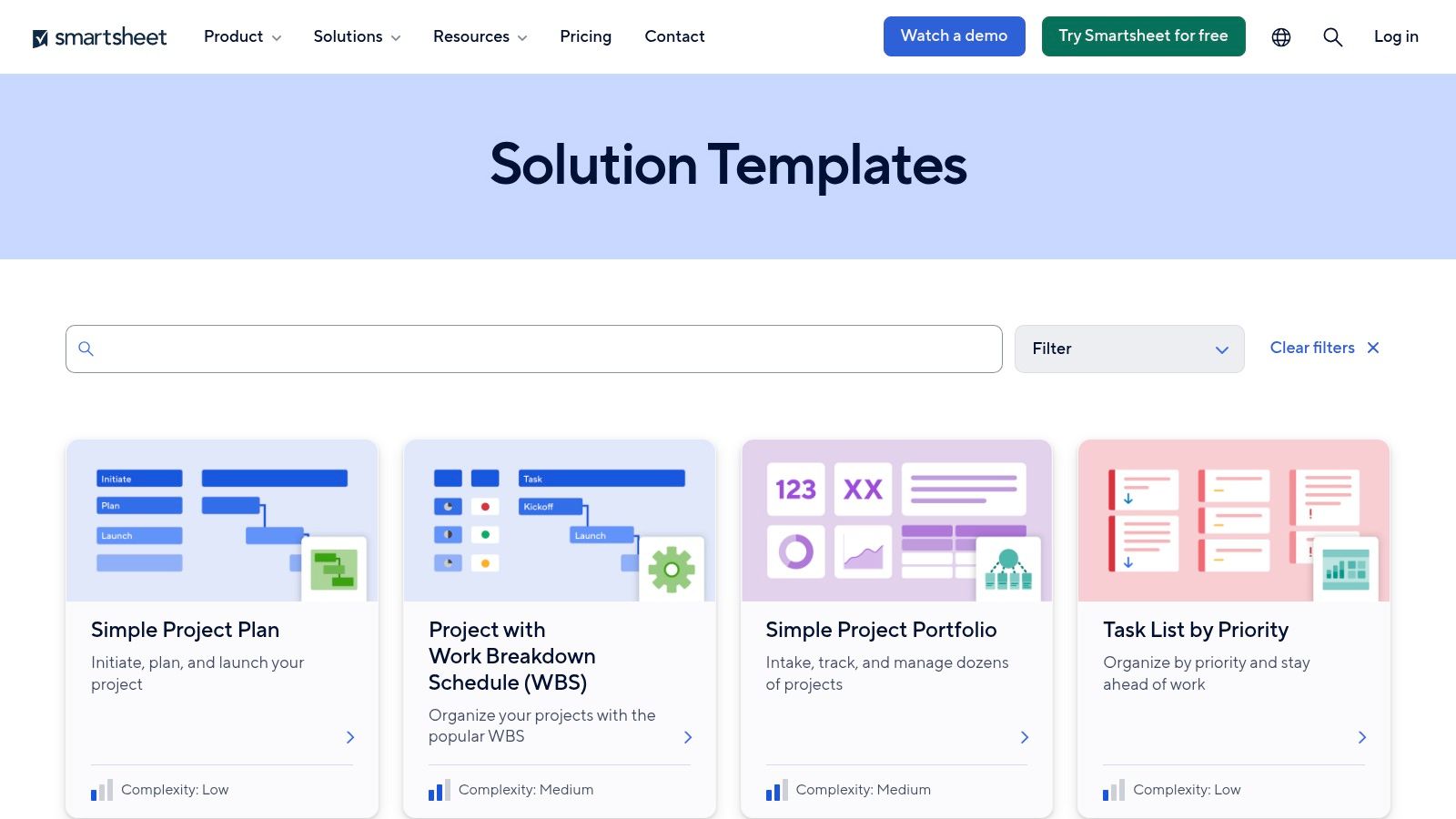
Smartsheet is the best fit when your team lives close to spreadsheets but needs stronger governance than a spreadsheet alone can provide. Its template gallery includes Template Sets for PMO and portfolio work, project tracking, risk logs, RAID, dashboards, and intake forms. That makes it a strong option for agencies that need structured reporting across multiple projects without forcing everyone into a completely new way of thinking.
The value is the end-to-end pattern. You can move from intake to project creation, then roll up reporting in a format leadership can review without chasing the PM for a separate slide deck. The familiar sheet-based model also lowers friction for operations teams that already use Excel-style planning. For that reason, Smartsheet often works well when the main problem is not project thinking, but project consistency.
The template should match the way your team already handles work, or people will rebuild it in a side file and the system breaks.
The trade-off is admin weight. If your team doesn't already work in Smartsheet, setup can feel heavier than lighter task tools. It's also easy to overbuild the structure, which creates more upkeep than value. For agencies with portfolio reporting, intake controls, and standardized rollups, though, it's one of the more practical choices.
You can also pair it with a simpler operating discipline, like the checklist approach in project management checklists, if your team needs to keep the execution side lean.
5. Wrike
A client submits a new campaign request, the account lead approves the scope, and production needs to know who owns each step before work starts. Wrike fits that kind of handoff. Its template set covers IT, marketing, professional services, product delivery, and manufacturing, so agencies can standardize different service lines without rebuilding the workflow every time. The focus is less on polished presentation and more on repeatable routing, intake control, and visibility.
The Wrike templates page is useful when workload views, proofing, and reporting have to live in the same workspace. Managers can see where work is blocked, who owns it, and which projects need attention before deadlines slip. That also makes capacity conversations more grounded, because workload views surface pressure points early instead of after the team is already overloaded.
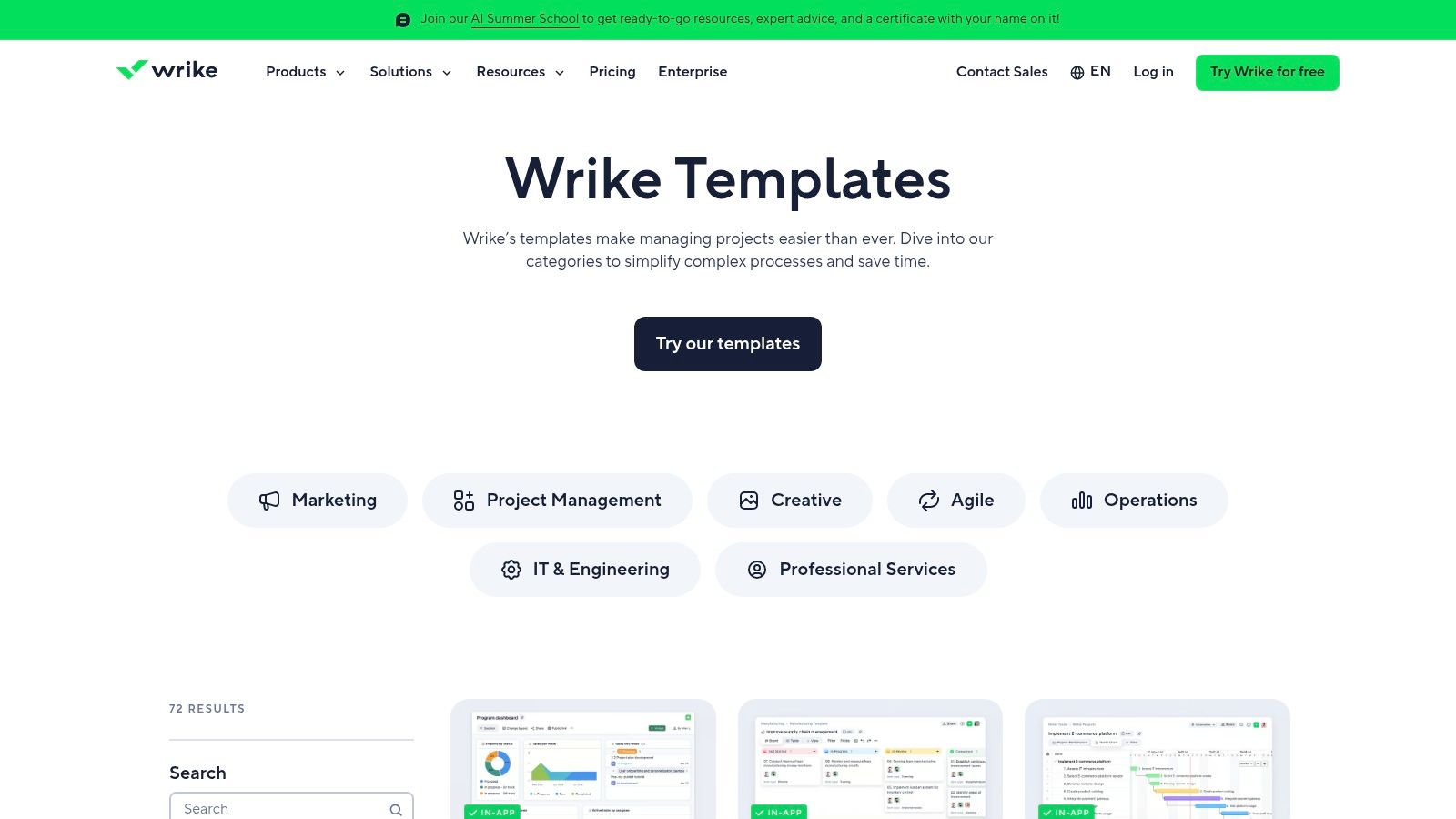
A mid-sized agency usually gets the most value from Wrike when it uses the templates to standardize the workload view, then ties that view to intake, approval, and reporting. That creates a shared operating picture for account teams, production, and leadership. It also makes billing and status reporting easier to reconcile, since the same template structure can carry the request details, ownership, and progress notes the finance or ops team needs later.
Wrike can feel heavy for simple jobs, and that is the trade-off. If you only need a quick client tracker, it may be more than you need. If you need a template system that supports standardization across intake, capacity, and reporting, it earns its keep.
6. Airtable
The account lead needs a clean intake form. The PM needs a workable board or timeline. The CFO wants a rollup that shows what is approved, what is underway, and what is waiting on billing. Airtable handles that kind of split view well because the same project data can sit behind different interfaces without forcing every team to work in the same layout.
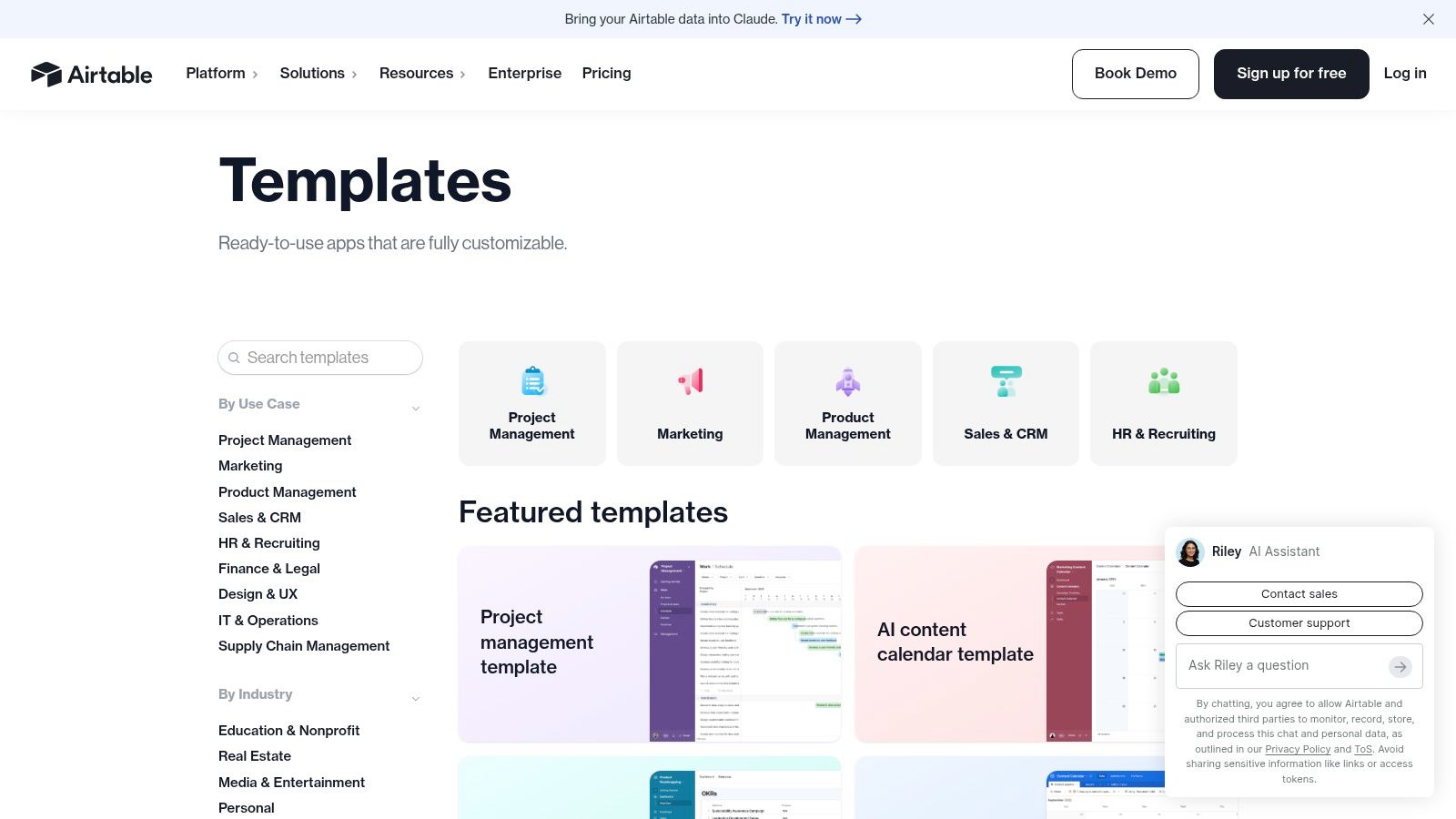
The Airtable template library includes project tracking, portfolio planning, resource allocation, and stakeholder templates, which makes it a smart fit for agencies that manage many client fields and need different views for different roles. Account teams, operations, and leadership can each see the same record set in a different shape, so the template becomes part of the operating model instead of just a place to store tasks.
The main strength is the schema. You can map client, project, task, and approval data to match how the agency runs, then expose only the fields each person needs. Forms handle intake, automations cut down on repetitive updates, and interfaces keep stakeholders out of the full base while still giving them something usable. That matters when internal teams need detail, but clients or executives only need a summary that they can act on quickly.
Airtable also helps standardization if you treat templates as a shared system, not a one-off setup. Define the same fields for scope, status, owner, due date, and billing trigger across service lines, then build views that support account management, production, and reporting. That makes handoffs easier to audit and gives operations a cleaner path to reconcile project updates with time tracking and invoice prep.
The downside is discipline. Once a base grows, someone has to keep the model tidy, limit field sprawl, and decide which requests belong in the template and which do not. Airtable works best when a team owns governance and keeps the system from turning into a catch-all for every new idea.
7. Trello
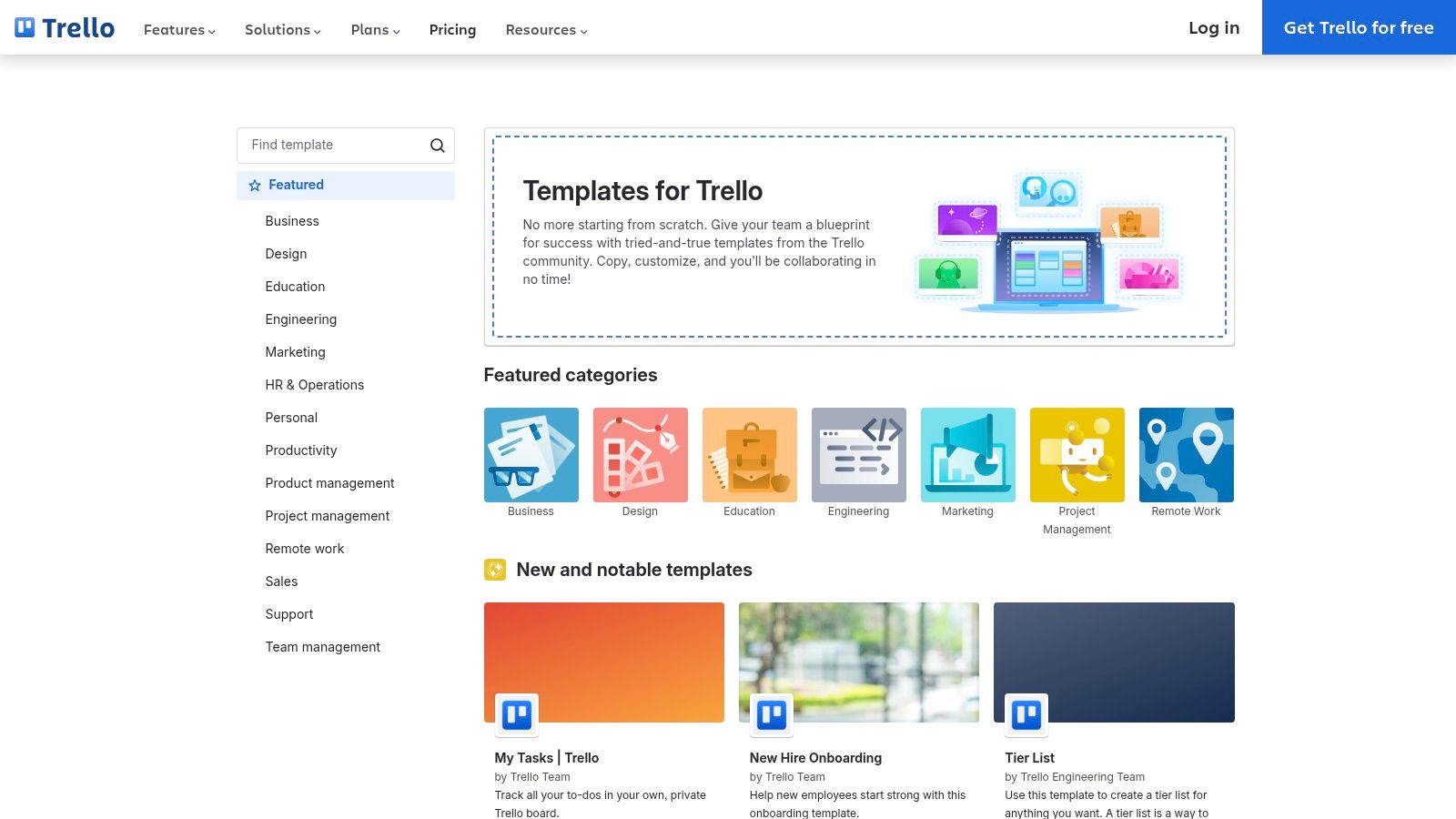
A six-person studio can get a client board live in Trello before lunch, which is why it stays useful for project management templates that need to work right away. The template gallery covers project management, process tracking, and content calendar boards, and that narrow focus suits mid-sized agencies that want a standard way to run repeatable work without forcing every team into a heavy system. For simple delivery, one board per client or one board per service line is often enough.
The value is how fast a team can standardize it. Copy a board with one click, add Butler automations where the handoffs repeat, and bring in time tracking or reporting through Power-Ups only when the workflow needs that extra layer. That keeps setup light for account teams, and it also gives operations a practical path to tie task progress back to billing and reporting without rebuilding the whole process.
A Trello template starts to strain when the work stops being linear. Dependencies become awkward to manage without add-ons, portfolio rollups are limited, and reporting usually needs another tool or a manual export. That is the trade-off. Trello is easy to adopt and easy to keep consistent, but teams that need deeper scheduling or stronger cross-project visibility usually have to pair it with something else.
8. Miro
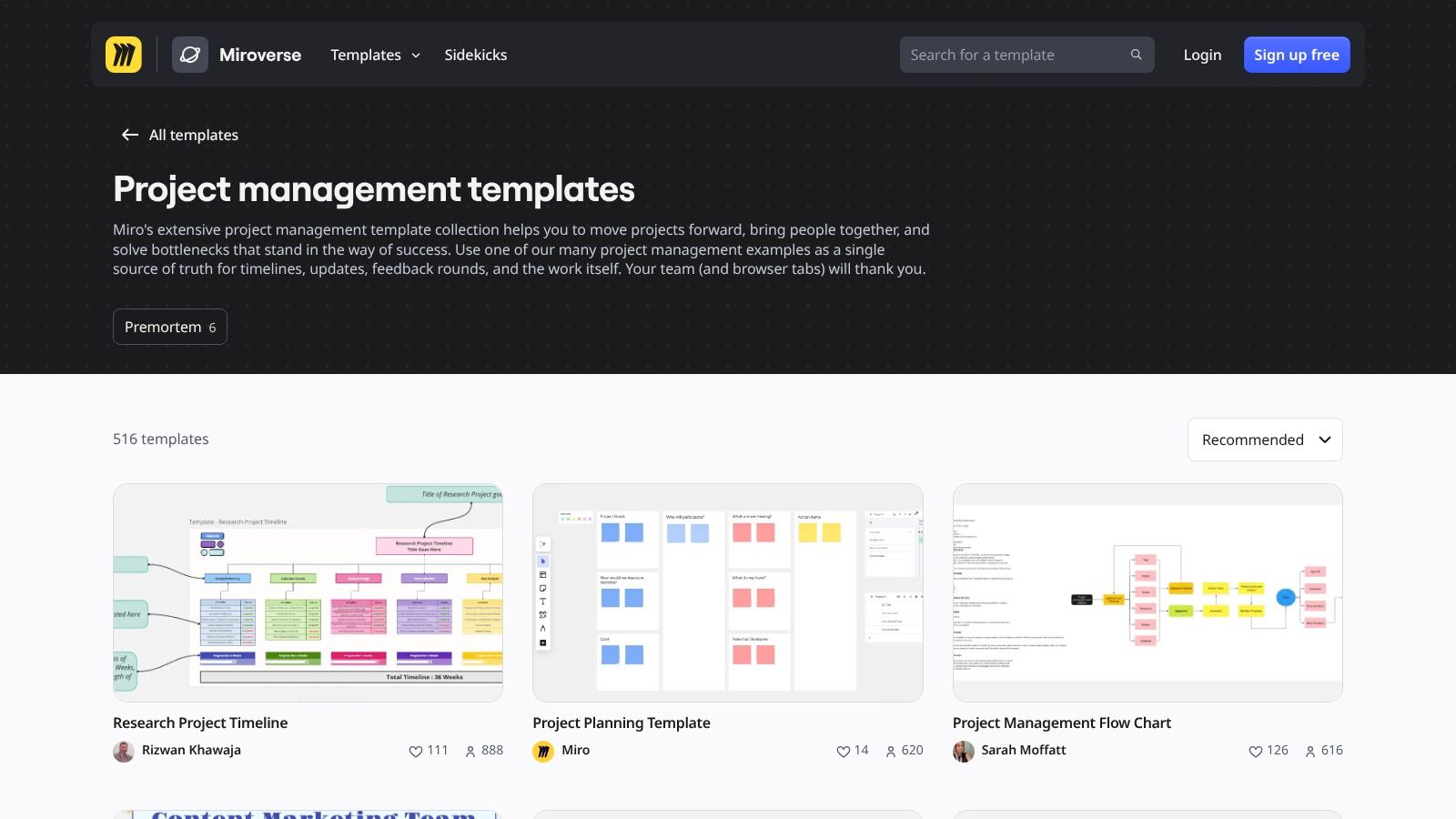
Miro is better thought of as the planning layer before execution. Its project management templates cover roadmaps, RACI, stakeholder maps, sprint rituals, project status, and PI planning, and the community library adds a lot of practical variations. That makes it especially useful when you need a kickoff that gets people on the same page before the work moves into a task tracker.
For agencies, Miro is strong in workshops, scoping sessions, and client alignment meetings. Voting, timers, and facilitation features make it easier to run a structured discussion instead of an open-ended whiteboard session. When the team leaves with a clear scope, ownership map, and rough sequence, the handoff to Asana, Jira, monday.com, or another task tool is much cleaner.
Use Miro to decide the work, then move the work into a system that actually tracks execution.
The limit is simple. Miro is not a task system. If you try to execute everything inside it, your team will end up with planning boards that never become delivery boards. It works best when you treat it as the front end of the process, not the whole process.
9. TeamGantt
TeamGantt is the clearest pick when the timeline matters more than anything else. Its Gantt chart templates cover construction, creative work, product and software, marketing, and events, so it fits agencies that need client-facing schedules with dependencies built in. If your clients ask for dates, milestones, and sequencing before they ask for anything else, this tool makes sense.
The appeal is speed and clarity. You can save any project as a reusable template, which helps standardize recurring delivery types without rebuilding the schedule structure each time. It's also easy to explain to clients, which matters when you need a schedule that both your team and the client can read without a training session.
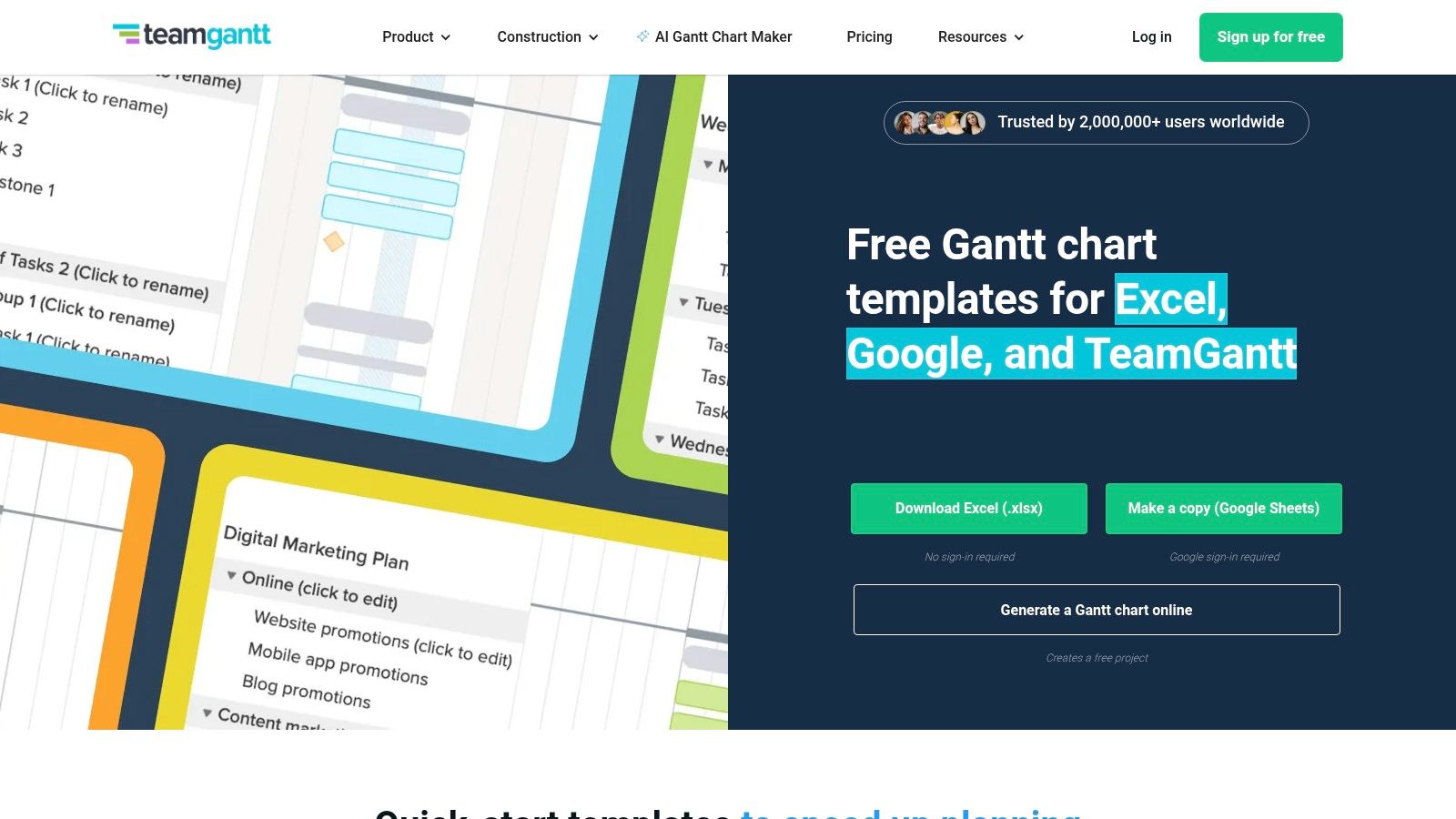
The trade-off is scope. TeamGantt does scheduling well, but it doesn't try to be a full work OS. That keeps it focused, but it also means reporting and resource management feel lighter than enterprise suites. For teams where timing is the main issue, that's usually enough.
If you're weighing a timeline-first setup against another chart style, the comparison in Gantt vs PERT chart can help keep the choice grounded in execution, not theory.
10. Microsoft Project
A client signs off on the schedule, then asks for the same plan in a format the finance lead can track. Another stakeholder wants task ownership, dependencies, and cost rollups without learning a new system. Microsoft Project fits that kind of environment, especially in agencies and professional services firms that already standardize on Microsoft 365.
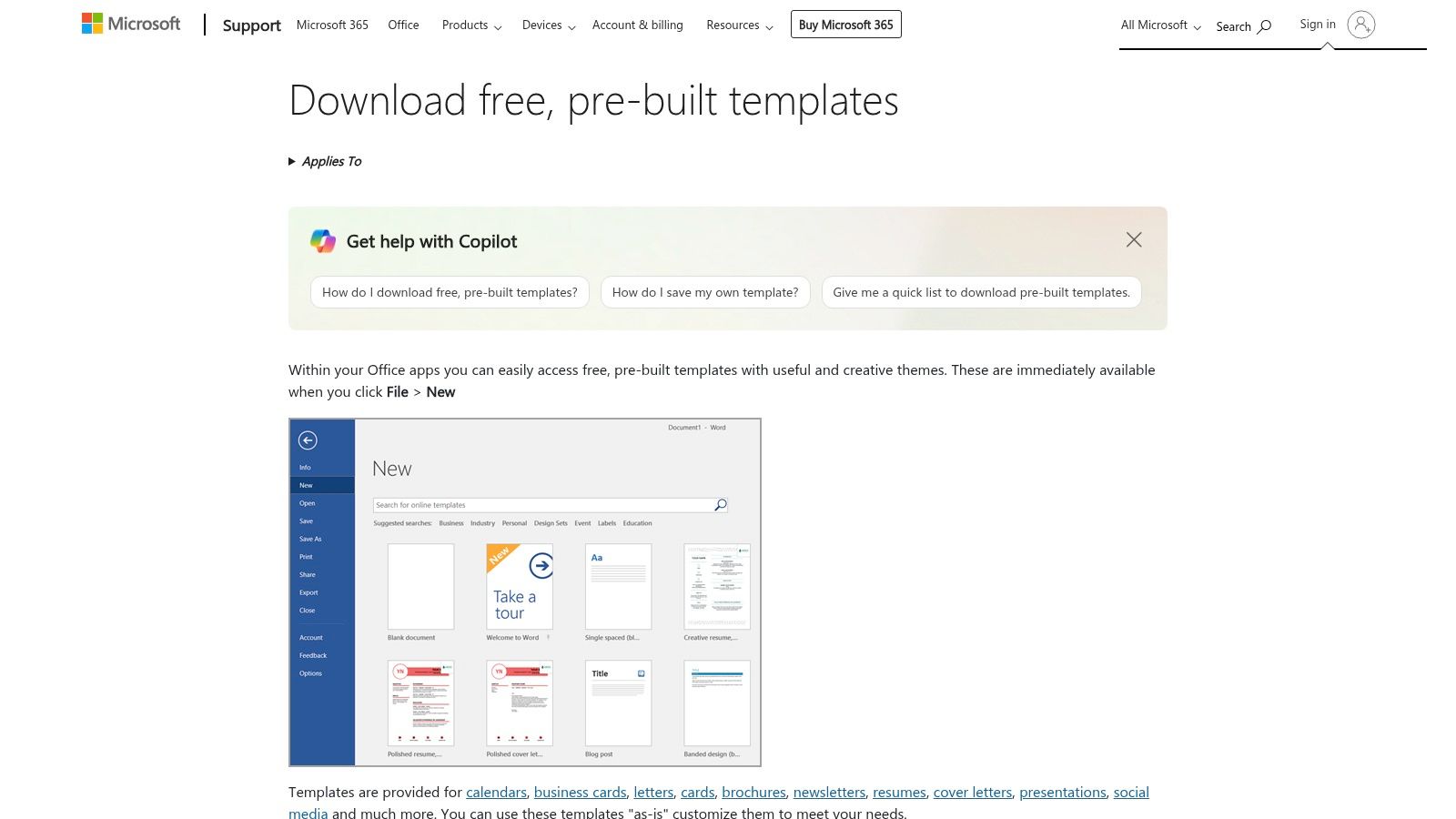
The Microsoft templates and downloads cover project plans across Project, Excel, and Word, so the team can build schedules, WBS documents, dependencies, and cost tracking inside a familiar stack. That matters when the goal is not just to create a plan, but to keep the plan aligned with billing, status reporting, and client reviews. If your delivery process depends on structured artifacts, Microsoft Project gives you a format that seasoned PMs recognize immediately.
Why teams still use it
- Traditional PM structure: It handles WBS, dependencies, and schedule logic cleanly, which helps when work needs to move from scoping into formal delivery.
- Microsoft stack fit: It works well for teams already using Excel, Word, and Project, so templates can be shared without creating a separate operating model.
- Template discipline: New projects start with a defined structure instead of a blank file, which helps standardize recurring engagements and reduce setup drift.
- Learning curve trade-off: The interface asks for more setup than lighter task tools, and the stronger features usually sit in higher plans. That is acceptable for teams that need detailed planning artifacts and already have people who know the Microsoft environment.
For agencies that want to turn a template into a repeatable operating process, the plan usually needs one more layer. Standardize the schedule, map tasks to billing codes, and connect status updates to reporting so the template does more than store dates. A practical project management work plan gives a useful structure for that handoff, especially when the team needs the plan to stay useful after kickoff.
Top 10 Project Management Template Comparison
| Tool | Core features | Quality (★) | Price / Value (💰) | Target (👥) | Unique / Standout (✨🏆) |
|---|---|---|---|---|---|
| Asana | Editable project templates, multiple views (list/board/timeline), integrations | ★★★★ | 💰 Free → Paid tiers; advanced reporting on higher plans | 👥 Cross‑functional teams, PMOs | ✨ Template bundles + AI recommendations ▸ 🏆 Fast project spin‑up |
| monday.com | Visual boards, automations, dashboards, Excel import | ★★★★ | 💰 Free trial; mid→high tiers, seat minimums can apply | 👥 Visual teams, ops, customer projects | ✨ Visual boards + built‑in automations ▸ 🏆 Approachable for non‑PM users |
| ClickUp | Massive template library (1,000+), docs, dashboards, automations | ★★★★★ | 💰 Free + affordable scaling; some advanced features gated | 👥 Agencies, product, cross‑functional workspaces | ✨ End‑to‑end template packs + reusable playbooks ▸ 🏆 Broadest template variety |
| Smartsheet | Template Sets (sheets/reports/dashboards), portfolio rollups | ★★★★ | 💰 Enterprise‑oriented; add‑ons/higher tiers for portfolio features | 👥 Enterprise PMO, spreadsheet‑native teams | ✨ PMO Template Sets + governance kits ▸ 🏆 Strong portfolio reporting |
| Wrike | Use‑case templates, resource views, proofing, custom templates | ★★★★ | 💰 Mid→enterprise pricing; advanced features on higher plans | 👥 Agencies, professional services, marketing | ✨ Request→approval flows + workload views ▸ 🏆 Agency & client delivery focus |
| Airtable | Bases, custom schema, interfaces, no‑code automations | ★★★ | 💰 Free → Paid; record limits at scale require upgrades | 👥 Teams needing DB‑style PM, product, stakeholders | ✨ Interface designer + flexible schema ▸ 🏆 Highly customizable data model |
| Trello (Atlassian) | One‑click board copies, Butler automations, Power‑Ups | ★★★ | 💰 Free → Paid; low cost for small teams | 👥 Small teams, simple workflows, client boards | ✨ Extremely lightweight templates + Butler ▸ 🏆 Fastest adoption & low admin |
| Miro | Planning canvases, facilitation widgets, community boards | ★★★★ | 💰 Free → Paid; paid for large collaborative features | 👥 Workshops, PMs for kickoff/planning | ✨ Facilitation templates + voting/timers ▸ 🏆 Best for alignment & workshops |
| TeamGantt | Gantt templates, dependencies, critical path, workload view | ★★★ | 💰 Affordable plans; free samples/downloads | 👥 Timeline‑centric teams, construction, events | ✨ Ready Gantt templates + exportable Excel kits ▸ 🏆 Quick timeline standardization |
| Microsoft Project | Pre‑built schedules, WBS, dependency/cost tracking, M365 integration | ★★★★ | 💰 Paid licenses / Project plans; higher cost for full features | 👥 Traditional PMs, enterprise Microsoft shops | ✨ Classic PM templates + M365 security ▸ 🏆 Strong for schedule & cost control |
Turn your templates into time-tracked workflows
Picking a good template is only the first step. The value shows up when the plan connects to actual work, because a template by itself won't tell you whether your team spent the right amount of time on a client, a phase, or a task. For agencies and professional services firms, that link matters most when reporting and billing have to stay clean without adding more manual admin.
That's where calendar-based tracking helps. TimeTackle can capture activity from Google or Outlook calendars, then turn that into a view of project time, utilization, and resource use without making people live in timesheets all day. It also fits this topic well because it pairs naturally with template-based planning. You can keep the project structure in your PM tool, then use calendar data to see whether the team followed the plan.
One practical pattern is to keep a small template stack for charter, scope, RACI, status, and schedule, then map those artifacts to a reporting rhythm that comes from the calendar. That gives leaders better visibility and cuts duplicate reporting work, which is often where mid-sized agencies lose time. If your team is still jumping between a plan, a spreadsheet, and a timesheet system, the workflow is doing too much copying and not enough managing. AI workflow setup for outbound sales is another example of how structured workflows can replace repetitive manual steps.
If you want a cleaner way to connect project templates to real work, TimeTackle helps teams capture calendar activity, tag it by client or project, and turn it into reporting that supports utilization and billing accuracy. It fits agencies that are tired of timesheet fatigue and want a more direct link between planning and execution.