


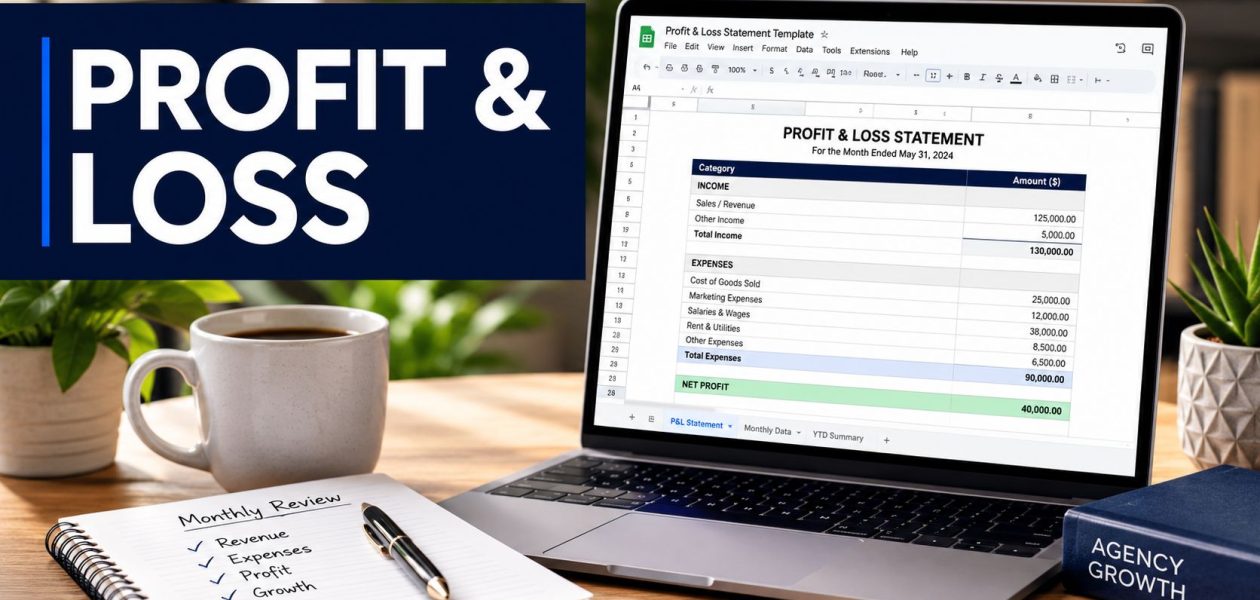
If you're running a mid-sized agency, you've probably had this moment already. Finance says the month looks fine. Delivery says the team is overloaded. Account leads say a client is “good revenue.” Then you pull the numbers and realize nobody can explain whether that client is profitable once labor is counted.
That's the gap most spreadsheet P&Ls never fix.
A typical Google Sheets profit and loss template can calculate income, expenses, and net income just fine. The problem is that agencies don't run on inventory. They run on people's time, project mix, scope control, and whether billable hours turn into healthy margin. If your sheet doesn't connect those things, it gives you a clean report and weak decisions.
I've seen this happen over and over. Teams spend hours updating a monthly statement, but they still can't answer basic operating questions. Which clients eat the most senior time? Which service lines recover labor well? Where is utilization falling even though top-line revenue still looks solid?
A better sheet fixes that. It keeps the accounting structure you need, but it also adds the operational layer agencies manage against.
Why standard P&L templates fail agencies
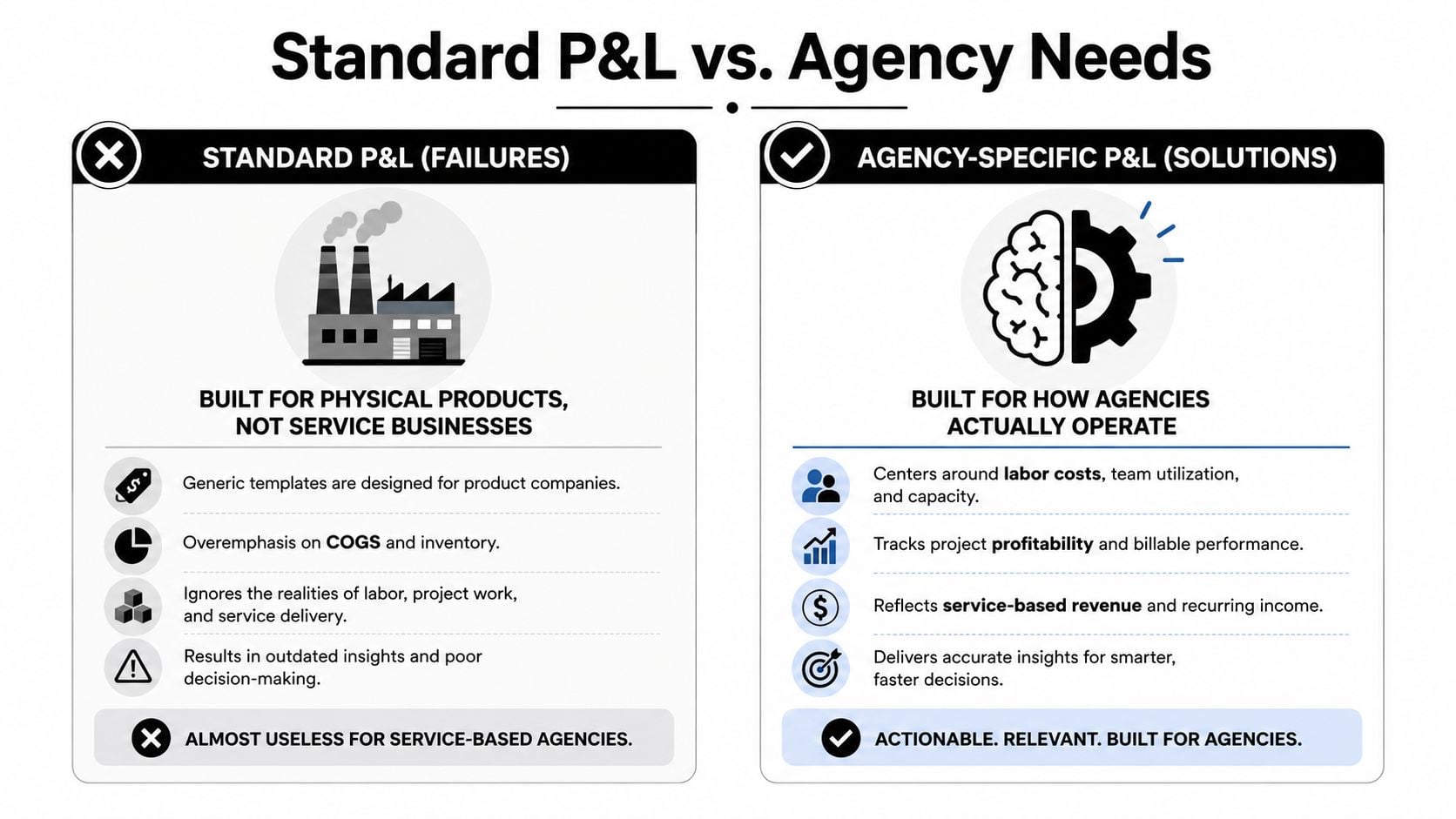
Most templates on the web are built around a product business. They assume a structure of revenue, cost of goods sold, gross profit, operating expenses, and net income. That layout is normal accounting, but for agencies it often hides the thing that matters most: labor.
Smartsheet's template library reflects this classic structure, and it also points to the gap. Most templates present a classic product-style structure centered on revenue, COGS, and gross profit, but they rarely address the reality that consulting, creative, and implementation agencies treat labor as the largest cost and need separate views for billable utilization, client profitability, and revenue recognition timing. A standard P&L can show healthy net income while masking underutilized teams or unprofitable clients (Smartsheet).
What the generic layout misses
A standard sheet usually tells you:
- Revenue by period: What you invoiced or recognized that month
- Expenses by account: Payroll, software, rent, contractors, ads
- Net income: What's left after expenses
That's useful, but it won't tell you:
- Which clients absorb the most labor: Revenue alone doesn't show delivery cost
- Whether utilization is slipping: A profitable month can still hide idle capacity
- Which projects trainwreck margin: The P&L rolls everything up too early
- How timing distorts the story: Fixed-fee work often lands in one month while labor spreads across several
A clean accounting statement isn't the same thing as an operating report.
This is why agency leaders get stuck in reconciliation loops. Finance has one version. PMs have another. Time data lives somewhere else. By the time someone matches it all manually, the month is already gone.
Agencies need a different lens
If your team sells strategy, design, implementation, media, or retainers, your real cost model sits inside calendars, time logs, and staffing plans. That's why an agency-first P&L has to pull in labor and project data, not just ledger categories.
Even side workflows often prove the point. A team that can generate QR codes using Google Sheets for operational tasks can usually build useful sheet automation. But finance reporting breaks when the model ignores service delivery economics. Agencies don't need more formatting. They need a template that reflects how work gets done.
An agency-first template structure
A solid Google Sheets profit and loss template still needs the normal accounting backbone. Sheetgo's guidance is clear on that. Good templates turn monthly or quarterly inputs into standardized income statements and often split data entry across dedicated input tabs so the final statement updates automatically (Sheetgo).
That part is fine. The change for agencies is the structure around it.

The tabs that actually matter
Here's the layout I'd use for an agency model:
| Tab | What goes in it | Why it matters |
|---|---|---|
| P&L Summary | Monthly statement with revenue, direct labor, operating expenses, net income | Gives leadership the final view without exposing raw data tabs |
| Revenue Tracker | Revenue by client, project, service line, invoice month, recognition month | Stops “revenue” from becoming one lump number |
| Expense Log | Payroll, contractor spend, software, overhead, marketing, office, pass-through costs | Keeps the accounting side clean and categorized |
| Time & Project Data | Hours by person, client, project, service line, billable status, labor cost | Connects delivery effort to margin |
| Checks | Reconciliation tests and warning flags | Prevents silent spreadsheet breakage |
Why this works better than a single-sheet template
The biggest improvement is separation. Raw inputs live in one place. The polished statement lives in another. If someone wants to test a formula or clean imports, they don't have to touch the board-facing tab.
That matters because agencies change all the time. New services show up. Clients move from retainer to project work. Teams split into pods. If the model is too flat, every change breaks the report.
Practical rule: Keep your statement tab boring. Put complexity in staging tabs, not in the report your leadership team reads.
The tab most templates leave out
The Time & Project Data tab is the difference between a bookkeeping sheet and a management sheet.
That tab should include fields like:
- Team member and role
- Client and project
- Date and month
- Billable or non-billable status
- Hours worked
- Internal cost rate or loaded labor cost
- Service line or department
Once you have that, you can compare recognized revenue against labor consumed. That's where project profitability starts to become visible. Without it, you're guessing.
Getting your P&L sheet set up and customized
Teams often don't fail at the formulas. They fail in setup. They grab a template, rename a few tabs, and start pasting data into categories that don't match how the agency books revenue or cost.
Current Google Sheets workflows are still pretty standard. Open the file, set up the layout, enter data, calculate subtotals, and format the statement. Template providers now even market files as “updated for 2026,” which says a lot about how common template-driven bookkeeping has become (Coefficient). The problem is that “ready to use” rarely means “ready for agency operations.”
Start with your account structure
Before you enter a single transaction, decide how your chart of accounts maps into the sheet. Don't overbuild this. Keep the categories stable enough that month-to-month comparisons still mean something.
For most agencies, I'd separate revenue into a few clear buckets:
- Retainer revenue
- Project fees
- Media or pass-through revenue
- Consulting or advisory
- Other income
Expenses need the same discipline, but with agency logic:
- Payroll and benefits
- Contractors and freelancers
- Software and subscriptions
- Sales and marketing
- General overhead
If your categories are too broad, you lose signal. If they're too detailed, your team starts coding expenses inconsistently.
Customize for how your agency sells
A web shop, media agency, and RevOps consultancy don't all need the same lines. Your sheet should reflect how clients buy from you and how delivery works.
A simple setup process looks like this:
- Duplicate the base sheet and clear sample data without touching formulas.
- Map each account from your bookkeeping system to one summary category in the sheet.
- Add revenue labels that match your contracts, not generic “sales” language.
- Create department or service tags if you want to compare strategy, creative, dev, paid media, or support.
- Protect formula ranges before anyone starts editing monthly inputs.
If you also need a lightweight way to standardize spending outside the P&L itself, this expense report template is useful for collecting cleaner inputs before they hit the finance sheet.
Keep the summary tight
Your summary tab doesn't need every detail from the ledger. It needs enough to support decisions. I'd keep visible rows limited to the categories leaders review, then use supporting tabs for deeper account-level detail.
If the leadership team has to scroll to understand the month, the summary tab is doing too much.
One more thing. Don't build the year rollover as an afterthought. If your month logic depends on hard-coded references everywhere, you'll be fixing the same sheet over and over.
Connecting time tracking to your bottom line
This is the part most finance templates ignore, and it's the part agencies need most.
A profit and loss statement shows outcomes. It does not explain effort. You can post a decent month on paper while your team spends too many hours on low-value accounts, too much senior time on delivery, or too much non-billable time on internal churn. If the sheet never sees those hours, the numbers stay incomplete.
What to pull into the sheet
Your Time & Project Data tab should come from a system your team already uses, or at least one they won't hate updating. For most agencies, calendar-based tracking and tagged activity data are more realistic than asking everyone to fill out manual timesheets perfectly.
A useful export includes:
- Person and team
- Client name
- Project or engagement
- Task or activity category
- Billable status
- Hours
- Date or reporting month
- Optional labor cost field
With that structure, you can roll hours up by month, client, service line, or project. Then you can compare those totals against revenue in the same period.
How the agency view changes
Once time data is in the model, your P&L starts answering operating questions instead of just accounting ones.
For example, you can build views like:
| View | What it tells you |
|---|---|
| Client profitability | Which accounts produce margin after labor |
| Project recovery | Whether fixed-fee work is absorbing too many hours |
| Utilization by team | Where billable time is slipping |
| Service line margin | Which offerings are strong and which are dragging |
| Non-billable load | How much time goes to internal meetings, pitches, admin, or rework |
That's a big shift. A classic sheet says payroll is high. An agency-first sheet can show whether payroll is high because delivery is overstaffed, underpriced, or poorly allocated.
One workable workflow
Here's the workflow I'd trust:
- Export or sync time records into a raw tab.
- Standardize client names, project IDs, and service labels.
- Add labor cost logic by role, person, or department.
- Summarize with pivot tables by month and client.
- Link those summaries into the P&L and margin views.
If your team wants a primer on setting up sheet-based tracking around calendar data, this guide on Google Sheets time tracking is a useful starting point.
Don't bury labor classification
Agencies often face challenges with expense categorization. Teams know payroll is the main cost, but they mix direct labor, management overhead, contractor delivery, and admin time in ways that make the margin view hard to trust. If you need a cleaner finance lens on that issue, PEO Metrics explains PEO expense classification in a way that helps when you're deciding what belongs in direct delivery cost versus operating expense.
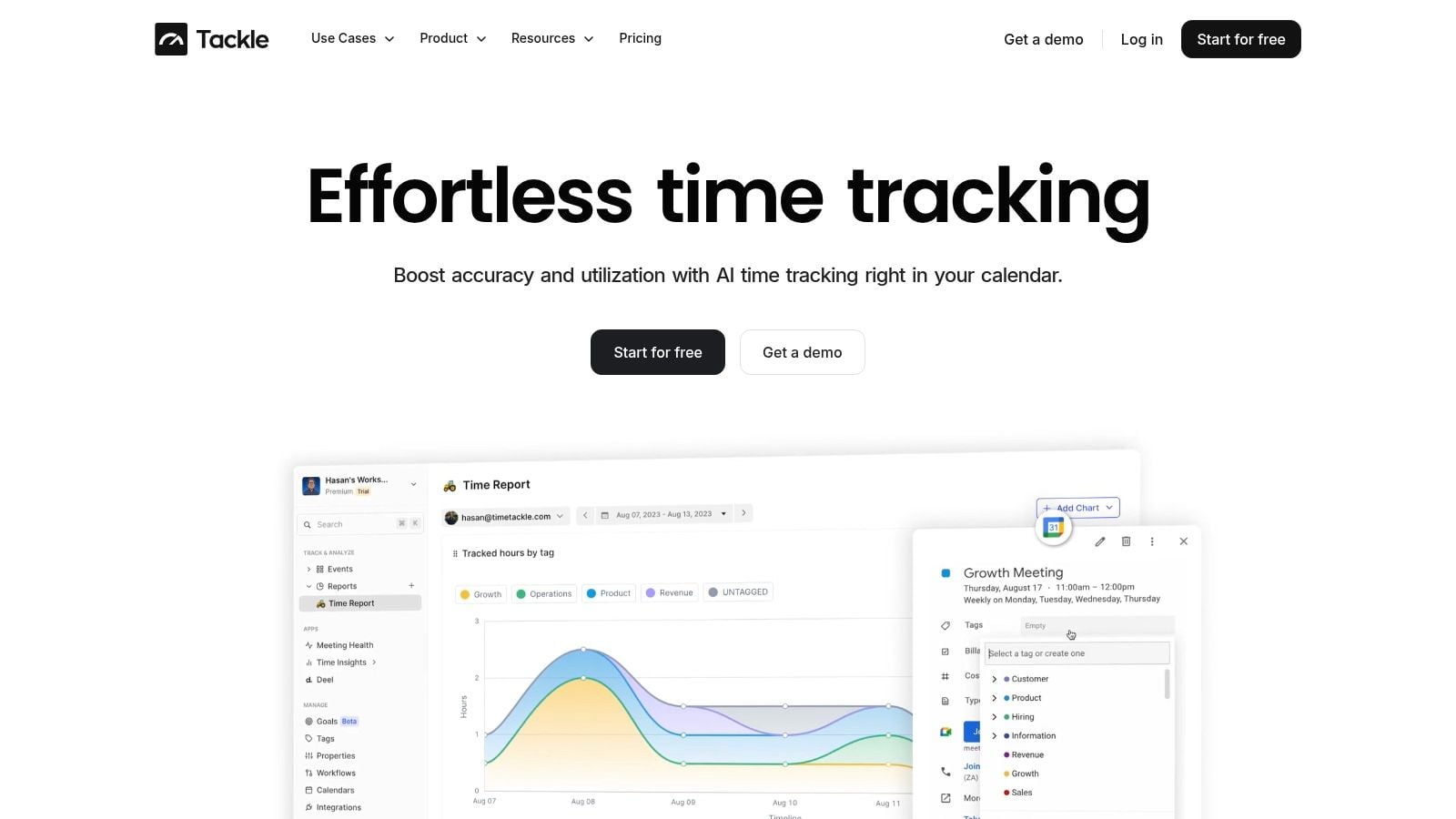
There are a few ways to get time data into the sheet. One option is TimeTackle, which captures calendar activity, lets teams tag work by client and project, and exports or syncs that data into Google Sheets. The point isn't the brand. The point is to stop retyping labor data by hand and make time visible inside the same model as revenue and expenses.
If labor lives outside the P&L, agency margin is always partly a guess.
Essential formulas and visualizing your financial health
Most bad P&L sheets don't fail because the math is hard. They fail because the logic is fragile.
The safer build pattern is to import transactions into a staging tab, summarize them with pivot tables, and then link the clean summary into the final statement. Simular's guide recommends that workflow because it separates ingestion from presentation and makes reconciliation easier. It also recommends a checks section, which matters because a study of real-world spreadsheets found 94% contained formula errors (Simular).
The formulas worth using
You don't need a huge formula library. You need a few formulas used carefully.
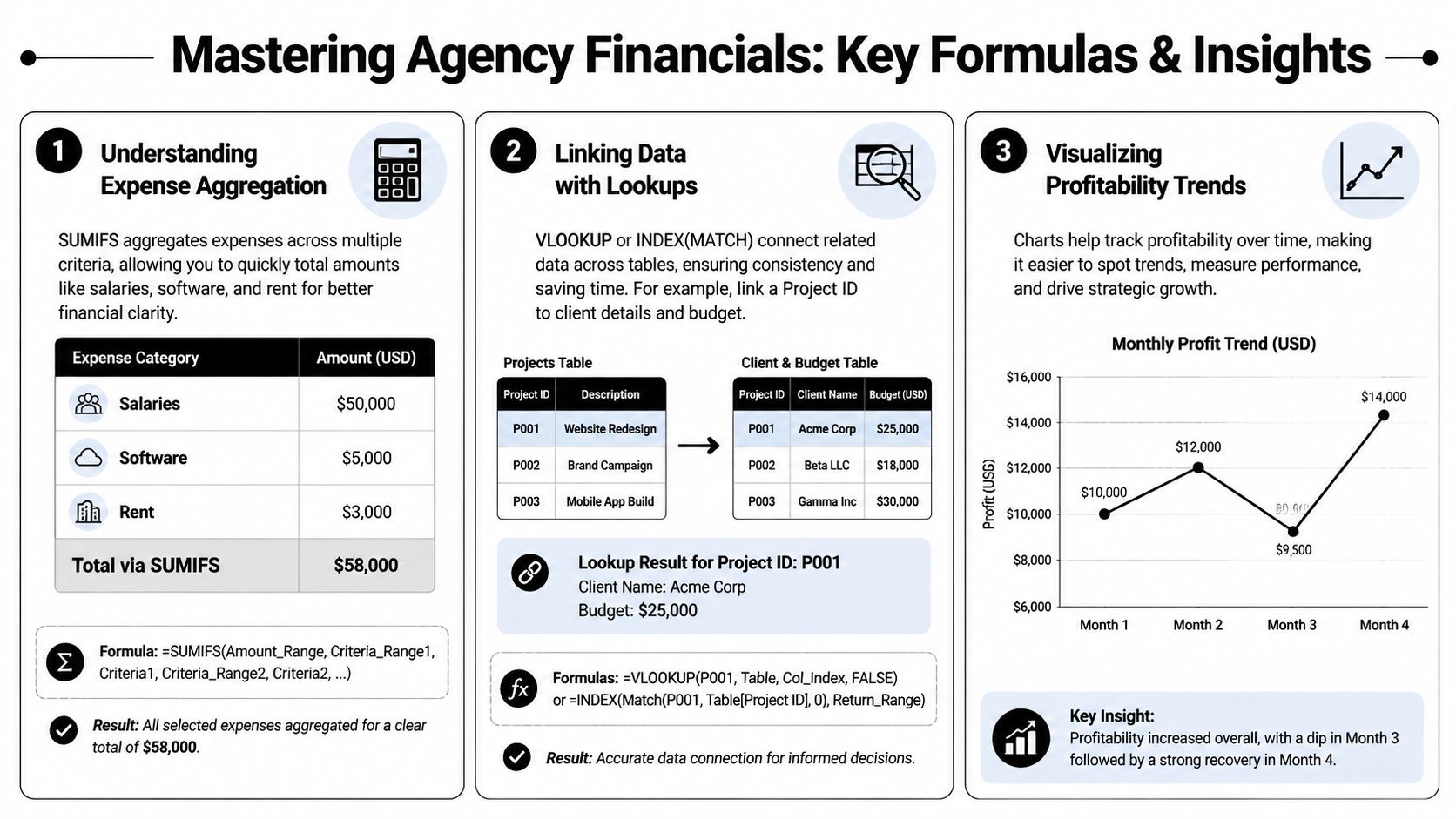
- SUMIFS pulls totals by month, client, category, or service line. This is the workhorse for revenue, labor, and expense rollups.
- INDEX with MATCH is safer than hard-coded references when you need to pull project or account data from another tab.
- Pivot tables do the heavy lifting for grouped summaries, especially when your raw time or transaction data changes often.
- IF and conditional formatting flag broken assumptions, mismatched labels, and missing inputs.
I'd avoid stuffing all business logic into one giant nested formula. That usually works until someone inserts a column, renames a category, or pastes values over a formula range.
The checks tab is not optional
A checks tab should sit near the front of the workbook, not hidden at the back. It should answer one question fast: can I trust this month's output?
Useful checks include:
- Bank balance check: Compare source totals to imported financial totals
- Direct labor check: Compare total imported labor cost to summarized labor in the statement
- Revenue mapping check: Flag any revenue lines with missing client or service tags
- Project ID check: Catch time entries that won't match your profitability tables
“Treat the sheet like a control system, not a calculator.”
That's the mindset that keeps an agency spreadsheet usable after the person who built it goes on vacation.
Show trends leaders can read fast
Once your formulas are stable, add a simple dashboard. Not a decorative one. A decision-making one.
I'd chart:
- Monthly revenue versus total expenses
- Monthly net income
- Revenue by service line
- Labor cost by client or team
- Client concentration
If you want more detail, use pivots instead of more charts. A CFO may want the summary. A delivery lead usually wants the pivot that explains why the summary moved.
How to automate reporting and future-proof your P&L
Manual updates don't just waste time. They create risk.
A lot of Google Sheets P&L tutorials still stop at the point where the math works once. They don't deal with what happens in month four, quarter three, or the start of a new fiscal year. That's why so many teams end up duplicating tabs, patching formulas, or manually replacing year references. One tutorial even shows users using Find/Replace to roll year-specific references forward, which tells you maintenance is still being handled as a workaround instead of a design choice (YouTube walkthrough).
What breaks first
The weak spots usually look familiar:
- Hard-coded month references that fail at year-end
- Copied tabs that drift away from the original logic
- Edited formulas that nobody notices until reporting day
- Mismatched labels across finance, PM, and time data
- Manual exports that arrive late or in different formats
Those problems don't show up when you build the sheet. They show up when you try to keep it running.
Build for recurring refresh, not one-time setup
The long-term fix is simple in concept and annoying in practice. Standardize the inputs, lock the logic, and automate the feed where you can.
That means:
- Keep raw imports in dedicated tabs.
- Keep summary tabs formula-driven and protected.
- Use stable naming conventions for months, clients, and projects.
- Refresh time and project data on a set cadence.
- Review the checks tab before you publish anything.
For operations leaders trying to reduce spreadsheet maintenance, this overview of automated reporting software is a good way to think about where manual reporting starts to become a liability.
Why automation is the only durable answer
At some point, your issue isn't reporting skill. It's system design. If your agency relies on labor data but updates it by hand, the model will drift. People forget exports, rename fields, or patch exceptions in ways the sheet can't absorb cleanly.
That's also why a lot of teams are looking more broadly at workflow automation and AI-assisted operations. If you want that wider context, Iwo Szapar's guide to AI adoption is a useful read because it frames automation as a practical operating choice, not a buzzword.
A future-proof agency P&L isn't the fanciest spreadsheet. It's the one that still works every month without heroics from ops or finance.
If your agency is tired of chasing timesheets, patching exports, and arguing over margin after the month closes, take a look at TimeTackle. It gives teams a way to capture calendar-based work, tag it by client and project, and move that data into reporting workflows so your Google Sheets model reflects how the business runs.


