


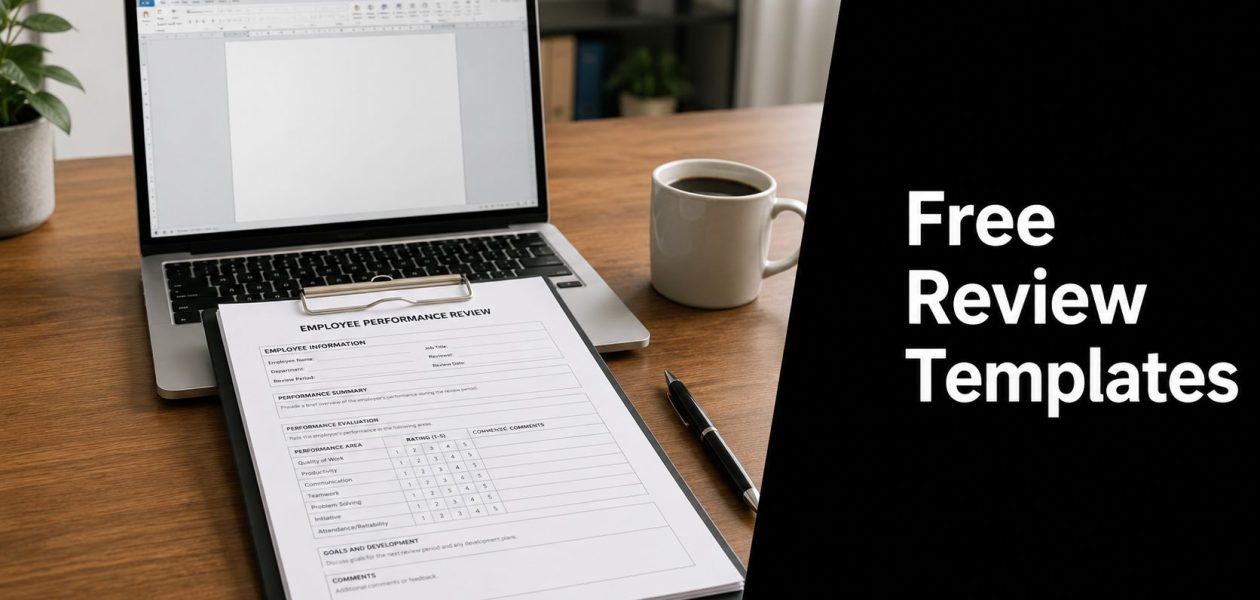
Another review cycle is here. You're digging through old docs, trying to remember what someone did in March, and chasing peers for feedback they should've sent last week. That process wastes time, and it usually feels unfair to the employee because memory is a bad system for judging a year of work.
A good template fixes more than formatting. It gives you a shared structure, a consistent rating scale, and a place to capture examples before they disappear. Best practice is pretty clear on that point. Standardized reviews often use a 1 to 4 scale where 1 is unsatisfactory, 2 means improvement is needed, 3 meets expectations, and 4 exceeds expectations, and each major rating or comment should tie back to at least one specific example, as noted in Sage's guide to performance review templates.
The better templates also make room for self-evaluation, goals, accomplishments, and growth areas across the full review period, which is why they tend to produce fairer conversations than a blank page. If you're hiring while tightening your review process, it also helps to look at how stronger job specs are written, like this HiredBySkill job opening.
Here are ten free options worth using, plus the trade-offs that matter when you pick one.
1. Asana performance review template
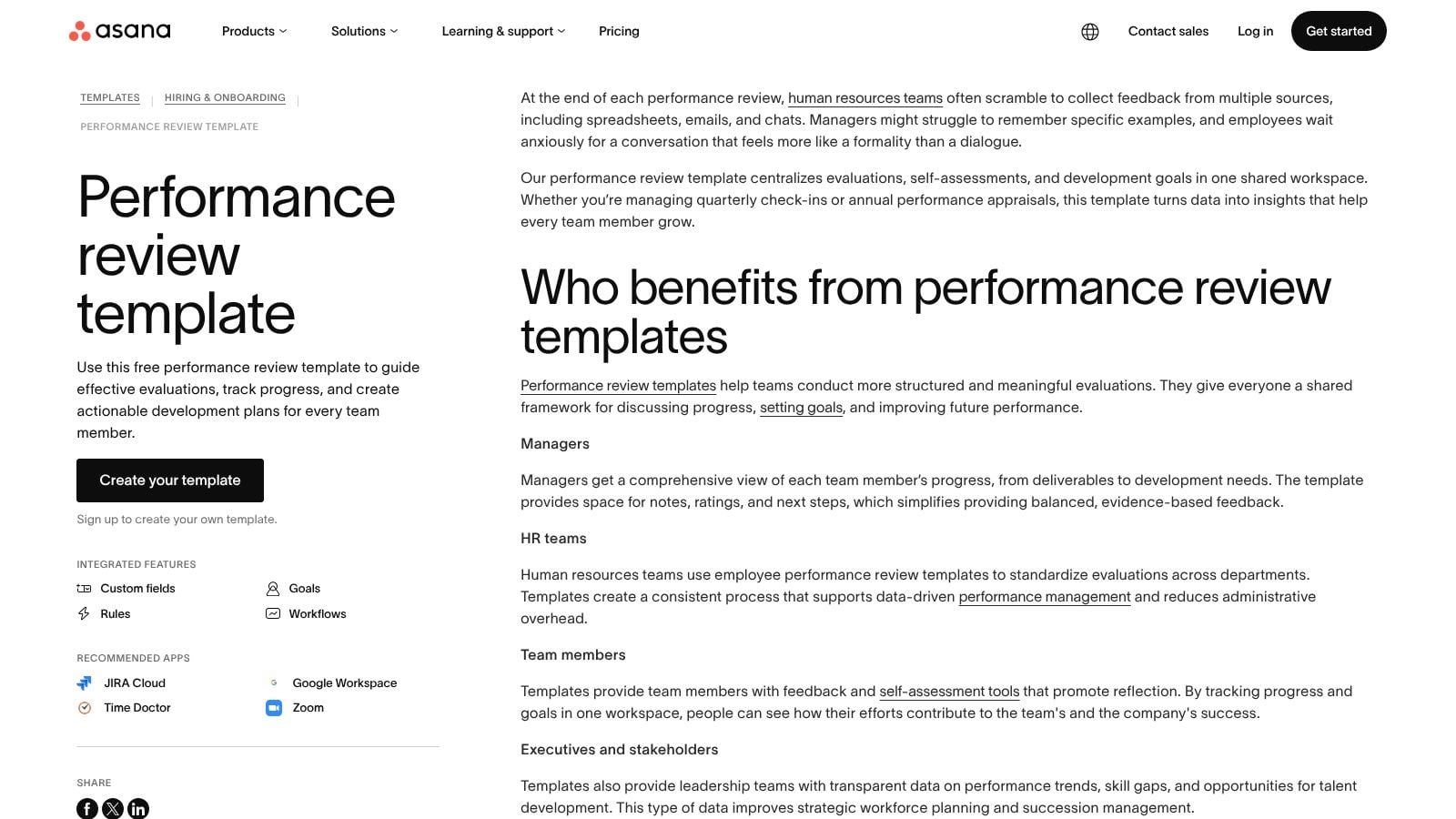
If your team already lives in Asana, this is one of the easiest ways to stop treating reviews like detached HR paperwork. The Asana performance review template works well when you want the review itself to sit inside the same system where work, deadlines, and follow-ups already happen.
That matters because reviews often fail in the handoff. A manager writes notes, the employee signs off, and the development actions vanish into a folder. Asana avoids that by letting you turn review outcomes into tracked work.
Where Asana works best
You get a centralized review project with fields, workflow steps, and room for self-review, manager feedback, goals, and follow-up actions. Asana also offers a downloadable PDF version, so you can still use the structure even if not everyone wants to complete the review in-app.
I like this option for quarterly reviews in operating teams because it creates an audit trail without much extra work. You can see what was discussed, what changed, and whether development actions were completed.
- Best fit: Teams already running projects, goals, or one-on-ones in Asana.
- Why it works: Reviews don't sit apart from the work. They connect to real tasks and next steps.
- Main limitation: If you want deep HR workflows, calibration, or compensation planning, Asana won't replace a dedicated people platform.
- Practical note: The in-app version is much better than the PDF alone. The PDF is fine, but the workflow provides the main value.
Reviews should create actions, not just documents. Asana is good at that part.
2. Lattice 360 performance review template
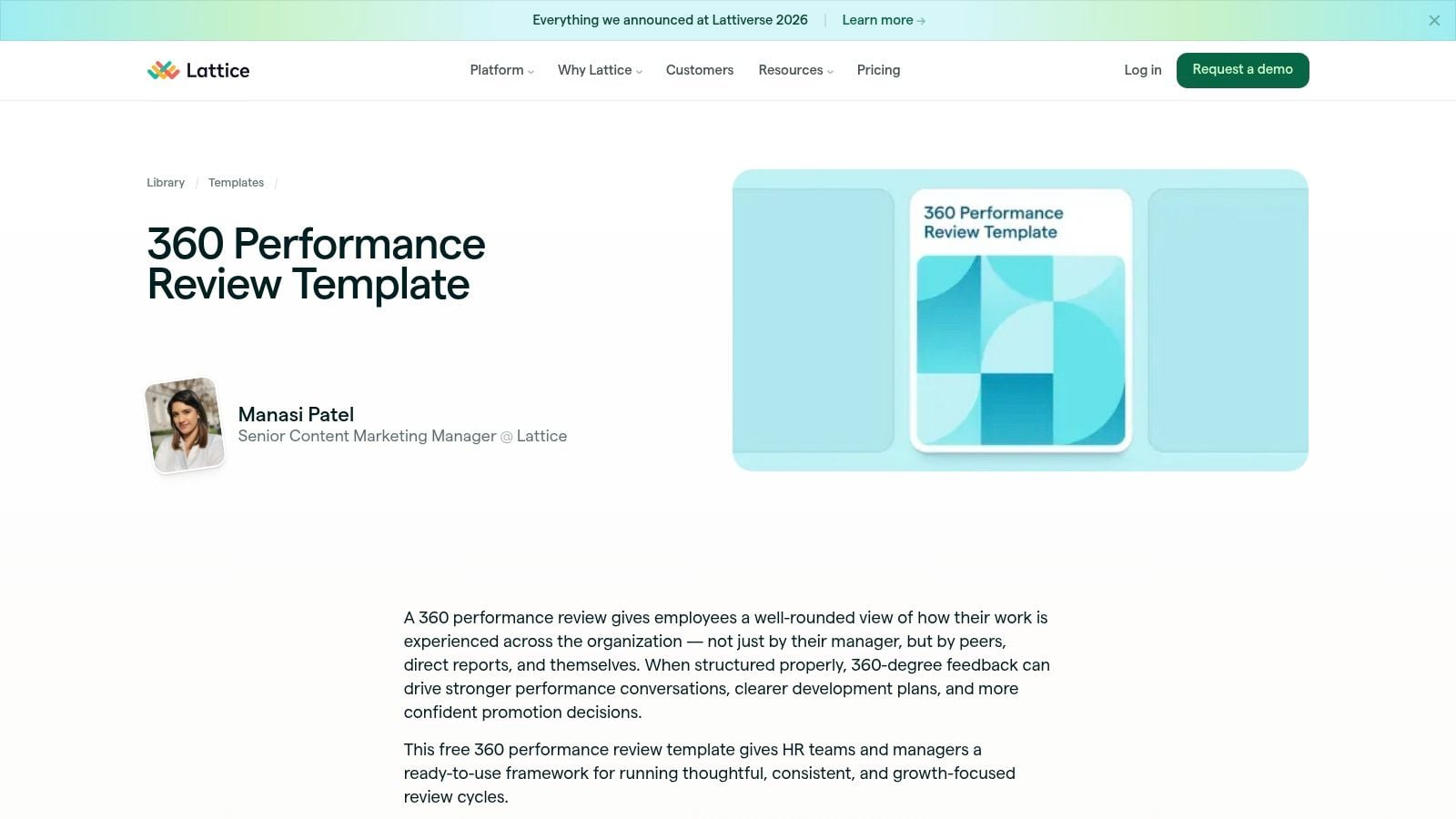
A manager rates a team lead highly, but peers describe missed handoffs and direct reports mention weak coaching. That gap is exactly why a 360 format matters. If you're reviewing people whose impact shows up across teams, the Lattice 360 performance review template gives you a better frame than a standard top-down review.
Lattice is strongest when one person's performance cannot be judged cleanly by output alone. That includes managers, project leads, client-facing roles, and anyone who relies on influence, coordination, and communication to get results. The template covers self-review, peer feedback, upward feedback, and manager input, which helps you compare patterns instead of overreacting to one opinion.
That wider view comes with a cost.
A 360 review takes more setup, more follow-up, and more discipline in question design. If every rater gets the same vague prompts, you collect a lot of text and very little signal. The better approach is to ask each group what they are positioned to observe. Peers can speak to collaboration and reliability. Direct reports can speak to coaching and clarity. Managers can assess scope, judgment, and outcomes.
I've found this format works best when you anchor it to observable work. For agency, consulting, and cross-functional teams, that often means adding objective context from tools people already use. A calendar audit for Q4 reviews can help managers test feedback against real patterns like client load, meeting ownership, skip-level time, and cross-team coordination.
- Best fit: Team leads, managers, and highly collaborative roles
- Why it works: You get multi-rater input that exposes blind spots a manager-only review will miss
- Main limitation: The process can become heavy fast if you ask too many people for long-form feedback
- Practical note: Keep the form focused. Fewer, sharper questions usually produce better input than a long template full of generic competencies
Used well, Lattice helps teams judge influence, leadership, and collaboration with more fairness. Used poorly, it turns into a paperwork exercise. The template is good. The review design matters more.
3. HubSpot free performance evaluation templates
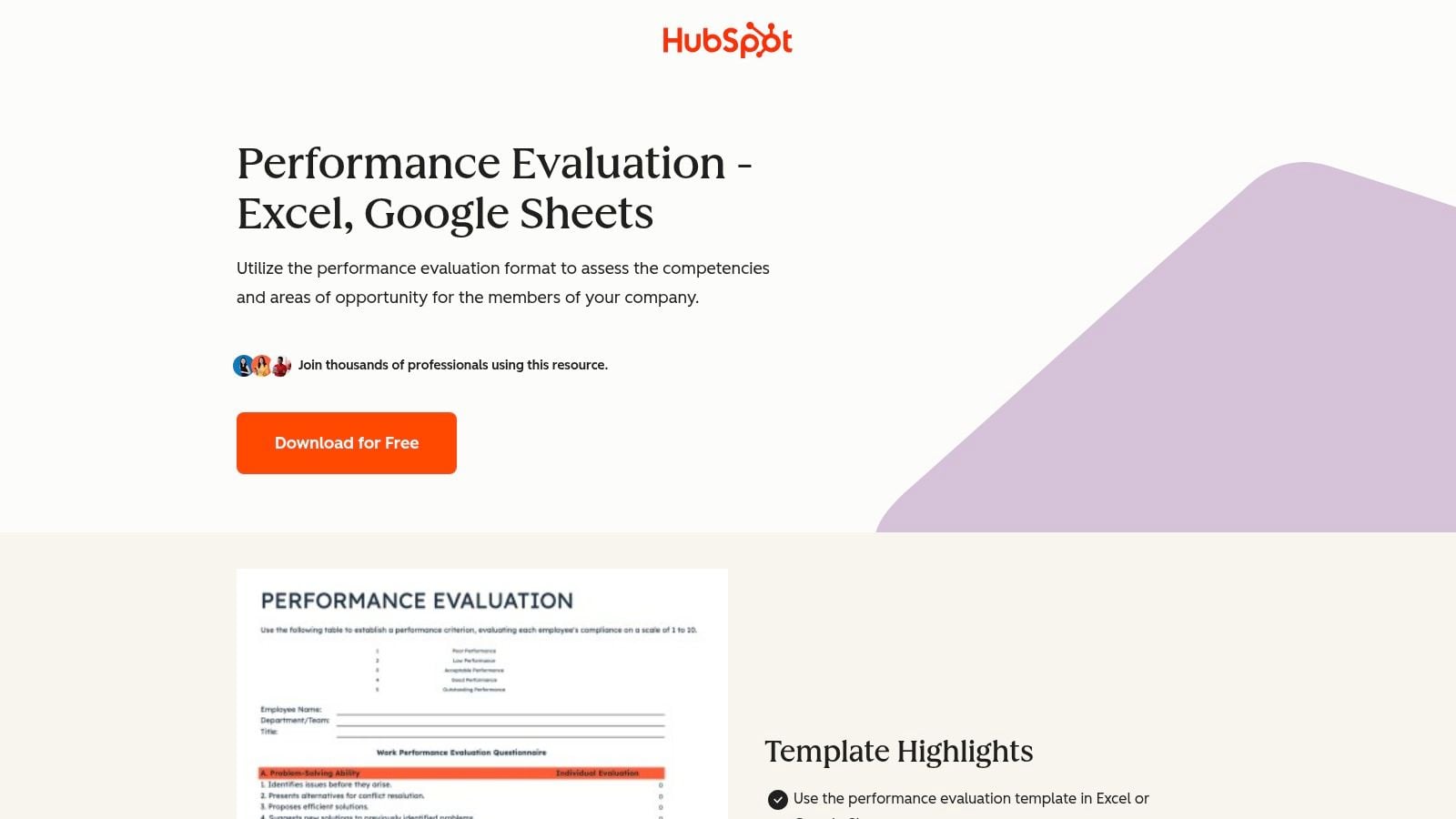
HubSpot's set is for teams that want to move fast and keep the process familiar. The HubSpot performance evaluation templates come in Word and Google Sheets formats, which means managers can start editing right away instead of learning a new tool.
That sounds basic, but low friction matters. A template nobody fills out properly is worse than a plain one people use.
Why simple formats still win
These templates cover goals, competencies, ratings, and development planning in formats most office teams already know. If you need a quick launch for a small or mid-sized company, Word and Sheets are often enough.
The weakness is obvious too. You don't get workflow, reminders, built-in peer collection, or audit history unless you build that yourself. So HubSpot is a good document set, not a review system.
Practical rule: If your managers still avoid reviews, choose the format they'll actually complete. Word beats a fancy platform that nobody opens.
This choice makes sense when HR needs a clean starting point and doesn't want software procurement to delay the cycle.
4. Smartsheet performance review templates
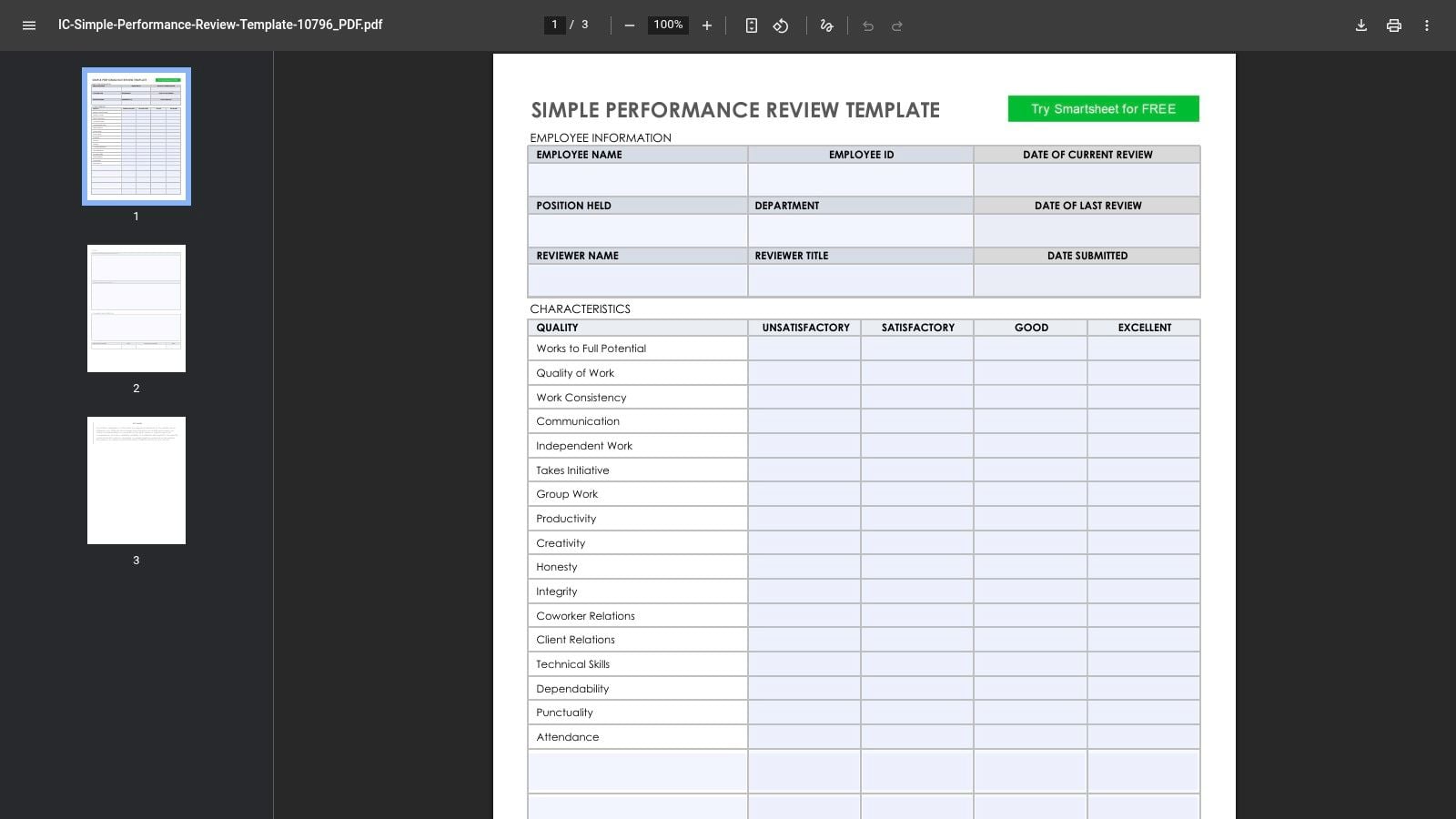
A common review problem shows up after HR picks a template that looks thorough. Managers open it, see five rating blocks, long comment fields, and extra competency sections, then rush through it the night before the deadline. Smartsheet avoids some of that failure mode.
The simple performance review template from Smartsheet works well for teams that need a form managers can finish without a training session. It is short, readable, and easy to pilot with one function before you standardize the process across the company.
That simplicity is the value.
Smartsheet offers versions in common file types, which helps if different stakeholders work differently. HR may want a controlled document. Finance may prefer a spreadsheet. A department head may just want a PDF they can mark up in a one-on-one. That flexibility makes Smartsheet a practical fit when you are still deciding how formal your review process needs to be.
The trade-off is depth. These templates handle goals, achievements, and ratings well, but they do not give you much role context out of the box. If your team includes engineers, designers, customer success managers, and operations staff, you will need to rewrite sections so each role is judged on work that matters.
This is also where teams should go beyond the form itself. A better review uses objective signals alongside manager judgment. Before choosing a document-only process, compare it with employee performance appraising tools that support a fuller review workflow. In practice, I would use a Smartsheet template as the review shell, then add evidence from the systems your team already uses, such as completed goals, project delivery, customer outcomes, and calendar patterns that show load, focus time, or meeting intensity.
Use Smartsheet if you need a clean starting point, a pilot format, or a company-wide baseline that managers will readily complete. Plan on customizing it if your roles differ a lot or if you want reviews to reflect more than general traits and end-of-period memory.
5. Workable free employee performance review templates and examples
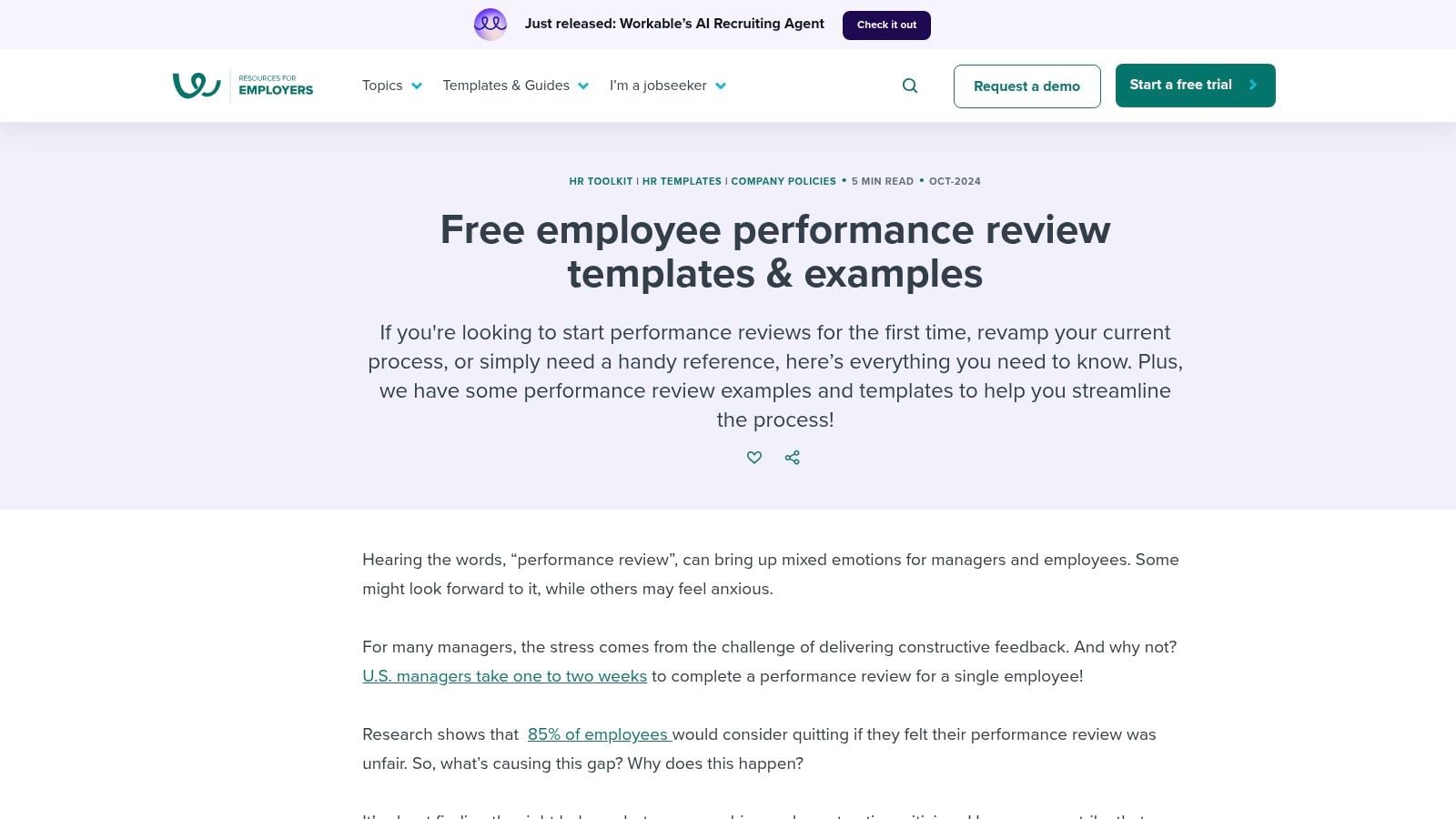
Workable is less about polished files and more about giving managers language they can effectively use. The Workable review templates and examples are helpful when your real problem isn't the form. It's the fact that managers don't know how to write balanced feedback.
That's common. A lot of review forms look fine until someone has to fill in the comments.
Best use for Workable
You get multiple styles, phrasing examples, and guidance around cadence and fairness, which helps if you're rebuilding your process from scratch. This is a practical resource for standardizing tone across departments so one manager doesn't write two vague lines while another writes a full page.
For teams moving beyond static documents, it also helps to see what stronger review tooling looks like alongside templates. This roundup of employee performance appraising tools is useful if you're comparing documents versus systems.
The downside is format. Some of the content lives mainly on web pages, so you may end up copying sections into your own doc pack. That's fine for HR teams that want to customize, but less ideal if you want a ready-to-send file today.
Good review writing is a management skill, not a form feature. Workable helps with the writing part.
6. Indeed performance review templates including 90-day
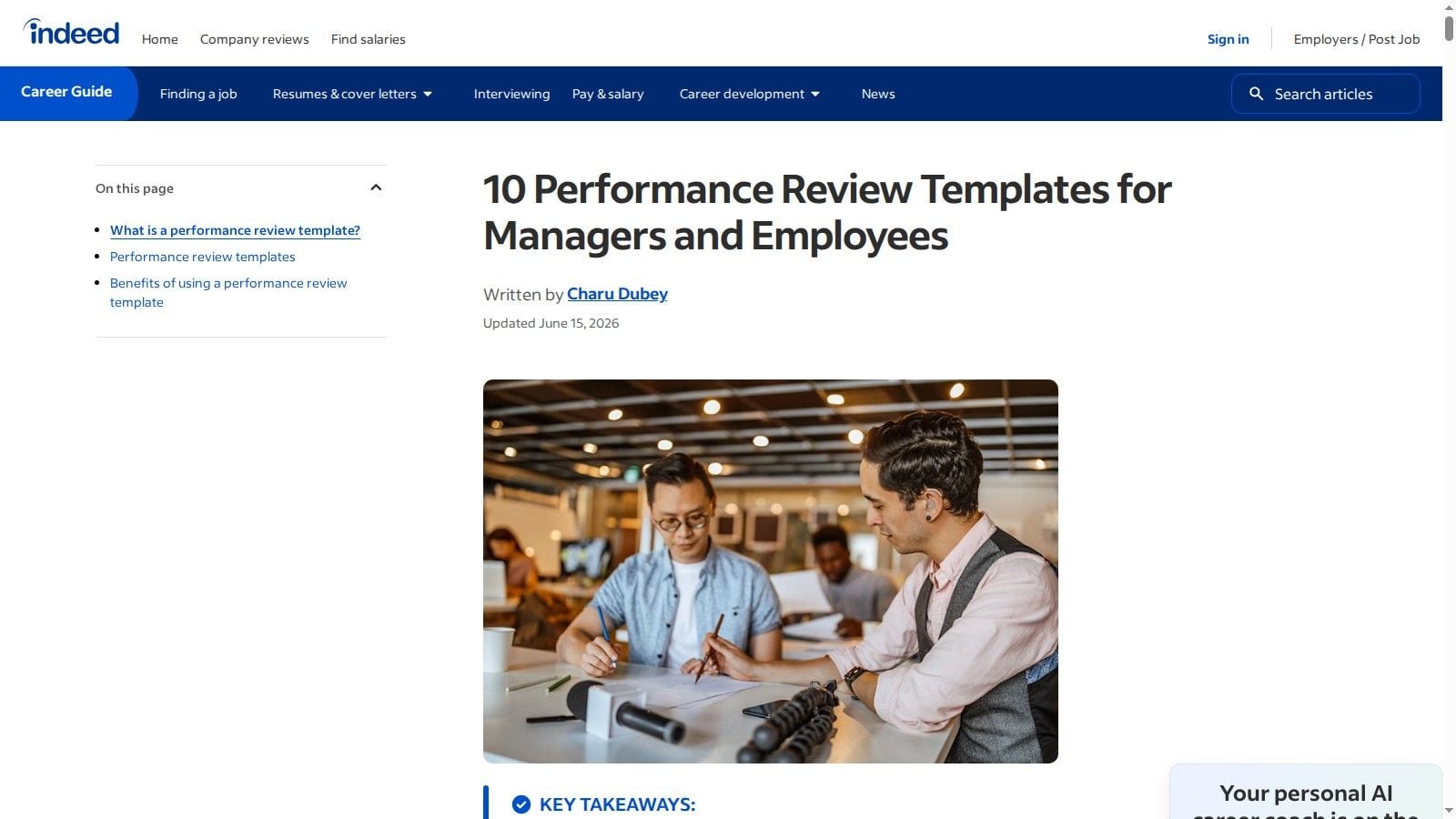
Indeed gives managers variety, which is useful when one template won't fit every stage of employment. The Indeed performance review templates include patterns for general reviews and a dedicated 90-day option, so they're especially handy for onboarding and early check-ins.
That early review window often gets ignored, which is a mistake. New hires need feedback before habits harden.
Where Indeed is strongest
Indeed suggests evaluating employees on four core factors: ability to accomplish responsibilities, goal achievements, suggested areas for improvement, and demonstration of core values, with ratings like excellent, good, satisfactory, fair, or poor, as outlined in its performance review template guide. That framework is straightforward enough for non-HR managers to use without much training.
I'd pick Indeed if you need flexible patterns for managers who are still learning how to run reviews. The wording is accessible, and the 90-day format is a solid way to check fit, expectations, and support needs early.
The trade-off is consistency across the pack. Since the templates live across articles and downloads, you'll probably need to consolidate them into one company version before rollout.
7. ClickUp performance review templates
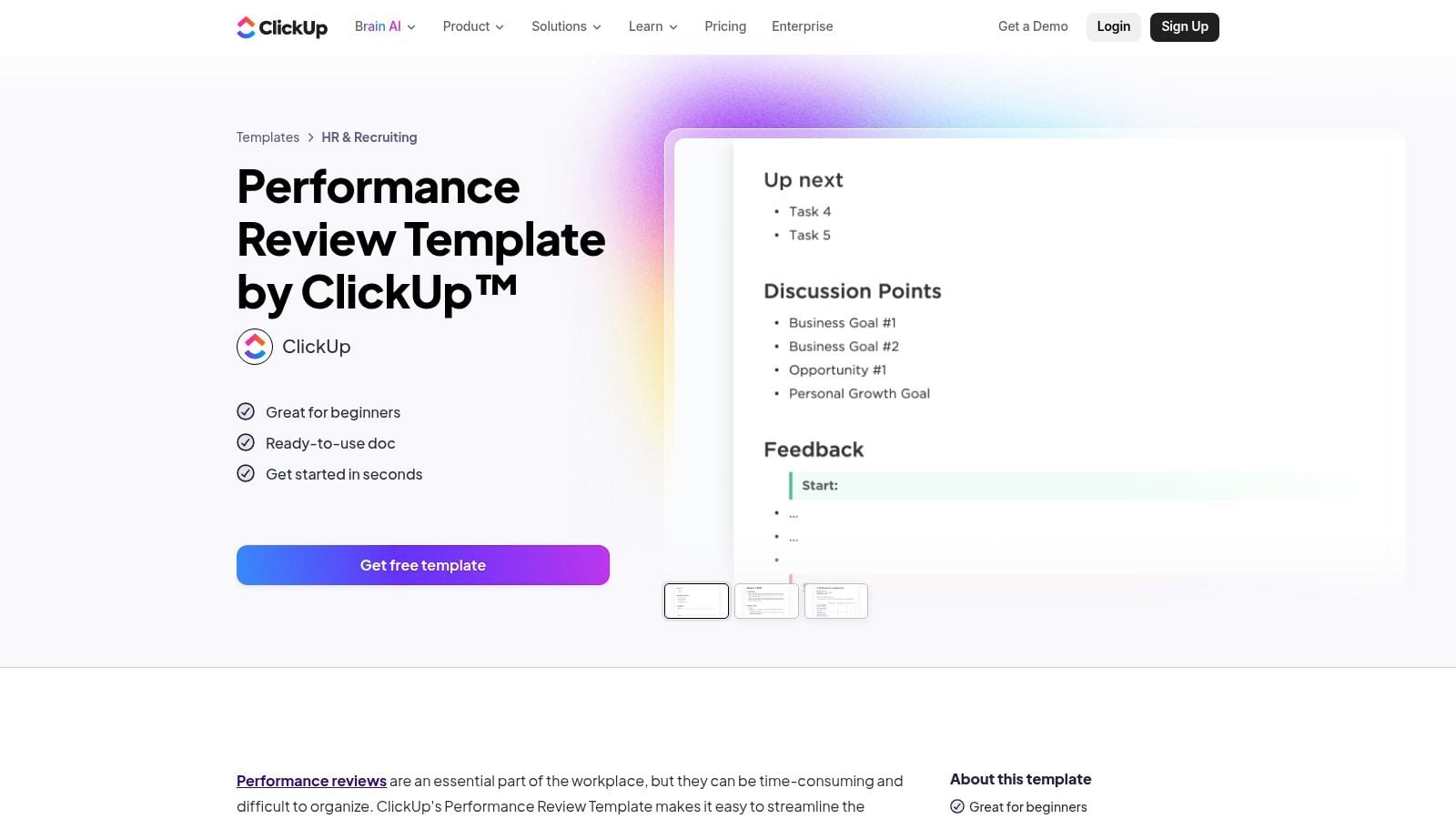
ClickUp sits in a similar lane to Asana, but with a slightly stronger tilt toward custom workflows for teams already using the platform heavily. The ClickUp performance review template works best when goals, tasks, and follow-up actions already live in ClickUp.
That gives you one big advantage. Review outcomes can turn into tracked work without switching systems.
Why ops-heavy teams like it
The in-app template supports structured sections for goals, ratings, and 360 notes, while custom fields and statuses make it easier to track where each review sits. There's also a Google Docs version for teams that want the structure without the platform.
This is useful for operations leaders who want accountability after the meeting. If the review says someone needs to improve project handoff quality or client communication, ClickUp can turn that into a task, owner, due date, and check-in.
The drawback is weight. If all you need is a printable one-page form, ClickUp is more system than document. It's better for teams that already work there every day.
- Best fit: Teams managing goals and projects inside ClickUp already.
- Real benefit: Follow-up work stays visible.
- Not ideal for: Small teams that only need a lightweight annual form.
8. Miro performance review template
Miro performance review template
Miro is the odd one out here, and that's why it earns a spot. Most free templates assume reviews should look like forms. Miro treats them more like a working session, which is better for remote or hybrid teams that need a shared space to talk through context.
If your reviews usually feel stiff, visual collaboration can loosen that up without making the process vague.
When a whiteboard beats a form
Miro lets managers and employees map achievements, gaps, goals, and evidence on a shared canvas. You can attach files, links, and notes right next to each topic, which makes the conversation feel closer to a project retro than a compliance exercise.
That format won't suit every company. HR teams that need strict fields or HRIS imports may find it messy. But for creative, product, and cross-functional groups, a workshop-style review often surfaces better discussion than a rigid document.
A template like this works best when the meeting itself matters more than the archive. You can still export the outcome later, but the value is the live conversation.
Some teams don't need a prettier form. They need a better conversation.
9. BambooHR performance scorecard template
BambooHR's performance scorecard template is one of the better options when your team has a drift problem. Different managers rate the same level of performance differently, then calibration meetings turn into debates about what “good” means.
A scorecard won't solve every bias issue, but it gives people a common frame.
Best as a companion, not the whole review
This template works well for competency scoring, development actions, and roll-up discussions. I wouldn't use it alone for a full review, though. Scoring without narrative tends to flatten the complete picture, especially for roles where impact depends on judgment, collaboration, and client handling.
That matters even more in agency and consulting teams, where performance often ties to throughput, client load, and efficiency. If you're defining role metrics, this guide to employee key performance indicators is a useful companion.
Trainery HCM recommends substantive written feedback alongside ratings, with roughly 300 to 600 words for individual contributors and 500 to 900 words for managers and senior roles in its guide to performance review templates. BambooHR makes the scoring part easier, but you still need the written context.
- Use it for: Calibration, consistency, roll-ups.
- Don't rely on it for: Full narrative feedback.
- Smart combo: Pair the scorecard with a self-assessment and a manager comment form.
10. Forbes Advisor free performance review PDF
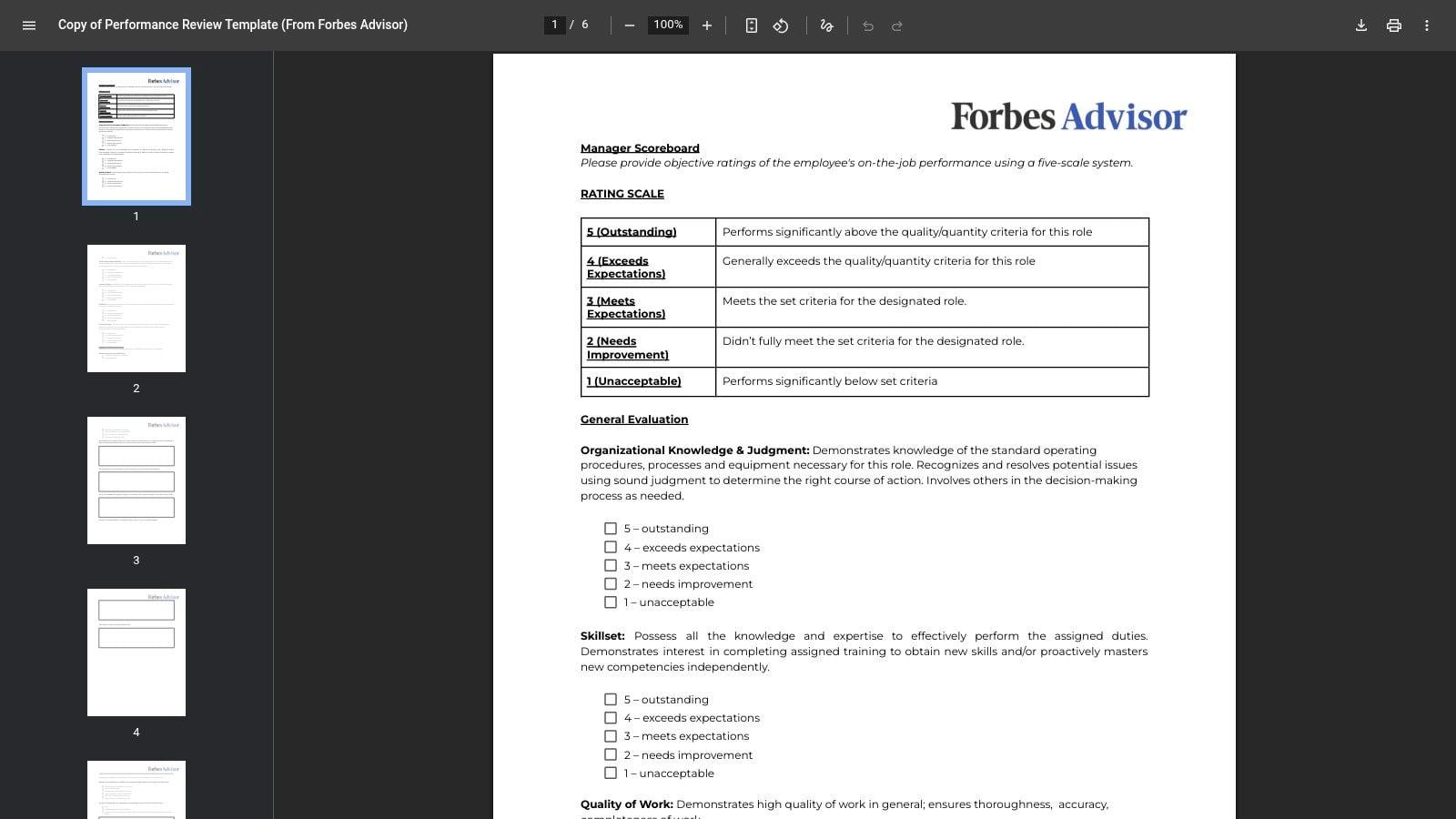
Sometimes you just need a clean form today. The Forbes Advisor performance review PDF is a strong last-mile option for that situation.
It's printable, clear, and professional enough to send without much cleanup. For a small business or a manager handling a handful of reviews, that may be all you need.
Why this is the fastest option
The layout includes core competencies, manager comments, and a self-assessment page, so it covers the basics in a familiar format. It's good for teams that don't want to overthink the process and need something that looks credible right away.
The limitation is the same one you get with most PDFs. Collaborative editing is awkward, version control gets messy, and customization takes extra steps. So this is a strong stopgap, but probably not your long-term system if your review cycle keeps growing.
For teams searching “performance review template free” because they need a ready-now document, Forbes Advisor is one of the fastest sensible choices.
Top 10 Free Performance Review Template Comparison
| Template | Core Features ✨ | UX & Quality ★ | Price & Value 💰 | Target Audience 👥 | Best Use / Unique Selling Point 🏆 |
|---|---|---|---|---|---|
| Asana, Performance Review Template | Auditable review project, custom fields, rules, downloadable PDF | ★★★★ Integrated workflows tied to projects | 💰 Free template (Asana account required) | 👥 Teams already in Asana, managers needing history | 🏆 Auditable, workflow‑linked reviews |
| Lattice, 360 Performance Review Template | 360° multi‑rater PDF, competency prompts, tips for cycles | ★★★★★ Structured, people‑science design | 💰 Free PDF (standalone) | 👥 HR teams running formal multi‑rater reviews | 🏆 Best for comprehensive 360 feedback |
| HubSpot, Free Performance Evaluation Templates | Editable Word & Google Sheets, goals, competencies | ★★★★ Familiar office formats, low friction | 💰 Free downloads; quick adoption | 👥 Managers wanting simple, editable forms | 🏆 Fast adoption via common formats |
| Smartsheet, Performance Review Templates | Printable PDFs/Word, simple achievement/goals form | ★★★★ Clear, concise templates for pilots | 💰 Free templates; easy to print or copy | 👥 Teams piloting reviews or preferring simple forms | 🏆 Multiple concise options for quick pilots |
| Workable, Performance Review Templates & Examples | Multiple styles, example phrasing, cadence guidance | ★★★★ Practical guidance, reviewer coaching | 💰 Free web resources (copy/paste) | 👥 Managers designing fair, consistent reviews | 🏆 Strong reviewer language & fairness tips |
| Indeed, Performance Review Templates (incl. 90‑Day) | Library of patterns, 90‑day new‑hire template | ★★★★ Variety for different maturity levels | 💰 Free downloads (spread across articles) | 👥 Hiring/onboarding managers & general managers | 🏆 Broad selection including 90‑day checks |
| ClickUp, Performance Review Templates | In‑app doc, custom fields, link to tasks/goals | ★★★★ Integrates with goals and workflows | 💰 Free in‑app template (ClickUp account) | 👥 Teams using ClickUp linking reviews to work | 🏆 Direct linkage from review to tasks/KPIs |
| Miro, Performance Review Template | Visual whiteboard, drag‑drop sections, attach evidence | ★★★★ Interactive, collaborative for workshops | 💰 Free template (Miro account) | 👥 Remote/hybrid teams favoring visual sessions | 🏆 Best for workshop‑style, evidence‑rich reviews |
| BambooHR, Performance Scorecard Template | Competency framework, consistent rating scale | ★★★★ Useful for calibration and roll‑ups | 💰 Free resource (may require sign‑up) | 👥 HR teams needing consistent scoring | 🏆 Reduces rater drift; ideal for calibration |
| Forbes Advisor, Free Performance Review Template (PDF) | Printable PDF, 1–5 rating scale, self‑assessment | ★★★ Professional, ready‑to‑print layout | 💰 Free PDF; fastest deployable form | 👥 Small/mid‑size teams wanting quick setup | 🏆 Fastest path to a professional printable form |
From template to action: running reviews that matter
It is Friday afternoon, the review is on Monday, and the manager is trying to reconstruct three months of work from memory, Slack threads, and a few project notes. In that situation, even a solid template produces weak feedback. The form is not the problem. The evidence is.
Good review templates create a consistent frame for the conversation. They prompt managers to cover goals, ratings, strengths, development areas, employee input, and next steps, which Atlassian lays out in its guide to performance review templates. Paycor makes a second point I agree with from experience in its article on performance review best practices. Send questions ahead of time, have employees write their reflections first, and use the meeting to discuss gaps, priorities, and support, not to surprise them.
That still leaves a practical problem for service businesses. Many free templates are built for general use, but they do not help much when performance depends on client load, meeting volume, utilization, internal coordination, and time spent across several accounts. TalentHR calls out that gap in its discussion of the performance review template gap for services teams.
Managers need a way to add operating context.
Calendar data is one of the simplest sources to use because teams already produce it as they work. Instead of writing “Good work this quarter,” a manager can review time records, project patterns, internal load, and meeting volume, then discuss what filled the employee's week and whether that matched team priorities. Used well, this improves accuracy. It also helps separate low output from overloaded schedules, fragmented time, or too much internal admin.
A calendar analytics platform such as TimeTackle can pull in Google or Outlook calendar activity and organize it by project, client, or internal work. For operations leaders who are tired of chasing timesheets, that gives reviews more than opinion. It gives a usable record of where time went. You can spot heavy client delivery periods, recurring meeting drag, and hidden internal work that never shows up in a simple rating box.
The broader software market supports that shift. Analysts at Business Research Insights report that the performance appraisal software market reached USD $3.61 billion in 2024 and is projected to reach USD $16.13 billion by 2033, with 74% global utilization and an 18.1% CAGR from 2025 to 2033. Static templates are still useful, but many teams now expect reviews to include cleaner records, better tracking, and less guesswork.
Choose the free template that matches your team's review style now. Then add evidence from the systems your team already uses. For agencies, consultancies, and other service teams, the calendar is often the missing layer that turns a generic review form into a fairer conversation and a sharper action plan.
If your team is tired of chasing timesheets and writing reviews from memory, TimeTackle is worth a look. It turns calendar activity into usable performance context, so managers can review work with facts, not guesswork, and operations leaders can connect effort, utilization, and reporting into one cleaner view.


