


Friday, 4:30 p.m. A manager is slacking the team for missing hours, account leads are guessing how much time went into client work, and finance still cannot answer a simple question about margin by project. By Monday, everyone has submitted something, but much of it is rebuilt from memory. That is how bad data gets into billing, resourcing, and project planning.
The core problem is usually not effort. It is workflow design.
Timer-first systems ask people to stop what they are doing, start a clock, stop it again, pick the right project code, and repeat that all week. That falls apart in real environments where work moves between meetings, quick reviews, client calls, internal admin, and short bursts of execution. The result is timesheet fatigue, late entries, and reporting that looks precise on paper but is too patchy to trust.
Better project time management tools reduce manual reconstruction. They pull from calendars, connect with task and project systems, route approvals, and turn raw activity into usable operating data. That shift matters because weak task management practices create real delivery problems, as noted in Atlassian's task management statistics roundup. The goal is not just to record hours. It is to understand where capacity goes, which work is profitable, and where delivery friction keeps showing up.
That is why tools like TimeTackle are getting attention. Calendar-based capture, automation rules, and cleaner categorization give teams a better shot at accurate time data without constant chasing.
If you also need the finance side of the picture, this guide on how agencies track time and profit is worth reading alongside this list.
1. TimeTackle
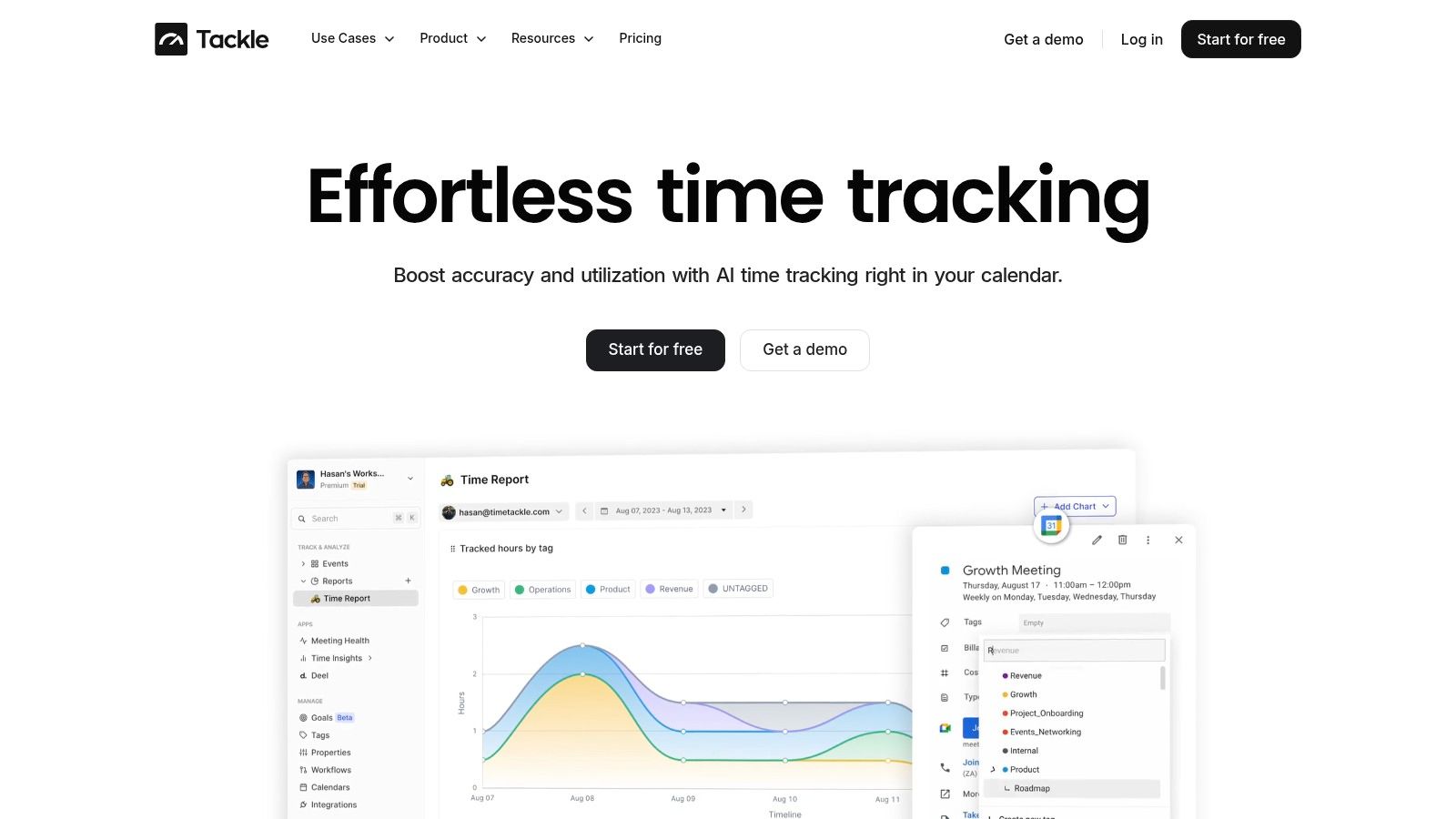
TimeTackle is the most interesting option here if your real problem isn’t “how do we start timers?” but “how do we get reliable data without chasing people every Friday?”
It’s calendar-first, which changes the workflow in a useful way. Instead of asking people to reconstruct their week from scratch, it pulls activity from Google or Outlook calendars, connects with CRMs, and turns that into structured time data. For agency teams, client services, consultants, and other meeting-heavy groups, that removes a lot of the friction that makes timesheets sloppy in the first place.
Why it works well in practice
The best part is the combination of automatic capture and cleanup. Teams can apply tags, custom properties, and rules so recurring work gets categorized consistently. That means less manual entry, but it also means cleaner reporting later when someone asks for utilization by client, project, or opportunity.
The reporting side is stronger than what you get from a simple timer app. TimeTackle gives you dashboards, calendar analytics, flexible filters, exports, API access, Google Sheets sync, and data warehouse sync. If your finance or ops team wants to go deeper, they can.
Practical rule: If your team already lives in calendars, start with a calendar-based system. Don’t force everyone back into manual logging unless you enjoy fixing bad data.
There’s also a real business case for this shift. Standard coverage of time tools tends to focus on manual timers and task logs, while calendar-centric automatic capture is still undercovered, even though that’s often what teams need most to reduce reporting friction, according to this review of gaps in project time management coverage.
Where it can fall short
TimeTackle works best when calendars reflect reality. If people do a lot of unscheduled deep work and never block time, you’ll miss part of the picture unless they add entries or improve scheduling habits. That isn’t a flaw in the product so much as a trade-off of the model.
A second limitation is buying clarity. For larger deployments, pricing and some advanced features are more demo-led than fully self-serve, so teams that want instant public pricing may find that annoying.
What I like most is that it treats time data as operating data, not just payroll input.
- Less manual entry: Calendar and CRM sync reduce the need to remember everything after the fact.
- Better reporting: Filters by client, project, team, and opportunity make the data usable for ops and finance.
- More automation: Rule-based tagging and workflow automation cut repetitive cleanup work.
- Stronger governance: SOC 2 Type II certification and enterprise-grade security matter if time data feeds billing and financial reporting.
If your team hates timesheets but still needs billing integrity and visibility, this is the first tool I’d test.
2. Harvest
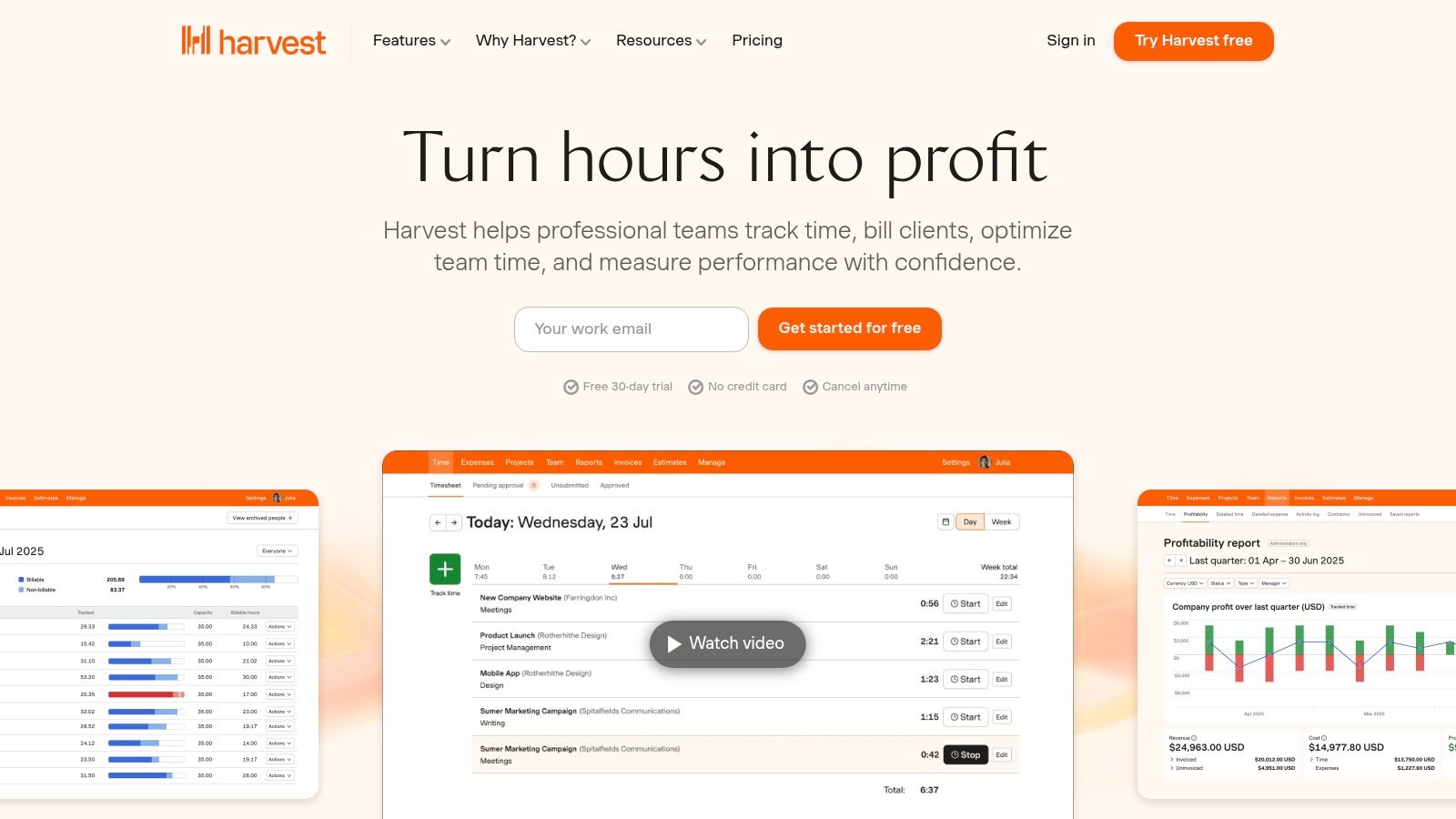
Harvest has been around long enough that most agency operators have either used it or worked with someone who has. That familiarity is part of its appeal. People understand it quickly, which matters because the best system on paper still fails if nobody logs time.
Harvest is strongest when you want a straightforward time-to-invoice workflow. Track hours, watch project budgets, push time into invoices, collect payment, and keep moving. For many client service teams, that’s enough.
Where Harvest earns its place
I’d put Harvest in the “boring in a good way” category. It doesn’t try to be everything. You get timers, timesheets, budget alerts, expense tracking, and invoicing with links to tools like Stripe, QuickBooks, and Xero. For a team that needs to improve billing discipline without a major rollout, that’s attractive.
It’s also a decent fit when finance wants enough reporting to spot issues, but not a full PSA implementation. You can export data and see basic profitability signals without drowning the team in setup work.
Harvest works well when the main job is getting billable hours captured and invoices out the door. It works less well when ops wants deep forecasting, staffing logic, or automatic capture from the flow of work.
The trade-offs
The limits show up once your questions get more operational. Resource planning is light. If you want richer forecasting or advanced staffing, you’ll probably pair it with something else.
Recent pricing changes have also made some teams take a harder look at alternatives, especially if they no longer see Harvest as the cheap, easy default.
A few quick reasons teams still choose it:
- Fast rollout: Timesheets are simple, so training is light.
- Clean billing flow: Time, budgets, expenses, and invoicing sit close together.
- Cross-device support: Web, desktop, and mobile apps make it easy to use.
- Export flexibility: CSV and Excel export help if finance wants separate analysis.
If your agency mostly needs disciplined time capture and invoicing, Harvest still does the job. If you want automation-first reporting or richer resourcing, you may outgrow it.
3. Toggl Track
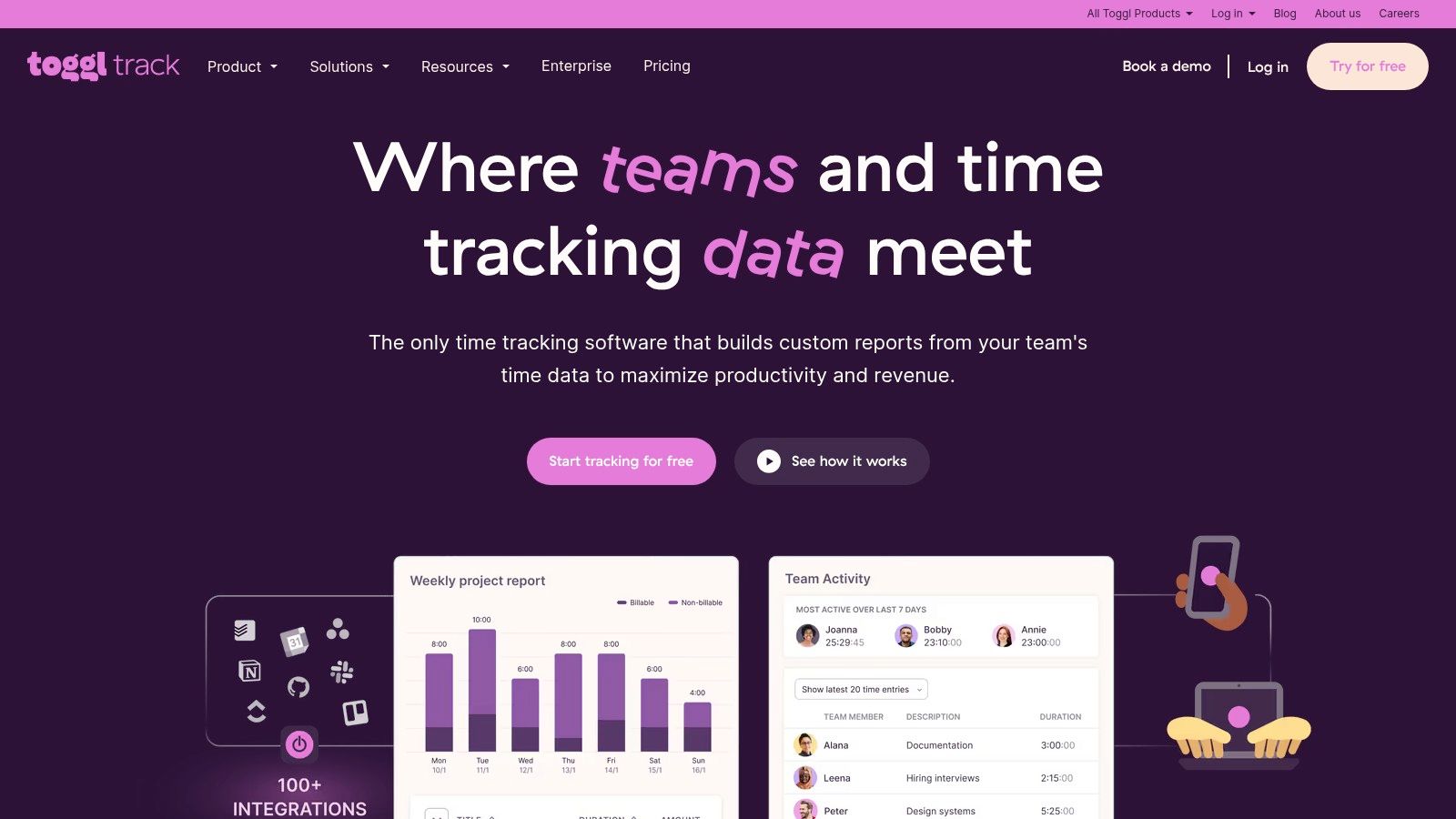
A familiar pattern goes like this: the team agrees to track time, adoption looks fine for a week, then entries get backfilled on Friday from memory. Toggl Track is one of the safer picks when resistance is the underlying problem. It asks for less from users than heavier systems, which usually means cleaner data in the first place.
Toggl Track earns its place by keeping the daily workflow simple. The timer is fast, the interface stays out of the way, and desktop, browser, and mobile apps give people multiple ways to log work without much training.
Best fit for teams that need lighter tracking with some automation
Toggl works well for teams that are past spreadsheets but not ready for a full operations platform. Calendar sync with Google and Outlook helps cut manual entry because people can turn meetings and events into time records instead of rebuilding the day by hand. That will not solve timesheet fatigue on its own, but it reduces one of the biggest sources of friction.
That matters if your goal is not just hour capture, but better visibility into where time goes. Paid plans add reporting for billable rates, project performance, revenue, and profitability, so managers can move from “did people fill in their timesheets?” to “which work is consuming effort without paying back?” That is a meaningful step up from a basic timer.
If you are weighing the two common lightweight options, this Clockify vs. Toggl comparison for time tracking teams is a useful side-by-side look at where each one fits.
Where it starts to show limits
Toggl is strongest as a low-friction tracker with decent reporting. It is less convincing if you want time data to drive a broader business process, such as invoicing, staffing decisions, or automatic capture from calendars and meetings at a deeper level.
The reporting is useful, but it still depends on people logging work with reasonable discipline. If operations wants richer resource planning, more structured approvals, or stronger links between tracked time and delivery margins, Toggl can feel like a halfway point rather than the final system.
A few reasons teams still choose it:
- Fast adoption: Users usually need very little training.
- Calendar integration: Google and Outlook sync reduce manual timesheet work.
- Useful management reporting: Paid plans give visibility into billable time, revenue, and profitability.
- Wide integration range: It connects with many project, collaboration, and finance tools.
Toggl Track is a good fit when the first win is getting consistent time data without creating a revolt. If you also want automation, calendar-driven capture, and stronger operational insight, it can be a solid starting point, but some teams will outgrow it.
4. Clockify
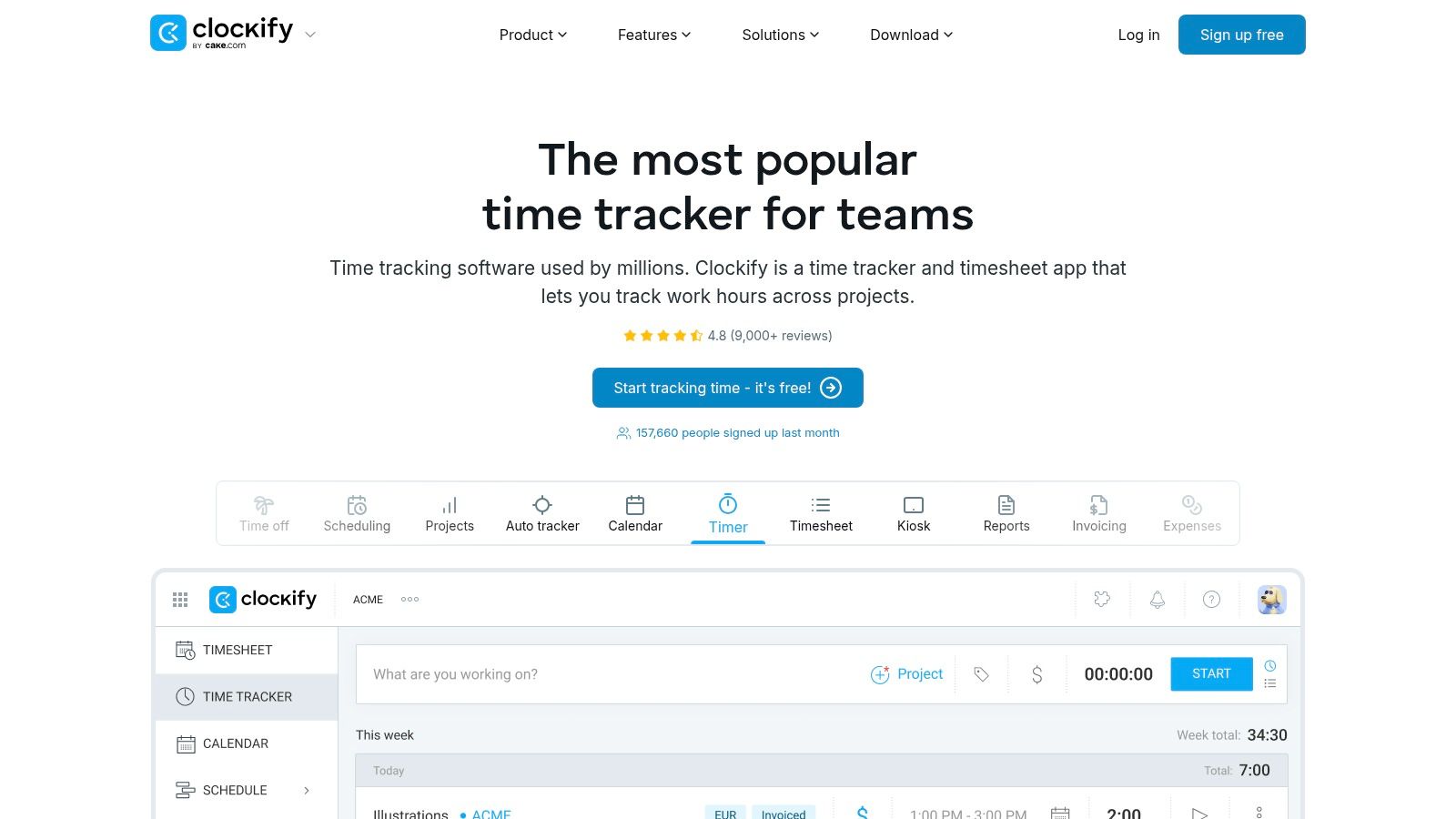
Clockify is broader than many people expect. A lot of teams first see it as a free timer, but it can handle much more than that once you get into approvals, required fields, admin controls, attendance use cases, and higher-tier governance features.
That breadth makes it useful for operations teams that need both project time and workforce tracking in one place. If you manage office staff, remote staff, and field or shift-based workers, Clockify covers more ground than a pure agency tracker.
Why teams pick it
Calendar view, Google and Outlook visibility, approvals, breaks, kiosk mode, and required fields give admins more control over how time gets logged. That matters when time data feeds payroll, client billing, or compliance.
I also like it for mixed environments where one group needs project-based logging and another needs attendance support. Most tools lean clearly one way or the other. Clockify can sit in the middle.
If you’re comparing timer-first tools, this breakdown of Clockify vs. Toggl for time tracking teams gives a practical side-by-side view.
Field note: When a company says it wants “time tracking,” check whether it actually means project costing, attendance, payroll readiness, or client billing. Clockify gets stronger when those needs overlap.
The main drawback
Clockify’s free plan used to be a bigger reason to choose it than it is now. As teams grow, you should assume paid seats and plan for that early.
A few strengths stand out:
- Operational range: It handles attendance and project time better than many rivals.
- Admin controls: Higher plans add features like SSO and audit logs.
- Many integrations: It connects well with other systems.
- Structured entry: Required fields and approvals improve data consistency.
Clockify is a practical choice when you need flexibility more than elegance.
5. Hubstaff
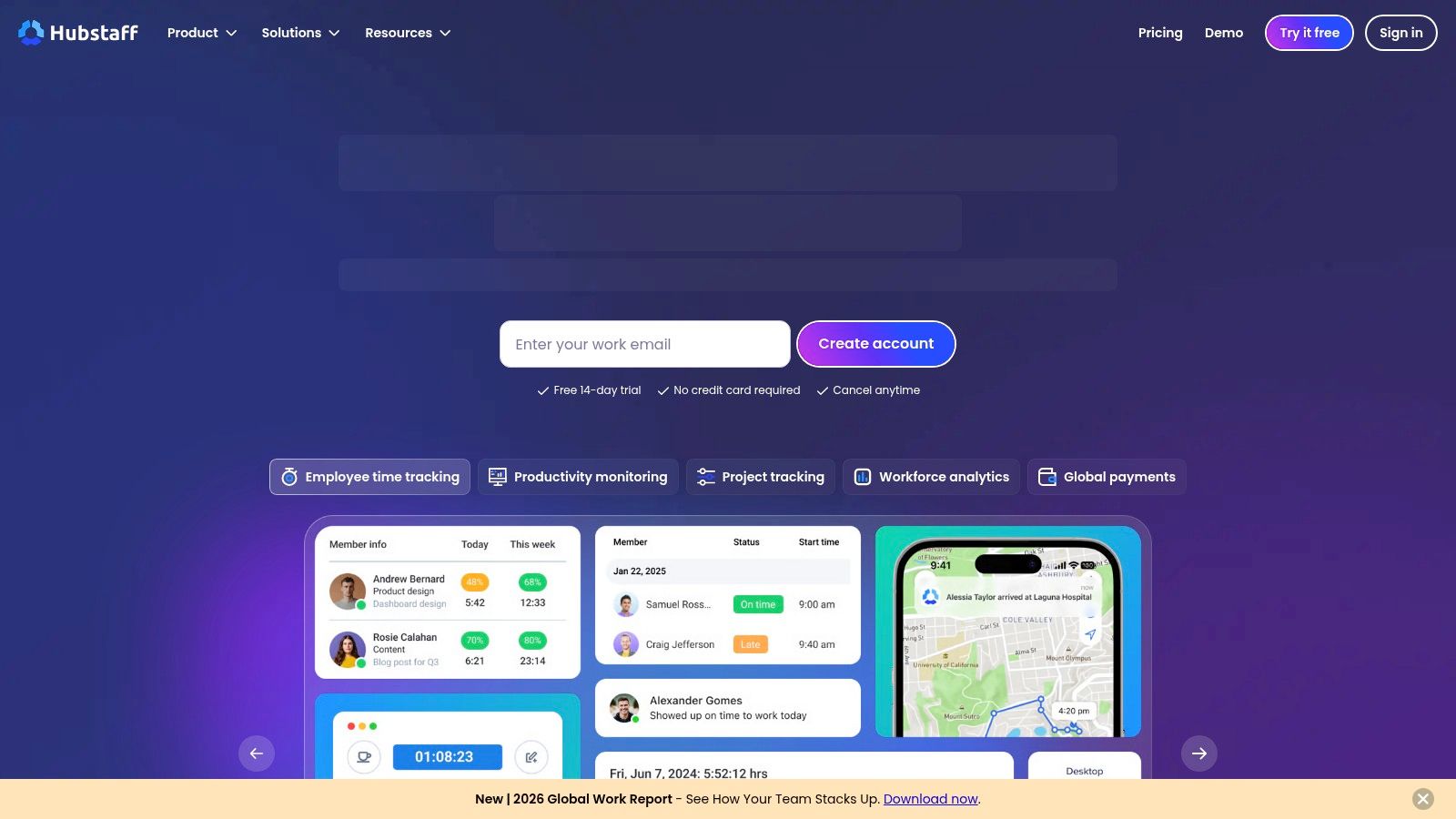
Hubstaff fits a very specific scenario. You have remote staff, contractors, or field crews. Payroll depends on accurate hours. Managers need more than a timer running in the background. They need records they can review, rules they can enforce, and fewer manual steps between time entry and payment.
That is where Hubstaff stands out. It combines time tracking with screenshots, app and URL activity, GPS, geofencing, mobile clock-in and clock-out, and payroll workflows. For operations teams, that can reduce admin work and tighten the handoff from logged hours to payouts.
The bigger point is not the timer. It is the automation around the timer. Hubstaff is stronger when the business needs verified hours, location data, attendance controls, and payroll-ready records in one system. If your goal is operational visibility and fewer timesheet chases, that package can be more useful than a cleaner-looking tracker with weaker controls.
Where Hubstaff earns its keep
Hubstaff makes the most sense in businesses where proof matters. Outsourced delivery teams, home services companies, logistics groups, and distributed support operations are the clearest examples. The integrations help too. Connections with QuickBooks, Gusto, Salesforce, Deel, and other payroll or payment tools can remove duplicate entry and shorten closeout work at the end of the week.
I would also put Hubstaff on the shortlist when managers need exception reporting, not just totals. Missed shifts, off-site work, unusual activity patterns, and unapproved hours are easier to spot when tracking, verification, and payroll data sit together.
Where it creates friction
Hubstaff can feel heavy for the wrong culture.
Screenshots and activity monitoring solve one problem while creating another. In creative teams, consulting groups, and senior knowledge-work environments, those features can send the message that visible activity matters more than outcomes. Even if you disable some controls, the product still carries that operating model.
A few trade-offs are worth being honest about:
- High accountability: Screenshots, activity data, and location tracking give managers stronger proof of work.
- Useful automation: Payroll and payment integrations cut rework and reduce manual handoffs.
- Better for field and outsourced teams: GPS, geofencing, and mobile clock tools fit real-world operations.
- Cultural downside: Monitoring features can hurt trust if the team expects autonomy and outcome-based management.
Hubstaff is a strong choice when verified time is part of the job. If the underlying problem is timesheet fatigue, calendar-based capture, and better reporting for planning and margins, a lighter tool usually fits better.
6. Teamwork.com
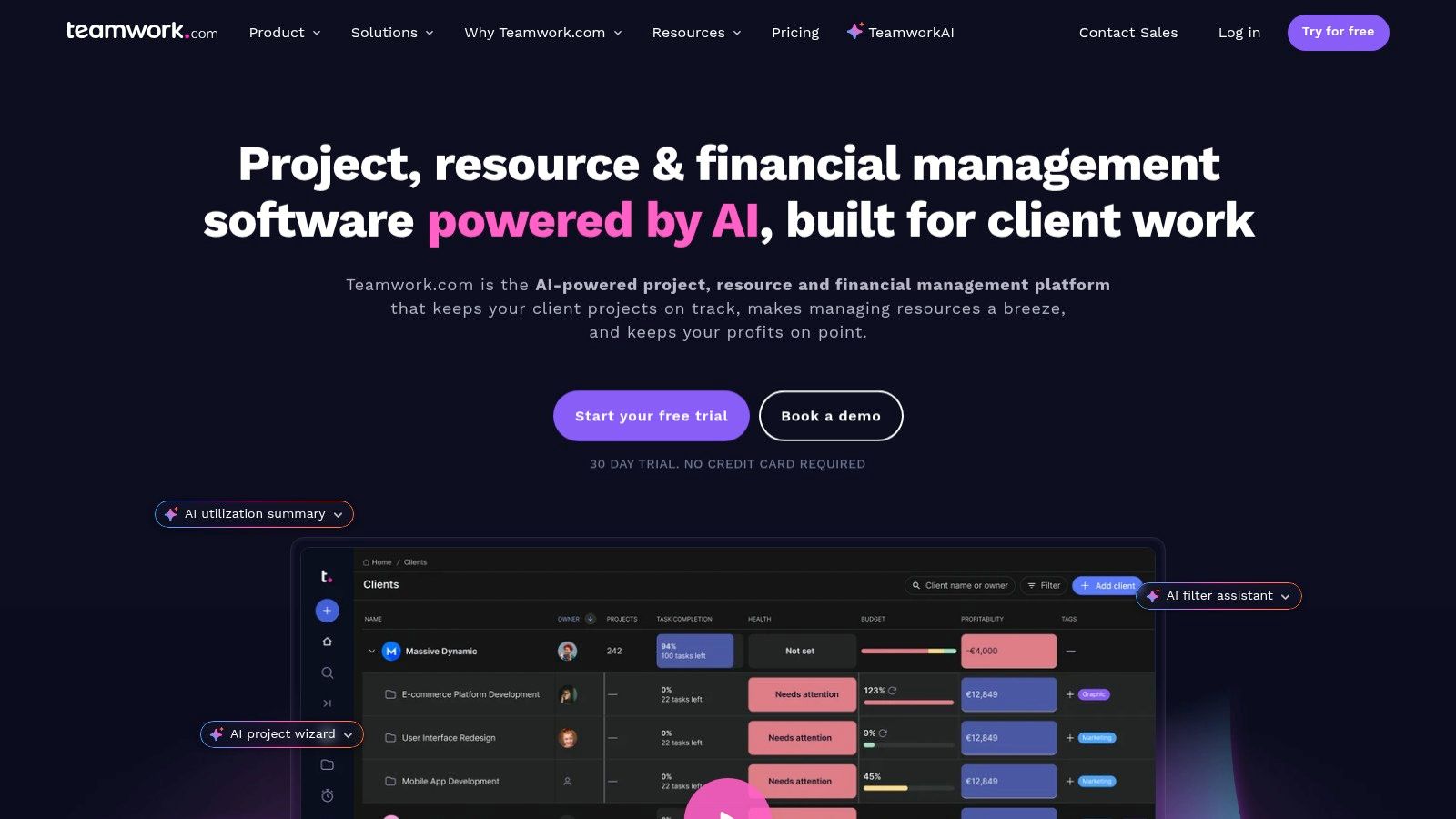
A common agency problem looks like this. The team finishes the work, but nobody is fully confident about margin until hours are cleaned up, retainers are checked, and budget drift is explained after the fact. Teamwork.com is one of the few tools on this list built around that operating reality.
Teamwork.com fits client service teams that need project delivery, time tracking, budgeting, and retainer management in the same system. That matters for agencies, consultancies, and service businesses where time data needs to feed billing decisions and capacity planning, not just fill out a timesheet.
Why Teamwork stands out
Time tracking lives inside tasks and projects, so people can log work where it happened instead of bouncing into a separate tracker. That alone reduces missed entries. More important, it gives managers a cleaner view of estimated versus actual effort across active client work.
Teamwork also handles retainers better than many general PM tools. Carryover, underspend, and recurring work are practical features, not edge cases. If your business sells blocks of hours or monthly service packages, that structure saves spreadsheet work and cuts down on end-of-month reconciliation.
This is also where Teamwork starts to match the bigger shift in this category. Its true value is not just logging time. It is connecting hours, budgets, client accounts, and delivery performance so leaders can see which work is profitable, which accounts are drifting, and where the team is over capacity. For teams working through that transition, this guide to project time management fundamentals and reporting discipline gives useful context.
Where it creates friction
Teamwork is strongest when client work is the center of the business. Internal product teams or loose cross-functional groups may find parts of the setup more finance-oriented than they need.
You also need to check plan limits carefully. Some budget controls, reporting depth, and automation options sit higher in the pricing structure, so the cheapest tier may not cover the workflow you want. I would confirm reporting, retainer handling, and integration needs before rollout, especially if leadership expects operational visibility from day one.
- Strong fit for client services: Retainers, recurring work, and budget tracking reflect how agencies sell and deliver.
- Better context around time: Logged hours sit alongside tasks, estimates, and project status.
- Useful business visibility: Project and time data can support margin review, utilization discussions, and account health checks.
- Less ideal for simple tracking: Teams that only want a lightweight timer may end up paying for more system than they need.
If the goal is to reduce tool sprawl and get clearer visibility into delivery economics, Teamwork.com deserves a serious look.
7. Wrike
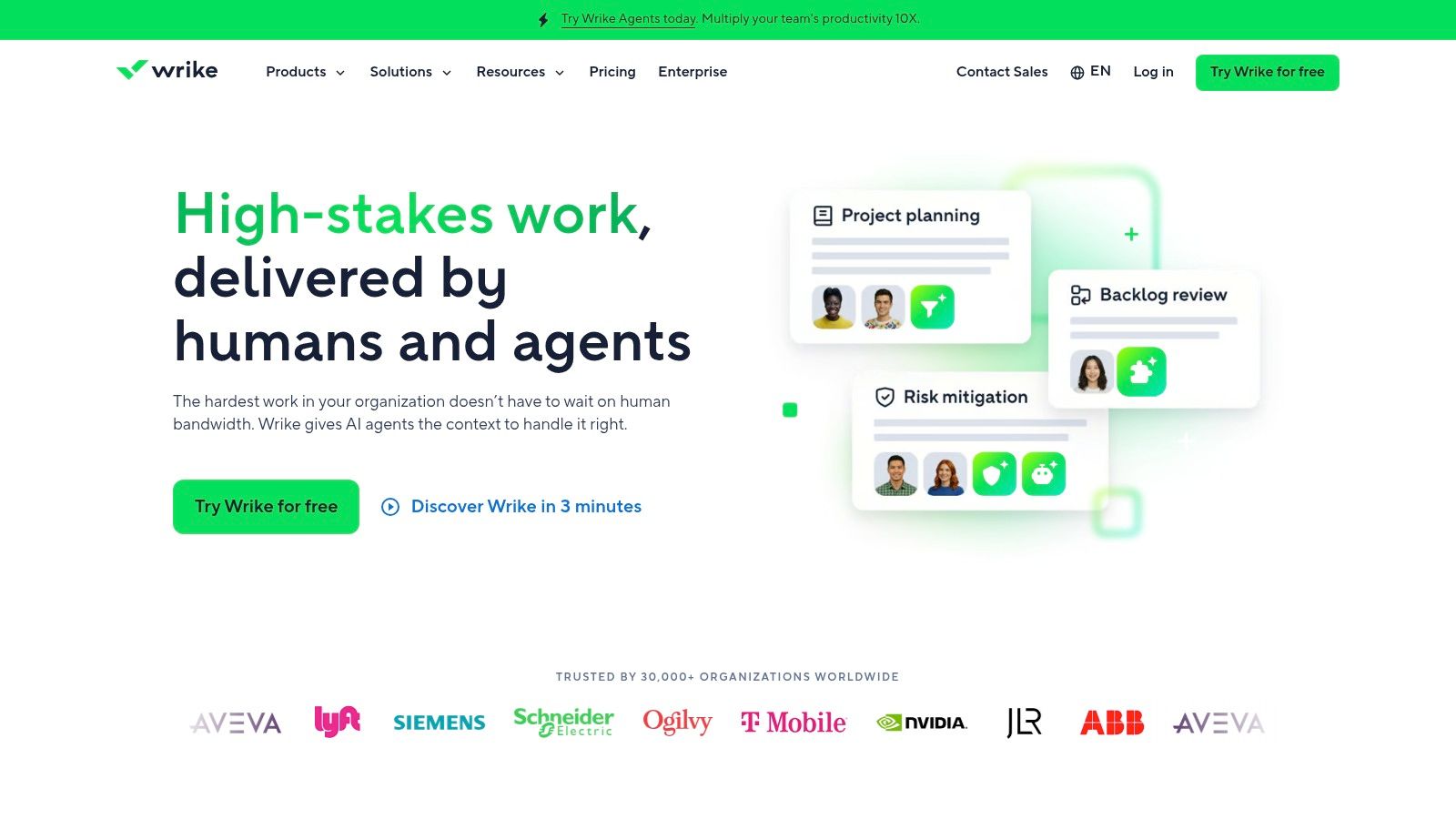
Wrike is for teams that want project management, time tracking, approvals, and budgeting in one larger system. It’s not the lightest tool on this list, but that’s also why some companies prefer it. They want one stack with stronger controls, not a collection of smaller apps stitched together.
Wrike suits larger teams and more formal delivery environments better than loose, fast-moving studio setups.
Where Wrike earns the complexity
You get live timers, manual logs, custom timesheets, billable versus non-billable tracking, budgeting, rates, and invoicing workflows inside a broader project management product. If leadership wants one place to manage work intake, execution, and cost tracking, Wrike can do it.
Its admin controls and permissions are also stronger than what you get from simpler trackers. That matters when multiple departments, contractors, or client-facing teams all touch the same platform.
For a broader look at the discipline behind this category, this guide to project time management fundamentals adds helpful context.
The downside
Wrike can feel heavy if all you want is clean time capture and reporting. The plan packaging also takes work to decode, and annual billing in many paid tiers can complicate procurement for teams that want an easy month-to-month pilot.
- Unified workflow: PM, time, and budget controls live together.
- Scalable governance: Permissions and admin settings fit larger teams.
- Billable tracking: It handles service delivery better than many pure PM tools.
- More setup: Buying and configuring it takes more effort.
Wrike is the kind of platform you choose when standardization matters more than simplicity.
8. ClickUp
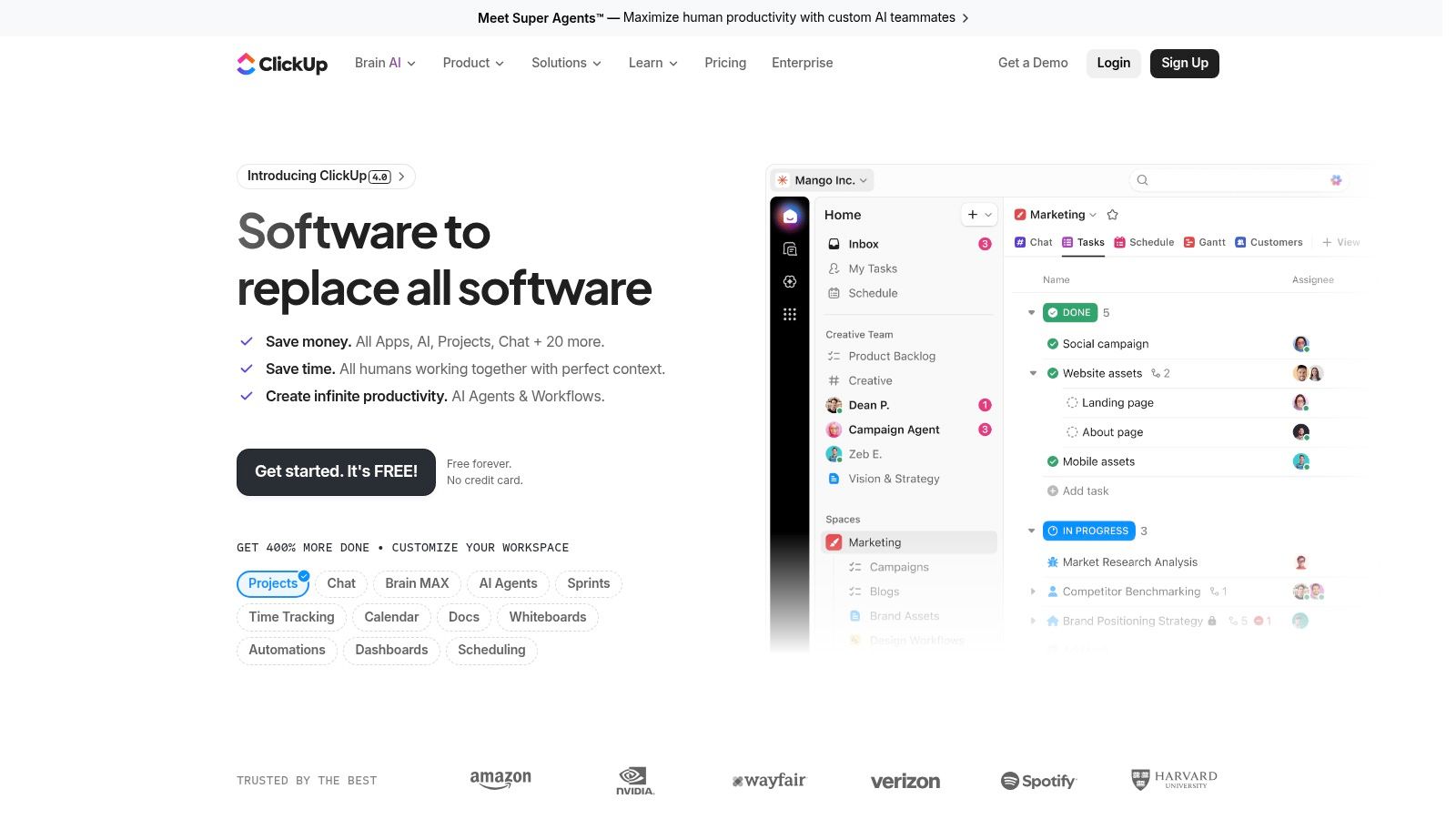
ClickUp fits teams that are tired of chasing time data across separate apps, spreadsheets, and calendar events. If work already lives in ClickUp, keeping time inside the same system can cut a lot of admin friction.
That matters most when the goal is not just to log hours, but to connect time with delivery, staffing, and reporting.
Where ClickUp stands out
ClickUp gives teams native timers, manual entries, timesheets, billable and non-billable labels, notes, rollups, and estimates-versus-actuals reporting inside a broader work management platform. The bigger advantage is what happens around the timer. Automations, dashboards, custom fields, and task data can turn raw entries into something operations leaders can use.
It also supports integrations with outside trackers such as Toggl, Harvest, and Everhour. That gives mixed teams some flexibility if one group wants native time capture and another already has an established process.
If you are trying to connect planning, execution, and time capture more tightly, this guide to project management and time tracking working together is a useful reference.
Where it gets messy
ClickUp can absorb a lot of workflow complexity, but that does not mean every team should put time tracking there by default. Setup takes thought. Reporting depth, dashboard features, and automation limits vary by plan, so buyers need to check the packaging carefully before rollout.
Calendar-heavy teams can also run into a practical issue. ClickUp tracks time inside the work system well, but teams that live in meetings often still need a better way to turn calendar activity into clean timesheet data. If timesheet fatigue is your real problem, native tracking alone may not solve it.
- Good operational fit: Time data can sit alongside tasks, docs, automations, and dashboards.
- Useful flexibility: Teams can mix native tracking with outside tools if needed.
- Better visibility: Estimates versus actuals helps spot delivery drift early.
- More admin work: You need to configure the workspace well or reporting gets messy.
ClickUp works best for teams that want time data tied directly to execution and are willing to spend time shaping the system around how they work.
9. Kantata
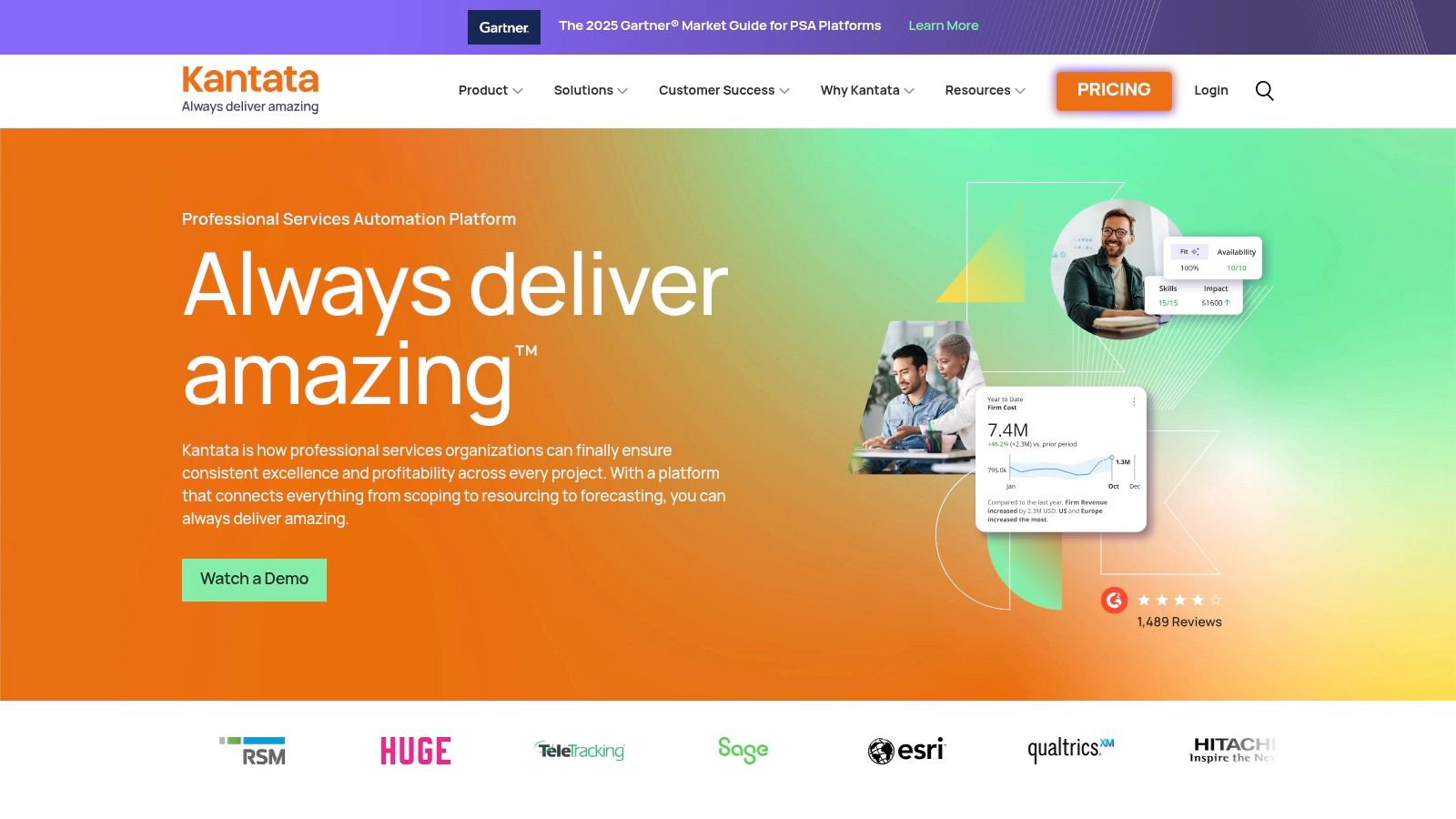
Kantata sits in a different class from the lighter tools on this list. It’s a PSA platform, not just a tracker, so the time data feeds forecasting, utilization, margins, approvals, and project accounting in a much deeper way.
For professional services firms with mature operations, that can be a major advantage. For smaller teams, it can be more system than they need.
Best for firms that run on utilization math
Kantata is strong when leaders care less about “did people fill in a timesheet?” and more about “what does this mean for staffing, delivery margin, and future capacity?” It brings together time and expense approvals, utilization dashboards, rate cards, margins, and forecasting. That gives finance and operations a much better view of performance than a basic timer ever will.
Many firms still don’t get enough value from the data they already collect, a point underscored by a review of undercovered topics in this category that notes strategic use of time data for forecasting and business outcomes is still poorly addressed in standard tool roundups, according to Atlassian’s project time tool overview used here as category context.
Why it’s not for everyone
Kantata is sales-led, more expensive to evaluate, and heavier to implement than something like Harvest or Toggl. If you don’t have the operational maturity to use forecasting and margin reporting, you may just be paying for complexity.
The more advanced the reporting layer, the more discipline you need in project setup, approvals, and rate management. PSA tools reward process maturity. They also punish sloppy inputs.
- Deep service ops support: Strong for resource planning and financial control.
- Rich reporting: Utilization and margin views are more robust than lightweight tools.
- Approvals and governance: Good fit for structured services teams.
- Heavier lift: Setup and buying process take time.
Kantata makes sense when time tracking is only one piece of a larger services operations problem.
10. Tempo Timesheets for Jira
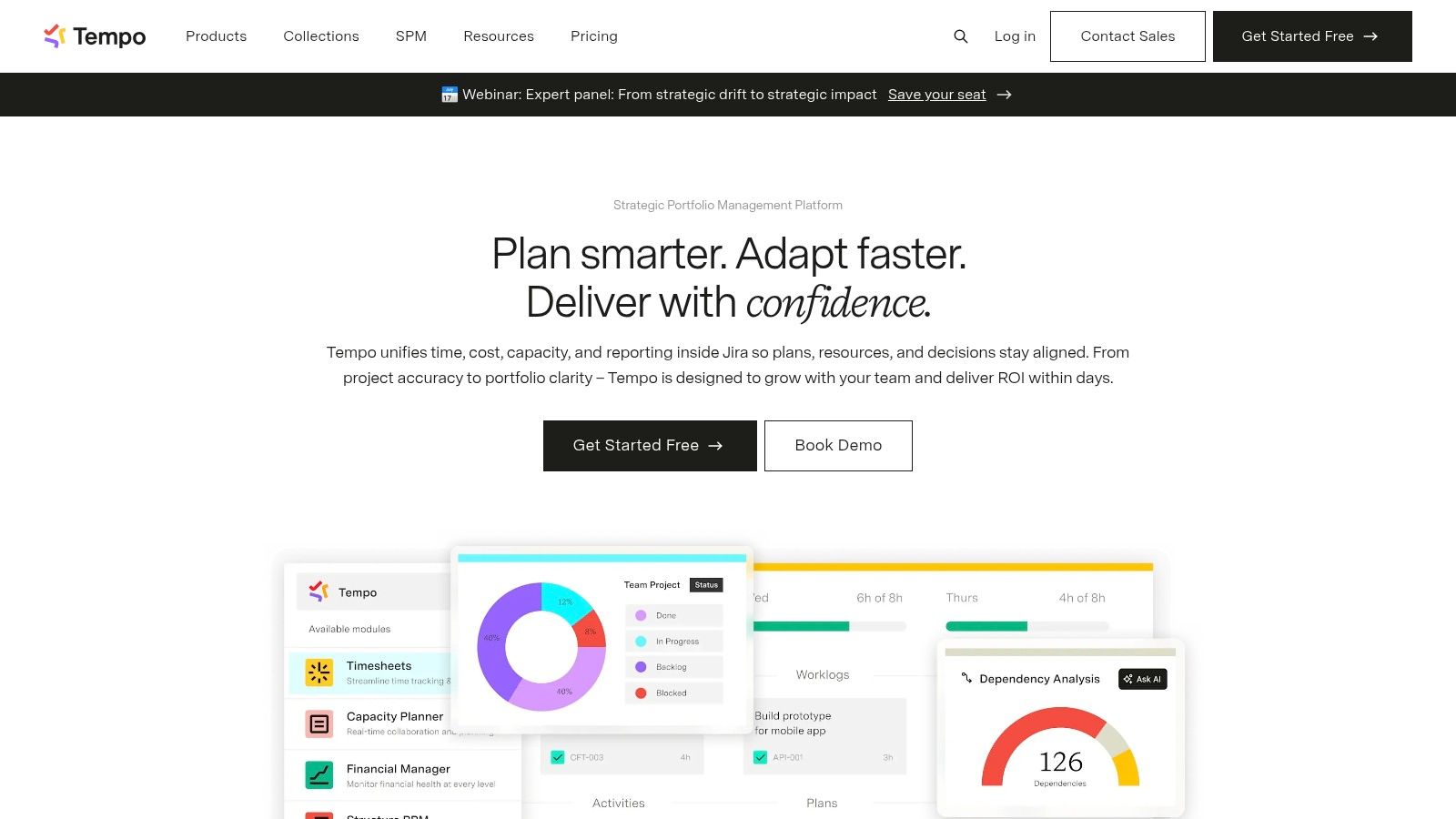
Monday morning, the sprint board is current, tickets are moving, and delivery looks fine. Then someone asks for billable hours, team capacity, or time by client, and the room goes quiet. Tempo works well in that gap because it keeps time data attached to Jira work instead of asking engineers to maintain a second system.
Tempo is a practical choice for teams that already run delivery in Jira. Time entry happens close to issues, projects, and workflows people use all day, which usually gives you better compliance than a standalone timer. That matters if the core issue isn't starting a timer; it's ensuring usable data is integrated into approvals, reporting, and planning without chasing people at the end of the week.
Tempo also fits the broader shift from simple tracking to operational visibility. Calendar integrations, approvals, billable versus non-billable time, and reporting give engineering leaders and PMO teams more than a raw hour log. Used well, it reduces timesheet fatigue and gives managers a cleaner view of where delivery time goes.
Why Jira-centric teams pick Tempo
The strongest case for Tempo is workflow fit. Developers can log time against the issues they are already touching, and managers can review time in the same environment where scope, status, and estimates already live. That connection is more useful than a generic timer when you need to compare planned work, actual work, and team capacity in one place.
It is also easier to automate clean data when the source of truth is already Jira. If your projects, issue types, clients, or internal cost codes are mapped properly, Tempo can support approvals and reporting with less manual cleanup than tools that rely on people to tag everything from scratch.
Where it gets awkward
Tempo is still a Jira-first product. That is the benefit and the limitation.
Teams outside engineering often do not want to work in Jira just to submit hours, review approvals, or answer finance questions. If your delivery model includes creatives, account teams, field staff, or executives who live in email and calendars, a calendar-first tool can be easier to adopt across the business. Tempo can cover the engineering side well, but cross-functional rollouts often need more change management than buyers expect.
- Strong Jira workflow fit: Best for software and product teams already managing work there.
- Better governance than a basic plugin: Approvals, billable tracking, and reporting are built for real team use.
- Useful operational reporting: More helpful than a raw timer if you need budget and delivery visibility.
- Limited cross-functional appeal: Less comfortable for departments that do not live in Jira.
If Jira is where work gets planned, assigned, and reviewed, Tempo keeps time data close to the source. That usually improves accuracy. It does not automatically solve company-wide adoption, so it makes the most sense when engineering is the center of the operating model.
Top 10 Project Time Management Tools Comparison
| Product | Core features ✨ | UX & Quality ★ | Value & Pricing 💰 | Target audience 👥 | Unique selling points |
|---|---|---|---|---|---|
| TimeTackle 🏆 | Calendar-first capture, AI recommendations, rule-based tagging, dashboards, API | ★★★★★ effortless capture & insightful analytics | 💰 Free trial/start; enterprise plans & white‑glove onboarding | 👥 Agencies, professional services, customer-facing teams, execs | ✨ Calendar‑first AI, Chrome extension, data‑warehouse sync, SOC 2 |
| Harvest | Timers, project budgets, invoicing, expense tracking | ★★★★ fast rollout; simple timesheets | 💰 Paid plans; invoicing + payments built‑in | 👥 Client services & agencies | ✨ Strong time→invoice workflow; budget alerts |
| Toggl Track | Timers, calendar sync, profitability reports, 100+ integrations | ★★★★ very easy adoption; strong mobile & extension | 💰 Free & paid tiers; reporting richer on paid plans | 👥 Adoption-focused agencies & small teams | ✨ Adoption-friendly timers; flexible reporting |
| Clockify | Kiosk mode, GPS, approvals, calendar integrations | ★★★★ broad ops features; good admin controls | 💰 Generous free tier → paid seats as you scale | 👥 Cross-functional & field teams | ✨ Attendance + project time; many integrations |
| Hubstaff | Screenshots, activity/URL monitoring, GPS, payroll integrations | ★★★ monitoring-heavy; deep workforce analytics | 💰 Per-seat billing; payroll integrations add cost | 👥 Remote/field teams needing verification | ✨ Geofencing, screenshots, payroll automation |
| Teamwork.com | Native time tracking, retainers, budgets, integrations | ★★★★ agency-focused workflows; clear plan structure | 💰 Tiered plans; 30‑day trial | 👥 Agencies billing retainers & recurring work | ✨ Retainer handling, profitability workflows |
| Wrike | Live timer, manual logs, billable tracking, budgeting | ★★★★ scalable PM + time; enterprise controls | 💰 Per-user pricing; many tiers often annual | 👥 Large teams needing PM + resource planning | ✨ End-to-end PM + time in one stack |
| ClickUp | Native tracking, timesheets, reports, automations | ★★★★ broad feature set; fast to start | 💰 Free tier; paid tiers vary by features | 👥 Teams wanting all‑in‑one work platform | ✨ Tasks, docs, dashboards + time together |
| Kantata | Timesheets, approvals, utilization dashboards, PSA features | ★★★★ purpose-built for services firms | 💰 Sales-led pricing; heavier implementation | 👥 Professional services & agencies requiring margins | ✨ Advanced PSA: forecasting, rate cards, margins |
| Tempo Timesheets (Jira) | Jira-native timesheets, approvals, reporting, integrations | ★★★★ seamless inside Jira; widely adopted | 💰 Atlassian Marketplace licensing (Cloud/Data Center) | 👥 Jira-centric engineering & software teams | ✨ Keeps time in Jira; native approval workflows |
Move from tracking time to understanding it
Friday, 4:30 p.m. A project lead is chasing missing hours, finance is waiting on clean timesheets, and nobody fully trusts the report that is supposed to explain where the week went. That is rarely a timer problem. It is an operations problem.
Manual entry creates drag. Drag leads to late or guessed logs. Then managers, finance, and client services spend their time correcting records instead of using them to make decisions on pricing, staffing, and margins.
Good project time management tools reduce that drag in different ways.
Harvest is still a sensible fit if the main goal is clean time-to-invoice workflows. Toggl Track works well when adoption matters more than process depth. Clockify covers a wide range of use cases if you need both timesheets and attendance. Hubstaff fits teams that care more about verification, payroll links, and activity data than employee sentiment. Teamwork.com, Wrike, ClickUp, Kantata, and Tempo make more sense when time data needs to stay attached to projects, delivery, and resource planning inside a broader work system.
The more useful dividing line is not simple versus advanced. It is reactive logging versus operational visibility.
Reactive logging asks staff to remember what happened, enter it later, and hope the categories are right. Operational visibility captures work closer to when it happens, routes it into the right client or project with less manual effort, and gives leaders reporting they can trust without a cleanup cycle at the end of the week.
That is why automation and calendar integration matter. They reduce the burden at the point of capture. They also improve the quality of the data that feeds forecasting, utilization reviews, billing, and margin analysis. If a tool only gives you a start-stop timer, it may help individuals log hours, but it will not necessarily help the business understand delivery patterns or spot leakage early.
The trade-off is real. More automation usually means more setup. Rules, categories, approvals, and integrations need care up front. But in practice, that work is often cheaper than asking a billable team to reconstruct its week forever.
Start with the behavior you want from the system.
If your team regularly forgets timesheets, choose tools that lower input effort. If finance needs audit trails and approvals, choose stronger governance. If leadership uses time data to plan capacity, pricing, and hiring, choose tools with reporting that goes beyond hours logged and shows utilization, margins, and workload trends.
The best choice is usually the one that produces honest data with the least resistance. Feature count matters less than adoption, structure, and reporting quality. A tool people avoid will fail, even if the demo looked great. A tool that fits the way work already happens will give you something much more valuable than timesheets. It will give you a usable picture of how the business runs.
If your team is done chasing missing timesheets and wants cleaner reporting with less manual work, TimeTackle is worth a close look. Its calendar-first approach, rule-based categorization, and operational dashboards fit the way many agencies and service teams work, which means you can spend less time collecting hours and more time understanding where the work went.


