


Are your timesheets telling the whole story?
For most agencies, they're not. People forget to fill them out, fill them out late, or guess at the end of the week, which means the numbers you use for utilization, billing, and staffing are often softer than they look. Then finance wants cleaner project margins, account leads want to know which clients drain the team, and delivery managers are stuck arguing over data nobody fully trusts.
That's why performance measurement tools matter. A good one doesn't just collect hours. It turns daily work into something you can use for staffing decisions, project pricing, margin control, and a clearer view of what your team is doing.
That shift also matches how measurement itself has changed. The old model was periodic reporting. Now, teams expect real-time and automated collection, and structured review cadences often include weekly updates, monthly team dashboards, quarterly formal evaluations, and annual compensation decisions, as noted by the Urban Institute guidance summarized here.
For agency operators, the hard part isn't finding software. It's picking the type of tool that fits how work already happens. Some teams live in calendars. Some live in Asana or Jira. Some need compliance, approvals, and finance-grade audit trails. That's the lens I'd use, because a tool that looks great in a demo can still fail if it asks your team to work in a way they already resist.
1. TimeTackle
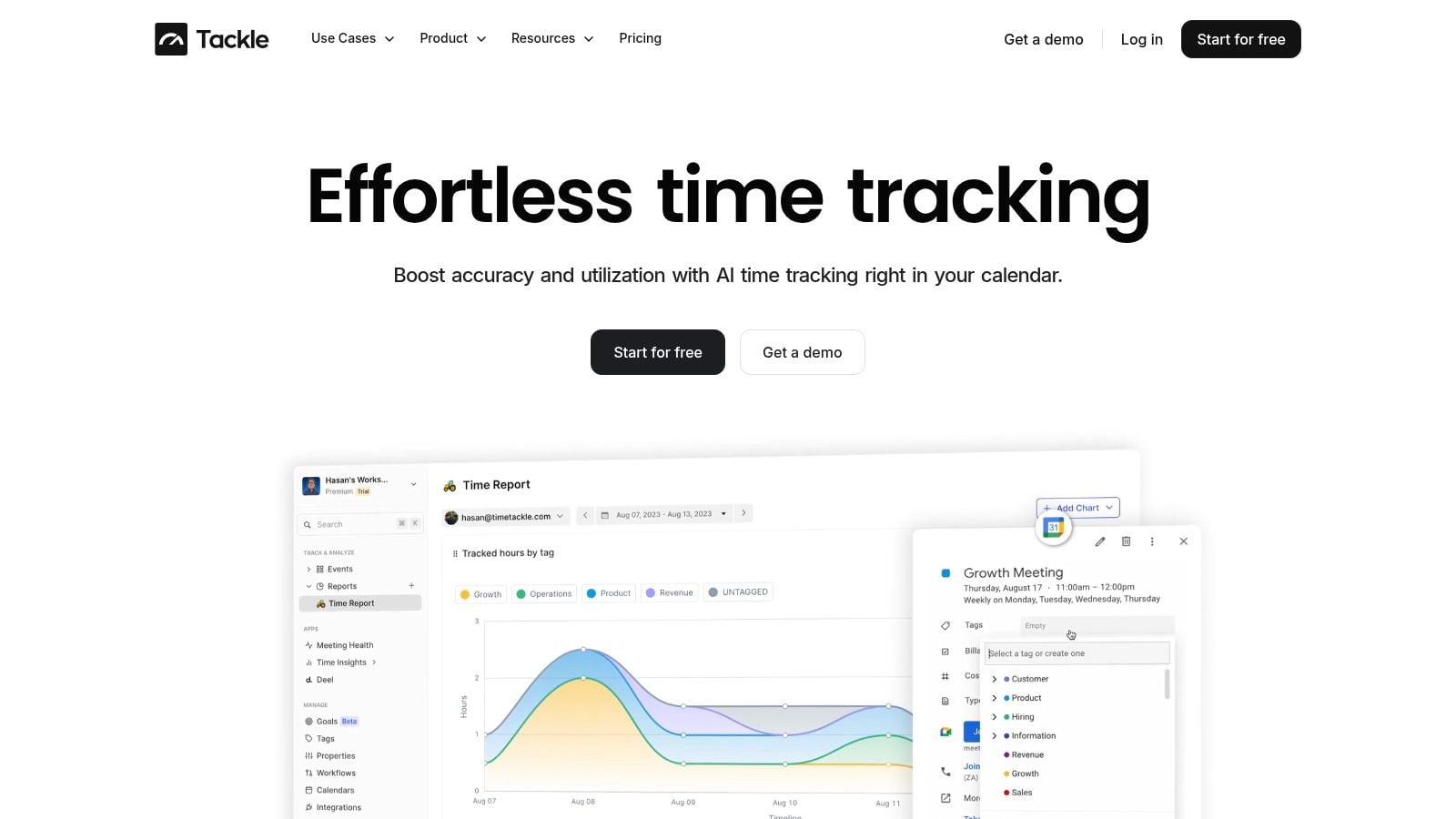
TimeTackle is the best fit here for agencies that already run their day through Google Calendar or Outlook and are tired of chasing timesheets. Its whole model is simple. If work is already on the calendar, the system should turn that into usable time data instead of asking people to recreate the week from memory.
That sounds obvious, but it changes adoption. Teams don't have to open a timer every time they switch tasks, and operations leaders don't have to beg for cleaner entries at month end. Calendar-first tracking usually works best for client service, implementation, leadership, pre-sales, and any role where meetings drive a big part of the work.
Why it works for mid-sized agencies
TimeTackle connects to Google and Outlook calendars, pulls activity data automatically, and then uses AI suggestions plus rule-based automation to tag and classify work. That matters because a lot of agency reporting breaks at the categorization step, not the capture step. You may have hours logged, but if nobody tagged them properly by client, department, or billable status, the report still falls apart.
It also gives leaders more than a raw log of meetings. You get dynamic dashboards for utilization, ROI, and efficiency, along with exports to Excel, CSV, PDF, Google Sheets sync, API access, and data warehouse sync. If your finance or RevOps team wants the numbers somewhere else, they can get them there without manual cleanup.
If you want the product page that goes deeper on the setup, the TimeTackle time tracking software overview is the right place to start.
Practical rule: If your team already lives in calendar blocks, don't force them into stopwatch behavior. Capture work where it already exists.
A few trade-offs matter. Pricing isn't public, so larger teams will need a sales conversation. It's also strongest when your workflow really is calendar-led. If your agency runs mostly through task boards, field work, or highly irregular offline work, setup takes more thought because your tagging rules and automations do more of the heavy lifting.
Where it beats traditional timesheets
The big advantage is trust in the source data. When a delivery lead can see scheduled client calls, internal reviews, hiring interviews, and admin time in one place, the utilization story gets harder to game and easier to explain. That's useful because many modern systems still follow the logic of the Balanced Scorecard, introduced in 1992 by Robert S. Kaplan and David P. Norton, which widened performance measurement beyond finance alone to include customer, internal process, and organizational capacity metrics, as explained in this Balanced Scorecard overview.
TimeTackle fits that model well because it helps connect operational behavior to broader business outcomes. For an agency, that means fewer blind spots between “people were busy” and “the work was worth doing.”
2. Harvest
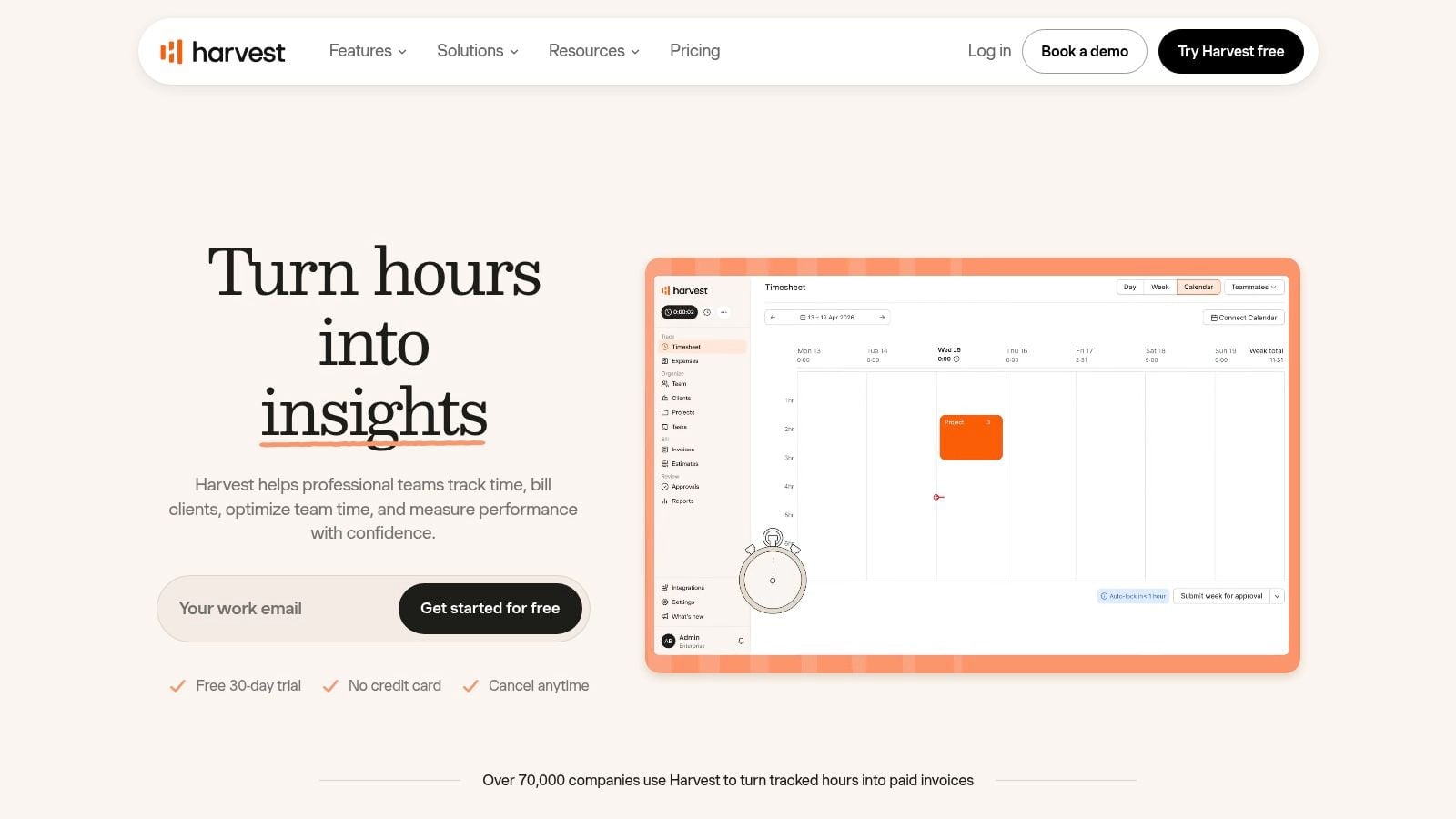
Harvest has been around long enough that most agency operators have either used it or inherited it. That matters, because mature tools often win on boring things. Stable workflows, familiar reports, and a low training burden.
Harvest is best for agencies that want a billing-first tool. You track time, set billable rates, watch budgets, and turn approved work into invoices. If your main pain is getting billable time logged and converted into revenue cleanly, Harvest still does that job well.
Best fit and trade-offs
The interface is simple, which is a real strength. People can log time from web, desktop, or mobile without much friction, and finance teams usually like the budget and margin views because they're easy to read. It also has a broad integration ecosystem and an API, which helps if your stack already includes project tools, accounting tools, or CRM systems.
The downside is that Harvest can start to feel narrow if you want deeper resource planning or more flexible operational analytics. It handles project cost tracking well, but it's not the best pick if your COO wants richer capacity planning, workflow analysis, or cross-functional planning across delivery, sales, and leadership. Some teams have also felt the effect of packaging changes, which is worth checking before rollout.
For agencies that care more about invoicing discipline than deep behavior analytics, Harvest is still a practical choice. You can get the platform at Harvest.
3. Toggl Track
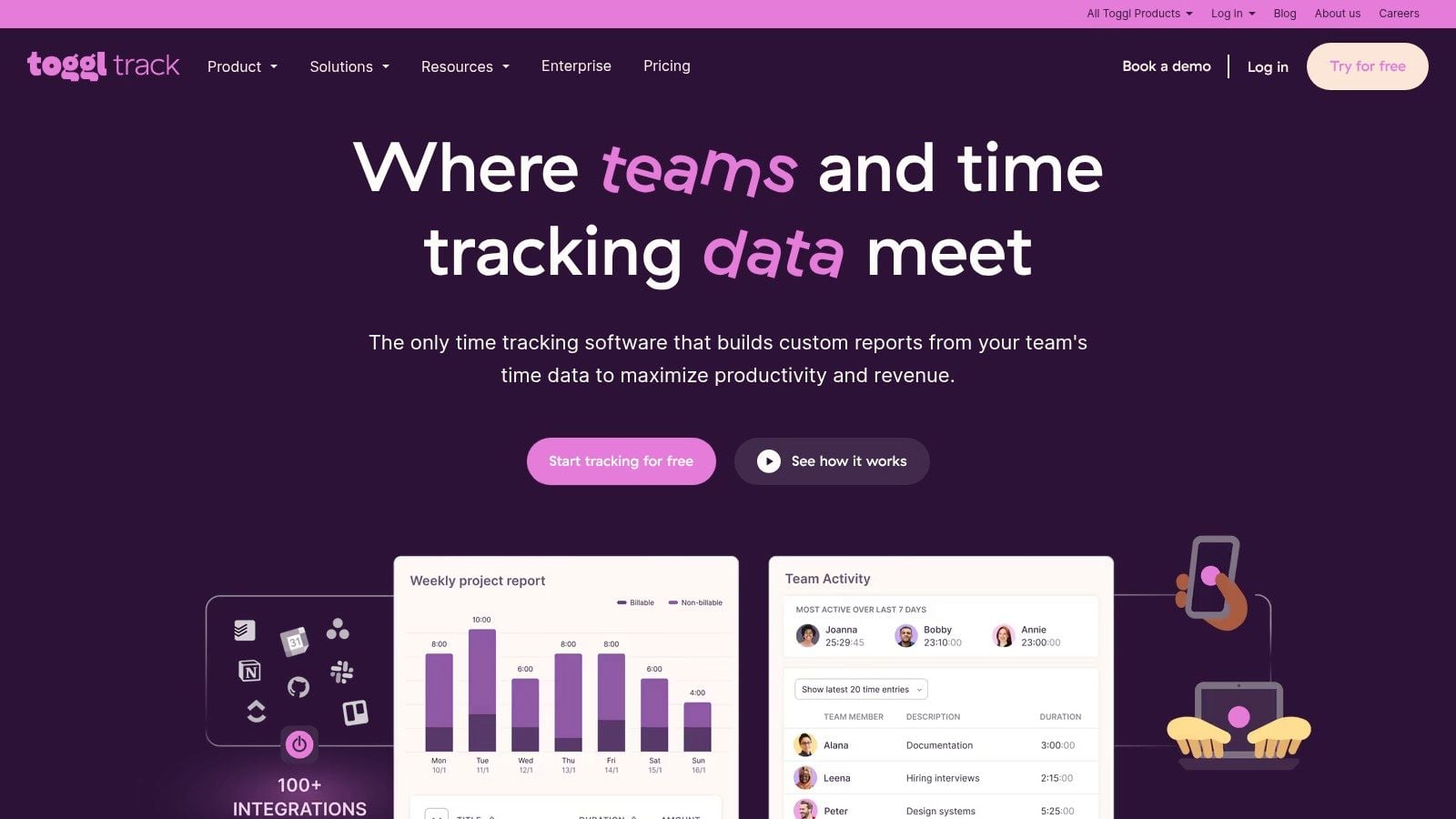
Toggl Track is the tool I'd put in front of a team that hates timesheets and resists admin overhead. Its whole value is low friction. Open it, start tracking, stop tracking, and move on.
That sounds basic, but it matters more than feature depth if adoption is your problem. One recent benchmark says good weekly tool adoption sits in the 40 to 60 percent range, better performance lands in the 60 to 80 percent range, and best-in-class organizations reach 80 percent plus, according to these AI adoption benchmarks from Worklytics. Different category, same operational lesson. If people won't use the tool, the reporting won't matter.
Where Toggl Track fits
Toggl Track works well for creative teams, consultants, and mixed client-service groups that want clean profitability and utilization views without a heavy admin model. It supports billable rates, labor cost, fixed-fee tracking, and estimates versus actuals. It also integrates with tools like Jira and Salesforce, which helps when work lives in more than one system.
The weak spot is billing depth. If invoicing is a core workflow, Harvest often feels stronger. If planning and staffing are your bigger issues, Float or a PSA tool may be a better match.
If you're comparing simple trackers and want a sense of how this category differs in practice, this Clockify vs. Toggl comparison from TimeTackle gives a useful contrast. You can also go straight to Toggl Track.
Teams adopt simple tools faster, but simple tools also leave more planning work outside the system. That's the trade.
4. Clockify
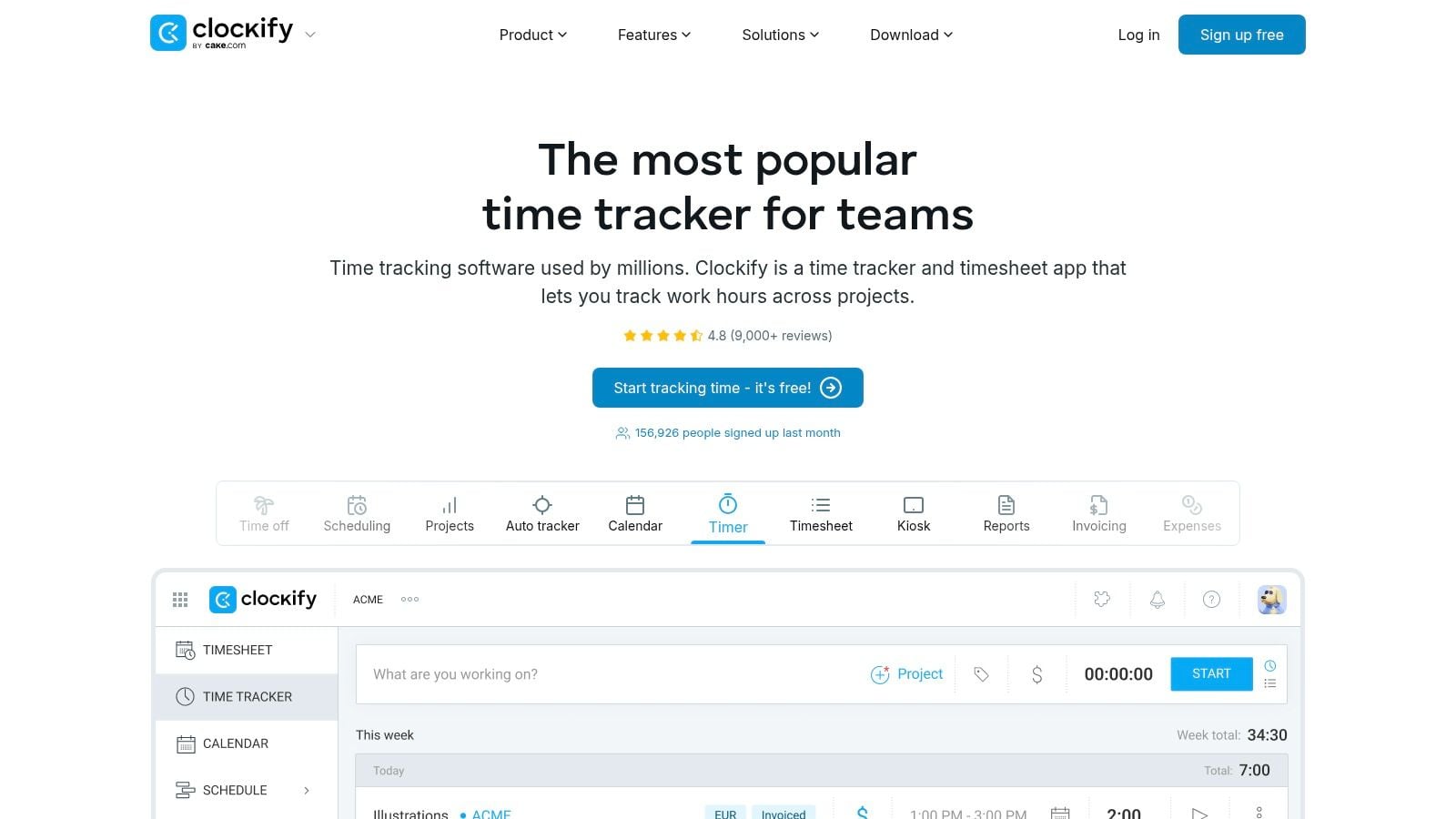
Clockify wins when budget pressure is real and you still need a broad feature set. It covers far more than a basic timer. You get multiple time entry modes, approvals, budgeting, labor cost, invoicing, expenses, scheduling, and forecasting.
That makes it attractive for agencies that want one system to do a lot before they move up to a heavier PSA stack. Small teams can start without much friction, and growing teams can add process as they need it.
What to expect operationally
Clockify is practical, not polished. The UI favors function, and that's fine if your team values options over elegance. In many agencies, that's a fair trade because operations gets the approvals and controls it needs without buying a much larger platform.
A few things stand out:
- Flexible entry modes: Timer, manual timesheet, and kiosk options help mixed teams with different work styles.
- Useful cost controls: Project budgets, labor cost, and profitability views give managers enough to spot trouble early.
- Broader admin coverage: Invoicing, expenses, and approvals reduce the number of side processes you need outside the tool.
- Tier limits matter: Some reporting and admin controls sit higher up the plan stack, so check what your managers need before you standardize.
Clockify is a strong “good enough at many things” option. If your team wants premium UX or very deep analytics, it may feel busy. If you want value and scope, it's hard to ignore. The product site is Clockify.
5. Hubstaff
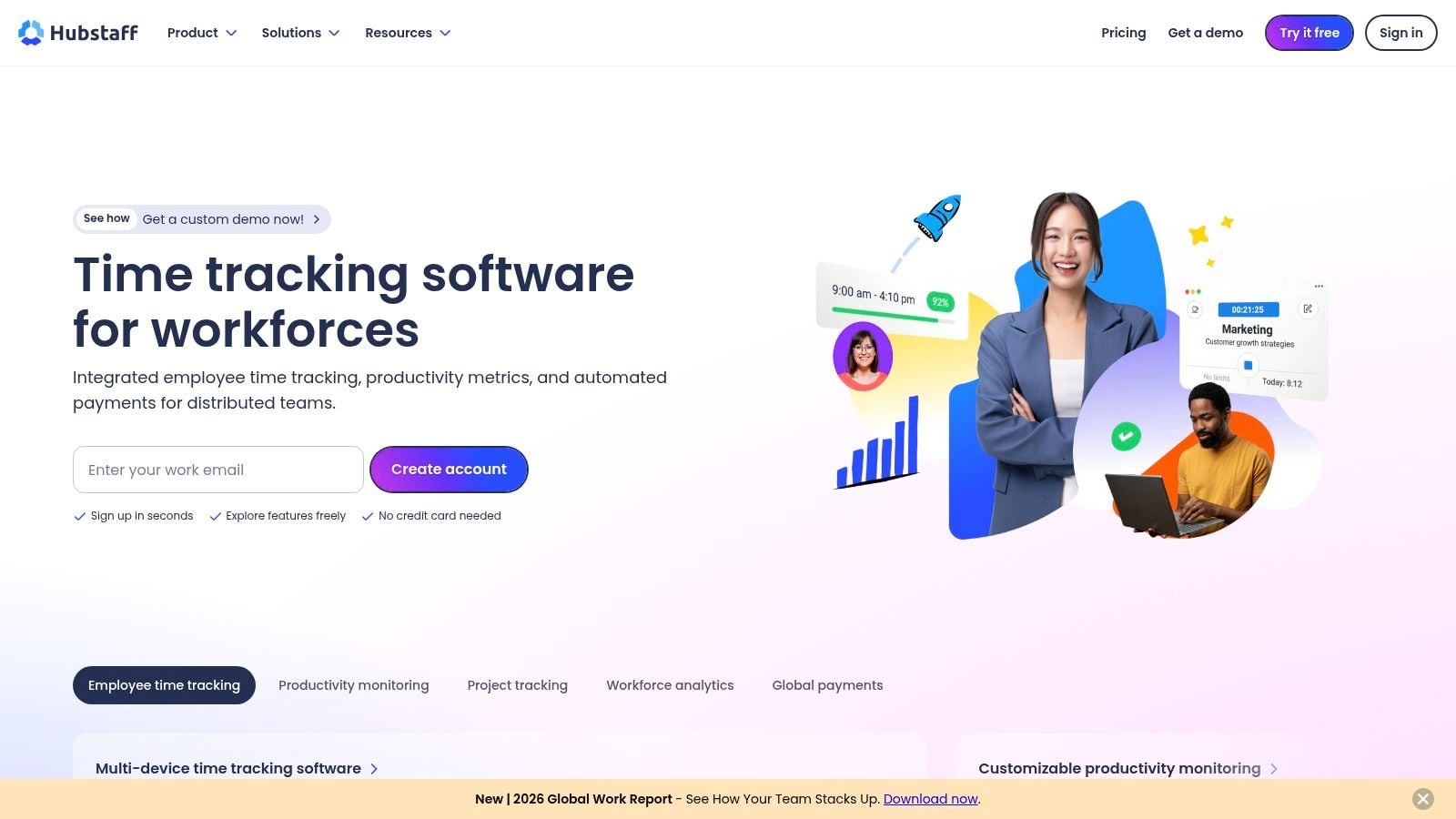
Hubstaff sits in a more sensitive part of this category. It's time tracking, yes, but it also offers workforce analytics and optional monitoring features like app and URL tracking, screenshots, payroll, and geofenced time tracking.
For some agencies, that's a feature. For others, it's a cultural problem waiting to happen.
When Hubstaff makes sense
If you run a distributed operation with field teams, contractors, or work where accountability and cost control are hard to manage, Hubstaff can solve real issues. Budget alerts, payroll, and built-in payments reduce back-office admin, and geofenced tracking is particularly useful for teams that move between locations.
If your agency is creative, senior, and trust-led, you need to think harder. Monitoring tools can change behavior in the wrong way. People start optimizing for visible activity instead of useful work.
The deeper issue is one many teams miss. Good measurement should include outputs, intermediate outcomes, and end outcomes, not just easy activity counts, as the Baldrige performance measurement guidance points out. That's the risk with any monitoring-heavy system. You can collect lots of activity data and still learn very little about value.
For teams exploring this side of the market, this guide on tracking employee productivity is a useful framing reference. Hubstaff itself is at Hubstaff.
Reality check: If a tool gives you more screenshots than decisions, you bought surveillance, not management insight.
6. Everhour
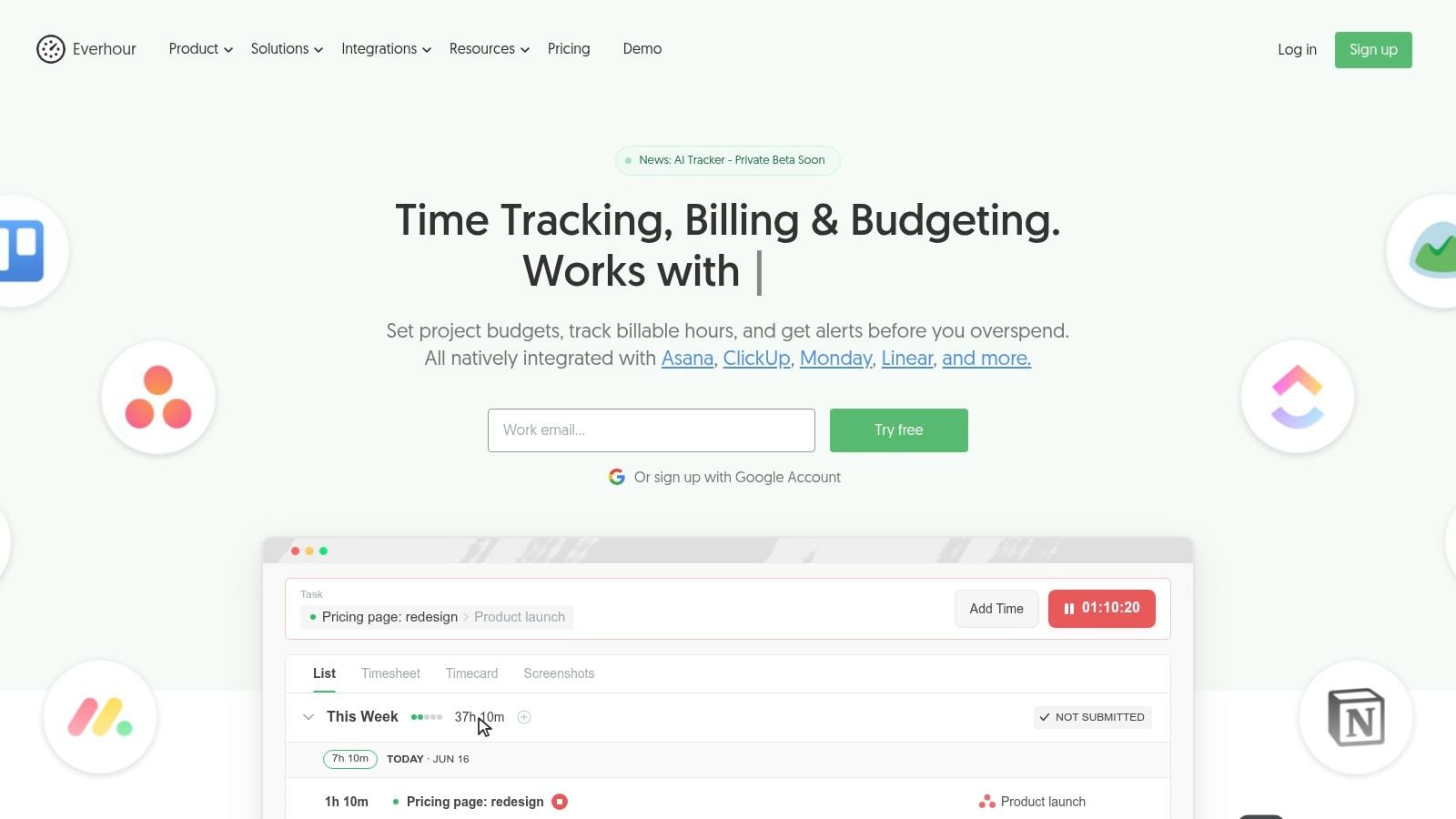
Everhour is a good answer to a common agency complaint. “Our people already work in Asana, Jira, ClickUp, Trello, or Linear. Why are we asking them to leave those tools just to log time?”
That's where Everhour earns its place. It pushes tracking into the project tool itself, which lowers resistance and makes entries feel like part of delivery work rather than separate admin.
Why PM-integrated tracking works
For teams that manage work through task systems, this is often a better path than calendar-first software. Project context is already there. The tasks, assignees, estimates, and deadlines exist, so the time data naturally stays closer to the work object.
Everhour also covers more than just hours. You get budgeting, alerts, cost and bill rates, invoicing, resource planning, time off, and project ROI reporting. That makes it useful for agencies that want stronger margin visibility without buying a full PSA platform.
The trade-off is that its strength depends on your PM discipline. If task hygiene is weak, the time reporting will be weak too. Everhour won't fix vague scopes, messy boards, or poor project structure. It will just report on them more clearly.
For agencies that run delivery inside PM tools, Everhour is a smart middle ground between light trackers and enterprise systems. The product site is Everhour.
7. Replicon by Deltek
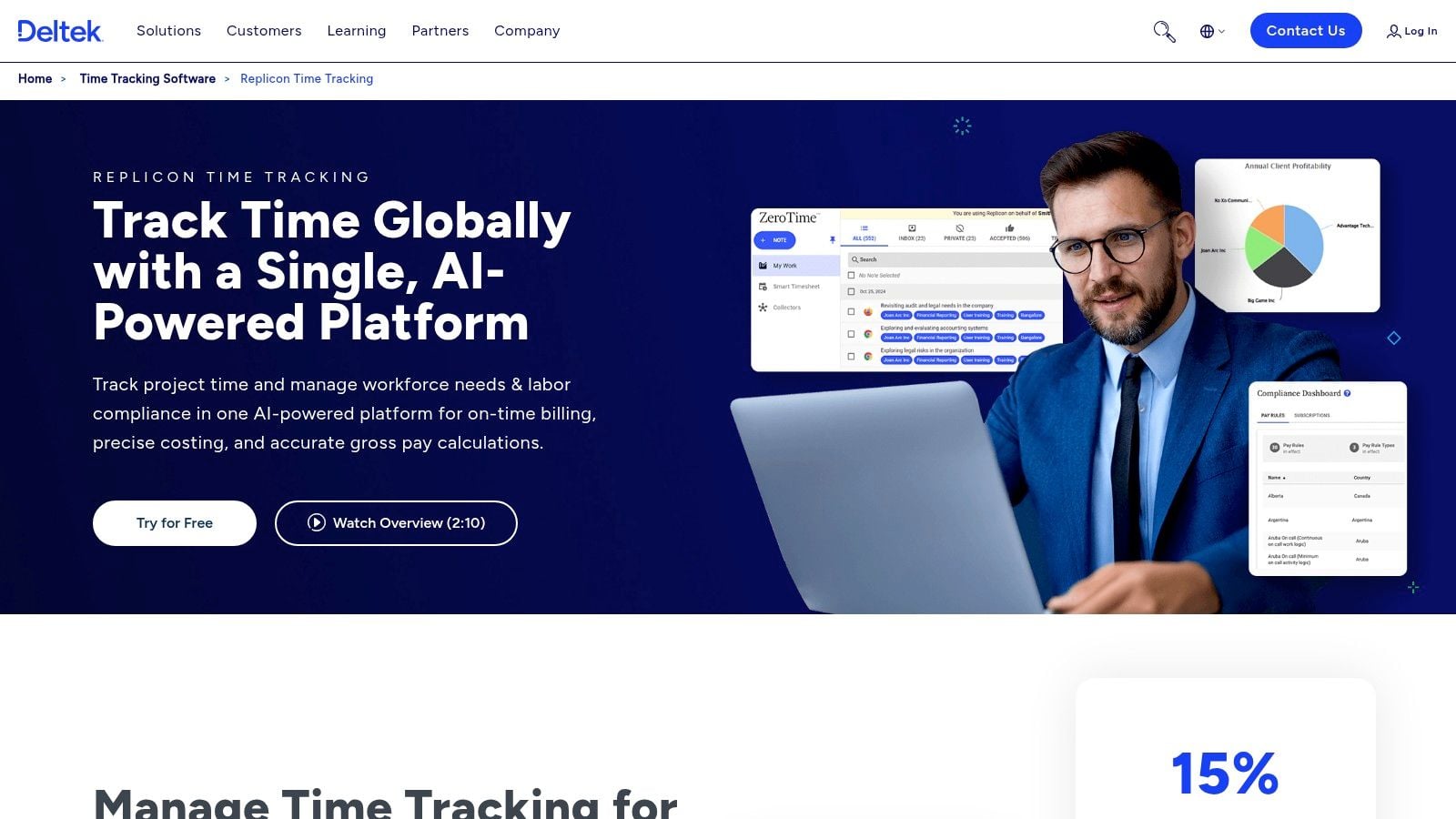
Replicon is not the tool you buy because your team hates filling in timesheets. It's the tool you buy because governance, compliance, policy enforcement, and auditability matter enough to justify a heavier rollout.
That makes it a solid fit for larger professional services groups, architecture and engineering firms, GovCon environments, and agencies with strict labor rules or complex client billing requirements.
What enterprise-grade really means
Replicon handles project time capture, attendance, time-off policies, audit trails, costing, billing, and enterprise integrations with ERP and HRIS systems. In practice, that means it can sit inside more controlled operating environments without breaking the process around it.
That's useful, but it comes with cost in effort. The implementation is rarely light, and smaller agencies often underestimate how much process discipline enterprise software assumes. If your current workflows are messy, Replicon will expose that quickly.
A few blunt truths:
- Good for policy-heavy teams: If legal, finance, or contract requirements shape timekeeping, Replicon gives you the structure.
- Less good for casual adoption: It asks more from users and admins than a lightweight tracker.
- Better as a systems decision: This is usually part of a broader stack decision involving HR, ERP, and finance workflows.
- Not ideal for “just get hours in”: If your main problem is team fatigue around logging time, simpler tools usually win.
Replicon is part of Deltek's portfolio, and the product is at Replicon by Deltek.
8. Kantata
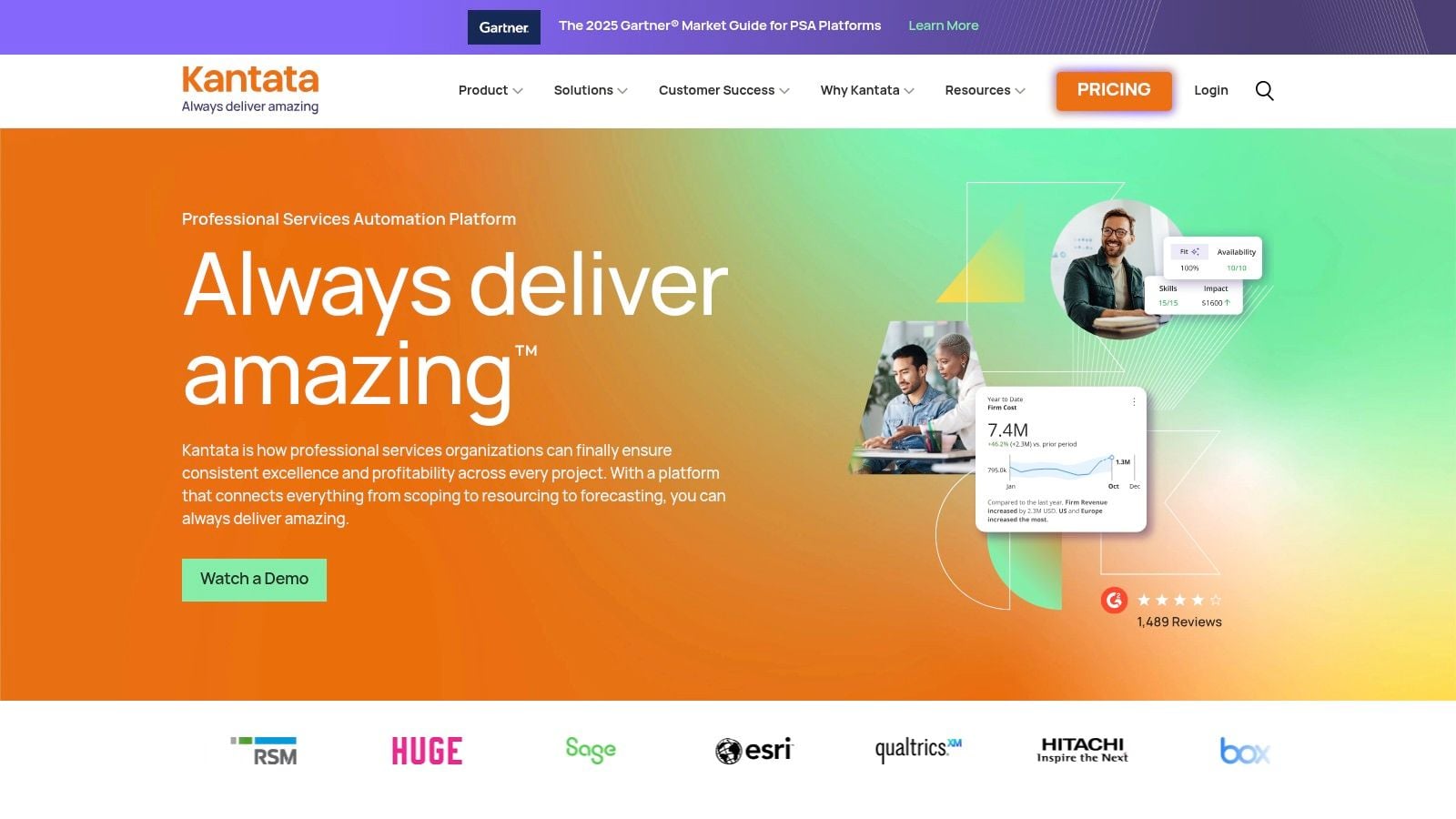
Kantata is what you look at when a time tracker is no longer enough and you need a real professional services automation platform. It combines projects, resourcing, time and expense, forecasting, margin analysis, and revenue-related controls in one system.
For mid-sized agencies, this is usually a maturity decision. You buy Kantata when delivery, staffing, and finance need to work from the same operating model.
The upside and the cost
The upside is clear. Better capacity views, better staffing, better visibility into margin before a project goes off the rails, and stronger links between sales assumptions and delivery reality. If your current pain is that account leads sell one thing, project managers run another thing, and finance reports a third thing, a PSA platform can tighten that up.
The cost is also clear. Heavier onboarding, more change management, and more need for internal ownership. A PSA system only works if your agency agrees on workflow, roles, and financial definitions.
One reason this matters more now is that buyers across software categories increasingly expect monitoring and measurement to span multiple layers. For example, the application metrics and monitoring tools market is projected to grow from USD 14.34 billion to USD 41.82 billion by 2036, with an 11.3% CAGR from 2026 to 2036, according to this Future Market Insights projection. Different market, same buyer habit. Leaders want one view that connects work, systems, and outcomes.
Kantata fits agencies that need that broader view. The platform is Kantata.
9. Float
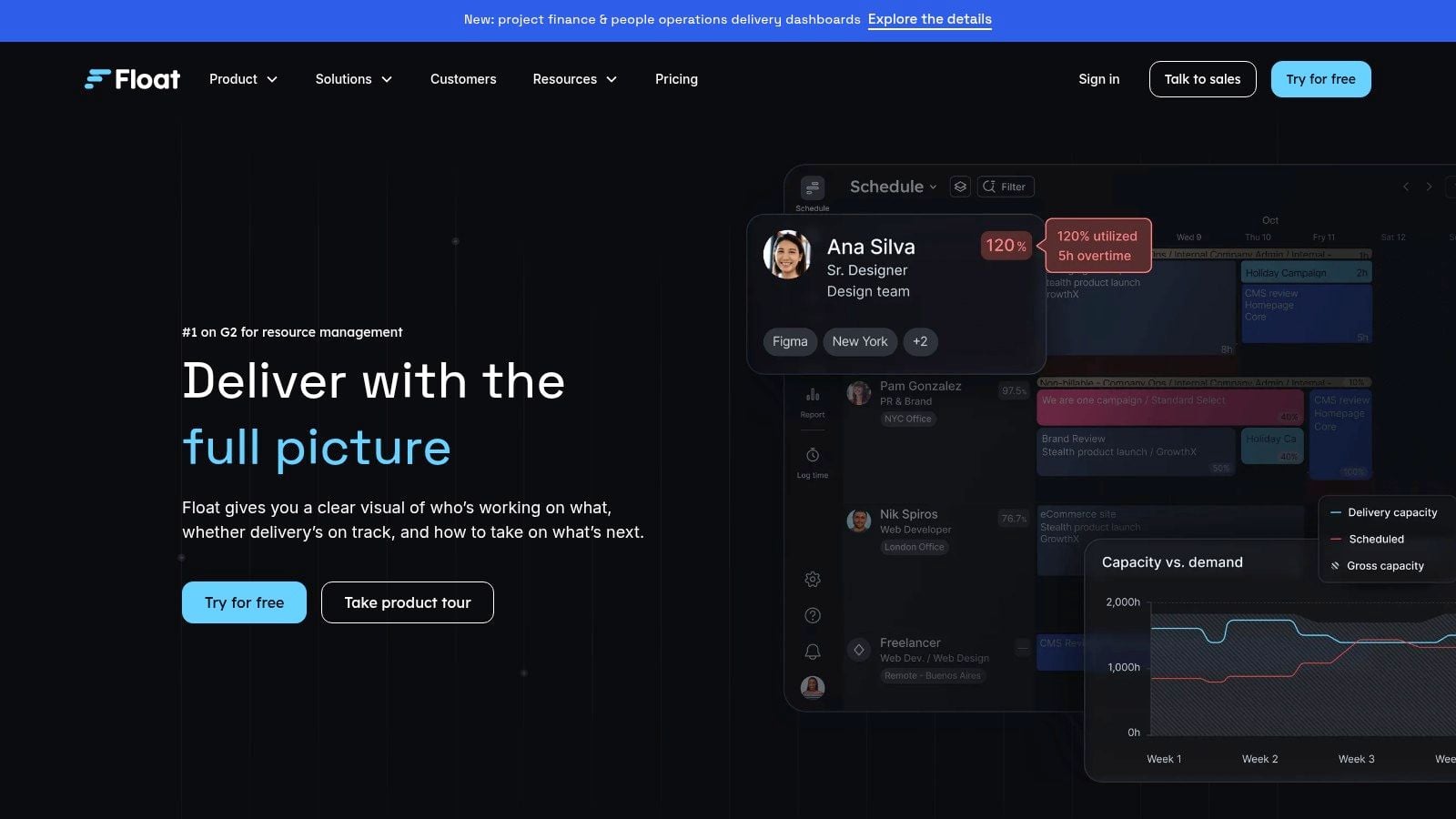
Float is the planning-first option on this list. If your real question is “who's available, who's overloaded, and what will this next month do to margin,” Float often feels more natural than a classic timesheet tool.
That makes it a strong choice for agency delivery leads and resource managers. The visual scheduling is the point. You can see capacity fast, shift work around, and compare estimates with actuals without forcing a full PSA rollout.
Why agencies like it
Float gives you resource scheduling, capacity planning, time tracking, project margin views, and integrations with calendars, Jira, and Slack. For many agencies, that mix is enough. You get practical visibility into utilization and staffing without the overhead of a finance-heavy system.
Where it falls short is deeper finance control. If you need revenue recognition, highly structured approvals, or extensive compliance support, you'll outgrow it. But a lot of agencies don't need that on day one. They need fewer staffing surprises.
This is the tool I'd recommend when leaders already know that poor planning is hurting performance more than weak time capture. The product site is Float.
“If your PMs still plan work in spreadsheets, your measurement problem starts before the timesheet.”
10. Tempo Timesheets for Jira
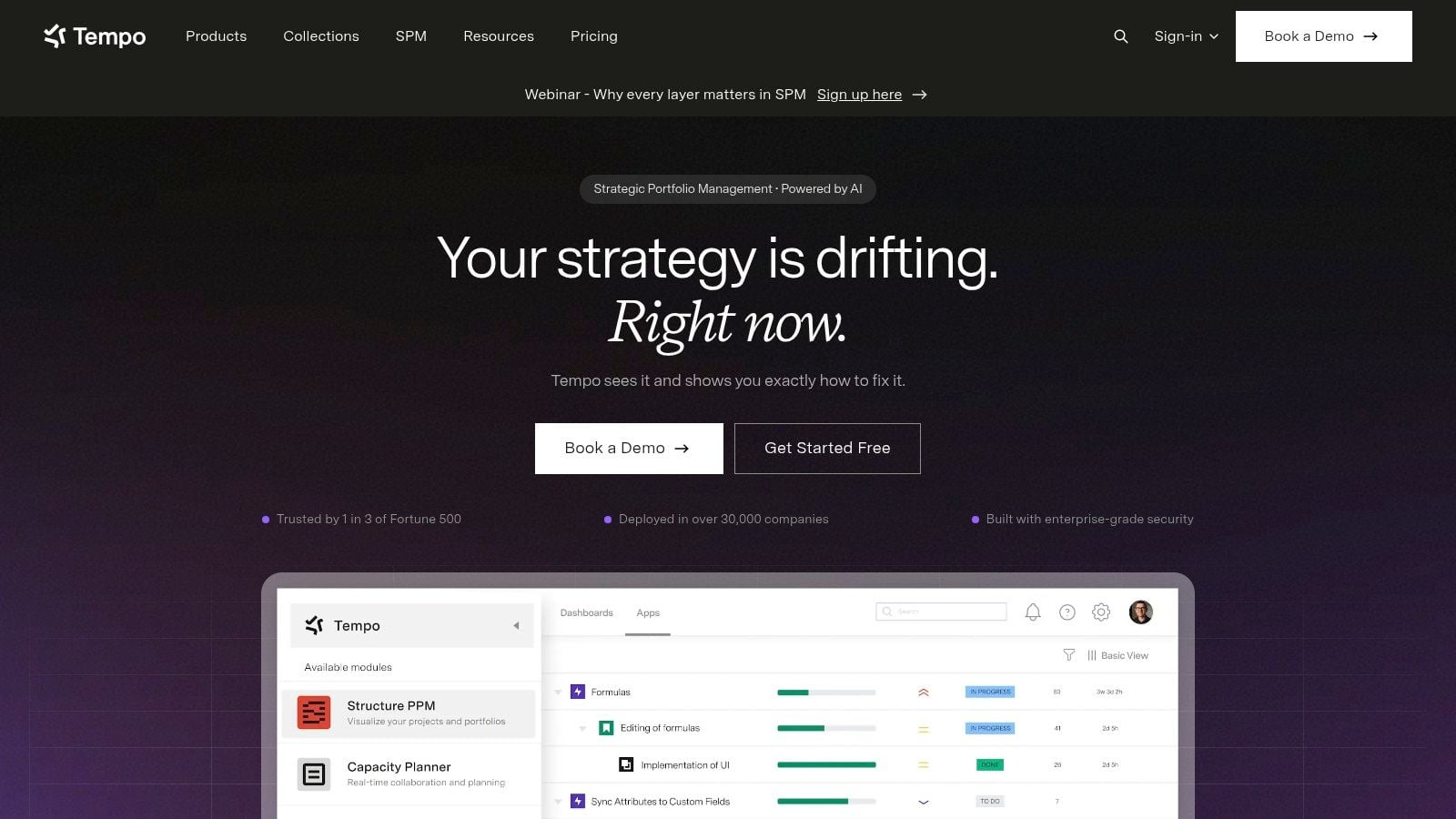
Tempo Timesheets is the obvious pick if delivery runs through Jira and you don't want a separate time system fighting for attention. For software, product, implementation, and technical professional services teams, that native fit matters a lot.
The more tightly work lives in Jira, the better Tempo gets. Teams can track planned versus actual, billable versus non-billable, approvals, account coding, and financial attributes without moving outside the core delivery environment.
Best for Jira-centered operations
Tempo also adds AI-assisted suggestions from calendars and developer tools, which helps reduce manual entry. That's useful in technical teams where work is split between tickets, meetings, and ad hoc support. It also scales cleanly because the reporting and API model fit the broader Jira ecosystem.
The limitation is simple. If your agency doesn't really run in Jira, Tempo loses much of its advantage. It's strongest when Jira is the operating system, not just one tool among many. Some deeper financial workflows also require companion Tempo products, so check the full stack before you commit.
For technical agencies and software-heavy service teams, Tempo is often the cleanest route to better measurement with less behavior change. The product site is Tempo.
Top 10 Performance Measurement Tools Comparison
| Tool | Key Features | UX & Quality (★) | Value & Pricing (💰) | Target (👥) | Unique Strengths (✨) |
|---|---|---|---|---|---|
| 🏆 TimeTackle | Calendar-first auto capture; AI tagging; dashboards; API & exports | ★★★★☆, calendar-native, low manual effort | 💰 Free start/demo; enterprise pricing (contact sales) | 👥 Agencies, ops, customer-facing teams, execs | ✨ Calendar + AI rules; visual workflow builder; SOC 2 |
| Harvest | Web/desktop/mobile time capture; project budgets; invoicing | ★★★★, simple, fast capture | 💰 Paid plans with invoicing included | 👥 Agencies & consultancies | ✨ Direct invoicing + project margin reports |
| Toggl Track | One-click tracking; billable rates; profitability reports; calendar view | ★★★★☆, very low friction, high adoption | 💰 Freemium → paid tiers for advanced reports | 👥 Creative & consulting teams | ✨ Adoption-friendly UX; clear profitability dashboards |
| Clockify | Multiple entry modes (timer/timesheet/kiosk); budgeting; invoicing; approvals | ★★★, functional, less polished | 💰 Generous Free tier; competitive per-seat pricing | 👥 Small teams & cost-conscious orgs | ✨ Deep feature set at low cost; strong free plan |
| Hubstaff | Time tracking + activity monitoring; payroll; geofence; budgets | ★★★, strong visibility; monitoring can be sensitive | 💰 Tiered pricing; monitoring add‑ons | 👥 Distributed/field teams needing accountability | ✨ Activity/apps/URL monitoring; payroll integration |
| Everhour | Native embeds in PM tools (Asana/Jira/etc); budgeting; ROI reporting | ★★★★, integration-first, low friction in PMs | 💰 Limited free; paid Team plan (integrations on paid) | 👥 Agencies using PM tools (Asana, Jira, ClickUp) | ✨ Time inside PM tools; consistent paid feature set |
| Replicon (Deltek) | Enterprise time & labor compliance; global policies; project costing | ★★★★, enterprise-grade, governance-focused | 💰 Quote-based; implementation costs | 👥 Large enterprises, GovCon, A&E, professional services | ✨ Strong compliance, audit trails, ERP/HRIS connectors |
| Kantata | Full PSA: resource planning, margin forecasting, revenue recognition | ★★★★, PSA depth, powerful but complex | 💰 Sales-led, quote-based pricing | 👥 Mid-market & enterprise professional services | ✨ Skills-based staffing; finance-delivery alignment |
| Float | Visual resource scheduling; estimates vs. actuals; margin dashboards | ★★★★, excellent planning UX | 💰 Paid per scheduled person; cost-effective viewer seats | 👥 Delivery leads, agencies, resourcing teams | ✨ Visual capacity planning; quick utilization insights |
| Tempo Timesheets (Jira) | Jira-native time capture; AI suggestions; approvals; financial attributes | ★★★★, best value when using Jira | 💰 Tiered pricing that scales with Jira usage | 👥 Product & engineering teams on Jira | ✨ Tight Jira integration; dev tool & calendar suggestions |
From measurement to better management
The best performance measurement tool is usually the one your team barely notices. It captures work with as little friction as possible, gives managers data they can trust, and doesn't create a second job called “feeding the system.” That matters more than giant feature lists, because adoption and data quality still decide whether the tool helps or just adds noise.
For mid-sized agencies, I'd separate the options into a few practical camps. Calendar-first tools like TimeTackle work best when work already shows up in meetings, reviews, and client calls. PM-integrated tools like Everhour and Tempo make more sense when tasks and tickets are the source of truth. Planning-first tools like Float help when staffing and capacity are the bigger problem. Billing-first or finance-heavy tools like Harvest, Kantata, and Replicon fit agencies that need tighter control over margin, compliance, and revenue operations.
A common mistake is choosing a tool based only on feature parity. Most tools can track hours. That's not the hard part. The hard part is matching the tool to how your agency already runs, then making sure the measures you track connect to decisions that matter. If you only collect activity data, you'll get prettier reports but not better management. If you connect time, utilization, project health, and outcome signals, you can spot pricing issues earlier, rebalance teams faster, and see which clients or services are worth the effort.
That's also where automated collection changes the game. When the system pulls from calendars, PM tools, HRIS, CRM, or delivery platforms, teams spend less time reconstructing the past and more time fixing the present. In practice, that means fewer month-end surprises, cleaner billing, and better calls on hiring, scope, and delivery risk.
If you're in an operations role, this is the shift to aim for. Don't buy software just to collect more data. Buy the tool that gives your agency cleaner operational truth, then use that truth to improve staffing, pricing, and focus. If leadership development is part of that broader operating picture, this guide for executive women leaders is worth a read as well.
If your agency is tired of manual timesheets, late entries, and messy utilization reports, TimeTackle is worth a serious look. It turns existing calendar activity into structured time data, which means your team spends less time logging work and your leaders get cleaner insight into billing, ROI, and capacity.


